Appliances Presidents’ Day SaleEnds 2/25. Limited quantities. No rainchecks.Shop now

Skip to contentGo to Product SearchGo to Footer
Main Content

Questions & Answers

Page Showing 1-20 of 20 questions
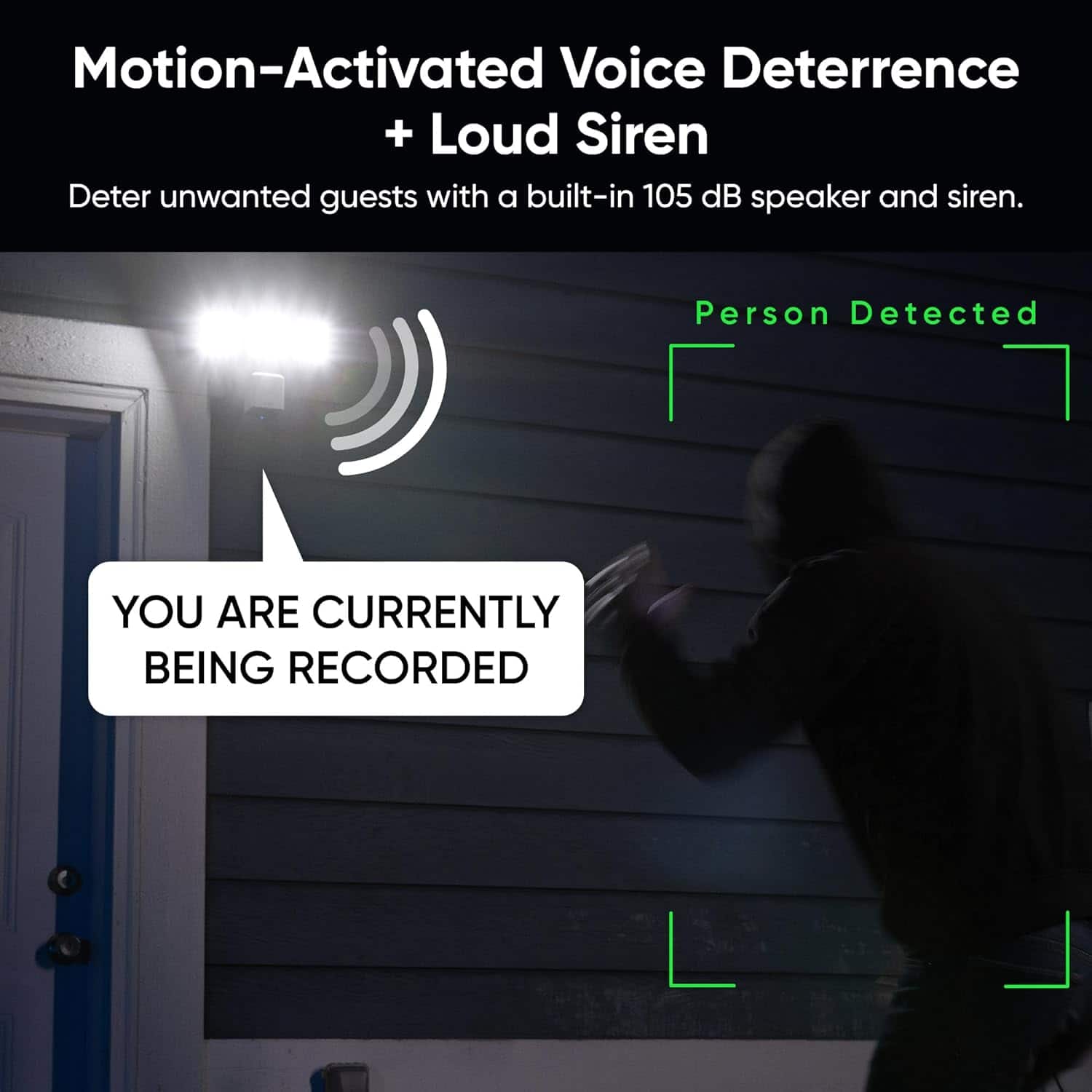
  • QuestionDoes this outdoor camera have a siren?

    • Answer Yes, this camera has a built-in 105 dB siren.
    This question and answer was generated by AI based on customer and product data.
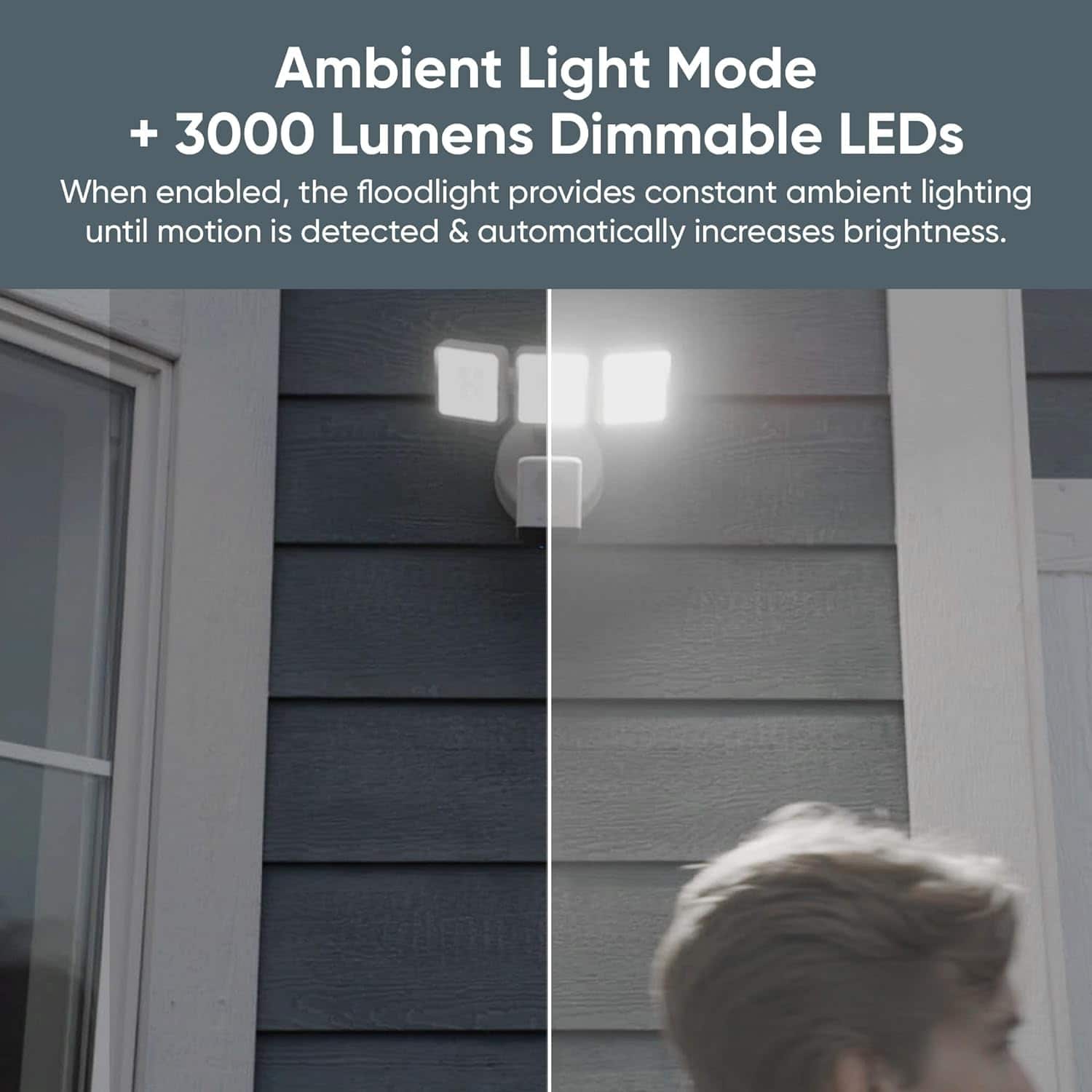
  • QuestionDoes this floodlight have motion sensing?

    • Answer Yes, this floodlight has motion sensing.
    This question and answer was generated by AI based on customer and product data.
  • QuestionWhat is the light output of this floodlight?

    • Answer The light output of this floodlight is 3000 lumens.
    This question and answer was generated by AI based on customer and product data.

  • QuestionDoes this floodlight have an automatic power outage reset?

    • Answer Yes, this floodlight has an automatic power outage reset.
    This question and answer was generated by AI based on customer and product data.

  • QuestionCan this floodlight camera be controlled remotely?

    • Answer Yes, this floodlight camera can be controlled remotely.
    This question and answer was generated by AI based on customer and product data.
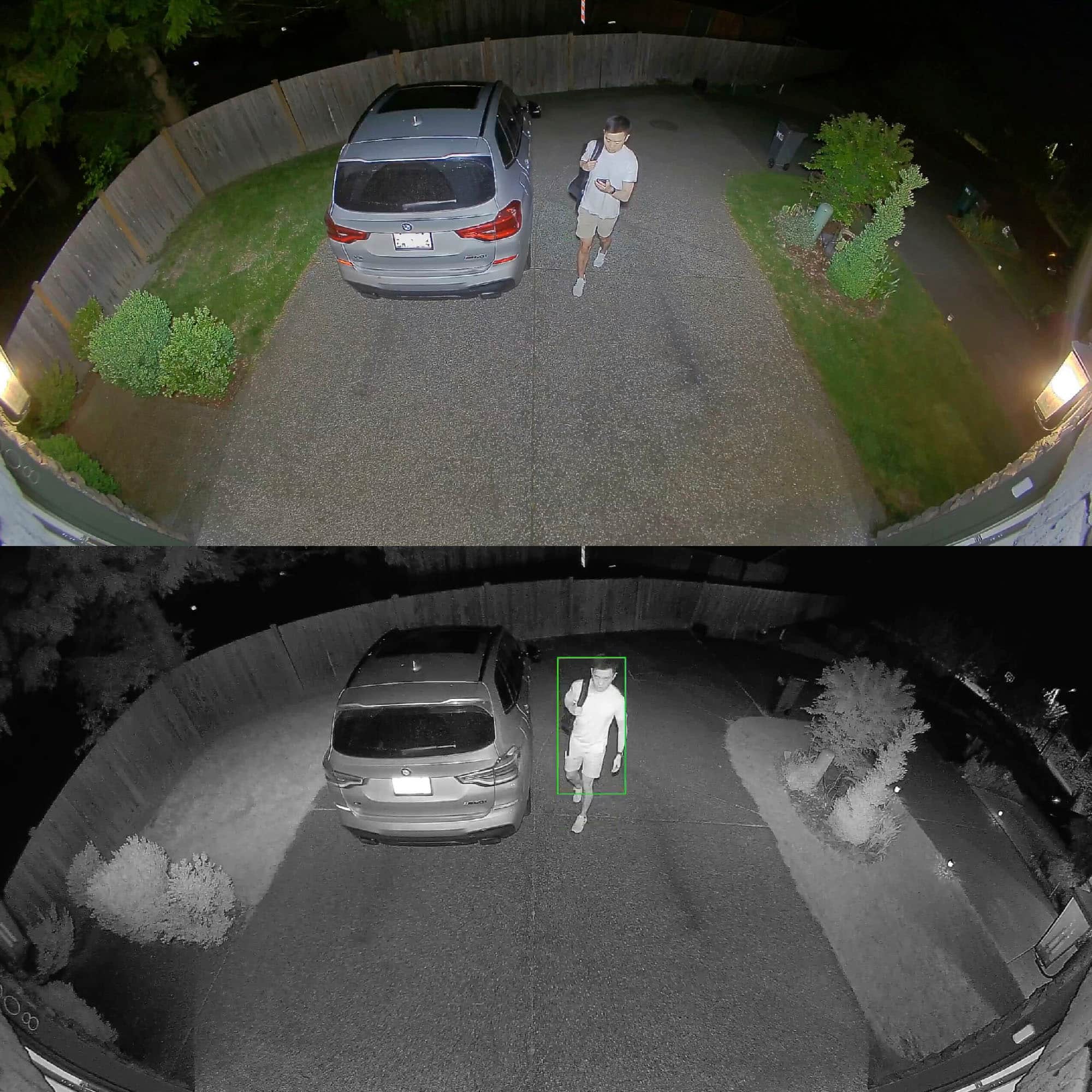
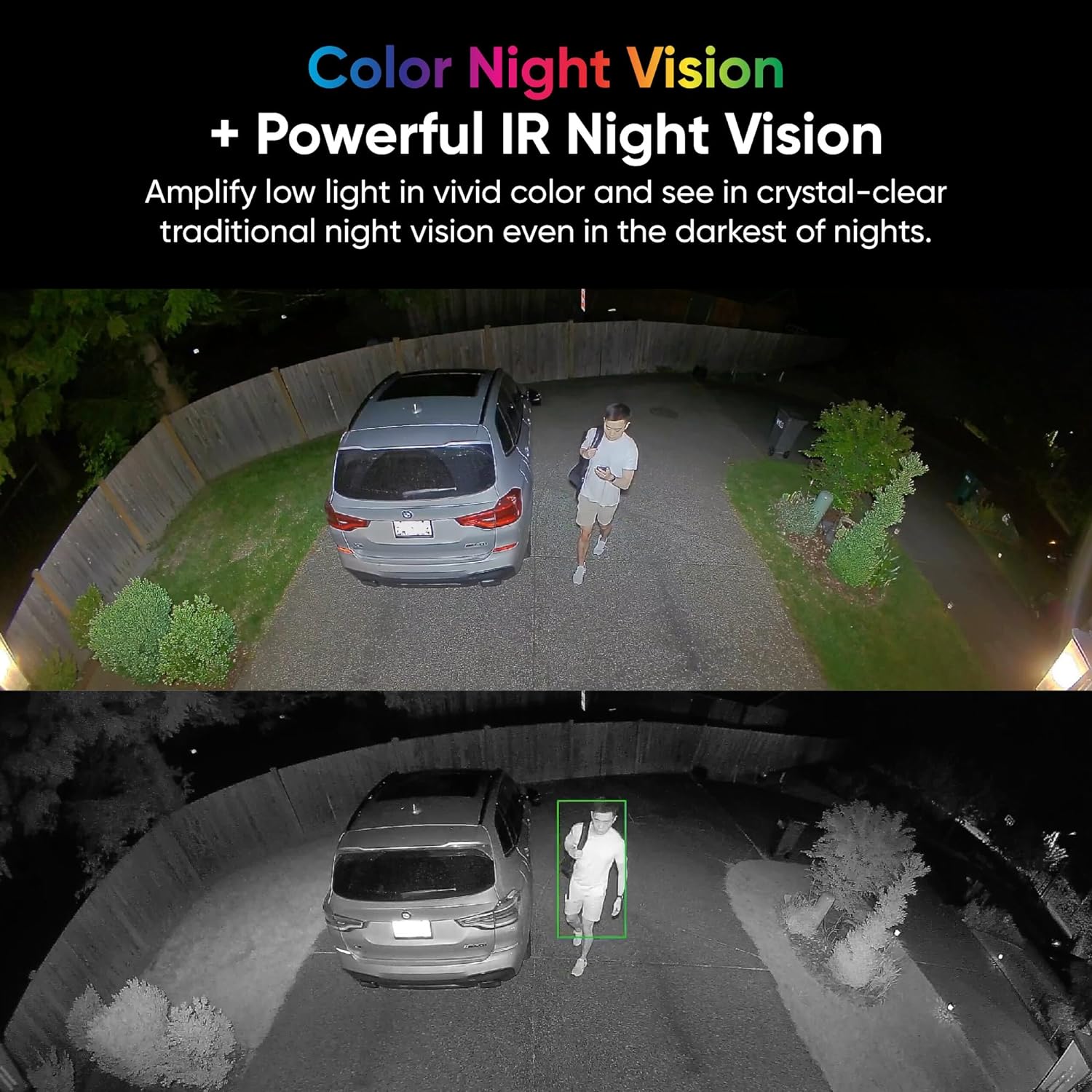
  • QuestionDoes this camera have night vision?

    • Answer Yes, this camera has color night vision and powerful IR night vision.
    This question and answer was generated by AI based on customer and product data.
  • QuestionIs installation hardware included with this floodlight?

    • Answer Yes, installation hardware is included with this floodlight.
    This question and answer was generated by AI based on customer and product data.

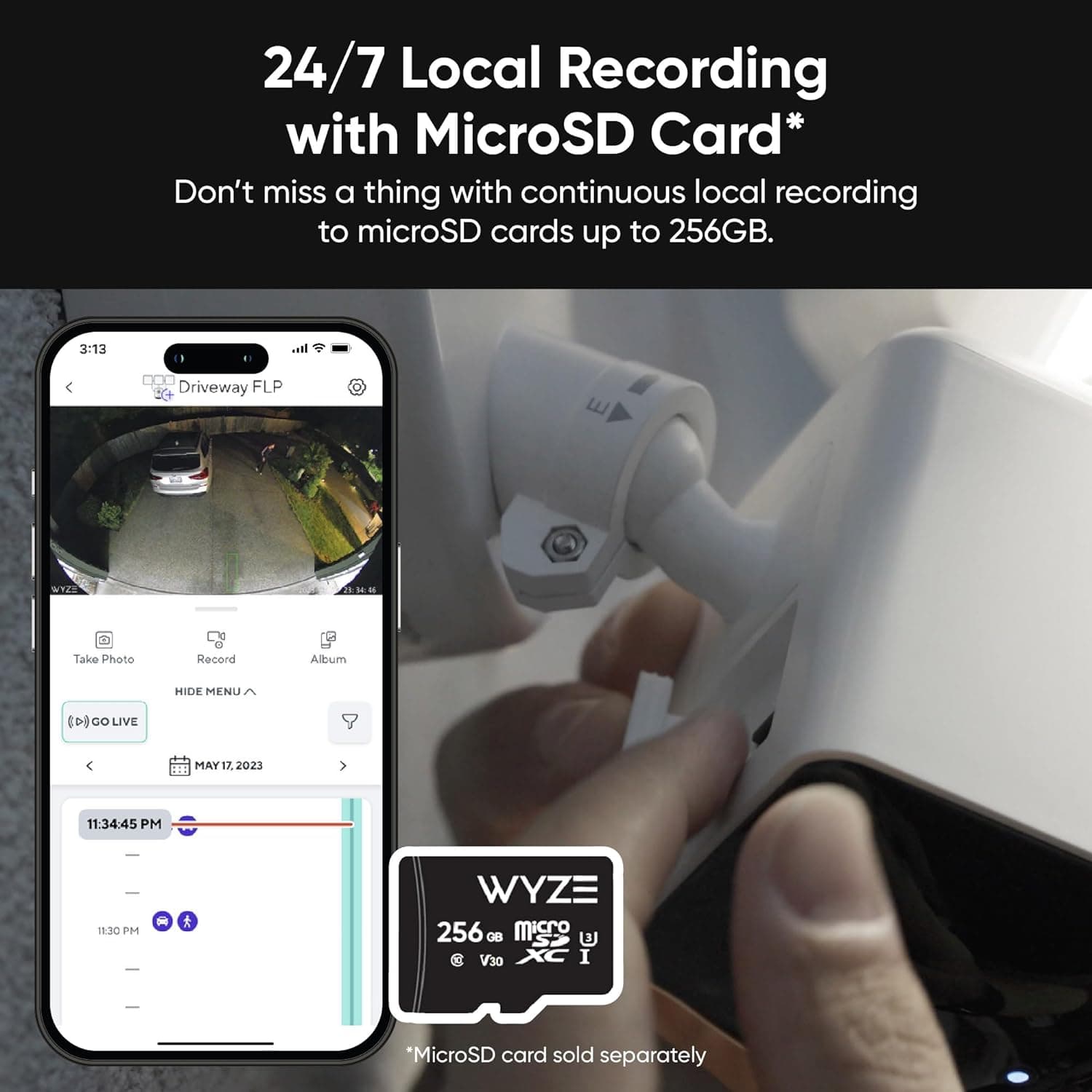
  • QuestionCan i get video thru the app or do i need to pull the storage card to see video

    Asked by Wer.

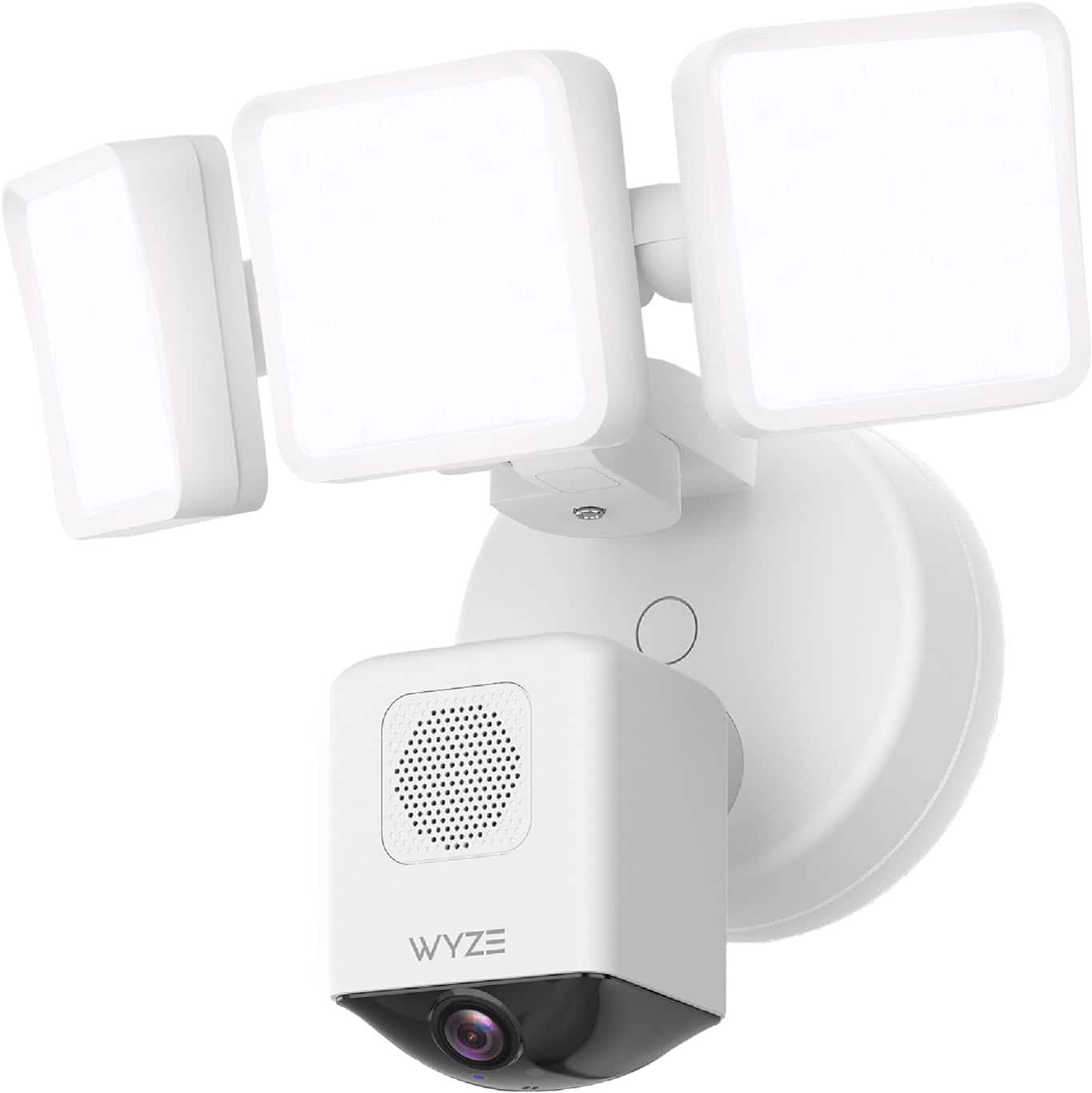
    • Answer For the Wyze Cam Floodlight Pro, you can view video through the Wyze app, you don’t always have to pull the storage card, but how that works depends on what you record and how your camera is set up: Viewing Video in the Wyze App ✔ Live video: You can watch a live stream of the camera directly in the Wyze app anytime. ✔ Event clips: If the camera detects motion or creates cloud-saved clips (with a subscription), you can view those clips in the Wyze app under Events. ✔ Local recordings (from microSD card): If you insert a microSD card and enable local recording, you should be able to play back recorded footage directly in the app via the SD Card / Playback option. You can typically navigate a timeline or select dates to see older footage without removing the card.

      Answered by Wyze Labs

  • QuestionCan this camera be mounted on the wall and ceiling ?

    Asked by MAC.

    • Answer This can be mounted on any surface where you can provide a round, octagon or square electrical box.

      Answered by Zenomorf

  • QuestionDoes this camera have an SRAM card for video storage/playback, and when the card fills up, does it just write over the old data?

    Asked by Anonymous.

    • Answer Yes, you can install up to 256 mb SD micro card for looped video storage. Wyze also has a cloud storage service you can subscribe to.

      Answered by Zenomorf

  • QuestionIs the Wyze floodlight camera pro, wired or wireless?

    Asked by Anonymous.

    • Answer Wired

      Answered by jtheck

  • QuestionWhat are the lifespan of the integrated LED bulbs?

    Asked by Kochi.

    • Answer Hi there! With normal use, the lights on Wyze Cam Floodlight Pro can be used for about 50,000 hours. If you have other questions, concerns, or would like to speak more about our products please reach out to our Wizards team (https://wyzelabs.zendesk.com/hc/en-us) so we may help. Thank you and have a great day!

      Answered by Wyze Labs

  • QuestionHow do you replace the LED Bulbs? Is it commercially available or do you have to replace the whole unit?

    Asked by JR.

    • Answer Hello there! For the Wyze Cam Floodlight Pro, the LED bulbs are integrated into the unit, which means they are not designed to be replaced individually. Wyze floodlight fixtures, including the Pro model, typically use integrated LEDs that are not commercially replaceable. Therefore, if the LEDs fail, the entire floodlight unit would generally need to be replaced.

      Answered by Wyze Labs

  • QuestionDoes it work with 5G

    Asked by Mk.

    • Answer Hi there! Wyze Cam Floodlight Pro is dual-band, which means it supports both 2.4 GHz and 5 GHz Wi-Fi connections. If you have other questions, concerns, or would like to speak more about our products please reach out to our Wizards team (https://wyzelabs.zendesk.com/hc/en-us) so we may help. Thank you and have a great day!

      Answered by Wyze Labs

  • QuestionIs there a monthly or yearly fee for these cameras?

    Asked by Hayfarmer.

    • Answer Wyze cameras don't have mandatory monthly or yearly fees, but there are optional subscription plans available If you have other questions, concerns, or would like to speak more about our products please reach out to our Wizards team (https://wyzelabs.zendesk.com/hc/en-us) so we may help. Thank you and have a great day!

      Answered by Wyze Labs

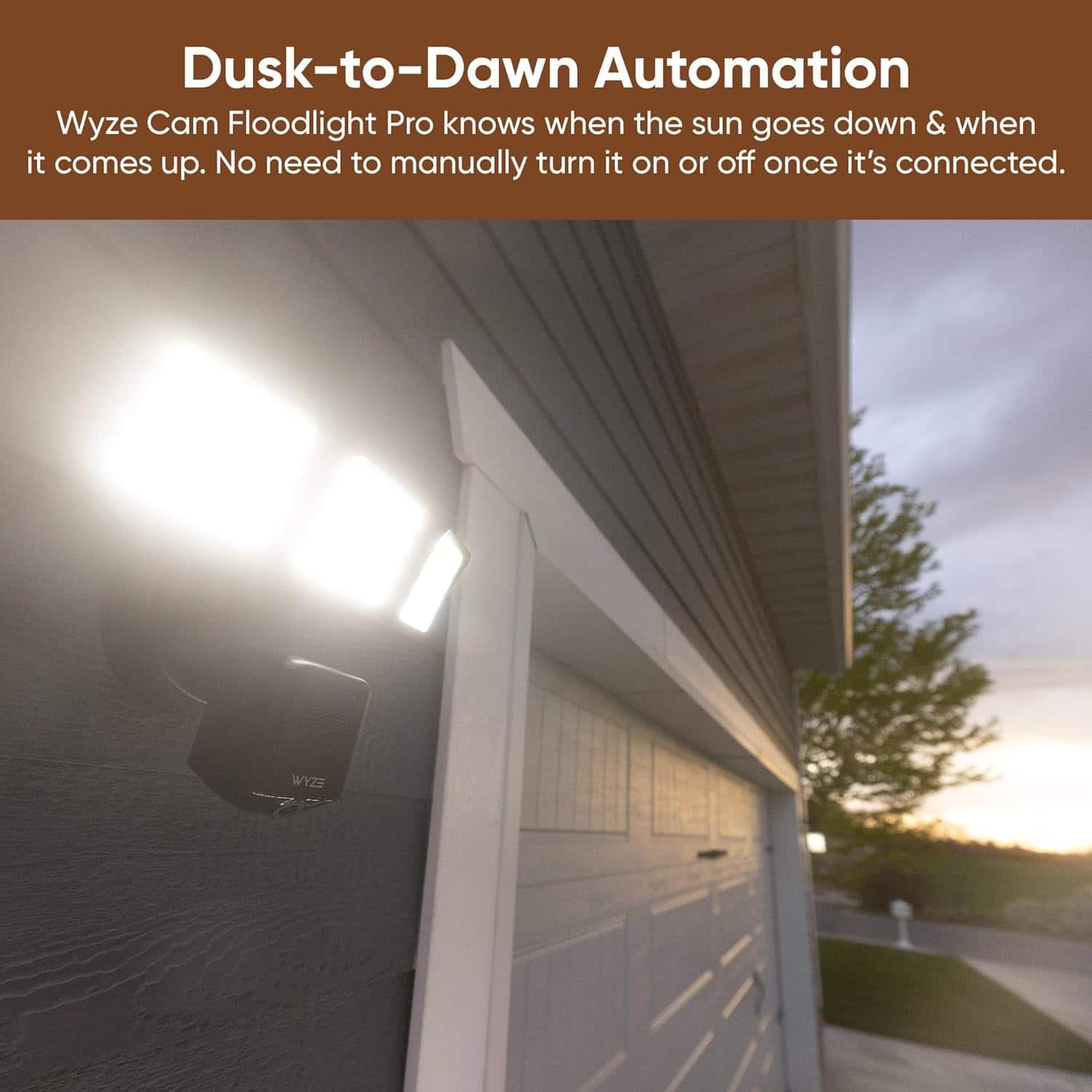
  • QuestionCan the lights be turned on like yard lights when desired, like when letting the dog out? And can I turn on all of the lights on multiple cameras at one time, to fully light the yard for a few minutes while the dog is out?

    Asked by Anonymous.

    • Answer Hello there! Yes, the Wyze Cam Floodlight allows you to manually turn on the lights whenever you need, such as when letting the dog out. You can do this through the Wyze app by selecting the individual floodlight and turning the lights on. Please feel free to reach out to our Wizards team (https://support.wyze.com/) for further information.

      Answered by Wyze Labs

  • QuestionCan the flood camera be installed on the ceiling or does it need to be on the wall. My junction box is under the outdoor light which is on the ceiling?

    Asked by Installation.

    • Answer Hi there! The Wyze Cam Floodlight Pro is designed primarily for wall mounting, but it can also be installed on the ceiling if necessary. The key considerations for a ceiling installation include ensuring that the camera and sensors can still effectively cover the desired area and that the floodlight can be angled correctly for optimal lighting and motion detection. If your junction box is on the ceiling, you may need to adjust the positioning and angles of the floodlight and camera to suit your needs. It's also important to check the manufacturer's guidelines or contact Wyze support for specific installation advice and to confirm that the installation won't void any warranty or affect the device's performance.

      Answered by Wyze Labs

  • QuestionCan i use this in Asia where the voltage is 230v without using a step down voltage converter ? In the description says use only 100 - 120v ( US and Canada).

    Asked by Paul.

    • Answer No, you cannot use the Wyze Cam Floodlight Pro in Asia where the voltage is 230V without using a step-down voltage converter. The device is designed for use only with 100-120V, as specified for the US and Canada. Using it with 230V without a converter could damage the device or pose a safety hazard. You may also check this link to learn more about how the device works: (https://support.wyze.com/hc/en-us/sections/15806793874843-Wyze-Cam-Floodlight-Pro). You may also reach out to us at: (https://wyzelabs.zendesk.com/hc/en-us) so we may further assist you if you have other queries or concerns. Thank you and have a great day!

      Answered by Wyze Labs

  • Questiondoes it have night vision? can it stay out side in temperature down -\negative temps?

    Asked by marz.

    • Answer Yes, the Wyze Floodlight Camera Pro does have night vision. It is designed for outdoor use and is built to withstand various weather conditions, including rain, snow, and extreme temperatures. Specifically, the camera is rated to operate in temperatures ranging from -4°F to 113°F (-20°C to 45°C). This means it can handle negative temperatures, so you can confidently use it in colder climates without worrying about performance issues.

      Answered by Wyze Labs

  • QuestionWatts in the floodlight

    Asked by Pahr.

    • Answer The Wyze Cam Floodlight Pro has a power consumption of 44.5 watts when the floodlights are on at full brightness. This includes both the camera and the floodlights. You may also check this link to learn more about how the device works: (https://support.wyze.com/hc/en-us/sections/15806793874843-Wyze-Cam-Floodlight-Pro). You may also reach out to us at: (https://wyzelabs.zendesk.com/hc/en-us) so we may further assist you if you have other queries or concerns. Thank you and have a great day!

      Answered by Wyze Labs