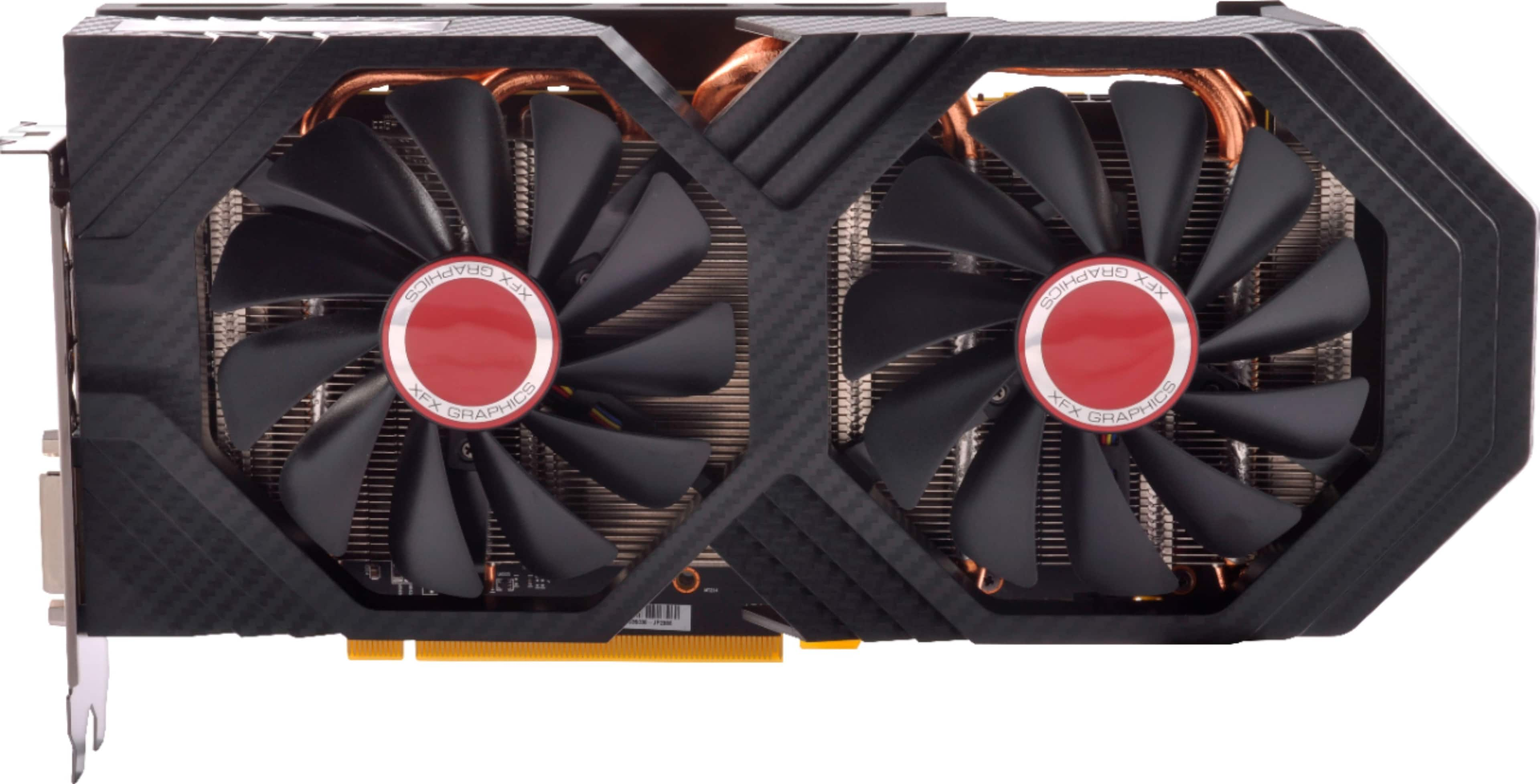
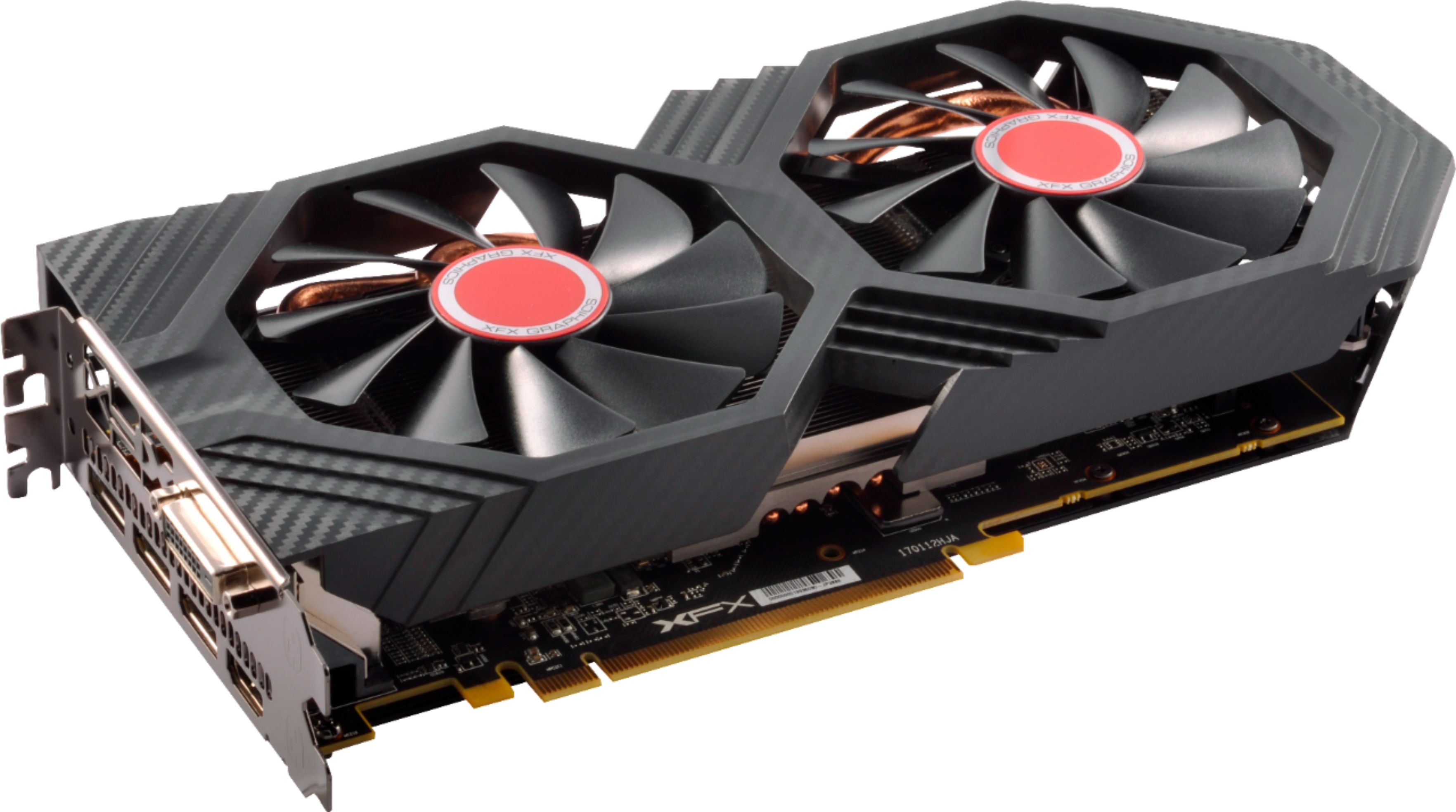
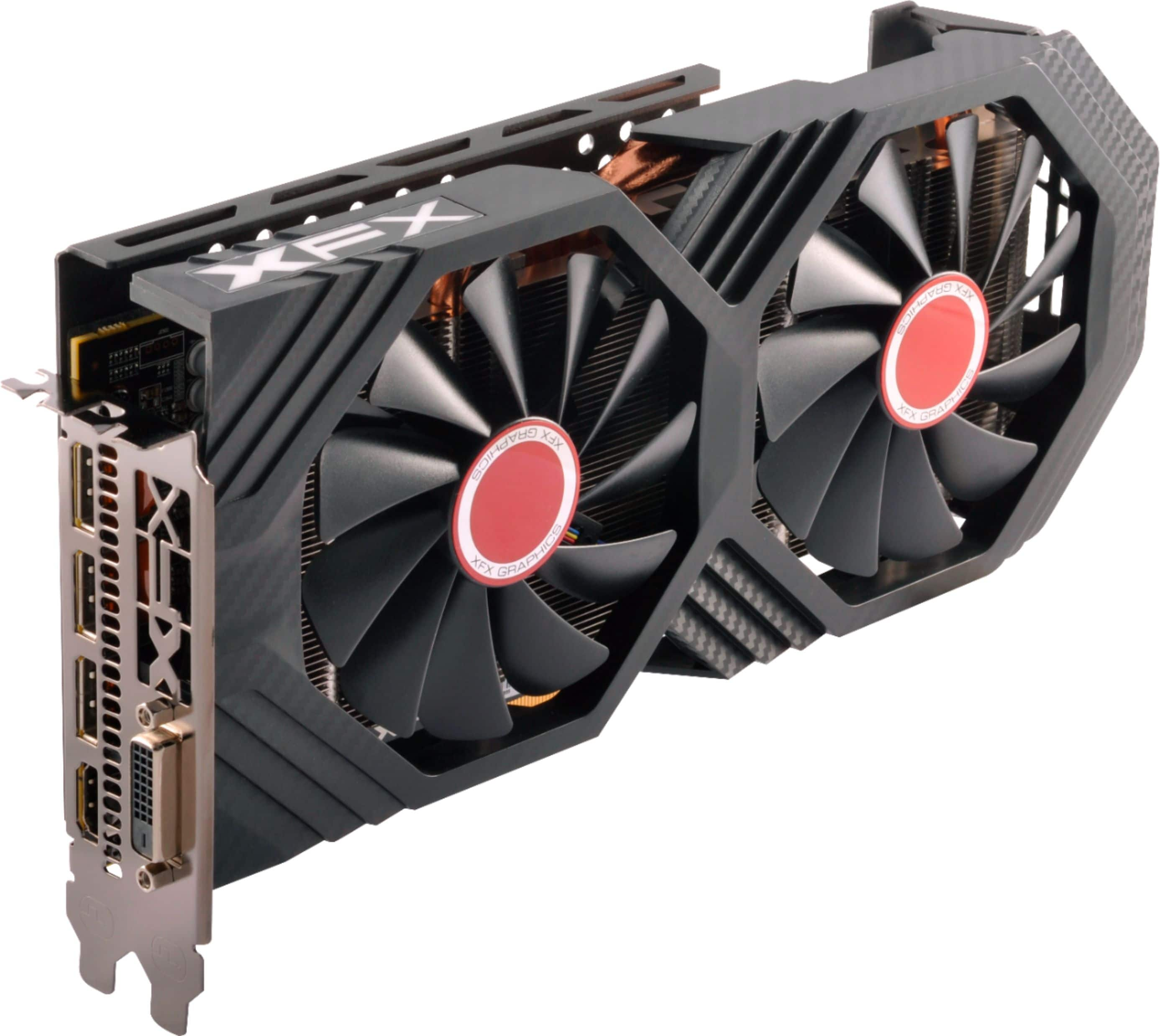
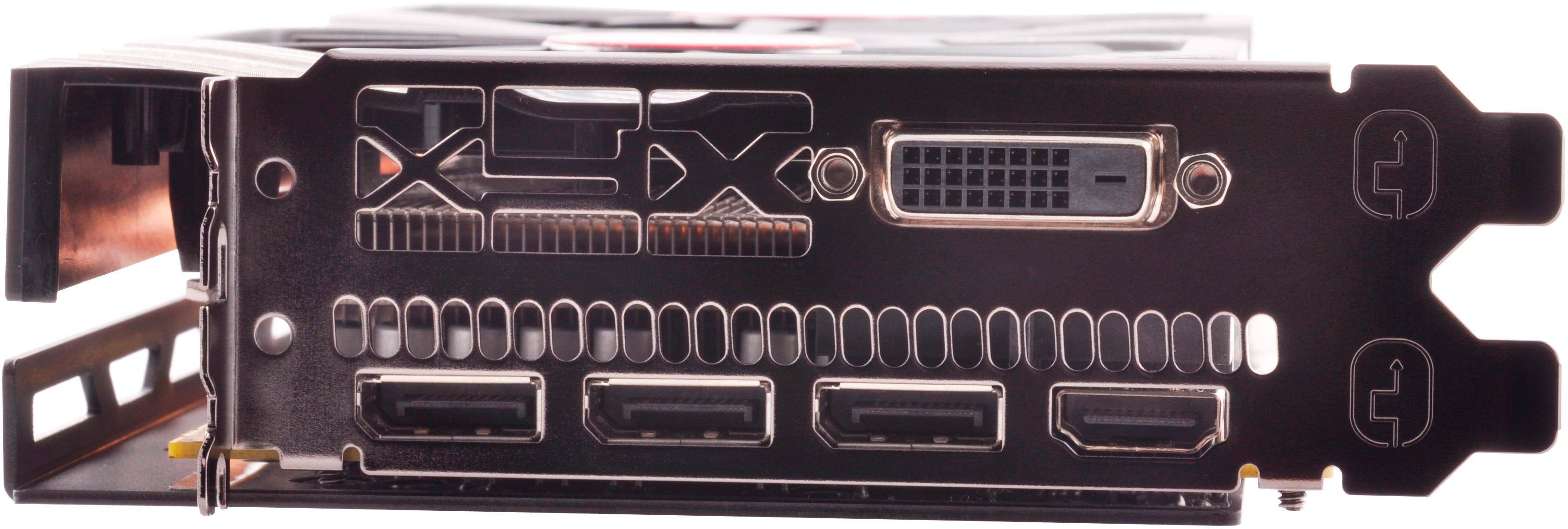
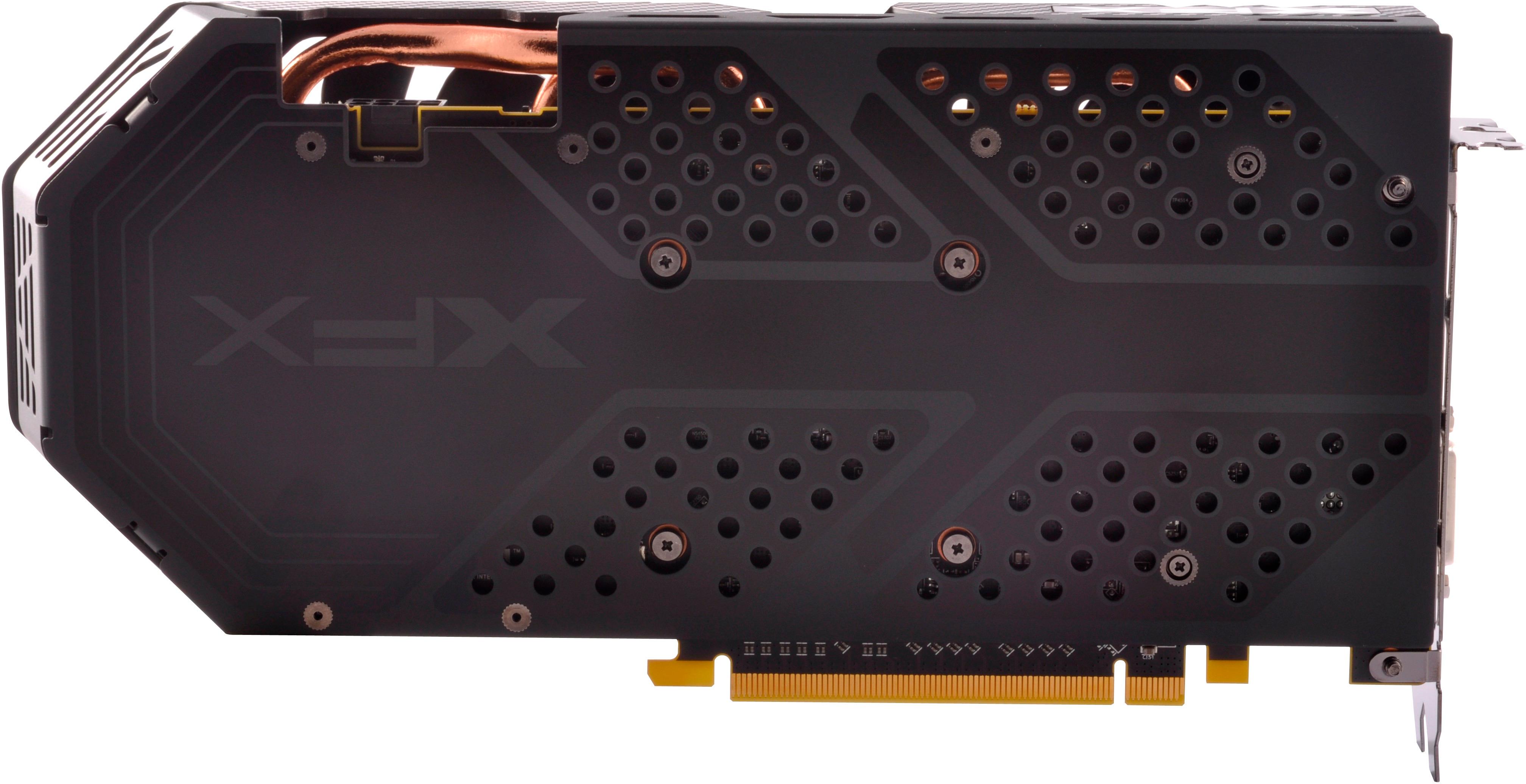
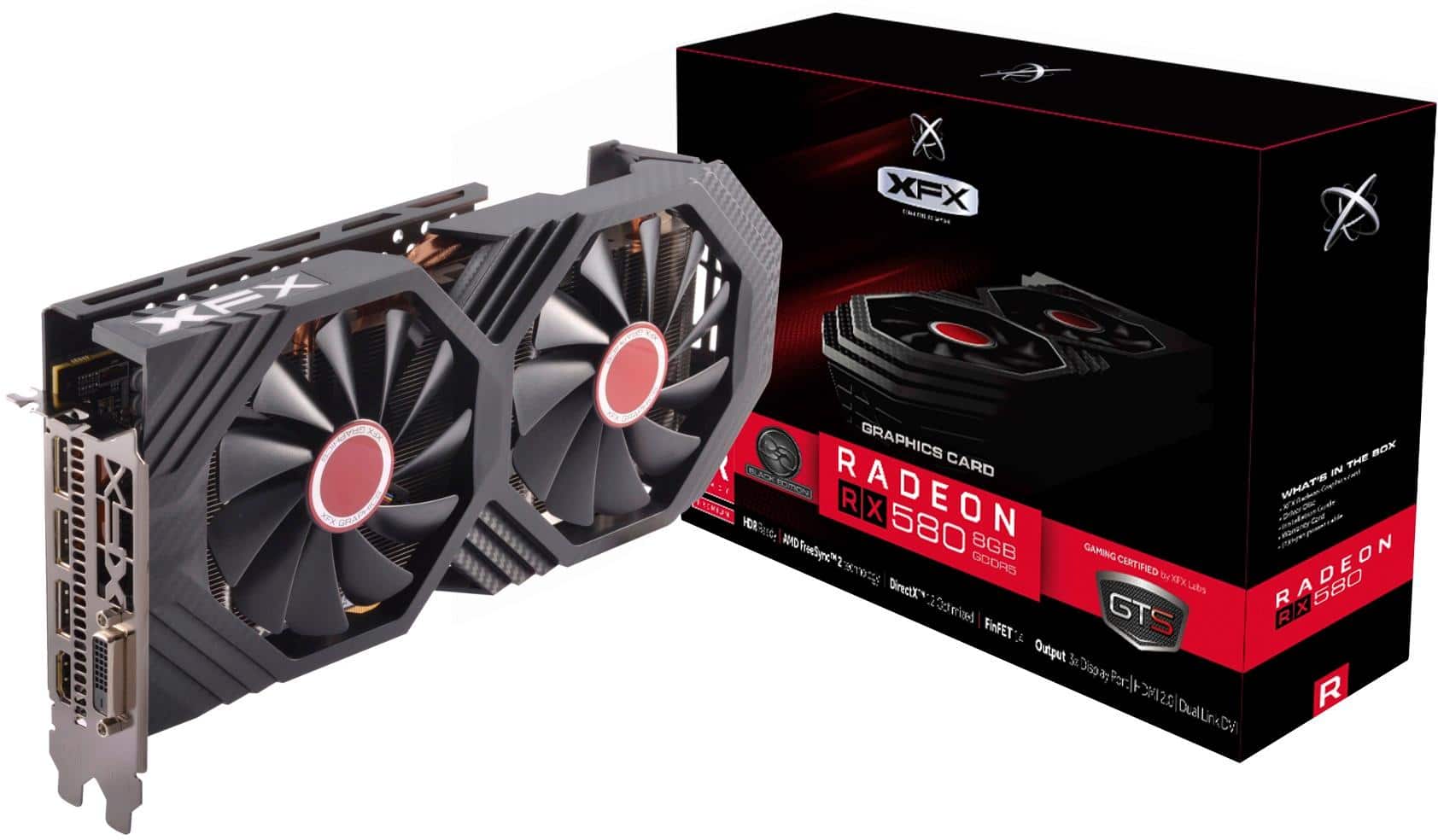
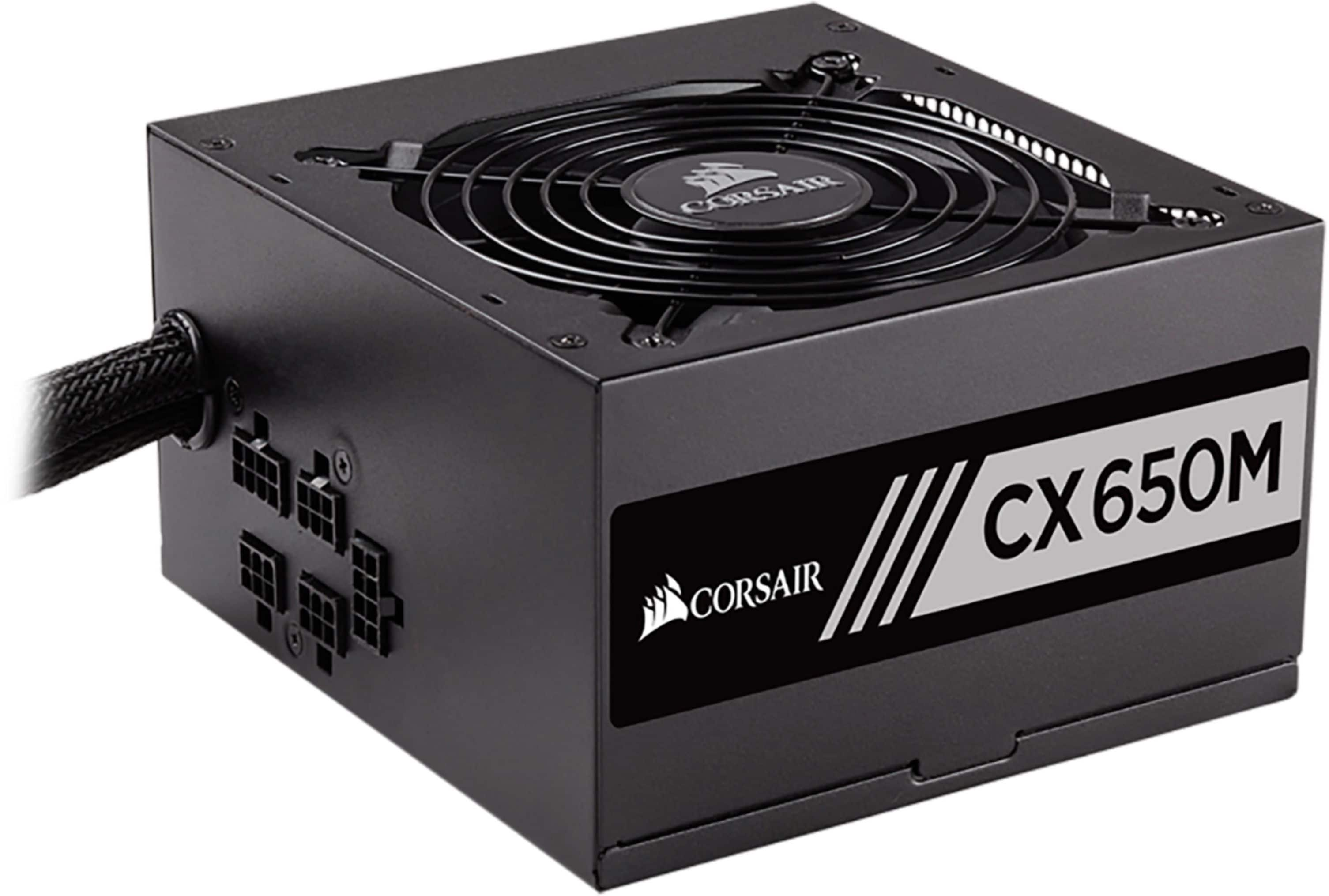
A:AnswerI'm not sure if it fits the case that you have the card is very big boy make sure power supply is enough to push enough wattage to play 650w wasn't enough but 750 is. Also hp has a specific list graphics cards it will allow to work. Do your research use YouTube like I did
A:AnswerTechnically you can, but I would not recommend it because the power supply probably wouldn't handle it well. Which would lead to some wacky performance issues.
A:AnswerI think it comes with it's own splitter to plug 2 pci express 6 pin into it. But you will still need whatever wire from your power supply.
Power supply -> 2 pci Express-> into a splitter that turns it into one connector that connects to the video card.
A:AnswerYes, it is compatible and you will notice a massive performance boost on games and any GPU intensive application. Here is a link to compare GPU performance of both cards.
https://gpu.userbenchmark.com/Compare/Nvidia-GeForce-GT-120-vs-AMD-RX-580/m14967vs3923
A:AnswerNope.. Dell uses a proprietary power supply and and gpu so you will need external power connects for the RX 580 which requires at least a 500 or more power supply. Also you will have software conflicts between AMD and Nvidia
A:AnswerIf your doing your first build, I would go to pc part picker and put your specs in there and it will tell you what is compatible with each other.
A:AnswerCompatibility issues only arise with certain motherboards and bios'. That being said, google compatible motherboards for rx580 and see if yours is on the list.
A:AnswerPlease note that I have not played any games in VR using this GPU. The box does state that it is "Radeon VR Ready Premium." Doing a quick Google search and it seems like this card is capable of running VR games like Beat Saber and Half Life Alyx just fine. However, your miles may vary depending on the CPU you will be pairing with it and what type of VR games you will be playing on it. I personally would recommend checking out the minimum specs required for the VR game you primarily want to play using this GPU and see if it meets the minimum requirements. In addition, see if you can find YouTube videos or guides online that review this GPU while playing the game you want to play. That should hopefully give you a better idea if this GPU is what you need. Hope this helps!