A:AnswerI have this lock and yes you can change the pin code from the app. All you have to do is remove the user and add user again with different access code. This lock doesn't have fingerprint scanner.
A:AnswerNo, this particular model is designed to replace your deadbolt as it doesn't have a handle on it. However, we do have the Yale Assure Lever that can replace a doorknob! https://www.bestbuy.com/site/yale-assure-smart-touchscreen-lock-and-lever-with-wi-fi-and-bluetooth-satin-nickel/6295348.p?skuId=6295348
A:AnswerI haven't tried that yet. But the general understanding is that as long as you are using the supplied connect plug, the sensor, and the Yale app, then yes. I can also lock and unlock my door from anywhere as well.
A:AnswerHi - Yes this lock has an average battery life of 12 months depending on usage. If your current Yale lock is lasting less than a couple of months you should call our 24/7 tech support team for assistance as there is likely an issue. Its typically caused by a mis-aligned door so please check that your door is properly aligned. If it's not, we recommend turning off Auto Lock and adjusting its alignment. This video explains how to do that: https://www.youtube.com/watch?v=QnhNOx1G-5o
A:AnswerNumber of entry codes
• 25 entry codes
• 250 entry codes with Z-wave
• Unlimited Entry Codes with Wi-Fi/Bluetooth
Users and temporary codes can be added, removed, set, and revoked. Additionally, choices for one time use, reoccurring, or always on when issuing credentials (temporary passcodes). As the lock owner, you can invite/remove other owners or those given guest access via the app at anytime you wish.
Always - Guests have unlimited access, but the owner can change or delete their access at any time.
Recurring - Guests have a scheduled access time that repeats. For example, guests are invited every Monday, Wednesday, and Friday morning from 8:00 am to 10:00 am.
Temporary- Guests have a limited invitation to your home that expires. For example, guests have access for a one time use that is limited to the date and time you've selected.
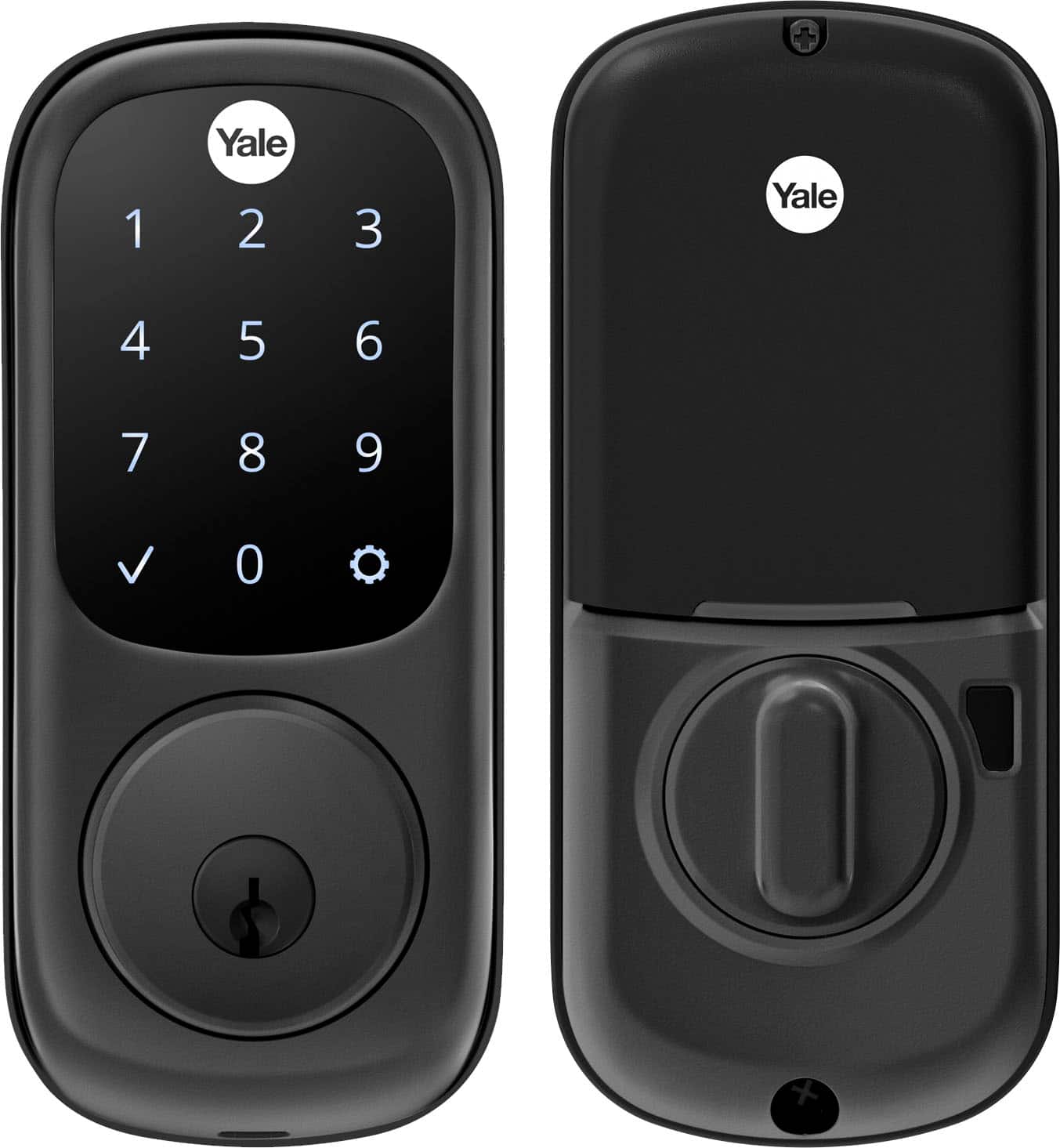
A:AnswerI'm in Colorado and while it's been a warmer winter so far there have definitely been cold mornings and the screen has worked fine for me. Helps to also have a key hidden in a lock box somewhere just in case the batteries die or something doesn't want to work right.
A:AnswerCompatibility
• Compatible with all Z-Wave enabled smart home systems or security systems (Z-Wave
versions)
The lock will auto lock if set within the app ranging from 0-30 min so there may not be an excessive amount of need for an "all in 1 approach" via Ring but it does work with Alexa which, if I'm not mistaken, so does Ring which begs to say that it could be integrated through Alexa's controls.
A:AnswerIt’s perfect for you. Just make sure you have a power outlet as close to the door as possible, and as you get new guests, you can assign and text the code right out to them from the app.