A:Answer Correct: no internet cable (CAT-5 cable) comes with unit, although the unit DOES have an ethernet (CAT-5) jack.
If your house is wired for ethernet and you want to connect to the WIRED ethernet, then you have to buy an appropriate length of CAT-5 cable, then use the new cable to attach the soundbar's ethernet jack to the nearest ethernet jack in your house (i.e. ethernet wall jack).
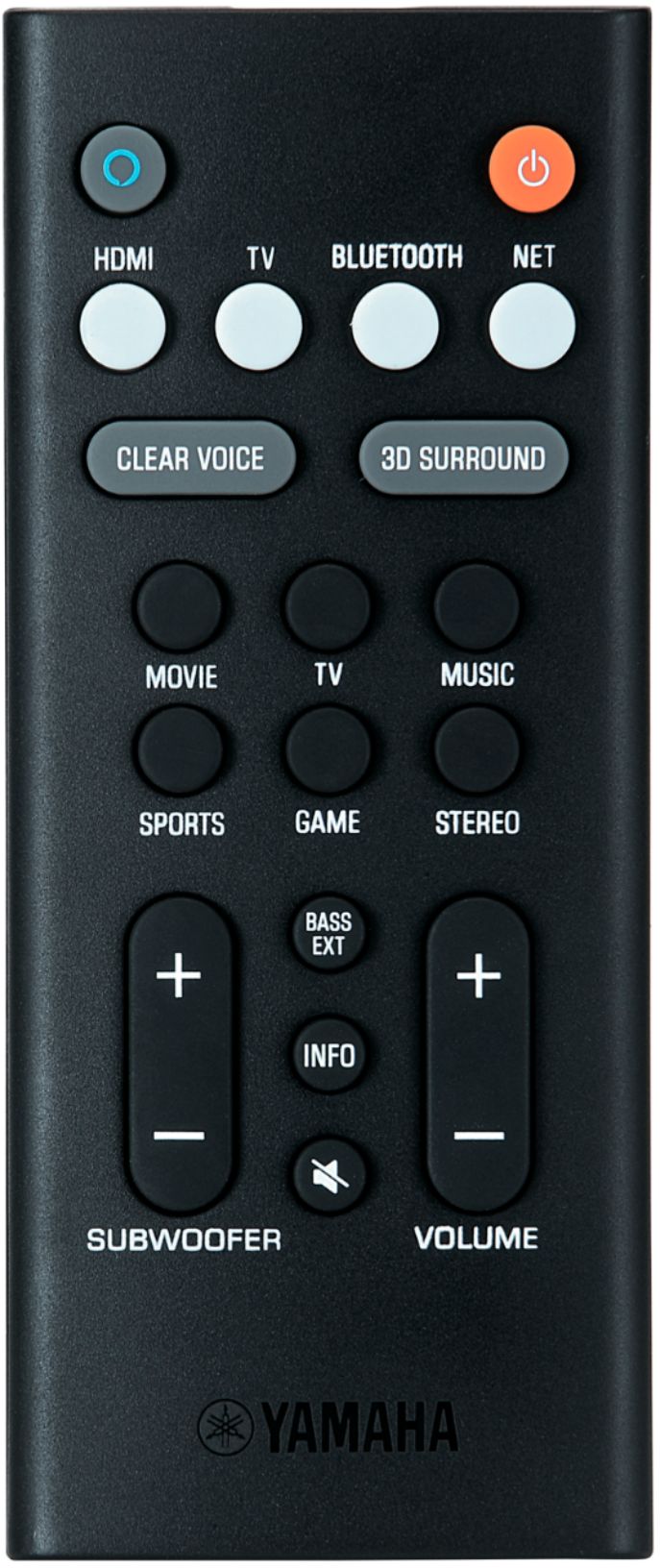
If your house is NOT wired for ethernet (or if you prefer to connect wirelessly even if you house IS wired for ethernet), the soundbar is able to connect to a home wireless network. However you have to use the "sound bar controller app" in order to do so. The app is the only way you can do things like (a) select your wireless network to connect to, (b) enter the network security key/password... You cannot do that stuff via the (very basic) remote that comes with the unit.
I'm not a big smart-phone guy, but I did download the Yamaha Sound Bar Controller App to connect the soundbar to my wireless home network. The download/install process on my Samsung phone was free and surprisingly easy. Once you get the app installed then you can do all the network-selection/enter-network-password stuff required to connect the soundbar to your wireless home network.
So the bottom line is you have to install the Yamaha Sound Bar Controller App on either your smart phone or a tablet device in order to configure the soundbar to be able to connect to a wireless network.