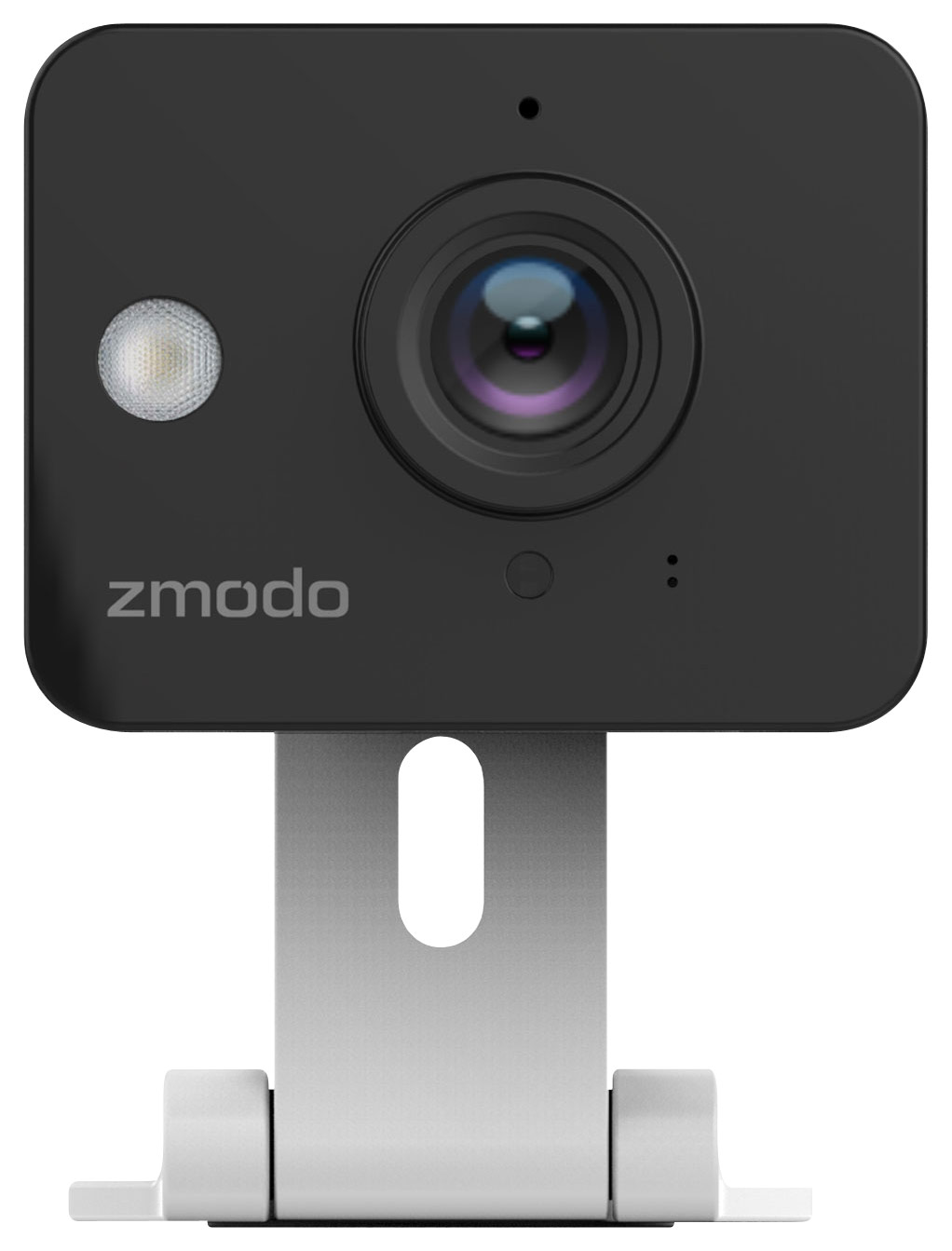
A:Answer 1-Plug in the camera, press the "+" on the top right side of the Zmodo App and select "Zink"(Solid Green)
2-Add quantity "1/2/3/4" and have your cell phone connected to the hot-spot "ZMD_SAP" emitted from the camera (blinking green).
3-Turn back to the App surface and type the WiFi username & password, at the same time have your mobile phone connected to this WiFi (blinking blue).
4-The last step is to wait App search the camera, and setting your own password for this camera. After cameras searched, please add "wireless" devices to the user interface (solid blue).
Here is a link with more setup information wiht video: http://support.zmodo.com/index.php?sid=547005&lang=en&action=artikel&cat=20&id=101&artlang=en