Customer Ratings & Reviews
- Model:
- I3593-3992BLK-PUS
- SKU:
- 6403450
Rating by feature
- Battery Life
Rating 4.3 out of 5 stars
- Speed
Rating 4.5 out of 5 stars
- Display
Rating 4.6 out of 5 stars
Customers are saying
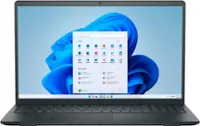
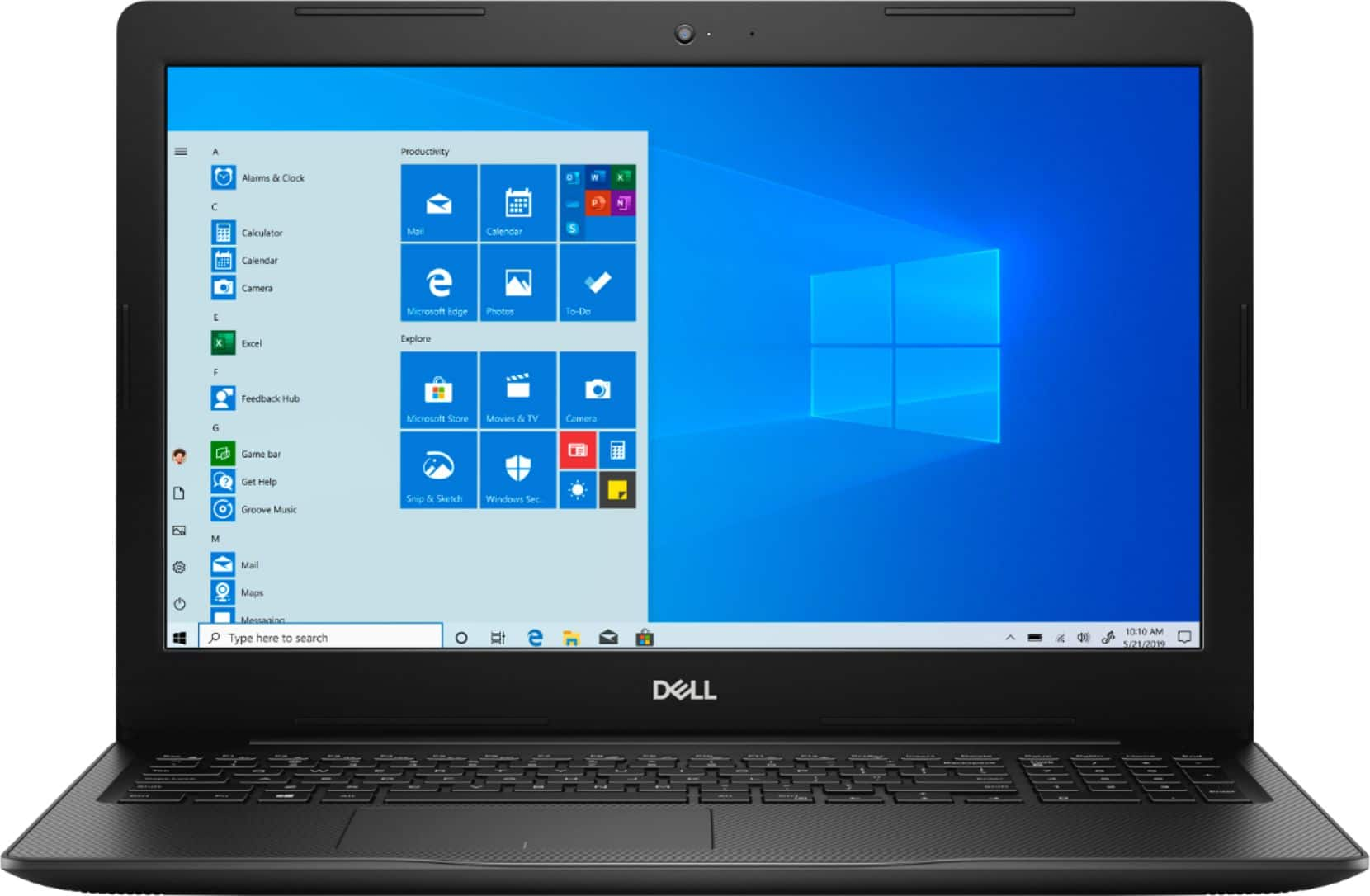
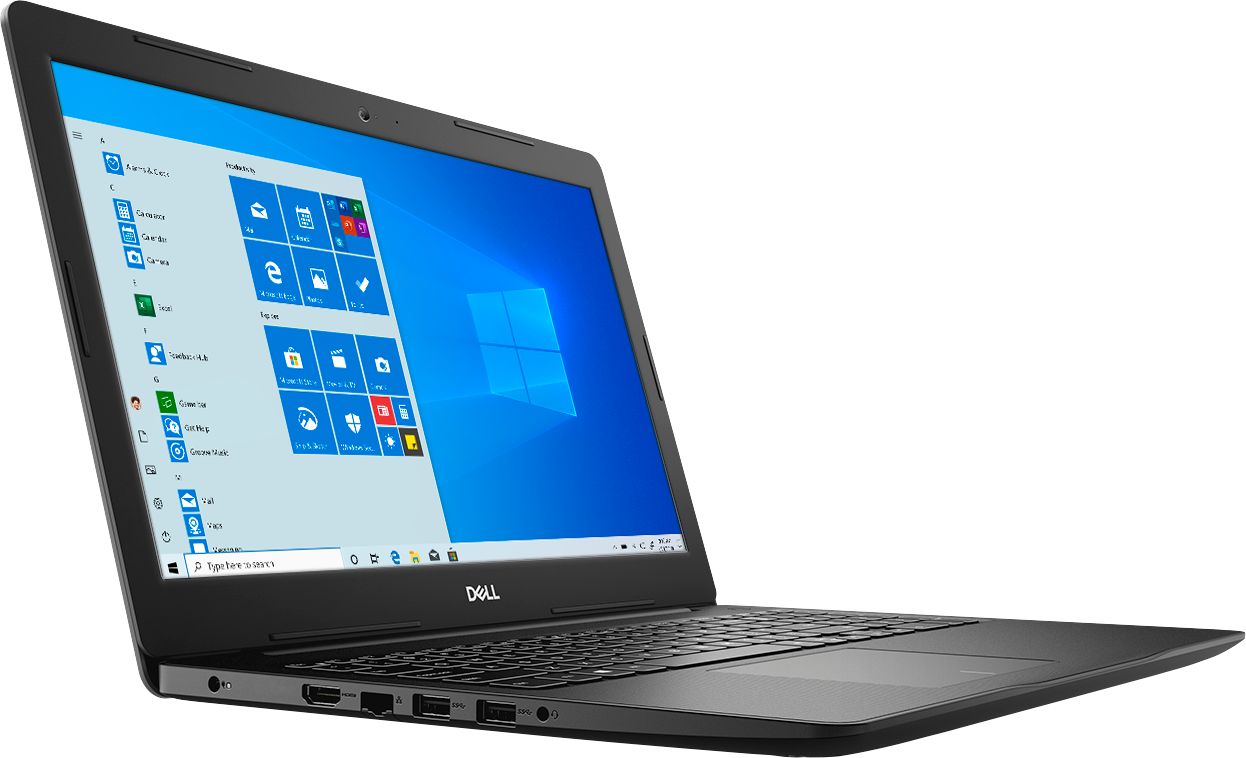
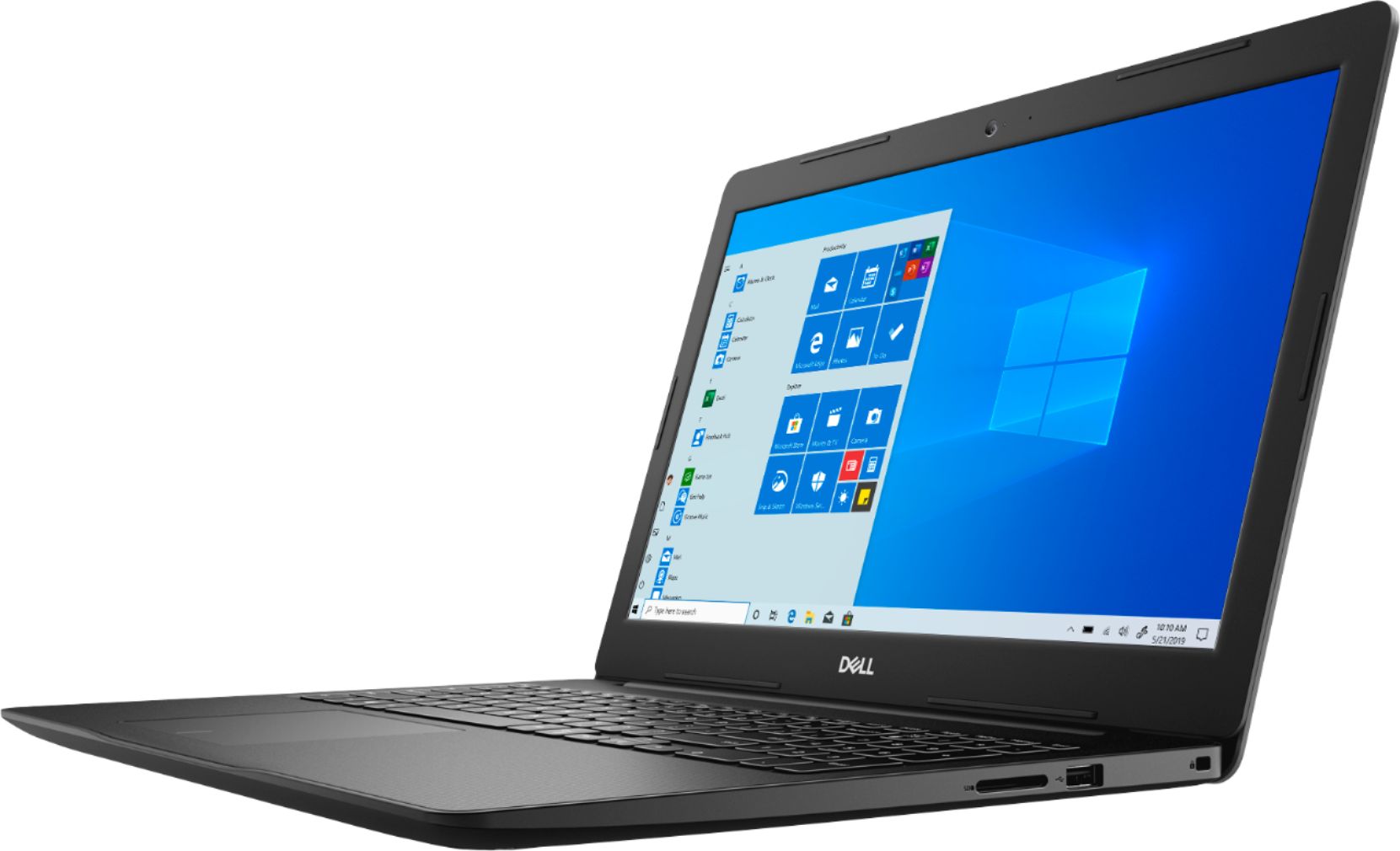
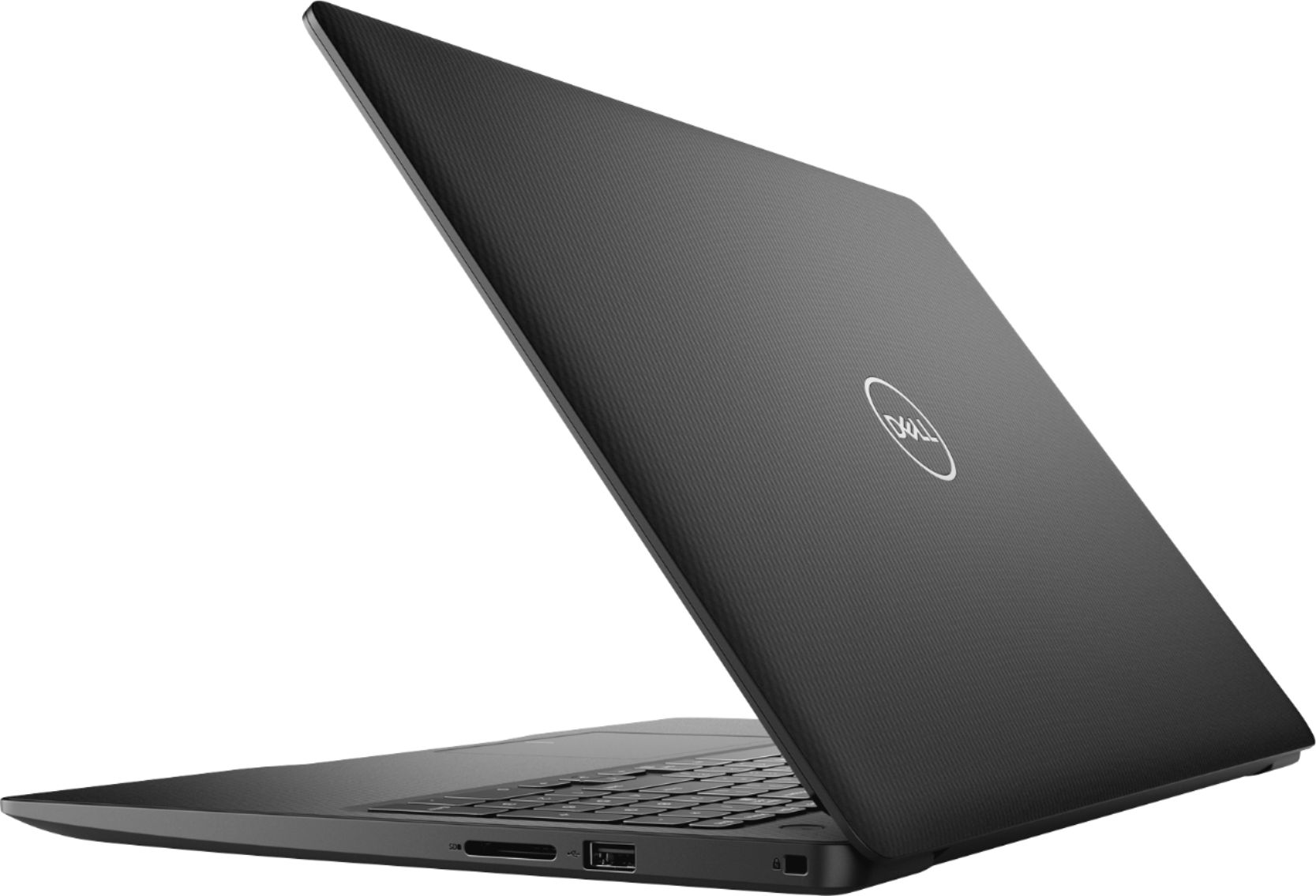
Customers commend the Inspiron 15.6" Touch-Screen Laptop for its reasonable price, user-friendly interface, and ample storage. Many users appreciate the convenience of the touchscreen feature, while others find the laptop lightweight and easy to carry. However, some customers have concerns about the short battery life and the limitations of Windows 10 S mode.
This summary was generated by AI based on customer reviews.
So far, my Dell Inspiron 15 3000 has been great.
||Posted . Owned for 1 month when reviewed.This reviewer received promo considerations or sweepstakes entry for writing a review.Plenty of power, easy to control. I'm enjoying it and can highly recommend this computer to those using it as a private PC.
I would recommend this to a friendGood for the price. Entry level specs.
||Posted . Owned for 1 month when reviewed.This reviewer received promo considerations or sweepstakes entry for writing a review.Entry level purchase for web surfing, email and light gaming. Used outside pickup and it was ready when they said it would be.
I would recommend this to a friendGreat computer for browsing and small tasks
||Posted . Owned for 1 week when reviewed.This reviewer received promo considerations or sweepstakes entry for writing a review.Bought this for an older user and it was easy to set up and they have enjoyed using it for Facebook, shopping/browsing, and Skype.
I would recommend this to a friendCould be better
||Posted . Owned for 4 months when reviewed.This reviewer received promo considerations or sweepstakes entry for writing a review.Worked as expected until 5 days ago when it wouldn't boot up. I tried and can't get it to boot up. Loved it until then.
I would recommend this to a friendFast and easy to operate.
||Posted . Owned for 3 weeks when reviewed.This reviewer received promo considerations or sweepstakes entry for writing a review.Love my new laptop. The sales associate was very informed and professional. The best electronics purchase experience ever.
I would recommend this to a friendGood value laptop
||Posted . Owned for 1 month when reviewed.This reviewer received promo considerations or sweepstakes entry for writing a review.Good quality laptop. Price to value is great. Not all the bells and whistles but everything you need for day to day computing
I would recommend this to a friendWorks perfect
||Posted . Owned for 3 weeks when reviewed.This reviewer received promo considerations or sweepstakes entry for writing a review.I bought this laptop for my son, for his virtual clases. It works perfect. No problem at all. It's good for homework, games.
I would recommend this to a friend- Cons mentioned:Battery life
Battery wont last long
||Posted . Owned for 1 month when reviewed.This reviewer received promo considerations or sweepstakes entry for writing a review.It is nice laptop but battery life is not good wont last long enough no mors than two hours
No, I would not recommend this to a friendBrand response from YourDellTeam
Posted .Jaquie,
We're sorry that your computer's battery is not lasting as long as you hoped it would. We'd recommend following some of these tips to help extend the life of your computer's battery:
Change the Power Plan:
1. On the notification area of the taskbar, right-click the Battery icon.
2. On the options list, click Power Options.
3. Select a power plan on the battery meter, such as Power Saver or Balanced. Windows 10 has a built in 'Battery Saver' mode that can be activated to extend your system's battery life. The Battery Saver mode will monitor and limit background activity and other features such as push notifications. You do have the option to enable or disable this mode within settings or within advanced Battery Saver settings, you can customize the mode to best suit your needs.
a) Click on the Action Center icon in the taskbar and select the tile for Battery Saver.
b) If running Cortana then type Battery Saver into the search box and select from the results.
Within the Battery Saver settings page, you will be able to turn on and off the feature and customize the feature to best meet your needs.
c) Turn Battery Saver On or Off.
d) Additional settings available via the Battery use and Battery saver settings links.
e) Battery use shows further info on apps and their power usage.
f) Battery Saver Settings screen allows you to customize further Battery Saver feature.
You can read the full article here - http://dell.to/2vfXWf4.
Best,
Bryan
1-800-624-9896
Great for kids !
||Posted . Owned for 1 month when reviewed.This reviewer received promo considerations or sweepstakes entry for writing a review.So far so good. My daughter likes it. She plays roblox and homeschool a lots with this laptop. We didn't have any issues.
I would recommend this to a friendGood for students
||Posted . Owned for 1 week when reviewed.This reviewer received promo considerations or sweepstakes entry for writing a review.Good laptop for students, who just need to do light browsing and web searching. Can't really handle much else. Has an ok screen.
I would recommend this to a friendGreat basic laptop
||Posted . Owned for 3 weeks when reviewed.This reviewer received promo considerations or sweepstakes entry for writing a review.This laptop is great for my needs. The battery life seems to be pretty good and it loads pages quickly. I like it very much.
I would recommend this to a friendMy brother loves it!
||Posted . Owned for 1 month when reviewed.This reviewer received promo considerations or sweepstakes entry for writing a review.My brother loved this laptop and it’s perfect for him. He needed one for back to college and it’s Exactly what he wanted!
I would recommend this to a friendGood for basic use
||Posted . Owned for 3 weeks when reviewed.This reviewer received promo considerations or sweepstakes entry for writing a review.Web surfing, word docs, social media, streaming, and such. Not a powerhouse, but not a wimp either. Perfect for schoolwork.
I would recommend this to a friendDell Laptop
||Posted . Owned for 3 weeks when reviewed.This reviewer received promo considerations or sweepstakes entry for writing a review.This Dell laptop is of good quality. It’s super fast as well being very light weight. I’m very happy with this purchase.
I would recommend this to a friendGreat buy
||Posted . Owned for 1 month when reviewed.This reviewer received promo considerations or sweepstakes entry for writing a review.Working like gold straight out the box great computer for work from home compatible with most software runs windows 10
I would recommend this to a friendPerfect computer for work
||Posted . Owned for 1 month when reviewed.This reviewer received promo considerations or sweepstakes entry for writing a review.We needed a replacement computer for my husband after he spilled water on his. This computer has met his needs perfectly.
I would recommend this to a friendWonderful computer
||Posted . Owned for 3 weeks when reviewed.This reviewer received promo considerations or sweepstakes entry for writing a review.I ordered a new laptop for school online, I picked it up curbside quick and easy, and it is a wonderful computer! Love it
I would recommend this to a friendDell laptop
||Posted . Owned for 2 months when reviewed.This reviewer received promo considerations or sweepstakes entry for writing a review.I get this laptop for my son, my son do very well in this laptop.. it helps him finished a lot of thing in school.
I would recommend this to a friendVery nice simple laptop
||Posted . Owned for 3 months when reviewed.This reviewer received promo considerations or sweepstakes entry for writing a review.My wife needed a new laptop for email and simple online use. Great item for just such a purpose -she's very pleased.
I would recommend this to a friendWatch movies
||Posted . Owned for 3 months when reviewed.This reviewer received promo considerations or sweepstakes entry for writing a review.Not a savvy computer guy. But bought it for grandma! She loves it. She watches all the classics without any problems.
I would recommend this to a friend