Customer Ratings & Reviews
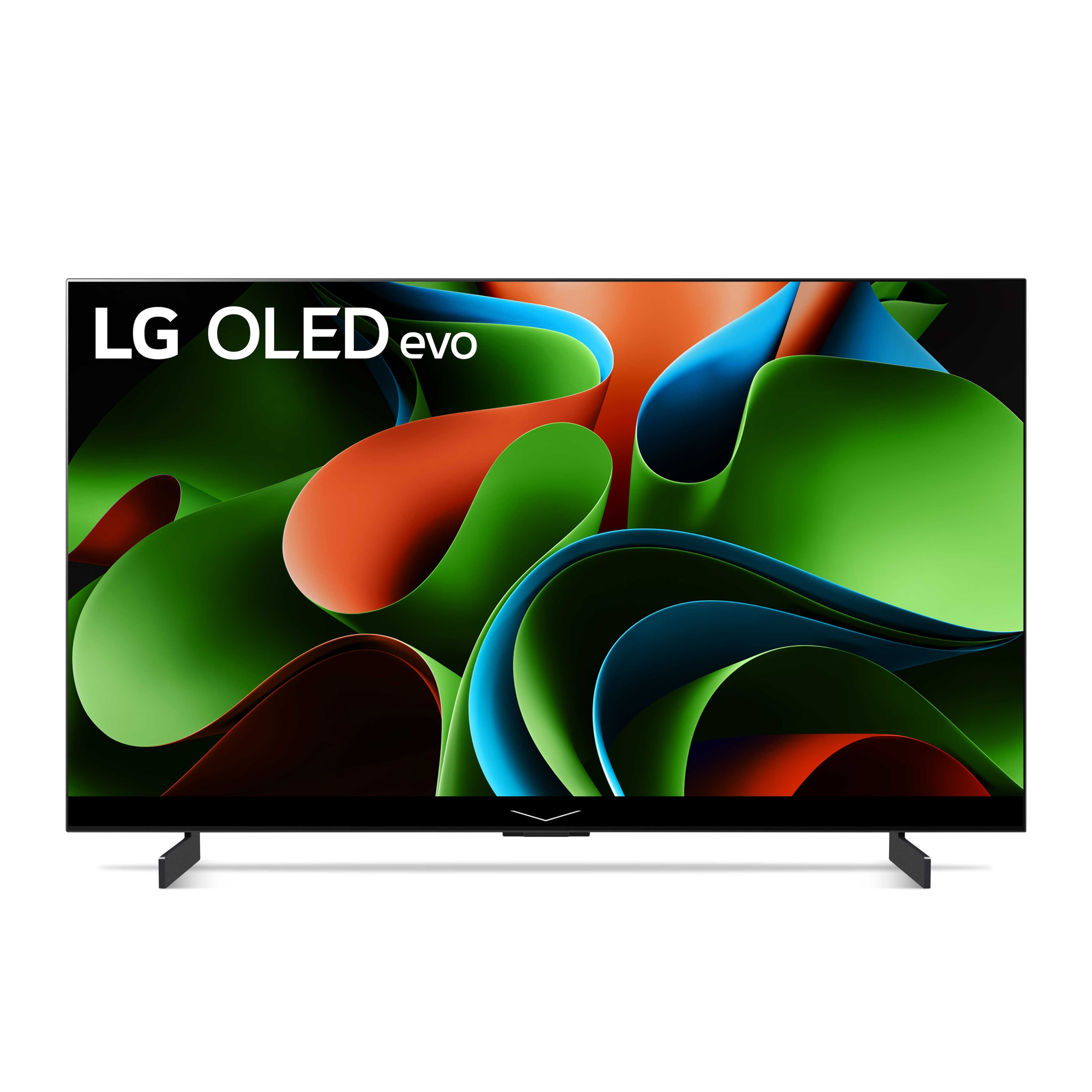
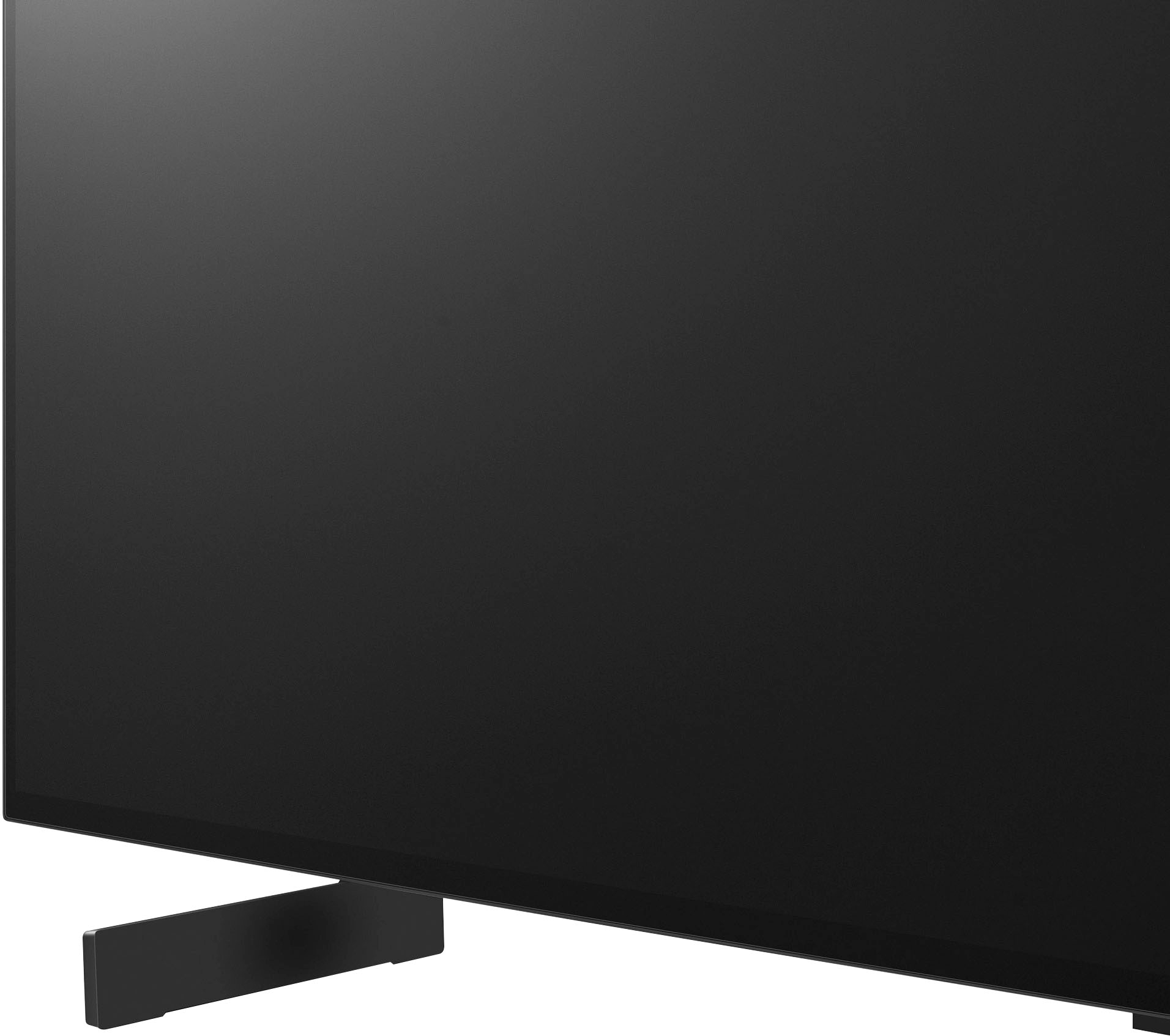
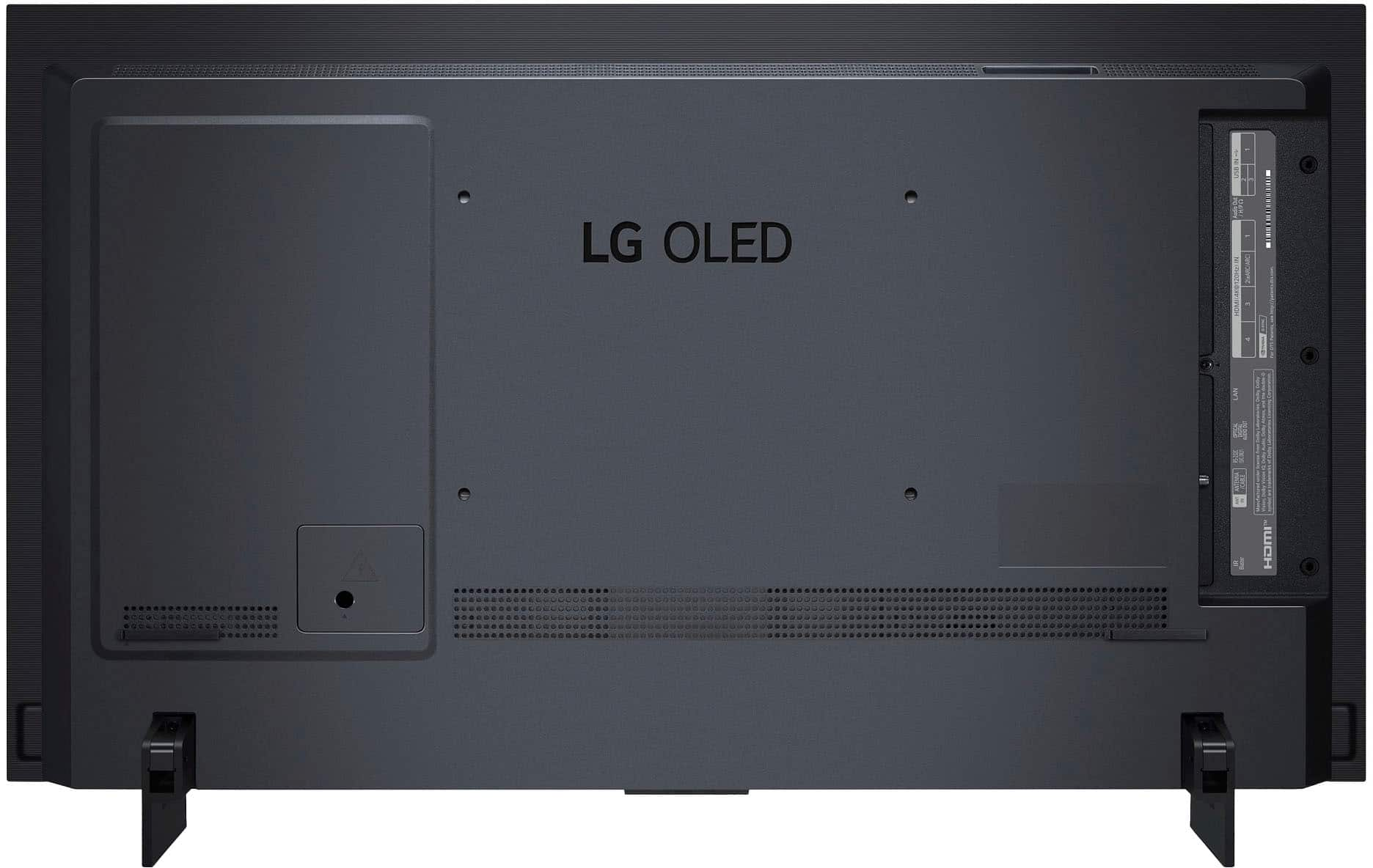
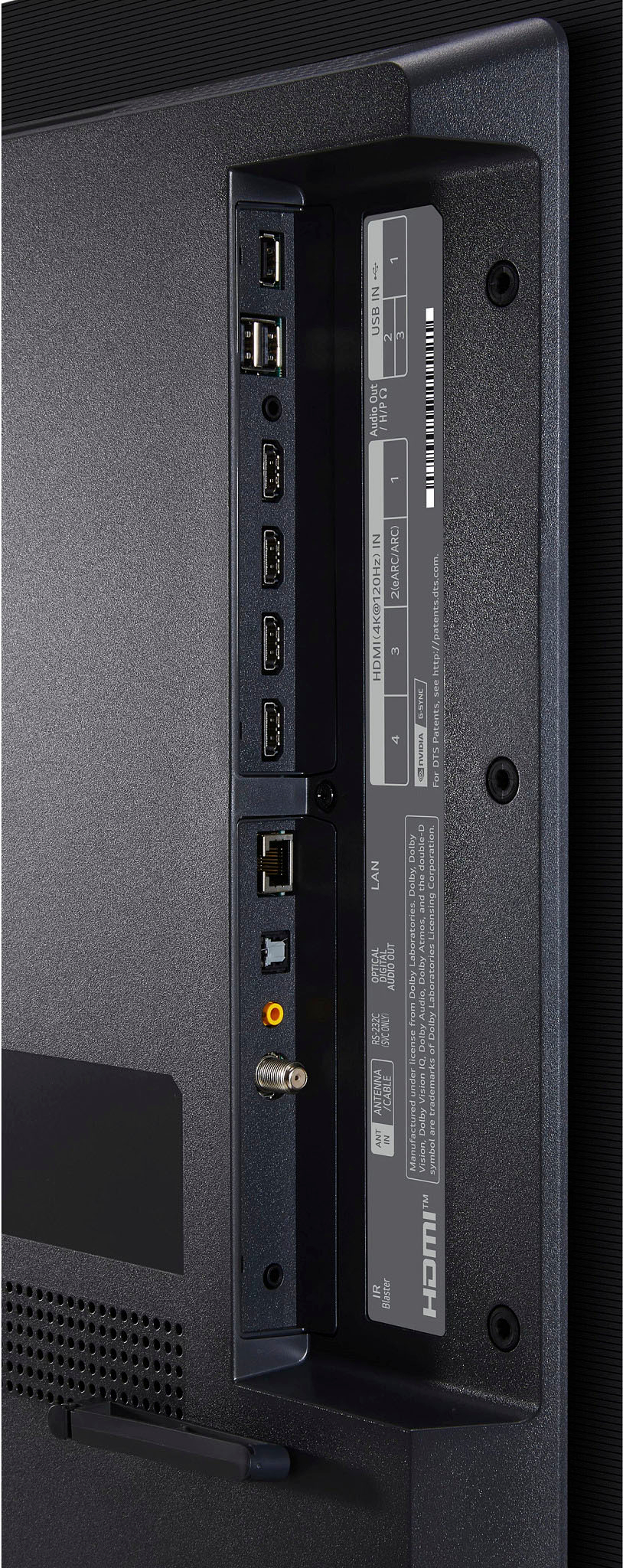



- Model:
- OLED42C3PUA
- SKU:
- 6534585
Rating by feature
- Picture Quality
Rating 4.9 out of 5 stars
- Sound Quality
Rating 4.5 out of 5 stars
- Brightness
Rating 4.8 out of 5 stars
Customers are saying
Customers are pleased with the picture quality, color accuracy, and gaming performance of the 42" Class C3 Series OLED evo 4K UHD Smart webOS TV (2023). Many appreciate the ease of use and the impressive features like HDR and a high refresh rate. However, some users have noted that the remote control may take time to get used to. A small number of users reported issues with screen flickering or occasional blackouts.
This summary was generated by AI based on customer reviews.
NOT for home office
Posted .This reviewer received promo considerations or sweepstakes entry for writing a review.Will not wake up or power on when PC connected. LG must have never figured out how to make this work like an ordinary LCD monitor, making this product totally unsuitable for home office (user must use their remote to power on TV and then select the correct input MANUALLY). Inexcusable in 2024. Also, every 4 hrs of screen time it will force a message to appear saying it needs to calibrate the screen for 5 minutes. Junk. I can’t believe I listened to all of the reviews and even CR rated this a good TV, but there’s simply nothing the user can do to fix this mess. Also, there’s no way to disable Bluetooth or WiFi, which is a major security problem if you don’t constantly update firmware. No way will I let this thing join my WiFi, but good luck to anyone who is bombarded with requests to pair Bluetooth devices from their neighbors! No way to disable it. Do a quick google search and one can easily confirm these issues.
No, I would not recommend this to a friendBrand response from LG Digital Customer Care
Posted .Hi there, Thank you for bringing this to our attention. We understand your frustration and apologize for the inconvenience you have experienced with your TV. We value your feedback and will definitely take it into consideration as we work to improve our products. Rest assured that we will address these issues to prevent them from happening in the future. Please reach out to us on social media @LGUSSupport so we can help you further. ^Cris

- Pros mentioned:Picture quality
Not worth the money
Posted .This reviewer received promo considerations or sweepstakes entry for writing a review.I have a Samsung tv that cost 1/. Theprice that has as good a picture
No, I would not recommend this to a friendBrand response from LGAnswers
Posted .We are disappointed to hear that you were not satisfied with your purchase. We strive to provide the best quality products to our customers, and we apologize for any inconvenience that you may have experienced. If you would like to discuss how we could rectify your experience with us, We'd love to hear from you. Please reach out to our Customer Support Team at 800-243-0000. ~Tanisha
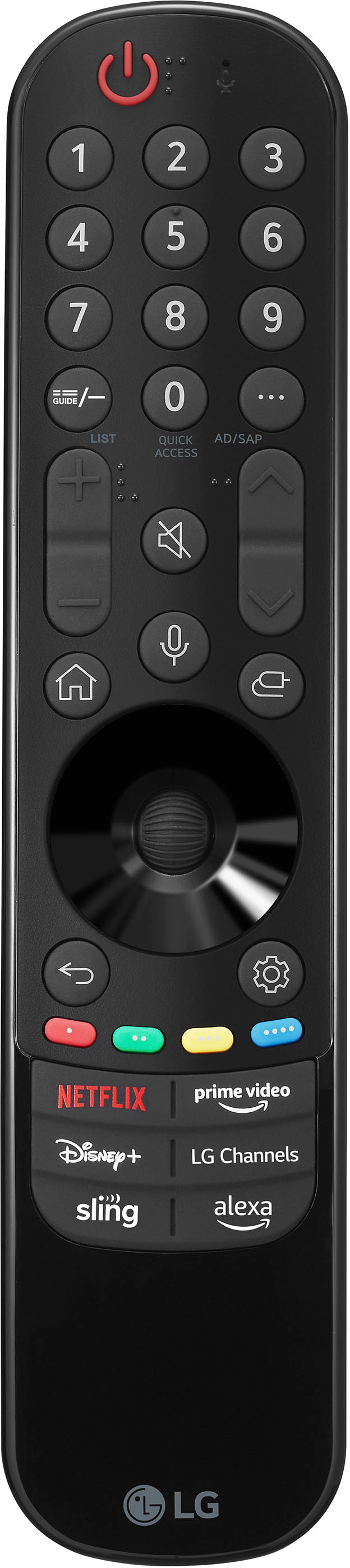
worst remote ever
Posted .This reviewer received promo considerations or sweepstakes entry for writing a review.The remote is awful. XXXXXXXXXXXXXXXXXXXXXXXXXXXXX
No, I would not recommend this to a friendBrand response from LG Digital Customer Care
Posted .Hi, Kent. Thank you for taking the time to review the LG TV(OLED42C3PUA) model. We're sorry to hear that you found the remote to be subpar. We strive to provide top-notch products and ensure a smooth and seamless viewing experience. In the meantime, please visit https://www.lg.com/us/support/help-library/lg-tv-how-to-troubleshoot-your-lg-magic-remote--1427121727809. For further assistance, each out to us on social media @LGUSSupport. ^Juvy