Customer Ratings & Reviews
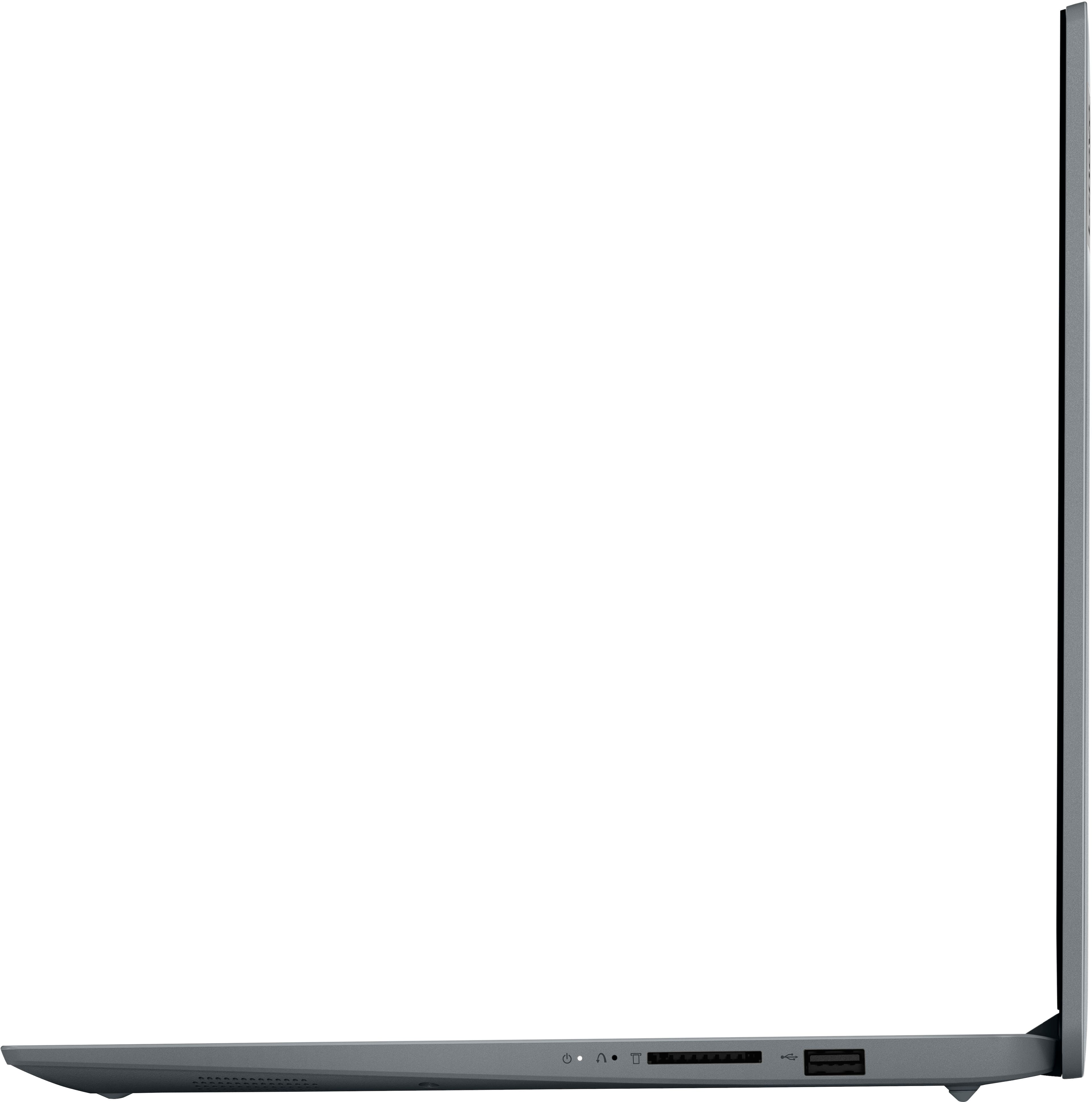

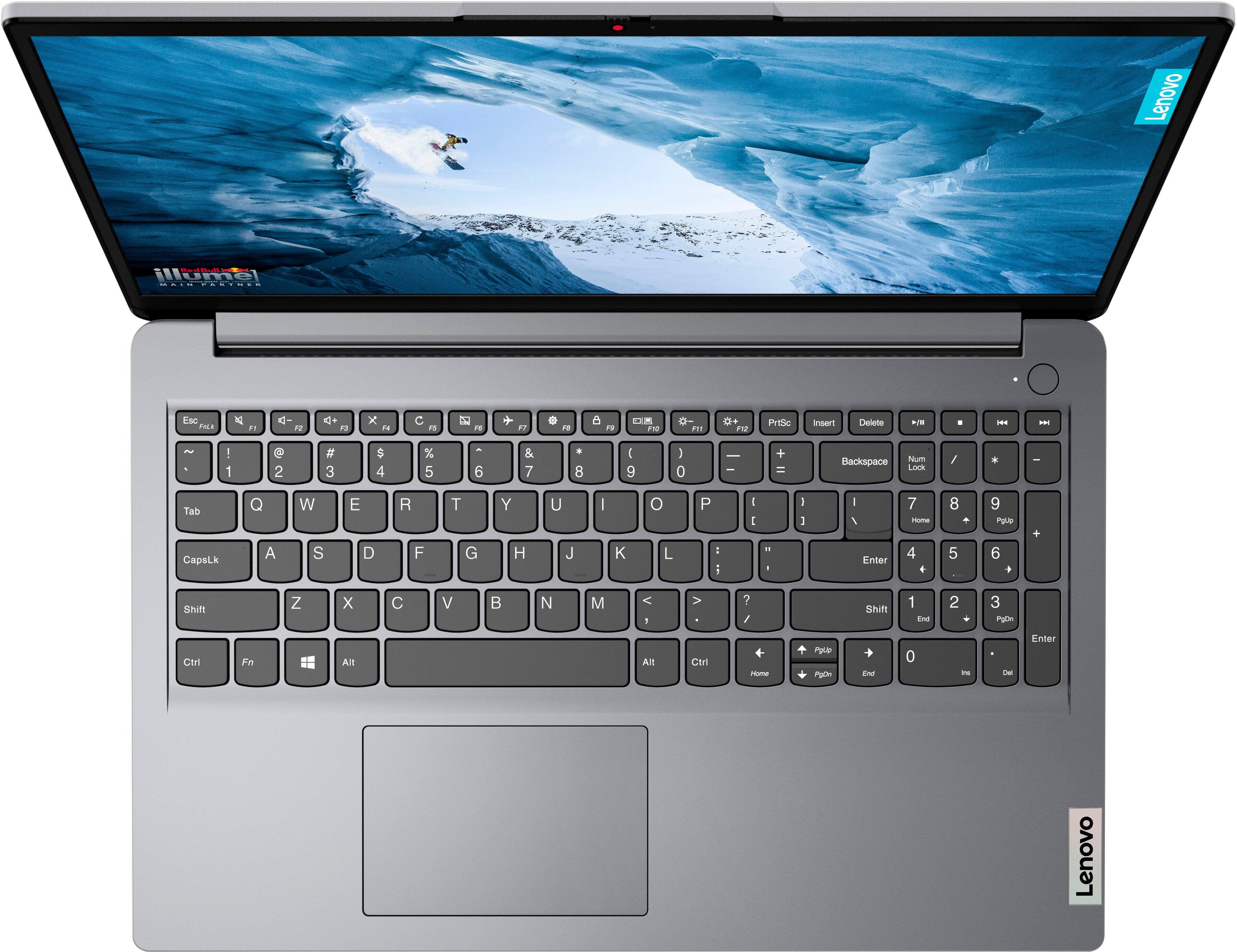
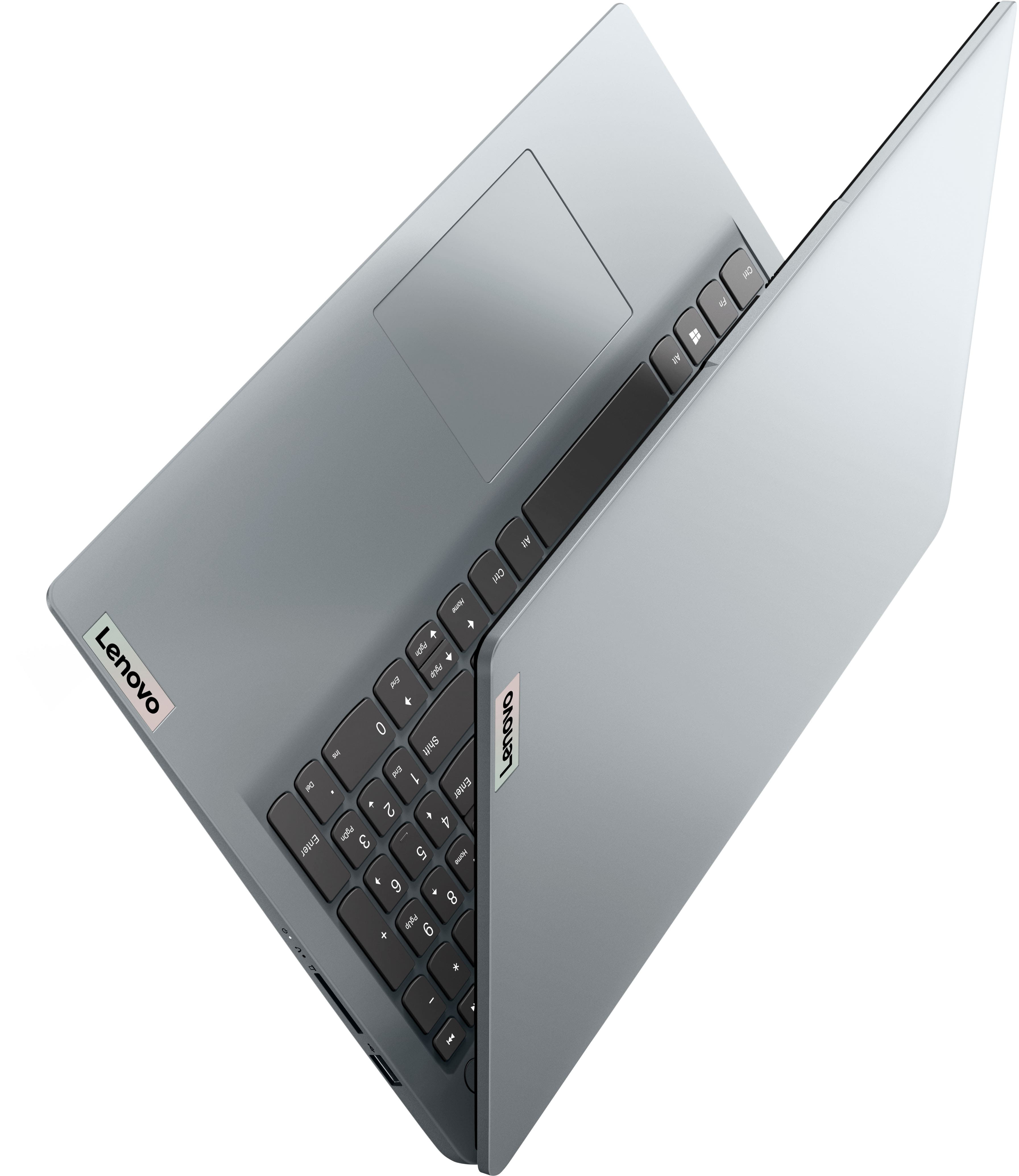
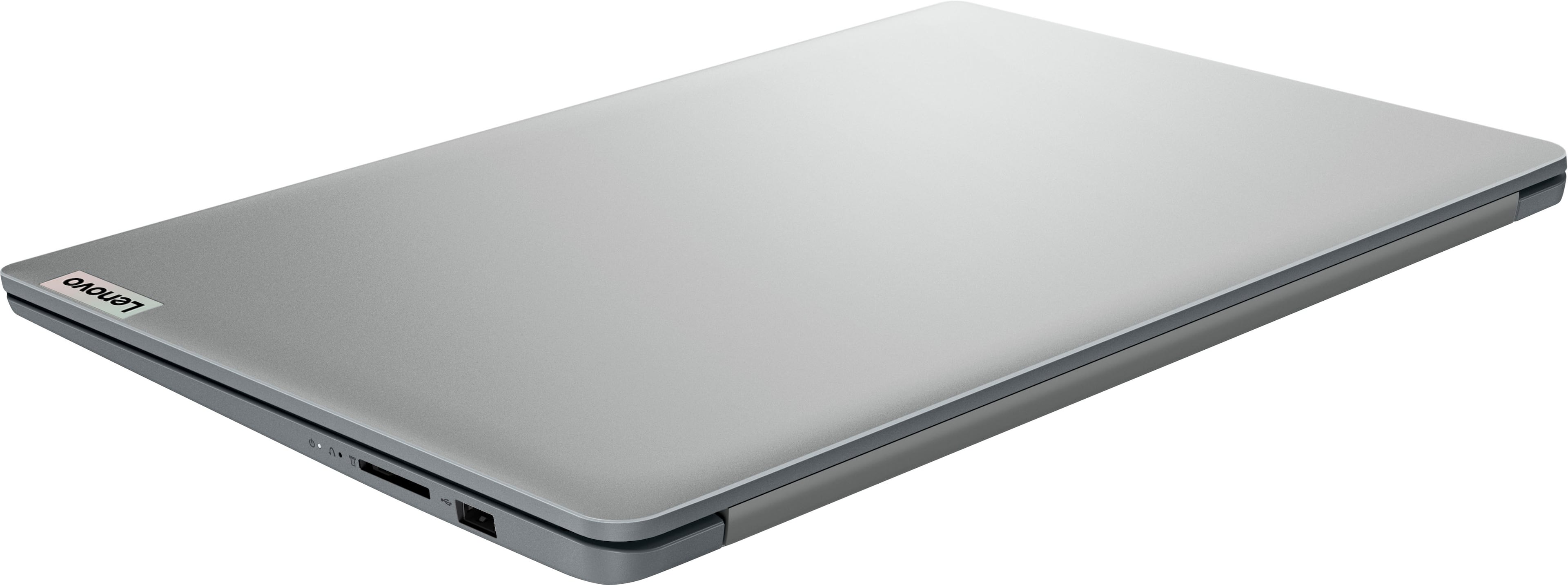


- Model:
- 82R400DTUS
- SKU:
- 6555683
Rating by feature
- Battery Life
Rating 4.6 out of 5 stars
- Speed
Rating 4.7 out of 5 stars
- Display
Rating 4.7 out of 5 stars
Customers are saying
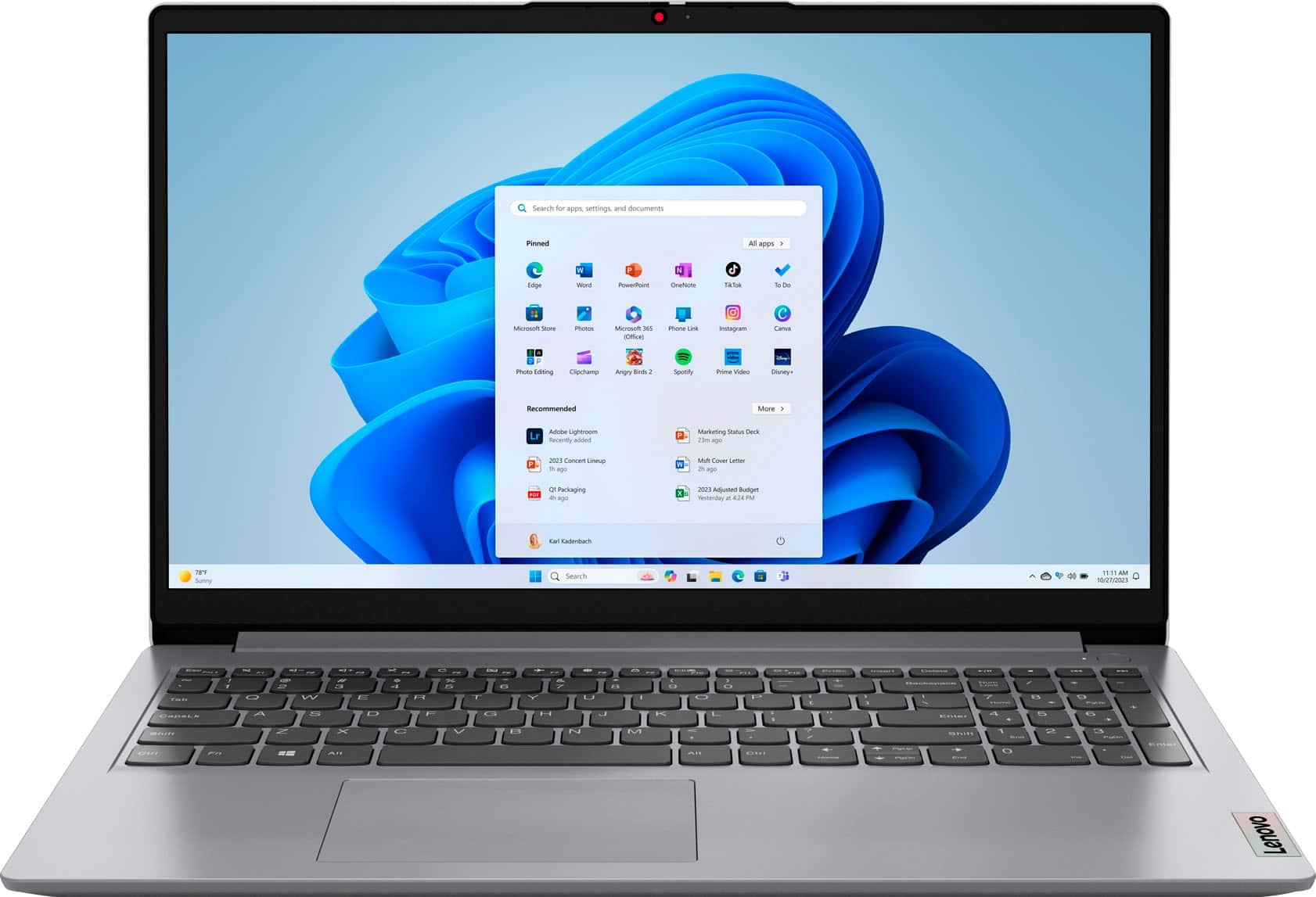
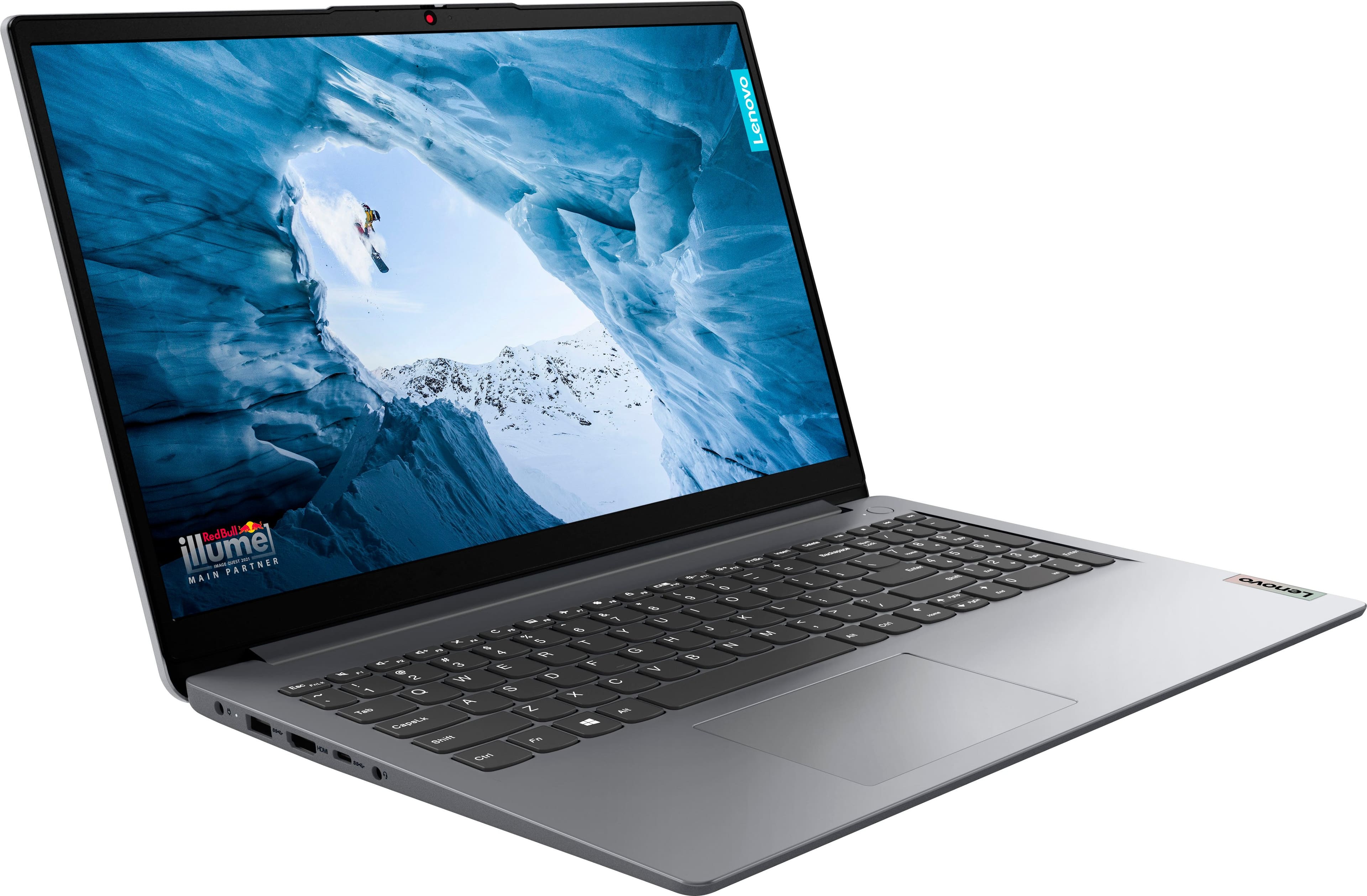
Customers praise the Ideapad 1's touchscreen, performance, ease of use, and battery life. Many appreciate its light weight, affordable price, and large screen size, along with the ample RAM and memory. Some users noted that the fan can be noisy at times, and the lack of a USB-C charging port was a point of concern for a few. Overall, the positive feedback significantly outweighs the negative comments.
This summary was generated by AI based on customer reviews.
Overheat Fan Issues
||Posted .This reviewer received promo considerations or sweepstakes entry for writing a review.This laptop has run hot since purchasing new. The warranty only lasts for a year and wouldn't you know it, within a year and a couple of weeks the fan went out. Now I get the blue screen of death all the time because it overheats constantly. I will not purchase a Lenovo laptop again.
No, I would not recommend this to a friendLenovo Bluetooth issues. Garbage brand.
||Posted . Owned for 5 months when reviewed.This reviewer received promo considerations or sweepstakes entry for writing a review.5 months into ownership the Bluetooth stops working. The Lenovo Service Bridge chokes and gets stuck buffering. Had to attempt installation/uninstall and scan more than 5 times before the service bridge would work and it still didn't fix the issue. I have less than 50 hours on this machine and it is the most problematic computer I have ever purchased. I've had problems with other a couple other Lenovo products but this is the first Lenovo computer I've ever owned. I will never buy ANY Lenovo products ever again.
No, I would not recommend this to a friendBrand response from Lenovo Product Expert
Posted .Hey there,
We're sorry to hear that you're having trouble with your IdeaPad. Given the issues you've had, here's a link to the Lenovo Support site to download the latest Bluetooth driver: https://pcsupport.lenovo.com/us/en/products/laptops-and-netbooks/1-series/ideapad-1-15alc7/82r4/82r400dtus/downloads/driver-list/component?name=Bluetooth%20and%20Modem&id=631A1C55-4962-4A5C-B7FD-CB19B42CDF9F
If this does not resolve your issue, we then recommend contacting Lenovo Support here: 877-453-6686, for further assistance. Please update us when you can regarding this, and we appreciate you taking the time to share your feedback with us.
Not the features you would expect
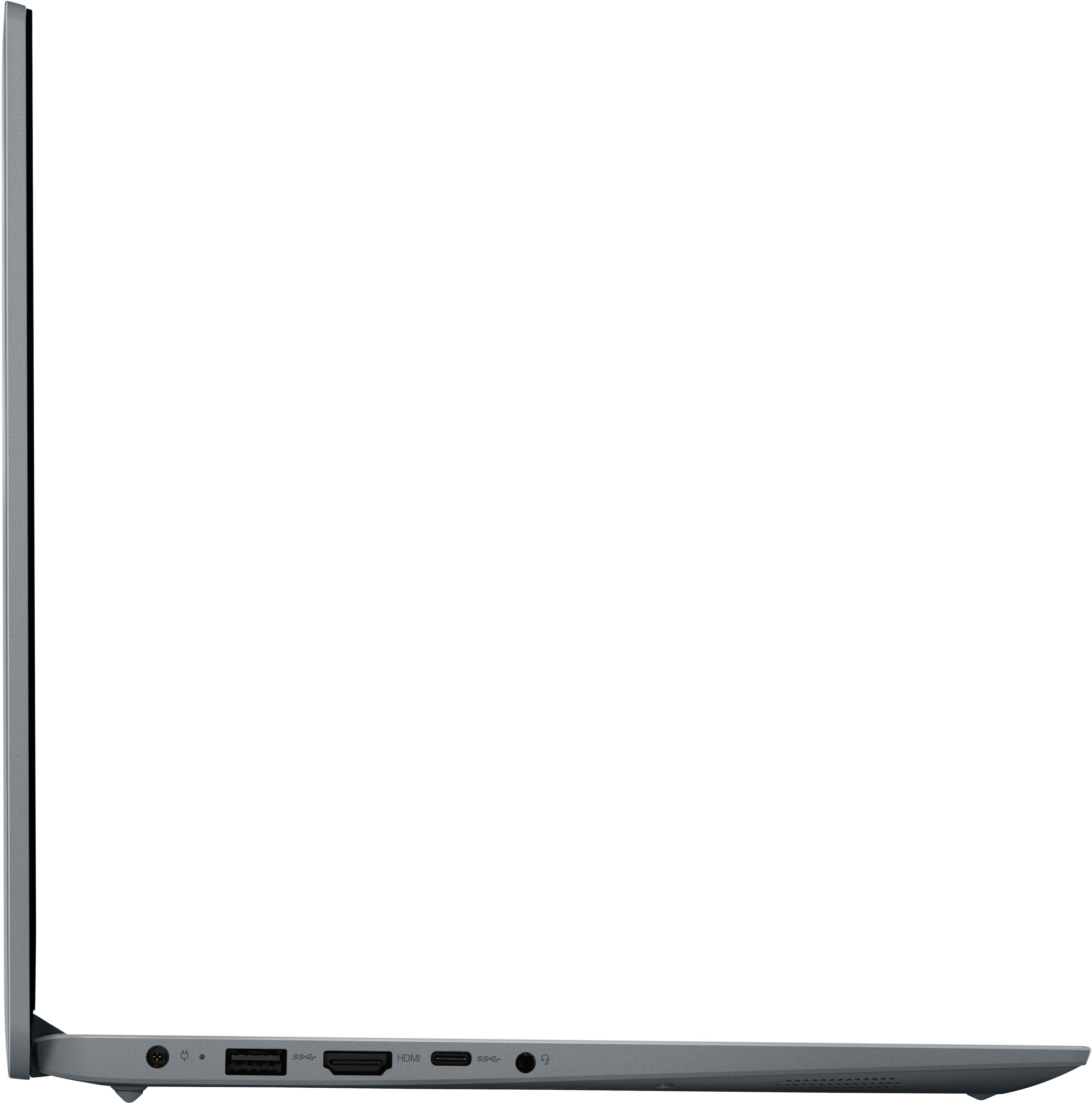
||Posted . Owned for 10 months when reviewed.This reviewer received promo considerations or sweepstakes entry for writing a review.For a computer supposedly selling for 799 regular price you would expect it to have a C port that could connect a docking station and run more hardware. You can only use the HDMI. And the port does not charge the laptop so you have to have the right plug which constantly falls out of it's socket. Pretty disappointed.
No, I would not recommend this to a friendBrand response from Lenovo Product Expert
Posted .Hi Prophetess6392,
Thank you for sharing your feedback with us. We are sorry to hear that the IdeaPad 1 fell short of your expectations. We understand your perspective and apologize disappointment that this has caused you.
We wish to provide the best experience possible with the best value possible, and we appreciate your comments regarding the type of charging connector and USB-C features, as this will be considered for future improvements.
Please feel free to reach out to us via the Q& A section of this product page should you have any questions or need assistance.
Best regards,
Lenovo
Best has really terrible customer service
||Posted . Owned for 2 weeks when reviewed.This reviewer received promo considerations or sweepstakes entry for writing a review.I can’t actually tell you if the computer is nice but I can tell you that when the computer dies, it locks the computer and requires a 48 key to unlock. By the way Best Buy doesn’t give you the key when you buy it open box but they’ll be happy to charge you to fix it. I bought this two weeks ago and haven’t been able to use it. I’m still in the process of resetting the hard I’ve and reinstalling windows on it.
No, I would not recommend this to a friendDecent computer
||Posted . Owned for 2 months when reviewed.This reviewer received promo considerations or sweepstakes entry for writing a review.just an average computer can still do everything, would really recommend for day to day use
I would recommend this to a friendNot worth it for the price. Display black screen
||Posted . Owned for 7 months when reviewed.This reviewer received promo considerations or sweepstakes entry for writing a review.Got a black screen after just 7 months with no physical damage and minimal use. ( I barely used it). I Absolutely disappointed with this laptop. It stopped working out of nowhere and is now completely useless. For the price, I expected way better quality and reliability. Definitely would not recommend.
No, I would not recommend this to a friendBrand response from Lenovo Product Expert
Posted .Hi Ross,
Thank you for sharing your feedback with us. We are sorry to hear that you are having trouble with your IdeaPad 1. We apologize for the frustration and inconvenience that this has caused you, and if you'd like, we wish to work with you to resolve this issue.
To start, as a visual guide, here’s a link to a Lenovo Support webpage (https://support.lenovo.com/us/en/videos/vid100760-how-to-laptop-doesnt-power-on) with tips on how to troubleshoot the issue and a video with step-by-step instructions on various things to try below as well:
Perform a Hard Reset:
1. Unplug the AC adapter and wait a few seconds.
2. Press and hold the power button for 60 seconds, then release it. Wait another 30 seconds, then press and hold the power button again for 60 seconds.
3, Plug the AC adapter back in and try turning on the computer.
Power Drain:
1. Unplug the power cable and hold the power button down for 20 seconds.
2. Plug the power cable back in and try to power on the computer.
If these steps are followed and applied, yet the issue persists, in-depth troubleshooting will be necessary to fix the problem. We recommend contacting Lenovo Support here: 877-453-6686, for further assistance.
Please update us when you can and feel free to leave a question or comment in the Q&A section of the product page.
Best regards,
Lenovo
Fingerprint does not work
||Posted . Owned for 2 weeks when reviewed.This reviewer received promo considerations or sweepstakes entry for writing a review.the fingerprint is not working, windows does not recognize, even after update the drivers.
I would recommend this to a friendNetwork Driver not installed
||Posted .This reviewer received promo considerations or sweepstakes entry for writing a review.Seems okay but I wouldn't know. I can't connect because the network drivers aren't even installed. Luckily I'm somewhat savy and cam deal with it. The person looking for a plug and play computer will not be able to even know this is a problem.
No, I would not recommend this to a friendBrand response from Lenovo Product Expert
Posted .Hey, JryanT. We are sorry to hear that you have run into this issue with your IdeaPad. We apologize for any inconvenience this has caused and will take a look into this to help make the necessary changes. Should you or any others run into an issue, reach out to our support team here: 877-453-6686, and they may assist you. We appreciate you taking the time to share your feedback and experience with us.
It was fine for a few weeks
||Posted . Owned for 1 month when reviewed.This reviewer received promo considerations or sweepstakes entry for writing a review.I suddenly have many issues with this laptop and i don't even use it that often. The mouse cursor disappears, windows open and close on their own... for $800 get something better.
No, I would not recommend this to a friendBrand response from Lenovo Product Expert
Posted .Hey, ayogio. We are sorry to hear that you are having trouble with your Yoga. To try to resolve this, we recommend checking for and applying updates in both Windows update settings and in the Lenovo Vantage app on your Yoga, if you have not already done so. If the issues continue after these updates, we recommend you call Lenovo Support for additional help at: 877-453-6686. We appreciate you taking the time to share your experience with us.
Laptop
||Posted . Owned for 3 weeks when reviewed.This reviewer received promo considerations or sweepstakes entry for writing a review.Laptop is slow. Speed does not match recorded internal memory speed.
No, I would not recommend this to a friendUSB-c is NOT multifunction. DOESN'T work with dock
||Posted . Owned for 3 weeks when reviewed.This reviewer received promo considerations or sweepstakes entry for writing a review.This laptop's USB-C port does not charge or work with a display dock. Pretty big deal considering most laptops that have a USB-C port are capable of doing both.
No, I would not recommend this to a friendBrand response from Lenovo Product Expert
Posted .Hi, NicholasM. We're sorry to hear that this was a miss for you. This is outlined in the device specifications for others looking into this device. If there is anything we can do to help you with your laptop, please let us know. Thank you for taking the time to share your thoughts with us.
Unreliable at best
||Posted . Owned for 7 months when reviewed.This reviewer received promo considerations or sweepstakes entry for writing a review.I have owned and used this item for several months. From the initial use it has had issues with bottling up and says ‘something is not going as planned’ and has to undo something before opening. Very frustrating as it takes time to load anything this way. I would not purchase or recommend this Lenovo product.
No, I would not recommend this to a friendBrand response from Lenovo Product Expert
Posted .Hey, CynthiaS. We're sorry to hear that you're having trouble with your IdeaPad, and we apologize for the frustration. To try to resolve this, first, we recommend ensuring you have the latest software by checking for updates, as this could correct the issue. To do so, first, open the Settings app > Select the Windows update tab > Select the Check for updates button. Next, open the Lenovo Vantage app > on the homepage, select the Check for updates button. If after the available updates are applied and the system restarts, yet the issue persists, in-depth troubleshooting will be necessary to fix the problem. We recommend contacting Lenovo Support for further assistance.
Stopped working 1 year and 3 weeks after purchase
||Posted . Owned for 1 year when reviewed.This reviewer received promo considerations or sweepstakes entry for writing a review.Just 3 weeks after 1 year warranty expired it will not boot up and using reset button does nothing! What a waste of $500.
No, I would not recommend this to a friendOver rated computer
||Posted . Owned for 1 month when reviewed.This reviewer received promo considerations or sweepstakes entry for writing a review.The computer has been freezing, screens sticking and moving slow from page to page. For the cost I expected much better product.
No, I would not recommend this to a friendBrand response from Lenovo Product Expert
Posted .Hi, CartinaC. We are sorry to hear that you are having trouble with your IdeaPad. To help resolve this issue, first, we recommend checking for and installing any available updates through Lenovo Vantage and Windows Update Settings to help ensure you are running the latest software and drivers. If you issue persists after applying updates, we then recommend reaching out to Lenovo Tech Support at this number: 877-453-6686, and providing a representative with details of your issue, so that they may help by providing a solution for you. We appreciate you sharing your experience so that we may use it to continue to better our products and services for yourself and others.
Poor delivery process
||Posted . Owned for 3 weeks when reviewed.This reviewer received promo considerations or sweepstakes entry for writing a review.The product is excellent. The only concern is about the delivery process. It was a very high chance to lost the item because i don't receive any delivery updates.
I would recommend this to a friendBattery Life
||Posted . Owned for 1 month when reviewed.This reviewer received promo considerations or sweepstakes entry for writing a review.The battery life is too short! Only 4 and a half hours of battery life and the battery still runs down when the laptop is on sleep.
No, I would not recommend this to a friendBrand response from Lenovo Product Expert
Posted .Hey, Marshabling. While we are thankful for your business, we are sorry to hear that your IdeaPad has fallen short of your expectations. Regarding your issue with battery life – there are lots of variables that contribute to shorter battery life. Thankfully, many of those variables can be adjusted. By default, the system will tend to give more speed when needed, which can sacrifice battery life. If you want to squeeze out more battery life, we recommend users utilize the Lenovo Vantage application that is preinstalled to adjust settings related to power and battery performance (to access relevant settings, open Vantage > Device Settings > Power). Users can also take advantage of the keyboard shortcut, Fn + Q to toggle thermal modes and easily switch between prioritizing battery life or power, or even the best of both words. Your battery life you experienced aligns with other uses constantly using their device without power conservation efforts, and to clarify, while putting your device to sleep does save more power, there are still processes running when the laptop is closed, but no powered off, resulting in power draw from the battery. To help mitigate this, you can power off your device completely. Let us know if you need any further assistance!
Won’t allow multiple monitors
||Posted . Owned for 11 months when reviewed.This reviewer received promo considerations or sweepstakes entry for writing a review.This laptop does not allow for multiple monitors. Ive tired multiple docking stations, cords, laptops and monitors. If you need multiple screen I don’t recommend this item.
No, I would not recommend this to a friendBAD DELIVERY
||Posted .This reviewer received promo considerations or sweepstakes entry for writing a review.this is about Bestbuy's delivery, not the product. I considered delivery date when I was making the purchase, but for 3 days they don't create a shipping label, then on the day that I should be receiving the item they create the label and ship it! then they let me know there will be 3 days delay! obviously they don't honor their own delivery dates, and they don't understand sense of urgency. I've seen reviews about bestbuy bad deliveries, so sounds like it's a common issue with bestbuy.
No, I would not recommend this to a friendSpeaker
||Posted . Owned for 8 months when reviewed.This reviewer received promo considerations or sweepstakes entry for writing a review.Sound quality very low. Needed to purchase speakers
No, I would not recommend this to a friendBrand response from Lenovo Product Expert
Posted .Hi Shecomp, we're sorry to hear that the audio experience on your IdeaPad feel short for you. We appreciate you taking the time to share your feedback with us, and we hope that your speaker solution is working out great for you.
Still disappointed
||Posted . Owned for 3 weeks when reviewed.This reviewer received promo considerations or sweepstakes entry for writing a review.It was a returned open box unit which had a hidden partition that has cost me about 2 weeks of non use and an inability to get the things done to secure my home as quikcly as possible
I would recommend this to a friendBrand response from Lenovo Product Expert
Posted .Hey Larry,
We are sorry to hear that you were dissatisfied with your open box purchasing experience. We have noted your feedback and will share it with the appropriate teams.
If you are still having trouble with your IdeaPad, please feel free to leave us a question or reach out to Lenovo Support via a medium most convenient for you so that we can assist you.
Best Regards,
Lenovo