Customer Ratings & Reviews

- Model:
- CB512-C1KJ
- SKU:
- 6451495
Rating by feature
- Battery Life
Rating 4.6 out of 5 stars
- Speed
Rating 4.4 out of 5 stars
- Display
Rating 4.3 out of 5 stars
Customers are saying
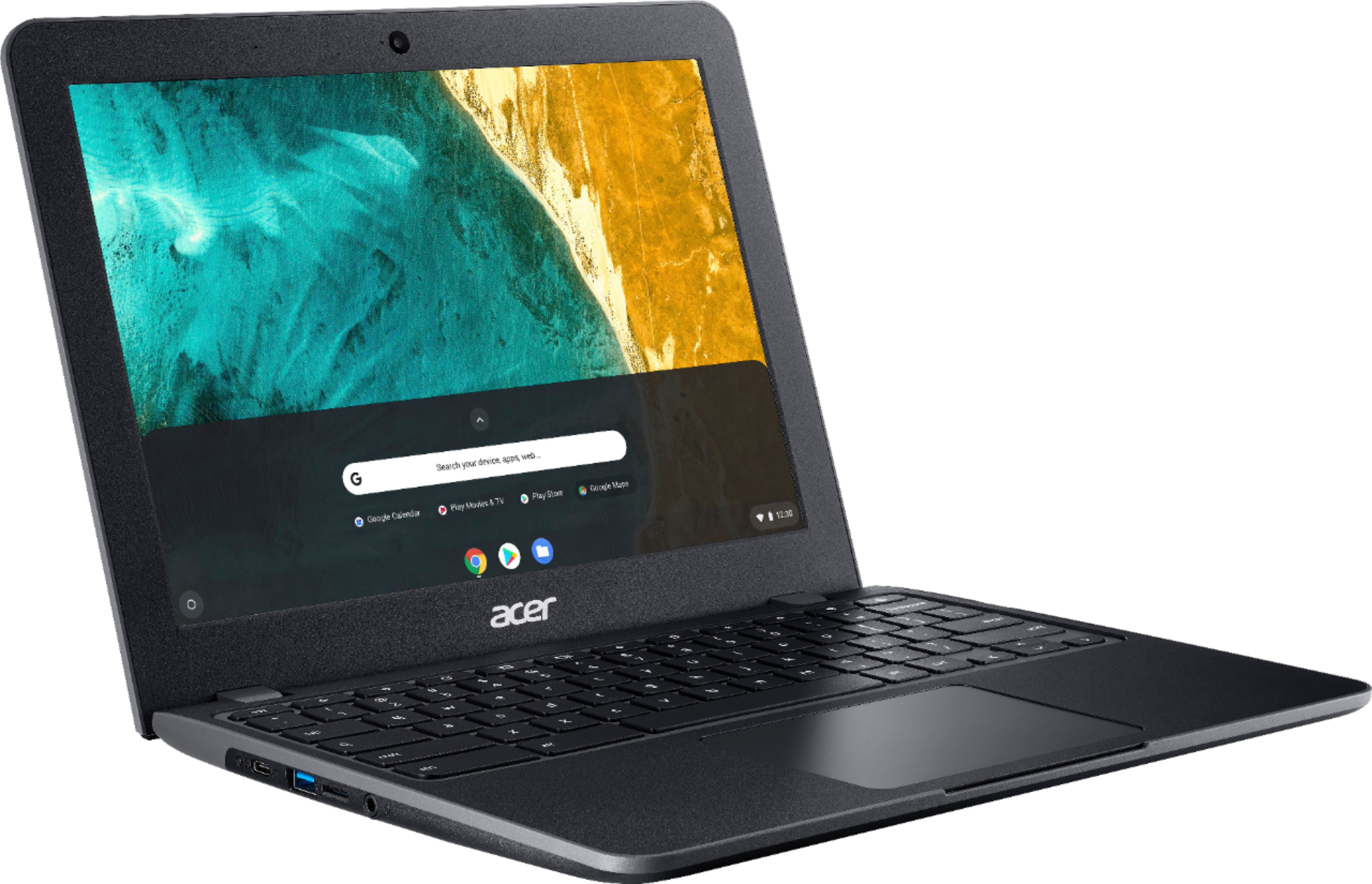
Customers are delighted by the Acer Chromebook 512's durability, long battery life, and lightweight design, making it perfect for travel and everyday use. Many appreciate its affordable price and spill resistance, enhancing its practicality. However, some customers express concerns about the screen resolution and speaker quality. The limited storage is also a point of discussion, though expandable storage options are available.
This summary was generated by AI based on customer reviews.
Good for kids
||Posted . Owned for 5 months when reviewed.This reviewer received promo considerations or sweepstakes entry for writing a review.Vary basic chromebook. I bought it for my kids. I didn't expect to get much out it and I was right.
No, I would not recommend this to a friendGood if like chrome os
||Posted .This reviewer received promo considerations or sweepstakes entry for writing a review.Not a bad computer but I don’t like chrome os, good and cheap if you like chrome
No, I would not recommend this to a friendAcer - Chromebook 512 review
||Posted . Owned for 5 months when reviewed.This reviewer received promo considerations or sweepstakes entry for writing a review.Bought for checking emails. couldn't open any email attachments.
No, I would not recommend this to a friend- Pros mentioned:Battery life, Durability

Rugged and super versatile.
|Posted .This reviewer received promo considerations or sweepstakes entry for writing a review.The first two places that come to mind where this unit will shine is in the hands of a child or in a dirty and potentially impact heavy environment. Both of which this laptop seems to be built for. Acer has managed to find an excellent sweet spot for combining shock and spill resistant construction into a modest processing package ready to tackle some less than delicate tasks. Whether you’re on a construction site full of dust and fluids or at home spilling milk all over the machine where one’s homework lives, it’s ready for the job. I can imagine this would be a really nice addition to the garage of a weekend warrior who needs something to reference manuals or videos during projects and repairs without worrying about seriously damaging it under normal use circumstances. It cleans up from debris and fluids fairly easily. And I’ve had no issues with any drops thus far. The battery life is more than sufficient for the garage use case I put it through. Excellent all around for an exceptionally durable Chromebook in my opinion.
I would recommend this to a friend Wasted money wasted time....
||Posted . Owned for 11 months when reviewed.This reviewer received promo considerations or sweepstakes entry for writing a review.I bought this because it said it was ruggedized. I did not buy extra warranty because it was as high as chromebook..my dog stepped on corner and it broke screen! It was closed. I complained to best buy and acer and was told that they don t stand behind description in ad!! Was NOT ruggedized! Lost respect for best buy and acer. This happened just past 30 days form buying it.
No, I would not recommend this to a friendPerfect for the everyday computing use case
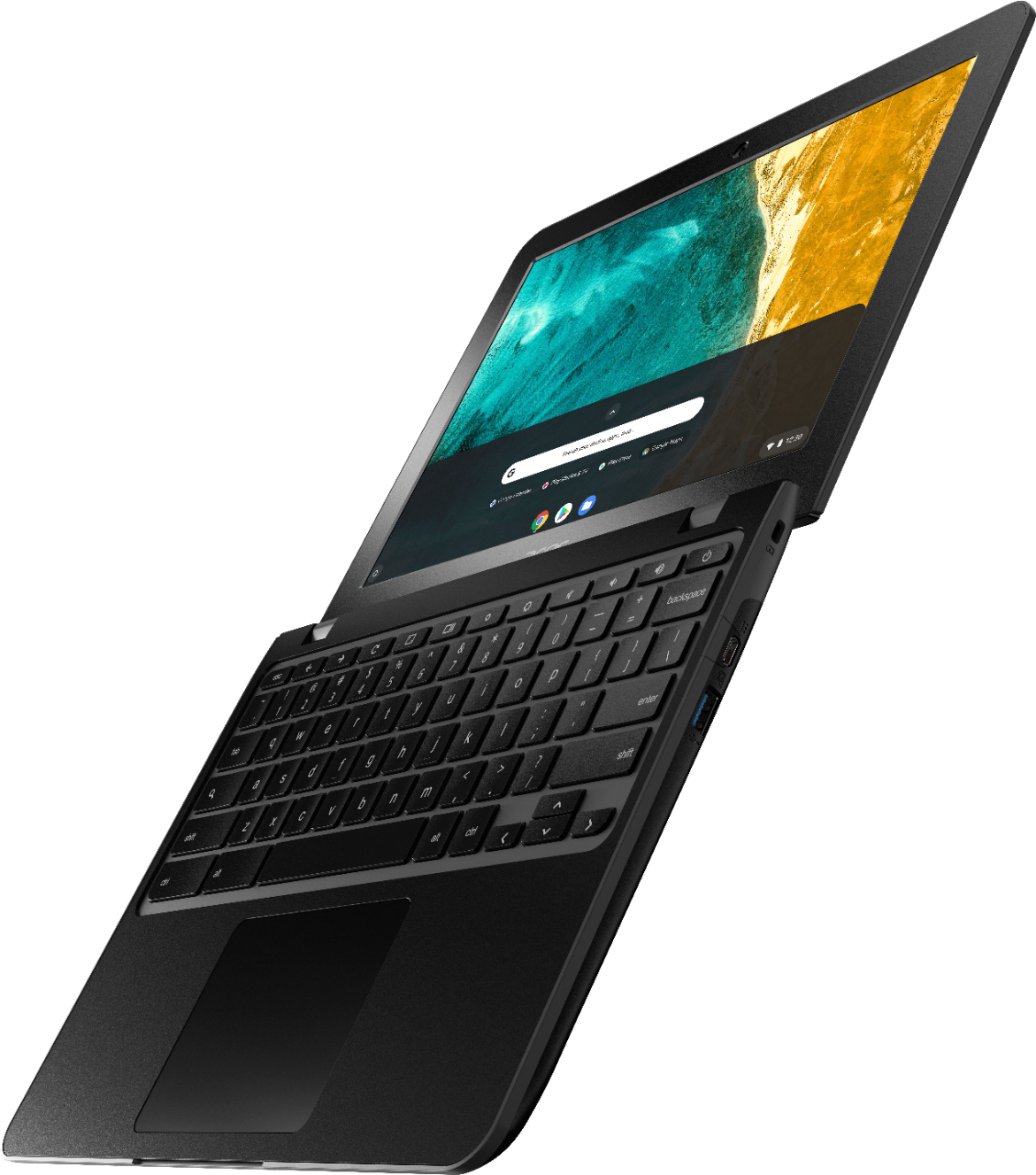
|Posted .This reviewer received promo considerations or sweepstakes entry for writing a review.In literature, romance novels have a reputation for being throwaway books that take little effort to digest, are good for a quick pleasure read, and typically get recycled or left behind when complete. I feel this same way about Chromebooks in general: they make great throw away devices. Your pre-teen needs a computer for Google Classroom - a Chromebook is a great fit. Your not so tech savvy family or friend needs to check email or shop on amazon.com - Chromebook fits the bill. There's just so many quick/simple/easy use cases for Chromebooks that having several of them laying around is a no brainer. That's why I love this Acer. Being spill resistant lets me worry less about letting my child and his dirty grubby little hands; hands that are always unwashed and always sticky from gawd knows what, use this computer.There's a USB-C and USB-Type A on both sides of this device making it friendly to all types of setups and the analog headphone jack is a major plus meaning one less bluetooth connection to worry about. The webcam works well enough for Zoom and Google Hangouts, and overall this thing is just simple to use.
I would recommend this to a friendRed Blinking light
||Posted . Owned for 1 month when reviewed.This reviewer received promo considerations or sweepstakes entry for writing a review.Got a red blinking light after a 45 days, and from what I Understand, it is a hardrive problem
No, I would not recommend this to a friendBrand response from TeamAcer
Posted .Dear Unsatisfied,
We are sorry to hear your Acer Chromebook is not booting/functioning properly and we understand this is frustrating for you. This is not the experience we want our customers to have and we would like to help you get this resolved. If you are located in the US or Canada, please feel free to contact our support team at 866-695-2237; they are available to assist 24/7 for in-warranty products.
We appreciate you taking the time to write this review
Regards,
Acer America
Great small laptop for everyday tasks
|Posted .This reviewer received promo considerations or sweepstakes entry for writing a review.This is the second Chromebook I’ve had and as before, I really like the simplicity to open it up and start working. This laptop is nice and small. The 12” IPS display works for me. The 3:2 aspect ratio makes it much easier to work on and read web pages. They're much less scrolling or what I see as a scrunched screen. On other laptops, I always seem to need to scroll a bit to see the first few important lines/sentences. The specs say the case is military-grade and can take a 60kg weight and can survive a 122cm drop. It also states it can drain 330ml of liquid if spilled on the keyboard. I may be reviewing the laptop, but I’m not going to try any of those scenarios on purpose! I’ll take Acer’s word for it. Ports: there are two USBc ports for charging the laptop as well as for data transfer. There are two USB 3.0 ports, one on each side as well as a headphone jack on the left. Next to the headphone jack is a MicroSD slot. I inserted a 32GB card and it saw it immediately and opened a files window. There were a few jpegs on the card from my Windows PC or my Android phone and it had no issues showing me each of them and deleting them. The wireless seems to work very well with my network. I do have a Triband with a 6E network as well as a couple of bridged routers throughout the house, but I have a number (probably over 20) different items connected to the network, yet it performs well. I was able to install Microsoft Office for students/365 for free. I downloaded and installed Word, PowerPoint, Excel, and OneNote for free. Chrome had no issues installing them through the Play store. I then just logged in Word with my student id and the other programs logged in when I opened them. The performance was as I expected with no lag and all my projects/files from OneDrive appeared. I thought with a Celeron processor, it might be a bit slow, but with ChromeOS, it seems normal. I guess I’m used to Windows and OsX needing a ton of ram and processing power to run most programs. I fired up YouTube to test the speakers. The sound isn’t great, but it is loud enough, which is a plus. I’ve had other laptops that at full volume, you can’t hear much. That said, the sound lacks any bass, it’s very tinny and the speakers are on the bottom of the case. It would have been better if they were under the screen, firing towards the user or next to the trackpad. It would probably be good for everyday application use, but IMHO, not for music. Lastly, I find having this Chromebook available in my entertainment unit very handy. It’s usually charged, and I can just open it up and do what I want to do. Daily tasks such as paying bills, checking emails, or just searching a topic when I hear something on tv that I want to get a bit more info on. It’s nice not to have a Windows machine left on or having to boot it up just for a simple quick task. I doubt this laptop will be my daily machine, but it will be the one I grab for a quick job. I’d recommend it to anyone, especially those that check their emails multiple times a day or have other tasks that they keep coming back to the keyboard for, like social media sites or watching videos.
I would recommend this to a friendSolid, well constructed basic chromebook
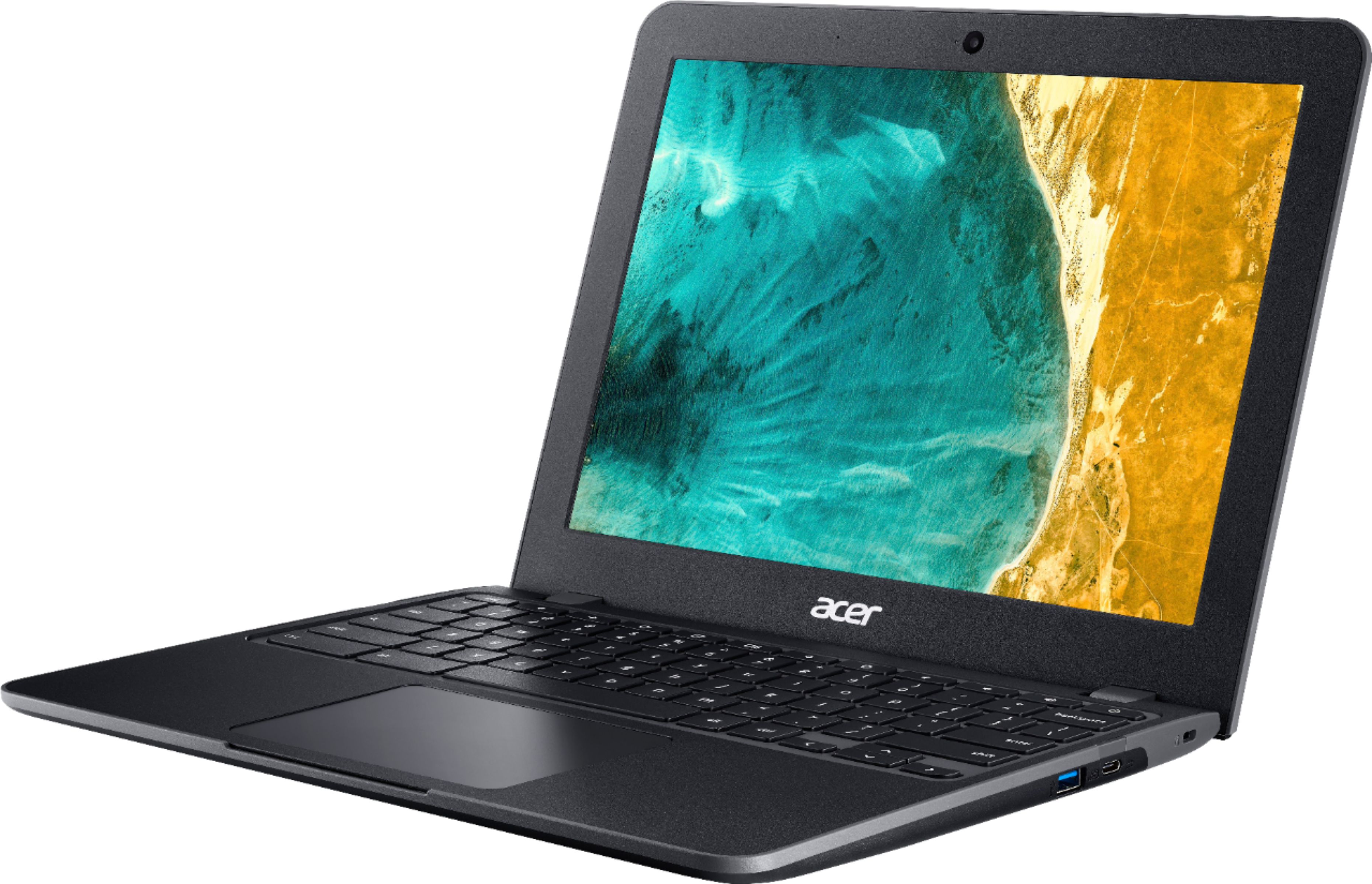
|Posted .This reviewer received promo considerations or sweepstakes entry for writing a review.This is my first experience with a chromebook and I'm enjoying it. First of all, the Chromebook 512 is built to be tough. The shell, although plastic; is substantial with little screen flex. The upper portion of the shell is a textured plastic which is attractive and hides fingerprints. The textured top and rubberized feeling sections on the bottom make the laptop easy to carry and harder to drop. The milspec rating and water resistance mean it's a tough machine that should stand up to anything that life brings it. Setup was easy, the unit came with a quick start guide to help you. Basically plug the unit into power. push the power button and establish a wifi connection. If you have a google account, just sign into it and the chromebook will automatically sync your chrome apps and documents. After downloaded the current software, which will take a few minutes, the chromebook is good to go. The display is a 12" 3:2 aspect ratio display. It is slightly taller than a conventional 16;9 wide screen. The added tallness can be a benefit in reading text or displaying websites, as it will display more of the document. As such, it would be ideal for school or light office use. I have no complaints about using it for video although the added height of the screen will cause the video to display in letterbox format. The Intel Celeron 4020 processor is adequate for general duties such as browsing, text editing or streaming video. It is also very power efficient and as a result battery life seems to be excellent. I haven't run any real tests yet, but I've been learning the device for a couple of days now, doing a fair amount of browsing and some video watching and am still at about 45% battery. I'm confident that the chromebook will go a whole day on a single charge. If you're not used to the chromium operating system, there will be a learning curve. Picking up a few of the trackpad gestures is fairly easy and I quickly mastered the tap to activate and two fingered scrolling gesture. It makes navigation quick and easy. I really like this chromebook, the only thing that caused me to downgrade it a bit are some quirks that I discovered along the way. Although you are supposed to be able to link the chromebook and an android phone, the chromebook doesn't see my new Samsung phone and instead wants to synchronize with an old Moto phone I had. It also saw but wouldn't link to my Canon printer although it installed my HP printer with no problems. I'm sure that I will figure them out with time, but when everything else works so well, to have glitches like this can be frustrating.
I would recommend this to a friend- Pros mentioned:Battery life
Great Chromebook for the Price
|Posted .This reviewer received promo considerations or sweepstakes entry for writing a review.Such a nice little unit this laptop is. I picked it up as a “family” unit for the great room and it’s the perfect companion for a multitude of hands and care for individual electronics. It’s solidly built, with a nice bright display, and great battery life. It was super easy to get setup and connected to my existing Google mail account. It handles all that you’d expect from a ChromeBook including your standard browsing, browser-based mail, and it handled editing some of my Google Sheets just fine.
I would recommend this to a friend - Pros mentioned:Processor speed
Snappy
|Posted .This reviewer received promo considerations or sweepstakes entry for writing a review.Used this Chromebook for students to use. I personally used it a little bit and have to say that if you are in the market for a Chromebook, this is the one to get. The keyboard is sufficiently clicky, the processor and Emmc storage make it super responsive and snappy, and the trackpad is excellent for a Chromebook. I didn't personally try the ruggedized part of the device, but from the build quality, I would be confident in it's ability to do what is advertised for ruggedness.
I would recommend this to a friend Quality for sure
|Posted .This reviewer received promo considerations or sweepstakes entry for writing a review.I use a rugged laptop as my personal laptop so I have a ton of experience with the tough ones! This is a very impressive laptop for being spill resistant and drop resilient. I would have no issues handing this to my 5year old and the Webcam makes remote classroom much easier. Being a chrome book means auto update and power wash is always an option and being rugged makes it my goto device for car trips. Acer knocked it out of the park.
I would recommend this to a friendA Great Small Chromebook for the Price
|Posted .This reviewer received promo considerations or sweepstakes entry for writing a review.The Acer - Chromebook 512 – 12” IPS Display - Intel Celeron N4020 - 4GB Memory - 32GB eMMC – Ruggedized – Spill Resistant KB computer is a solid choice for a great price. The plastic outer material gives a first impression of an inferior build. However, once you're actually using it you find that it is, in fact, 'ruggedized' and very tough. As with most Chromebooks, set up was a breeze. Using it for normal Chromebook scenarios was also smooth, as expected: word processing, email, web surfing, watching videos, etc. No problem. The keyboard is simple and functional, though it is a bit of an acquired taste as far as very short travel and extra sensitivity. The trackpad worked great and has ample space for a small computer. All-in-all I'm very pleased with this Chromebook and consider it a great deal at the price.
I would recommend this to a friendBetter than Average ChromeBook
|Posted .This reviewer received promo considerations or sweepstakes entry for writing a review.Overall initial impression is that build quality is above average. Banking on the "rugged" characteristics for a middle school aged boy! Keyboard feels solid and types well, ports are what you expect and screen is bright and resolution is average for a ChromeBook in this price point. This ChomeBook comes with only a power cable so expect to purchase some accessories to get you started unless you already have some of the necessary accessories. Setting it up was a breeze if you already have a google account and are familiar with their ecosystem. Compared to other options in the same price range I am very satisfied with the performance and build quality on this particular model.
I would recommend this to a friend