Customer Ratings & Reviews


- Model:
- B3-A20-K213
- SKU:
- 4856900
to a friend
Customers are saying
Customers are enthusiastic about the large screen size, good battery life, and ease of use of the Iconia One 10.1" tablet. Many also appreciate its affordable price and lightweight design. However, some users express concerns regarding the sound quality and limited RAM, suggesting these areas could be improved. The amount of onboard storage is also a point of contention for some.
This summary was generated by AI based on customer reviews.
- Pros mentioned:Battery life, Processor speed, Screen sizeCons mentioned:Ram, Sound quality

Solid Performing Value Tablet
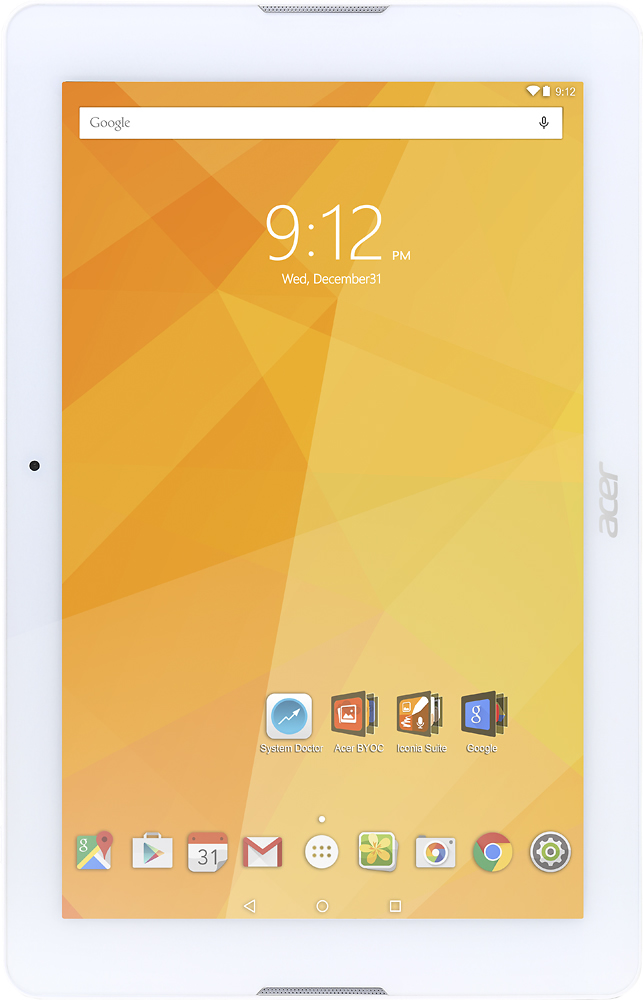
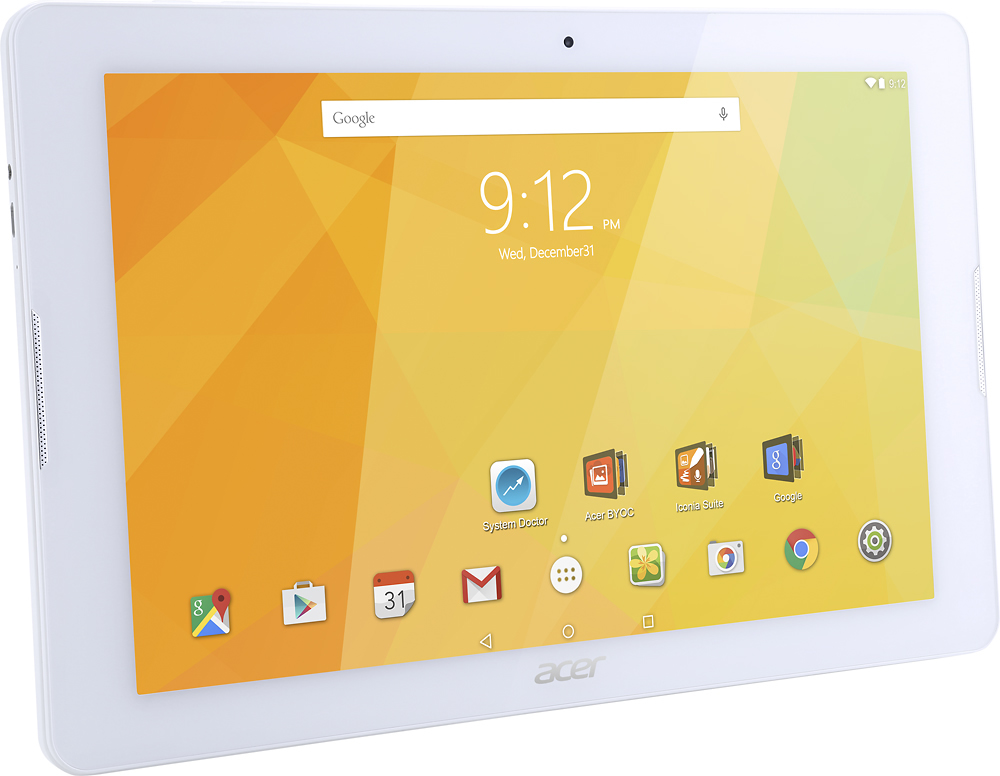
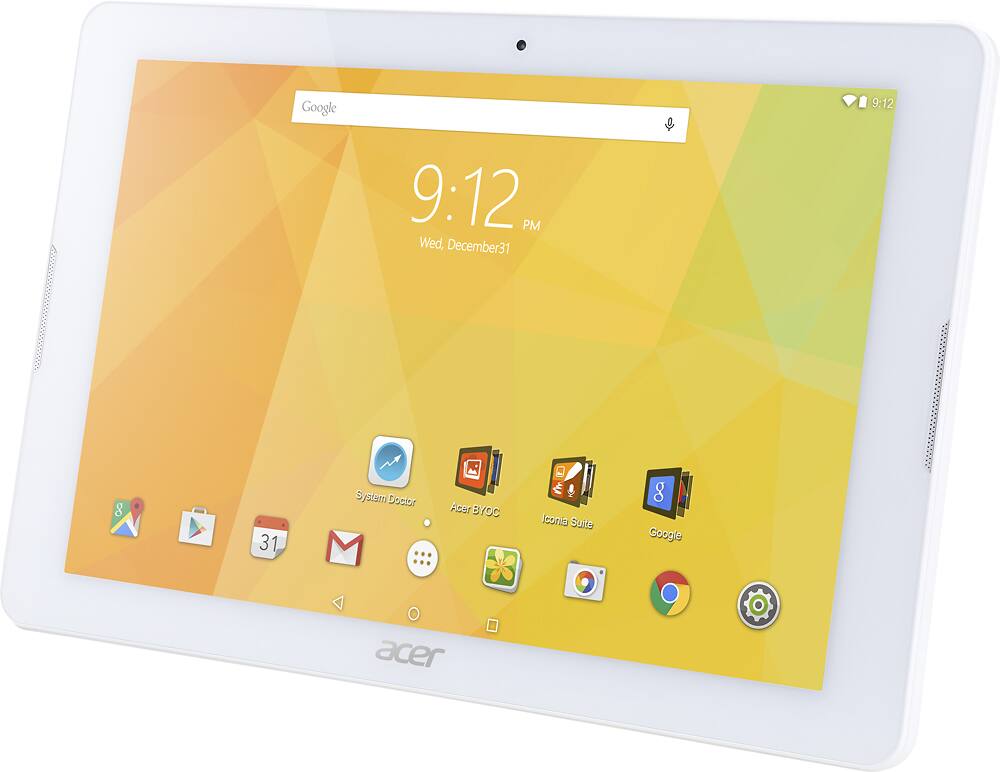
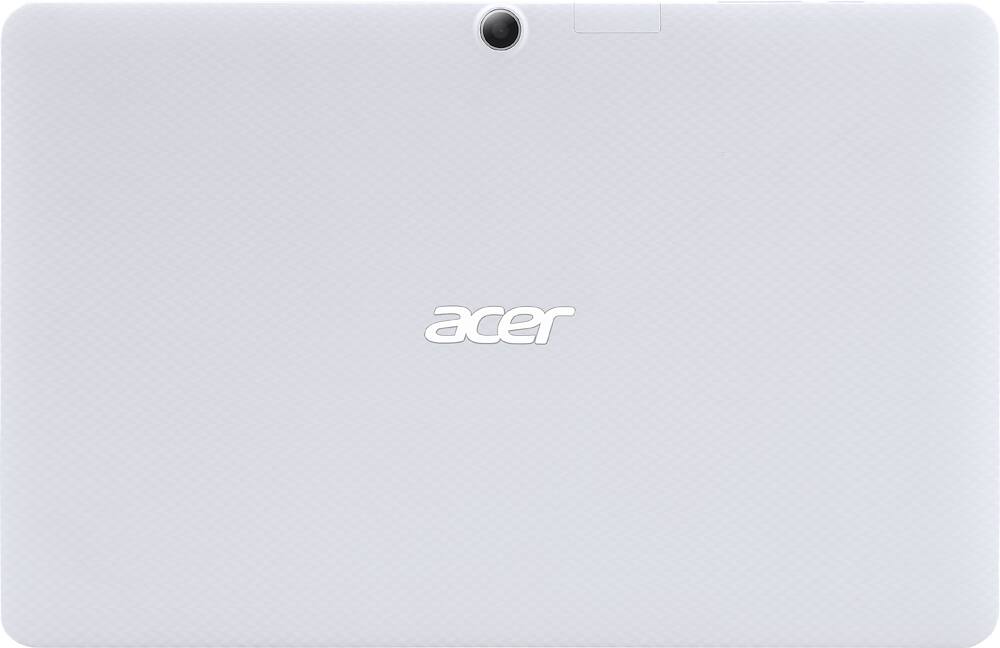
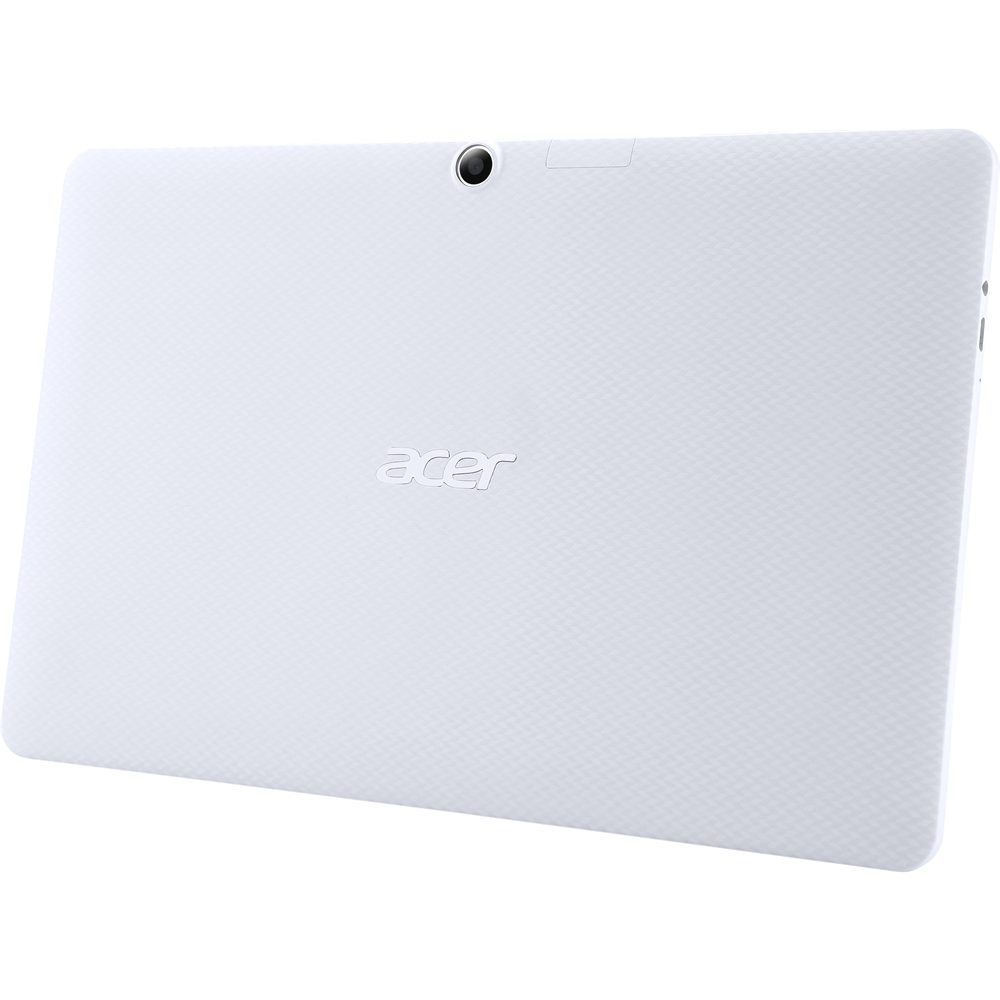
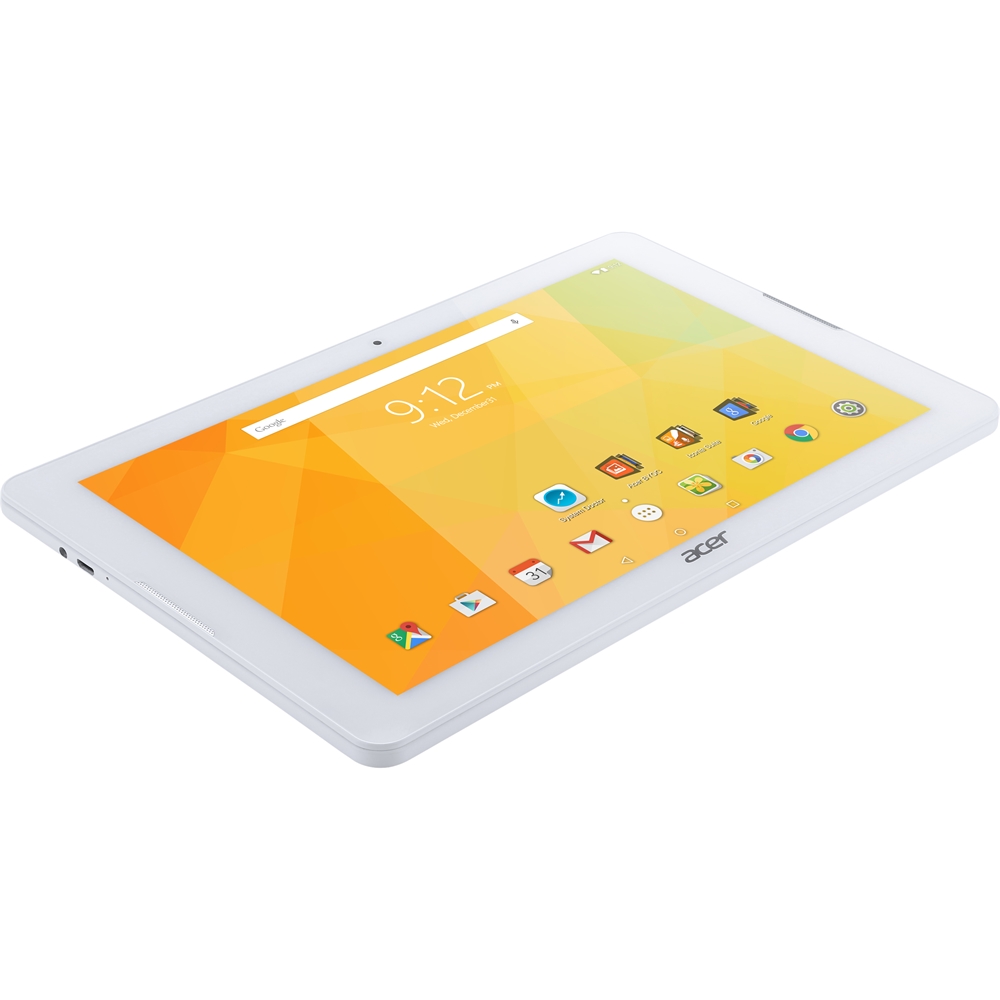
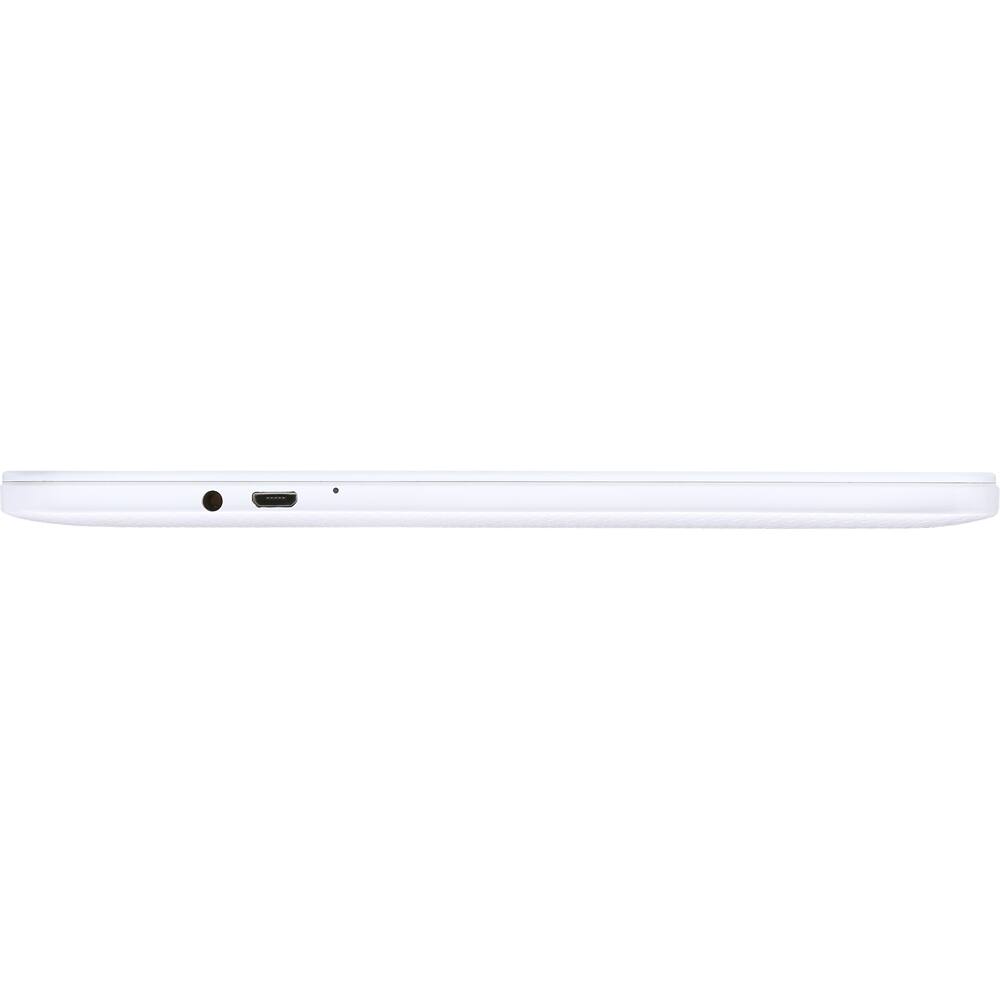
|Posted .This reviewer received promo considerations or sweepstakes entry for writing a review.Vying to grab some market share from the major tablet manufacturers, Acer produced the Iconia One 10” 32gb (B3-A20) at a low price point to attract users who do not need the bells and whistles of the top tier tablets, but still require some minimum baseline performance. The Acer Iconia One 10” does not disappoint. In fact it is surprisingly a very capable tablet for the everyday user looking for a tablet for light duty use such as browsing the web, checking e-mails, watching videos, streaming music, and playing the occasional non-graphic intensive games. Locations of Buttons, Weight, and Finish The tablet has a matte finish to the back which helps with gripping and preventing it from slipping easily from your hand. The power button, volume button, microphone, micro SD card slot are all located along the top edge of the tablet when holding it in landscape mode. Along the left edge there is the micro usb connection and the standard 3.5mm audio jack. The tablet also has right and left speakers. The specs state that the tablet weighs 1.2 lbs. but it really does not feel that heavy. The weight is evenly distributed and I did not feel tired from holding it for extended periods. Hardware and Operating System Under the hood the tablet has a 1.3ghz Mediatek MTK MT8163 chip, 32gb of storage, 1gb of RAM, a 10.1” IPS 1280x800 screen, a 5MP rear camera/2MP front camera, a micro SD slot for up to 128gb card, bluetooth 4.0, wi-fi 802.11 a/b/g/n, and a 6.1 milliamp-hr battery. It runs on Android 5.1 Lollipop operating system. Available Storage and RAM One of the first things I did after going through all the initial set up menus was to go to the system settings and check how much actual storage and RAM are available. The operating system, pre-installed apps, and system apps consume around 8gb of storage. Although marketed as having 32 gb of storage, there is only 24.35gb of available storage for the user. Additionally, out of the 1gb of RAM, only 549mb was available for use. Screen The 1280x800 IPS screen produces clear, clean, crisp images and sharp text. Also, I was able to clearly view the screen from various angles. It would be no problem for more than one person to be huddled around the tablet and still be able to enjoy watching a movie or viewing pictures together. Colors and skin tones are reproduced accurately, neither too cool (blue) nor too warm (yellow/orange). For those who are unsatisfied with the default image settings, Acer has nicely equipped the tablet with MiraVision which is a set of display tuning engines which allows you to dynamically adjust the image settings such as contrast, saturation, brightness, sharpness, color temperature, and contrast. Tune it to your liking and kudos to Acer for making these options available on a budget tablet. Finally I would like to mention that my tablet also has no edge light bleeding or dead pixels. Preloaded Apps The Acer preloaded suite of apps include (1) Acer’s Building Your Own Cloud (BYOC) suite of apps for managing, storing, and interaction with the cloud, and (2) Iconia Suite which includes useful tools such as EZ WakeUp for waking up the tablet from sleep mode and opening a default app by touching the screen, EZ Snap for simplifying screen captures, EZ Tasking for allowing two running apps to be displayed on the screen simultaneously similar to a Windows desktop environment, and EZ Note for easy note taking and managing your collections of images and thoughts. I enjoy using the EZ Tasking app the most since it allows me to have two apps open simultaneously on the screen. I can have YouTube playing on one part of the screen while I browse the web on Chrome. The screens can also be resized. Note, however, only supported apps will be able to use the EZ Tasking feature. Acer also pre-installed an app called System Doctor which is more annoying than it is useful which constantly provides notification when the tablet is low on RAM. I have simply learned to just ignore it. Also pre-loaded is the standard Google framework of apps such as Chrome, Gmail, Calendar, Google Play Store, Play Movies & TV, Hangouts, Youtube, etc. Finally, there is a Kid Center app which features filtered content and apps which are designed for young kids. Performance The tablet is very responsive to the touch. Scrolling and swiping are fluid. There is very little delay when entering text using the on-screen keyboard. Wifi connects without any issues. Web content loads fast. Apps load instantly or with only a second of delay. However, the tablet does begin to lag when multiple apps are opened simultaneously or when many tabs are opened on the browser. There were times when I had Pandora playing in the background, while using the EZ Tasking windows with five tabs opened on chrome and g-mail opened on the other portion of the screen. This overloaded the tablet resulting in the system resources automatically shutting down the Pandora music app. So to get the most optimal experience out of the tablet have no more than a few apps opened. The Bluetooth connection is robust. I had three devices connected via Bluetooth simultaneously: mouse, keyboard, and external speakers. I did not experience any disconnection while they were in use. I was pleasantly surprised at how smooth the movie streaming was. Video was crisp and clear. One of the shortcomings of this tablet is the internal speakers. The sound is tinny so only use it when you have to. On this device, audio is best experienced when using headphones or external speakers. The tablet can last me approximately 9 plus hours with a combination of web browsing and music and video streaming. There is not much to be said for the performance of the 2mp front facing and 5mp rear facing camera. They clearly lag behind the competition in image quality and feature set. Photos are grainy with excessive noise. Use your smartphone instead for taking selfies and videos. You wouldn’t normally use a 10” tablet to take photos anyways with today’s highly powerful smartphone cameras. Conclusion I think this is a great value tablet with solid performance. You get a lot of features on a full size 10” tablet for a very reasonable price. It’s a no brainer. Just don’t overtax the tablet with too many open apps and you’ll be fine. The mediocre speakers, cameras, and annoying System Doctor app are minor issues and other than that, there isn’t much more to criticize. Acer did a very good job with the tablet. I would definitely recommend giving the Acer Iconia One 10” tablet some serious consideration when shopping for your next 10” tablet. In fact I think I will be purchasing a few of these to give as gifts.
I would recommend this to a friend - Pros mentioned:Screen sizeCons mentioned:Memory
My son loves it!
||Posted .This reviewer received promo considerations or sweepstakes entry for writing a review.We headed into Best Buy to replace a Samsung Kids tablet that was too slow and out of memory. My 9 year old son saw this one and fell in love with the 10.1 inch screen size. So far, he has had no problems downloading or running games, even ones that use lots of memory like Jurassic Park and Star Wars. Now my 11 year old daughter is jealous because hers is smaller!
I would recommend this to a friend - Pros mentioned:Battery life, Processor speed, Screen size
This is a great Android based tablet
|Posted .This reviewer received promo considerations or sweepstakes entry for writing a review.So I tried this with hesitation, because I'm an Apple guy. However, I was impressed with this tablet. The speed is decent, the size is good, the weight is good, the battery life is good. If you don't want to pay the extra for an Ipad, which is over rated in many ways, this is a nice tablet. I've let my tech son play with it too and he came to the same conclusion. It is a decent tablet, at a decent price. For a cool way to do Android tablets, consider saving links to the websites you visit on your desktop vs. using apps all of the time. I'm not happy with the permission stuff Android apps all want to use, so using shortcuts to websites as icons on the desktop, will solve both issues! Again, great tablet, at a very reasonable price, and I would not hesitate to recommend this to anyone looking for a reasonably priced tablet.
I would recommend this to a friend - Pros mentioned:Ease of use, Screen size
Great tablet for anyone
||Posted .This reviewer received promo considerations or sweepstakes entry for writing a review.My grandson fell in love with this tablet. Easy to use. He had no problems using it. Good sound, clear display and easy-to-use.
I would recommend this to a friend - Pros mentioned:Screen size
A value buy
||Posted .This reviewer received promo considerations or sweepstakes entry for writing a review.A good product for the price. Screen size is good for viewing streaming programs or reading books/magazines/newspapers on the go, and at home. The 32GB of memory with the micro SD card slot guarantees there is memory to spare. Color and clarity are excellent. Especially like the trusted places feature which keeps the tablet unlocked when in use at selected locations. The cons: slightly slow response, limited availability of glass screen protectors or cases, and battery life.
I would recommend this to a friend - Pros mentioned:Battery life, Screen size
Awesome tablet for general use
||Posted .This reviewer received promo considerations or sweepstakes entry for writing a review.I bought this tablet for my 6 year old to go online and read books, watch youtube, and view toys online. It's great quality, good picture, and battery last's a long time. I usually don't buy tablets so cheap but this was a great tablet worth every penny.
I would recommend this to a friend - Pros mentioned:Battery life
Very nice tablet
||Posted .This reviewer received promo considerations or sweepstakes entry for writing a review.I've wanted a new tablet for a long time, I was ready to purchase something else when this Acer appeared on a best buy search. I read reviews, most were positive and for the price I was ready to buy. This tablet is great, huge memory, good sound, nice screen, battery life is good and this price for 32gb is awesome. The only issue I have is that "system memory low" always pops up, but it does not change the performance of games, movies, or apps.
I would recommend this to a friend - Pros mentioned:Screen size
Great for the price
||Posted .This reviewer received promo considerations or sweepstakes entry for writing a review.This is a replacement for an Insignia tablet that my youngest leaned on and broke the screen. Great picture and operation, have two XOOM tablets and no difference except this tablet was about $200 cheaper. Have had an issue with the Wi-Fi forgetting the login password to my router. Problem just started and occurs each time the tablet is charged. Selected "Advance Options" from Wi-Fi login screen, hope this holds the router password.
I would recommend this to a friend Great Android Tablet for the Price
||Posted .This reviewer received promo considerations or sweepstakes entry for writing a review.My first table was an Acer when Android tables first came out about 6 years ago. My next one was a Samsung Tab 3, very nice. I got this current Acer to use with the Tab 3, and was surprised how much it did for the price, 32GB of memory, handles micro-SD card plus more. I just use a tablet for casual stuff like reading newspaper, tracking sports, etc. The best feature of this little guy was the price, $119 on sale. It is the best value in a table I have ever seen.
I would recommend this to a friend- Pros mentioned:Battery life, Screen size, StorageCons mentioned:Ram, Sound quality
For the price this is an Excellent Value
|Posted .This reviewer received promo considerations or sweepstakes entry for writing a review.I needed a tablet for day to day activity such as email, web surfing, reading, Netflix, and social media type activity. I spend my work day sitting at a computer and don’t want to spend my entire night sitting at one just to check email, news, and what’s going on in my social circles. And I am going to be sitting around I would much rather do it from my couch. This tablet is fairly lite, portable, and can maintain a strong network connection to my home WI-FI network. The 10-inch screen is big enough for me to comfortably read my email, news, and social media threads. The screen is bright enough that I can see just fine in a well-lit room. Depending on the situation the screen can actually be too bright. But I can turn down the brightness to suit my needs. I was hoping that this tablet had an auto brightness setting like other tablets but it does not. Maybe in some future patch Acer will figure out how to use the camera to measure the ambient light and then auto adjust the screen to match. It is a nice feature to have but not required. The screen is also very colorful. I’ve found that turning the brightness up half way is a good balance between brightness and color reproduction. I tested this by loading up an application called Marvel Unlimited. It is Marvel Comics reading application. The comics looks sharp at the screen’s 1280 x 800 resolution. The colors looked good. And the tablet had no issue download each comic. The images look good and colorful. I was able to pinch and zoom each page without issues. And the tablet was very responsive as I swiped through each page. One final point regarding the screen. When I opened the box I found something unexpected. The screen had a screen protector pre-applied. That saved me $30 right there. Nice value-add by Acer. Just be careful when you pull the tab to remove the protective film. If you pull up the actual protective film, then you run the risk of pulling in dust that will ruin the pristine factory application. I made this mistake but didn’t realize it until I had already pulled in some dust under the screen. The good news is that the mistake is where I normally hold the tablet. Web surfing and social media work almost as expected. Pages load quickly. Things look as they should. The only issue I ran into is when I did a search for web images. Scrolling through images caused some rendering issues. The images, when fully rendered, looked just fine. It took five seconds on average to render each image. Five seconds isn’t a lot of time until you multiply that by the number of images you need to go through. In my case I’m doing research using an infinite number of images. Five seconds an image is a lot of time. There are a number of factors to consider here that may or may not be due to hardware performance. Unfortunately, all I can report are my actual experiences. Battery life is very good. I ran this tablet on and off for three days before it required a charge. This could be due to a quality battery on Acer’s part, the CPU the tablet is using, or some power management features built into Android 5.1. Most likely it is some combination of all three. Either way I found myself focusing more on my content than my battery charge. Which is a good thing. Some other manufacture’s may want to look at what Acer is doing here and follow suit. The cameras on this device are blah and will get you by when you need to snap a photo. You won’t be bragging about your photos but it will take them. WI-FI connectivity is really good. The device found all of my networks without any issues. And setup of the device was easy. Acer includes a wizard to get you setup both with your Google account, if you have one, and an Acer BYOC account. BYOC stands for Bring Your Own Cloud. I didn’t dig into this simple because I have other cloud services that I prefer to use over Acer’s own offering. But it is there is you do choose to take advantage of it. Can you game on this tablet? Probably. I didn’t test it simply because I am not a tablet gamer. I prefer a good old fashioned computer or gaming console for gaming. Tablet gaming is, well, great for playing a game of Risk in my opinion. But not much more than that. Netflix and YouTube worked well. Again, set your expectations appropriately. This device does have two forward facing speakers. But don’t expect Hi-Fidelity playback. The audio was ok and the video played smoothly. It’s about what I would expect from a small portable device. The storage on the device is adequate. And Acer does give you the option to add your own SD card. Which is great if you have a lot files, moves, music, or photos. The system memory is another matter entirely. Where the Icona One 10 comes with 32 GB of storage it only comes with 1 GB of system memory. I often got messages about low memory. The good news is that the Icona One comes with a utility that allows you to monitor memory and to clear or adjust the efficiency of the memory. I think Acer knows that 1 GB is not going to be optimal in all situations so they mitigated the risk via this utility. I think this will be more of an issue with a power user or a gamer. Otherwise it didn’t prove much of an issue for my daily usage. Over all my experience with this tablet has been positive. There were a few issues that I ran into that a higher end table or iPad would not have had. My opinion is if you need more power then buy more power. Just don’t make the mistake of comparing this to an iPad, the latest Samsung Galaxy Tabs, or the Microsoft Surface. The Icona is not aiming for the premium market with this tablet. But for what it is, in the budget friendly space, it is really good. Thank you and I hope you found this review useful.
I would recommend this to a friend - Pros mentioned:Screen size
Bought for my mother.
||Posted .This reviewer received promo considerations or sweepstakes entry for writing a review.purchased so my mother would have a bigger screen from her last tablet. She is not what you would call tech savvy but she has been cruising around on this tablet. I felt this was perfect for my mother for a good learning experience, also big screen little price. The only con my mother has had with it is the charger it came with. The charger seems to be poorly made and had to hold certain way to charge until I bought her a new one.
I would recommend this to a friend - Pros mentioned:Ease of use
Great tablet for the money
||Posted .This reviewer received promo considerations or sweepstakes entry for writing a review.If you're looking for a solid performing tablet for small dollars this is a good choice. Easy to set up and use with ample storage capacity for an average user. It does comes with an annoying system optimizer app, but that can be turned off.
I would recommend this to a friend - Pros mentioned:Ease of use, Processor speed
Easy to use
||Posted .This reviewer received promo considerations or sweepstakes entry for writing a review.easy to use a setup, fast enough to navigate web and read news, good product for the money
I would recommend this to a friend - Pros mentioned:Ease of use, Screen size
Great easy to use tablet
||Posted .This reviewer received promo considerations or sweepstakes entry for writing a review.Great Android tablet. Easy to use. Syncs with existing apps on smart phone. Nice screen resolution. Excellent value.
I would recommend this to a friend - Pros mentioned:Battery life, Screen size
Good Tablet, Great Price
||Posted .This reviewer received promo considerations or sweepstakes entry for writing a review.Nice screen and decent battery, fast enough for most apps and web browsing.
I would recommend this to a friend Great Tablet but Could Use a Bigger Battery
||Posted .This reviewer received promo considerations or sweepstakes entry for writing a review.My wife and I bought this tablet to replace her old Acer tablet that was running an older version of the Android operating system and was not longer compatible with many of the new apps. As this system has a current version of Android we have not found any compatibility issues. In addition this tablet has a very nice, clear, crisp display and seems to have a fairly zippy response. The only thing that keeps me from giving this device 5 stars the the battery. While it is nice that this tablet is significantly lighter than our previous one, we would have given up some of that lightness for a larger battery that would last somewhat longer.
I would recommend this to a friend- Pros mentioned:Battery life, Storage
TABLET LASTED 5 MONTHS -
||Posted .This reviewer received promo considerations or sweepstakes entry for writing a review.BOUGHT 2 OF THESE TABLETS IN AUGUST 2016. I LOVED IT AND USED IT DAILY. MY SONS SETS ON HIS DRESSER. THE BATTERY HELD UP TO THE DAILY USAGE. THE 32 G STORAGE IS NICE. I DID HAVE A HECK OF A TIME WITH THE MICRO CARD THOUGH, ENDED UP HAVING TO BUY 3 BEFORE I WAS ABLE TO GET THE TABLET TO ACCEPT IT AND FORMAT IT. (THE CARDS WERE GOOD ONES NOT GENERIC) THE DISPLAY IS SHARP AND CLEAR. IT IS FAST ENOUGH BUT COULD BE FASTER. EXACTLY 5 MONTHS TO THE DAY, THE TABLET WILL NO LONGER CHARGE. I TRIED BOTH OUR USB CHARGERS BUT STILL DEAD. ALSO NOTE THAT WE HAVE A CHARGING TABLE AND IT WAS GENLTLY PLUGGED IN AND OUT NIGHTLY NOT ABUSED. FOR THE PRICE I PAID I THINK IT SHOULD HAVE LASTED LONGER THAN 5 MONTHS. VERY DISSAPOINTED. .I DID LOOK ONLINE FOR WARRENTY INFORMATION BUT IT TELLS ME I HAVE NO WARRENTY ON THE WARRENTY CHECKER SITE.
No, I would not recommend this to a friend - Pros mentioned:Processor speed
Owner
||Posted .This reviewer received promo considerations or sweepstakes entry for writing a review.It logs on faster than I expected.It was a pretty go buy for the price.
I would recommend this to a friend - Pros mentioned:Battery life, Processor speed
Awesome for my daughter
||Posted .This reviewer received promo considerations or sweepstakes entry for writing a review.Great choice for my daughter. Fast processor and very long batter life
I would recommend this to a friend - Pros mentioned:Battery life, Screen size
Great price, perfect starter tablet
||Posted .This reviewer received promo considerations or sweepstakes entry for writing a review.Bought this to eplace an iPad for my nine year old son. Operates all the normal aps like Mine craft and Youtube. Everything works great. Large screen and good battery life. Perfect for a child or someone who just needs a tablet for basic functions.
I would recommend this to a friend