Customer Ratings & Reviews
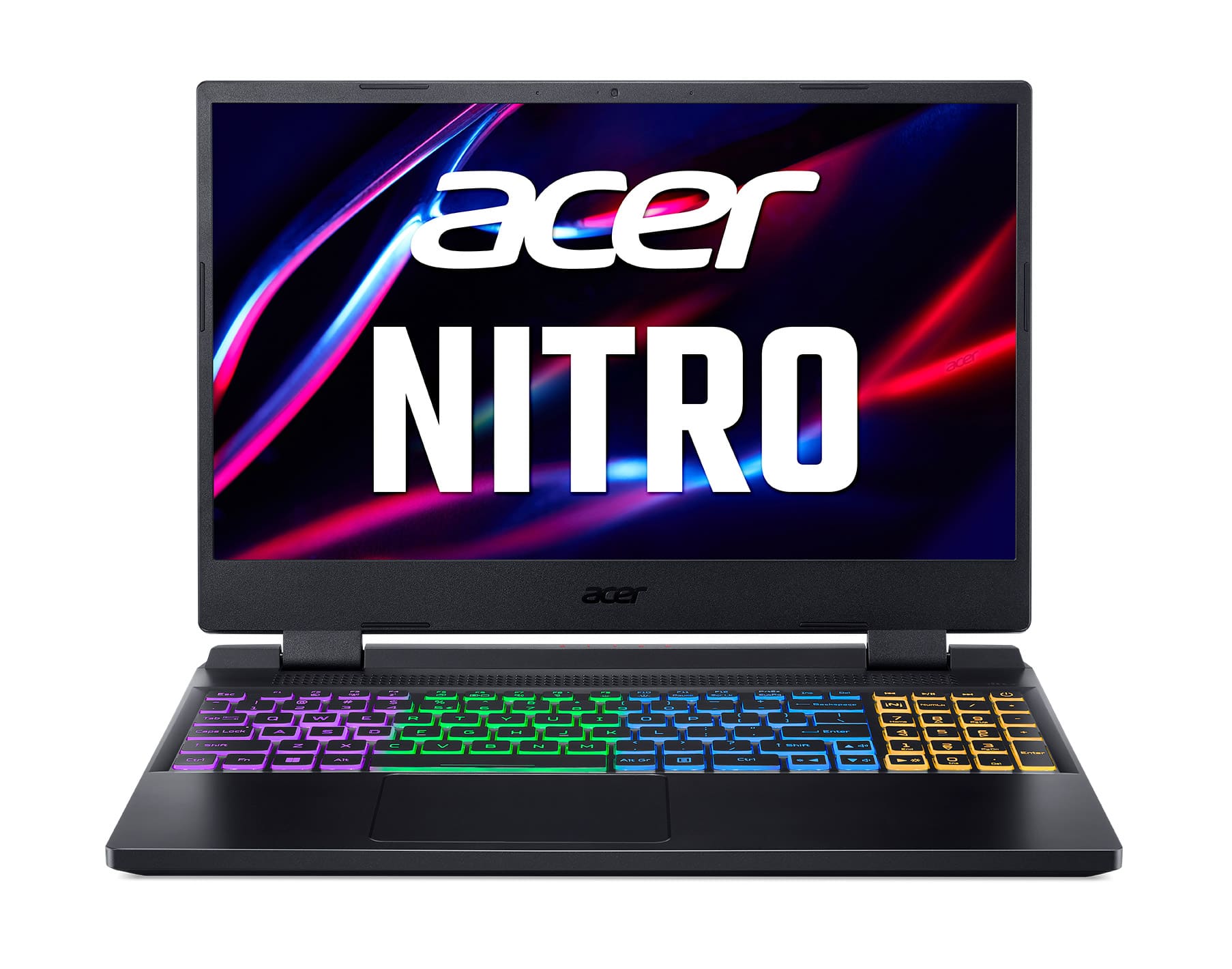
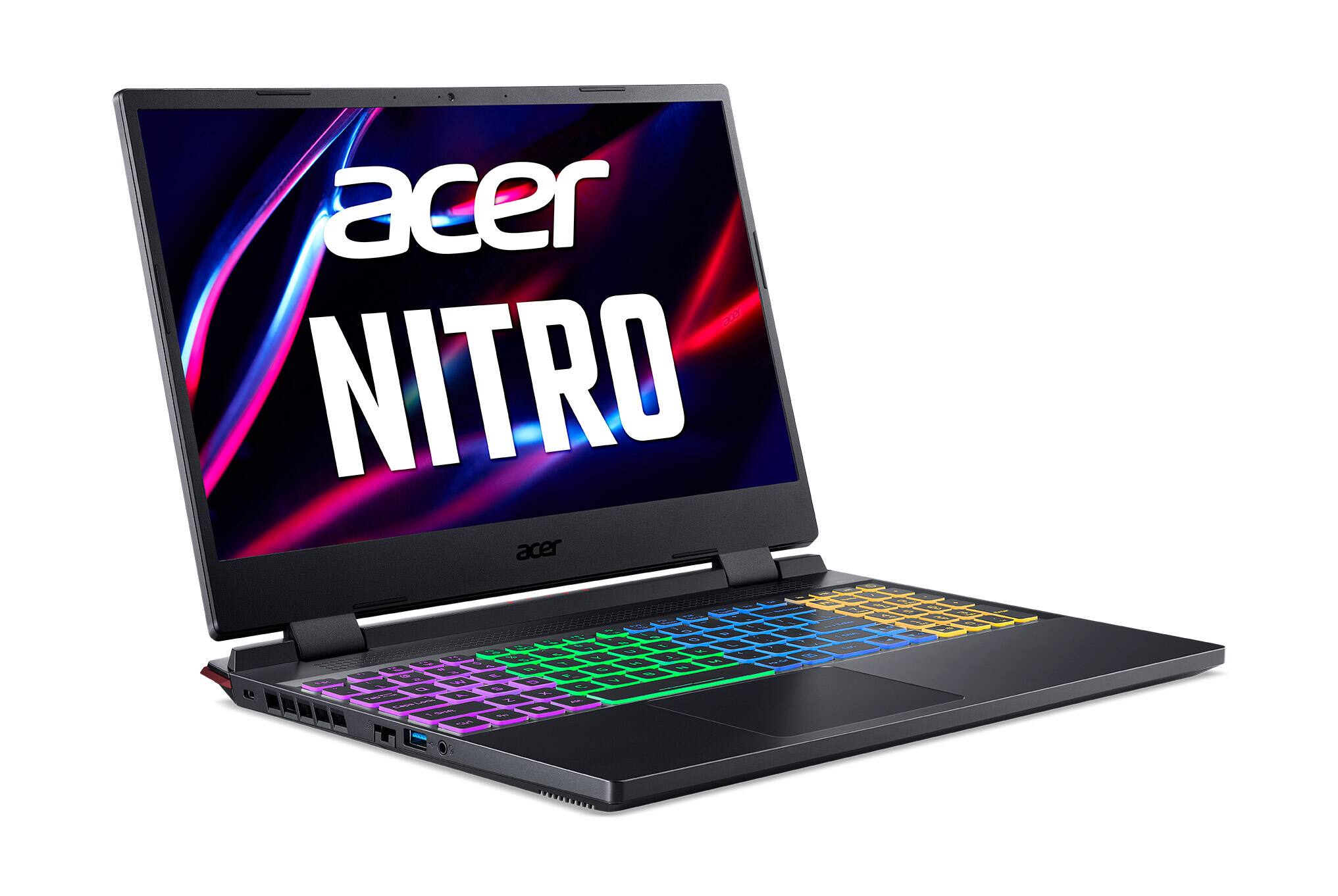
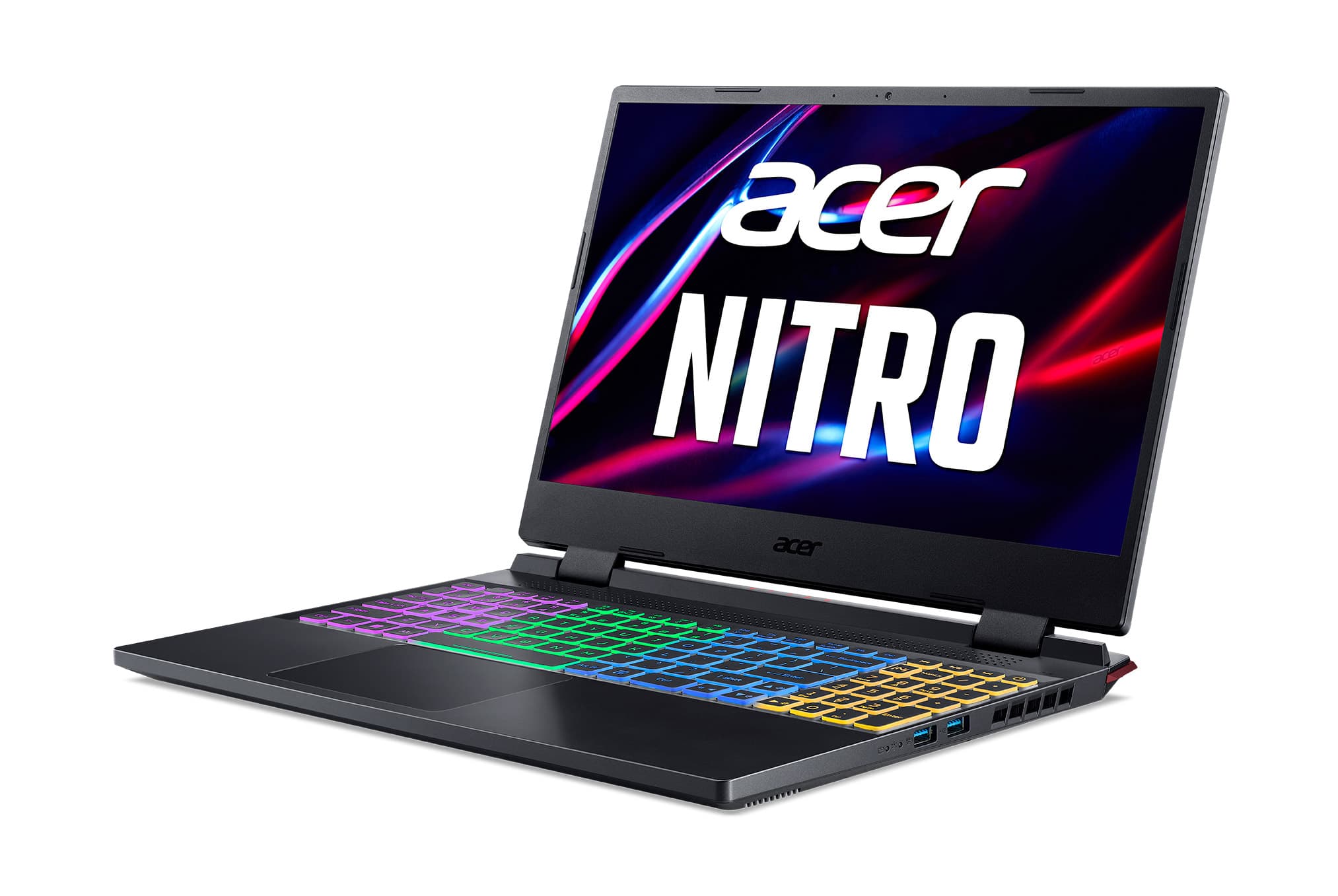
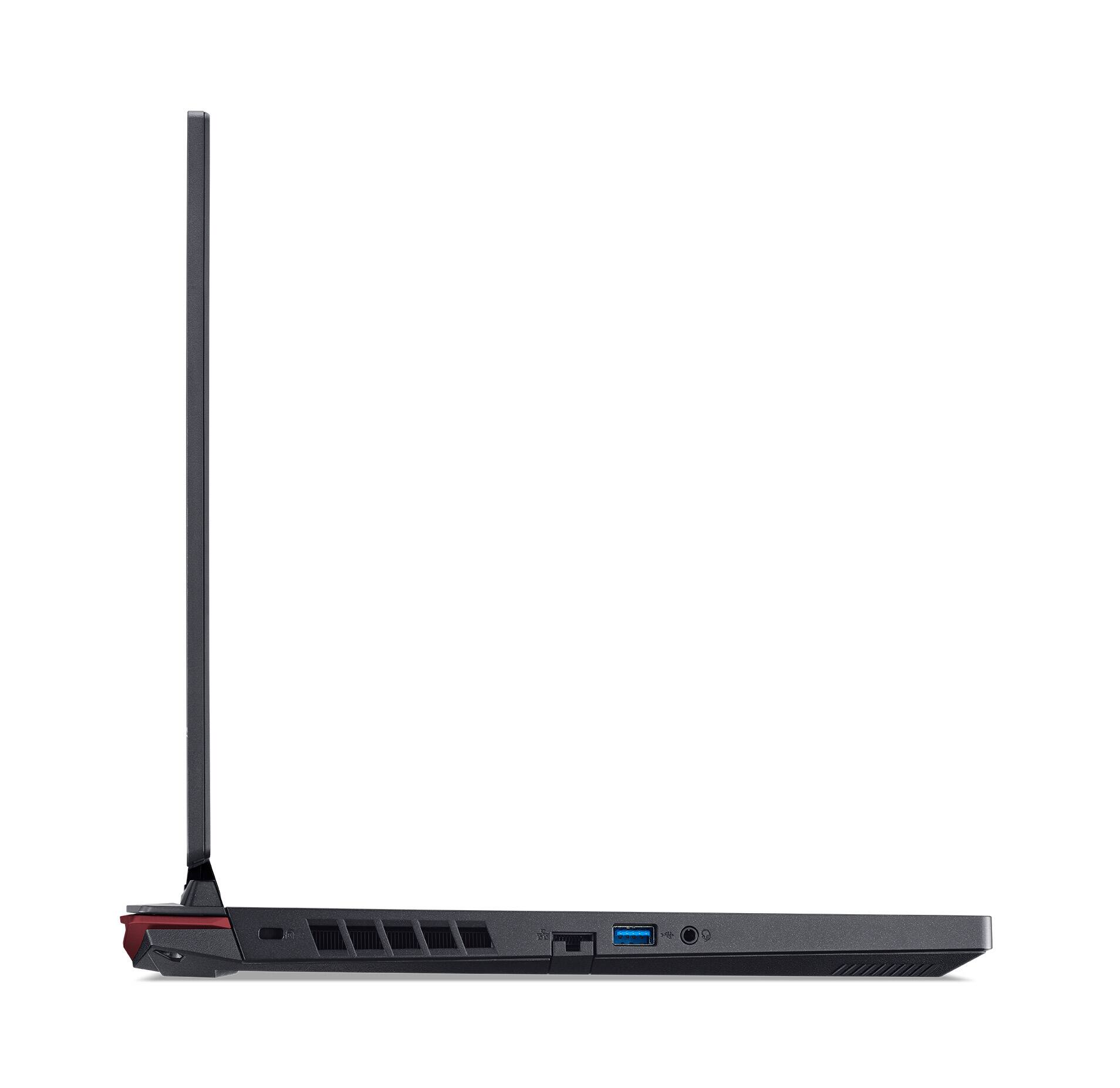
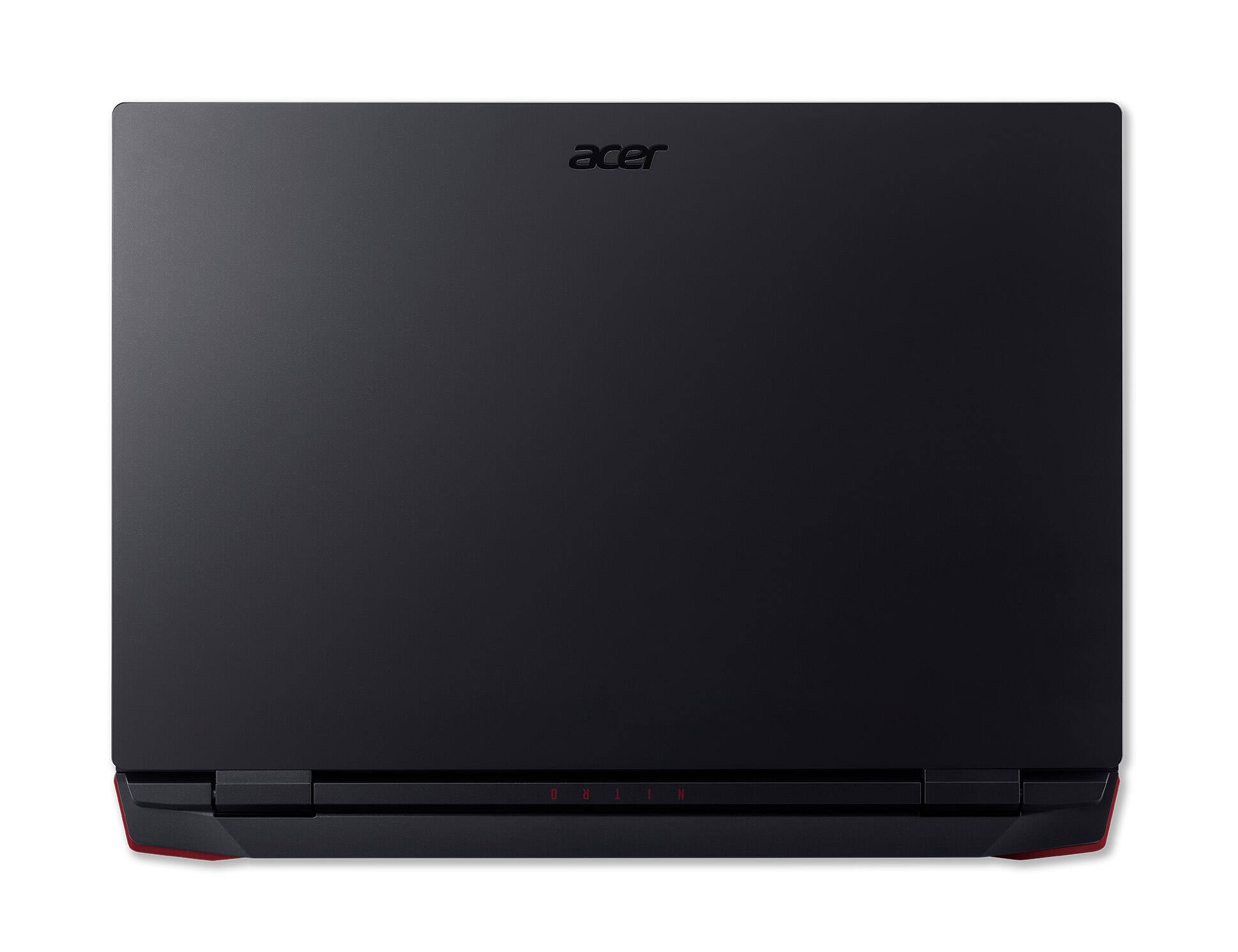



- Model:
- AN515-58-5046
- SKU:
- 6504566
Rating by feature
- Battery Life
Rating 4.0 out of 5 stars
- Speed
Rating 4.7 out of 5 stars
- Display
Rating 4.7 out of 5 stars
Customers are saying
Customers enjoy the Nitro 5's performance, graphics capabilities, and backlit keyboard. Positive feedback also highlights its price, display, and storage options, along with its sturdy build. However, some users note that the battery life could be improved, and that the fan noise and heat generation are potential drawbacks. The weight of the laptop and the sound quality of the speakers also received some negative comments.
This summary was generated by AI based on customer reviews.
- Pros mentioned:Speed
Great laptop
||Posted . Owned for 2 months when reviewed.This reviewer received promo considerations or sweepstakes entry for writing a review.Great computer its fast and great picture. Ill probably add more memory but sounds easy by what others have said.
I would recommend this to a friend - Pros mentioned:Performance
Solid Gaming/Editing Laptop
||Posted . Owned for 3 months when reviewed.This reviewer received promo considerations or sweepstakes entry for writing a review.Super handy laptop, I do alot of editing with adobe products and it can actually handle having multiple programs open without crashing! Able to run Fortnite, Overwatch, Sims 4 (With mods too) without getting too slow which is a bonus (Also cat approved)
I would recommend this to a friend acer nitro
||Posted . Owned for 1 month when reviewed.This reviewer received promo considerations or sweepstakes entry for writing a review.at first i think it is laggy because it is a cheap price but it runs pretty smooth
I would recommend this to a friend- Pros mentioned:Speed
Andrew Walther, Grimes, Iowa
||Posted . Owned for 1 month when reviewed.This reviewer received promo considerations or sweepstakes entry for writing a review.Well built & was a good price. Fast processor & beautiful resolution!! Would definitely buy again!!
I would recommend this to a friend - Pros mentioned:Graphics, Ram, SpeedCons mentioned:Battery life

POWERFUL, OLD RAM, POOR DISPLAY
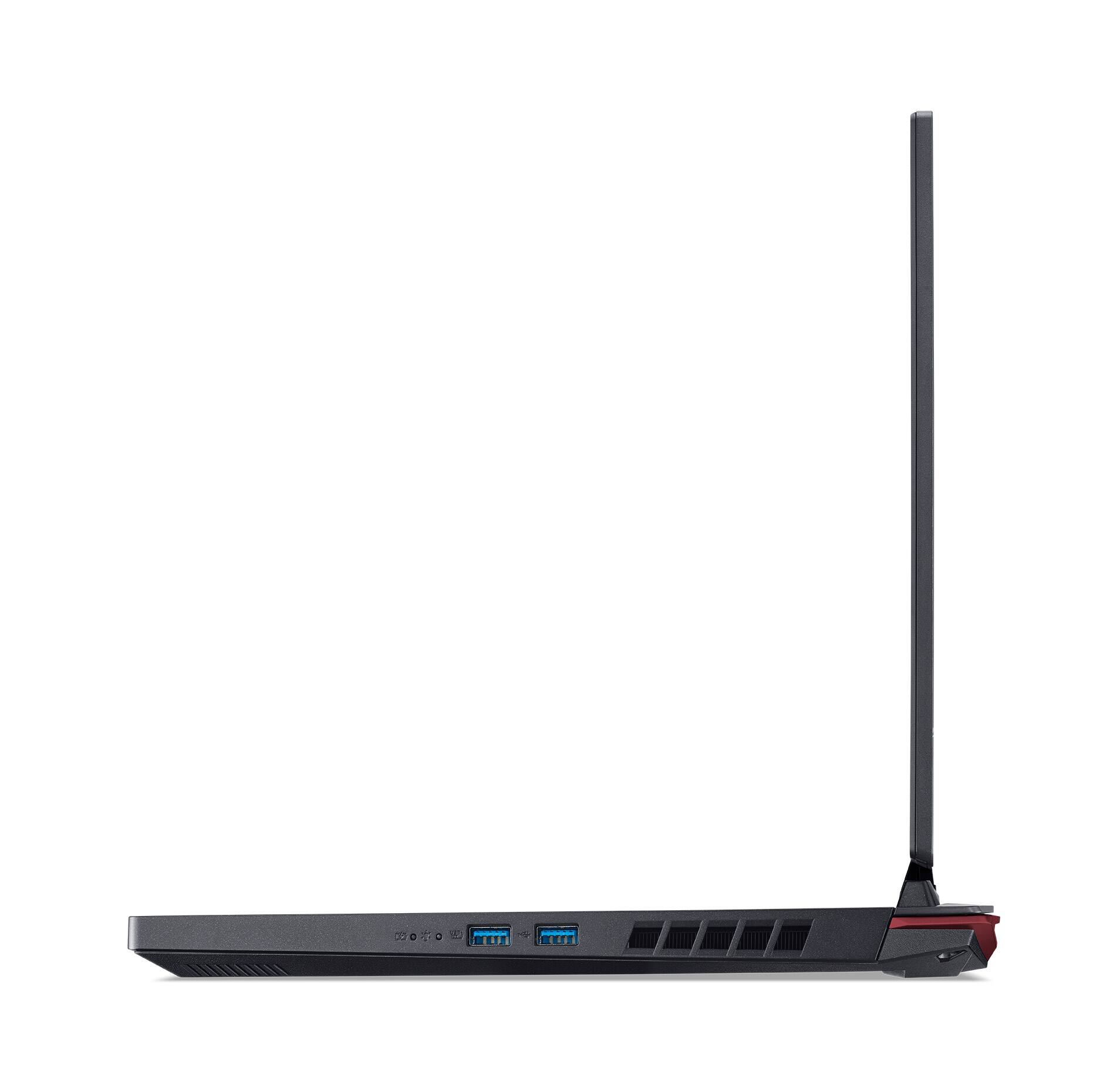
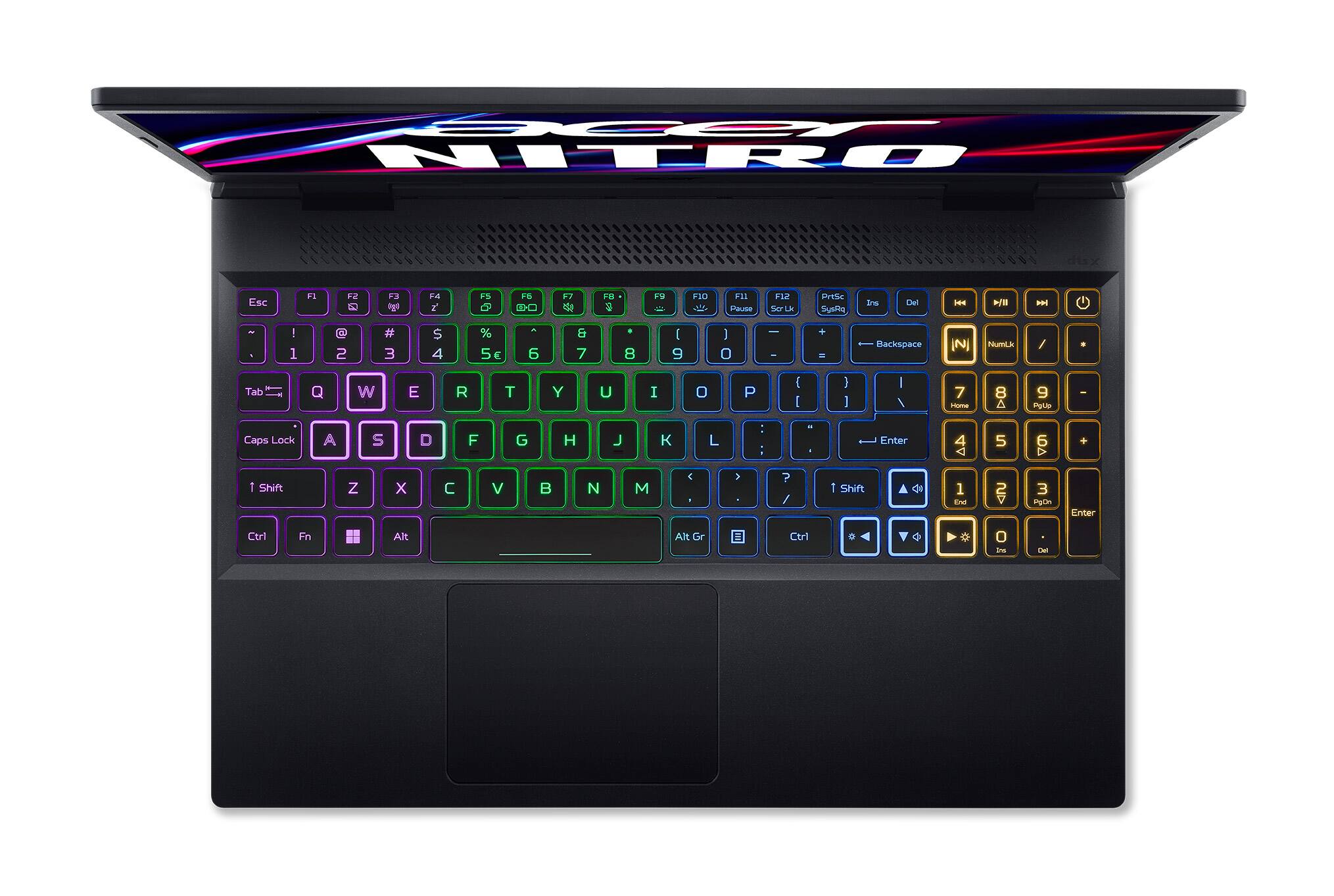
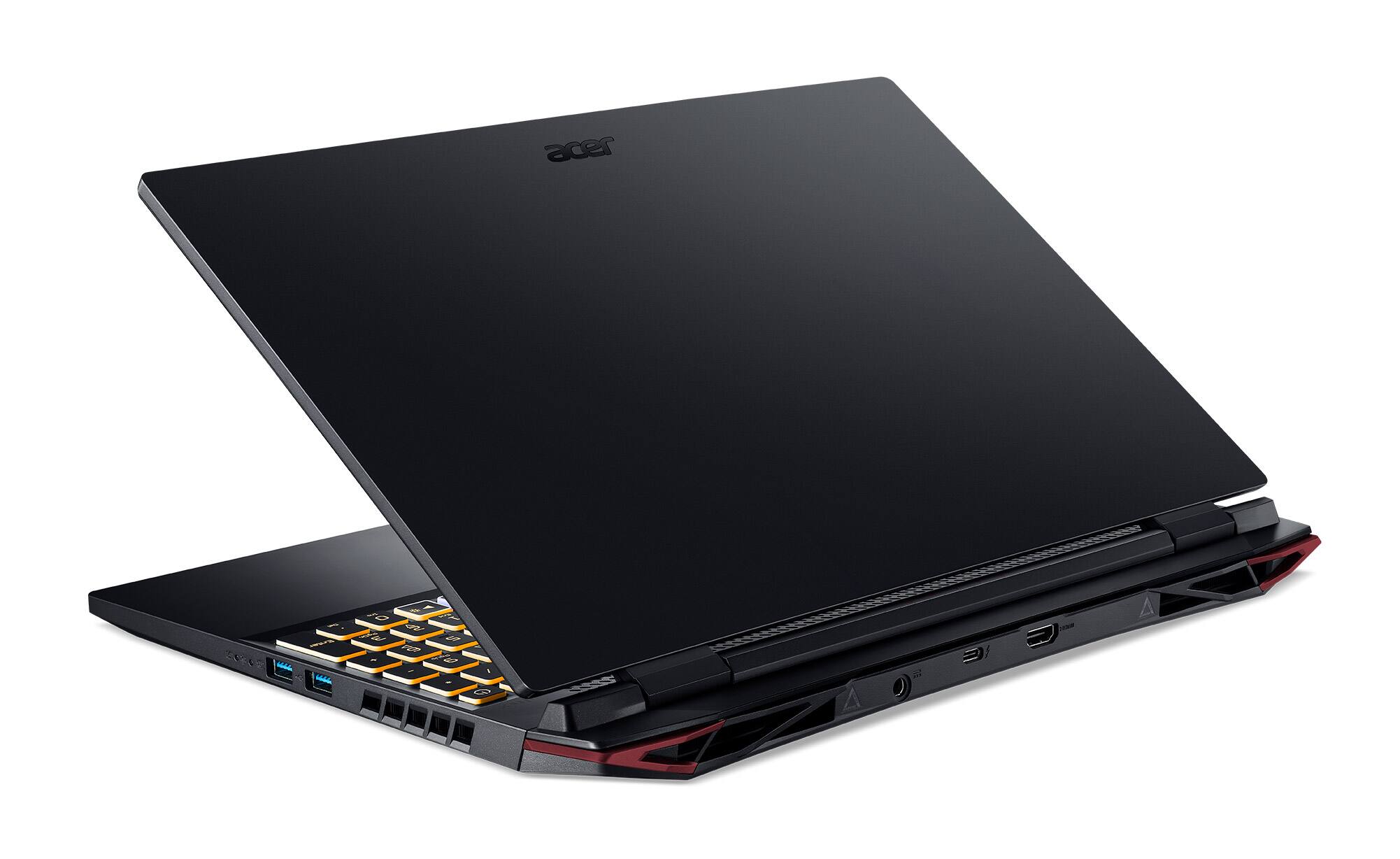
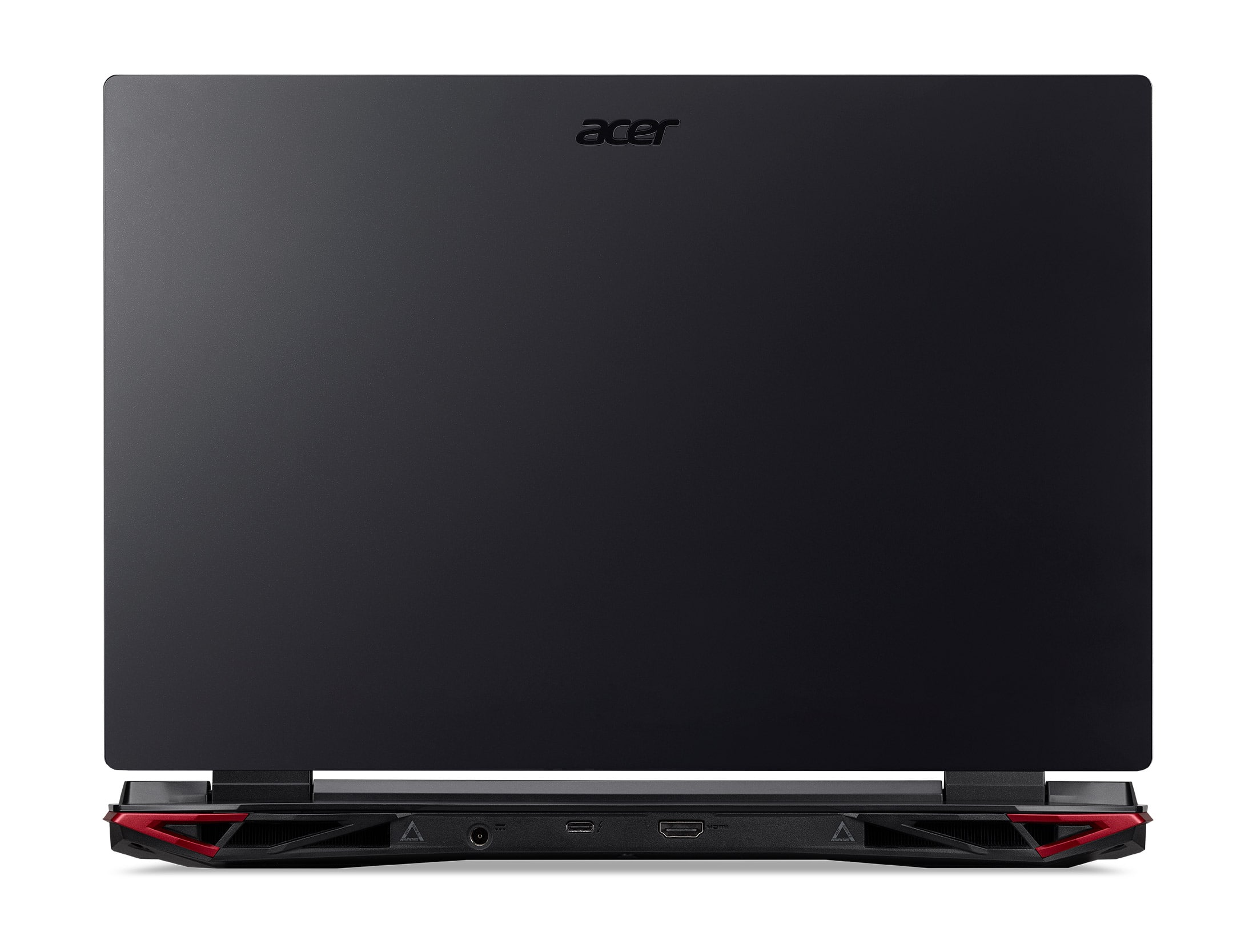
|Posted .This reviewer received promo considerations or sweepstakes entry for writing a review.INITIAL SET-UP AND CONFIGURATION This is one of the first Acer products I’ve received that didn’t give me any hiccups during the initial set-up and configuration. Although, I admit I was a bit concerned upon initial power-up as the keyboard lighting appeared to be stuttering and flaky, but alas it started up without issue. As with most computers, a bios update was available. After downloading all the latest Windows 11 drivers and updates, I installed the firmware aka bios update. Fingers crossed, it installed, and the laptop rebooted with no issues. Awesome. For those hoping for a clean, unaltered version of Windows 11, you will be disappointed. Acer has packed several bundles and trials on the machine. Some are not a big deal and are easily deleted, some are more intrusive, like Norton. I methodically went through and uninstalled any unwanted programs, attempting to get as close as possible to a clean Windows 11 installation as possible. SPEC HIGHLIGHTS Acer has installed the latest 12th generation Core i5 processor from Intel. It has a total of 12 Cores and 16 Threads. Because this is an Alder Lake based chip, it is divided into 2 sections, performance cores and economy cores. This chip, the Core i5-12500H, has 4 Performance Cores with Hyperthreading, and 8 Economy Cores without Hyperthreading. This is matched to an nVidia GTX 3050Ti graphics card with 4GB of GDDR6 VRAM The laptop contains 16GB of 3200MHz DDR4 RAM, along with a 512GB Micron 2400 NVMe SSD. Port selection includes: a full-size HDMI 2.1 port, 1 USB 3.2 Gen 1 Port, 1 Thunderbolt 4 Port, 2 USB 3.2 Gen 2 Ports, and a gigabit Ethernet port, along with the headphone/mic jack. The Nitro also includes Intel’s “Killer” Wi-Fi chipset featuring the latest 802.11ax (not 802.11axe) and Bluetooth 5.2 connectivity. GAMING Like all my gaming PC’s, my favorite go-to testing games are Forza and Call of Duty Warzone. While they probably aren’t the favorite of many users, I enjoy playing them. A nice break from the real world. Downloading Forza 5 was a handful. It measures in at a whopping 111GB. Wow!!! One game alone takes up over 20% of your available hard drive space. Once installed I ran the built-in benchmarking utility. The AI took over and ran a full 3 minute, visually demanding race. At the conclusion, it returned its recommended results of Full HD (1920 x 1080) resolution, 144Hz refresh rate, and a visual setting at High. This combination returned an average of 72fps and was very smooth during playback. Hmmm. Not being content with “High”, I tweaked the settings to Ultra and re-ran the benchmarking utility. Ultra-settings returned and average of 41fps and things were no longer as smooth as I had hoped. Hmmm. I was hoping for more. OK, time to queue up the MSI Afterburner software to monitor the laptop in real-time and see what’s going on. MSI reported 100% CPU utilization with only a 31% GPU utilization. How could a laptop be this CPU bound? The limiting factor appears to be the 4GB of GDDR6 VRAM. With only 4GB on the card and 8GB shared (that is ½ the laptop’s total installed RAM), the CPU is playing over time filling up VRAM and swapping between VRAM and system DDR memory. The Nitro needs more VRAM on the graphics card. Forza frequently warned me of low graphics memory. Call of Duty Warzone played much better than Forza. Using the 2nd highest settings available (though downloading the texture packs), the laptop was running a consistent 120fps. Images were smooth and clear. Performance rarely dipped lower than 100fps even during some the most demanding scenes. However, making tweaks to improve details and objects, quickly took me past the available VRAM and into the shared RAM zone, prompting numerous warnings. One huge benefit is that MSI reported a very low CPU and GPU utilization rate. Both averaging somewhere in the mid-30% area. GREAT. Because of the low utilization fan speeds were kept low and were not obnoxious and loud like by 9th Gen Nitro is. A HUGE IMPROVEMENT!! COMPUTE POWER I have no complaints of laptop’s compute power and thermal management. Acer redesigned the cooling system of this laptop compared to my 9th Gen unit. The differences are impressive, and this laptop much more capable than my 9th Gen with less CPU resources. While it is loud at full fan speed, my 9th Gen Nitro is way louder and Acer should be commended on lowering the overall noise level of the Nitro line. The 12th Generation Intel processors have a lot to offer. They are vastly more powerful than their ancestors. My favorite way to test raw CPU power is using Handbrake and transcoding video. Thumbing through a folder of home videos, I found one that was 29:55 in length, which I had recorded in full HD (1920 x 1080) at 30fps and measured in at 2.9GB. I used Handbrake to transcode the video from 1080p to 480p / 30fps standard definition. Using only the CPU for transcoding, I set up Handbrake on 3 different machines to test performance. I compared this Nitro 5 to my 9th Gen Nitro 5 i5-9300H (Core i5 with 4 Cores and 8 Threads, and to a new HP Omen laptop with a Ryzen 7 5800H (8 Cores and 16 Threads). How much power does Intel’s new Alder Lake processors have? They embarrass the competition and their ancestors. The encode times are below: Nitro 5 (Core i5-12500H): Avg FPS: 130.8 Time: 6:56 HP Omen (Ryzen 7-5800H): Avg FPS 82.7 Time: 10:52 Nitro 5 (Core i5-9300H): Avg FPS: 43.7 Time: 20:32 NEGATIVES The most disappoint part of this laptop is the screen. For anything other than basic email and surfing, it stinks. It is only able to reproduce about 60% of the available color spectrum. Because of this, games and movies look dull and boring. Content creators need look elsewhere as the limited RGB range of the panel makes it unsuitable for this type of work. To be fair to Acer, what limited range of colors it can produce, it does so accurately, but there is just too much left on the table. Acer also let us down when it comes to the NVMe drive and system RAM. The NVMe drive is a Micron 2400. While it does support the latest Gen 4 interface, the overall drive performance is just average. The drive’s performance could be caused by the fact the drive quickly thermal throttles during testing. Benchmarking quickly shot temps to 70C, the upper limit on thermals, causing the drive to slow for self-preservation. None of my other drives exhibited the inability to shed heat like the Micron drive. The Micron NVMe drive couldn’t keep its cool even with the heat sinks built-in to the bottom of the Nitro 5’s case. By comparison, installing a Crucial P3 drive and stress testing it in this laptop netted a maximum temperature of 54C, well below max. The system RAM is my next complaint of the Nitro 5, especially when you compare it to the Nitro 5 available with the Ryzen processors. Why? Because the Nitro 5’s with Ryzen processors come with the latest DDR5 RAM. For whatever reason, Acer chose to give the Intel based Nitro 5’s DDR4 RAM. This is a significant mismatch, and this is now the only laptop I have with a 12th Gen processor and DDR4, all others have DDR5 and perform significantly better. Lastly is the pitiful battery life. I’m not sure what kind of luck other users are having with their Nitros, but I’m only getting about 2 hours of battery life. That 2 hours is best case, with a moderate screen brightness and just basic use like emails and surfing. I popped the back of the laptop off to look at the battery, and it looks like Acer combined 2 smaller batteries together into 1. There is a definite seam in the middle of the pack where there are no cells. These 2 small batteries can’t keep up with the power demands of the laptop and video card. Make sure you bring your charger. CONCLUSIONS The Acer Nitro 5 represents a decent value for a gaming laptop. It is not without its faults, as no products are. Open one up and give it a go and you will immediately be able to tell where Acer cut corners to keep costs down. The display is average, at best, and the laptop feels considerably cheaper than many of its competitors. Quite honestly, if I were to sit this laptop next to my 9th generation, I would be hard pressed to tell any difference between the 2. If it wasn’t for the different keys on the keyboard (The new Nitro has 4 zone RGB lighting, the older Nitro has all red keys) I wouldn’t be able to tell a difference. Aside from the poor decision to use DDR4 RAM, Acer made the most of where it counts in a laptop. They packed in an impressively powerful CPU and GPU combo along with excellent Wi-Fi 6 performance. One nice thing about the Acer that can’t be said about many of its competitors is the upgradeability. The Nitro has room for a 2nd NVME drive and / or a 2nd 2.5” SATA drive as well as the ability to to swap out RAM for up to 32GB. Nice. I wish all laptops were this easily upgradeable. I’m looking at you Asus. The easiest way to defeat many of this laptop’s shortfalls is to just use it with a high-quality external display. That will eliminate many of the complaints with the machine and will give the user a markedly improved experience. Even so, I still give this laptop 4 stars and a recommended BUY rating. It strikes a decent compromise between price vs performance. RECOMMENDED
I would recommend this to a friend - Pros mentioned:Keyboard
Acer nitro 5
||Posted . Owned for 1 month when reviewed.This reviewer received promo considerations or sweepstakes entry for writing a review.Great framerates very nice keyboard and amazing dual fans
I would recommend this to a friend Best computer ever!
||Posted . Owned for 6 months when reviewed.This reviewer received promo considerations or sweepstakes entry for writing a review.I have had this computer for almost over a year and I love it. At one point i spilled water on it and it ended up shutting down, yet 2 or 3 days later it was working as if I had just gotten it from the store again. I love this computer and will never get rid of it!
I would recommend this to a friend- Pros mentioned:Graphics, Keyboard
This thing blew away my expectations
||Posted . Owned for less than 1 week when reviewed.This reviewer received promo considerations or sweepstakes entry for writing a review.Veey good laptop, it has played everything ive asked it to play including star citizen on high and 1440p. Nitro sense is also great at telling you info about the fans and temperatures. It also controlls the light on the keyboard
I would recommend this to a friend Love you BestBuy!
||Posted . Owned for 1 month when reviewed.This reviewer received promo considerations or sweepstakes entry for writing a review.The best windows laptop I ever had. Also I want to give shout out to BestBuy in store staff, the manager was super cooperative and spend a lot of time to get my query resolved.
I would recommend this to a friendGood laptop at a decent price!
||Posted . Owned for 3 weeks when reviewed.This reviewer received promo considerations or sweepstakes entry for writing a review.Great computer. Got it for my daughters birthday and she just lives it. You can play a lot of games and it’s not extremely expensive so it won’t break the bank.
I would recommend this to a friendWould recommend
||Posted . Owned for 1 year when reviewed.This reviewer received promo considerations or sweepstakes entry for writing a review.Overall really great starter pc! Runs most xbox game pass games with no problems and has always loaded things very quick!
I would recommend this to a friendPhenomenal for the price
||Posted . Owned for 1 week when reviewed.This reviewer received promo considerations or sweepstakes entry for writing a review.I love it! Power house for the price very happy with it soo far.
I would recommend this to a friend- Pros mentioned:Keyboard, Performance, Ram
ACER GOOD SURPRISES INSIDE – TB4, GEN4 NVME, FAST
|Posted .This reviewer received promo considerations or sweepstakes entry for writing a review.MODEL REVIEWED ACER - NITRO 5 - 15.6" FHD GAMING LAPTOP – INTEL CORE I5 – NVIDIA GEFORCE RTX 3050 TI - 16GB DDR4 - 512GB GEN 4 SSD - BLACK MODEL:AN515-58-5046 HEADLINE: ACER GOOD SURPRISES INSIDE – TB4, GEN4 NVME, FAST CPU OVERVIEW The ACER - NITRO 5 - 15.6" FHD GAMING LAPTOP continues to impress and surprise me. It has been a long time since I’ve used systems from ACER and I’m happy to own one again. I could tell right away that ACER was going for something a little different, from the moment I opened the box. The computer was enveloped in its own protective cover. There were included parts for adding a second internal drive. The hinges are well positioned and balanced so it does not fall off of your lap. Next, I started testing. Wait, is that a PCI Gen 4 NVME Drive? – YEP! Hold up, is that a real Thunderbolt 4 port? – SURE IS! Is that screen 144Hz refresh rate? – Of course. How fast is that new 12th gen I5 – WOW, OK you have my attention. This is not a typical “entry level” gaming laptop. The ACER - NITRO 5 - 15.6" FHD GAMING LAPTOP is a performance-oriented entry level gaming laptop. If that makes any sense. I feel that ACER’s approach was “how much can I cram into a laptop at this price point?” vs. some other makers which might see “how little can I get away with at this price point?”. So, what is holding it back, from moving up from entry level to mid-range? Mostly, the only weak point is the GPU, which is a 3050-TI with 4GB of VRAM. Don’t get me wrong, this is great value GPU and can drive most of your top games at 1080p, but the 4GB of VRAM means you are playing at low or medium settings to get decent frame rates. (depending of course upon what games you are playing). In Cyberpunk 2077 at Medium Presets, I can get about 40 FPS 60 FPS on low settings. Which is OK. SETUP The setup was a straight forward windows 11 setup experience. It drives me crazy that it takes hours and hours to go through the update and reboot process, but that is the way things are today. There is a little bloatware, but easy to ignore and uninstall. Acer tries really hard to upsell various services, but just answer no or skip and move on. Later you can remove the various bloatware apps with uninstall. I like the NITRO button to bring into the control center, lights, fans, etc. OVERALL USE AND FEEL The keyboard is pretty good the keys seem a little oversized (I did not measure, just an impression), and soft pressing, but good feeling. ACER decided to move around some function keys, but nothing too bad. For example Keyboard Brightness is where I usually find Screen Brightness. Not a big deal. PERFORMANCE: Here is where the ACER - NITRO 5 AN515-58 really shines. • RAM 16 GB DDR4 3200Mhz • STORAGE NVME GEN 4 – 6500 Read / 4000 Write (WOW) • Screen 144Hz Refresh Rate (IPS Panel) • 3 USB Gen 3.2 Gen 2 Ports • Thunderbolt 4 Port (with Display port pass through) • PASS MARK CPU = almost 23K SUMMARY At this price point, the ACER - NITRO 5 AN515-58 is the best performing entry level laptop I’ve tested. The only thing holding it back from being fully “mid level” in my mind is the use of a 3050 TI GPU instead of 3060 GPU. Still overall at this price point, I don’t think they could add anything additional and still keep that “entry level” price. I think this would make great High School or College back to school laptop with overall top every day performance, and good graphic performance for CAD, VIDEO Design, or Medium Gaming. Video Review: https://youtu.be/LI_-y3lwcno
I would recommend this to a friend - Pros mentioned:Graphics, Keyboard, Speed
You’ve read the specs, now see how to REALLY runs.
|Posted .This reviewer received promo considerations or sweepstakes entry for writing a review.tl;dr It runs great! Acer thought about what people really want with a budget priced gaming machine. They still want good graphics - Check. They still want a color changing keyboard - Check. They still want a fast display - Check. They’re just not looking for a high price - Check! What are you giving up with a budget gaming laptop? Storage space, speed. Acer started with NVidia’s discrete graphics and 4GB of dedicated memory. They added a 12th Gen i5 and 16GB of RAM. The main board supports NVMe Gen 4 and includes a 512GB SSD stick which gets up to 5Gb/s read speed, 40% faster than the max Gen 3 speed of 3.5Gb/s. The drive is about as fast as you can get on a consumer device these days. In testing with a couple of benchmark apps, the promised speed was born out. Do you need the storage? There’s room to expand inside the cover. Either a 2nd SSD, a 2.5” hard drive, or both can be added to the base unit. Acer included a laptop hard drive cable and space inside the case for it. Without expansion, the included drive can only hold 3-4 games. For those games that it holds, the play is nice and fast. On Forza, I was able to get 70+ FPS on high graphics vs 38 FPS using my friend’s Dell G15, which has only Gen 3 drive support. My friend’s machine has an i7 processor and the same graphics processor, so it seems like the storage drive may be the difference. Upgrades are fairly straightforward. There are a lot of screws on the bottom of the case to keep everything solidly in place. However, they’re all about the same size and none are hidden under feet or stickers like I’ve found on some ASUS machines. I found a small wedge was useful when popping the case open after loosening the many, small phillips head screws. Both the memory and storage were easily accessible without taking out any other components. If you need to go beyond the purchased specs, you can do so without having to replace all that you’ve invested in. I have a Razor docking station which supports Thunderbolt 4 which meant I could charge the laptop at the same rate as the native charger while also playing on my larger screen…all through the same cable. My mouse and keyboard were driven off the docking station as well leaving me with a single cable connection to turn the laptop into a desktop machine! When not connected to the dock, the built in keyboard is very comfortable in addition to having some nice color changing customization. There’s enough key travel to make it feel close to a desktop keyboard, but you still know it’s a laptop. The key caps are soft which makes it comfortable to use for long periods of time. Overall, this is a great machine for those looking for an affordable option to play a few games with room to grow in the future.
I would recommend this to a friend Would Recommend
||Posted . Owned for less than 1 week when reviewed.This reviewer received promo considerations or sweepstakes entry for writing a review.Such a great buy, I regret absolutely nothing! I love being able to change the keyboard lights. I am so in love with this purchase!
I would recommend this to a friendWaste of money
||Posted . Owned for 1.5 years when reviewed.This reviewer received promo considerations or sweepstakes entry for writing a review.Worked great for about a year then it froze and never turned back on
No, I would not recommend this to a friend- Pros mentioned:Keyboard, PerformanceCons mentioned:Battery life, Fan noise
Paulc
||Posted . Owned for 2 weeks when reviewed.This reviewer received promo considerations or sweepstakes entry for writing a review.I have been using this laptop for a week and honestly find it pretty good. I went through a lot of reviews before making my decision and wanted to add my own for anyone thinking of buying this. PROS: -The screen is really vibrant. I haven't noticed any screen bleed or dull colors and the refresh rate is great. -The laptop stays very cool* under heavy gaming. -It's really snappy and responsive. I haven't noticed any lag. -The touchpad is very responsive and easy to use. -The keys are slightly raised and feel a bit soft but in a good way. They're pleasant to type on and it wasn't hard to adjust to this smaller layout from a wider desktop keyboard. CONS: -The fan is loud when gaming. Like, really, really loud. It might be jarring if you're coming from a desktop. -Battery life is pretty bad and the performance decrease when not connected to a charger is not extreme, but noticeable. NOTES: -As the other reviews have said, you need to press the power cord in and hear it click twice. -If you downgraded to Windows 10, you'll want to redownload the relevant drivers from Acer's website. I had to redownload the touchpad and io drivers to get mine working again. -You'll also want to redownload Nitrosense if you downgrade. You can use it to toggle on coolboost which keeps the laptop extremely cool. You can also allegedly use it to lower the speed of the fans but I didn't notice a reduction in fan noise so I decided to keep it on coolboost. All in all? Awesome!
I would recommend this to a friend - Pros mentioned:Keyboard, SpeedCons mentioned:Battery life, Weight
Great Gaming Laptop
||Posted . Owned for 4 months when reviewed.This reviewer received promo considerations or sweepstakes entry for writing a review.It’s a great laptop to start your pc gaming adventure. It’s got a great display and it’s fast. The keys feel nice on your fingertips and the light up keyboard is customizable to any color you want to apply. I only have a couple of cons about it. One main one is that the battery life is garbage. If you’re gaming the whole time with a full charge, you only get about an hour give or take with the battery. Another con is the weight. It’s pretty heavy. Would be nice if it was lighter.
I would recommend this to a friend - Pros mentioned:GraphicsCons mentioned:Weight
Stellar laptop.
||Posted . Owned for 1 month when reviewed.This reviewer received promo considerations or sweepstakes entry for writing a review.Laptop is slightly heavy but constructed well; display hinge has good range of motion compared to previous laptops of mine. Cooling is adequate. Storage expansion option is nice for those needing more space since you can add another SSD/hdd. 144 hz refresh rate is above average and the video card supports such framerates on lots of games. I only tested games from 2019 and prior. Recommended for basic gaming & home use.
I would recommend this to a friend - Pros mentioned:GraphicsCons mentioned:Heat
Still in its prime!
||Posted . Owned for 1.5 years when reviewed.This reviewer received promo considerations or sweepstakes entry for writing a review.I bought this laptop two years ago, and it still holds up today! I have had no issues with it so far, and for how it's priced, it makes this beast a bang-for-your-buck product! The graphics cards and CPU make most games run at high 1080p settings, and it takes hours of gameplay to actually get it to be hot (if you actually have it on the right fan settings). Overall, I give this a 10/10 for a budget laptop.
I would recommend this to a friend