Customer Ratings & Reviews









- Model:
- PH18-71-756U
- SKU:
- 6536571
Rating by feature
- Battery Life
Rating 4.1 out of 5 stars
- Speed
Rating 4.8 out of 5 stars
- Display
Rating 4.8 out of 5 stars
Customers are saying
Customers express satisfaction with the Predator Helios 18's performance, large screen size, and graphics capabilities, frequently praising its smooth gameplay and vibrant display. Positive feedback also highlights the keyboard, cooling system, and build quality, describing it as sturdy and well-constructed. However, some users note that the battery life is a drawback, and the laptop's weight may be a concern for some. Overall, the positive aspects appear to outweigh the negative for many customers.
This summary was generated by AI based on customer reviews.
- Pros mentioned:Keyboard, Screen sizeCons mentioned:Battery life

Good 18" Laptop for the Money
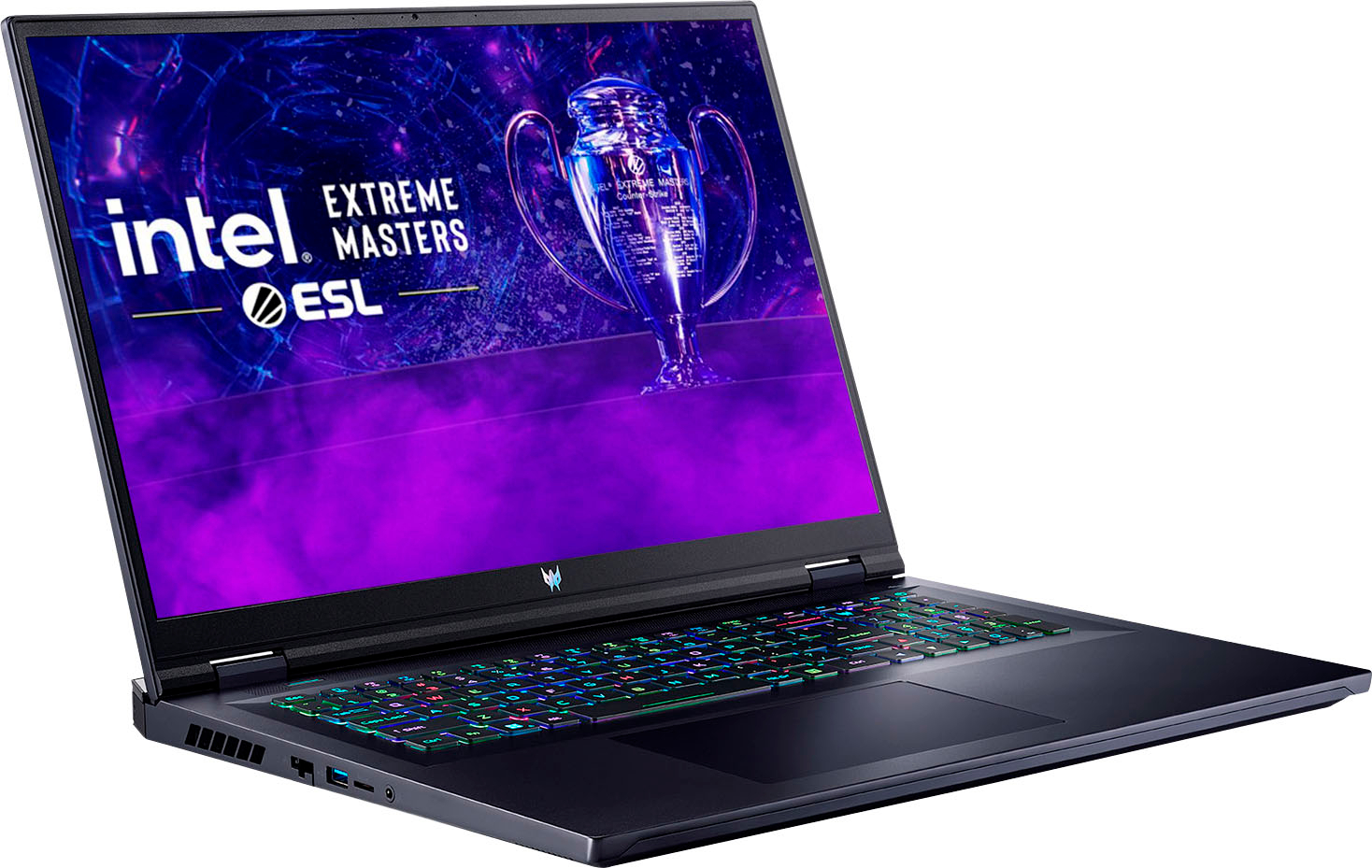
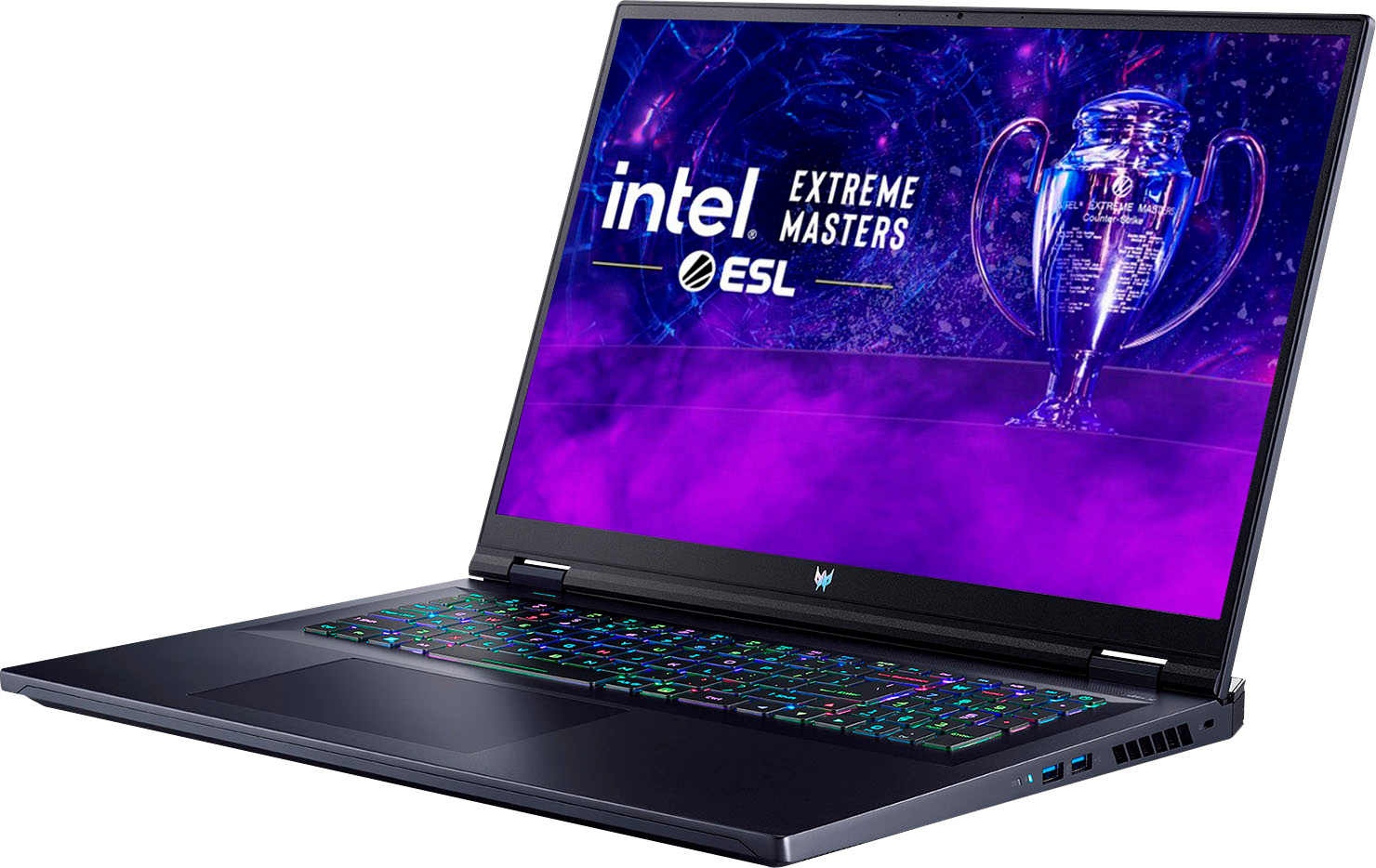
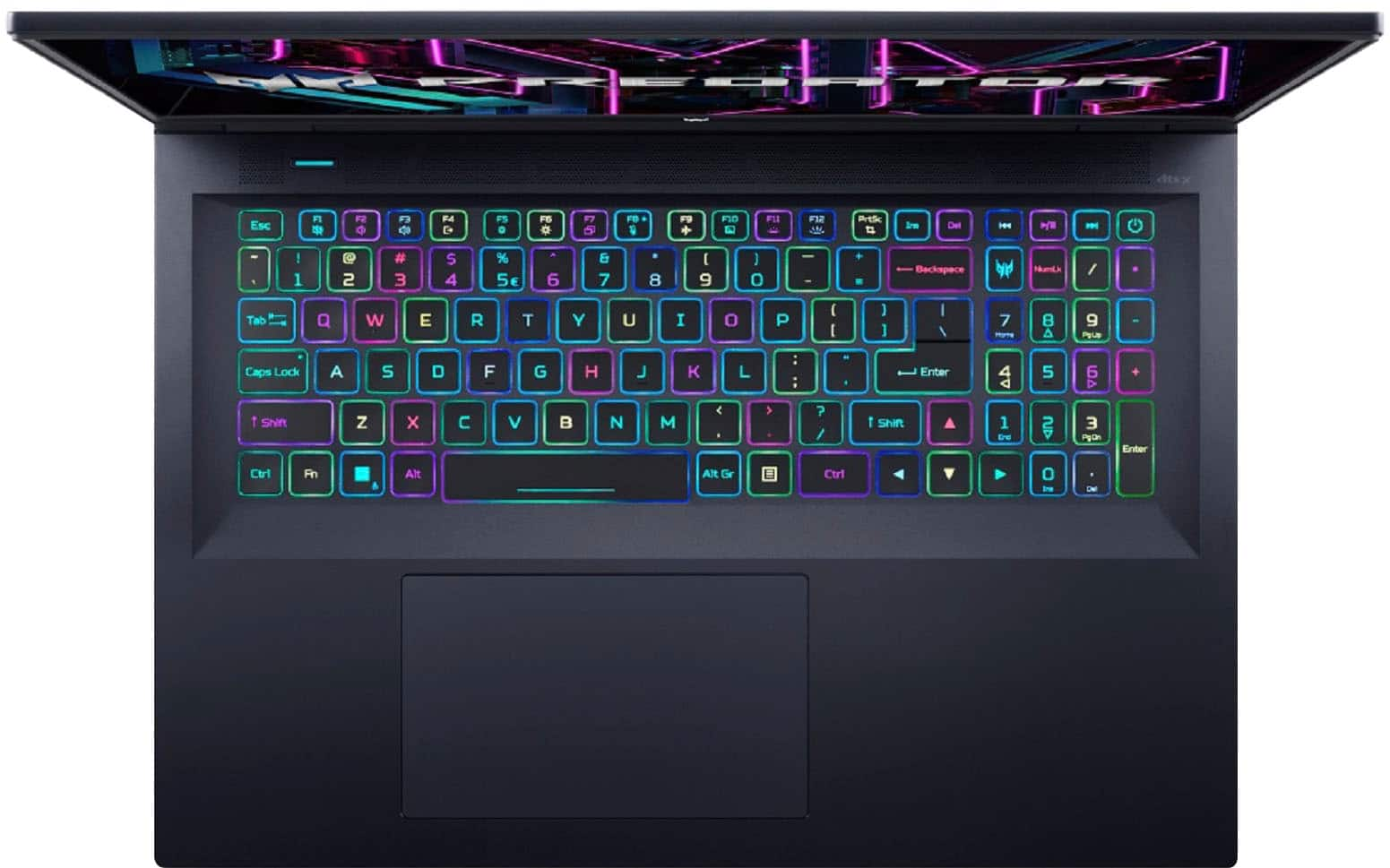
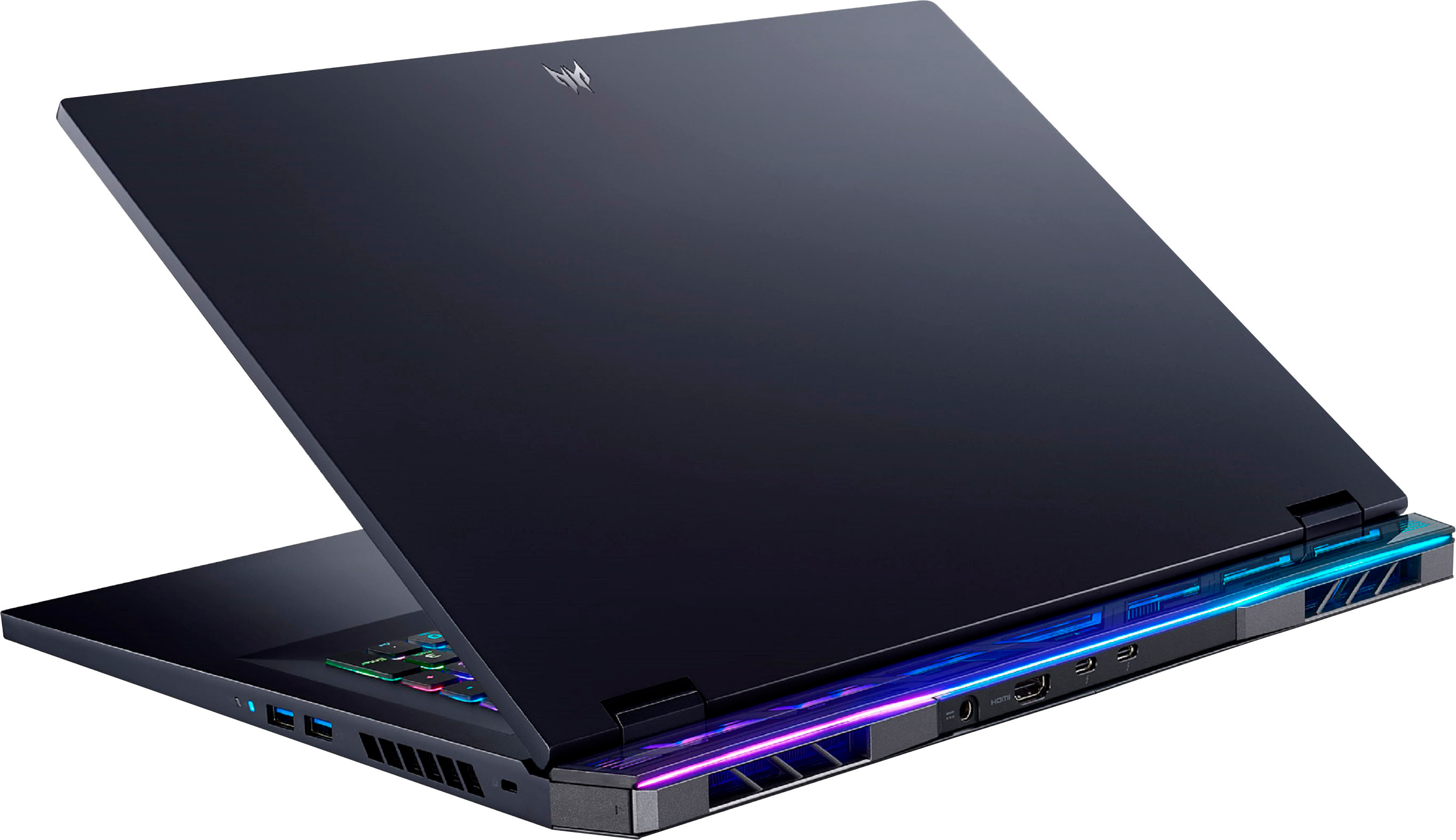
|Posted .This reviewer received promo considerations or sweepstakes entry for writing a review.First off, this laptop is huge, and very heavy but if you are shopping for an 18” laptop, you probably already know that. This is a good laptop to use around the house but is too big and weighs too much to travel with it. Related to using it around the house vs travel, the battery life is abysmal. I got at best around 2.5 hours doing basic office work, email, and internet. I got around 50 minutes of gaming time. This is fine for around the house when plugged in but not enough to travel with it. The screen is crisp and bright with good colors. Again, it is an 18” screen which is nice to have. It isn’t quite QHD, but close enough and you can’t tell the difference. Overall, a very good screen. The sound is very clear and sounds great on the high end but lacks a lot of bass. This is true for most laptops anyway. Fan noise is very minimal. It is almost non-existent for basic work, and I only hear it slightly when it does come on. For gaming, the fan is louder but not as much as you would expect compared to other laptops. If you push it hard enough to run the fans at full speed, then I would say it is louder and more obnoxious compared to other laptops, but this rarely happened. Performance-wise, it is not as good as I would expect from something with these specs. In balanced mode, it felt a little sluggish and there was some minimal stuttering when streaming videos. In performance mode, it was overall better, and games did play silky smooth when using the 4060 GPU. I tested with first person, third person, as well as sports games and no complaints there. In battery saver mode, it was so sluggish overall it was almost unusable. It comes with a 1TB SSD which performed well and is a good and standard size for today’s laptops. There is an extra slot for another SSD which I will probably add to it at a later time. The available ports are good and plentiful. The HDMI port is on the back as opposed to the side which is convenient for connecting a monitor to it. Strangely, the USB-C/Thunderbolt connections are also on the back. This is fine for connecting to a docking station but is inconvenient for temporary connections such as flash drives. Ideally, I’d like to see USB-C connections on the back and side. The touch pad is huge and works very well. Not too sensitive and not unresponsive. The keyboard is easy to type on, feels good and includes a number pad. There are no dedicated keys for home, end, and page up/down. They are shared on the number pad. This is only a problem for those using the num lock in which case plan to turn it on and off a lot. There should be dedicated keys for these. The keyboard backlighting looks very good. The Acer software works reliably and is well written. The GUI is a little confusing to find what you want, especially settings, and the settings available are minimal but I found that changing the performance mode and lighting is all I really needed. CPU and GPU utilization and temperature is front and center and is nice when you just open the app. The Windows 11 it comes with is pretty standard fare so not much to say here. There is minimal bloatware which is nice. Overall, a good laptop for using around the house but not for travel because of the size, weight, and poor battery performance. Everything works great on it and performs well in gaming, but I wish the overall performance were better, especially in balanced mode and for the specs. It is a good laptop I would recommend, especially for the price, which is a good deal. I would imagine that spending more on an 18” laptop would probably get you something that performed quite a bit better.
I would recommend this to a friend Yes and No
||Posted . Owned for 5 months when reviewed.This reviewer received promo considerations or sweepstakes entry for writing a review.It was great for the first two months and then it stopped booting up. After doing some research online to see how to fix it, it turns out that it's a common problem with these and it has to be sent back to Acer. I wish Acer would have found a solution to prevent it from happening in the first place but it is what it is. If you don't mind spending the money and then sending it away 2 months later it's an awesome laptop. My work moves me around a lot so I never know what address I'm going to have or when it's going to change to be able to send it in. I'm stuck with a paperweight now.
No, I would not recommend this to a friendBrand response from TeamAcer
Posted .Dear MichaelA,
We are sorry to hear your Acer Predator laptop is not booting properly and we understand this is frustrating for you. This is not the experience we want our customers to have and we would like to help you get this resolved. If you are located in the US or Canada, please feel free to contact our support team at 866-695-2237; they are available to assist 24/7 for in-warranty products.
Regards,
Acer America
Great quality
||Posted . Owned for 3 weeks when reviewed.This reviewer received promo considerations or sweepstakes entry for writing a review.Great quality, great packaging. However, there was some trouble before completing the pick up
I would recommend this to a friendBad battery. Won’t charge with a brand new battery
||Posted . Owned for 1.5 years when reviewed.This reviewer received promo considerations or sweepstakes entry for writing a review.Sadly I didn’t get a warranty and Geek squad said I have a bad battery. I even upgraded the RAM. Mine didn’t even last 1 year and a half =(
No, I would not recommend this to a friendGreat performance horrible sound.
||Posted . Owned for 2 months when reviewed.This reviewer received promo considerations or sweepstakes entry for writing a review.Decent picture though not OLED for the 165hz model. Horrible sound, very tinny, avoid this laptop unless you plan to use headphones. I don't understand why PC laptops at all price points sound so awful.
No, I would not recommend this to a friendBrand response from TeamAcer
Posted .Dear PCDJ64,
We are sorry you are unhappy with the audio from your Acer laptop. These are low wattage speakers and we understand these may not be not robust enough for a satisfying listening experience. Headphones and external speakers may be an option you can use, but if the audio is so very low that you can't hear, please take the time to contact our support team at 1-866-695-2237, and we can help address this or any problems you may be experiencing.
Regards,
Acer America
Just Bad
||Posted . Owned for 2 weeks when reviewed.This reviewer received promo considerations or sweepstakes entry for writing a review.I ordered this online received it . Opened it up plugged it in turned it on and got just a Black Screen. So returned it and will not buy again.
No, I would not recommend this to a friendBrand response from TeamAcer
Posted .Dear AllenB,
We are sorry to hear that you decided to return your newly purchased Acer Predator laptop. Our support team is always available to assist with getting your new product set up and configured, or assist with any other troubles you may experience with your purchase. If you should need assistance with an Acer product in the future, please contact our support team at 1-866-695-2237, chat or social media, and we will be glad to help. We appreciate you taking the time to write this review.
Regards, Acer America
Not a fan
||Posted . Owned for 1 month when reviewed.This reviewer received promo considerations or sweepstakes entry for writing a review.Had to return because it continued to freeze up Wouldn't recommend.
No, I would not recommend this to a friendBrand response from TeamAcer
Posted .Dear Fphoto
We are sorry to hear that you decided to return your newly purchased Acer Acer Predator laptop. Our support team is always available to assist with getting your new product set up and configured, or assist with any other troubles you may experience with your purchase. If you should need assistance with an Acer product in the future, please contact our support team at 1-866-695-2237, chat or social media, and we will be glad to help.
We appreciate you taking the time to write this review.
Regards,
Acer America
Was sent wrong product from opex box deals.
||Posted . Owned for 2 weeks when reviewed.This reviewer received promo considerations or sweepstakes entry for writing a review.Was given an Acer helios neo 16 instead of the proper one.
No, I would not recommend this to a friendBrand response from TeamAcer
Posted .Hello ThomasB,
We are sorry to hear received the wrong Acer Predator laptop model. We suggest you contact Best Buy directly to inquire about this; they will be best able to help you with your order. If you should need technical assistance with an Acer product in the future, please contact our support team at 1-866-695-2237, chat or social media, and we will be glad to help.
We appreciate you taking the time to write this review.
Regards,
Acer America
Stop scamming
||Posted . Owned for 2 weeks when reviewed.This reviewer received promo considerations or sweepstakes entry for writing a review.Low graphics when you see this laptop you will say how nice but if you check this laptop low graphics slow speed nothing good in it as it looks
No, I would not recommend this to a friendBrand response from TeamAcer
Posted .Dear Aryoob
Thank you for taking the time to leave a review on your Acer Predator laptop. We are sorry to hear that the graphics are not meeting your expectations, and we want to work with you to see how we can help improve this experience. If you are in the US or Canada, please feel free to contact our support team at 866-695-2237; they are available to assist 24/7 for in-warranty products.
Regards,
Acer America
- Pros mentioned:Screen size
Top Notch Huge Gaming Laptop - Awesome!
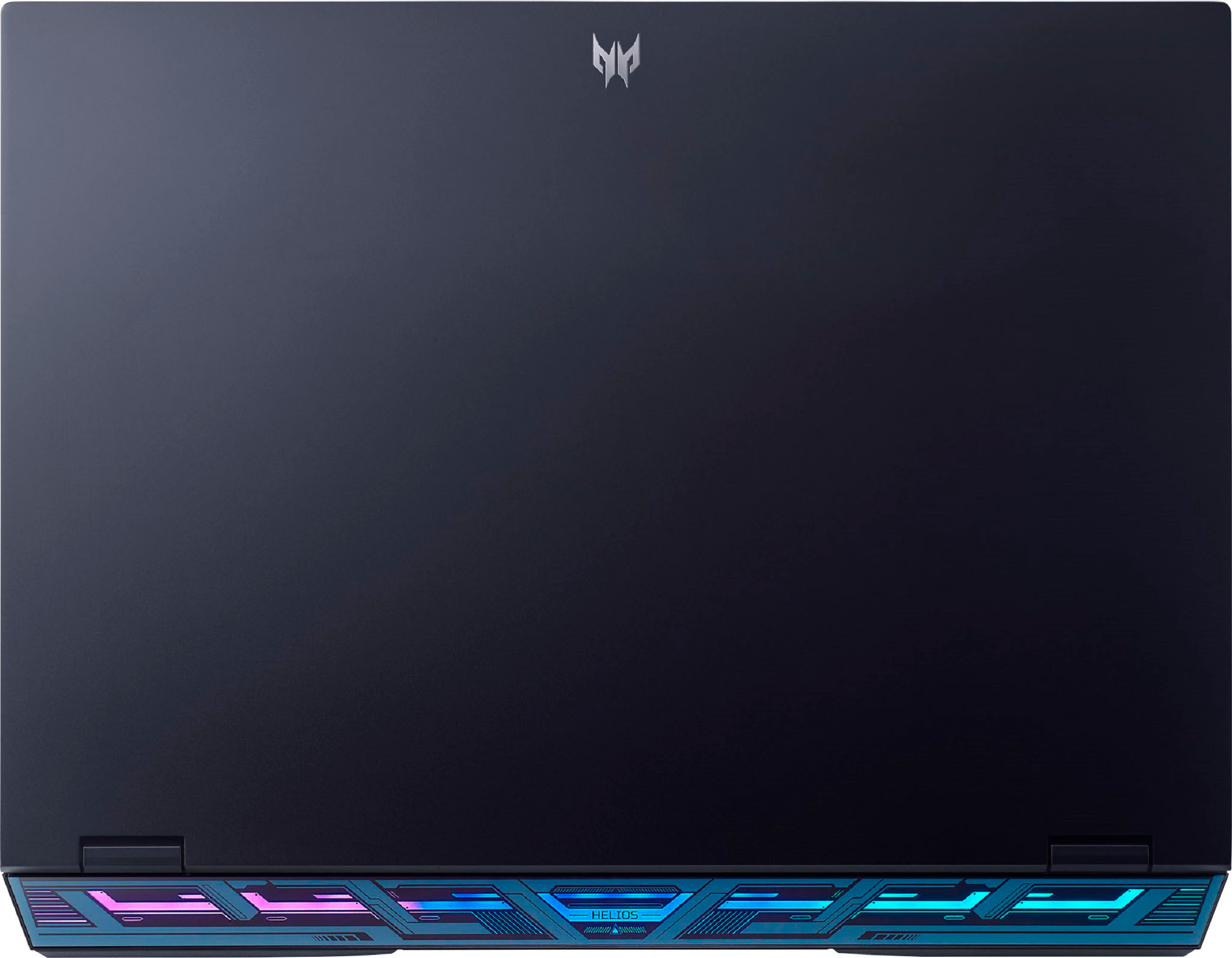
|Posted .This reviewer received promo considerations or sweepstakes entry for writing a review.This is a perspective to consider when looking at the Acer - Predator Helios 18 Gaming Laptop - 18" 1920 x 1200 IPS 165Hz – Intel i7-13700HX – GeForce RTX 4060 - 16GB DDR5 – 1TB SSD - Abyssal Black. In the early 1980s, a company called KayPro introduced a line of portable computers. The KayPro CP/M Portable Computer weighed about 30 pounds, and had to be plugged in in order to run (no batteries). We called them luggables. The Acer weighs in at a little over 7 pounds and can rum on it’s own battery power. It runs the most up to date Windows operating system (11) and the screen is about the size of the external case of the KayPro. These are awesome machines (the Acer Predator Helios 18 Gaming Laptops). My experience with the Acer Predator Helios 18 Gaming Laptop was great from the unpacking, the setup and then gameplay along with video editing. The packaging was very protective and very attractive. The setup went fast and effortlessly. Then came the game play. Fast reaction time and great frame rates that are smooth due to the 165Hz refresh rate and the Acer implementation of anti-tearing technology, plus the new and ultra-efficient NVIDIA Ada Lovelace architecture. It ran complex and high spec games quietly even on Max setting due to the new cooling architecture. Some people may need more ram, but I had no issues with 16GB. The RGB lighting is fun to configure, and the Predator setup apps are greatly appreciated. So, in retrospect it is very light weight and fast (and durable and handsome and COOL in more ways than one. GREAT MACHINE! PS it also appears to be expandable (have not had a chance to check).
I would recommend this to a friend This Computer is not what I expected.
||Posted . Owned for 1 month when reviewed.This reviewer received promo considerations or sweepstakes entry for writing a review.This PC is not what I expected. It’s a bit of challenge. It will take some time to getting used to this new system.
No, I would not recommend this to a friendBrand response from TeamAcer
Posted .Thank you for taking the time to leave a review on your Acer Predator laptop. We are sorry to hear that the product did not meet your expectations, and we want to work with you to see how we can help improve this experience. If you are in the US or Canada, please feel free to contact our support team at 866-695-2237; they are available to assist 24/7 for in-warranty products.
Regards,
Acer America
Chonky!
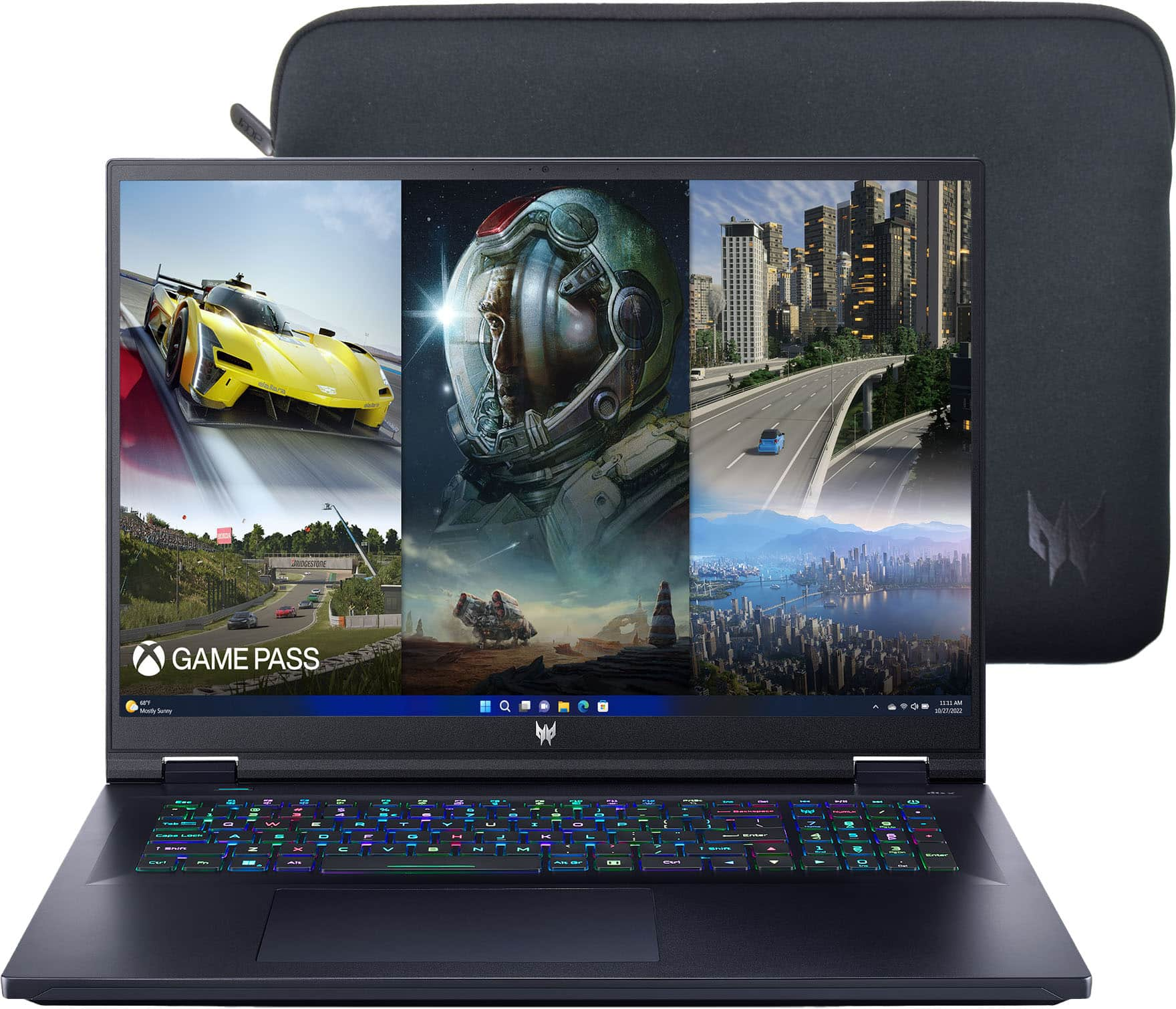
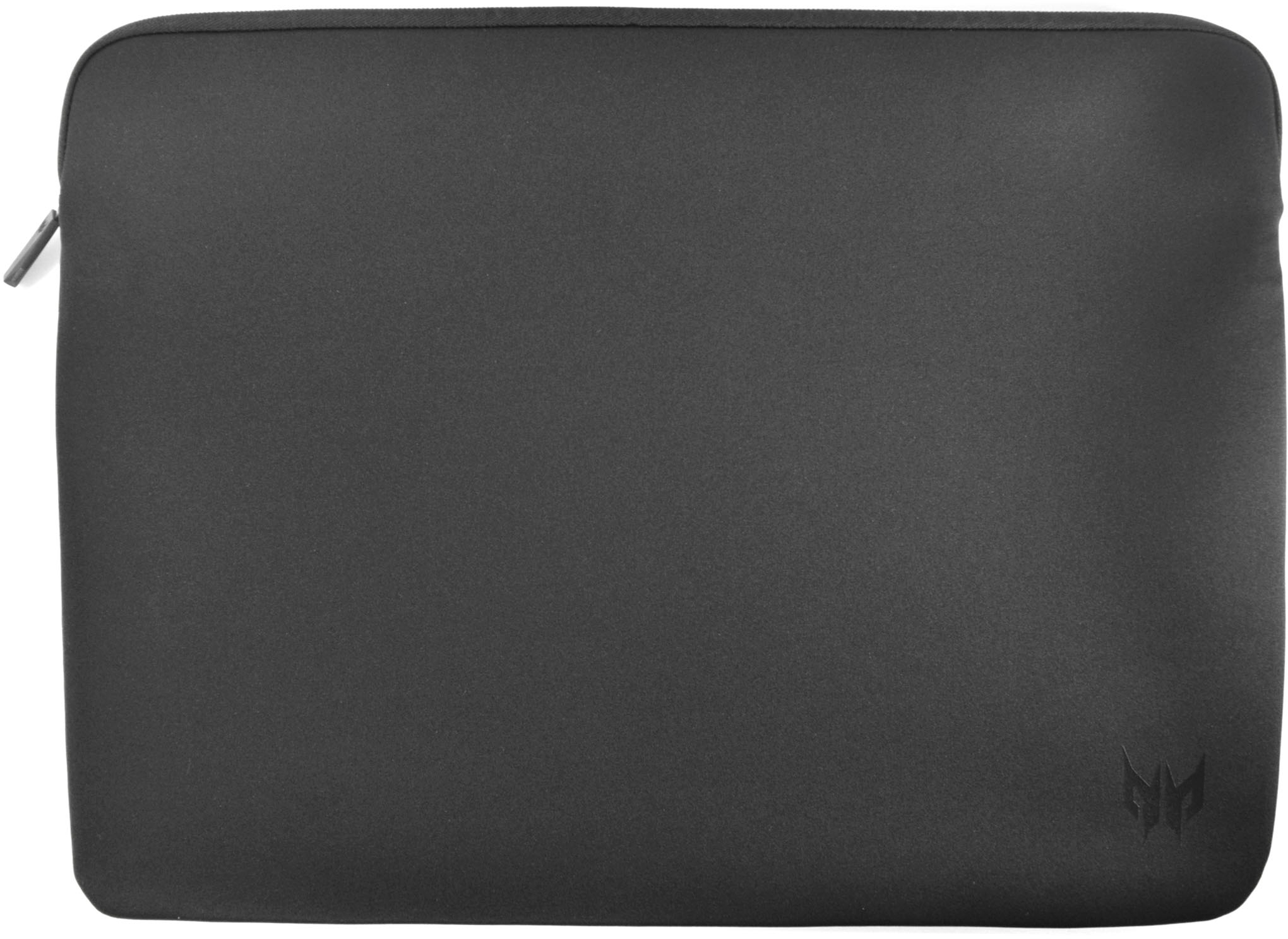
|Posted .This reviewer received promo considerations or sweepstakes entry for writing a review.This laptop is CHONKY! 18" doesn't sound like a huge step up from your 17" laptops but it definitely comes across as a giant beast in person. Everything about it is big and heavy. The RTX 4060 is probably the only piece that doesn't exude the beefiness of the outer package. Overall, it's a pretty nice laptop with a couple questionable decisions. Setup is the same as any laptop you've set up. Windows talks you through how much of your information you want to give away to them and you turn all of those off and then there's an extra step for Acer to ask for some info and registration info. Not much more added to the setup process right out of the box. Software bloat is pretty low for the most part. I went through Add/Remove Programs and got rid of stuff like McAfee and Office and left most of Acer's support software because it didn't seem to get in the way. There's an application for tuning and monitoring your network card that runs like garbage and then there's the CPU/GPU tuning and monitoring app that's just fine. There's an Acer Care package installed that helps you monitor some things and update or clean up things occasionally. Pretty standard stuff. Nothing too egregious and I'm usually the type to just format and reinstall Windows on any new computer. Did I mention how huge this thing is? It's huge. The screen is 16:10 but the size of the computer makes it almost feel like a 4:3 at times. I'm not sure why that is. On top of just being big, it's heavy. I almost feel like I'm going to break something when I grab it by one of the sides because of how hard I have to hold it to pick it up without dropping it. Pulling this thing out in a coffee shop or something would be just a small step down from bringing a whole desktop and monitor. I'm not saying it's a bad thing, I'm just saying that this laptop is portable-lite. It can be moved around and taken with you but you'll probably leave it on a desk and plugged in most of the time. Speaking of plugged in, the power brick didn't want to feel left out when being seen next to this huge beast of a machine. It's industrial sized as well. The thickness of the cables is nothing I've seen on any other gaming laptop I've used. The brick actually looks quite nice but it's huge and the cables, even when wrapped up with the attached velcro wrap, are a bit cumbersome. Understandably, this computer needs some power. Now that we're on the topic of power, the battery seems to last a decent amount of time. It's nothing to write home about when compared to a modern MacBook Pro or anything but for a gaming laptop, I'm not afraid to use it for some casual things without it plugged in. A lot of my setup and configuration tasks happened on battery power and then I was able to continue doing things after leaving it unplugged over night. Charging the battery felt really quick even while using the machine and gaming on it so it at least puts the huge power brick and cables to good use. Ports are alright. I'm not sure how I feel about their placement. There's no USB-C on the sides of the laptop. Only the back. There's some USB-A on the sides. The power also goes in the back along with the HDMI. If, as I said earlier, you're mostly keeping this laptop on your desk, these are great placements for these ports. If you're trying to use it on the couch in your lap, I'd probably much rather see them on the sides. Not a deal breaker by any means. I definitely would have liked to see at least 1 USB-C port on each side, though. With more and more devices moving to USB-C, it feels weird to need to plug into the back of a portable machine like this. The trackpad is pretty good for a Windows machine. I remember the days when MacBook's were the only laptop that figured out how to make a good track pad but that seems to be in the past now. Sensitivity is a little weird but that could be configured. I had to turn off the option to right click with the bottom right corner of the trackpad because I kept accidentally triggering it even when I thought my finger was much more in the middle. It supports all the normal multi-touch gestures like clicking with 2 fingers for the right click so it's not a big deal. It was just annoying at first. The size of the keyboard is pretty good but I'm not convinced it's a standard full size keyboard. It has a numpad, which is nice, but everything feels a little squished together on that side. I'm sure I'll just get used to the keyboard as I use it more but the one thing I keep doing is pressing their custom Acer Predator Software button which is located where you'd usually find Num Lock and is a very small distance away from the backspace key. So it's pretty easy to miss backspace (thinking the keyboard is a little bigger than it is while you're not looking) and hit that button which launches their software for tuning the CPU/GPU and changing profiles and such. Keys in general feel about as good as they can on a non-mechanical laptop keyboard. Speaking of profile changing, one thing I like is a little added button above the F-Keys that doesn't have a label so I wasn't sure at first what it did. It's a slim button I thought could be a finger print sensor maybe. It's not that. it just cycles through your profiles and changes color based on which one is active. So you can quickly change to your everyday use profile or a quiet profile (maybe to watch a movie) or crank up the heat in the gaming profile. I like the button and being able to see what profile is active based on the color of the button and I wish they had another button out of the way for launching that software instead of it being right next to the backspace key. Got this far and I haven't even talked about performance. I did some quick tests of a few games to see how they ran. The computer runs great. Haven't noticed any slowdowns or hitches. I played a bit of Diablo 4 and was getting a solid 125-150 fps while everything was maxed out. Not the most demanding game but I needed to start Season 1 so it was a good test. I also installed and tried out Cyberpunk 2077 and Doom Eternal. Cyberpunk ran better than I was expecting with a 4060. Initial settings had everything maxed out except ray tracing on Ultra instead of insanity or whatever their new mode is called. DLSS was on auto. I ran a bench mark and noticed a solid 50+ fps. The benchmark spit out 55 as the average fps. Mind you, this was maxed out graphics settings with DLSS. I also tried turning off DLSS and the game averaged about 31 fps. It definitely dips below 30 occasionally without DLSS. But again, this is maxed out. There are a lot of frames to be gotten by turning down some settings. I still found the result impressive for an RTX 4060. Doom Eternal also ran without any issues. Maxed out settings with ray tracing support and was getting over 100 fps easy. I'm confident that this machine will be able to run most anything at maxed out settings at a reasonable framerate. While adjusting some settings will get you over the 165hz refresh of the monitor. Lastly, this big boy comes with a sleeve. It's not going to protect against anything but dust but it's a nice addition. I don't think there's anything else I haven't covered here. It's a good laptop. The 4060 is probably it's weakest part for a gaming laptop but since it's basically just over 1080p gaming, it's very serviceable and does it's job just fine. And you'll probably put on a couple extra lbs of muscle in your arms and back from carrying this around with you if you're so inclined to do that. If this is in your budget for a laptop, it's worth considering so give it a comparison.
I would recommend this to a friend- Pros mentioned:Performance
predator 18
Posted .This reviewer received promo considerations or sweepstakes entry for writing a review.love it best pc I've owned stays cool performance is amazing 0problems
I would recommend this to a friend - Pros mentioned:Performance
a great gaming laptops
Posted .This reviewer received promo considerations or sweepstakes entry for writing a review.It's great, runs everything liquid smooth so far. Plus it's quiet as a mouse.
I would recommend this to a friend - Pros mentioned:Speed
Great laptop
Posted .This reviewer received promo considerations or sweepstakes entry for writing a review.Great price for the specs, works perfectly and much faster than old laptop
I would recommend this to a friend Not bad
Posted .This reviewer received promo considerations or sweepstakes entry for writing a review.Just a good all around gaming labtop. If you are are looking for a middle of the road computer.
I would recommend this to a friendCase less
Posted .This reviewer received promo considerations or sweepstakes entry for writing a review.Cover - Carry case not provided despite buying the costliest one
No, I would not recommend this to a friendBrand response from TeamAcer
Posted .Dear Kdesai,
We are sorry to hear the sleeve was not included in the box. Please contact Acer support to inquire about this sleeve, they will be happy to help you. They are available 24/7 for in-warranty products.
We appreciate you taking the time to write this review.
Regards,
Acer America