Customer Ratings & Reviews






- Model:
- PHN16-71-73LT
- SKU:
- 6541302
Rating by feature
- Battery Life
Rating 4.0 out of 5 stars
- Speed
Rating 4.8 out of 5 stars
- Display
Rating 4.8 out of 5 stars
Customers are saying
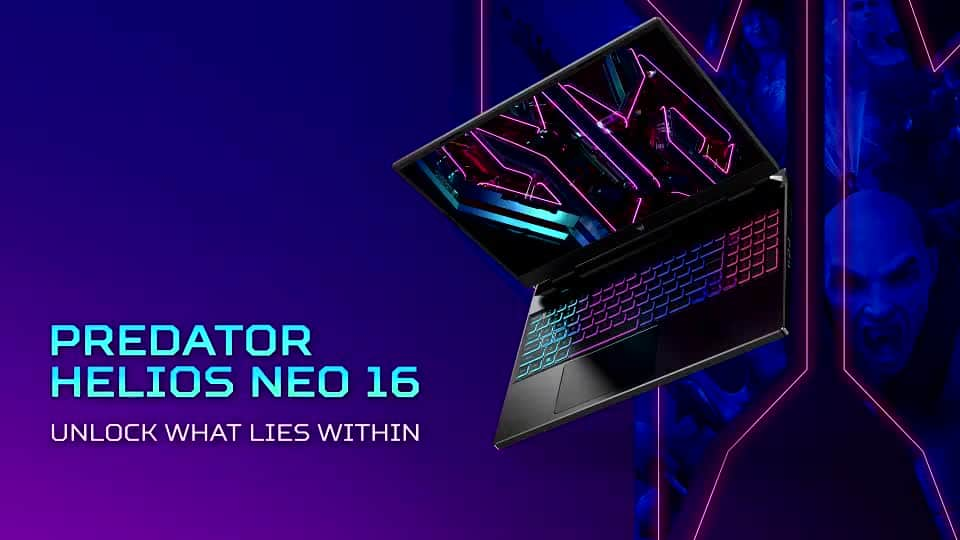
Customers express satisfaction with the Predator Helios Neo 16's performance, graphics, and display quality, frequently praising its smooth high refresh rate screen and excellent value for the price. However, some users note that the battery life could be improved, and the laptop's size and weight may be a concern for portability. The cooling system also receives mixed reviews, with some reporting noticeable fan noise and heat generation during intensive use. While the keyboard is generally well-received, the large and heavy power adapter is a recurring point of criticism.
This summary was generated by AI based on customer reviews.

Great gaming laptop overall!
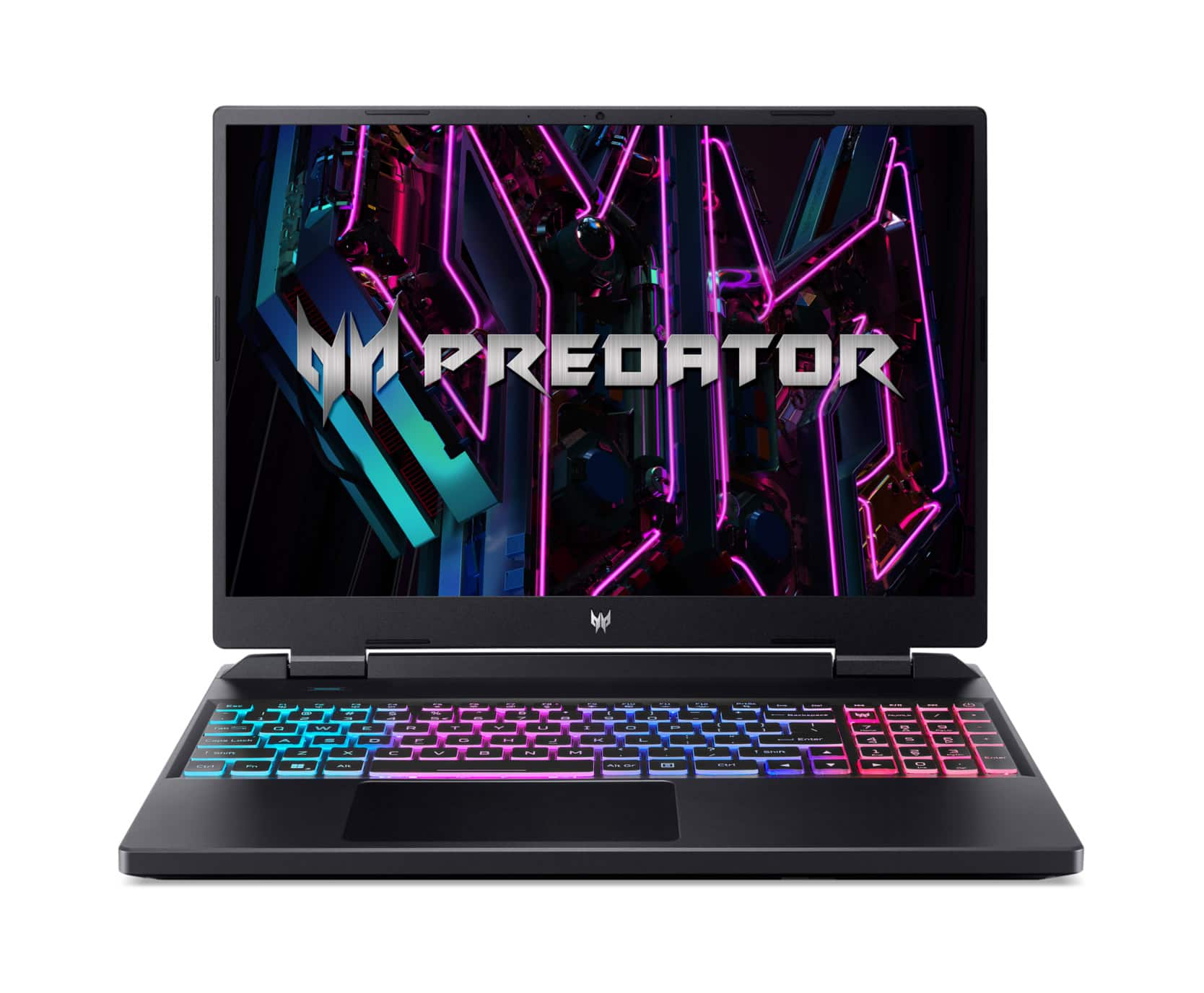
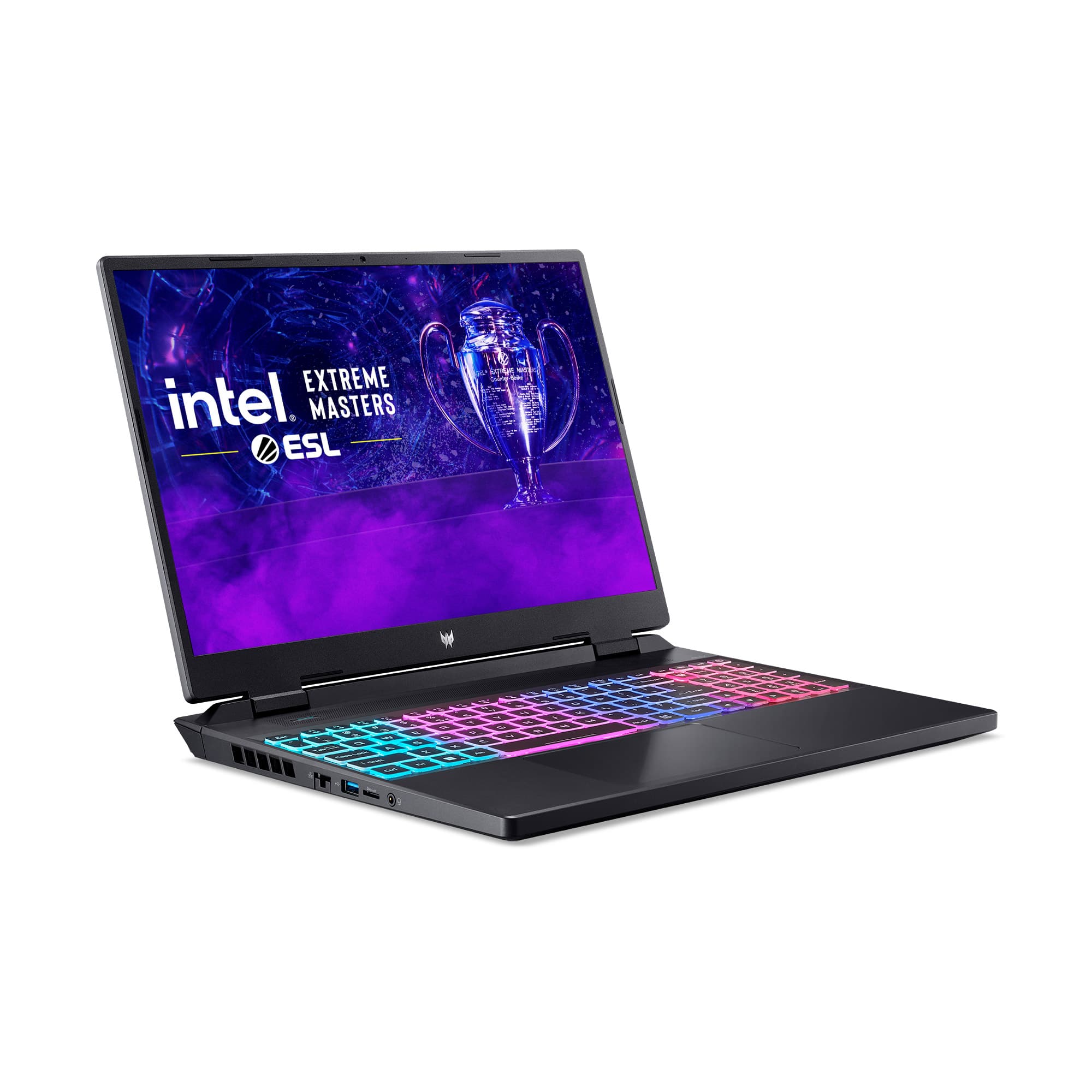
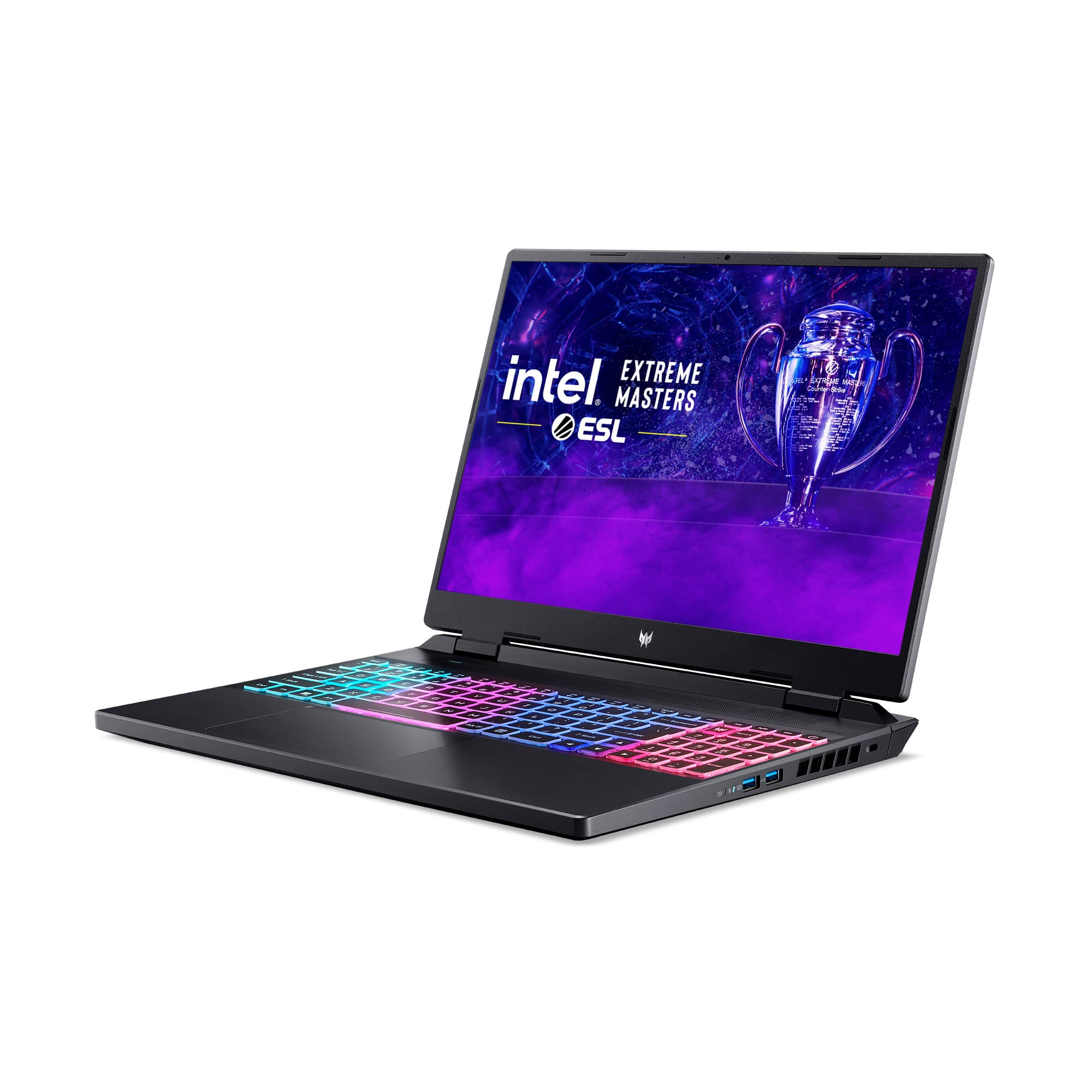
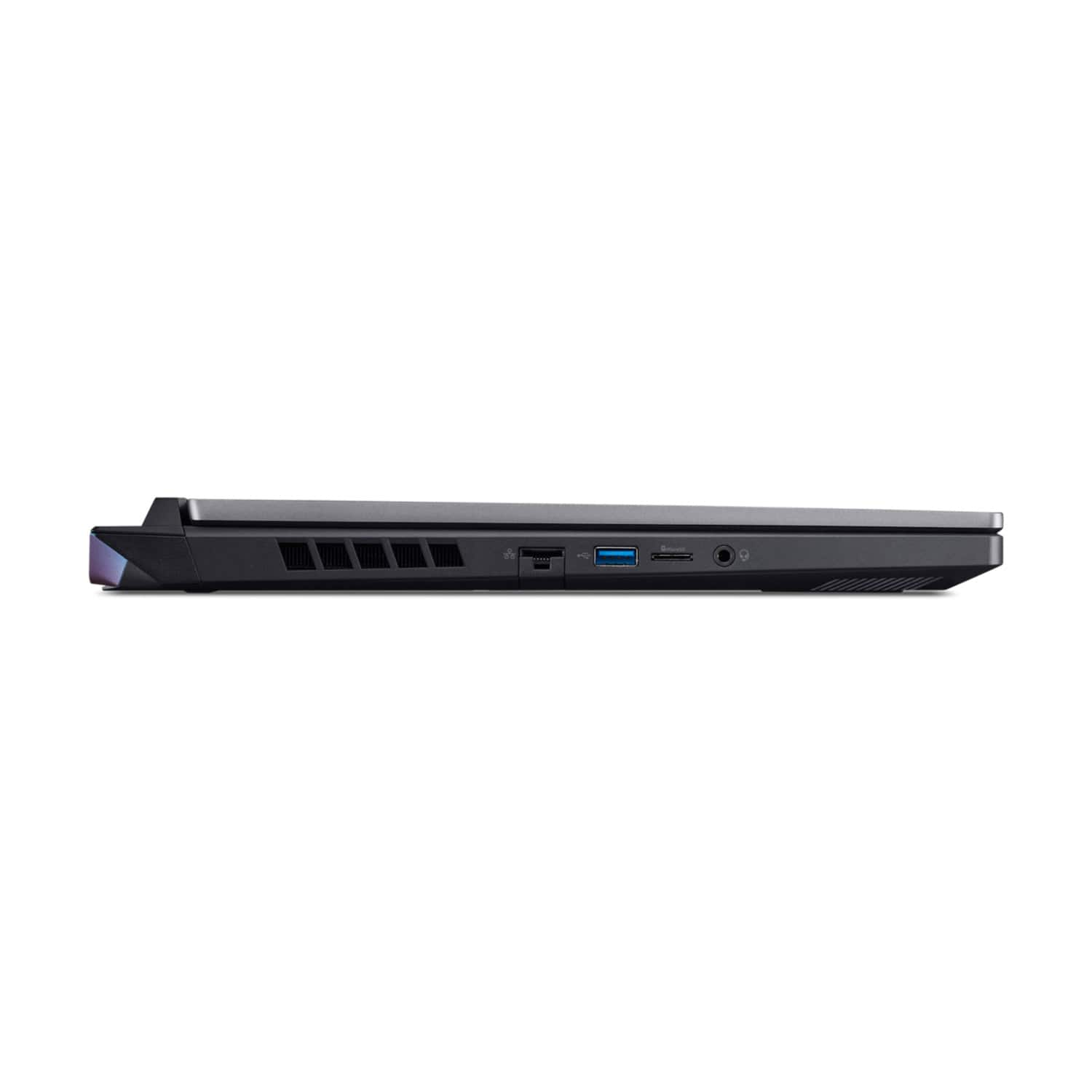
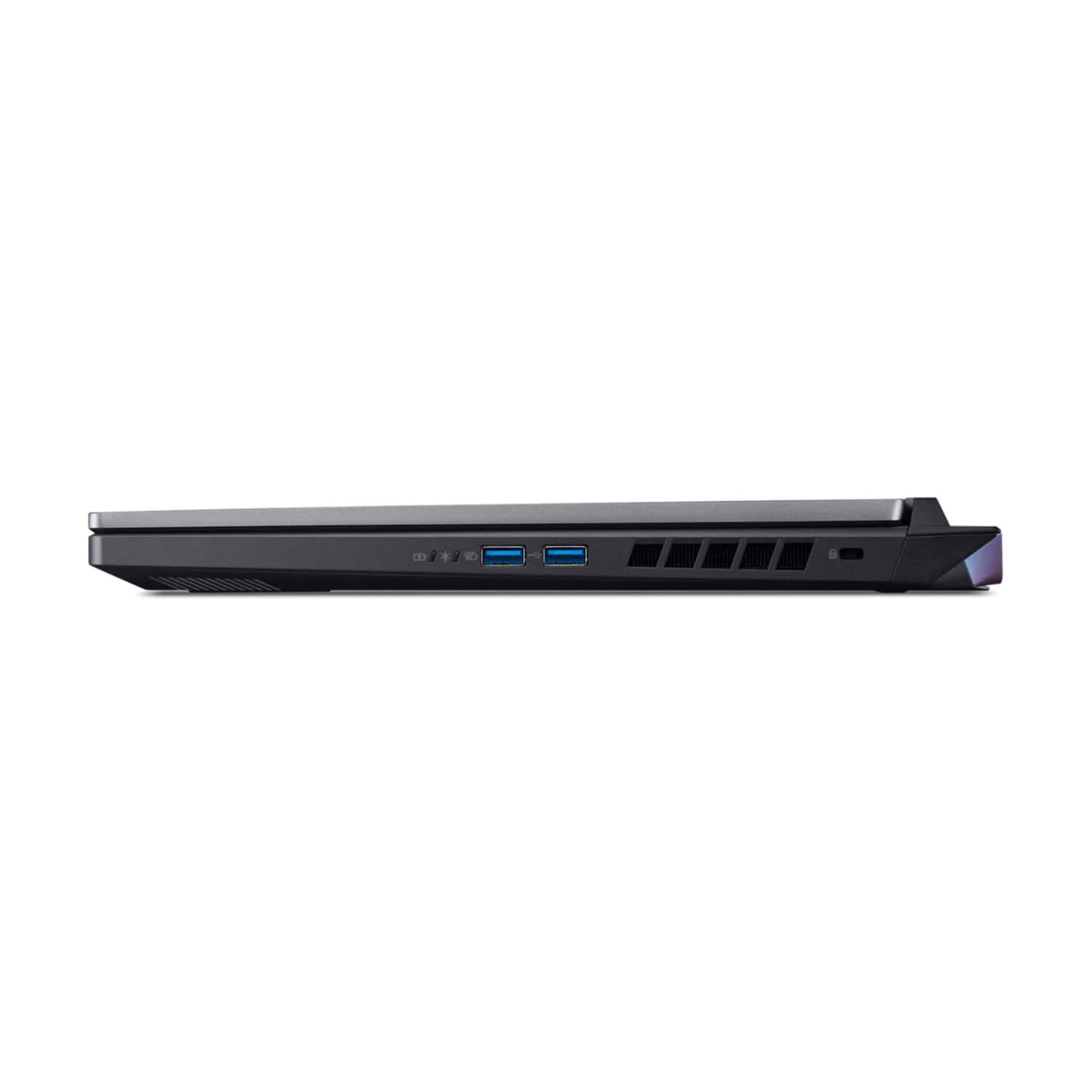
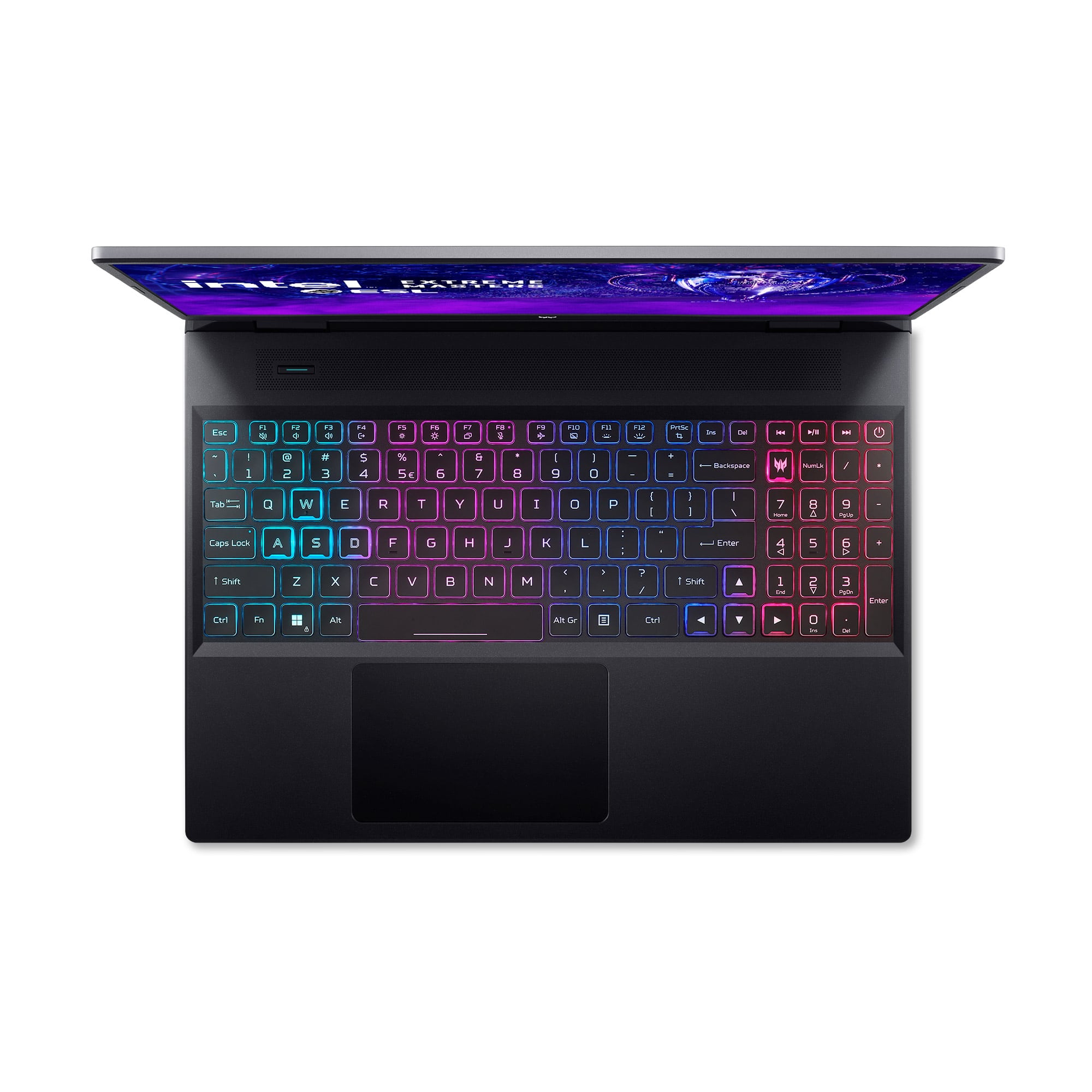
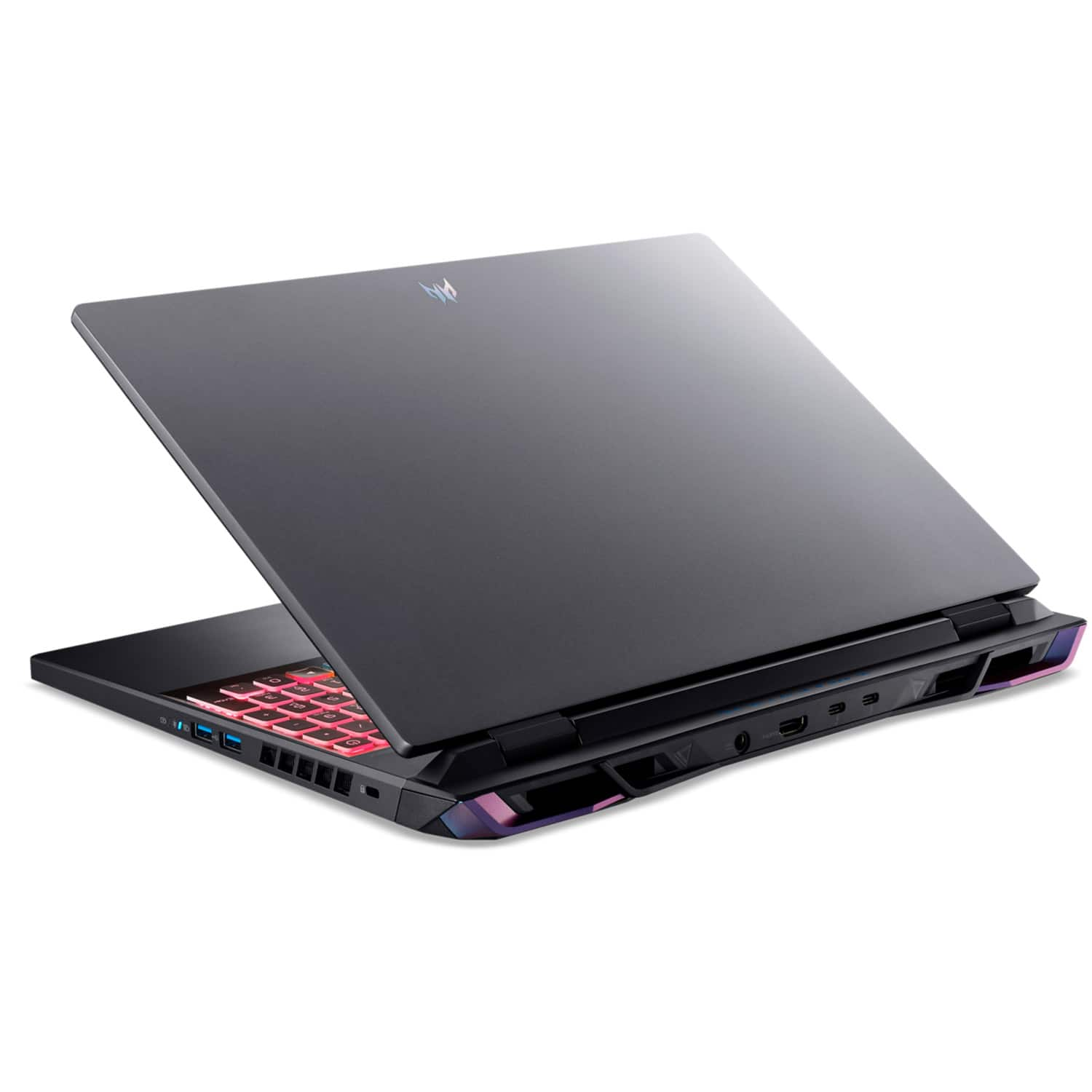
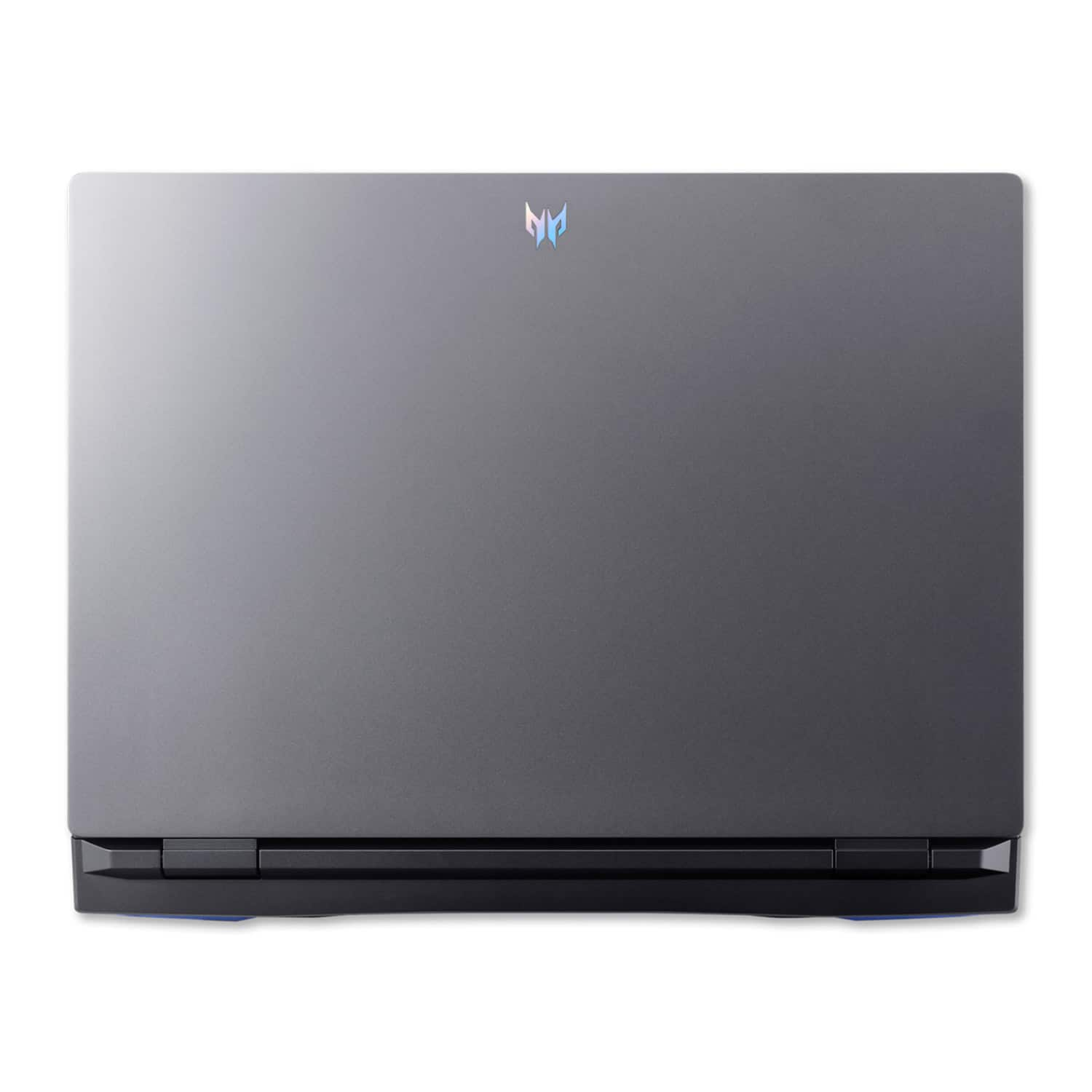
|Posted .This reviewer received promo considerations or sweepstakes entry for writing a review.Acer - Predator Helios Neo 16" WQXGA (2560 X 1600) 165Hz IPS Gaming Laptop - Intel i7-13700HX (13th Gen) – 16GB RAM DDR5, GeForce RTX 4060 with 8GB DDR6 – 1TB SSD Compared to some of the other gaming laptops I've had, this one arrived in more non-descript packaging, but the laptop itself is quite attractive. It's charcoal grey with the Predator emblem on the lid and on the lower bezel of the screen. It's understated and sleek - I really like its looks. Not for the faint of heart, this laptop weighs about 5.7 lbs without the power supply, which is beefy and heavy itself (you can understand why since it develops 300 watts). While this wouldn't be the laptop you'd throw in your bag for typical classes at school, it is the laptop you'd want with you if you game, do VR work, do CAD work or edit music/photo/video material. As you can see from the specs in the first paragraph, it's designed for some serious work or play. When I received this one, I loaded up Steam and then 7 Days To Die as well as Icarus, games that are demanding in their own right. There were no hiccups of any kind. They both ran flawlessly. Since I have mine set up to operate at 60 FPS, that is what it did in both games. It didn't vary more than 1 or 2 FPS at any time from that. I have no doubt that if I set it up differently, the FPS would bounce from 60 FPS up to the refresh rate of whatever display was being used. I have my Predator set up on my desk with a USB-C dock attached as well as my 27" primary external monitor running off the HDMI port and my 32" external monitor running off one of the USB-C/Thunderbolt 4 ports. My wired mouse runs off the USB-C dock, along with other items, and my external keyboard is wireless. In addition, I have my external Samsung T7 (1TB) SSD running off the left USB-A port. The two USB-A ports on the right, one of which is PD, are unused but available for a headset or other peripherals. Anyway, with browsers and other programs running, my games are unaffected and run full out and as smooth as can be. One oddity, with my previous laptop my Samsung T7 SSD would be recognized while plugged into my USB-C dock. With my Predator, the T7 SSD will receive power as usual from the dock, but the Predator will not allow the T7 to show under This PC in File Explorer. It recognizes it just fine if I hook it up to any of the USB-A ports, but for some reason, it won't if it's plugged into my USB-C dock. PREDATORSENSE™ has a dedicated key just above the number pad to the right of the keyboard. When pressed, it calls up a utility that allows you to adjust the backlighting and 4-zone RGB keyboard lighting to suit you. You may also set your fans for Auto, Max or use a custom setting. You can also chose the modes of gaming performance here: Quiet, Balanced, Performance, and Turbo, which overclocks and maxes your fans all at the same time. The MODE Hotkey located above and to the left of the keyboard allows you to set the performance of your laptop without going into Predatorsense. Using this key you can set it to Quiet, Balanced, Performance, and Turbo by just bumping the Mode button. Predator Helios Neo uses all-metal metal fan technology as well as Liquid Metal thermal grease. All in all, during my use I never saw the temperature of the hardware exceed recommended allowances. Except for all-out gaming, the temperatures fall well below built-in limitations and even in full-out mode it doesn't pose a problem. The track-pad works very well with good tap sensitivity. It's made of Gorilla Glass, but it is not as slick-finished as Apple's or Alienware's track-pads. It has a full sized keyboard including number pad. Very comfortable typing, Good tactile feel from keys. It is equipped with its own Killer E2600 Ethernet port and Killer WiFi 6 AX1650. It also has a microSD card reader. It has 2 stereo speakers located on the left and right lower sides toward the track-pad. I have to say that the sound volume is not really loud maxed out. I've had other laptops that were louder when the volume was cranked up. You can hear what's playing OK, but you'll be closer to 90 on the volume scale than 50. This would be my one real negative of this laptop. Of course, the built in speaker volume would only be a problem if everything was maxed out performance wise, but that's what headphones are made for! It offers a webcam FHD (1920x1080) and 1080 HD Video, but there is no Windows Hello or fingerprint scanner. It had the following ports: Two - USB-C /Thurderbolt 4, three - USB-A 3.2 (one is PD) ports, one HDMI port, charging port, Headphone/Speaker port, Ethernet port, and Kensington lock slot, and, of course, the microSD card reader. It has a 16" IPS G-SYNC display, 165 Hz, 16:10 aspect ratio (taller than 16:9 so more room for documents) that I really like. 500 nits brightness! Good color dynamics as well. Resolution is wonderful with the 2560x1600 display. Display bezels are narrow so the lid doesn't extend much past the screen itself. It comes with 1TB NvMe SSD but there's another slot available for another SSD. You can put, I believe, up to 2TB in each slot. It comes with 16GB RAM upgradable to 32 RAM. All together, I'd say Acer has a very good entry in this price range of gaming laptops. It's solidly made, attractive, with a lot of bells and whistles along with some very serious hardware for those needing serious muscle for their work or play. Their attention to the cooling system will help ensure the Predator should perform very well into the future.
I would recommend this to a friend- Pros mentioned:PerformanceCons mentioned:Heat
Affordable gaming laptop
Posted .This reviewer received promo considerations or sweepstakes entry for writing a review.Better than an entry level gaming laptop, need to upgrade the ram and add some cooling device to help cool down this laptop, especially if you play games a lot, this thing will heat up fast.
I would recommend this to a friend - Pros mentioned:Graphics, Speed
Great laptop
Posted .This reviewer received promo considerations or sweepstakes entry for writing a review.It totally worth it. Excellent graphics and speed.
I would recommend this to a friend - Pros mentioned:PerformanceCons mentioned:Battery life
Great machine!
Posted .This reviewer received promo considerations or sweepstakes entry for writing a review.I love the computer! Battery life could definitely be better but definitely a great machine!
I would recommend this to a friend - Pros mentioned:Performance
Impressive
Posted .This reviewer received promo considerations or sweepstakes entry for writing a review.It runs Warzone 2.0 out of the box at 110-130fps at 1080p with no hiccups. Good enough for competitive play. Im very happy.
I would recommend this to a friend - Pros mentioned:Performance
Good upgrade
Posted .This reviewer received promo considerations or sweepstakes entry for writing a review.Good laptop. Runs Autodesk Revit pretty fast. I mainly got it to run my design software. And its been holding up pretty good. Doesn’t get super hot either.
I would recommend this to a friend - Pros mentioned:Performance
Sleek and quiet
Posted .This reviewer received promo considerations or sweepstakes entry for writing a review.Very satisfied overall! Set up was quick and painless, and it runs even my more graphics-intensive games smoothly and without any issues.
I would recommend this to a friend - Cons mentioned:Battery life
Laptop review
Posted .This reviewer received promo considerations or sweepstakes entry for writing a review.Great computer for the price! Runs great. Battery life could be a bit longer
I would recommend this to a friend Quirky with some screen flickering
Posted .This reviewer received promo considerations or sweepstakes entry for writing a review.It will run anything you can throw at it from VR to retro 8 bit games with the best port selection on the market compared to its competitors. You won't get 2 usb c/thunderbolt 4 ports on any other machine. Though it does have some weird behavior. Mostly that it isn't a simple plug and play for headphones. You need to hit the "OH WHAT DID YOU JUST PLUG IN?" prompt from the stupid audio software otherwise your headset wont work. There's also the matter of random times the screen will not work and the "this process controls the DTS audio process" that never seems to go away and no, it doesn't get any better even with 64 GB of ram, which I upgraded mine to. There is no everyday process that should take up 12 GB of ram on its own like whatever the "DTS audio control process" is. There's no simple power button either. There's a software set to the button on the top right corner of the numpad and you cannot just hold it to turn the thing off. The screen will also sometimes flicker off completely and nothing short of either attempting to restart or bringing up the task manager smacks some sense into it. Its got great battery life and excellent cooling ventilation. You won't even notice it was unplugged until late into the afternoon.
No, I would not recommend this to a friendBrand response from TeamAcer
Posted .Dear Kenneth,
Thank you for the detailed review on your Acer Predator laptop. We are sorry to hear you are having some trouble with the headphones and screen flickering during use, and we want to work with you to see how we can help improve this experience. If you are in the US or Canada, please feel free to contact our support team at 866-695-2237; they are available to assist 24/7 for in-warranty products.
Regards,
Acer America
Absolute garbage
Posted .This reviewer received promo considerations or sweepstakes entry for writing a review.I got this laptop as a gift back in March & it’s a nightmare to deal with. The screen reacts weirdly when switching from light to dark mode & every time it crashes (which is becoming for frequent) it never actually reboots; the screen just goes black & I have to force it to turn off & back on. I wish I could return this hunk of junk.
No, I would not recommend this to a friendBrand response from TeamAcer
Posted .Dear Alyhs,
We are sorry to hear your Acer Predator laptop is not functioning as it should and we understand this is frustrating for you. This is not the experience we want our customers to have and we would like to help you get this resolved. If you are in the US or Canada, please feel free to contact our support team at 866-695-2237; they are available to assist 24/7 for in-warranty products.
Regards,
Acer America
Best buy in general
Posted .This reviewer received promo considerations or sweepstakes entry for writing a review.Dont order from them if you like the price other companies will price match. These people lost a 1900 order then acted if it was my fault when i told them to change the adress beforehand worst experience ever yhey are worthless gor a 3 day run around telling me my package would be delivered never has b and h is much better and treat there customers like they want to keep them
No, I would not recommend this to a friend