Customer Ratings & Reviews


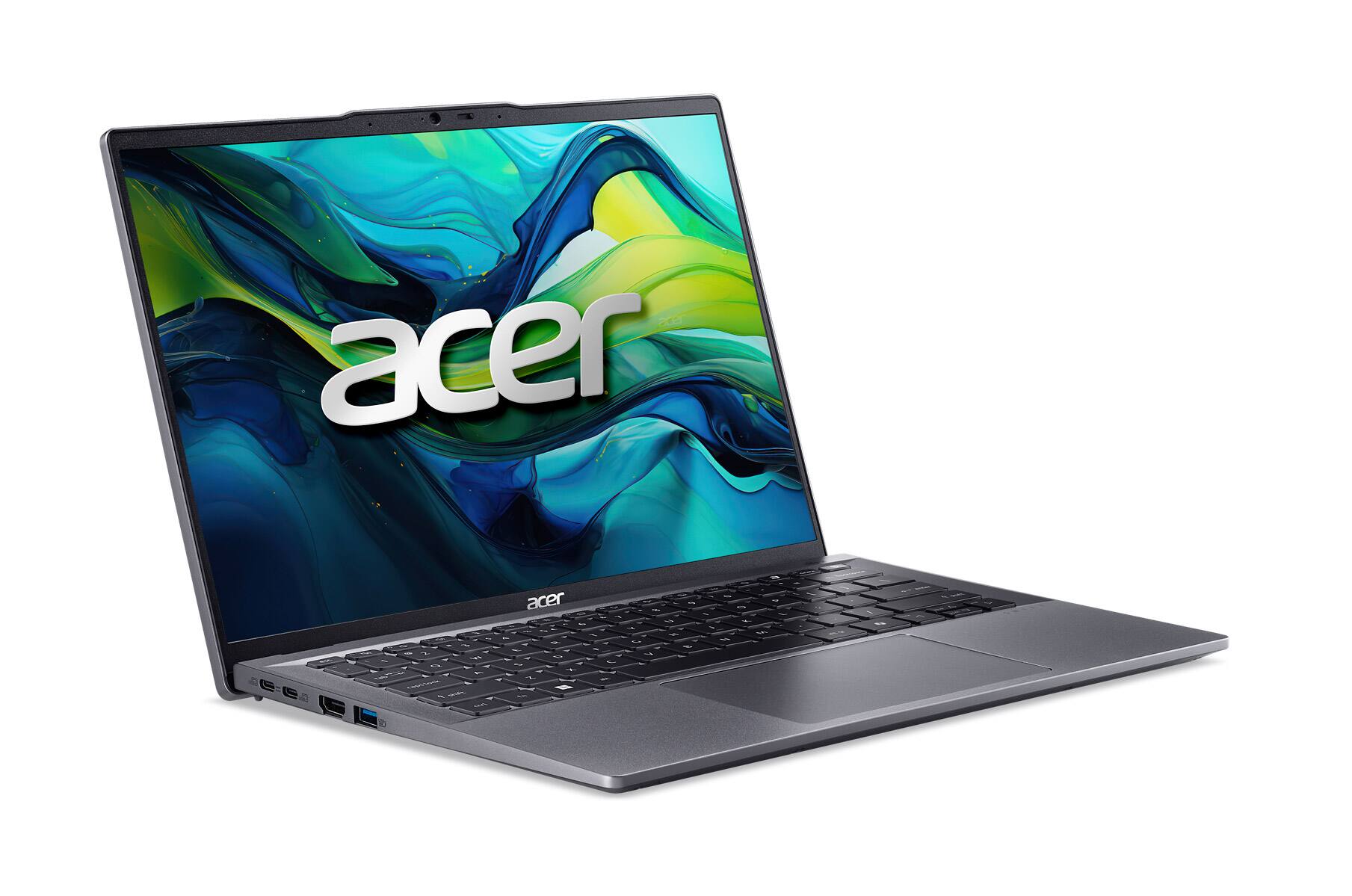
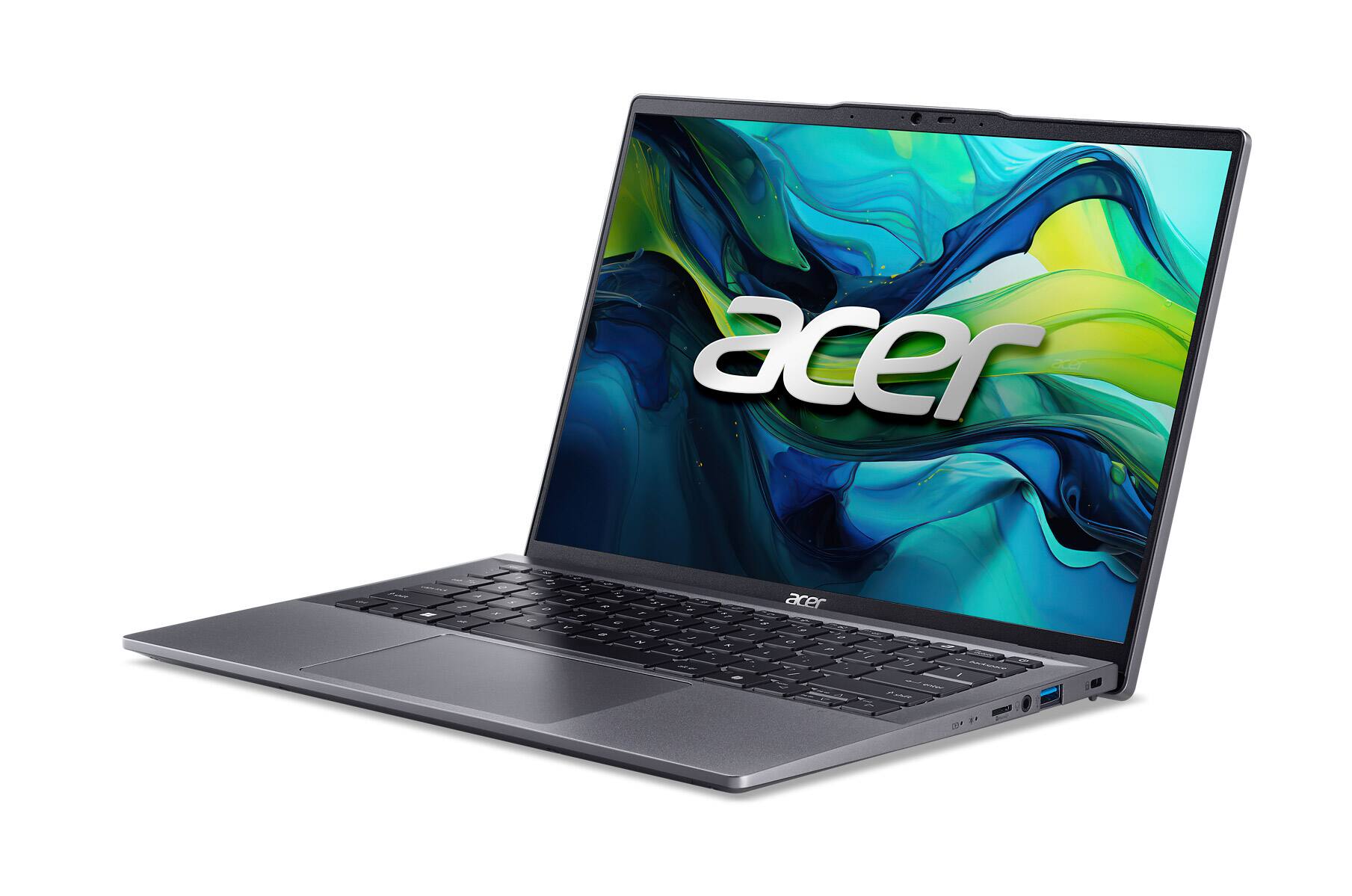
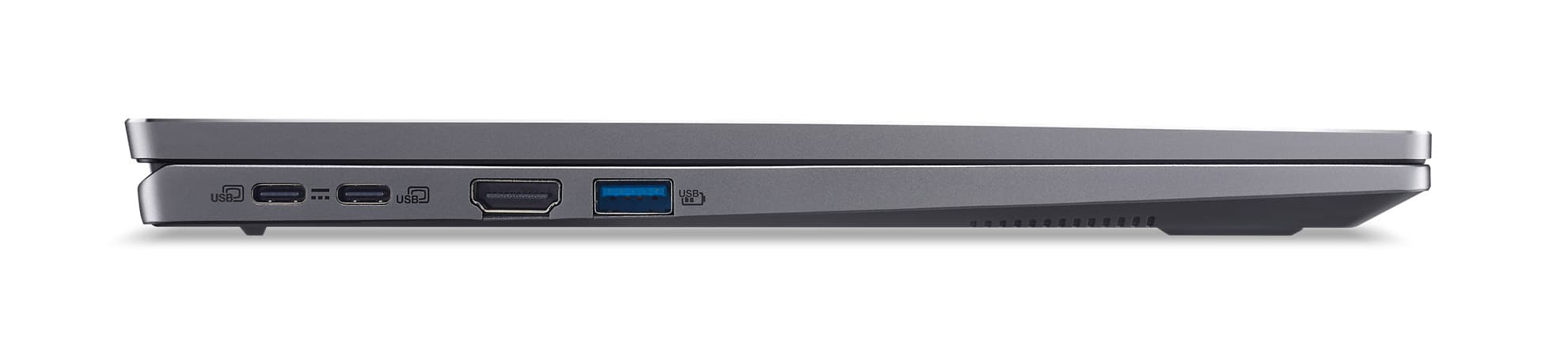
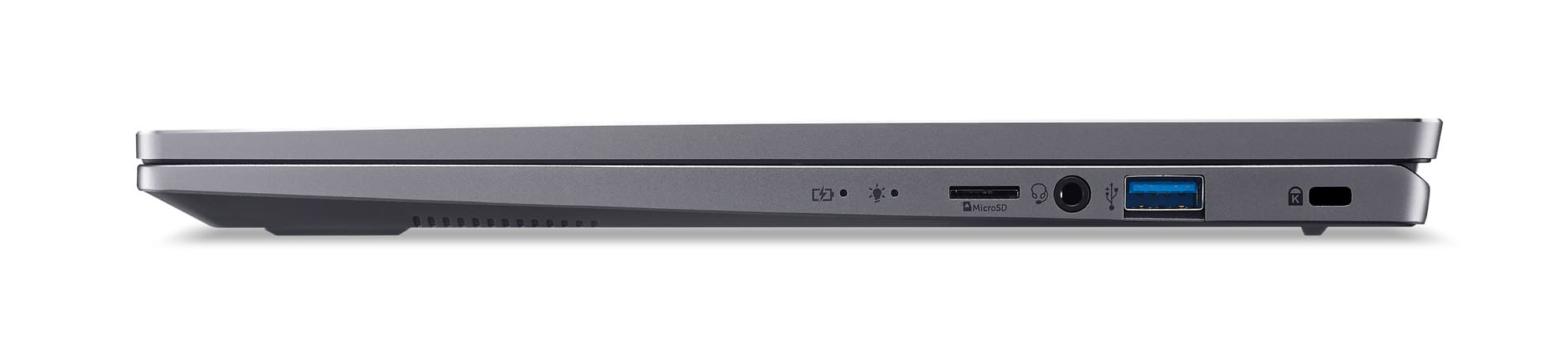

- Model:
- SFG14-63T-R1F4
- |
- SKU:
- 10132782
Customer reviews
Rating 4 out of 5 stars with 1 review
(1 customer review)to a friend
Rated 4 out of 5 stars
Very Capable Laptop with Some Issues
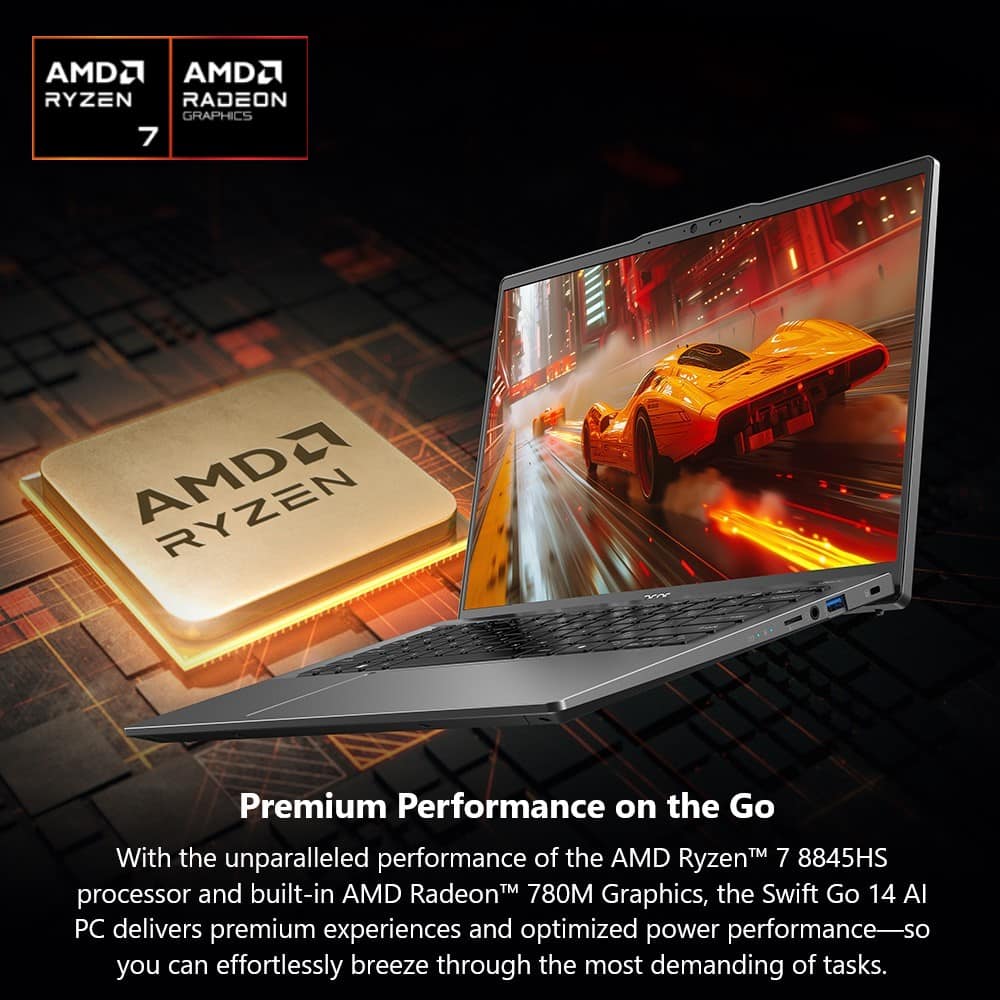
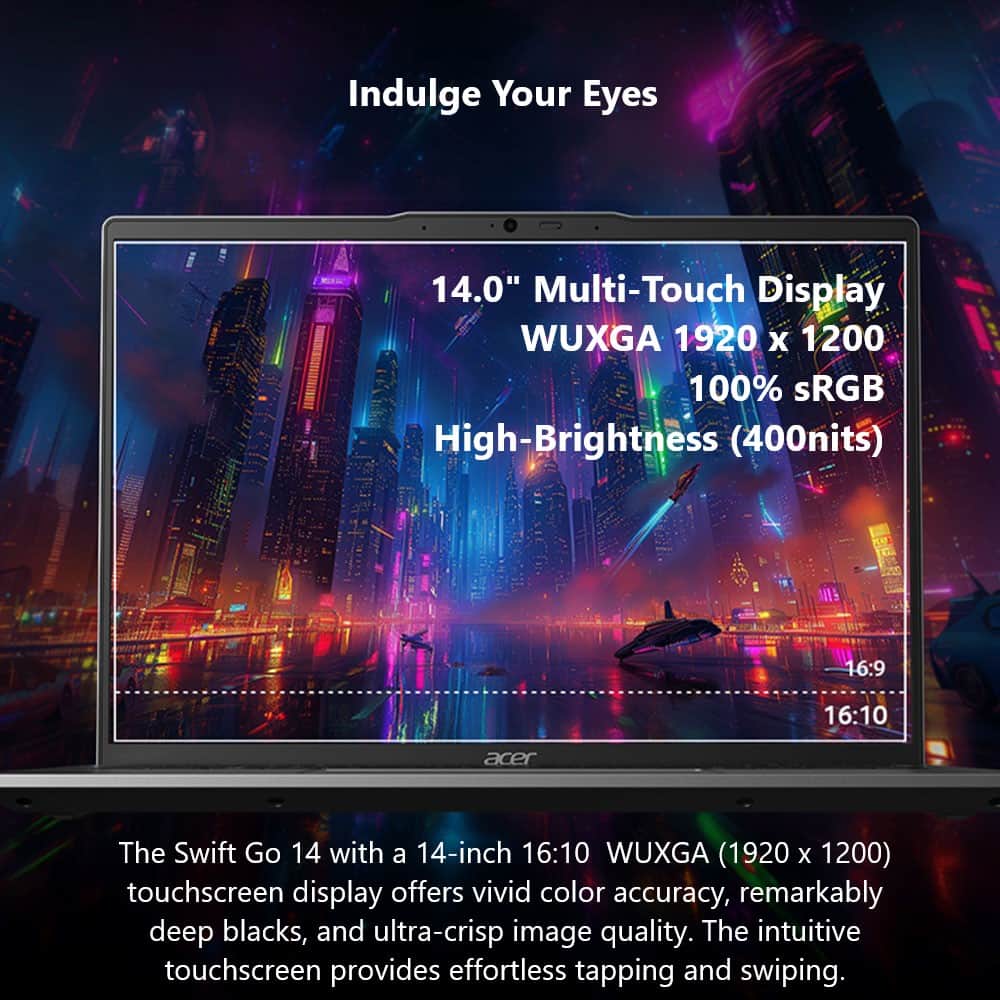
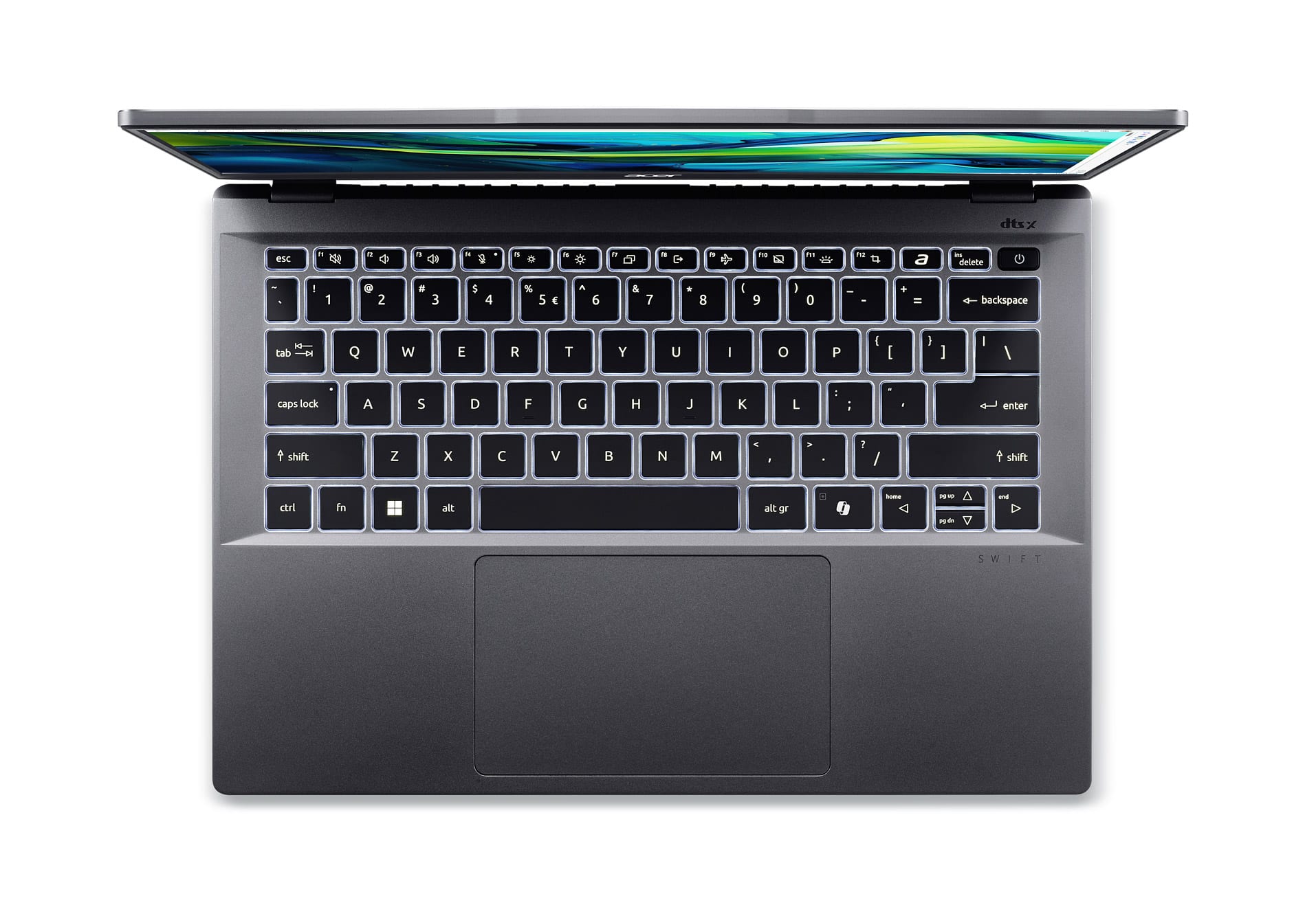
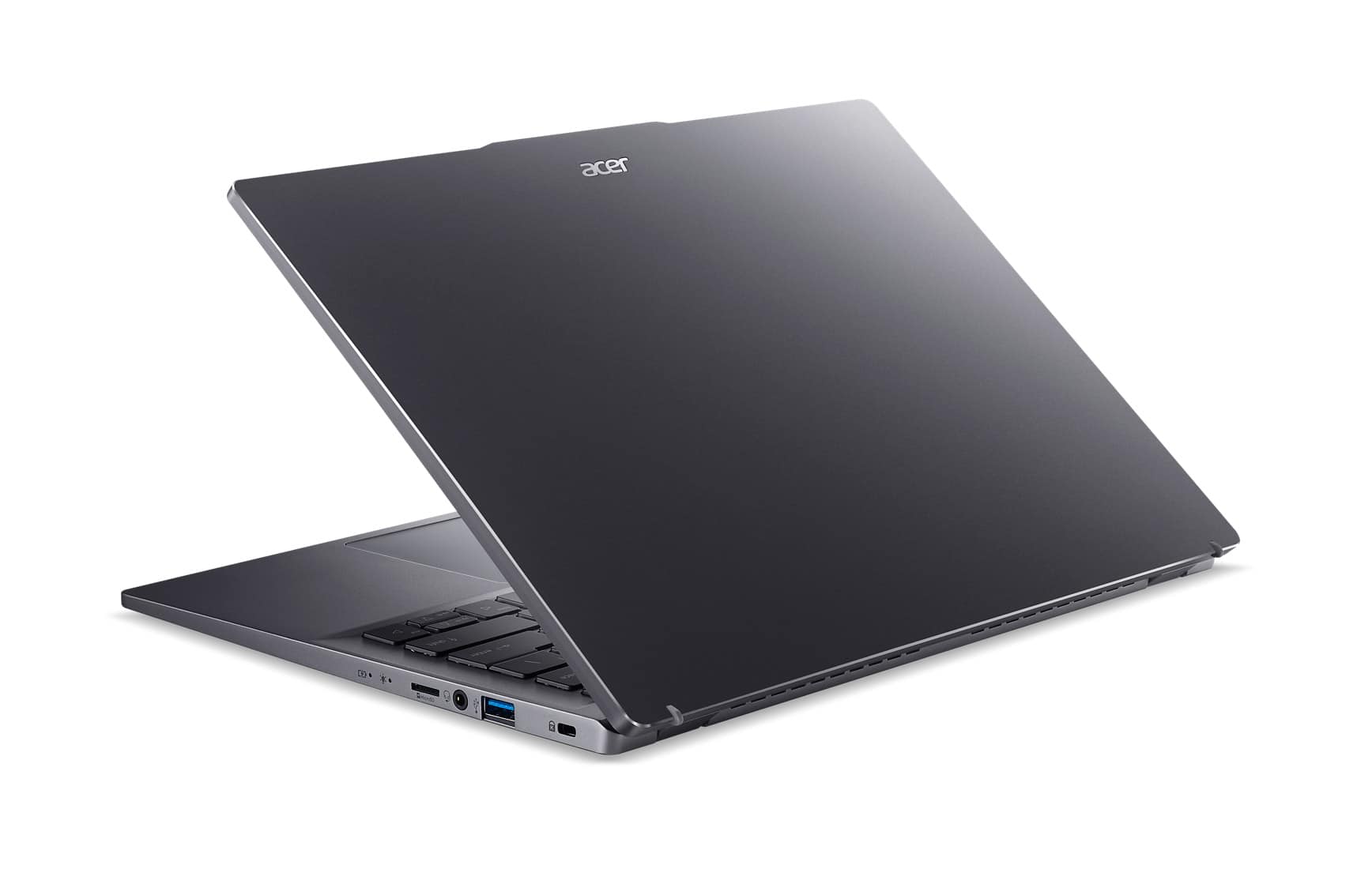
||Posted .This reviewer received promo considerations or sweepstakes entry for writing a review.It has been 9 days of regularly using my Acer Swift Go 14; the laptop certainly has had its few troubles but overall it has exceeded my expectations. At first startup, the laptop seemed to be running egregiously slow–even when running basic softwares like Google Chrome. After uninstalling bloatware, updating the graphics driver, and switching the battery settings to ‘best performance’ mode, its runtime dramatically improved. Poor internet connection may have contributed to its initial slow runtime. Despite not being marketed as a gaming laptop–I’m surprised by how well I am able to run some games. Web-based games like Roblox, while on its highest graphics settings, run at an average 60 FPS, casual games like Minecraft (highest settings) run 79 FPS, and Dead by Daylight runs at 64 FPS at its lowest settings. I have not tested intense graphics heavy games like Cyberpunk 2077 or GTA V. I have noticed that prolonged gaming of more intense games can cause the laptop to overheat and crash. So far, this has only happened once. Placing the laptop on a warmer surface (like my lap, with a blanket) could contribute to its heat spike. Device accessories like cooling pads would work well if intending to use the Acer Swift Go for decent gaming. The device’s cooling fans can become somewhat loud. It becomes most noticeably consistent when playing games–but otherwise is quiet/silent when using the device for photo editing, streaming, and web browsing. I am not bothered by the volume of the fans when gaming and do not find it to be disruptive. Compared to other touch-screen laptops, the Acer Swift Go’s matte screen finish prevents noticeable finger prints when using it. Occasionally, the touch screen will inexplicably stop working (not receiving/responding to touch). Going into ‘Device Manager’ and disabling then enabling the affected device under “Human Interface Devices” easily fixed this issue for me. I do not heavily rely on the use of an integrated web cam, but while testing it a few times I have had friends comment on video latency or low quality graphics. Poor internet connection could have contributed to such issues. Overall, the Acer Swift Go 14 has surpassed my expectations. Streaming, browsing, and graphic design have all been exceedingly fast and easy to do. Despite not being marketed as a gaming-compatible laptop, I have found very little issues while gaming (such as; crashing from overheating). You may encounter some issues; bloatware causing slow runtimes, somewhat-loud cooling fans, and the touch screen occasionally disabling. I have found all of the software issues to be easy to fix and the loud fans have not been overly disruptive or hindering while using the laptop.
I would recommend this to a friend
Customer reviews from Acer America Corporation
See all Acer America Corporation reviewsUser rating, 5 out of 5 stars with 1 review on Acer America Corporation.
5.0(1 review)
People also viewed
- $1,279.00$1,279.00The price was $1,299.99