Customer Ratings & Reviews
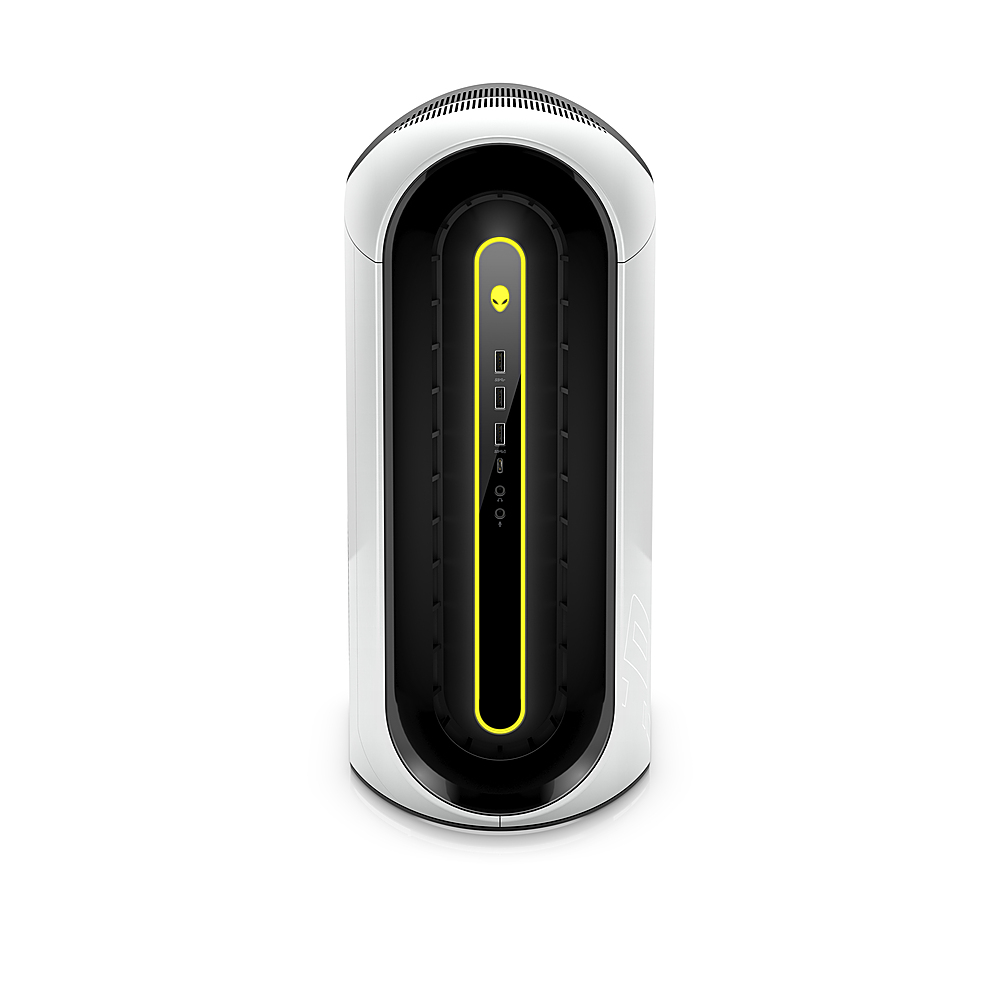
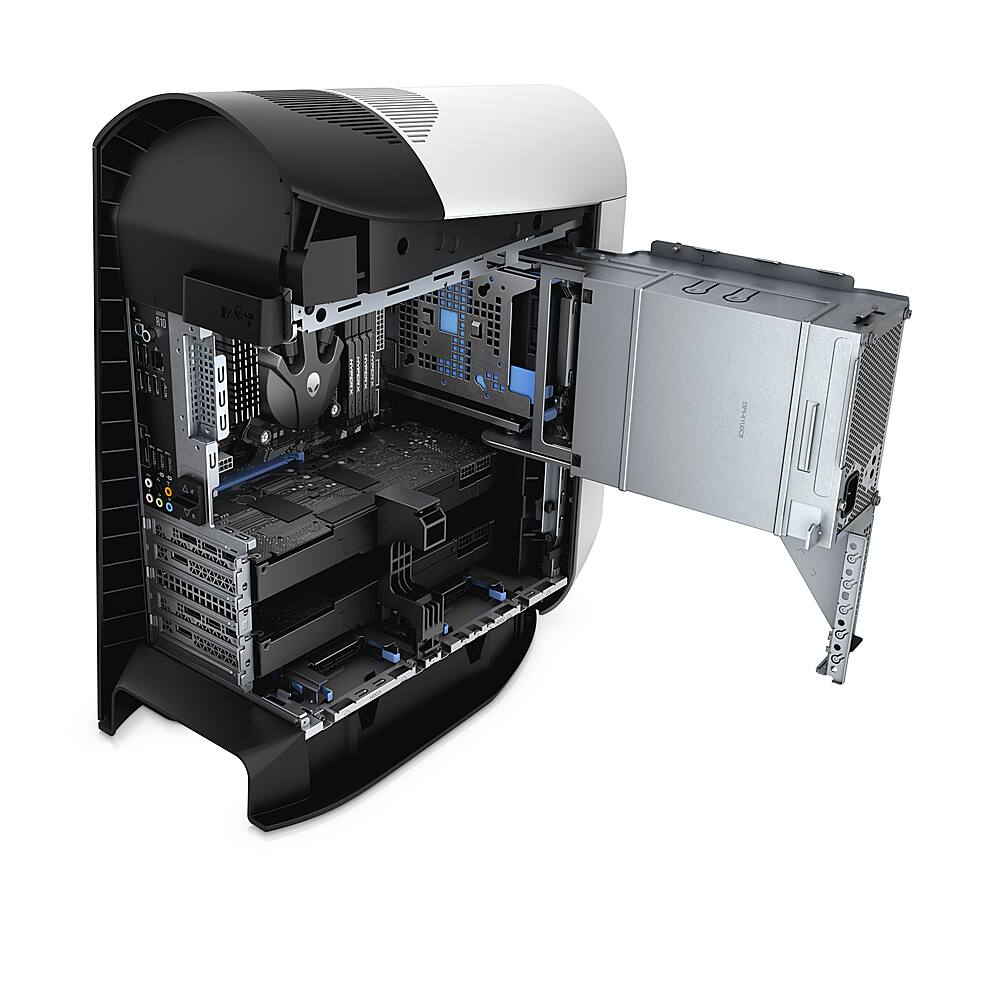
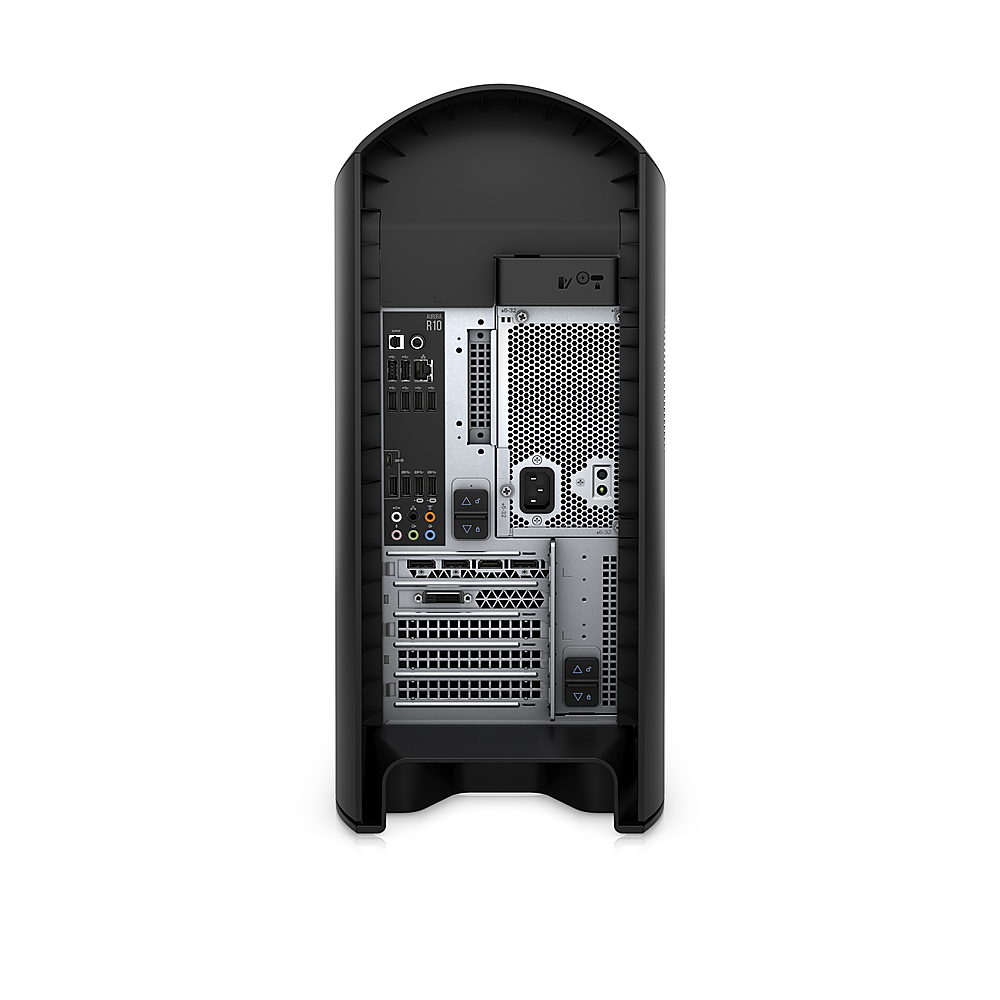
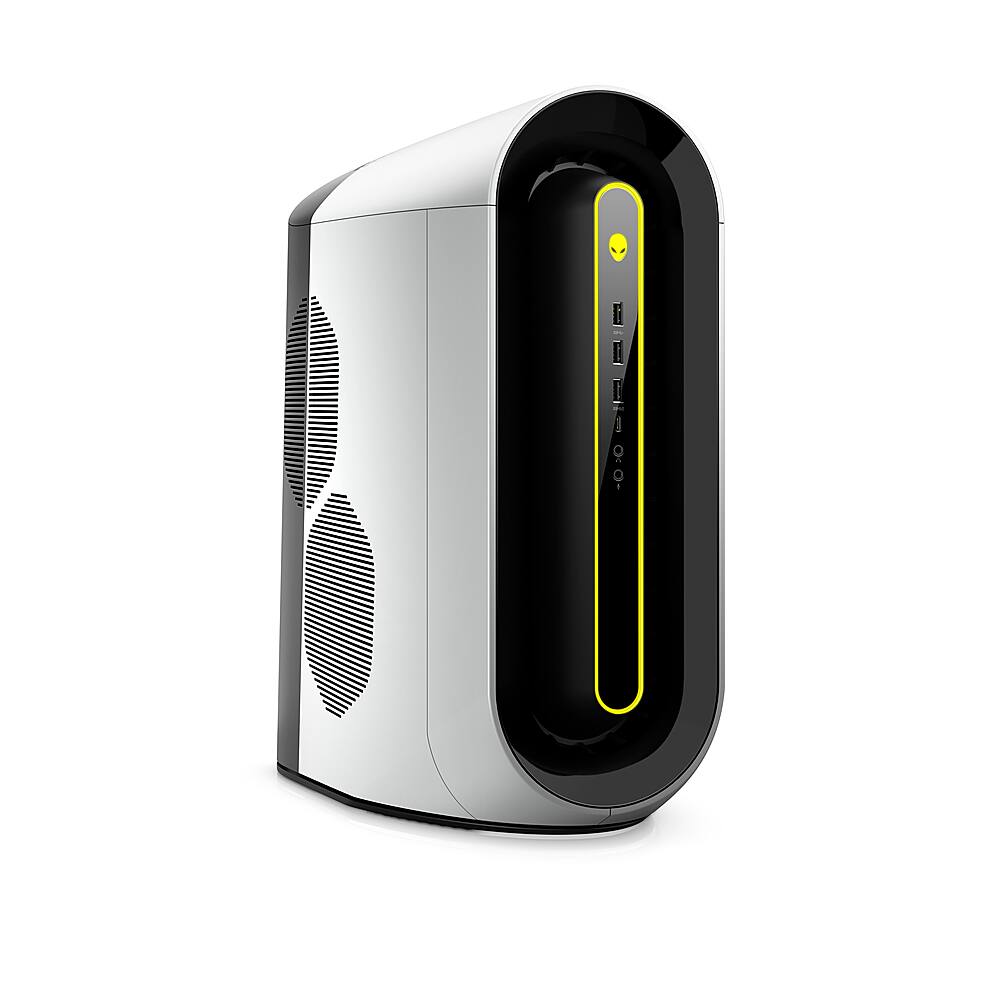
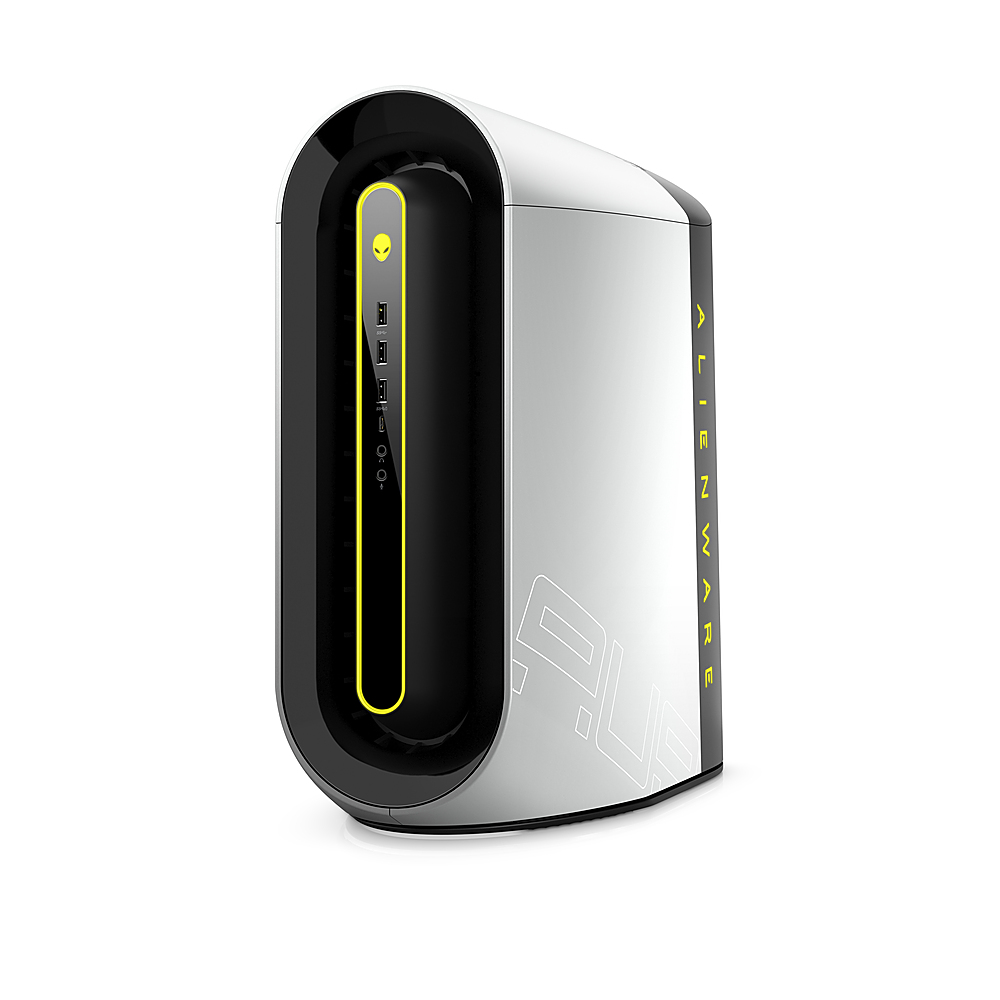
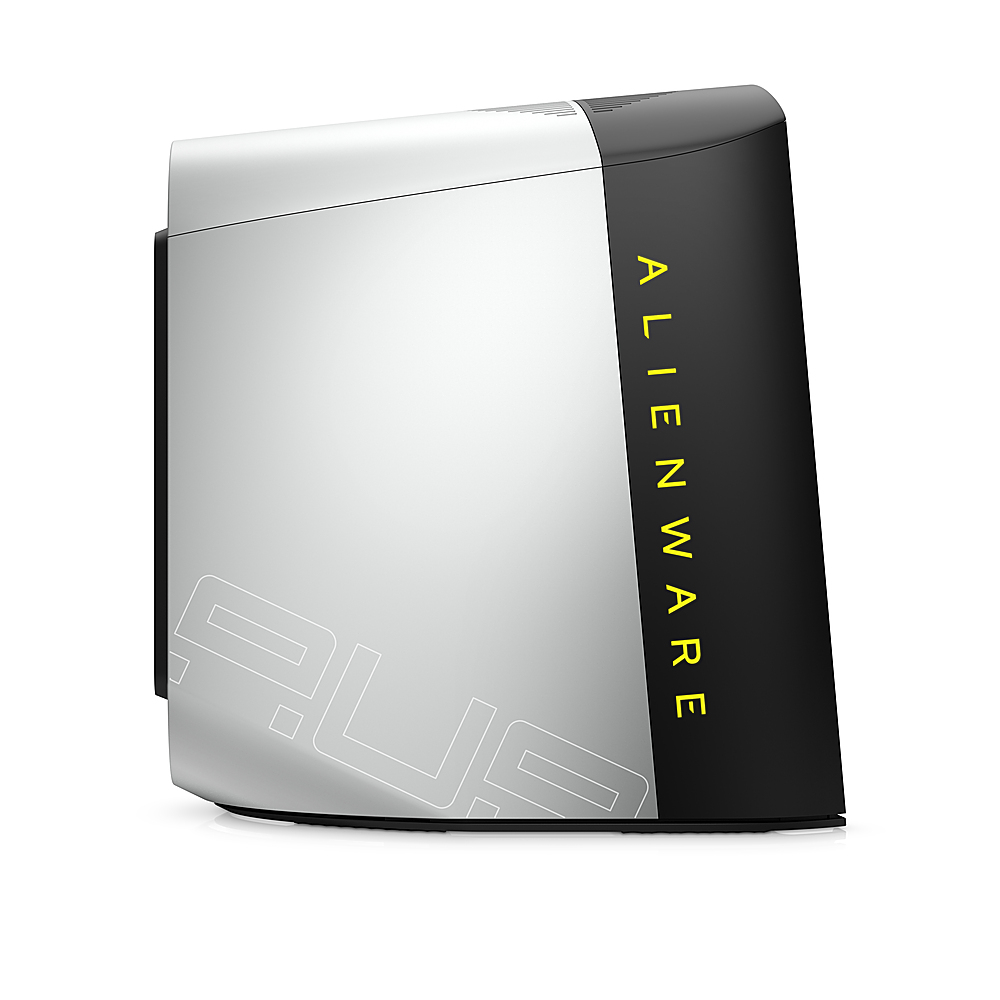
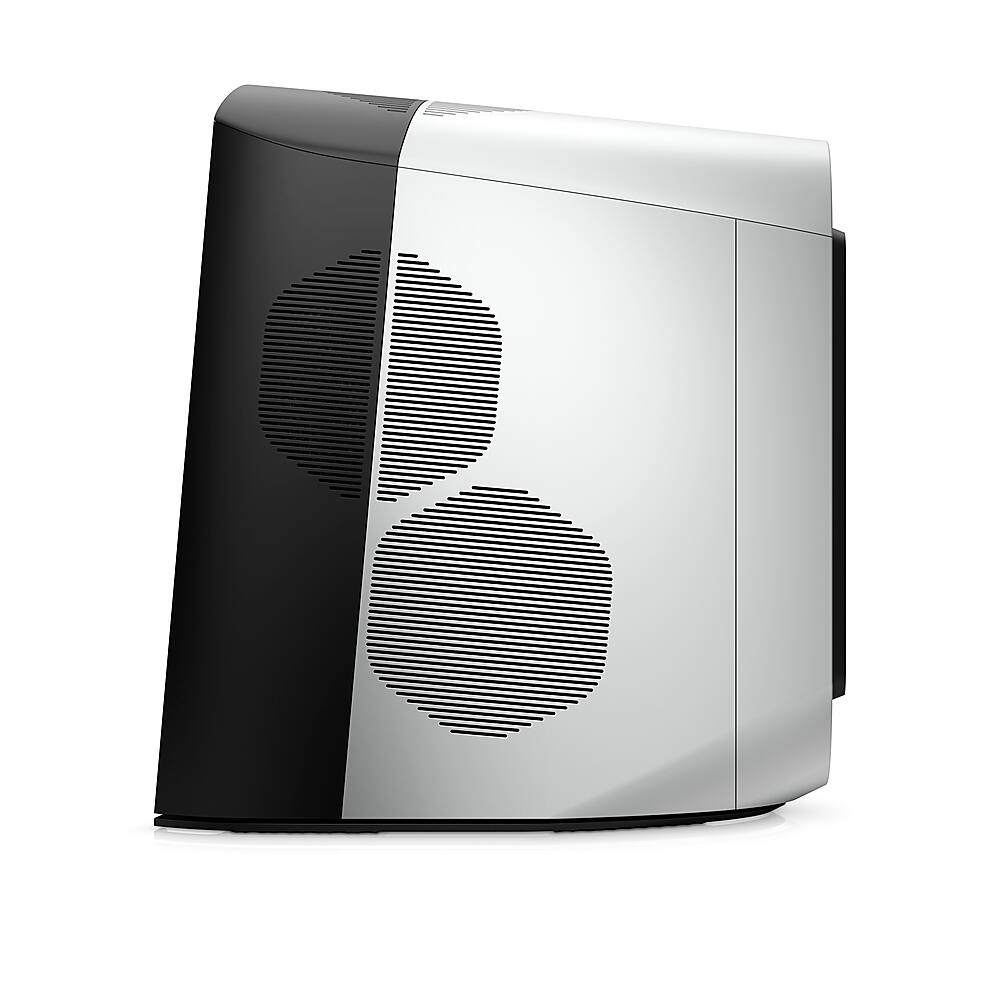
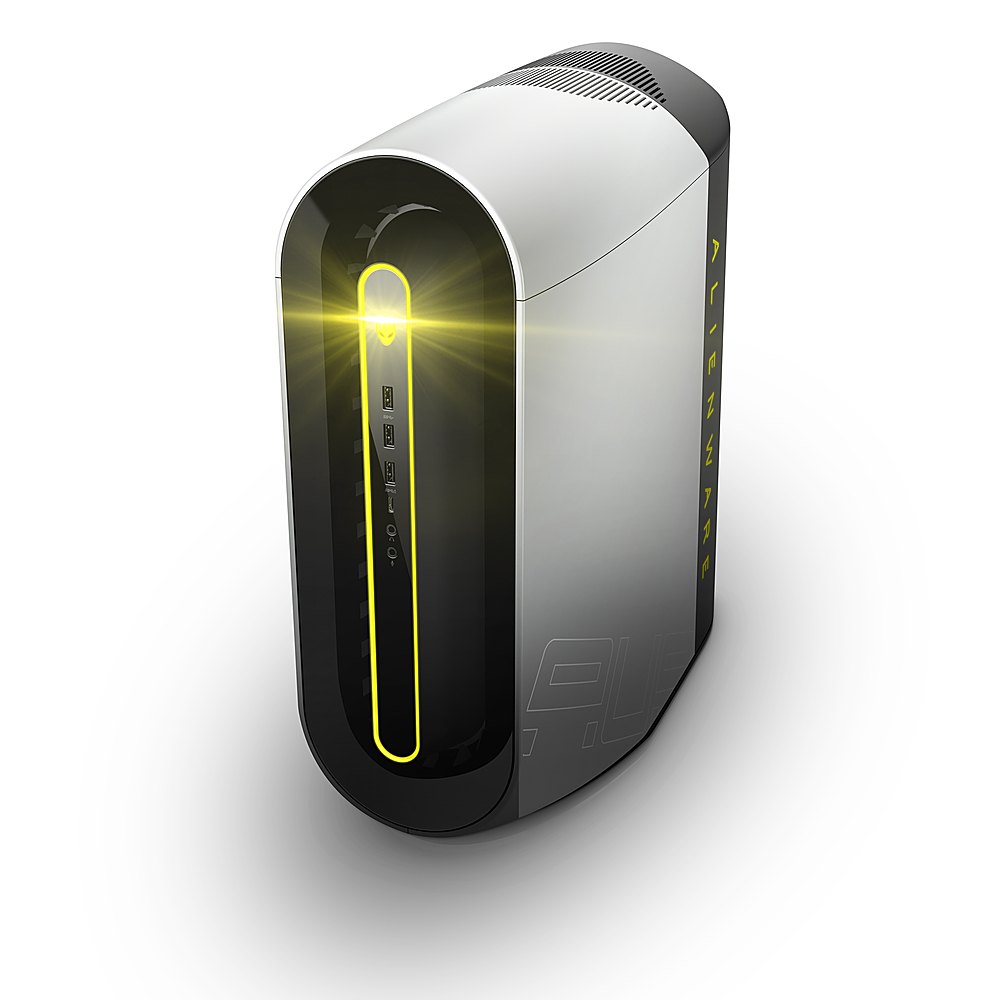
- Model:
- AWAUR10-A781WHT-PUS
- SKU:
- 6450198
to a friend
Works but poor value
||Posted . Owned for 1 week when reviewed.This reviewer received promo considerations or sweepstakes entry for writing a review.Way overpriced at 1950. Otherwise good to go out of the box. Mediocre cpu and gpu, average thermal managment courtesy of Alienware styling/production choices. Luckily this is not a terribly powerful cpu/gpu combination so not as heat soaked as an R11 or similar model.
No, I would not recommend this to a friendBrand response from YourDellTeam
Posted .Hello Nope,
We are sorry to hear that your Aurora R10 did not quite meet expectations. Your feedback is sincerely appreciated. We suggest updating your BIOS using the Alienware Update application that came pre-installed with your system. Likewise, if system thermals are of concern, you can prioritize cooling by opening the Alienware Command Center application that came pre-installed with your device and select the 'Cool' thermal profile. You can view the full article here - https://dell.to/2XAULtU
Keep in mind that our R10 follows AMD performance design guidelines, which can lead CPU temperatures to reach 100°C to output top in-game performance. We fully warrant the product under these conditions. If you see CPU temperatures rising beyond 100°C on Alienware Command Center, please contact Dell support at 1-800-264-9896 for further assistance.
Best Regards,
Anthony P.
Highly recommended
||Posted . Owned for 3 weeks when reviewed.This reviewer received promo considerations or sweepstakes entry for writing a review.Awesome computer Son is a gamer and he loves this computer Highly recommend
I would recommend this to a friendA+
||Posted . Owned for 2 weeks when reviewed.This reviewer received promo considerations or sweepstakes entry for writing a review.Ran with my old-ish setup for quite a while and finally decided to move on up. Caught a good deal on this PC and WOW!
I would recommend this to a friendPC Not Working Out The Box
||Posted .This reviewer received promo considerations or sweepstakes entry for writing a review.Hello, For those who are thinking of buying this PC, I would rather be safe then sorry to buy a custom PC that you can build yourself. I had bought this PC for $2000 and fresh out the box, my games start to crash immediately. I had someone from Dell, come replace the graphics card and still crashes.
No, I would not recommend this to a friendBrand response from YourDellTeam
Posted .Brent,
We're sorry to hear about the crashes that you're experiencing with your new Dell Desktop. If you'd like to diagnose the crashes we'd recommend the following steps:
1. At the desktop, click the Search the web and Windows box and type "problem reports".
2. Select View all problem reports to view a list of errors that have occurred on your computer and possible solutions for them, such as updating drivers, flashing your system BIOS, or checking for updates to the software.
3. Under the Source column, look for Windows and under Summary, look for Shut down unexpectedly.
4. Right-click the line item and select Check for a solution.
We'd also suggest checking to make sure that your software and drivers are up to date on Dell's Product Page.
You can read the full article here - http://dell.to/2u98Cct.
Best,
Bryan@Dell
If you require further assistance, you can contact Dell directly with the information below
Chat or Call:
https://bit.ly/DellSupportTeam
Phone number to Dell: 1-800-624-9896