Customer Ratings & Reviews
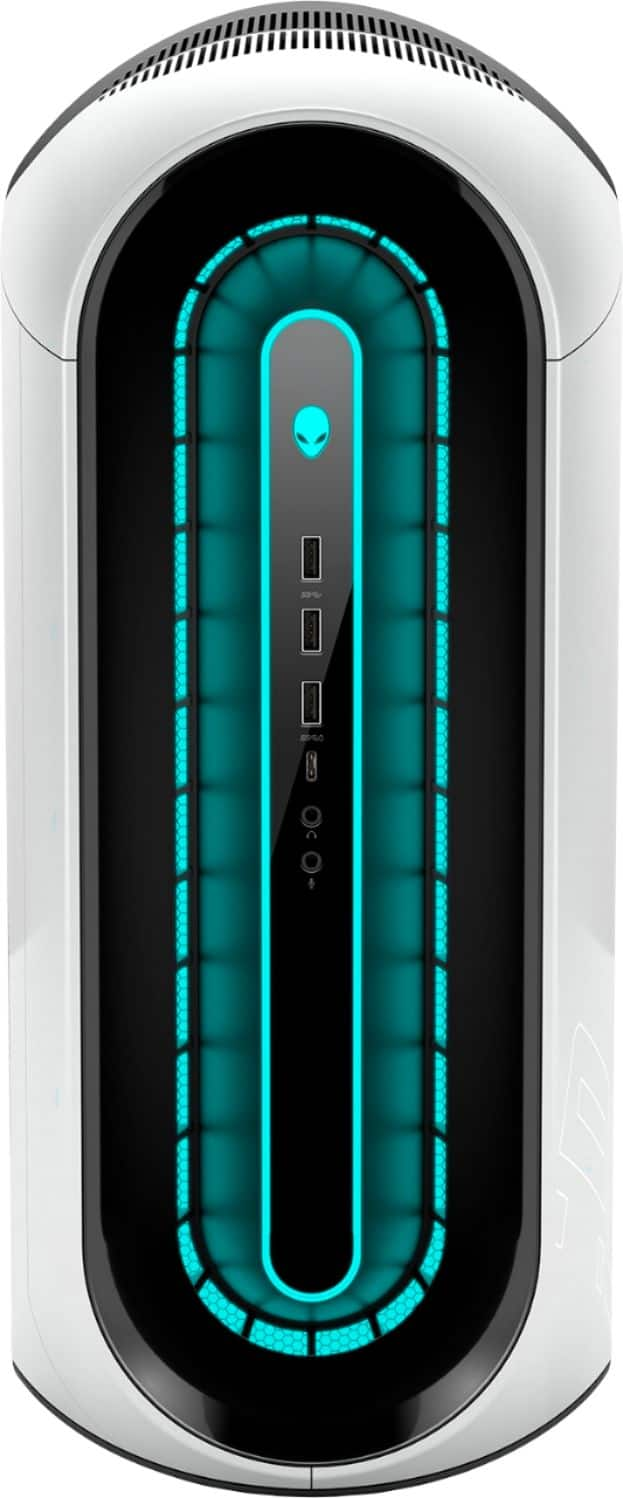
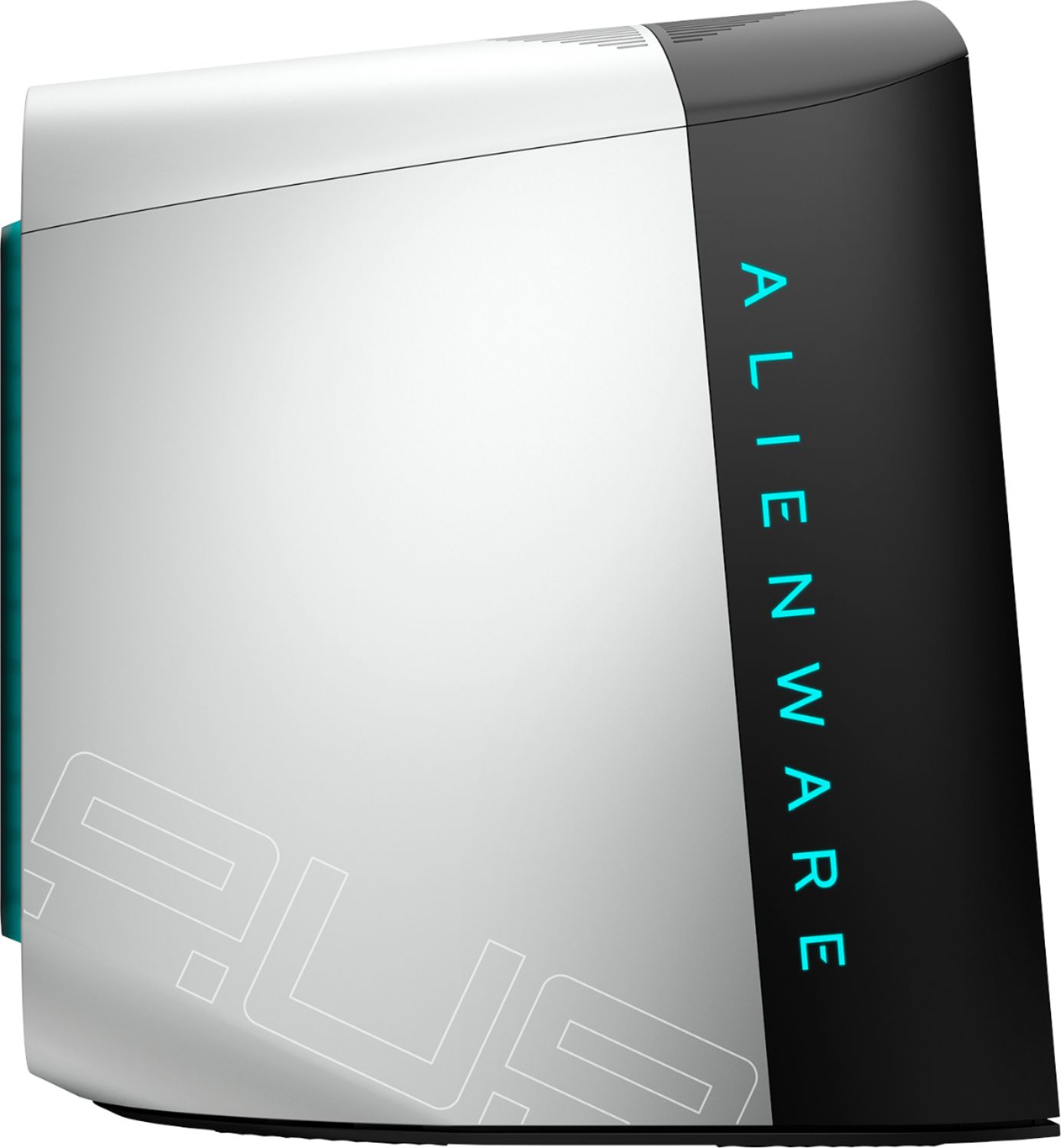
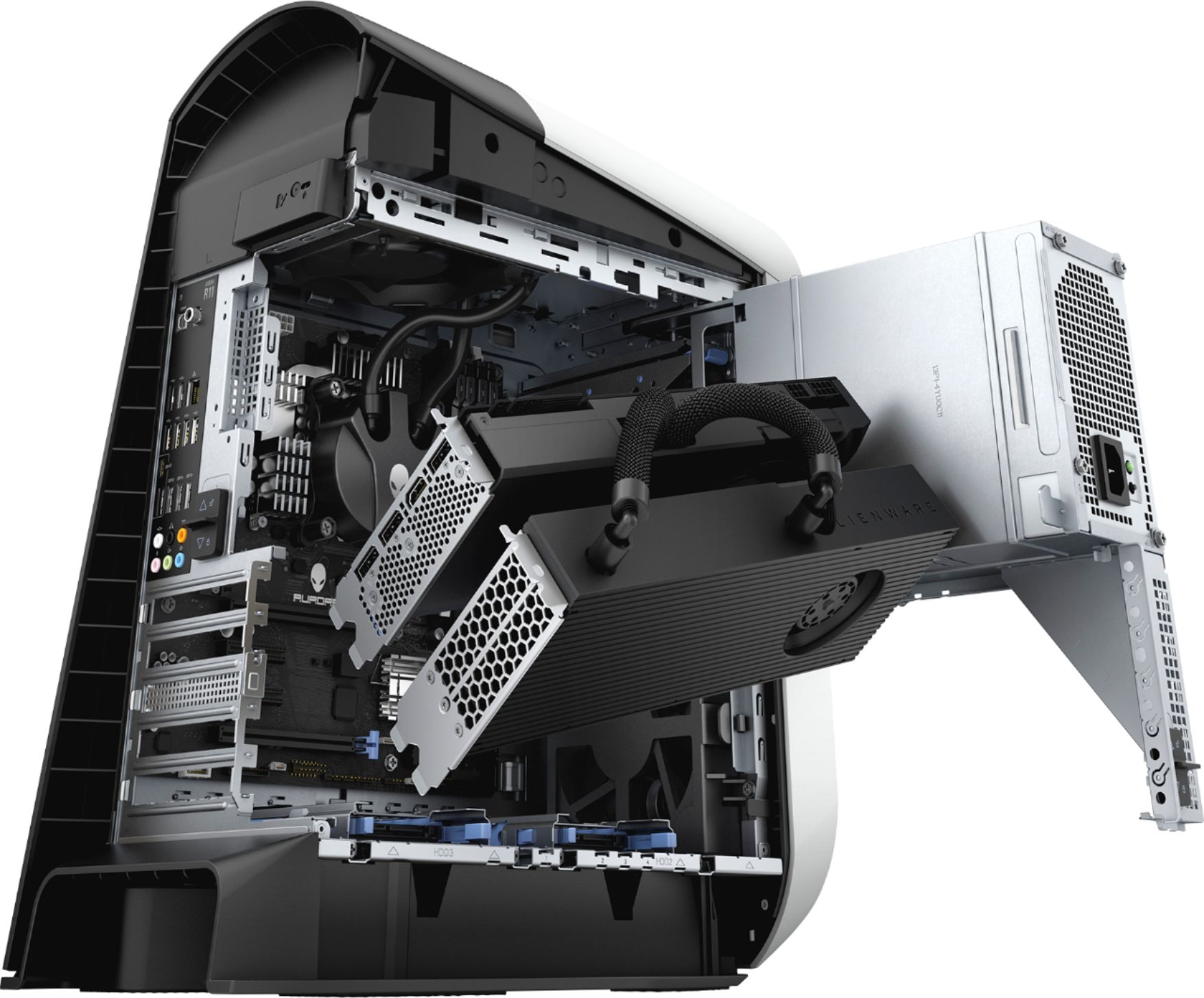
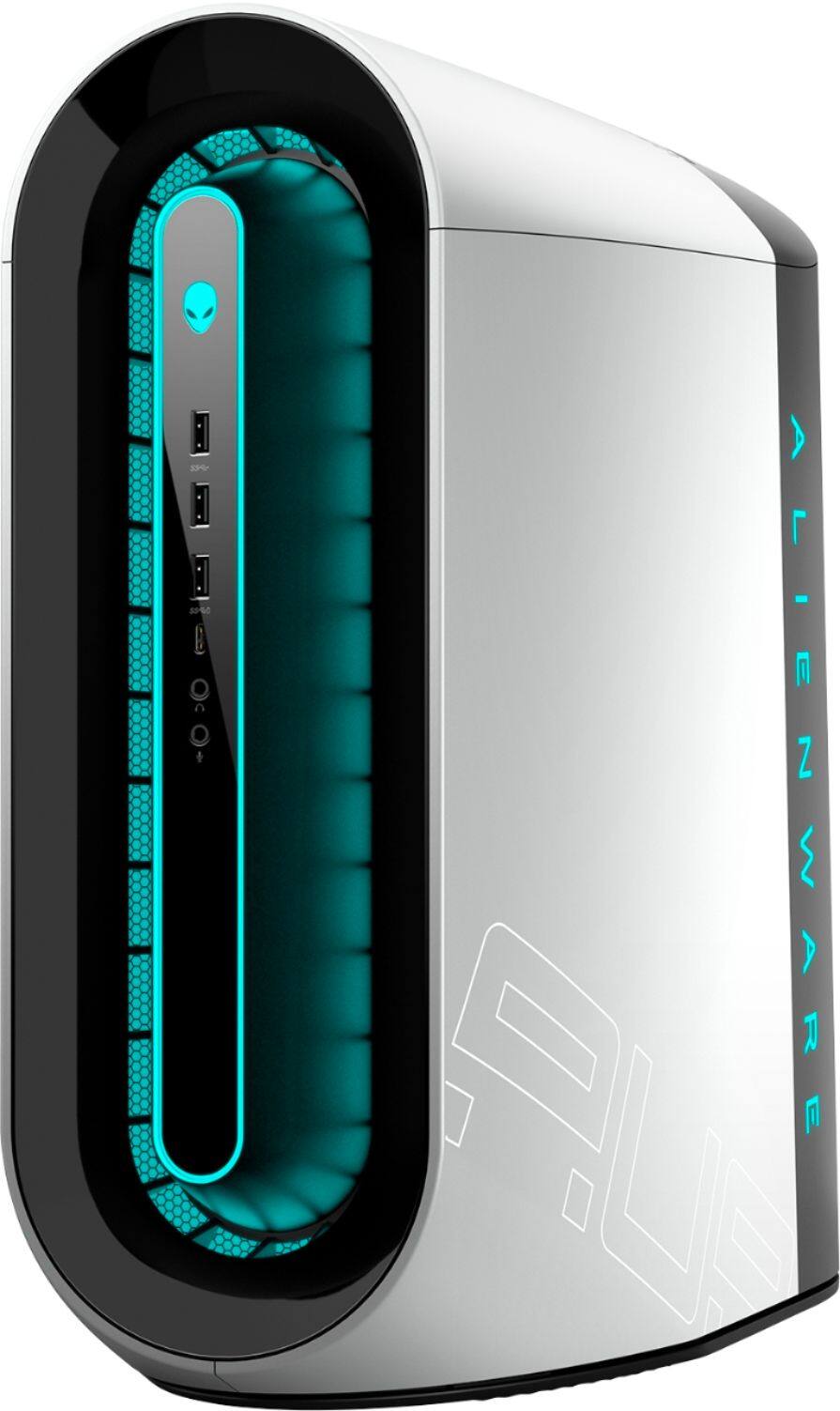

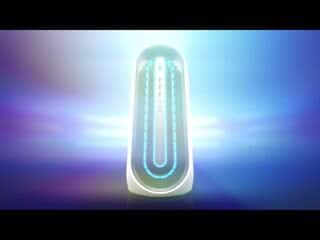

- Model:
- AWAUR11-7675WHT-PUS
- SKU:
- 6427087
Rating by feature
- Value
Rating 4.4 out of 5 stars
- Quality
Rating 4.6 out of 5 stars
- Ease of Use
Rating 4.7 out of 5 stars
Customers are saying
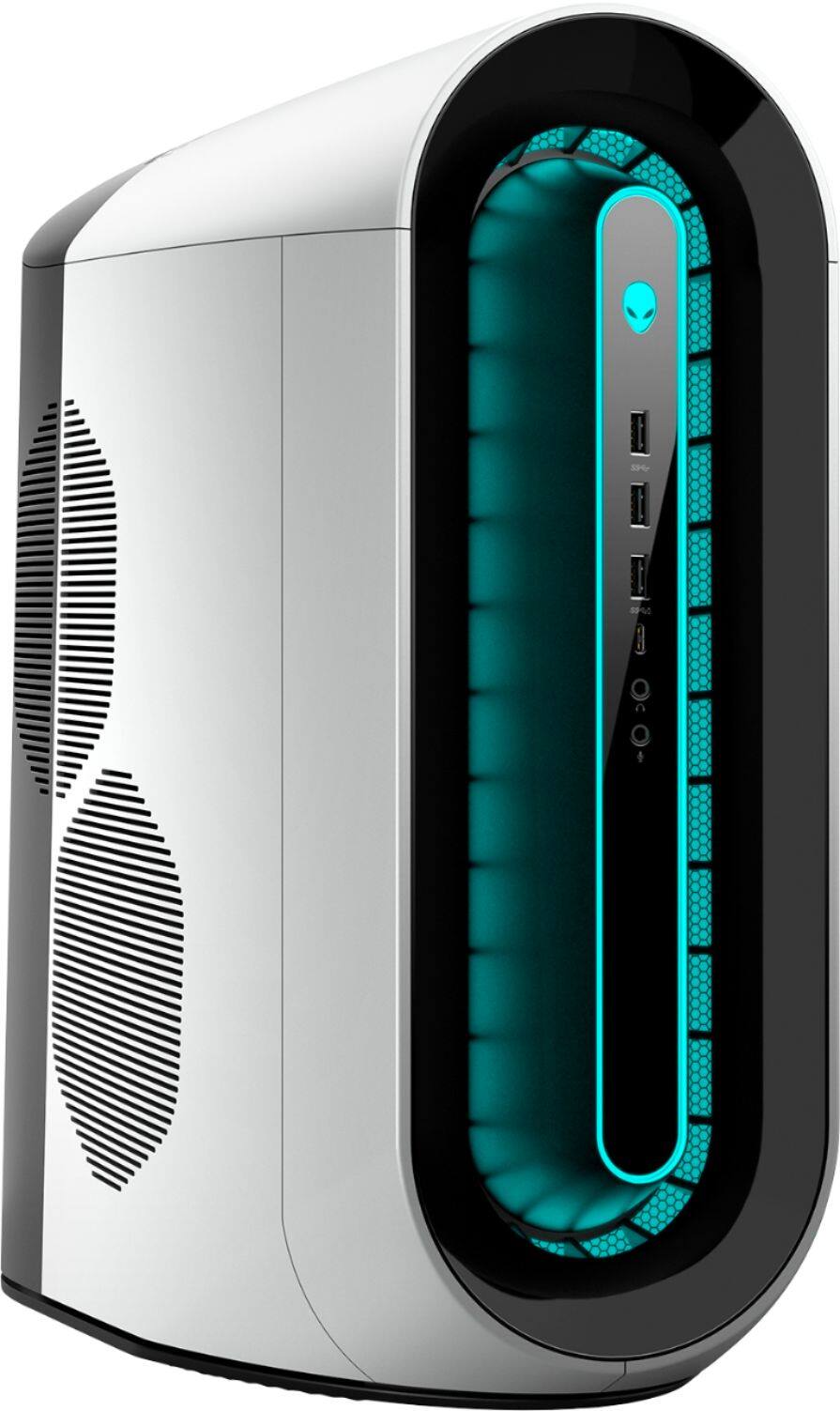
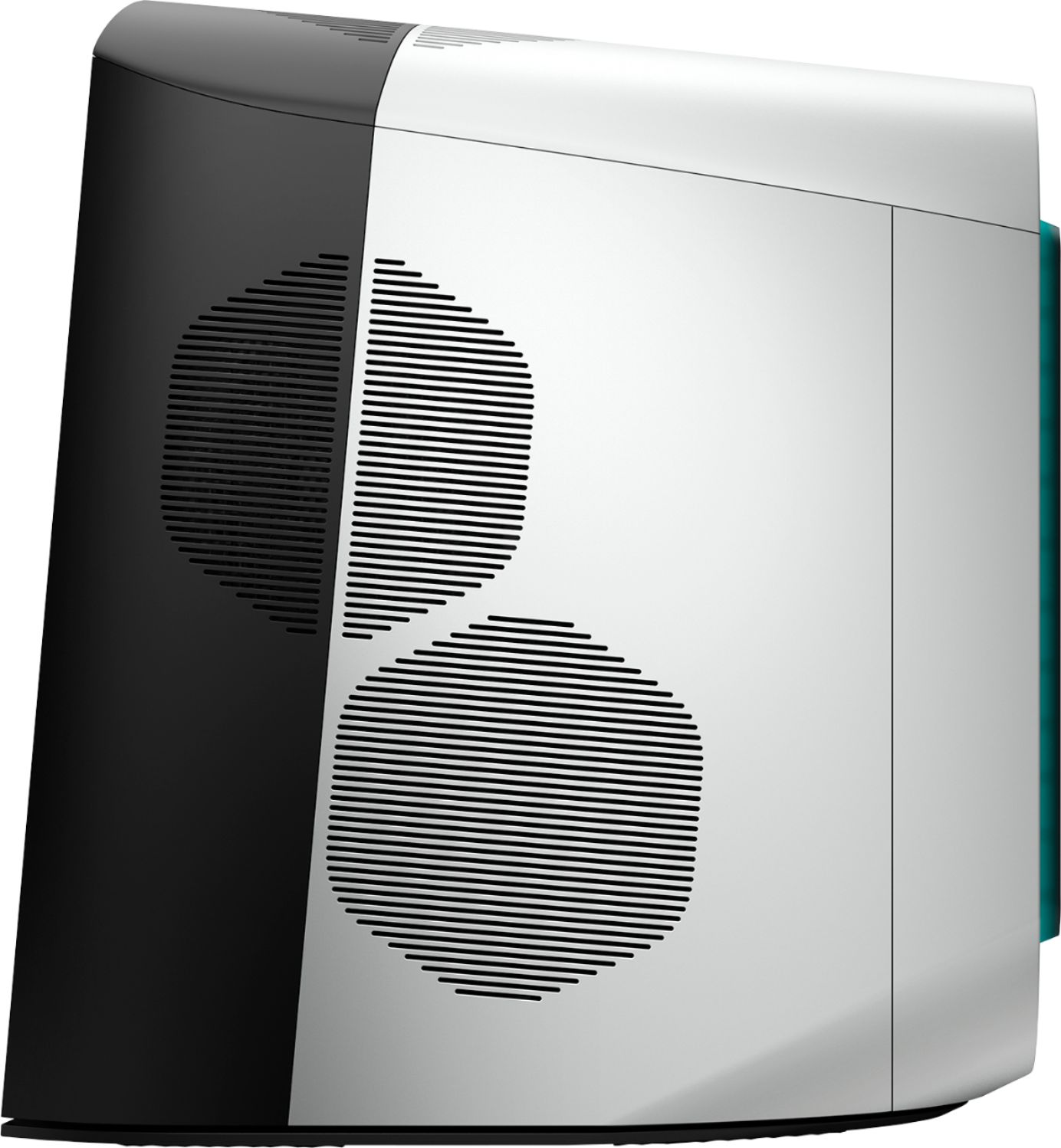
Customers consistently note the Aurora R11's excellent performance and impressive graphics capabilities, frequently praising its speed and visual quality. Many also appreciate the system's value for the price and the inclusion of a fast SSD. However, some users suggest improvements could be made to the cooling system to prevent overheating during intensive use, and a few mention that the case design could be optimized for better airflow.
This summary was generated by AI based on customer reviews.
Great Gaming PC
||Posted . Owned for 3 weeks when reviewed.This reviewer received promo considerations or sweepstakes entry for writing a review.Very fast and great boot up speed. Lights are awesome too.
I would recommend this to a friendBest one ever
||Posted . Owned for 1 month when reviewed.This reviewer received promo considerations or sweepstakes entry for writing a review.Beautiful, faster, awesome computer love the colors .
I would recommend this to a friendGreat expensive
||Posted .This reviewer received promo considerations or sweepstakes entry for writing a review.It’s great a little expensive but it’s a great product
I would recommend this to a friendAlienware
||Posted . Owned for 1 month when reviewed.This reviewer received promo considerations or sweepstakes entry for writing a review.Runs great! This is a phenomenal piece of machinery.
I would recommend this to a friendPrice well worth
||Posted . Owned for 1 week when reviewed.This reviewer received promo considerations or sweepstakes entry for writing a review.Really good if you don’t know how to build gaming pc’s
I would recommend this to a friendAlien Desktop
||Posted . Owned for 1 month when reviewed.This reviewer received promo considerations or sweepstakes entry for writing a review............Great computer.........................
I would recommend this to a friendVery nice.
||Posted . Owned for 1 week when reviewed.This reviewer received promo considerations or sweepstakes entry for writing a review.Great looks brand new.. Still has the stickers on it.
I would recommend this to a friendAlienware r11
||Posted .This reviewer received promo considerations or sweepstakes entry for writing a review.I love it but wish I was able to even open it!!:((((
I would recommend this to a friendCheaper
||Posted . Owned for 1 week when reviewed.This reviewer received promo considerations or sweepstakes entry for writing a review.More useful and more cheaper than other computers.
I would recommend this to a friendDon't buy this unless you are willing to upgrade i
||Posted . Owned for 2 weeks when reviewed.This reviewer received promo considerations or sweepstakes entry for writing a review.IF YOU BUY THIS fully expect to have to install an AIO (All-in-one) Liquid Cooling system to run any medium to high-end game without getting extremely high and erratic temperatures on the CPU. When I first started to monitor temps on my R11 I would get mid to high 80s (celcius) during gaming sometimes even jumping into the 90s. I opened up the case and discovered that the Power Supply location is about a half inch directly above the CPU heat sink and fan. No wonder the temps were so bad. After this, I installed a Corsair H60 AIO Liquid Cooler (about $80) and the PC runs games at stable temperatures hovering around 75-80 when playing high end games, and 65-75 for medium-end. Dell shouldn't sell these without Liquid Cooling, the case is designed for it, that's what it's built for. It's only roughly only $80 to upgrade, and when you're talking about $1600, that peanuts.
I would recommend this to a friendBrand response from YourDellTeam
Posted .Hello HcRob,
We are sorry to hear that your Aurora did not quite meet expectations. Your feedback is sincerely appreciated. It's likely that the temperature tables of your system are out of date. We suggest updating your BIOS using the Alienware Update application that came pre-installed with your system. Likewise, if system thermals are of concern, you can prioritize cooling by opening the Alienware Command Center application that came pre-installed with your device and select the 'Cool' thermal profile. You can view the full article here - https://dell.to/2XAULtU
Keep in mind that our Aurora follows Intel performance design guidelines, which can lead CPU temperatures to reach 100°C to output top in-game performance. We fully warrant the product under these conditions. If you see CPU temperatures rising beyond 100°C on Alienware Command Center, please contact Dell support at 1-800-264-9896 for further assistance.
Best Regards,
Wendy C.
Good computer system
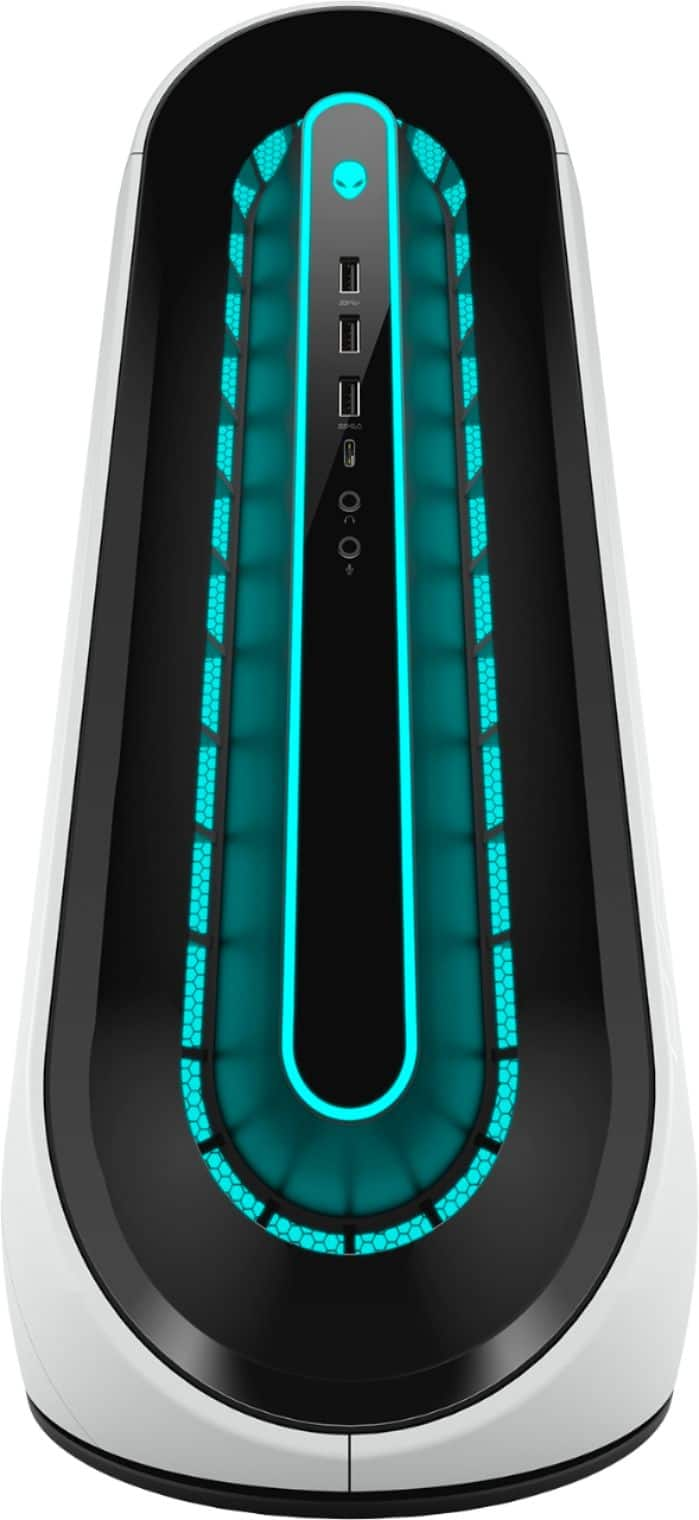
||Posted .This reviewer received promo considerations or sweepstakes entry for writing a review.Decent power for the money. Plenty of ports for lots of different devices
I would recommend this to a friendFreezing
||Posted . Owned for 1 month when reviewed.This reviewer received promo considerations or sweepstakes entry for writing a review.It is a awesome pc the only reason it gets 3 stars from is because it has a freezing problem and I've had it since out the box and in order to get it fixed u have to buy a million different protection plans before bestbiy geek squad or the manufacturer will help u
I would recommend this to a friendBrand response from YourDellTeam
Posted .Hello Johnny,
Thanks for your review. We are sorry to hear that your computer has had freezing issues. We have provided steps below that can help.
1. Run a Computer Diagnostic. To determine if your computer is experiencing a hardware problem, run the Dell Preboot System Assessment (PSA) Diagnostics. For information on how to run Diagnostics, and to determine the issue, refer to Dell Knowledge Base Article: http://dell.to/2iaiujA.
2. Check Safe Mode for Symptoms. To boot into safe mode, please follow the instructions below:
a) Start the computer.
b) Tap 'F8' on the keyboard immediately and every one second until the Dell logo screen disappears. From there you will see the Windows Advanced Options Menu on the screen. (If the Windows Advanced Options Menu does not appear, restart the system and try again.)
c) Select Safe mode with Networking and press Enter.
d) Log on as the administrator or as a user with administrative access.
e) Open applications and test the computer in safe mode. If the symptoms exist in safe mode, please continue the troubleshooting steps in this article. If the symptoms do not exist in safe mode, the issue is likely related to a driver or software and you may wish to complete step 3 to see if you are able to resolve the lockups or freezing.
3. Check for Malware. Malware (Virus, Spyware, etc.) can definitely cause a Windows system to lock up or appear to hang. To check for malware on your system and to ensure that your computer is up to date on security software, visit Dell Knowledge Base Article: http://dell.to/2wWP1zI.
You can read the full article here - http://dell.to/2tW5m33.
Best regards,
Wendy C.
Not good
||Posted .This reviewer received promo considerations or sweepstakes entry for writing a review.Well I bought a computer just a open box tower.they didnot plug a monitor to it to see if it work or not..when I got home I plug in the NEW 4k monitor I got at the same time. In to see if it would work Guess what. Didnot work.. I spent hr on the phone with tech support with no luck.. so I had to drive back to there and found out it had a bad power supply.. I live 45 min one way from best buy. So I spent over 2hr driving. Iam.very unhappy with this and they act like oh well. They didnot say much at all to me. How would you feel if you spent 2400 and they act like that. I hate to a rite a bad review but on this i needed to.
No, I would not recommend this to a friendGreat but can’t be upgraded
||Posted . Owned for 1 month when reviewed.This reviewer received promo considerations or sweepstakes entry for writing a review.Good price for what you get but I recommended building your own pc or using a different oem for pre built PCs . This pc is hard upgrade
I would recommend this to a friendBrand response from YourDellTeam
Posted .Yellowdevil,
Thanks for your review and we're glad that your desktop is working well for the most part. If you do have questions about your computer you can always check our Product Support Page here: https://dell.to/3ndVGw2.
Best,
Bryan
1-800-624-9896
- Cons mentioned:Cooling
Unsatisfied
||Posted .This reviewer received promo considerations or sweepstakes entry for writing a review.Overheats and doesnt run well would not rebuy its to expensive to not function properly
No, I would not recommend this to a friend Disappointig despite low expectations
||Posted . Owned for 1 month when reviewed.This reviewer received promo considerations or sweepstakes entry for writing a review.Would've been nice but it crashes and BIOS won't update (error when trying to install the recommended update). Returning. Seriously, why can't gaming rigs be reliable?
No, I would not recommend this to a friendBrand response from YourDellTeam
Posted .Thank you for your review. We are sorry to hear you are having trouble with your Alienware Aurora R11 crashing. Below I have provided steps on how to update the BIOS along with two links that should resolve this issue. If the issue persists, we recommending contacting our support team at 1-800-624-9896
BIOS:
1. Browse to the Dell Drivers & downloads page.
2. Identify your Dell computer
*Click Download and Install SupportAssist to automatically identify your Dell computer.*
*Or, enter the Service Tag, Express Service Code, or model number of your Dell computer and click Search.
*Or, click Browse all products and select your Dell computer from the list.
3. Select the Operating System.
4. Under Category, select BIOS.
5. Locate the latest System BIOS.
6. Click Download and save the file to your computer.
7. Open File Explorer and browse to the location where the downloaded file is saved.
8. Double-click the BIOS setup file and follow the on-screen instructions to complete the installation process.
BIOS update: https://dell.to/3mn8zmA
Diagnostic Test: https://dell.to/3ajngVE
Best, Lexy
Do not buy
||Posted . Owned for 2 months when reviewed.This reviewer received promo considerations or sweepstakes entry for writing a review.Worked fine for about 2 months then constant crashing and blue screens of death. I would strongly recommend to stay away from this one. Unfortunately i cant even return it
No, I would not recommend this to a friendBrand response from YourDellTeam
Posted .nowhiskey,
We're sorry to hear about the Blue Screen Errors and crashes that you're experiencing. We'd recommend the following steps to diagnose your Blue Screen Errors:
1. At the desktop, click the Search the web and Windows box and type "problem reports".
2. Select View all problem reports to view a list of errors that have occurred on your computer and possible solutions for them, such as updating drivers, flashing your system BIOS, or checking for updates to the software.
3. Under the Source column, look for Windows and under Summary, look for Shut down unexpectedly.
4. Right-click the line item and select Check for a solution.
We'd also suggest checking to make sure that your software and drivers are up to date on Dell's Product Page - https://dell.to/2SasW9V.
You can read the full article here - http://dell.to/2u98Cct.
Best,
Bryan
1-800-624-9896
OVERCLOCK not
||Posted . Owned for 11 months when reviewed.This reviewer received promo considerations or sweepstakes entry for writing a review.Worse Gaming PC’s after DELL bought them. They ruined the company. The name and the product. Also you can’t overclock
No, I would not recommend this to a friendTrash
||Posted . Owned for less than 1 week when reviewed.This reviewer received promo considerations or sweepstakes entry for writing a review.Had it for a week and the motherboard fried. ALIENWARE SUCKS
No, I would not recommend this to a friendBrand response from YourDellTeam
Posted .Yessir,
Thanks for your review and we're sorry that your computer is not performing the way that it should. We'd recommend reaching out directly to Best Buy in order to find out what your return or exchange options are: http://bit.ly/2v2IVhI.
If you'd like to read the terms of Dell's One Year Limited Warranty you can read them here: https://dell.to/39iwZuX.
Best,
Bryan
1-800-624-9896
Best Mid to High tier gaming beast in the market!
Posted .This reviewer received promo considerations or sweepstakes entry for writing a review.This is my first tower gaming pc coming from a gaming laptop. This pc is a really good mid to high tier pc. I love the experience of it, the rgb of the pc, the amount of ports, and the specs are insane. Only problem is that the cpu cooler is kinda bad and the cpu can overheat sometimes, but it doesnt affect performance. Everything else is perfect! 100 percent would recommend. The ratio of the parts if you were building it and this pc is insane, a 700-1.5k difference. The control center has some flaws and some things they can add, like how msi has a free memory button in their control center, but thats too much to ask for, best purchase from best buy in a while :)
I would recommend this to a friend