Customer Ratings & Reviews
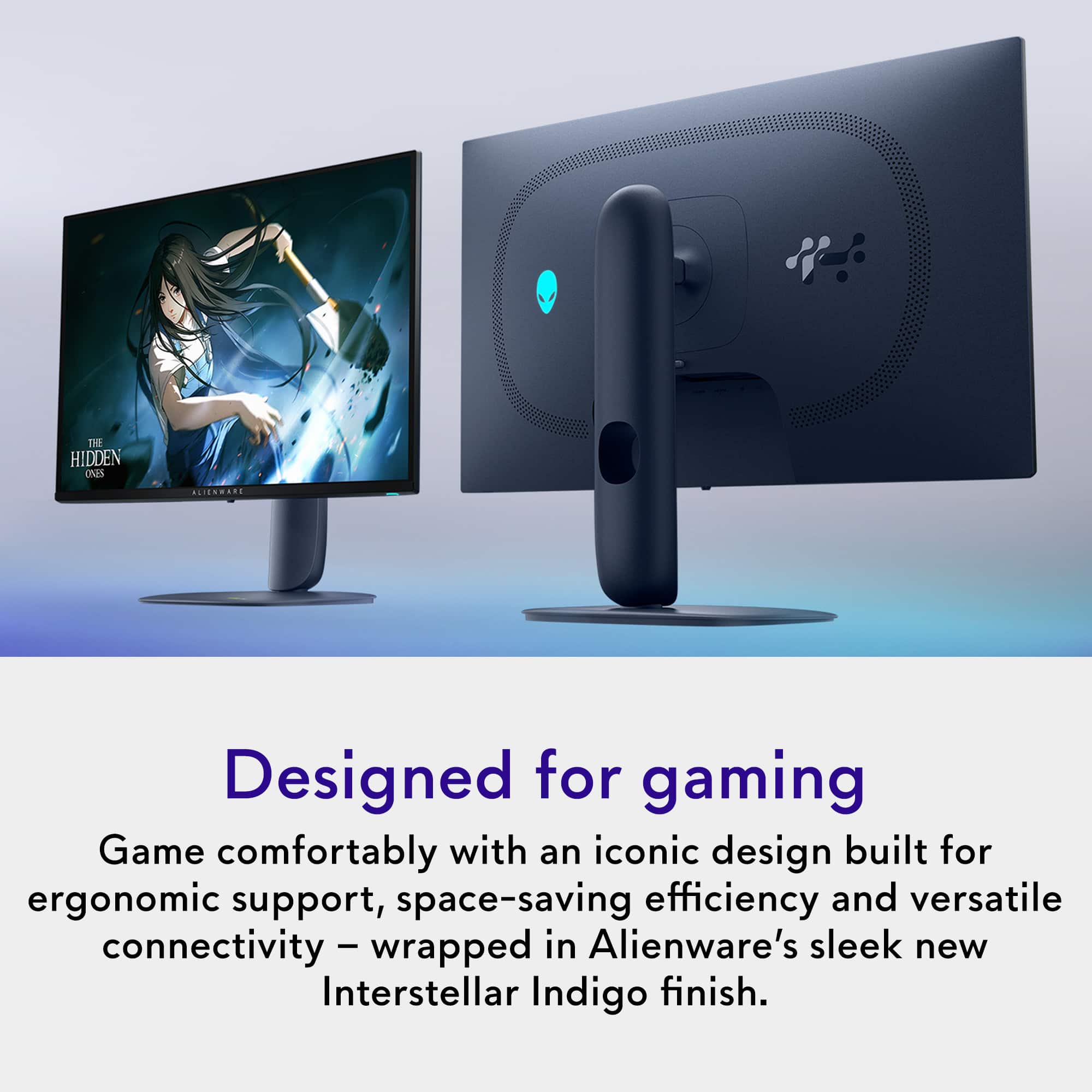
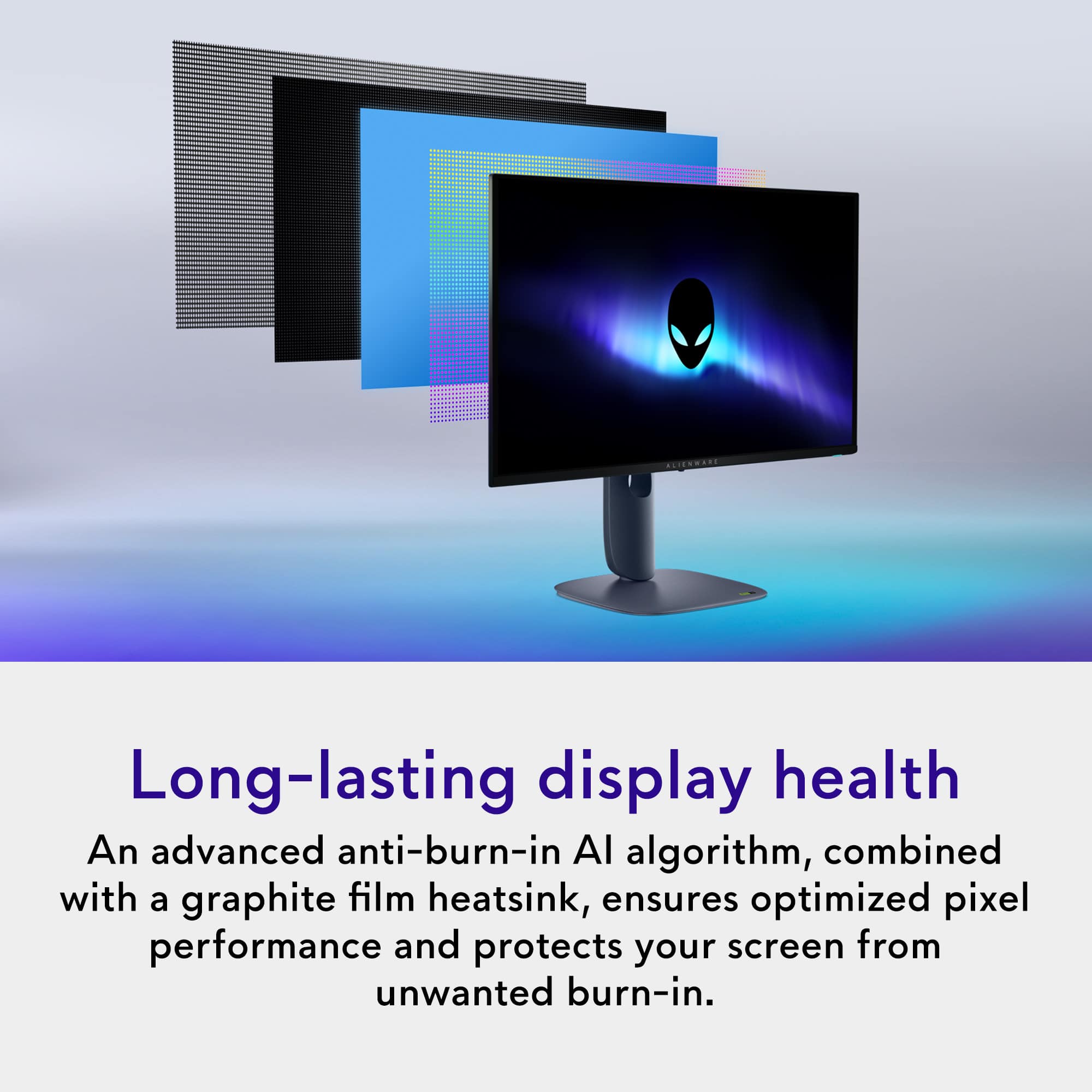
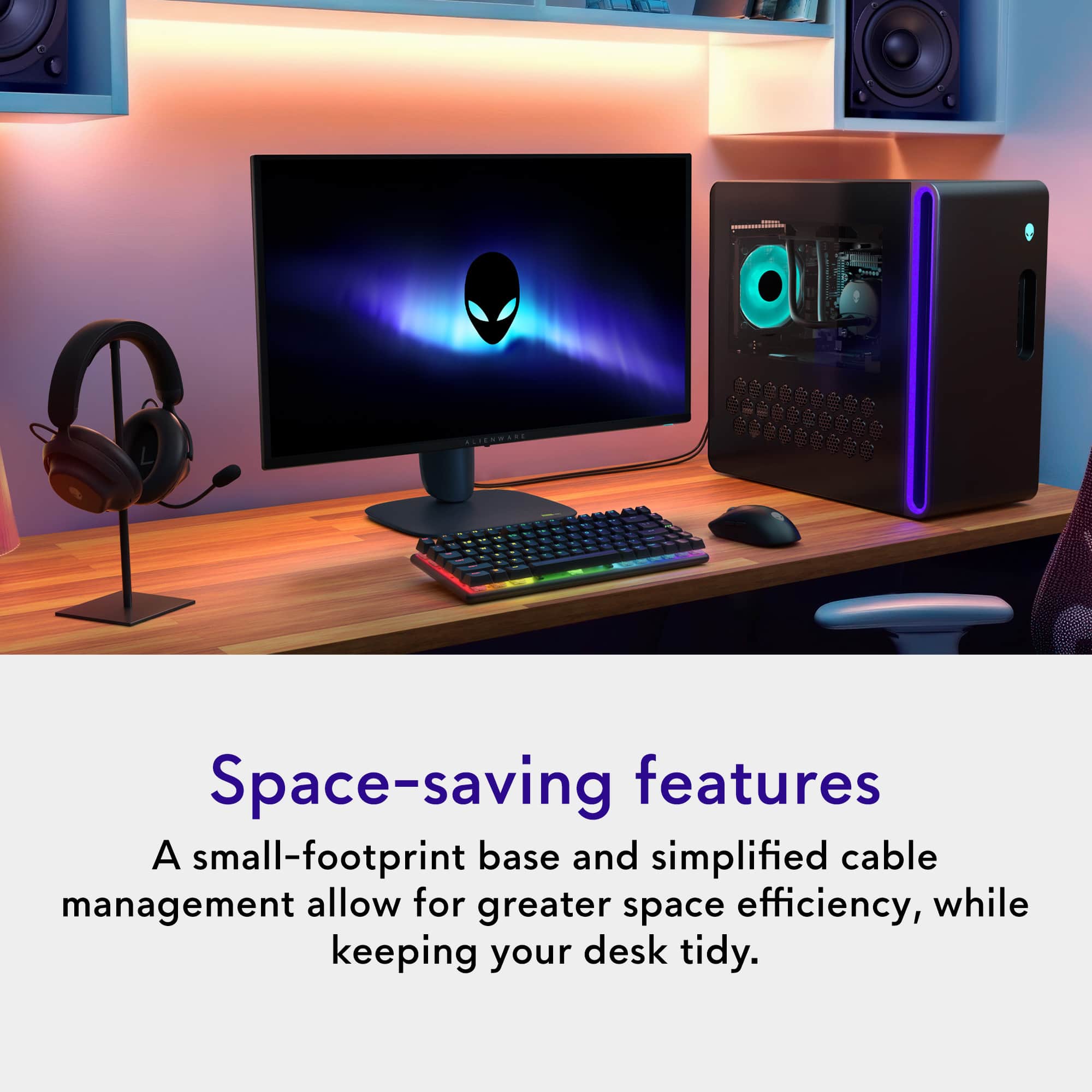
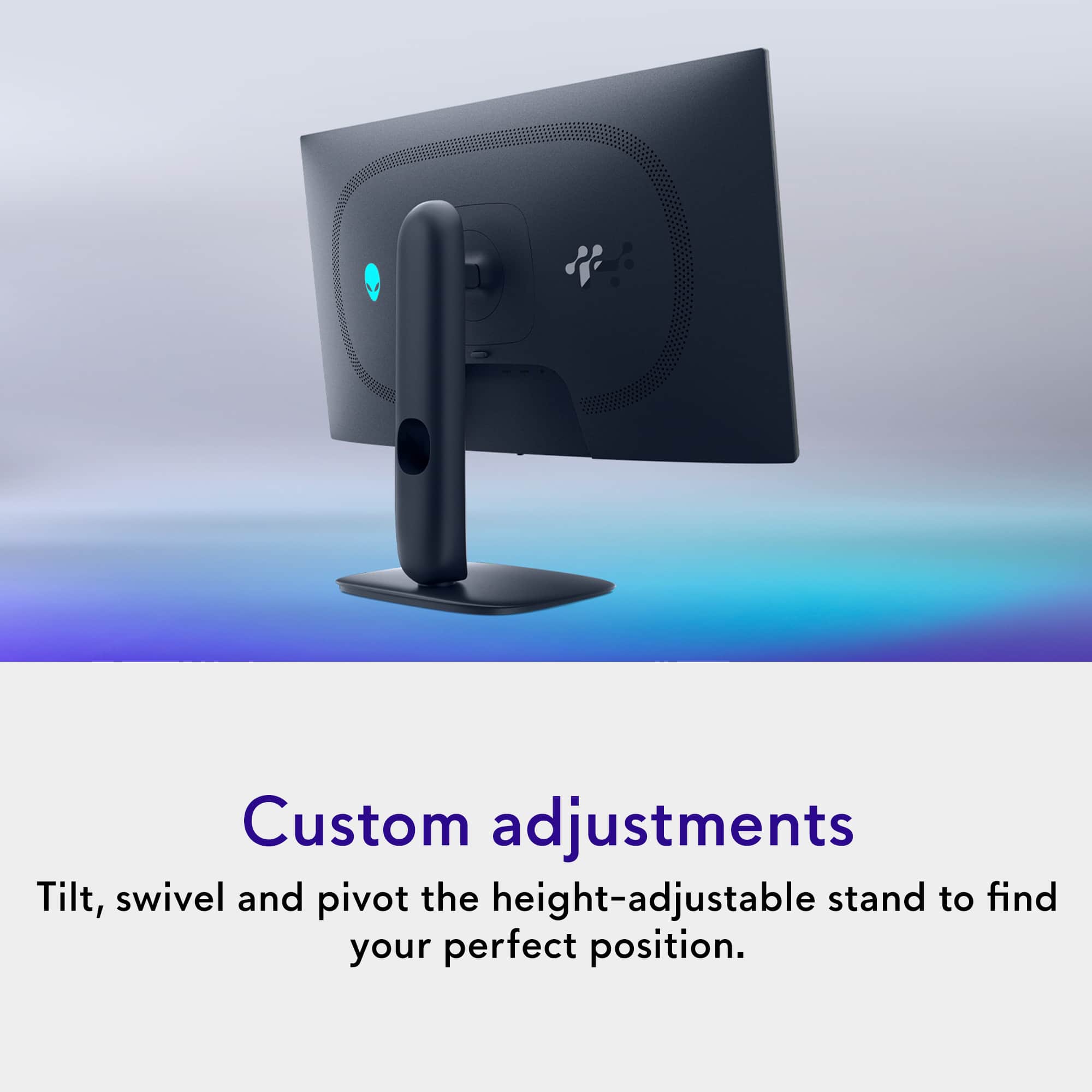
- Model:
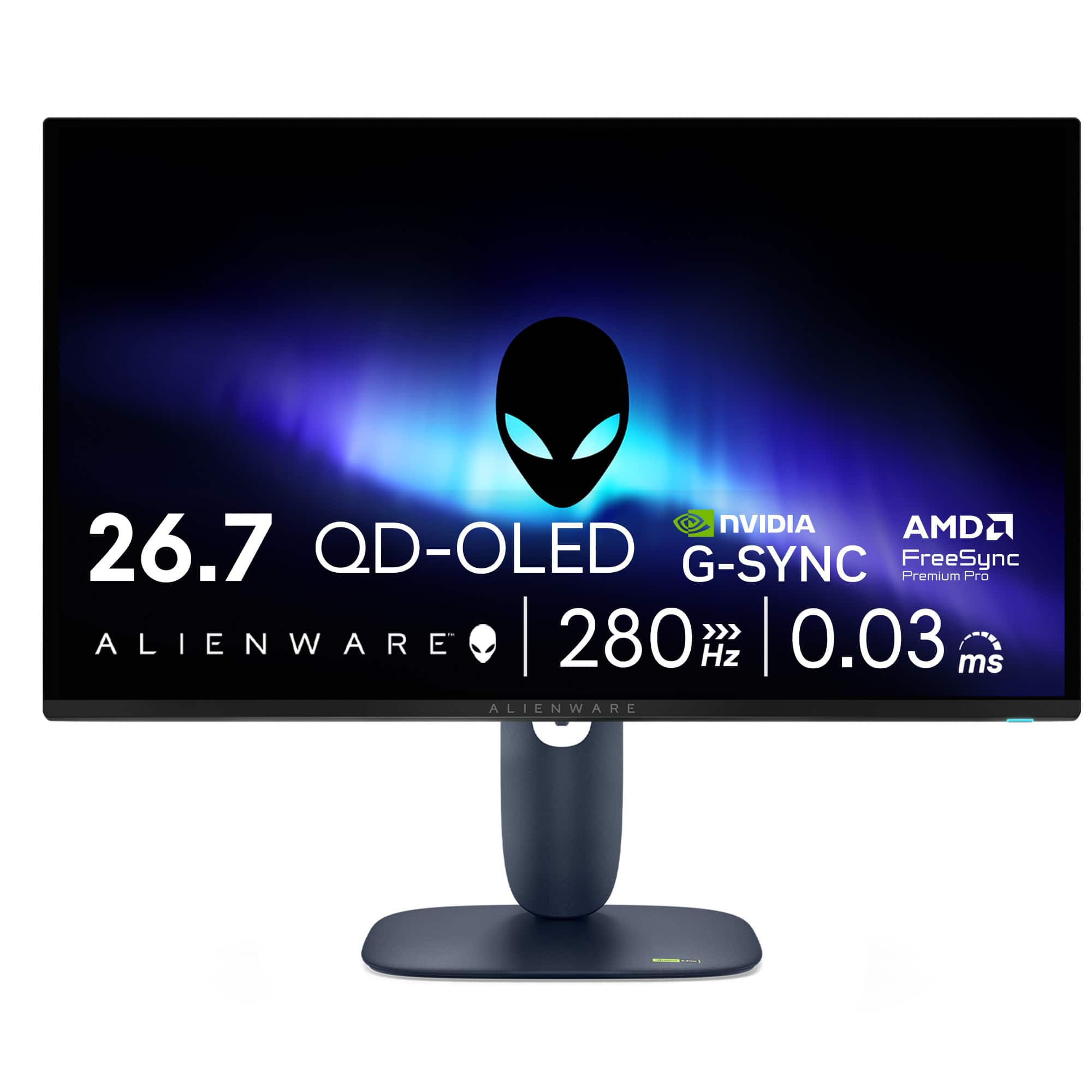
- AW2725D
- SKU:
- 6640502
Rating by feature
- Display Quality
Rating 4.9 out of 5 stars
- Ease of Use
Rating 4.8 out of 5 stars
- Features
Rating 4.7 out of 5 stars
Customers are saying
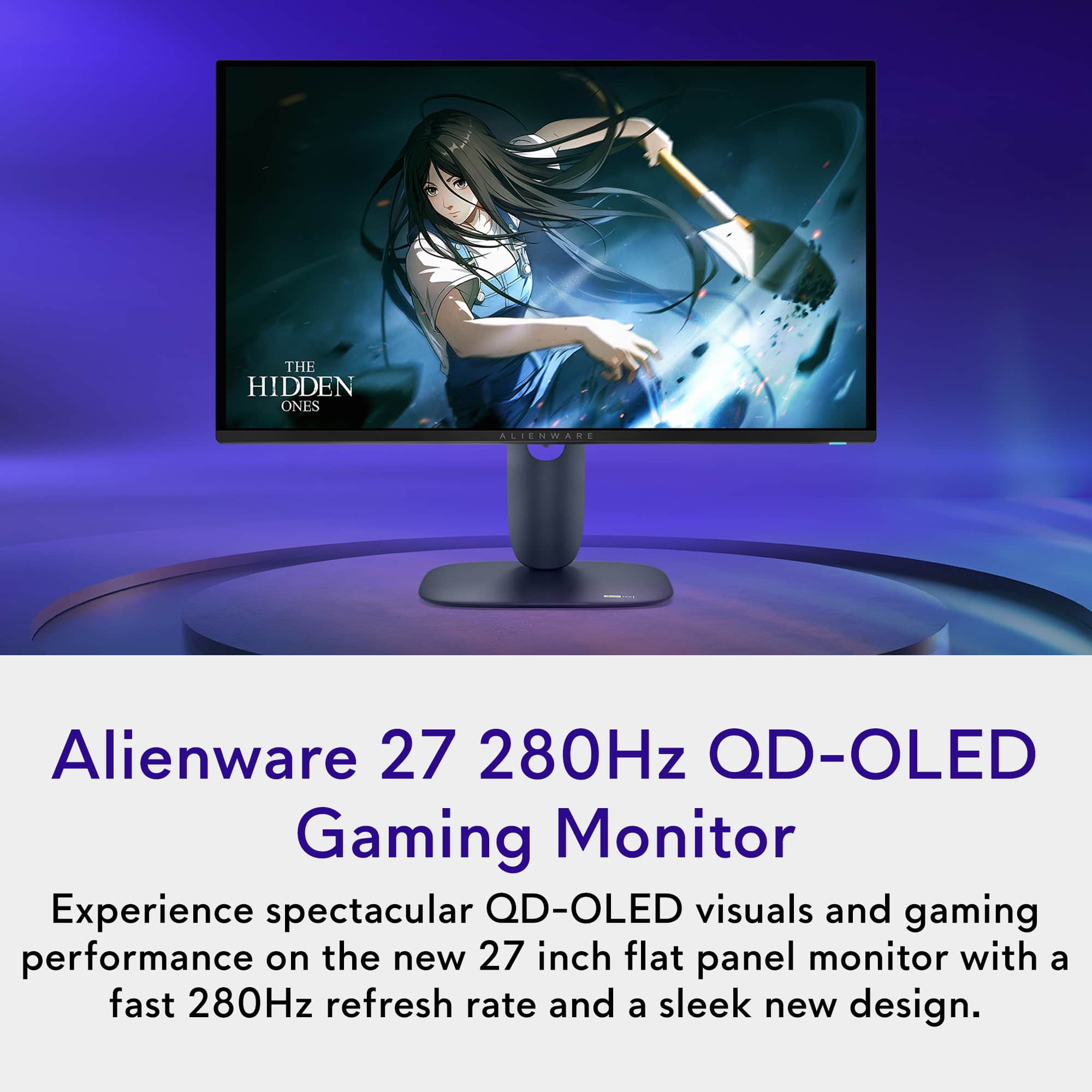
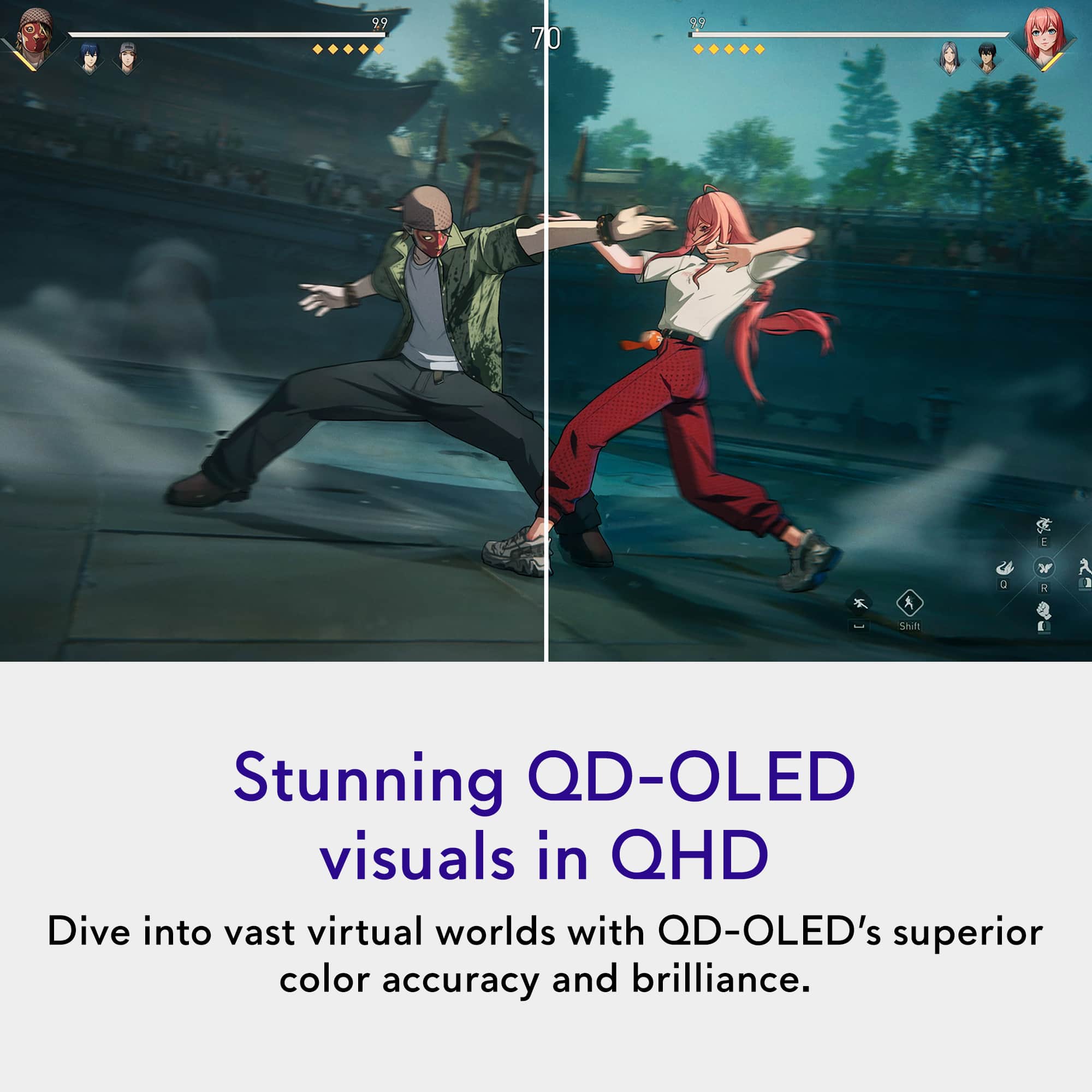
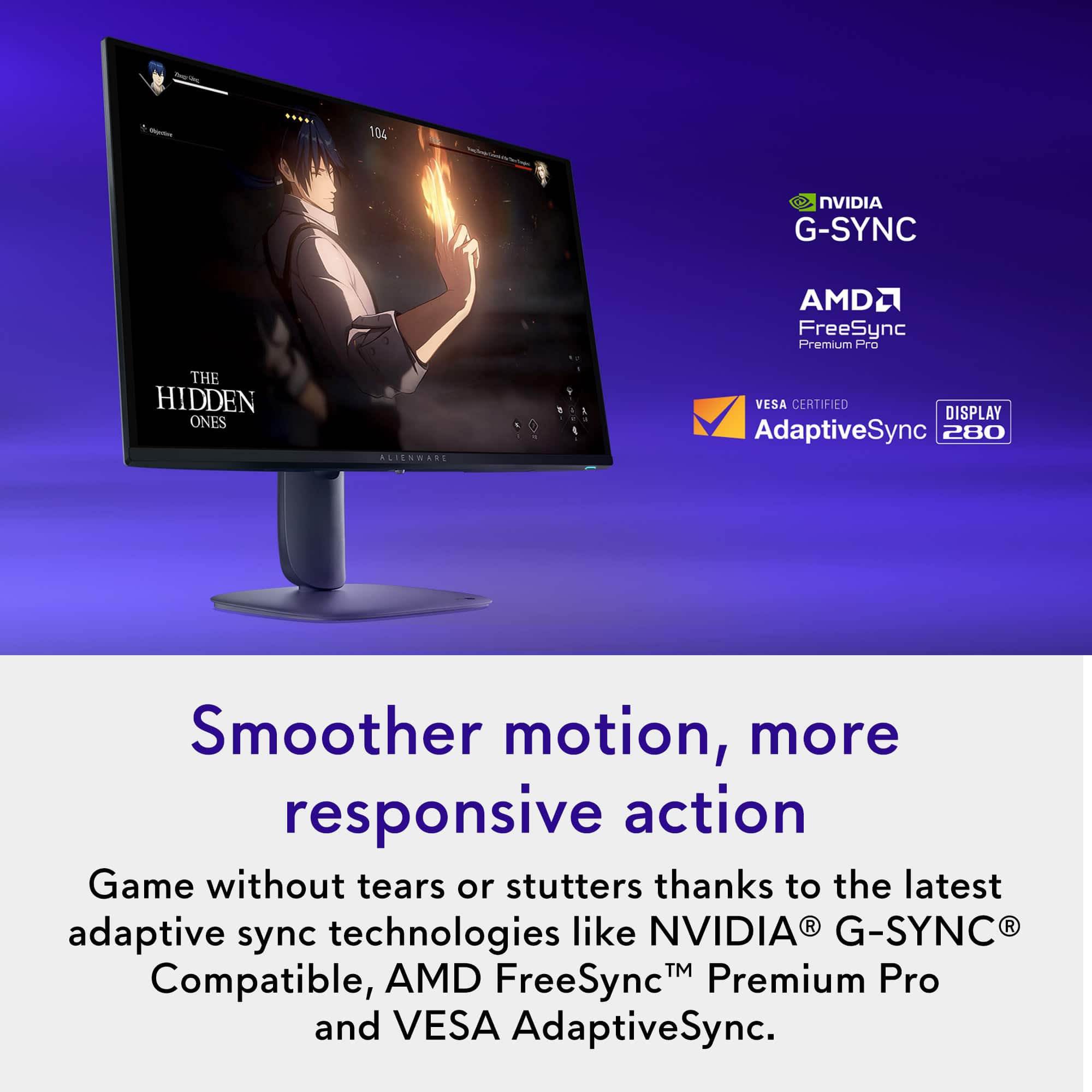
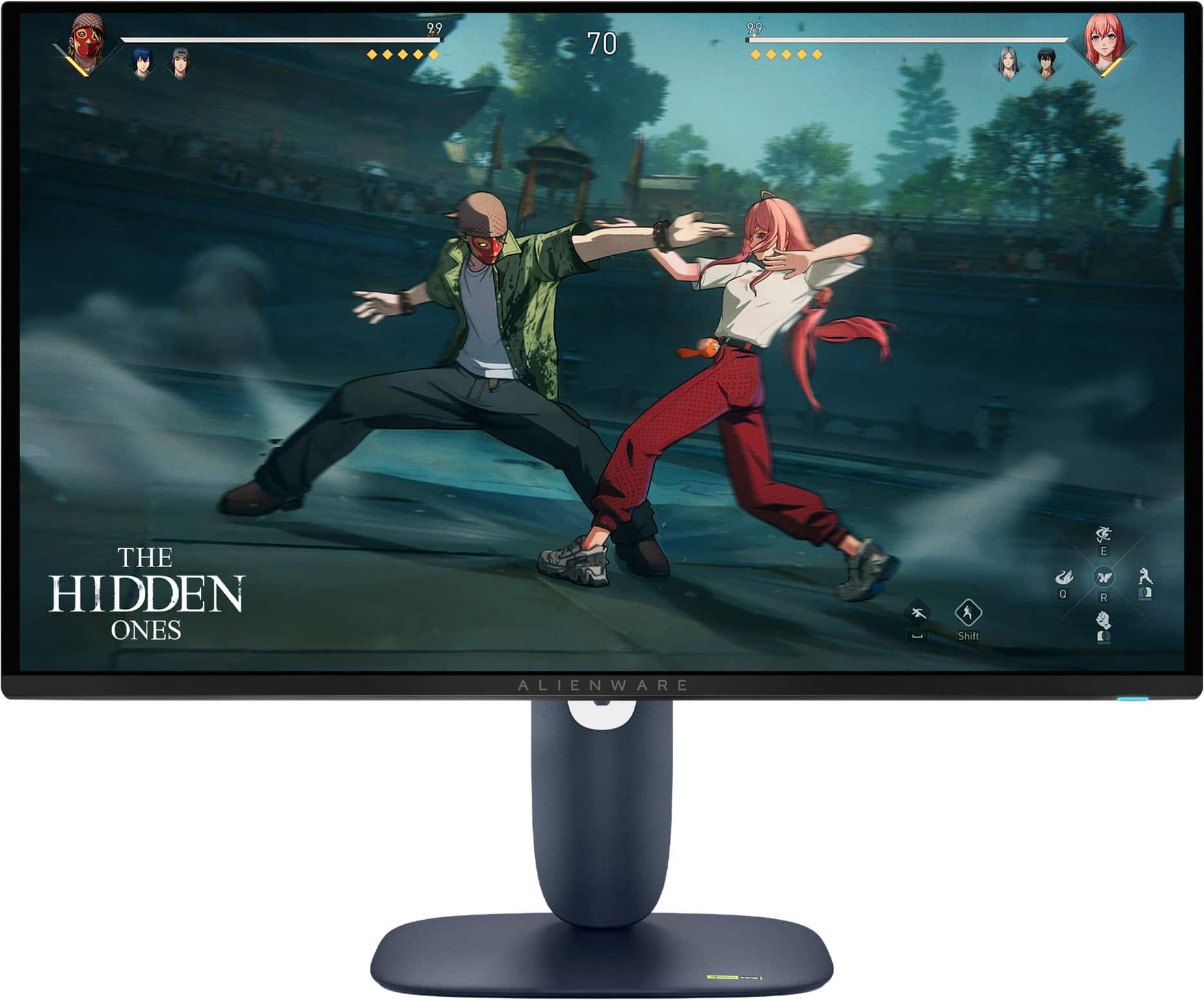
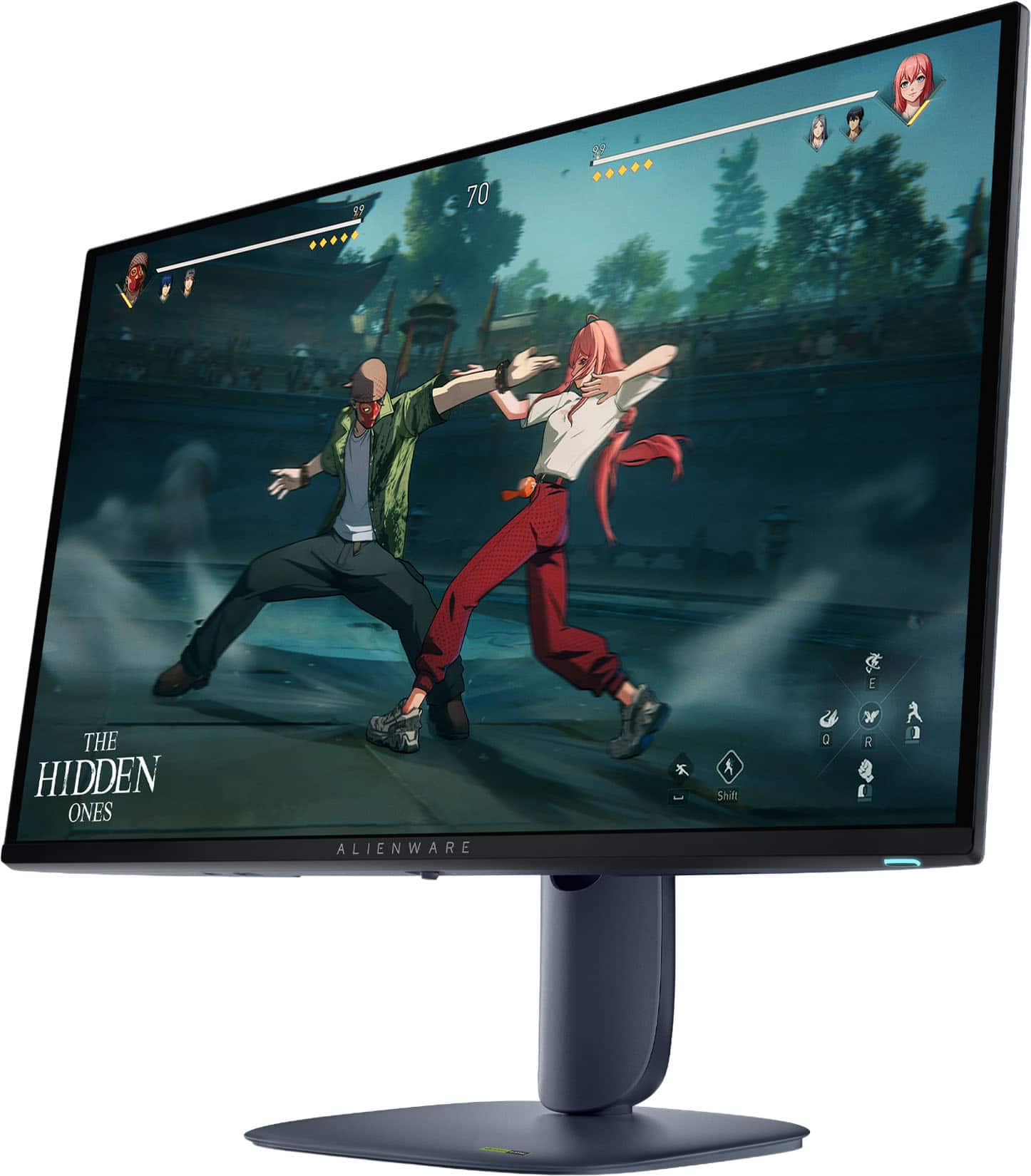
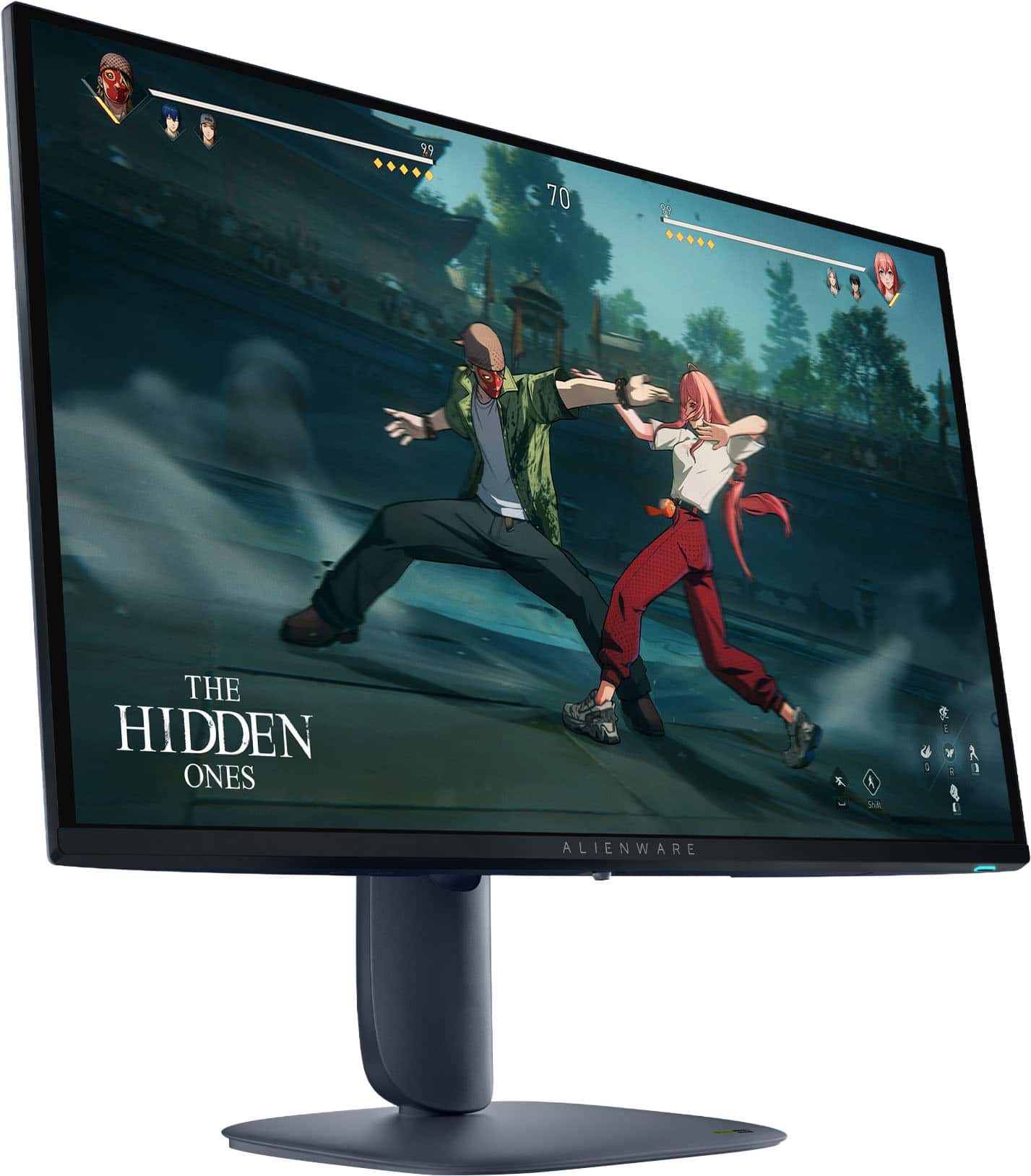
Customers enjoy the AW2725D monitor for its exceptional color quality and high refresh rate, which contribute to an overall stunning visual experience. The monitor's performance is considered top-tier, and the inclusion of USB ports is a welcomed convenience. Features such as resolution, adjustability, and HDR performance are also appreciated by users.
This summary was generated by AI based on customer reviews.

Stunning colors and speed. Huge upgrade!
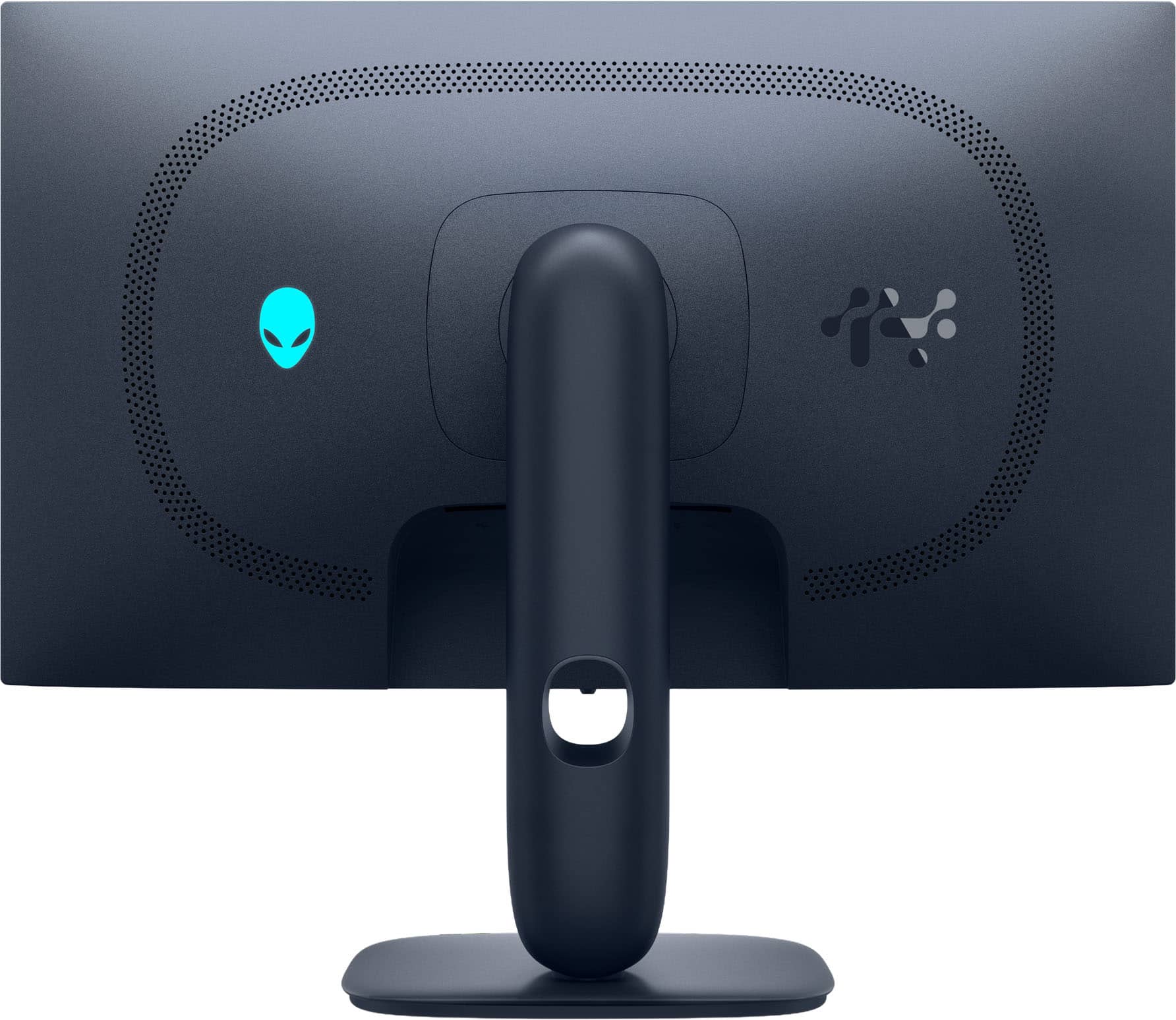
|Posted .This reviewer received promo considerations or sweepstakes entry for writing a review.I was in desperate need of a new monitor. My previous monitor was 4k, but I didn’t like how small everything got at that resolution (not to mention 4k is more taxing on a GPU). I was also stuck in the past with 60hz refresh rate. Didn’t do my games much justice. I splurged on the 2025 Alienware AW2725D OLED monitor, and I may never go back to LCD or IPS monitors again. Before I get into my quick takes, a few things about me: I’m a gamer, but not in any professional capacity. In fact, my bread-and-butter games are fighting games like Mortal Kombat and the Street Fighter series. My current go-to is the latest Marvel vs. Capcom: Infinite game. These are usually not too stressful on my GPU (4060), but at 4k it wasn’t great. I also do a lot of schoolwork on the PC, including word processing and Power Point shows. Now, onward! Pluses: The colors. There’s simply no replacement for the colors of an OLED screen. It truly gave my Street Fighter characters a whole new dimension. All the creases in their clothes and their muscles stood out so much more! HDR enhanced the colors a bit more, but I honestly didn't feel the need to keep using it since the SDR colors were so superior to my previous monitor. If you're an HDR-snob, you'll probably love it here. The 280Hz refresh rate is insane to me. In fact, it’s so foreign that I didn’t (or couldn’t) go over the 120Hz mark. But even at 120Hz, things looked so, so smooth and fluid. Combining that refresh rate with the enhanced color and contrast from OLED is a treat for your eyes (and games). Odd thing to mention, but I really appreciate the design of the monitor. The stand is small, streamlined, and doesn’t take up your entire desk (like many, many gaming monitors do with their deep stands). I also approve of Alienware’s limited use of RBG lighting. There’s an Alienware logo on back and a colored power button on the bottom of the screen. Both are customizable (or defeatable). I also have to give props to the appearance of text on screen. Many reviews of OLED monitors note that text can be hard to see on OLED screens, but I didn’t find much difference between this OLED panel and my previous IPS panel. I did utilize Window’s text customizer troubleshooter, just to be safe, and it’s worked really well. This was my biggest concern pre-order, and I'm glad it was a giant nothing-burger. Things to nitpick about: Lack of speakers seems silly. The cost for a tiny amplifier and two tiny speakers is minimal. I would have gladly ponied up more money for the same monitor with speakers. I don’t need anything fancy, but it’d be nice to keep additional speakers off my desk space. Not to mention the added cost of additional speakers. There’s a bit of heat that gets emitted from the screen. OLED panels are notorious for being a bit power hungry. And that extra power must cause some residual heat coming from the panel. It’s nothing major. Just don’t get too close to the screen and you’ll never notice. Overall, I think this monitor is outstanding. Yes, you can spend more for…whatever reason...but I wouldn’t. The AW2725D has a great picture and all the specs you need for either a top-notch gaming experience or a great allrounder that punches way above its price class. If you’re on the fence of OLED vs non-OLED, I highly recommend you hit up a Best Buy store and take a look in-person. You’ll be blown away.
I would recommend this to a friend- Pros mentioned:Color quality, Refresh rate, Resolution
Overall gem.
||Posted . Owned for less than 1 week when reviewed.This reviewer received promo considerations or sweepstakes entry for writing a review.This monitor rules. Has everything I need for console gaming. 27”, 280hz, true black, hdr, 1440p, hdmi 2.1, and the design and stand is nice and versatile.
I would recommend this to a friend - Pros mentioned:Color quality
Worth it if FedEx doesn't leave it up for grabs
||Posted . Owned for 3 weeks when reviewed.This reviewer received promo considerations or sweepstakes entry for writing a review.I went through several monitors before finally settling on the Dell Alienware, including some with even higher refresh rates, and still ended up choosing this one. The colors absolutely pop. It looks incredible for music production, and even better when gaming. Deep blacks, super vibrant colors, and everything just feels smoother and more immersive. Shipping on the other hand: FedEx decided to leave the package fully exposed in front of my apartment like it was a donation up for grabs.. I work about five minutes away, and the moment I saw the delivery notification, I rushed home. Within 20 minutes of it being delivered, the monitor was gone. Someone out there is now gaming on a $600 monitor for free.. I would say this was more of a FedEx issue than a Best Buy issue. I called Best Buy support, and to their credit, they handled it in one phone call and shipped me a replacement within a week of the original delivery date. So between multiple returns and one monitor being stolen in broad daylight, I can confidently say the product is amazing, and Best Buy came through when it mattered.
I would recommend this to a friend - Pros mentioned:Color quality
Pretty Nice OLED for the price
||Posted .This reviewer received promo considerations or sweepstakes entry for writing a review.This is a fantastic OLED display for the money. This replaced my Dell G2724D for my main screen and I am quite pleased with it. It is bright and the colors are very nice. Onscreen text is a bit blurry, and I can see why others would hate that. I got used to it in a couple of weeks, and if you sit at a decent distance from the screen like you probably should it's a lot less noticeable. What is noticeable is the glossy screen covering. It does reflect a lot but the picture is better for it. AW command center isn't amazing but it's not any worse than the other gaming peripheral softwares. I've used Icue (randomly uninstalls itself), Synapse (huge mess that barely works), G Hub (ok most of the time), and armoury crate (bad). What I DON'T like is that despite there being no reason to do so, Dell slightly redesigned the stand so it doesn't quite work with older dell monitors. I was able to switch stands on some other dell monitors before.
I would recommend this to a friend - Pros mentioned:Color quality
Great OLED monitor
||Posted .This reviewer received promo considerations or sweepstakes entry for writing a review.Got this as a gift for a friend, and he's loving it! Got another OLED convert in the picture. Response time and color are superb, deep blacks and good contrast OLED is known for, and HDR is relatively decent for what it is! The navy blue color of the monitor might not jive well with all setups, but otherwise this has been a great pick.
I would recommend this to a friend - Pros mentioned:Color quality, Refresh rate

Great monitor
|Posted . Owned for 3 weeks when reviewed.This reviewer received promo considerations or sweepstakes entry for writing a review.Love everything about it ! Great picture and good refresh rate.
I would recommend this to a friend - Pros mentioned:Color quality
Very happy
||Posted . Owned for 1 month when reviewed.This reviewer received promo considerations or sweepstakes entry for writing a review.The blacks to whites are incredible. I didn’t realize what I was missing by not having HDR and OLED just looks great. The colors pop and my games look great. Running with a 5070 ti. Very happy and now after owning an OLED, I am less worried about Burn in like I originally was. I run Wallpaper engine and hide my task bar and I haven’t even noticed anything faintly. I usually have it on for 8 to 14 hours a day too. Definitely takes some settings tweaking to get it looking right.
I would recommend this to a friend - Pros mentioned:Color quality
Amazing monitor !
||Posted . Owned for 3 weeks when reviewed.This reviewer received promo considerations or sweepstakes entry for writing a review.Amazing monitor. Box it came in was a little funny but everything was in it and the monitor was fresh and untouched. The difference between 1080p and 1440p is mind blowing, and add OLED to it and it’s a whole new experience
I would recommend this to a friend - Pros mentioned:Connectivity
Surprised how good it was
||Posted . Owned for 2 weeks when reviewed.This reviewer received promo considerations or sweepstakes entry for writing a review.Everything you excpect from an oled monitor but it can also do 4k 120hz in pc mode and console mode if you use hdmi 2.1 cable. Now pc, PS5 and Xbox hooked up to it. It does not mention anywhere that is does this so there ya go.
I would recommend this to a friend Alienware OLED Monitor Review – A Competitive Gam
||Posted .This reviewer received promo considerations or sweepstakes entry for writing a review.If you're serious about competitive gaming, the Alienware OLED monitor is an absolute beast. I've been grinding ranked matches with it, and the performance is nothing short of elite. Lightning-Fast Response Time This monitor delivers near-instantaneous response times, which means every flick, peek, and clutch moment registers with pinpoint accuracy. No ghosting, no lag—just pure precision. 240Hz Refresh Rate + OLED Brilliance Combining a blistering 240Hz refresh rate with OLED’s deep blacks and vibrant colors creates a surreal experience. Enemies pop off the screen, and motion clarity is so sharp it feels like cheating (but it’s not—I checked). G-SYNC/FreeSync Premium Support Say goodbye to screen tearing and stuttering. Whether you're on NVIDIA or AMD, the adaptive sync keeps your gameplay smooth even during chaotic firefights. Built for Competitive Edge The minimal input lag and ultra-low latency give you that split-second advantage that can mean the difference between a win and a loss. It’s like the monitor is reading your mind. Design That Matches the Performance Sleek, aggressive styling with customizable RGB lighting makes it look as good as it performs. Plus, the ergonomic stand keeps you locked in for long sessions without neck strain. Final Verdict: If you're chasing leaderboard glory or just want the best gear to dominate your matches, the Alienware OLED monitor is your secret weapon. It's not just a display—it's a competitive edge.
I would recommend this to a friend- Pros mentioned:Color quality, Refresh rate
Dell 27 inch 280hz
||Posted .This reviewer received promo considerations or sweepstakes entry for writing a review.Fantastic product. Deep blacks, fast refresh rate.
I would recommend this to a friend - Pros mentioned:Color quality
Very solid monitor
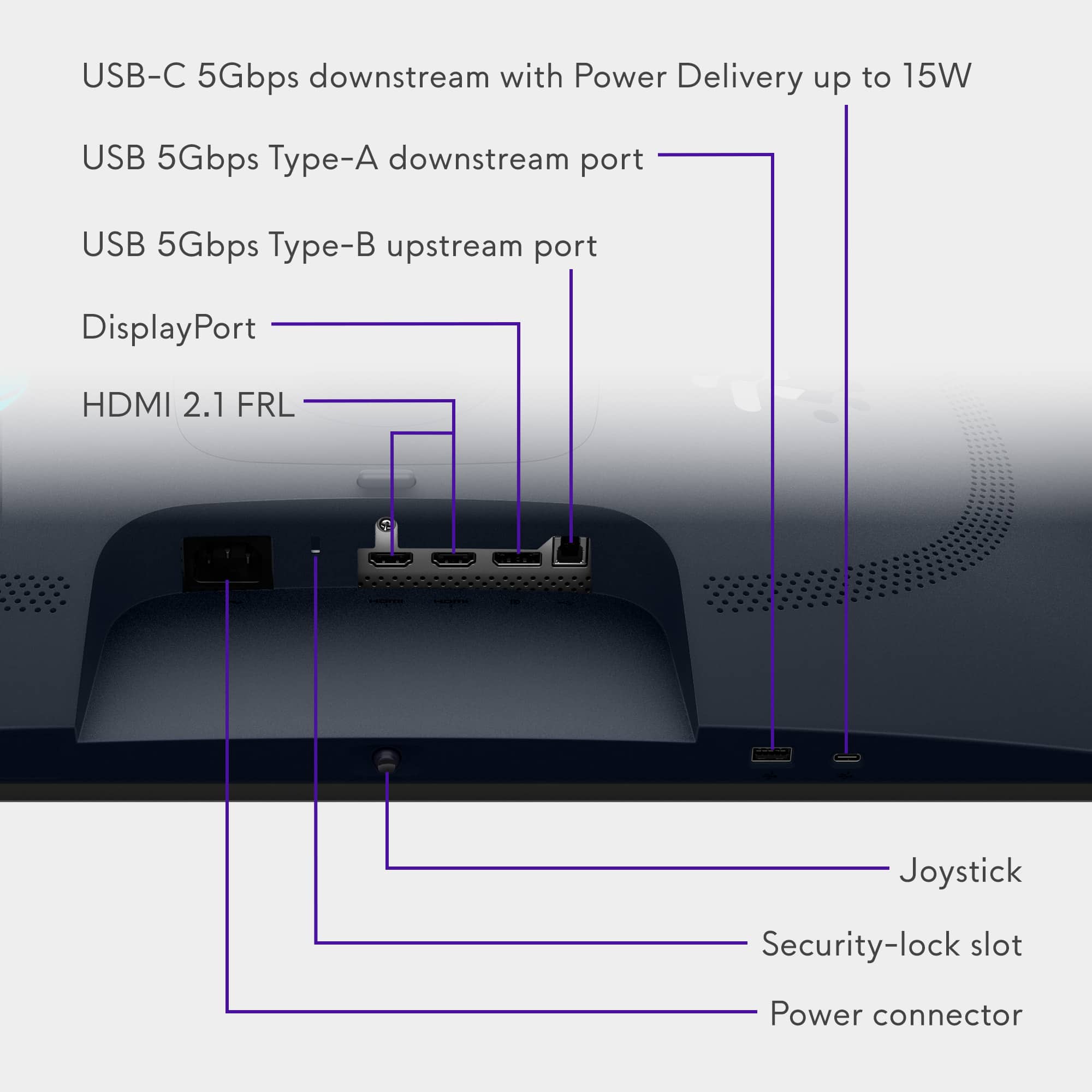
||Posted . Owned for 2 weeks when reviewed.This reviewer received promo considerations or sweepstakes entry for writing a review.A solid factory calibration made it easy to just plug a play without having to mess with color a lot. Beautiful colors and solid brightness.my only complaint is the lack of different ports like USB A and C
I would recommend this to a friend - Pros mentioned:Color quality
Happy camper
||Posted .This reviewer received promo considerations or sweepstakes entry for writing a review.This 1440p Alienware OLED is honestly insane. Colors pop, the blacks are crazy deep, and the motion feels super smooth. Games look way sharper than I expected, and the whole thing just feels premium. After using it for a few days, I can definitely say it’s worth the price.
I would recommend this to a friend - Pros mentioned:Color quality
Best Monitor
||Posted .This reviewer received promo considerations or sweepstakes entry for writing a review.The monitor is amazing...the colors truly pop and this purchase has really up my gaming. This monitor is A+ quality!
I would recommend this to a friend Great OLED for an Open Box
||Posted . Owned for 1 week when reviewed.This reviewer received promo considerations or sweepstakes entry for writing a review.Bought the open box and it came like it was brand new. The colors were vibrant and the blacks were true blacks. Games like Expedition 33 were amazing to see on here. The only gripe I have with this purchase was that it didn't come in time. Two Days late but I don't think that was Best Buy's fault.
I would recommend this to a friend1st ever OLED. So worth it!
||Posted . Owned for 3 weeks when reviewed.This reviewer received promo considerations or sweepstakes entry for writing a review.1st ever oled and ill never go back! This monitor is excellent! Super rich colors no stuttering or weird artifacts. Came from a Samsung g4 1080p 240hz and the jump is crazy. Hands down best 1440p monitor in my opinion especially for the price.
I would recommend this to a friend- Pros mentioned:Refresh rate
Great 280hz monitor
||Posted . Owned for 3 weeks when reviewed.This reviewer received promo considerations or sweepstakes entry for writing a review.Arrived in good condition. Color contrast is amazing and it's 280hz
I would recommend this to a friend - Pros mentioned:Color quality
First OLED and I’m AMAZED!
||Posted .This reviewer received promo considerations or sweepstakes entry for writing a review.Really great monitor! Love the colors! Great for pc gaming and console gaming!
I would recommend this to a friend - Pros mentioned:Color quality
Good Oled hope they come out with a tandem
||Posted .This reviewer received promo considerations or sweepstakes entry for writing a review.Good oled, I have an older 144hz oled and the color is very close pairs well and blacks are inky
I would recommend this to a friend - Pros mentioned:Color quality
Good monitor
||Posted .This reviewer received promo considerations or sweepstakes entry for writing a review.Great picture quality. Oledis the way to go. Love it
I would recommend this to a friend