Customer Ratings & Reviews



- Model:
- R5360Z11
- SKU:
- 6327774
Rating by feature
- Value
Rating 3.8 out of 5 stars
- Quality
Rating 4.0 out of 5 stars
- Ease of Use
Rating 3.5 out of 5 stars
Customers are saying
Customers express satisfaction with the Bolt Charger's Bluetooth connectivity and microphone quality, frequently praising its ease of use. However, negative feedback centers on the Google Assistant functionality, with comments citing slow response times and compatibility issues, particularly with iPhones and other non-Android devices. Some users also reported difficulties during the initial setup process. The overall experience appears mixed, with strong positive feedback on certain features offset by significant concerns about others.
This summary was generated by AI based on customer reviews.
Great addition to my vehicle
||Posted .This reviewer received promo considerations or sweepstakes entry for writing a review.I was pleasantly surprised by how good the far field mics work... I have mine in the middle arm rest of my ES350 connected to my aux input it voice commands pick up pretty well!
I would recommend this to a friendGreat Product
||Posted .This reviewer received promo considerations or sweepstakes entry for writing a review.Works perfect.... love being able to have higher assistant in my car when my phone isn't handy.
I would recommend this to a friendSmart car for $49
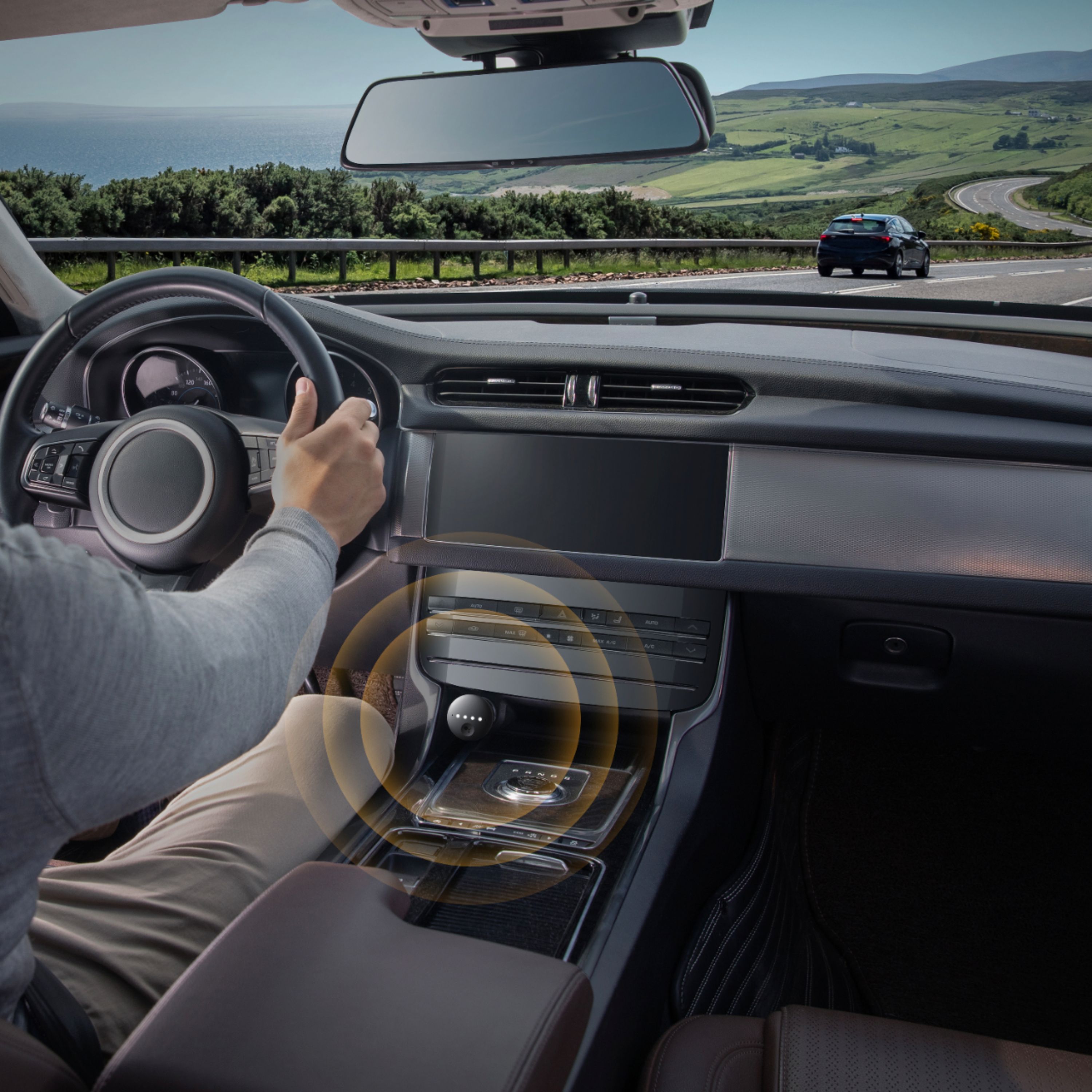
||Posted .This reviewer received promo considerations or sweepstakes entry for writing a review.As useful as Android Auto/Car Play but costs hundreds less. Love texting Google Maps ETA and playing 'Lucky Trivia' in the car.
I would recommend this to a friendNot what I expected.
||Posted . Owned for 2 weeks when reviewed.This reviewer received promo considerations or sweepstakes entry for writing a review.I’m an iPhone user but I have the google assistant products in my home, so I thought this would be the perfect product for when I’m on the go. After installing and adding it to my app, it was not what I expected and not worth the money. It wouldn’t pick up my voice. It continuously went unresponsive, even with the google assistant app open. Before I bought it, my research indicated that it is more helpful for non Bluetooth vehicles, and my car has Bluetooth, so I was wondering if that was my issue, but overall it was disappointing and I took it back right away.
No, I would not recommend this to a friendvery usefull
||Posted . Owned for 1 year when reviewed.This reviewer received promo considerations or sweepstakes entry for writing a review.i buy this product to make more easy to handsfree my cellphone in my vehicle,and i love it,strongly recomended
I would recommend this to a friend- Cons mentioned:Google assistant
Complete waste of money
||Posted . Owned for 2 months when reviewed.This reviewer received promo considerations or sweepstakes entry for writing a review.As am avid Google user I bought this day 1. With every update it gets worse, now it doesn't even respond to basic commands like shuffle x on Spotify or skip track.
No, I would not recommend this to a friend Takes the dumb out of my car
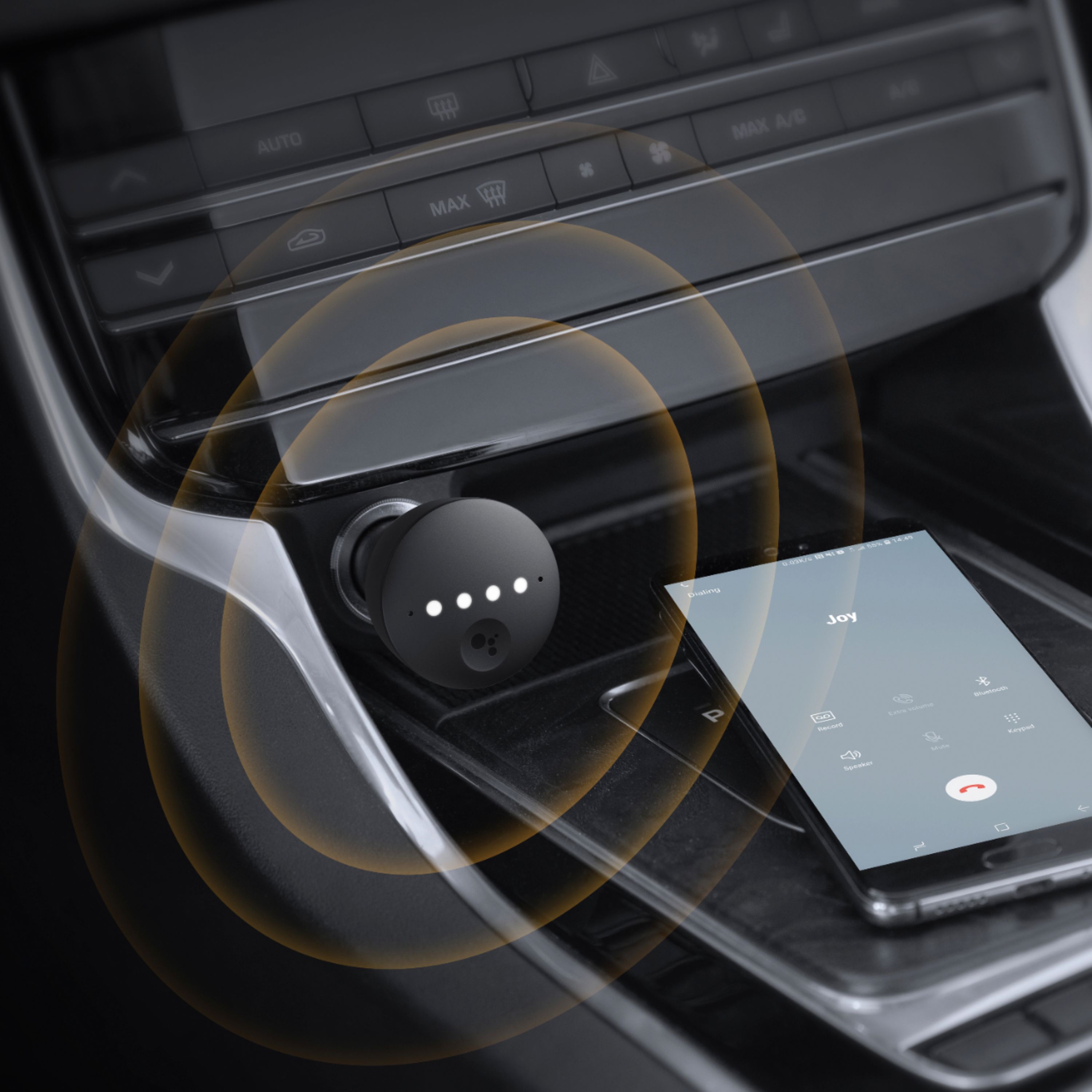
||Posted .This reviewer received promo considerations or sweepstakes entry for writing a review.Connected right up works great now we can take calls without looking away from traffic.
I would recommend this to a friendPerfect for older cars
||Posted . Owned for 11 months when reviewed.This reviewer received promo considerations or sweepstakes entry for writing a review.Excellent addition for smart phone owners with older cars that don’t support Bluetooth, while also adding google voice assist options like navigation.
I would recommend this to a friend- Pros mentioned:Bluetooth, Charging speedCons mentioned:Google assistant

Did I Get A Bad One?
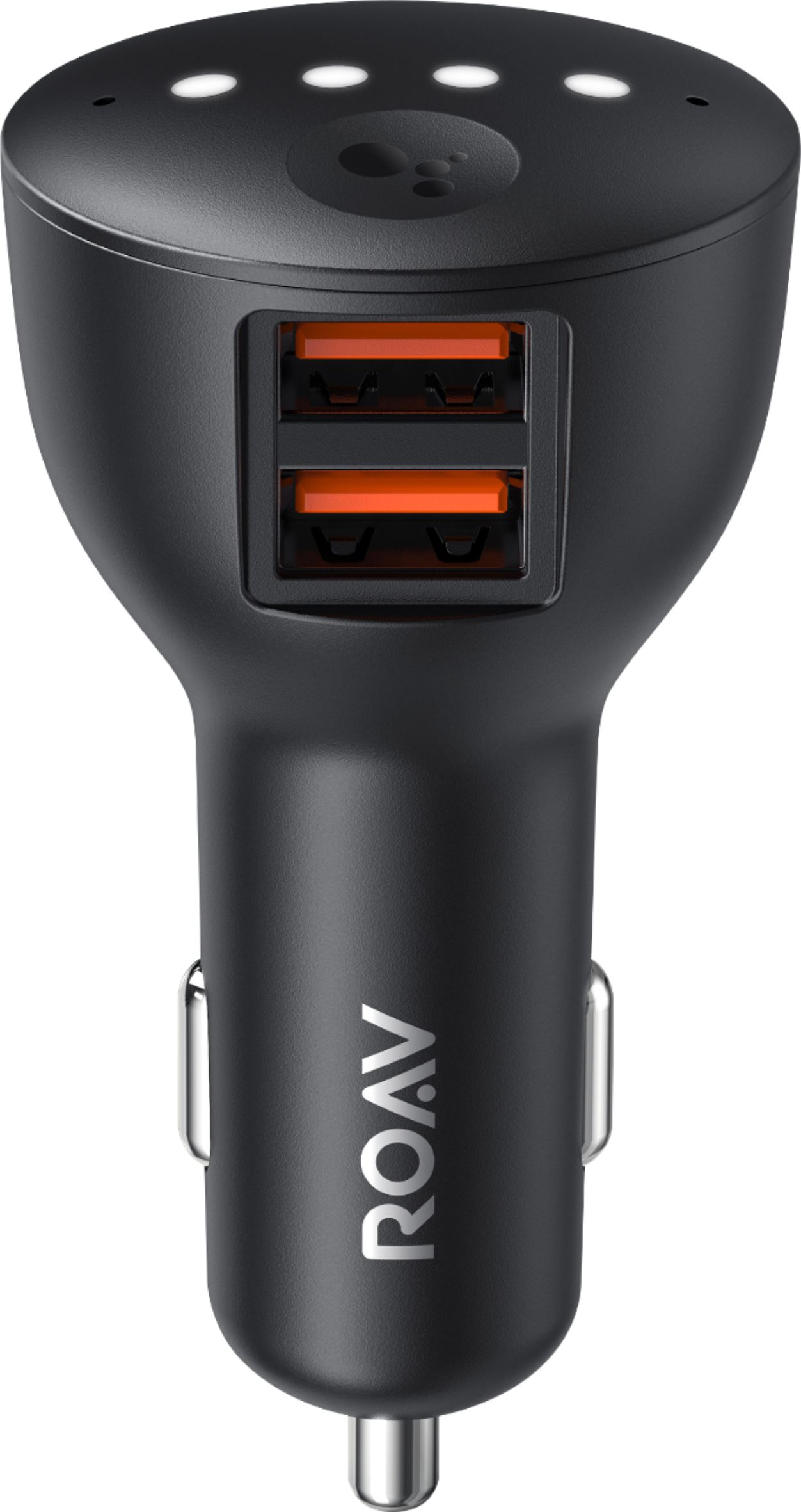
|Posted .This reviewer received promo considerations or sweepstakes entry for writing a review.The Bolt by Roav is a Google Assistant enabled car charger. It has 2 USB A slots that support up to 2.4 amps each. There is an axillary output jack on the side, and it is equipped with Bluetooth technology. Setting it up – Plug in the Bolt to the car’s 12V socket. Turn on the car. Pair with your phone. After pairing there are instructions to follow for setting up. For my set up, I used the Bluetooth connection. There is an auxillary cord option as well. As a Charger – The charging portion works well. It has a higher amperage that allows for fast charging. The size is also an ideal size for me. Other chargers can be too clunky to fit where my socket is located. Google Assistant – This is the main feature of the charger. It is far from perfect, but that is more of a function of the Google side than Roav. In comparison, I think that the assistant feature on my Google Home works better than this product. You are more limited when restricted to using it in the car. What I expected – I thought that this product would enable me to do some more hands free activities. I expected to be able to send voice text messages, make dictation memos, and control music (specifically Spotify) through the Google Assistant. What I actually got – Lots of issues setting it up, and an assistant that allows me to control Spotify in some ways, most of the time. The setup for me was awful. I completed the setup, but the charger would not connect. I ended up having to completely reset the Bolt. Also, one of the first things that the product will try to do after completing the setup is update. Make sure that you are in a place that you have plenty of signal to download the update. If the update doesn’t fully install you may “brick” the device. I was also irritated that the instructions in the box didn’t have any of the info on how to reset the charger. Would have added one page to the manual. The Google Assistant did not allow me to send a voice to text message or take a dictation. The Spotify controls did work, but I can only tell it what to play. Turning it up or down is still a function on the phone. There is also a lag (has been up to 10 seconds) before the Assistant starts listening once you say ‘hey Google”. The product updates like most smart devices. After a second or third update the lag became shorter (2-3 seconds). The car charger works well, but the Google Assistant side fell way short of what I expected. Between that and the setup issues, I’m not sure that I’d recommend this product. If those issues were corrected this could be a pretty fun toy.
No, I would not recommend this to a friend - Pros mentioned:Bluetooth, Microphone quality
A great solution for the car
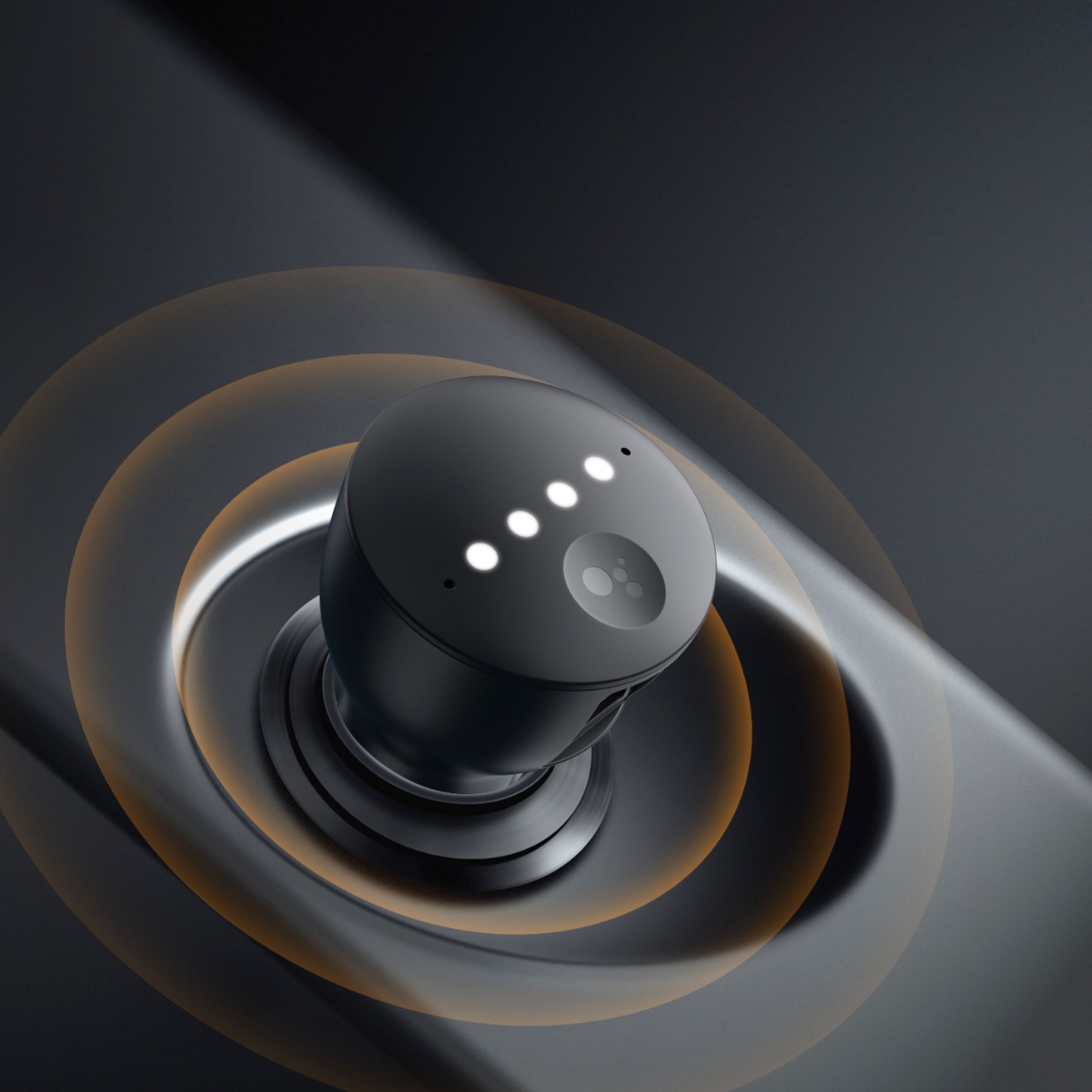
|Posted .This reviewer received promo considerations or sweepstakes entry for writing a review.I use Google Assistant extensively every day. I use it to schedule appointments, send text messages, navigation, and to check the weather and more. I also use Android Auto in my car which is fully integrated to Google Assistant. I chose the Roav Bolt for my wife’s car since she’s lacking these functionalities. Unfortunately, after a couple of hours trying to get it to work, I ended up giving up. This was not a failure on the part of the Bolt as her car lacks the components needed to work with the Bolt. Bolt can work with Bluetooth or a car’s AUX port. I figured the AUX port would work but found out that it has been broken all these years. We never used it, so who knew. As such, I did all the testing in my car since my car has working Bluetooth and AUX port connectivity. The Bolt seems pretty much like the two home Google Home Mini’s that we use at home to perform tasks like turning on/off lights, answering questions (like what time it is and what is the weather like), playing music, among others, and alerting us to visitors via our Nest Hello device. Like most typical car chargers, the Bolt plugs into your car’s lighter for power. The Bolt has a couple of microphones embedded for communicating with you and has filters to ignore ambient noise in the car. It also has 2 USB ports for charging other devices. After plugging it into my car’s lighter, it immediately entered pairing mode for connection to my cell phone. Once paired, my phone executed a Bolt program that walked me through the rest of the setup process. Since my phone was already paired to my car, the program confirmed my car’s Bluetooth ID and finished up the setup process. A few seconds later it initiated a firmware update to bring the Bolt up to the latest version. Early in the setup process, the setup program asks (and recommends) that you use a provided AUX cable rather than Bluetooth connectivity. I decided to use Bluetooth, so I simply bypassed the AUX cable recommendation. Now that the Bolt was set up and ready to be used, I had two methods for activating the Google Assistant. Like at home, I could simply say ‘Ok Google’. However, pressing the recessed button on top of the Bolt does the same thing. For full disclosure, all my testing was done using the Bolt’s button. In what seemed like just a few minutes since initially plugging the Bolt into my lighter and pairing it to my phone, I was using commands like “call home”, “what’s the date”, what is the weather in Nashville”, and a lengthy list of navigation commands. I did find it necessary to turn up the volume on my phone to adequately hear it through my car’s speaker system, but other than that it worked flawlessly. The recessed button on the top of the Bolt performs numerous functions. Press it once to accept a phone call; once to end the call. Press and hold a moment to initiate ‘Ok Google’, or hold it down for 12 seconds to reinitialize the bolt and to unpair any existing devices. Press it twice to mute/unmute the microphone. Remember that the Bolt needs access to the Internet to work, so your phone will need Internet connectivity for the Bolt to work properly. (I know, pretty obvious). I didn’t have an iPhone available to test the Bolt with, but the Bolt’s instructions do say that iPhone users will need to download the Google Assistant App, and then to tap the setup card. I use a Pixel 3 XL – which is an Android phone – and it worked transparently. While I’m disappointed with the problems I had with my wife’s car, I think the Bolt is a great little device. I give the Anker Bolt a hardy thumbs up.
I would recommend this to a friend - Pros mentioned:Microphone qualityCons mentioned:Response time
Works fine with iPhone, but with some issues
|Posted .This reviewer received promo considerations or sweepstakes entry for writing a review.Pro: -compact -works with AUX or bluetooth Con: -still have to open Google apps after certain commands -volume control bug -sometimes slow to respond I have both the Roav Bolt and Roav Viva (the Alexa version) and I find the Bolt to be a better product. Setting up was easy, the overall design is smaller, it worked better, and I didn’t have any hissing sound as I did the Viva. At least with the iPhone, the Bolt doesn’t work as well as using Google Assistant on your phone or in your home, but it still works well enough despite some quirks. Those quirks are likely issues between Google apps and iOS. The design is much smaller with this version and fits better in my Honda CR-V. The USB ports aren’t blocked like the Roav Viva. Setting up was easy. The Google Assistant app saw the device as soon as it was powered on and I just had to pair the bluetooth. I’m using it with AUX since my car doesn’t have bluetooth, which is why I'm using something like this. The voice quality was good and voice recognition worked well. It didn’t have trouble hearing commands while I had music playing. Most of the time it responded quickly, but I’ve noticed that it takes longer to react if I’m playing music. It’ll take a few seconds for it to beep and listen to commands. There also times when it’ll take a long time processing a command that I thought it froze. It’s likely a connection issues as with any phone apps. The main negative I have is that it’s not really hands free and still requires me to switch apps after certain commands. Things like when asking for navigation or playing something from Google Music, it will tell me to switch to their respective apps before it would continue or just not work at all. Other times it won’t respond at all, but instead display the results in the Google Assistant app except that I wouldn’t know unless I check it. This doesn’t happen when using Assistant on your my phone. I assume this would work better on an Android phone. There’s also a volume control bug when playing music from my phone. I can’t control the music volume on the phone, it’s either 0 or 100%. This forces me to lower the volume on my car to very low (less than 20%) so the music isn’t too loud but then I can’t hear Google’s responses. This is the only device that I’ve experienced this with. While the issues I’ve had can be a deal breaker for some, I still find it more useful than not having voice commands and Google has the best virtual assistant. I can also just use it to command Siri if I need to.
I would recommend this to a friend Android Auto experience for older cars!
||Posted . Owned for 3 weeks when reviewed.This reviewer received promo considerations or sweepstakes entry for writing a review.My equinox has horrible Bluetooth performance. This allowed me to listen to music and make calls much easier.
I would recommend this to a friend- Cons mentioned:Compatibility
Doesn’t work for me
||Posted .This reviewer received promo considerations or sweepstakes entry for writing a review.Doesn’t work on my Acura MDX 2006. I follow a video at YouTube, but it didn’t work for me. Also, I can’t return it :(
No, I would not recommend this to a friend Great google assistant device
||Posted . Owned for 1 month when reviewed.This reviewer received promo considerations or sweepstakes entry for writing a review.It's a great device, just what I need it, to ask google to play my music, control my smart home. Since I don't have android auto in my truck.
I would recommend this to a friendcar charger
||Posted . Owned for 1 month when reviewed.This reviewer received promo considerations or sweepstakes entry for writing a review.really like my car charger and love the google assistant with it. just makes navigating and finding things easier.
I would recommend this to a friend- Pros mentioned:Bluetooth, Charging speed
Not very assistant... yet
|Posted .This reviewer received promo considerations or sweepstakes entry for writing a review.Intro My home is fitted with Google Assistant so when Anker made the Assistant available for the car, I had to give it a try. It’s like having a Google Mini in your car. It uses internet access from your phone so you can use Roav Bolt as you would a Google Mini and it works with home automation so you can turn on your lights before you get home. Setup was pretty simple. The getting started guide tells you to download the Google Assistant app on the last step but download first if you don’t have it already. Basically, you make sure that Bluetooth is enabled on your device, plug the Roav Bolt in your car’s cigarette lighter socket and turn on your car (suggest taking your car out of your garage) then open the Assistant app. The app “should” detect your Roav Bolt. Note: I manually paired it through the Bluetooth setting on my iPhone and I had to keep refreshing the main screen of the Google Assistant until the “setup card” appeared. It will pair the Roav Bolt with your device. After that, it will do an Initial update. Note: The update took so long! It took about 30 minutes. I almost quit on it but eventually it did complete. The two far field mics are ok but could be a bit better. It’s a lot better than shouting at my iPhone to get Siri’s attention. I can actually activate the Assistant by speaking a bit louder than usual while listening to normal music volume. Now, understanding my commands is another story but I’m sure that will get ironed out once we get to know each other. It has two 2.4 amp charging ports and they are located on the side of the Bolt which I found to be more convenient than having it on the front face. The wires come down (or up) instead of protruding outwards. They use PowerIQ and VoltageBoost technology to quickly and efficiently charge your device(s) simultaneously. I used up my iPhone to 5% while at work and while on my 20 minute drive home, the Bolt charged it up to about 28%. A whole lot better than my old car charger. I wish they would of added a PD port so I can charge my laptop with this too. iOS is in BETA at time of this review so not all of the features were available for me to test. One notable feature that didn’t work is GPS so maps, getting directions and finding nearest gas stations or anything location based features was not working. It also doesn’t work well with music. For instance, when I tell it to play a playlist, it will play a song title that closely matched that playlist name instead. Phone calls. When you tell the Assistant to call someone, It will pop-up a display on the iPhone and you have to touch select the “CALL” button. That didn’t make sense to me. So for iOS users like myself, this is not worth it right now but hopefully Anker will roll out a fully functional version soon. It does work with home automation, smart home devices just fine. Also, the Assistant voice is not very loud compared to the volume of music. So if you turn up the volume to hear the Assistant better and when it is done speaking the music that you were listening to before that is now blaring loud. Pros - Two USB charging ports - USB port located on side of the charger instead of the front face. - Works with home automation Cons - NOT iOS ready yet - Not CarPlay compatible - Mics are ok but could be a bit better - No PD (Power Delivery) port - Sometimes there’s a bit of a delay from when you say “Hey Google” and when the assistant becomes active.
No, I would not recommend this to a friend - Cons mentioned:Google assistant
Review
||Posted . Owned for 1 month when reviewed.This reviewer received promo considerations or sweepstakes entry for writing a review.This product is a waste. I purchased it and had to return it. It did not work. It did not connect to google.
No, I would not recommend this to a friend Great help while driving
||Posted . Owned for 2 weeks when reviewed.This reviewer received promo considerations or sweepstakes entry for writing a review.Very effective! It can even control my devices at home when im away. Im so happy now using my phone while driving. Really a best buy
I would recommend this to a friendSmart Charger
||Posted .This reviewer received promo considerations or sweepstakes entry for writing a review.I was looking for a smart charger as a gift for my friend and i got this one. He really liked it very much and using it to a great extend
I would recommend this to a friendDecent option
||Posted . Owned for 8 months when reviewed.This reviewer received promo considerations or sweepstakes entry for writing a review.It helps with with turn your phone hands free. However you do lose sound quality in return when using streaming apps
I would recommend this to a friend