Customer Ratings & Reviews



- Model:
- R5360Z11
- SKU:
- 6327774
Rating by feature
- Value
Rating 3.8 out of 5 stars
- Quality
Rating 4.0 out of 5 stars
- Ease of Use
Rating 3.5 out of 5 stars
Customers are saying
Customers express satisfaction with the Bolt Charger's Bluetooth connectivity and microphone quality, frequently praising its ease of use. However, negative feedback centers on the Google Assistant functionality, with comments citing slow response times and compatibility issues, particularly with iPhones and other non-Android devices. Some users also reported difficulties during the initial setup process. The overall experience appears mixed, with strong positive feedback on certain features offset by significant concerns about others.
This summary was generated by AI based on customer reviews.
- Pros mentioned:Bluetooth

Makes SOME dumb cars smarter!
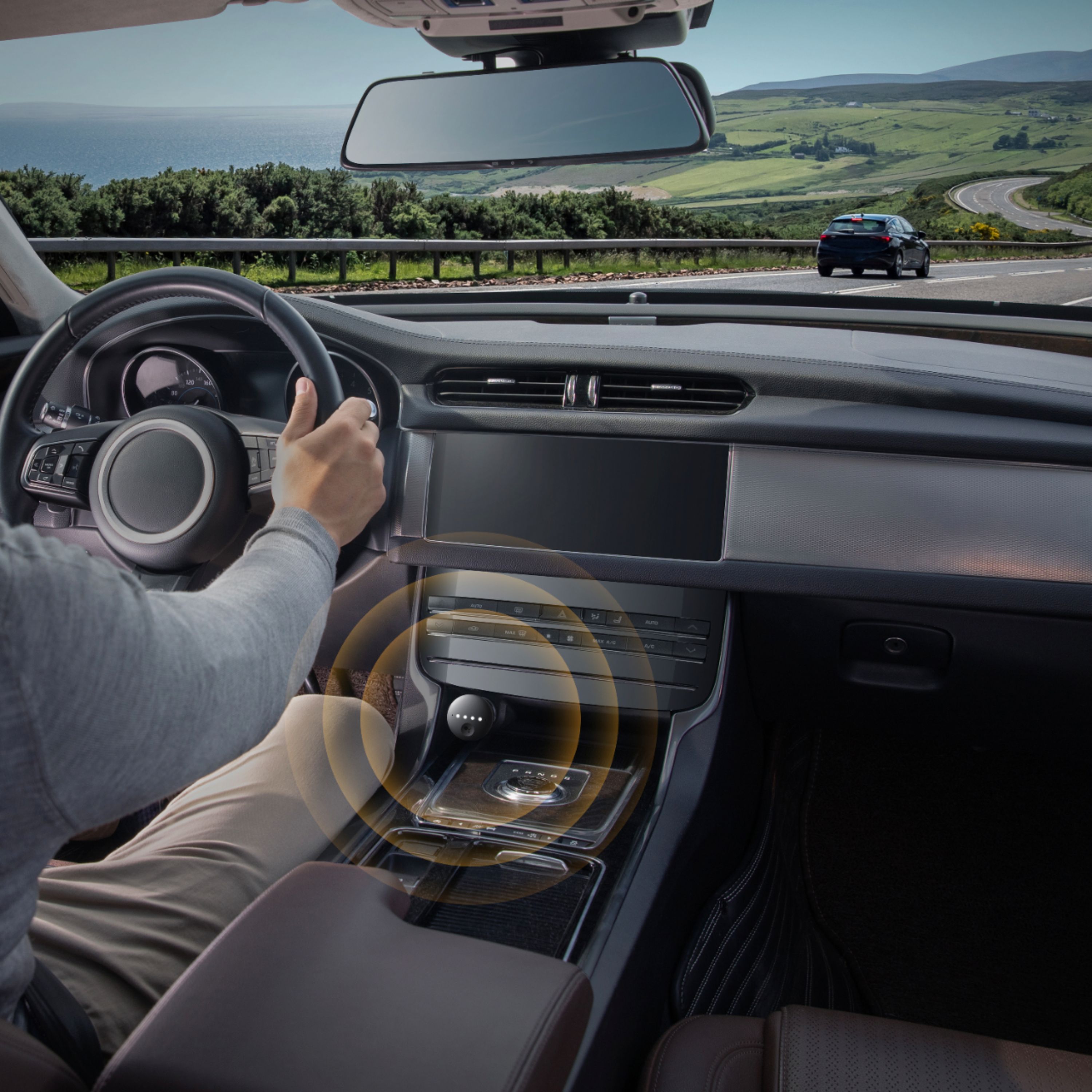
|Posted .This reviewer received promo considerations or sweepstakes entry for writing a review.Summary- know your car and what you're getting! IF you have a 12v outlet in an accessible location AND IF you have somewhere to mount your phone that keeps it accessible for touching (not holding) AND IF you have a radio with Bluetooth and/or AUX connectivity, then the ROAV BOLT is a good solution to make your car smarter. What do I mean? - 12v outlet: The microphone for the BOLT is in the 12v plug. In my vehicle, that puts it just above the gear shift below the A/C controls in the dash which appears to work well. We used to have a minivan where the outlet was pretty much on the floor well below the driver and on my spouse's car it's on the passenger side of the center console near the passenger's knees. I can't imagine that this placement wouldn't impact the pick-up for the microphone. - Telephone mounting: I drive A LOT of rental cars, so I have some experience with many manufacturers' "connected car" solutions. I have yet to find a truly "hands-free" solution- there still always seems to be certain times when you need to simply switch apps, hit an on-screen confirmation, etc. So, you've got to have somewhere/somehow to keep your phone easily accessible WITHOUT HOLDING IT or constantly having to pick it up. - BT or AUX Connectivity: For the ROAV to work, either the ROAV needs to be connected to your radio via an AUX cable or your phone needs connected to your radio via Bluetooth. Not all older vehicles have at least one of these options, so be aware! Now, presuming you've got the pre-requisites covered, how does this thing work? REALLY WELL! - I drive a >10 year old Jeep with the original soft top. If you've ever ridden in something similar, then you know that having an intelligible conversation with someone in the passenger seat at highway speeds is nigh on impossible. That said, the noise-cancelling powers of the ROAV's microphone have proven quite reliable at highway speeds- even with all the windows down (you can barely hear the radio sometimes in those conditions!) I've also been able to have hands-free phone calls for the first time ever and my test callers have reported very little disturbance from the significant background noise in the Jeep. - Google Assistant appears to work slightly better with some apps than others (e.g. more seamless with Google Maps vs. Waze & smoother with Spotify than Pandora), but I've been able to make it work in all cases. The only difference is really the amount of voice control vs. phone-touch interaction. Per my earlier comments, I have yet to find an out-of-the-box and/or built-in solution that doesn't seem to require some amount of this configuration and voice/touch combination. Overall, I'm quite impressed and excited to have a much more "connected" vehicle than I had before .
I would recommend this to a friend Disappointed
||Posted . Owned for 2 weeks when reviewed.This reviewer received promo considerations or sweepstakes entry for writing a review.When I bought this product I thought it was going to work different but I'd in light this product at all
No, I would not recommend this to a friendUserless
||Posted .This reviewer received promo considerations or sweepstakes entry for writing a review.Very simple and couldnt find any use for that besides charge my phone. Its a 40 dollars charger....
No, I would not recommend this to a friendWuirky
||Posted . Owned for 3 weeks when reviewed.This reviewer received promo considerations or sweepstakes entry for writing a review.Couldnt get it to work correctly, tried multiple times and no good. Now just a car charger.
No, I would not recommend this to a friendBrand response from Anker Team
Posted .Sorry that you're having problems with the Bolt. Can you contact us so we can look into why it's not working? 800-988-7973

- Pros mentioned:Microphone quality
The perfect travel buddy for your rental car.
|Posted .This reviewer received promo considerations or sweepstakes entry for writing a review.I received this product in exchange for my fair and unbiased review. The Anker Bolt with Google is a little bit of a mixed bag. It’s a high-quality Bluetooth audio adapter for your car that lacks that functionality. It’s a decent hands-free phone solution for your vehicle that lacks Bluetooth connectivity. Google Assistant works well enough, especially for those of you who use Google for home automation (including myself). For parents with teenagers that can’t put the phone down, it’s a good way for them to stay connected without looking at their phone. Where the Bolt with Google excels, however, is a plug and an aux cord you can take with you to keep your phone connected to multiple cars without dealing with pairing and repairing your phone every single time, or wondering if you deleted your pairing from a vehicle which means you potentially left your contact information on it. One of the cool things is how Google Assistant can interact with your apps while using the Bolt with Google. Among my installed apps, it works with Gmail, Twitter, Facebook Messenger, Google Hangouts, and the My Verizon app. It doesn’t currently work with Microsoft Office apps, Snapchat, Google Duo, and Google Voice (which is strange since Voice and Duo are Google apps). One thing I noticed is the audio quality. While nothing beats the aux cable and a high quality DAC, it’s still very passable; 256kbps Apple Music sounded better through the Bolt with Google than with any Bluetooth audio adapter I’ve tried, and slightly better than Bluetooth audio built into my Alpine UTE-73 head unit. The only complaint I have about this device is it lacks HD voice, so calls over Facebook, Google Hangouts, Facetime Audio, and Verizon’s LTE network all sound like they’re being made on an older non-HD voice capable phone. Maybe this can be fixed with a firmware update? All in all, it’s a great travel companion that’ll get better as Google makes improvements to the software.
I would recommend this to a friend Hard to use
||Posted . Owned for 5 months when reviewed.This reviewer received promo considerations or sweepstakes entry for writing a review.We bought 2 of these for our kids cars and cant get either one to work..
No, I would not recommend this to a friend- Pros mentioned:BluetoothCons mentioned:Google assistant
Not ready for prime time
|Posted .This reviewer received promo considerations or sweepstakes entry for writing a review.I really wanted to like this product. On the service it offers something great. Access to Google Assistant, Bluetooth audio for a car that may not have the feature, and two USB ports for charging. This sounds like a great set up, and at $50, it's no more expensive than a Google home mini. The problem is it just isn't a well polished product. The first odd thing happens when you set up the product. You'll need the Google Home app to set up the Roav. It will automatically find the Bolt when you plug it in. Then you go through a set up process where it connects via Bluetooth and gets everything ready to go. I wanted to use Bluetooth audio passthrough via aux (which is supported by the Bolt) but, for some reason inadequate me connect to a second Bluetooth signal for this. So, to have the product work you have to connect to two separate Bluetooth signals. This is weird and not very intuitive. The second problem I had was playing music through the Bolt. I constantly have to restart Youtube Music because it constantly pushes when connected to the Bolt. This doesn't happen with any of my other Bluetooth connections so it has to be something here. The big feature for the Bolt is Google Assistant. If you're hoping for Google Home quality, I wouldn't get your hopes up. There is a pretty serious delay after you say Ok Google, I had trouble getting Google to do anything on my iPhone other than tell me the time. I tried to launch maps several times and got mixed results. Sometimes it would work, sometimes it wouldn't. The Bolt can't hear you at all if you have the volume a little loud. Overall I haven't been using Google Assistant because it just doesn't work anywhere close to a Google Home. I wish I could recommend this product but, given none of it's features work really well, I couldn't recommend this product. Maybe wait until version two comes out.
No, I would not recommend this to a friend - Pros mentioned:Bluetooth, Microphone quality
Great concept, ok product
|Posted .This reviewer received promo considerations or sweepstakes entry for writing a review.This is a great product with those who do not have Bluetooth or navigation in their vehicles which attracted my attention. I don’t have navigation and have to stop and put the directions in my phone sometimes. Since i have google assistant already it was an easy transition. Once I was able to get it connected which took a while for some reason (IPhone is in beta currently) it was pretty good. Picked up my voice well, it has a 3.5 mm jack, 2 USB ports so it’s a great addition to any vehicle. The experience may be better suited for android users until IOS devices are out of beta.
No, I would not recommend this to a friend Google Assistant for your car
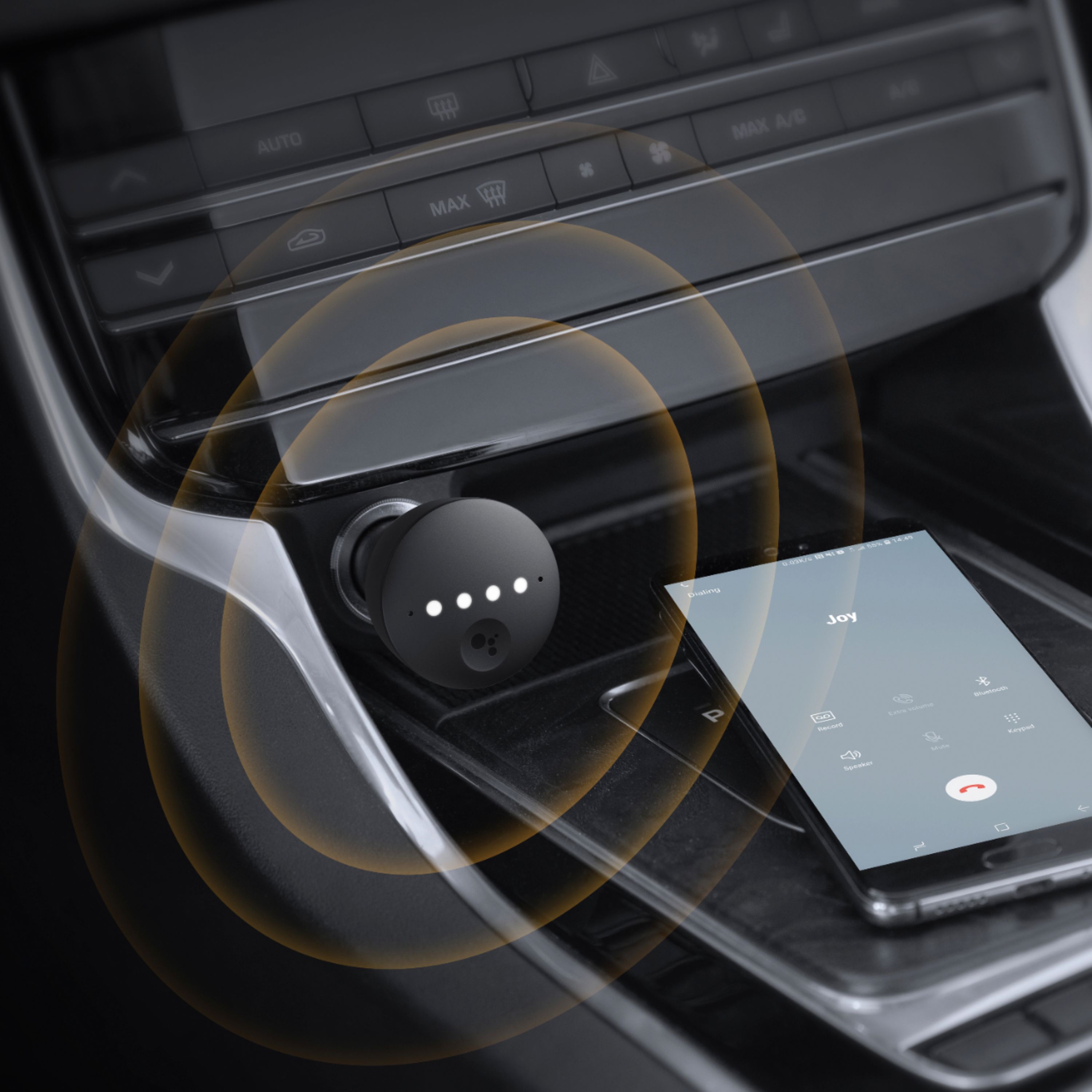
|Posted .This reviewer received promo considerations or sweepstakes entry for writing a review.I would liken the Anker Roav Bolt to the Chromecast. These days, TVs have smart functions or built in chromecasts. However, it can add so much functionality to a TV that doesn't have those options. Likewise, some cars have built-in assistants. However, if you don't want to upgrade your car, then the Bolt is a pretty good option. Setup is easy. You plug in the 12 V outlet. You also plug in the audio connection to the 3.5 mm aux port. If you don't have that, then you can use bluetooth. If you don't have bluetooth, then this is a really expensive car charger. It taps into google assistant via your phone. Android is preferred although it does work with iOS. The latency is slower and some functionality is lost. Pressing the button activates the assistant the same way a "Hey Google" would. Pressing twice disables the microphone. The Bolt does a pretty good job of sensing the "Hey Google" even among the ambient noise and music. It can do most things that you do with the Assistant in your phone. Calls. Texting. Music. Google Maps. For iPhones, you can only get message notifications and not send them. It can stream through Spotify. My main criticism is that the misunderstood questions and commands really can get to you. Things that it did just minutes ago will suddenly baffle it and cause it to respond "I don't know how to do that." All in all, I think it's a good start and will only continue to get better. It's a relatively affordable option to add functionality to your car.
I would recommend this to a friendNot compatible
||Posted . Owned for less than 1 week when reviewed.This reviewer received promo considerations or sweepstakes entry for writing a review.Was not support by my car. Did not work as suspected
No, I would not recommend this to a friend- Pros mentioned:Bluetooth
Great Car Accessory
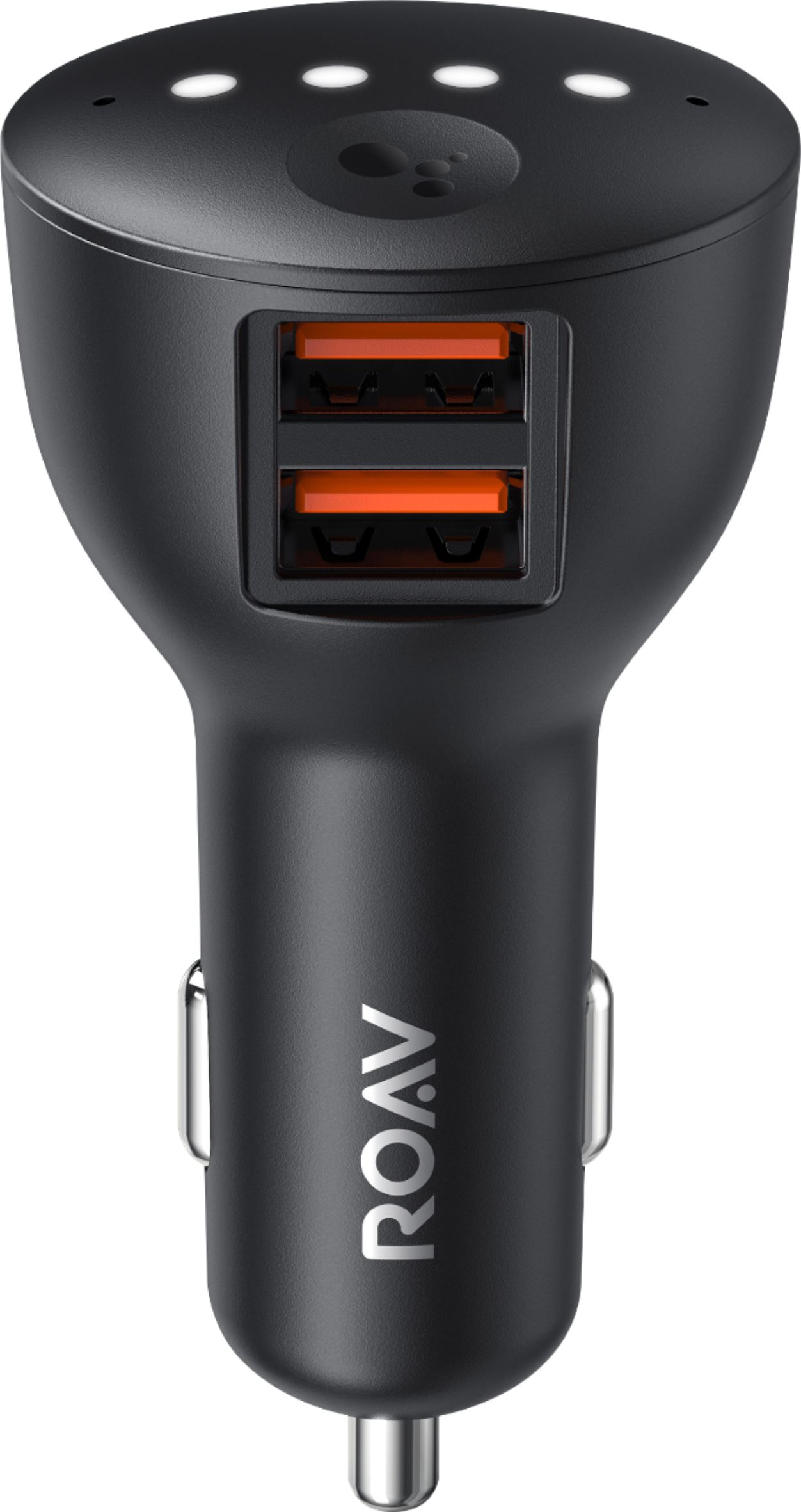
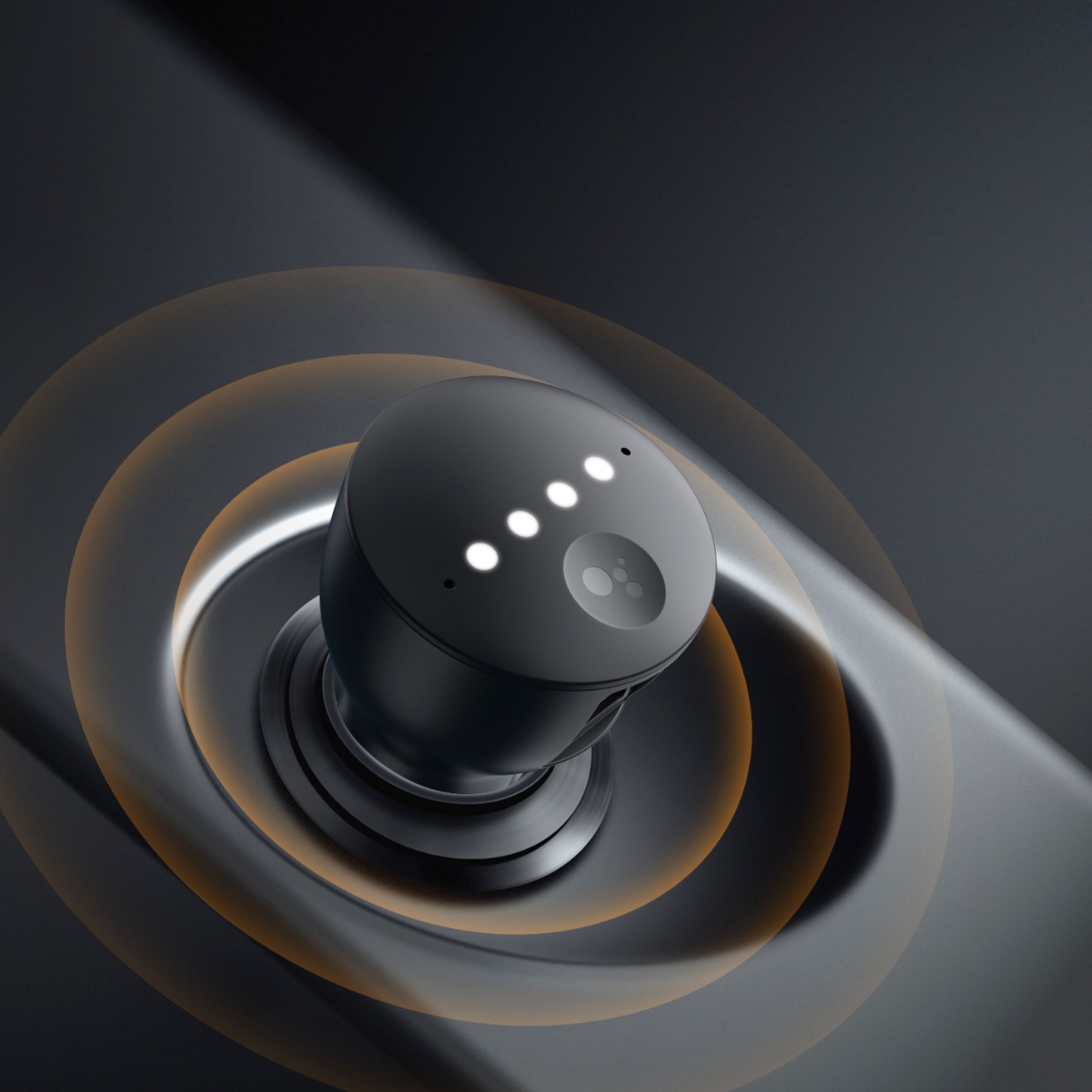
|Posted .This reviewer received promo considerations or sweepstakes entry for writing a review.The Roav Bolt is a small black device that connects to a charging port in your car. The front has a single button, bearing the Google Assistant logo, and four indicator lights much like those found on a Google Home Mini. On the side is a 3.5mm jack, used for relaying audio to your car's stereo system. If your car doesn't have an AUX port, you can also use Bluetooth, but it's recommended to go with a wired connection where possible. The top of the unit has two USB Type-A ports, so you can still charge your phone even if the Roav occupies the only power connector in your car. The ports can send a maximum of 5V/2.4A each, which is more or less the regular USB charging speed. Sadly, there's no Qualcomm QuickCharge support, or a Type-C connector for USB Power Delivery. In the box, you get the Roav Bolt, a 3.5mm cable, and a user manual. Setup was extremely simple. Plug it in, select it from the list of discoverable Bluetooth devices, and the Google app will automatically open and guide you through the rest. Once you're done, a settings panel appears in the Google app for changing some of the sounds the Bolt makes, among other minor options. The Bolt functions well, responses to voice commands are quick, streaming music works perfectly, and so on. The only issues I encountered were when my phone went into standby mode, when the screen locked. I noticed the responses to my command took a little longer. I have an android phone so not sure how this works with iphones. Other than this minor issue I do like using this in my car it is less distracting and allows me to perform hands free functions.
I would recommend this to a friend - Pros mentioned:Bluetooth, Ease of use
Ok product but
|Posted .This reviewer received promo considerations or sweepstakes entry for writing a review.So first...it’s an ok product. It was easy to set up. Bluetooth or aux both work adequately but the aux cable is by far the best option. My biggest issue would be the speaker volume. It’s ok but definitely should be better with a better ability to control it. Again...ok product just not for me. If you rely on google assistant for everything this it might be home run but for a causal user it’s pointless. Honestly I unplugged it and just went back to using my phone. The port did fit properly and did charge correctly.
No, I would not recommend this to a friend Have not got it to work off my I phone
||Posted . Owned for 3 weeks when reviewed.This reviewer received promo considerations or sweepstakes entry for writing a review.Read directions but still unsuccessful in getting it to work
No, I would not recommend this to a friendPoor
||Posted . Owned for 1 month when reviewed.This reviewer received promo considerations or sweepstakes entry for writing a review.Didn't work for me and I returned it back to the store.
No, I would not recommend this to a friend- Cons mentioned:Google assistant
only buy if you don't have a car with Bluetooth
|Posted .This reviewer received promo considerations or sweepstakes entry for writing a review.I got this for my wife's car which has Bluetooth but I came to find out that it is call only Bluetooth. she can't play music from her phone through the stereo, only calls can come in our out. So I thought connecting this Anker Roav Bolt might solve the problem. It didn't. There is also no aux port so I couldn't hook it up that way either. So just to try it I used it in my F150 which i can already connect my phone up to through BT. The Bolt hooked up to my phone easily but would keep getting shut off as my Ford Sync would then connect and boot the Bolt offline. I had to turn the Sync function off then I was able to try out the Bolt. It understood my commands perfectly. "play google play music" , "direction to Sacramento", "closest gas station to me" were some of the commands I gave after saying OK Google.It completed every command flawlessly. Now here's the problem. If you already have Google assistant on your phone, already have a car stereo that connects to your phone via Bluetooth, then this product is completely unnecessary. So if you have an older car that has an aux port and no Bluetooth then this Bolt would be perfect for you. Right now for me it is only serving as a dual phone charger for the 12 volt port I have in the backseat so my kids can charge their phones at the same time. So below where I checked I would recommend this to a friend, remember, only a friend without a Bluetooth car stereo and google assistant on their phone.
I would recommend this to a friend - Pros mentioned:Bluetooth
Great if you are totally into Google Products
|Posted .This reviewer received promo considerations or sweepstakes entry for writing a review."Basically the Roav Bolt does every thing that a digital assistant normally does, but in the car. You can get directions, play music, make calls, etc. It just makes it a whole lot easier to do everything hands-free. There are a few things that make it a bit more of a hassle, for example, you need to have all of Google's different systems set-up, so google play music is preferred over apple music or spotify. The other slight problem is if your car doesn't have bluetooth or AUX in capabilities, then you're going to need to find another way to connect. You need to have some way to connect this to your existing car stereo. Overall it does everything advertised, just make sure you have everything you need to get the most out of it. My car does have an aux in, but when using that I am tied to my phone for everything. If you are ok with that, then this is for you. If you like to play a radio station this isn't on iHeart radio or some other radio App, then you may not want this option. Again, if you want to use your phone for everything and you have all the Google apps and your car has a bluetooth or aux input, then this is a nice addition. I like to play my local radio stations quiite a bit, so this wasn't the best choice for me.
I would recommend this to a friend - Cons mentioned:Setup
Love Google but Unefficient
|Posted .This reviewer received promo considerations or sweepstakes entry for writing a review.So let me start with the funky bad part of the Roav Bolt and that is the clunky look after my auxiliary cord is plugged in to create Bluetooth with my other FM transmitter in another charging port. I'm very bummed that it looks bad after all of it is set up. I got this because I am someone looking for that bridge of a product that turns my car into a Bluetooth enabled car without having to buy the feature in a car. Now more and more cars are coming standard with this feature but I am not in the market for a car. On the other hand the assistant works just like my Google Home products which is awesome. I say "okay Google" and away we go with the endless things I can get done. So thumbs up to Anker for realizing there was a space that still didn't have Google in. The design right out of the box is neat and it looks and feels swanky. I did have trouble setting it up with the application but got that out of the way after about 6 minutes. So if you're a person who has a Bluetooth enabled car I would say this would compliment your needs well but for someone like me looking for that bridge I'm just not sure this has value for me.
I would recommend this to a friend - Pros mentioned:Microphone qualityCons mentioned:Google assistant
Google Assistant for Your Car!
Posted .This reviewer received promo considerations or sweepstakes entry for writing a review.The Roav Bolt is great little car charger that comes with Google Assistant. The charger isn't the fastest car charger offered by Roav. Charging speed is decent but not as fast as my other Anker/Roav car chargers. It takes about 2 hours to charge 30% to full (Samsung Galaxy Note 8). This isn’t a big issue for road trips but when you are in the car (in my case) 30 minutes to 45 minutes to commute to work having a fast as possible charge time is needed. Connectivity and Reliability... Its still to early to really understand the connectivity issues. The first pairing was easy. It paired up instantly and Google Assistant found and started the process. After that for a few days it automatically connected in about 20 seconds. Then over the next few days it got worse. It went to over a minute. Then there were times that it wouldn’t pair and I would either have to manually pair or pull the charger from the plug. Then 4 days into using the Bolt I lost connectivity. My phone wouldn’t find the Bolt for a minutes even when the Bolt was in pairing mode. Eventually it started seeing it but still wouldn’t work. So I ended up deleting the Bolt from Google Assistant and did what I think was a factory reset. After doing that it paired and ran through the setup process including updating the firmware. Now it connects whenever the Bolt powers up. Currently on start up it takes just over a minute to connect and hadn’t had any issues connecting. For the most part I find that Google Assistant works great. I found issues where it couldn’t understand me when I asked it find directions in Waze. But after the reset it seems to know what I’m asking. I find it useful for reading out notifications, having it read out my received text messages, and then verbally replying them. For me this important. I get a lot of messages and some need immediate attention and I have to pull over to deal with these messages. I use Google Assistant to control my smart home devices from the car to turn down the a/c unit when I leave work and have the home temps cool and comfortable when we get home. Using the microphone works great. The people on the other line can hear me clearly and rarely hear background noise. When giving voice commands the Google Assistant will pause audio and listen to me. The only real issue I have is the 3 second delay. At home my Google Home doesn’t lag its almost instant. I can go “Hey Google, next tract” and Spotify will move to the next tract. On the bolt I have to go “Hey Google” wait 3 seconds (Wait for the status light to ready itself) then say “next tract” For those that are using iOS I would wait a while before adding this device to your car. From what other users have mentioned is that the Bolt doesn’t work all that well and is unreliable. My understanding is iOS issues are being work on. Even with the issues I brought up, I highly recommend the Roav Bolt if you are invested in the Google Assistant environment. If not, its still a great option to add functionality to your car if your phone is Android based.
I would recommend this to a friend - Pros mentioned:BluetoothCons mentioned:Google assistant, Response time
Not what I expected
|Posted .This reviewer received promo considerations or sweepstakes entry for writing a review.Setup took extra time because I had no idea that you need google assistant on your phone and then update took a while. I was very disappointed with fact that I need to download google assistant on my IPhone and even more disappointing once I realized that I must keep that app and have it opened in order to use this device. Not what I expected. If I need google assistant on my phone what do I even need this device? It's like chromecast for your tv but it can't make regular tv smart tv, but it must be smart tv to use chromecast. Then it has very bad response so I had to keep repeating sentences and yell into my phone. With that in mind I find this product useless. Pros: 2 USB plugs for charging your phone Cons: Everything else
No, I would not recommend this to a friend - Pros mentioned:BluetoothCons mentioned:Google assistant
Do NOT Purchase…it’s as simple as that
|Posted .This reviewer received promo considerations or sweepstakes entry for writing a review.THE REVIEW: This review is going to be MUCH shorter than my usual reviews, and NOT for a good reason. Read the other 3-star, and below, reviews, and you’ll understand. Before I say anything further, those reading this should know that I have other Anker products…primarily portable chargers…and they are all fantastic. I have no negativity towards Anker in any way. In fact, I REALLY like Anker products. The Roav Bolt, however, will NEVER be one of them. Starting with the setup, while not complicated, I did run into a few problems. First, the app (which self-installs, once the Roav Bolt is paired with the phone) didn’t like that my phone wasn’t already paired with my car stereo. Second, once the phone had been paired with the car stereo, the Roav Bolt firmware update took considerably longer than it claimed it would. While the download was quick, the actual firmware update took almost two minutes. In trying to use the built-in Google Assistant, I would have been better off talking to a wall. From the point you say, “OK Google”, you’d expect it to jump to life. Instead, it took almost 10 seconds before I heard the tone indicating the Roav Bolt was ‘listening’. After giving it whatever command I was giving it, it would take 15-20 seconds to respond…and, in most cases, the “response” was either an “I can’t help you with that” reply, or absolutely nothing at all. In comparison, Google Assistant on my phone, my tablets, and my Google Home Hubs, all come to life within less than a second, and when commands are given, the Assistant responds within 1-3 seconds. So, is there anything good about the Roav Bolt? The answer is, “Yes”…but it’s NOT worth $50 for what the “yes” is. The ONLY good thing is the two USB charging ports, both of which are…or, should I say, claim to be…4.2A ports. In my personal car, as well as my work vehicles, I use dual-port Energizer USB chargers, and, even when using Waze (if you’re familiar with Waze, then you know it can be a ‘battery hog’), they have no problem charging my Galaxy Note 9. Even when using both charging ports (the second one charging either one of my Android tablets, or my work iPad, all of which are 8-10” tablets), they have no problem either charging, or, in a worst-case scenario (if there are multiple background apps running), at least keeping the batteries at the same level. The Roav Bolt, however, had great difficulty. On a 40-mile drive this afternoon, I started with my Note 9 at 87%. With Waze running, and only a few background apps running (none of which drew excessive battery power), by the time I arrived at my destination, the battery had only reached 90%...and increase of 3%. SUMMARY: Can I recommend this product? Absolutely NOT. Truth-be-told, I don’t even see the purpose of a “smart USB charger”. It’s almost as if, since there are so many other “smart” products available, Anker felt the (unwanted, and unnecessary) “need” to create the world’s first smart USB charger…and it’s an utter failure. If you need a USB charger, there are plenty of others available…most for half the price, or less…including over a dozen car chargers made by Anker. If you want my honest, extremely unbiased, opinion, do yourself a HUGE favor, and get something else…you do NOT want to waste your money on Anker’s Roav Bolt USB charger. As I said, Anker makes over a dozen non-smart USB car chargers, and ALL of them are better than this product (some of them only cost as little as $10). Disclaimer: This product was provided free, or at reduced cost, for the purpose of reviewing the product. Nevertheless, the above review, be it positive, negative, or anywhere in-between, is a 100% honest review, and the price paid played absolutely no part in my review.
No, I would not recommend this to a friend