Customer Ratings & Reviews



- Model:
- R5360Z11
- SKU:
- 6327774
Rating by feature
- Value
Rating 3.8 out of 5 stars
- Quality
Rating 4.0 out of 5 stars
- Ease of Use
Rating 3.5 out of 5 stars
Customers are saying
Customers express satisfaction with the Bolt Charger's Bluetooth connectivity and microphone quality, frequently praising its ease of use. However, negative feedback centers on the Google Assistant functionality, with comments citing slow response times and compatibility issues, particularly with iPhones and other non-Android devices. Some users also reported difficulties during the initial setup process. The overall experience appears mixed, with strong positive feedback on certain features offset by significant concerns about others.
This summary was generated by AI based on customer reviews.

Great for a car with aux but no bluetooth
|Posted .This reviewer received promo considerations or sweepstakes entry for writing a review.I have an IPhone XS and by far the most annoying thing is that I cannot charge and listen at the same time without buying an adapter, even when I do not need to charge my phone. I still find it very annoying having to plug and unplug my phone to listen to anything in my car. When I saw this charger and I saw that it had an aux pot I thought this could the perfect device for me. After using it for a couple of days it works great. My Bluetooth connection is always on shall I have to do is get in my car and my phone automatically connects. I really enjoy that google assistant connects to Siri so it can control all of the functions of my phone while I’m driving. My only complaint is the quality of calls coming in through the bolt are pretty bad to downright awful. When I connect my phone through my aux all my calls sound perfect but listening them through the bolt they are just downright bad. Luckily for me I rarely take any calls while driving so it is an issue I can deal with, but someone who needs that a lot will not be happy.. If you need something to charge and connect to your car this works really well.
I would recommend this to a friend- Pros mentioned:Bluetooth
It is Great...If you are not using Samsung Phones
Posted .This reviewer received promo considerations or sweepstakes entry for writing a review.I have been waiting for this since it was announced at CES in Jan of this year, I have a 2015 Toyota Corolla LE and been wanting something like this, finally got mine today, I have Samsung Note8, now I have read all the reviews about how this does not pair with Samsung phones, mine paired right away and the set up was a breeze, my problem was that the MICS could not hear me, I had the Roav set up with AUX and Bluetooth and in both cases it could not hear me, the 3 or 4 times it did (out of maybe 50 shouts of OK GOOGLE) it could not hear me after that, could not hear my commands, the indicator lights were on and nothing happened after that and then it said "here are the things you can do when you are offline" I was not offline, I tried Google Assistant straight on my phone and she responded in no time so I knew my connection was fine, I was so frustrated that I was really considering returning it for a refund but then I thought why not try my tablet, I have Sony Xperia Z4 tablet and man it worked like a charm both with Bluetooth and AUX, with AUX it heard me EVERY TIME with my music turned to 35 in loudness and with Bluetooth I'd say it heard me %95 of the times I called for it so now I know it is my phone, something Samsung implements in the phones that causes this many problems, I am going to try again and figure something out because it was just like having a Google Home mini in your car when it worked, it was super fast and heard me through the noise no problem, if you have another device laying around try it to make sure your unit is working fine, I am giving it 3 stars because I know Google and Anker can do something about this also.
I would recommend this to a friend - Pros mentioned:Ease of use
So simple to set up
|Posted .This reviewer received promo considerations or sweepstakes entry for writing a review.My husband and I love our Siri but wanted to try something else, so we set this up in our car and decided to play around with it (within the safe limits of driving that is) We were amazed at how well this works. This is our third product we now own that has a Google assistant (we own two Insignia Smart Speakers too) I was able to charge my Android and he was able to charge his iPhone with no problem It was just super simple. And the price is right out there in case you're looking to buy,.
I would recommend this to a friend Mildly enthused...
|Posted .This reviewer received promo considerations or sweepstakes entry for writing a review.My house is full of Amazon devices so I'm used to having an AI assistant. Even in the car I have an Amazon device. This was a good test for a Google Home extension for me vehicles. I also use an iPhone. That said, Google Assistance is in Beta testing for the iPhone device, so the experience should get better. Overall - the Roav Bolt works GREAT as a car charger. I would say it is OK as an assistance device - a few quirks with wording - but works as expected. Much depends on the placement of the device so it can hear you OK - I know one of my vehicles has the power port in the back area of a cubby - so it would be expected to have a harder time hearing me in that vehicle. Basic commands worked fine - weather, news, call, text, etc. I had trouble with GPS functions likely due to the Beta test product, again - expected. Overall - best fit with an Android phone users (of course), which would mean you are likely a Google Home user as well. If you have an "exposed" power port, are an android users (not a G-Suite subscriber as I had trouble there with a friends phone and this Roav), you would benefit from purchasing this device!
I would recommend this to a friendGoogle assistant is always a plus!
|Posted .This reviewer received promo considerations or sweepstakes entry for writing a review.I love the idea of this whole device! Google assistant has simplified my life a lot and having it available in my vehicle without using my phone was the best thing ever. I had trouble with the setup originally since the instructions didn't show up like they were supposed to. I just unplugged it and things were fine. "I've unplugged it about 3 times due to my music not always connecting." I wanted to used it for an older vehicle and I used the aux with the cassette adapter it causes the music to sound distant and not so clear. It's very sensitive at times that my kids are actually waking the device without saying "hey (OK) Google" I had a bit of interference with directions where I started with directions and by the time I got to my destination I passed it. Somewhere along the way it stopped working. I will still used it but don't plan on relying on it for my directions anymore especially out of town trips. Maybe for arrival time and fun with my kids while traveling. Responding to my messages have been on point! I think it's nothing too major that an update couldn't fix.
No, I would not recommend this to a friendGreat Way to Bring Automation to Older Cars
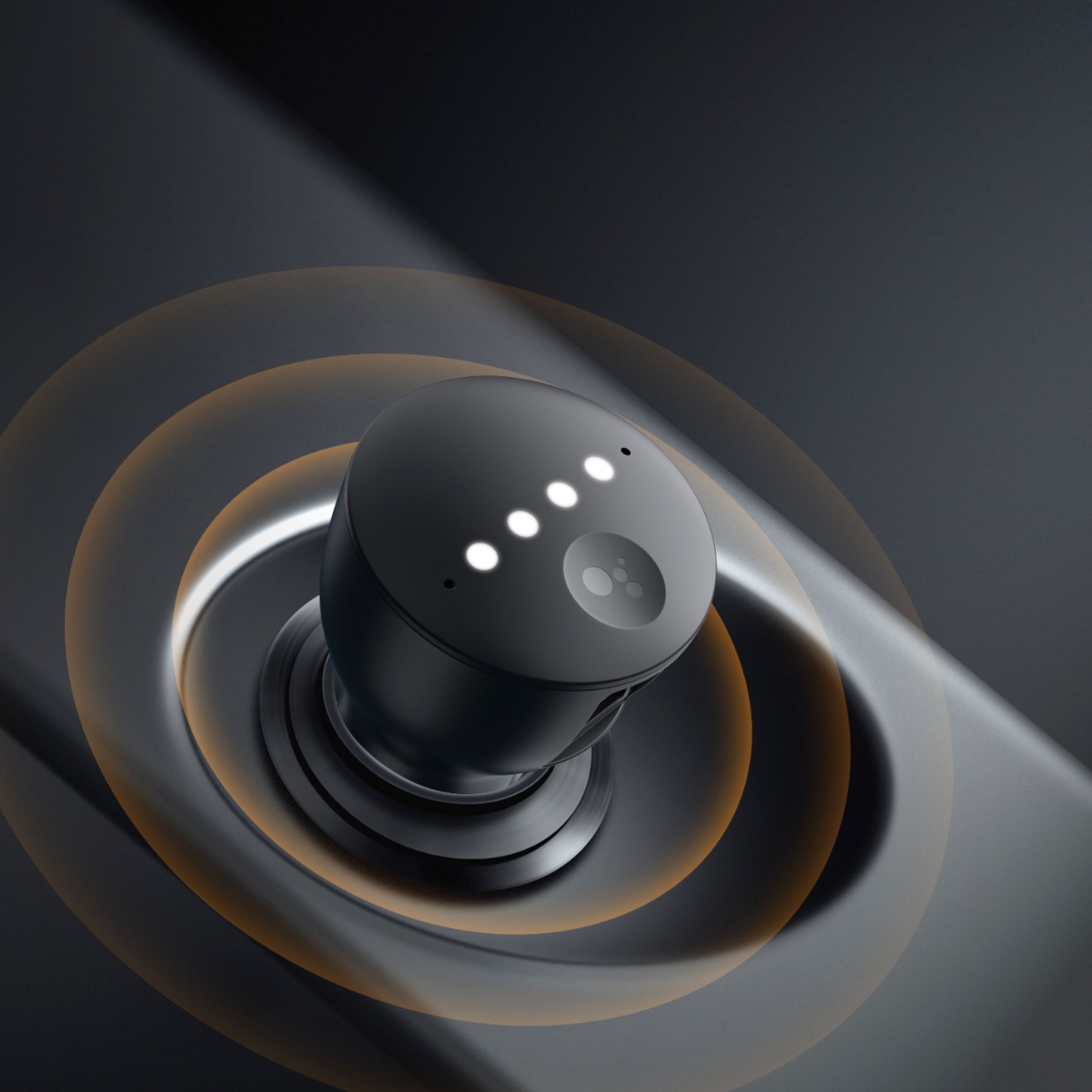
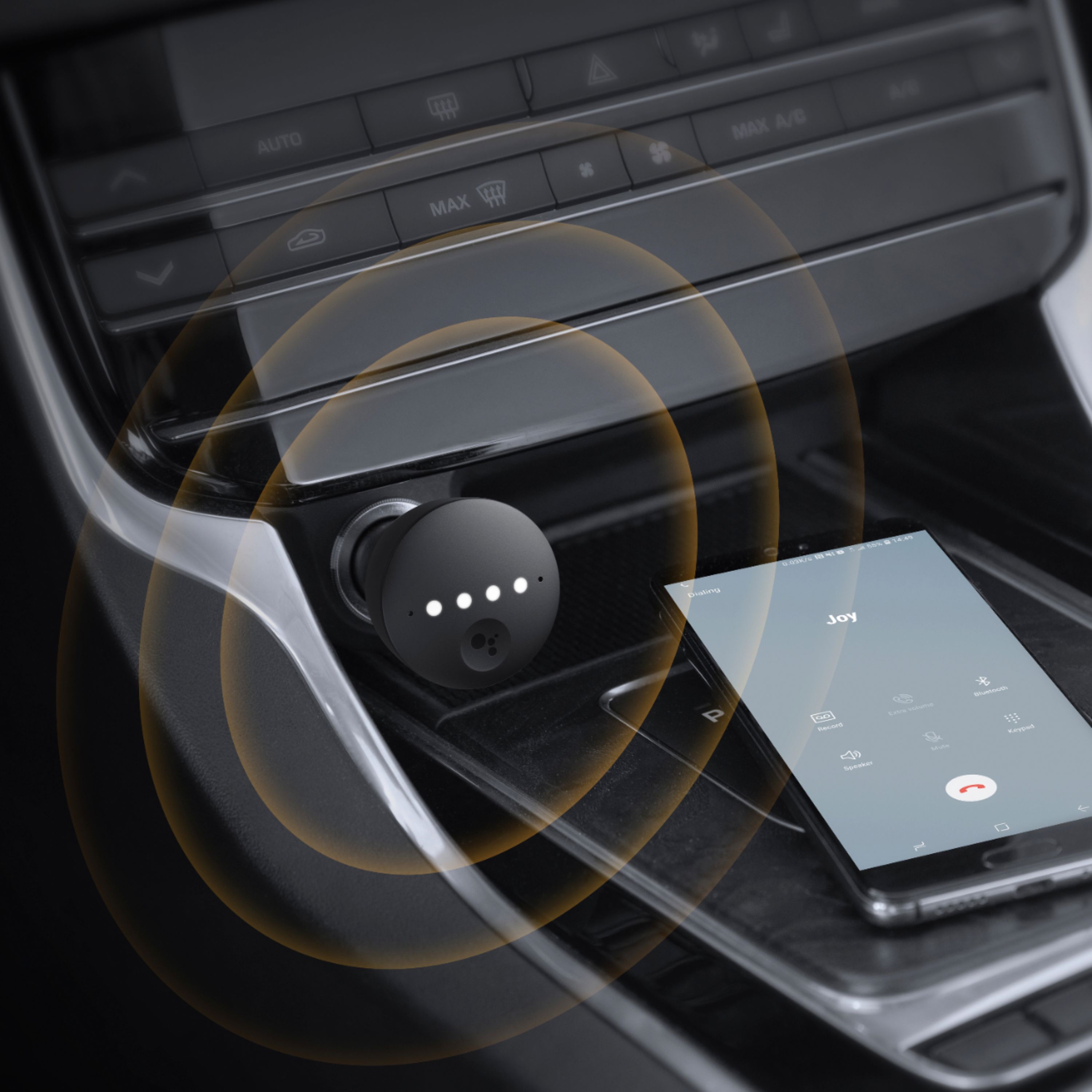
|Posted .This reviewer received promo considerations or sweepstakes entry for writing a review.Honestly, this is a pretty neat device - historically, I’ve preferred Google Assistant to Alexa for day-to-day activities outside the home and this carries over to the car easily with navigation. I got this device because it fits with that mentality and it actually aligns fairly well. I’m not going to go into the charging portion of the device - suffice to say it does allow for rapid charging on my Pixel XL. I’m also going to do my best and evaluate the device with minimal commentary on how effective Google Assistant is as that can (and will) change without notice. Setting the device up for Android was pretty easy: plug it in, connect to it on your phone, let Google perform some joining magic and BAM! Google Assistant in your car. It comes with two setup options, your choice of either an auxiliary cable (3’ cable included) or Bluetooth. For the purposes of this review, 90% of the testing was performed with Bluetooth. When set up like this, the Roav behaves closer to a Bluetooth headset for Google Assistant; when you want to interact with the assistant, it is a microphone exclusively. Your phone is still directly linked to your car radio. When set up with an aux cable, all audio is routed through the device as a Bluetooth ‘bridge’ - giving you the opportunity to add modern assistant automation and convenience to a slightly older car radio. Note that you cannot dynamically switch between the two modes - the Roav requires a full reset to switch between Bluetooth and auxiliary jack mode. Using the device is really easy - your phone doesn’t need to be unlocked to interact with it and it’s always ready to go with a simple “OK Google” command. In testing, I never needed to repeat myself due to the environment - tested with every combination of windows up or down, windy conditions or stop and go traffic with music playing. On occasion, Google Assistant would not know what to do with what I was asking for, but this was not the fault of the Roav. The button on the top acts as an immediate interaction button. Pressing it once will cause Google to speak a selection of notifications that might be relevant (controlled by the Google Assistant app). Pressing and holding for a second or so will perform the same action as saying “OK Google.” It has a few other press patterns for you to interact with, but I never found a use for them. The device has some lights on top to show the status, given its position in my car, I’ve never used them and have never had a need to check the status. Overall, I like this product. It means I can leave my phone buried in a pocket or backpack without thinking “I’m never going to be able to change my playlist” or “what if I need directions somewhere?” Plus, unlike Android Auto, this interaction can be completely wire-free.
I would recommend this to a friend- Cons mentioned:Google assistant
Great Charger!
|Posted .This reviewer received promo considerations or sweepstakes entry for writing a review.I own a Chevy Equinox and I could not get the Google Assistant to pair with the car using bluetooth. It would pair using the auxiliary port, but then I could not use my Sirius XM. It's a great charger though.
No, I would not recommend this to a friend - Pros mentioned:Bluetooth
Great idea, but still needs a lot of work
|Posted .This reviewer received promo considerations or sweepstakes entry for writing a review.I downloaded the app, log in, tried to synchronize as much as a possible. I like the idea of voice command in my car similar to Alexa, but google is not compatible with a lot of apps yet. I have premium Spotify and I am unable to use it, I have Waze app I can’t even use it. The app tells me “it’s not supported yet.” So it kind of makes this product useless for right now. I do like the 2 usb Ports on top.i thought it was a nice option. I don't like that I cannot use the many options it was advertised for, if they start incorporating the other apps may be its a homerun.
No, I would not recommend this to a friend - Pros mentioned:Microphone quality
Hands-Free Google Integration for any car
|Posted .This reviewer received promo considerations or sweepstakes entry for writing a review.No one will pick this up just for the fact that it's a car charger. There are plenty of those out that are cheaper. This is picked up for the Google Assistant integration and it does the job well. You can place it inside your center console and it can still pick up your voice. It has no issues from picking up your voice and it's very clean and integrated to look at as well.
I would recommend this to a friend Lots of Potential, But Not Awesome
|Posted .This reviewer received promo considerations or sweepstakes entry for writing a review.The ROAV Bolt by Anker promised an exciting idea - combine Google Assistant with a USB charger and thereby make any car a smart car. As someone with an old Honda and a love for Google Assistant, I was so excited by this - but sadly, the excitement ended as soon as I plugged it in. The Bolt comes with a 3.5mm Aux cable for car systems that support an Aux in. Mine uses Bluetooth, so that's what I went with. Some other people have posted different results using BT versus Aux, so YMMV. I wasn't happy with the design because my cigarette lighter port is not only recessed, but it has a spring-powered cover. Meaning I can't use the 3.5mm Aux cable and charge my phone at the same time. I have to choose. Being a charger, I went with the Bluetooth and skipped the Aux. I plugged it in and started the car - the Google Assistant app on my iPhone immediately saw the device and started the setup process, so far so good. Then it kept crashing and freezing trying to apply an update. Call me old fashioned, but should there really be a software update so soon when the product has just hit the market? Anyway, after that cluster attempt to update, the Assistant app on my phone finally indicated the update was successful. OK, I thought - time to put this thing through it's paces. That's when the failure happened. Long story short - this thing acts as a microphone for the Google Assistant app on your iPhone, meaning it's pushing and pulling requests and answers through your device. Don't expect a snappy response to "Hey Google" - there was a good 3-5 second lag between when I said the wake phrase and the device lit up to process my request. If you're like me and you have Google Home devices, you're used to a snappy response and quick execution. Even something as mundane as "What's the weather" took longer to process on the Bolt than asking the phone directly. Additionally, while streaming music or audio books, the Bolt constantly interrupts me to audibly speak every notification I get. I know that's in the settings and I quickly changed it. I'm heartbroken to say this is the first Anker product I've genuinely been unhappy with. I get that it's a product with a purpose - keep you eyes on the road and your hands on the wheel and let your voice do the talking, but the execution isn't there yet. Anker needs to update this so that it responds faster and more natural.
No, I would not recommend this to a friendHey Google on the go
|Posted .This reviewer received promo considerations or sweepstakes entry for writing a review.Google is my preferred smart assistant. This is a great addition to the Home ecosystem. Now I have even less reason to touch my phone while in the car. There isn't a whole lot to point out. It really is a google mini for the car. And a really good iteration at that. In my usage, I have yet to start the engine and the Roav not instantly connect. It has even connected when my car Bluetooth connection failed to auto connect. Even when that occurs the Roav still works and goes through the phone speakers until the Bluetooth kicks back in. Set-up was painless, and modifications to notification priority is a great feature. I only have two negatives, which are not enough to drop a star, but they are "I wish they would've." The first is for my phone, LG V40, neither charging port supplies fast charging. I'm not an expert on circuitry, but it seems with all the Anker standards, this would have been an standard addition. The second is that there isn't(so far), an option to auto reply. As it stands, when you receive a message, you have to long press the activity button to respond. Because of this, this has to be easily accessible if you want complete functionality. In relation to my first negative, this means my fast charger has to use an auxiliary charger if I want to use it. Once again, not a big deal, but still a bit of a nuisance. I wasn't sure how/if this product would work, but after using it, I'm sold and satisfied. Hopefully, it will continue to be updated.
I would recommend this to a friendGoogle Assistant in your car.
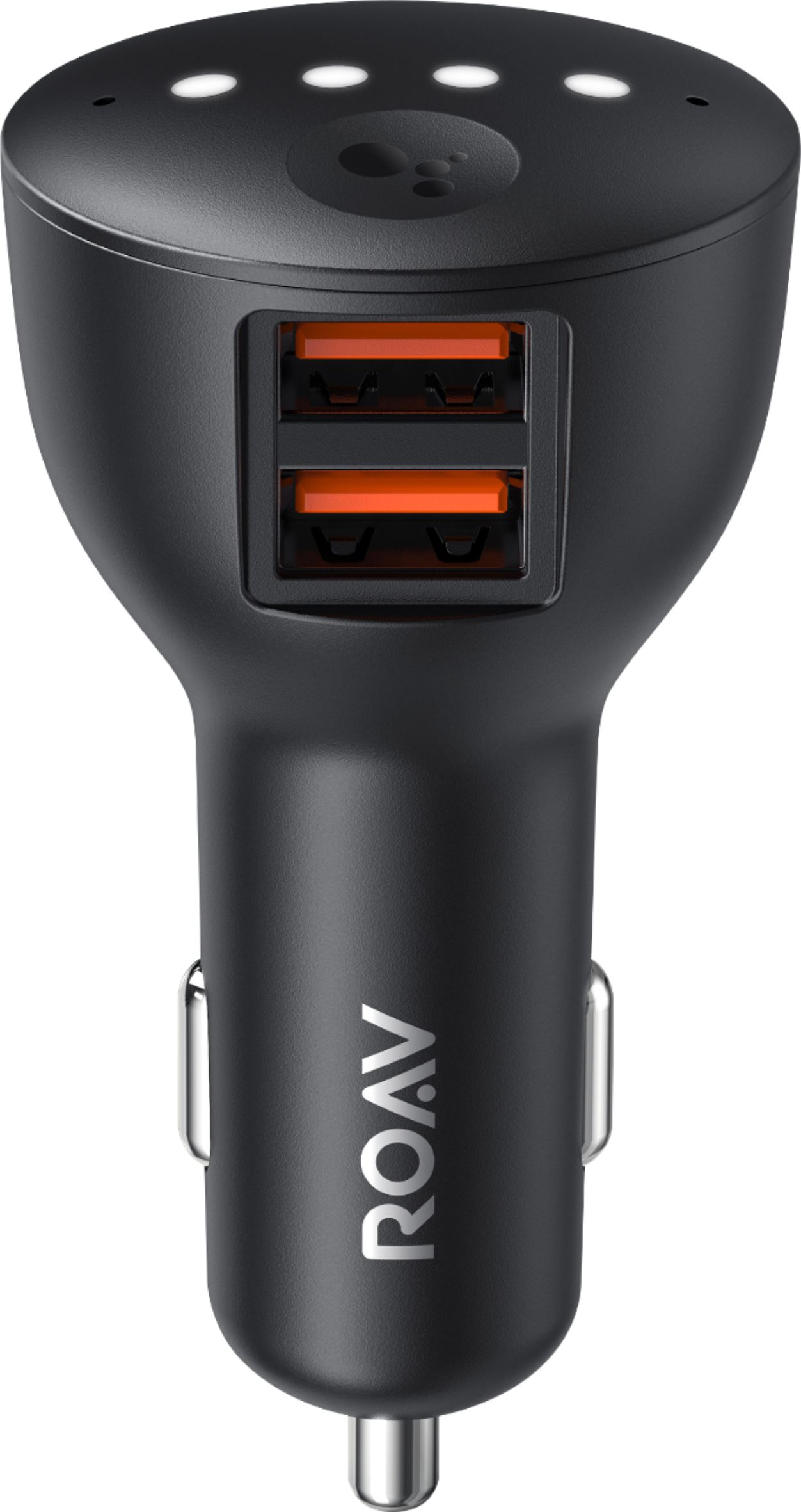
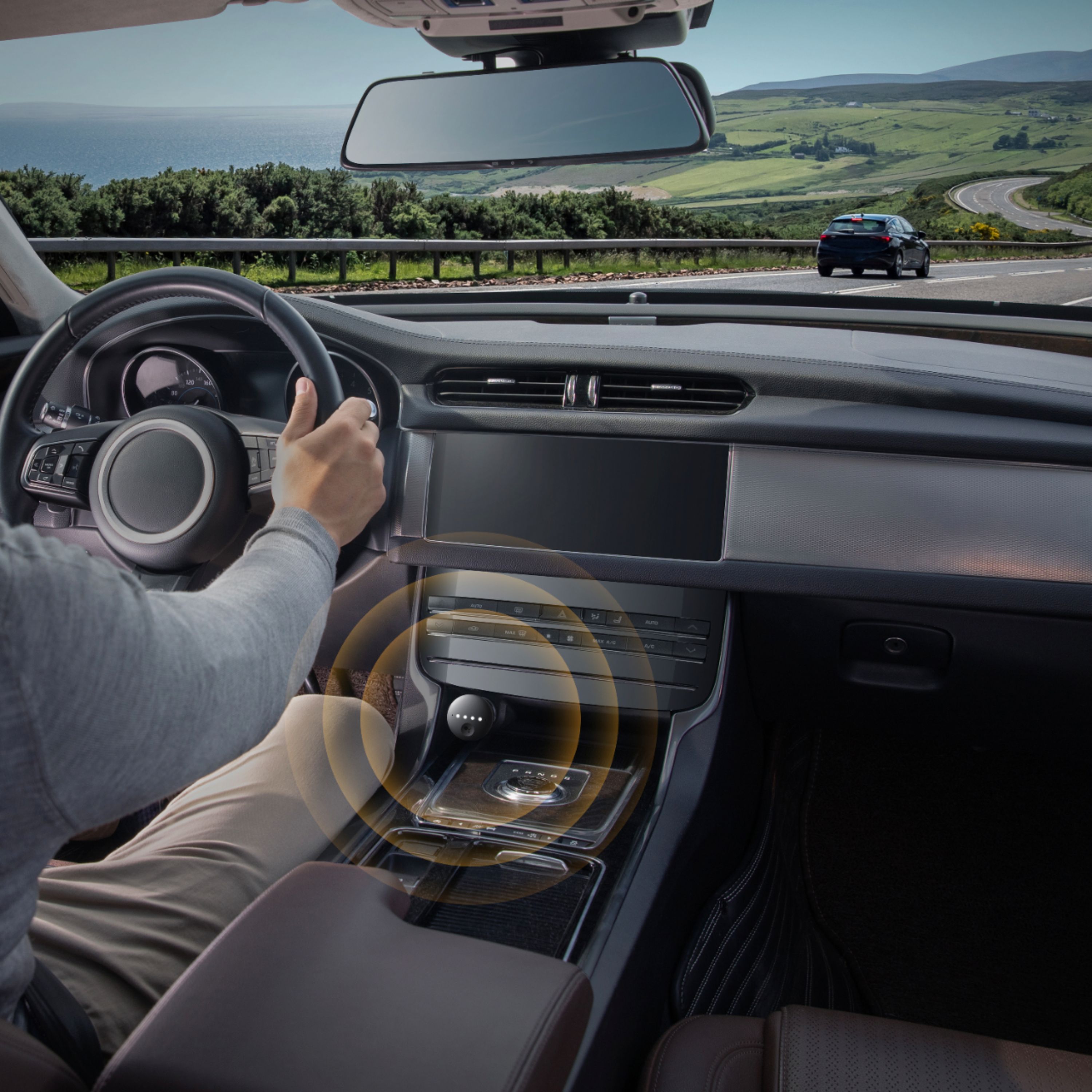
|Posted .This reviewer received promo considerations or sweepstakes entry for writing a review.An overall excellent assistant for your car. It looks like a car charger but is much more than it first appears. It will connect to your phone, and I can use my voice for traffic, weather, and navigation, all the while keeping my hands on the wheel and eyes on the road! This Roav Bolt is designed to overcome the problem of older cars that are not equipped with Bluetooth connection. It is a smarter way to drive, I can connect it to my car stereo, and it works as it should.
I would recommend this to a friend- Pros mentioned:Microphone quality
Roav with Google Assistant has worked great for me
Posted .This reviewer received promo considerations or sweepstakes entry for writing a review.I've read the other reviews and I haven't really had any of the issues the others are reporting. It works great, with one exception. For awhile I could not get it to recognized a music Routine I had set up. I contacted Roav and they immediately answered my email and said that they would get back to me. A day later they told me that they had contacted Google and they would look into it. A couple of weeks later they notified me that Google had fixed the problem. Apparently, they have, as it seems to be working just fine. I read that some of the reviews complained that the Mic doesn't work as they would like. I believe that any issues I had with the Mic were over come by my simply raising my voice a little. I mean the thing is in my car not my living room and there are things like road noise, air conditioning etc. that can interfere, over all I love it, particularly the ability it has to read my text to me and answer for me without taking my eye off the road. I'm happy and I did get my money's worth. There you go.
I would recommend this to a friend Useful If Your Life Revolves Around Your Phone
|Posted .This reviewer received promo considerations or sweepstakes entry for writing a review.If you're considering this product, the first thing to understand is that "car charger" means (basically) that you get a couple of USB ports that charge your phone by way of your car's 12V cigarette lighter/auxiliary power socket. Probably more interesting is its compatibility with Google Assistant for voice-controlled navigation and music streaming - it connects with your phone by Bluetooth and gives you voice control through the sound system in your automobile. And that part works pretty seamlessly and sounds nice using an AUX input. But the phone connection assumes that your only interest is your phone. It is the ultimate hands-free device for your car as long as your life revolves around your phone. It pairs with your phone as soon as you start your car (or when the device receives power). And I love interacting with Google Assistant while I'm driving. But having this paired with your phone means that your phone is planning to ONLY work through the Anker ROAV - don't plan on listening to the radio or to a CD while you're driving - because if you get a call, you must remember to either switch over to AUX to answer or remember to unplug the ROAV because your phone will be tied to the ROAV. If you live by your phone then this device can turn your vehicle into an extension of your phone - and in that respect, I think this compact device works marvelously. For less important people like me - people who don't spend hours in the car on the phone - people who don't need directions blasted stereophonically - the ROAV can become annoying very quickly. After the second time I received a call while listening to NPR on the radio and couldn't figure out why I couldn't hear my caller, I wanted to throw the ROAV and my phone out the window.
No, I would not recommend this to a friendGreat way to introduce new technology to your car
|Posted .This reviewer received promo considerations or sweepstakes entry for writing a review.The Anker Roav Bolt Car Charger is great! I have a 1996 Integra, and I was looking for a way to adapt some type of virtual assistant to my car. Well, needless to say, the Anker Roav Bolt Car Charger did just that. I already have google hardware around my home, and the Google assistant has become a part of my family's everyday life. The installation is really simple. You do have to have the google assistant app installed on your phone to make this work. I am using an IPhone, so I cannot comment on Android devices, but I cannot imagine it being any different. Once you have plugged the Anker Roav into your lighter plug, open the google assistant app, follow the instructions, link it via Bluetooth, and you are ready to go. This can also be hooked up to your stereo via an auxiliary cord if you do not have a Bluetooth enabled audio system. The Google assistant app must remain open in order for you to access the Google Assistant. It's supposed to have noise cancelling technology, but wind noise is a problem. Aside from this, all else has been great. It has never been easier to get driving directions, send texts, make phone calls, etc. I would highly recommend the Anker Roav Bolt Car Charger to anyone looking to introduce a virtual assistant to your car.
I would recommend this to a friendCool Little Product
|Posted .This reviewer received promo considerations or sweepstakes entry for writing a review.It's a cool product from a company that makes great accessories. I just feel it's for consumers who haven't/refuse to set up the Google Assistant on their cell phones. Having to touch and swipe on the little button to do certain actions is inconvenient mostly because some cars have their cigarette lighter in the armrest. So having to open and contort to reach it is dangerous. Other than that, it does add extra charging ports. Just set up Google Assistant on your phone, Google is tracking you anyways.
No, I would not recommend this to a friendNice Idea
|Posted .This reviewer received promo considerations or sweepstakes entry for writing a review.Downloading and setting up was fairly easy with my iPh X. Google worked as intended, but working though my car system was a failure because I already had Apple Car Play. The two systems don't seem to work together. The next day, the bluetooth had disconnected, and had to be reconnected. This has happened almost everyday so far. The USB chargers worked very well. The idea is good and when it stays connected to bluetooth, its good. However, the constant disconnecting is annoying.
No, I would not recommend this to a friend- Pros mentioned:Microphone quality
Great assistant, poor charger
Posted .This reviewer received promo considerations or sweepstakes entry for writing a review.I have literally the opposite issue of all the other reviews. The microphone works great and has completely transformed Google Assistant from unusable to helpful on the road. It seems Waze might use the mic too (? Not sure about this one) Sound is fuzzy and too quiet if I make it play audio as a phone call. This is too bad because I like how that feature interrupts the radio and hope it is fixed in a future update. The charger on the other hand does not quick charge. It will only trickle charge my device and is actually slower than my old charger. I'm wondering if this is a software glitch since both ports are the same and it seems unlikely they would both be defective.
I would recommend this to a friend Great way to add Google Assistant to your car!
|Posted .This reviewer received promo considerations or sweepstakes entry for writing a review.Funny how this product is more named as a car charger-- the value is more in the Google Assistant. Google Assistant is SO EASY TO SETUP; I don't know how to stress that more. It gives my car instant connectivity to the car radio with the power of IMO the best voice assistant. Don't get me wrong, I already own a pixel. I probably do not need this-- however, the microphones on this device is so responsive, it answers me better while driving, even with road noise or music playing, than my own phone that already has google assistant. This is a super plus for people who do not have google assistant. It's a Google Home device for your car that you can carry around. Charger-wise it has two 2.4A chargers that are pretty stable and can charge power hungry devices like my tablet and big phone at the same time. I also see this so useful for travelling when renting cars. Such a great device!
I would recommend this to a friendGreat Product for your older or non-high tech car
|Posted .This reviewer received promo considerations or sweepstakes entry for writing a review.This was a great little product. It bring tech into your older vehicle or non-high tech infotainment option. It simply plugs into the cigarette charging port and connects via bluetooth or AUX(cable provided) line for audio output to your car speakers. This device provided 2 USB charging ports for your phone built in - you will need to provide your phone charging cable. The device provide 2 microphones and works better than your phone for voice commands. There is also a long press activation button on the bolt. You are able to issue most all commands you would for your phone plus those of the mini hub you would use at home. All the while maintaining your calendar/smart apps functions! Over all this is a well built product that I would recommend if you have an older vehicle or are into the Google ecosystem with your phone! The cost is worth the entry.
I would recommend this to a friend