Customer Ratings & Reviews
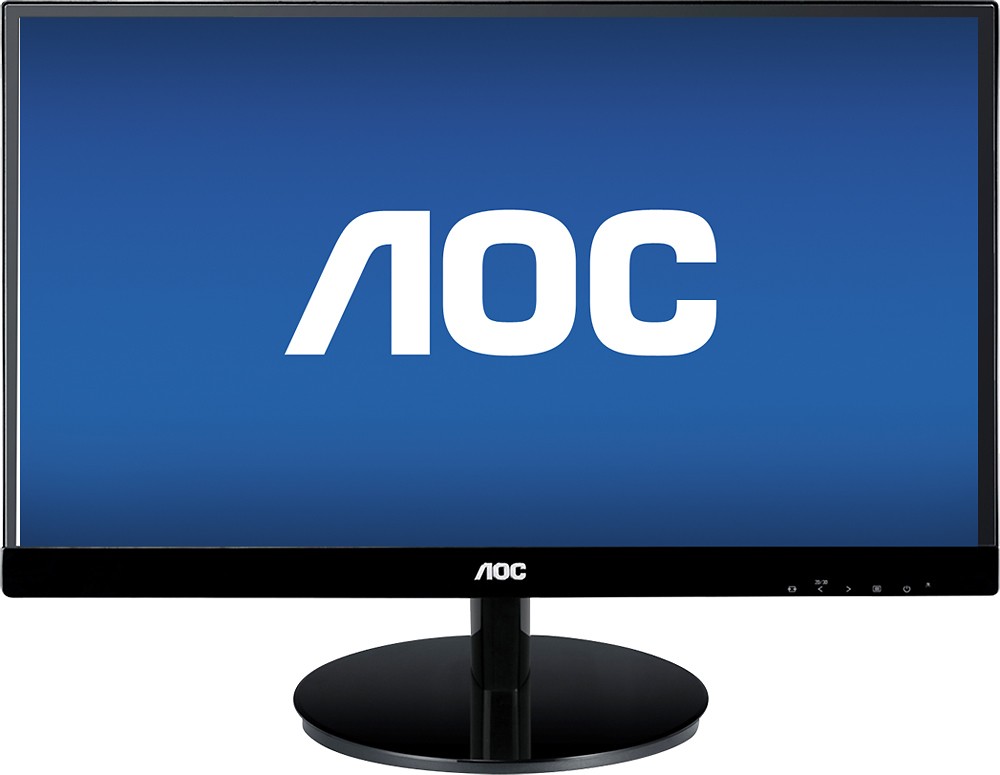
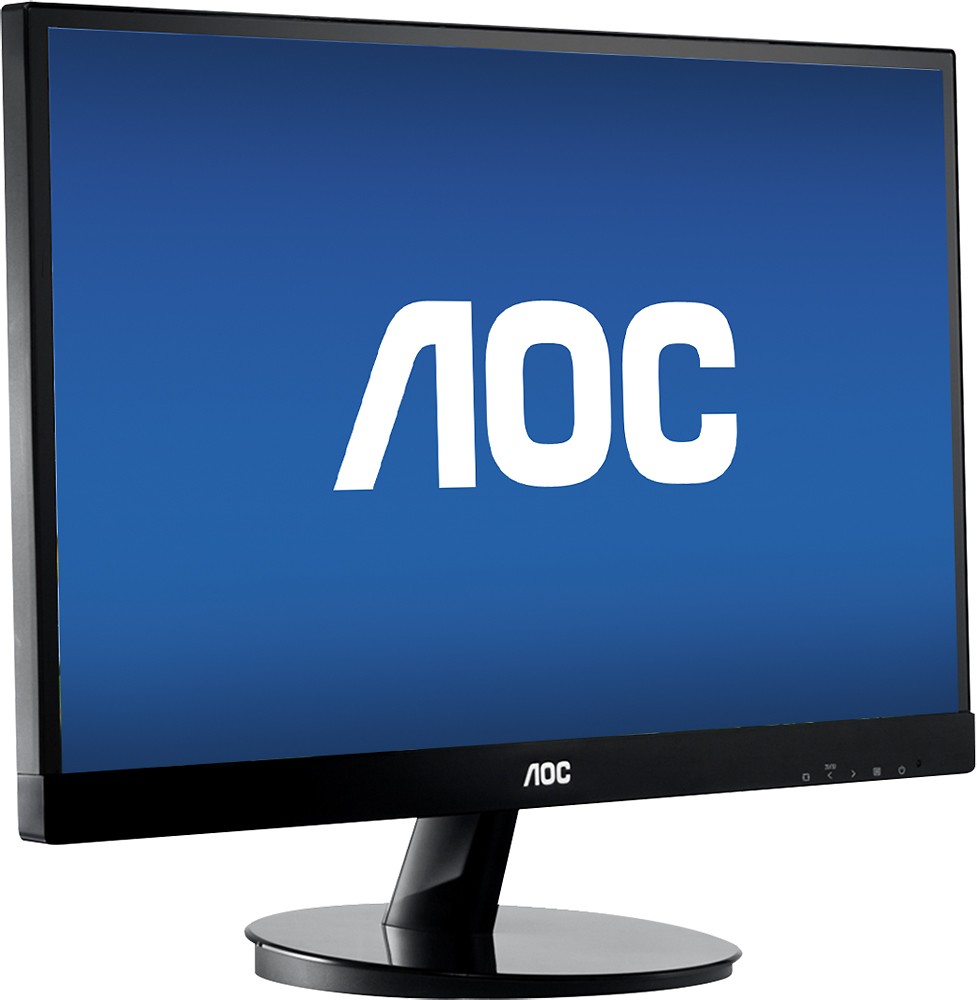
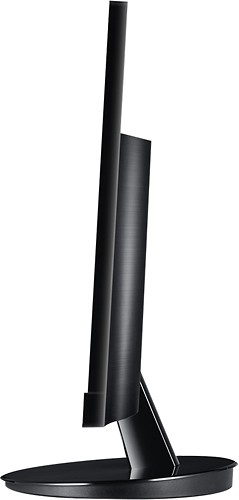
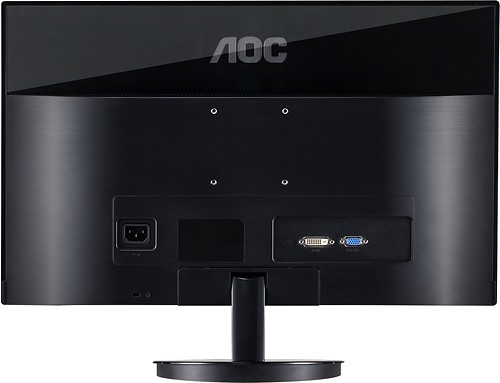
- Model:
- I2269VW
- |
- SKU:
- 8163044
Customer reviews
Rating 4.6 out of 5 stars with 1927 reviews
(1,927 customer reviews)Rating by feature
- Features4.5
Rating 4.5 out of 5 stars
Customers are saying
Customers appreciate the 21.5" IPS LED HD Monitor's picture quality, price, and ease of use. Many also highlight the color and size as positive aspects. While some users wish for built-in speakers and HDMI support, most find the lack of glare and other minor stand-related issues acceptable.
This summary was generated by AI based on customer reviews.
Rated 1 out of 5 stars
Monitor went bad on day after the return policy
||Posted .This reviewer received promo considerations or sweepstakes entry for writing a review.On the 16th day I see a vertical line that runs back and forth on the dispaly. Since it's past the 15 day retun period I have to wait for it to get reparied rather than just get it replaced.
No, I would not recommend this to a friend- Pros mentioned:Ease of use, Picture quality
Rated 5 out of 5 stars
Marvelous Monitor!!!
Posted .This reviewer received promo considerations or sweepstakes entry for writing a review.I've got a thing about monitors: even my laptops get one! I basically just use my computers for computing, so as my Excel worksheets gets wider, I just have to get a wider monitor--or, at least, that's been my excuse for sampling brands. Well, after getting this AOC, my brand shopping is over! This is a positively wonderful monitor: just plug it in and it's ready to go! No fooling around with those insane little adjustment gizmos: this baby monitors its picture itself! I don't watch movies on my computers, so I can't comment on that; but I have tried out a few videos and watched a couple football games, using it, and even though it's connected to my oldest computer, the picture is far superior to the monitors on the newer ones. Now the only question is, when I replace those other ones with AOC's, how big will I go!
I would recommend this to a friend Rated 1 out of 5 stars
Poor customer support
||Posted .This reviewer received promo considerations or sweepstakes entry for writing a review.I bought this monitor to use with my MacBook Air but can't get the screen configured properly. I work with photos and everything is stretched on the screen which makes my job very difficult. The company does not provide a support phone # for the USA and has not returned any of my emails.
No, I would not recommend this to a friend- Pros mentioned:Ease of use, Picture quality
Rated 5 out of 5 stars
Very pleased -- great value & quality!
Posted .This reviewer received promo considerations or sweepstakes entry for writing a review.Easy to set up and use right out of the box. Very crisp and clean image. We use this to monitor our child's computer activities when he is online. He loves the big size for surfing and gaming and we love that we can easily glance over and keep an eye on what he's doing (vs. a small laptop screen). Excellent value and impressive quality considering the price point. I do wish that the brightness level could be dimmed even more than the lowest setting allows, as it's still pretty bright, but that's the only negative I can speak of.
I would recommend this to a friend Rated 1 out of 5 stars
major defect at 6 weeks
||Posted .This reviewer received promo considerations or sweepstakes entry for writing a review.An excellent, high-quality monitor... for about 6 weeks: the monitor spontaneously developed a thin yellow vertical line which moves slowly back and forth across the middle 1/3 of the screen: totally distracting! I have tried it on 3 different laptops with 3 different cords; streaming, DVD, normal Office computer programs all produce the same glitch so I'm quite certain it is the monitor.
No, I would not recommend this to a friend- Pros mentioned:Color, Picture quality
Rated 5 out of 5 stars
Wow!
Posted .This reviewer received promo considerations or sweepstakes entry for writing a review.I spent about 2 months hunting for the right monitor for me. I needed to purchase 3 monitors for a 4 monitor setup. I already own a Lenovo monitor but wanted some more of similar quality. I bought a few Acers online for about 130 bucks a piece. Returned them because the image was horribly washed out. They were LED and were okay quality, but I couldn't even mount the Acers to a monitor stand. The thing that attracted me to the AOC monitors was 1) they are mountable and 2) they are IPS. I went to Best Buy to see what they looked like in person. The day that I went they had a special for $60 bucks off when you buy two, so basically they were $120 a piece. I really wanted some 24" monitors, but I couldn't justify paying an extra $80 per monitor to have an extra two inches of screen. The image quality for this display was just too good. It also has a very slim bezel which makes for a very attractive look when the monitors are turned off. As far as the picture quality goes, I am quite taken aback. I think I paid around $170 for the Lenovo monitor I currently own a few years ago, but the picture on this monitor trumps the Lenovo by a wide margin. The 1920x1080 resolution combined with the LED IPS display makes for a remarkably crisp image. The darks are nice and bold while the light colors are sharp and drawn out. I watch a lot of Hulu and Netflix on my computer and I don't think you can get a better picture with a television. I should note that I have a mid-high end graphics card so this may contribute to my positive experience. Overall, at $120 this deal cannot be beat. I am a stickler for value and these monitors are far better than the Acers that I returned. The only thing I regret about this purchase is not investing in a 6 display setup and instead deciding to stick with 3. The value at this price is just too good.
I would recommend this to a friend Rated 2 out of 5 stars
You get what you pay for
||Posted .This reviewer received promo considerations or sweepstakes entry for writing a review.The picture flutters and it has a yellow cast but it is a second monitor function so I can live with it.
No, I would not recommend this to a friendRated 2 out of 5 stars
sub-par
||Posted .This reviewer received promo considerations or sweepstakes entry for writing a review.Not as clear. But I used it for second monitor for an iMac so I am not sure of its quality with windows.
No, I would not recommend this to a friendRated 2 out of 5 stars
OK
||Posted .This reviewer received promo considerations or sweepstakes entry for writing a review.I purchased this for my office and it was too small to play clear video.
No, I would not recommend this to a friend- Pros mentioned:ColorCons mentioned:Glare, Hdmi
Rated 5 out of 5 stars
Amazing monitor for the price
Posted .This reviewer received promo considerations or sweepstakes entry for writing a review.* Pros: + Vibrant colors. + Great contrast. + Bright screen. + No glare. + Amazing viewing angles horizontally and vertically (as expected from an IPS panel). + No detectable ghosting effect when watching movies. + Good placement of monitor buttons. + VGA and power cables included. + Amazing price of only $130 plus tax (at the time of this writing). + 3 years warranty on parts and labor (keep your receipt)! Cons: - No available height adjustment. No vertical tilt adjustment. Only horizontal tilt. - No DVI cable included. - No HDMI (as expected in this price range). - Cables attach to the monitor horizontally instead of vertically. Keep that in mind if you want to place the monitor close to the wall. - Only 1 year warranty on panel. Bottom line: I highly recommend this monitor. It's an amazing product at this price range!
I would recommend this to a friend Rated 1 out of 5 stars
Not a good product
||Posted .This reviewer received promo considerations or sweepstakes entry for writing a review.My son just told me the monster is falling apart and the picture goes in and out
No, I would not recommend this to a friendRated 1 out of 5 stars
ok display for kids room, but low quality.
||Posted .This reviewer received promo considerations or sweepstakes entry for writing a review.It does the job. quality of picture below average. Wouldn't buy another one.
No, I would not recommend this to a friendRated 1 out of 5 stars
Great Gift Idea
||Posted .This reviewer received promo considerations or sweepstakes entry for writing a review.Haven't really used the tablet yet since it is a Christmas gift!
I would recommend this to a friend- Cons mentioned:Hdmi
Rated 4 out of 5 stars
Nice little monitor
Posted .This reviewer received promo considerations or sweepstakes entry for writing a review.My AOC I2269VW is a refurbished unit. But it seems to be function properly. The price was great compared to other choices. The monitor has about every feature for a gamer except HDMI. I would have gave it 6 stars but it was missing a DVI-D cable and the DVI to HDMI adapter. Other than that, I am satisfied so far. The colors are fantastic compared to my old HP2009M. But the anti-glare is not the greatest in the world. But if you need a full HD monitor for gaming at a affordable price I recommend it. Mine is running with a GTX 970 graphics card with a older i5-3470 sandy bridge processor.
I would recommend this to a friend - Pros mentioned:Price
Rated 5 out of 5 stars
great value
Posted .This reviewer received promo considerations or sweepstakes entry for writing a review.Bought this as a second monitor. Best auto calibration routine that I've experienced. Hook it up to windows 8.1 and it does the rest. Ports are on the back (not underneath) so they're easy to see and use. THANK YOU. Excellent 5ms rate. Dead on accurate RGB and saturation. Ridiculously good price. You need a 22" monitor for either primary or dual? This is a slam dunk no brainer. Great monitor. I'd buy again in a heart beat. I'm getting one for my wife at work and if my mother still owned a computer? I'd get one for her too!
I would recommend this to a friend - Pros mentioned:Ease of use, Picture quality
Rated 5 out of 5 stars
Great monitor
Posted .This reviewer received promo considerations or sweepstakes entry for writing a review.Sharp picture. Easy to setup. I bought 2 to use in a dual-monitor setup and they work perfectly and look really nice.
I would recommend this to a friend - Pros mentioned:Color, Picture qualityCons mentioned:Hdmi
Rated 5 out of 5 stars
Very pleased
Posted .This reviewer received promo considerations or sweepstakes entry for writing a review.Out of all the monitors on display at Best Buy, this display stood out most to me. Very bright, colors are great. Only thing I wish this monitor had was an HDMI port, but other than that, I am satisfied with monitor especially at the price point of $120. I would go with the protection plan just to be on the safe side, especially since they're very affordable
I would recommend this to a friend - Pros mentioned:Picture quality
Rated 5 out of 5 stars
Great Monitor at a Great Price
Posted .This reviewer received promo considerations or sweepstakes entry for writing a review.This was a great investment, the picture quality on the monitor is sharp and crisp. The screen is nice and big. Its pretty stable, ie doesn't wobble too much. I have watched movies on it and they look great, even dark scenes. I have played Dragon Age on it, and the images are sharp and the response time is good, no ghosting. I bought two of these to have dual monitors. I'm happy with my purchase.
I would recommend this to a friend - Pros mentioned:Price
Rated 5 out of 5 stars
Outstanding quality for this price point
Posted .This reviewer received promo considerations or sweepstakes entry for writing a review.My 5 star rating is based upon the quality for the price. There are subtle niggles that I could make about the product if I were spending $250 for it, but at or near the $100 price point, getting the quality of an IPS display can't be beat, especially if you're going with a multiple-monitor setup. I use this as a dual-monitor setup. I have an aftermarket monitor stand which holds both monitors at eye level side by side. So I have no comments about the built-in stand which I removed. The VESA mounts are 75 x 75mm. Comes with VGA cables. Does NOT include DVI cables. I had spares but I highly suggest using the DVI input for clarity. The monitors have a satin anti-glare coating which works very well (I have a window right behind me). The brightness is great at the default 90% brightness and 50% contrast, though I adjust the color balance slightly to reduce the red and green 2 notches so my whites are more to my taste. Love the almost bezel-less appearance though as others will note, the actual display doesn't go right up to the edge (the 'lit' portion of the display has about an 8mm gap around the sides and top). You still get a true 21.5" visible screen even though the exposed glass is 22". The clarity is great out of the box AT ALL ANGLES. Whether I'm swiveled or leaning in my chair to one direction, both screens are crystal clear even at the upper and bottom corners. Love that I can actually read the clock in the bottom right without ducking/shifting my head like I do with some other LCD displays. The IPS feature is what really makes this monitor stand out against other similarly priced monitors. I'm using this for office applications and have watched a few videos which looked quite good. I'm not a gamer so I can't tell you if there's any motion-blur with games. The monitor runs at 60Hz and the specs claim 5ms response time but can't tell if that's grey-to-grey or black-to-white. I like the on-screen menu & bottom right controls which are logical and easy to manipulate with a decent assortment of options to tweak to your liking. Power cord was a little short for me since I use an aftermarket stand which sits higher off the desk. Its a standard power cord so I just used another cord from an old PC. The monitor comes with a CD for monitor drivers (not needed, its a plug & play monitor), and a couple of software utilities. The i-Menu utility lets you adjust everything via computer that the on-screen menus provide (handy if you don't have access to the buttons on the display). Note however the utility only controls the first monitor. Screen+ allows you to configure regions of the screen which the windows can automatically snap to. Cool and useful but not all apps support this function (MS Office apps do not but all built-in Windows apps do). e-Saver just configures the same power settings that you have in the Windows control panel. Overall neat utilities and surprising to see included at this price point. There are better monitors out there, but you'll pay a premium for them. If you're looking for an inexpensive monitor to run a dual or triple monitor setup without busting your wallet, these will do the trick and you'll be surprised at their performance for the price.
I would recommend this to a friend Rated 5 out of 5 stars
Great Buy
Posted .This reviewer received promo considerations or sweepstakes entry for writing a review.My laptop with HDMI to DVI-D and bam these monitors have awesome display for the money. I bought two and have them as dual monitors on a dual arm base. They are light thin and perfect for me. They are basic no webcam no speakers but specs good. I'm very happy with these!
I would recommend this to a friend