Customer Ratings & Reviews

- Model:
- C536EA-BI3T3
- SKU:
- 6449514
Rating by feature
- Battery Life
Rating 4.4 out of 5 stars
- Speed
Rating 4.6 out of 5 stars
- Display
Rating 4.5 out of 5 stars
Customers are saying
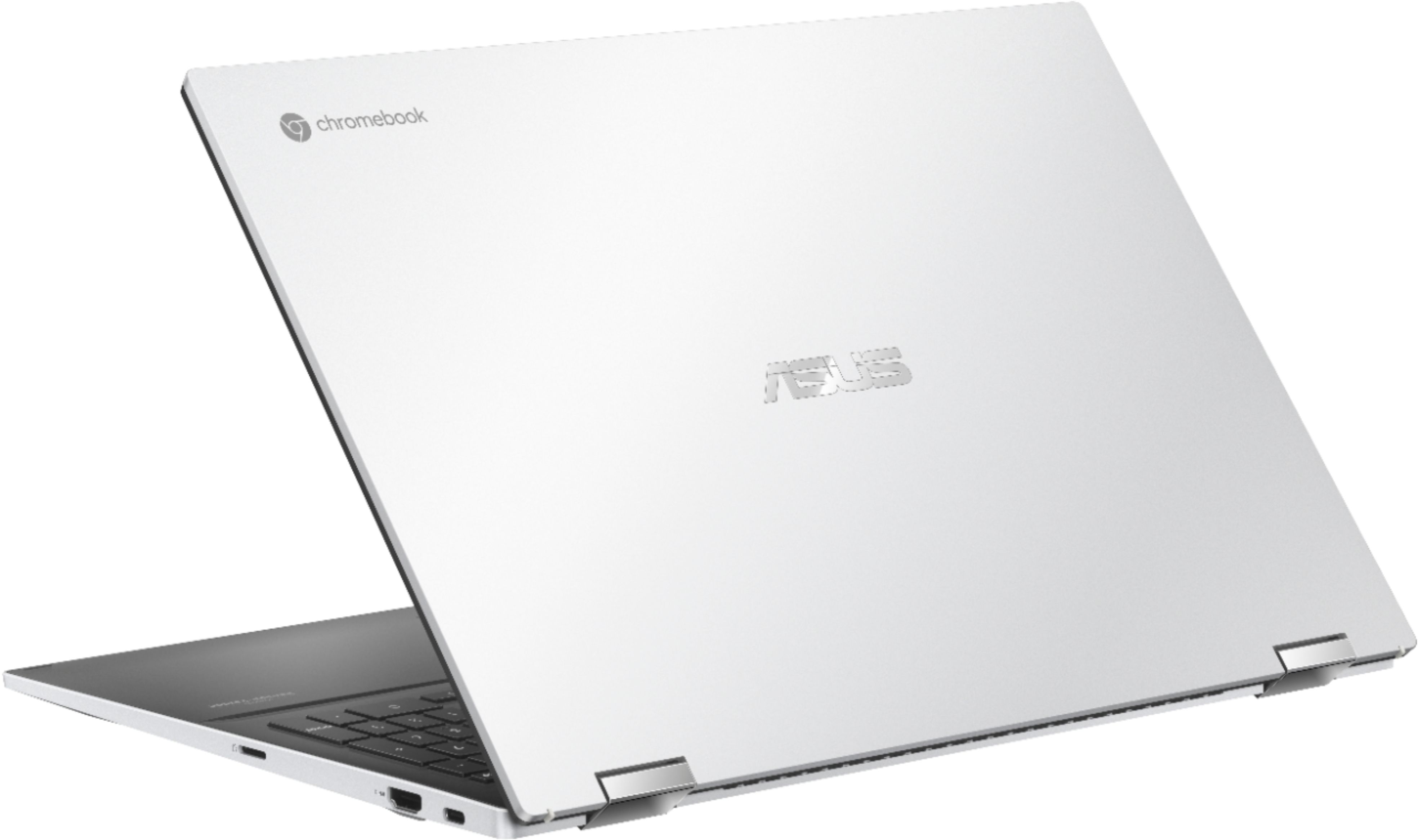
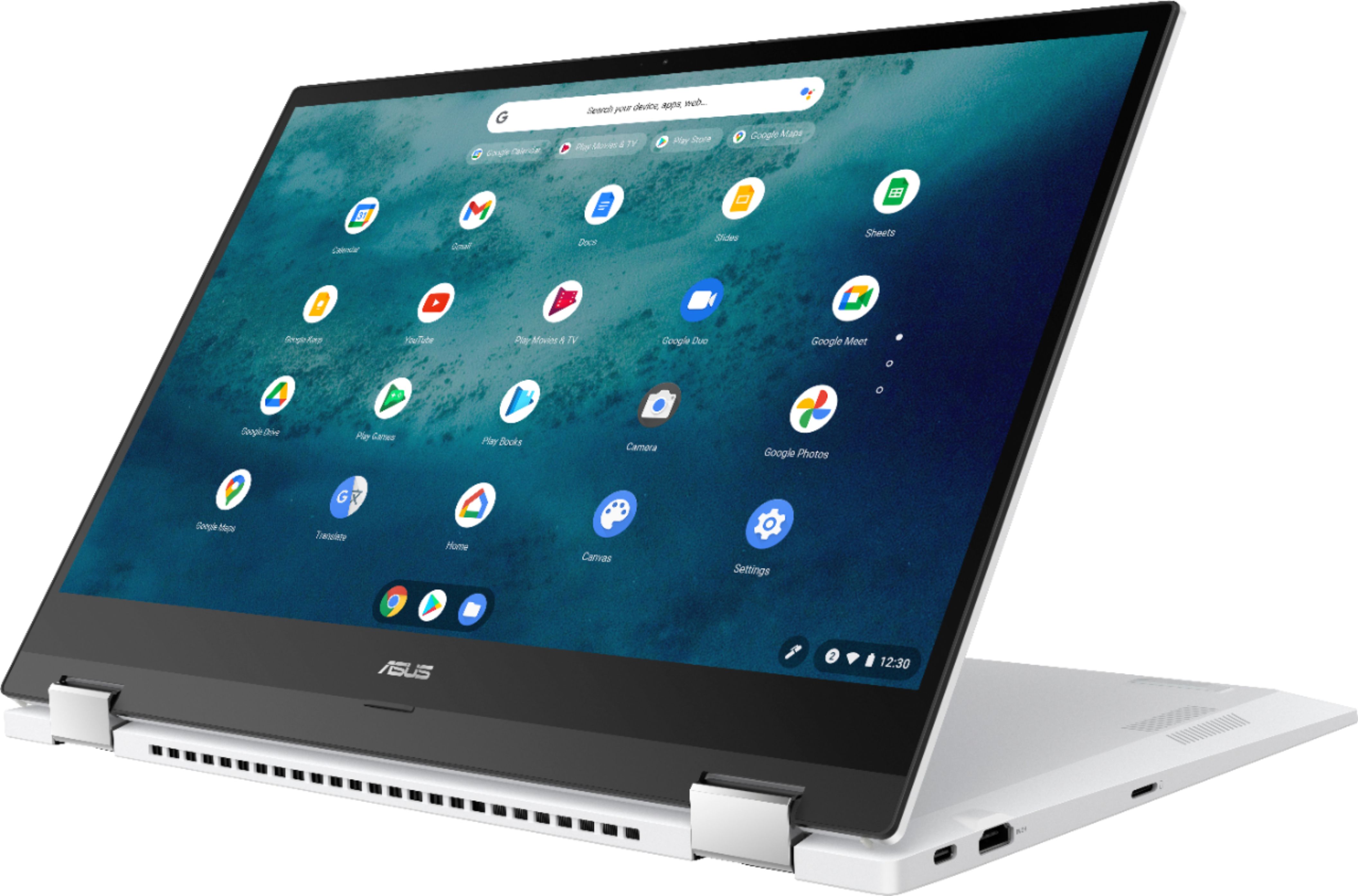
Customers are positive about the large screen size, touchscreen functionality, ease of use, and battery life of this 2-in-1 Chromebook. Many appreciate its performance and find it attractive for the price. However, customers are negative about the device's weight and some experienced excessive fan noise. The sleek design was also frequently praised.
This summary was generated by AI based on customer reviews.
I ordered "Open Box excellent", no power adapter
||Posted . Owned for less than 1 week when reviewed.This reviewer received promo considerations or sweepstakes entry for writing a review.Laptop looks beautiful but it does not come with all accessories and packaging as stated for "open box excellent". would like to get the charger for the laptop and I will be very happy with the purchase.
I would recommend this to a friendBrand response from ASUS Answers
Posted .Dear Valued Customer,
We're sorry to hear that you did not received the power adapter with this model. We would recommend that you reach out to Best Buy. We do value our customers and take negative customer service experience very seriously. This is not the quality of service expected from ASUS. We do stand behind our product and we continuously strive to improve our approach and processes in order to achieve customer service excellence.
For more information send us an email at [email protected] and provide the link of this review for reference. We’ll do our best to provide a quick resolution to your case. Your feedback is important as it helps with improvements to ASUS Support channels. Please copy a link to this post as a reference.
Thank you for choosing ASUS.
Best Regards,
Joan
ASUS Customer Loyalty US Support

Fast, Great Keyboard but Heavy.
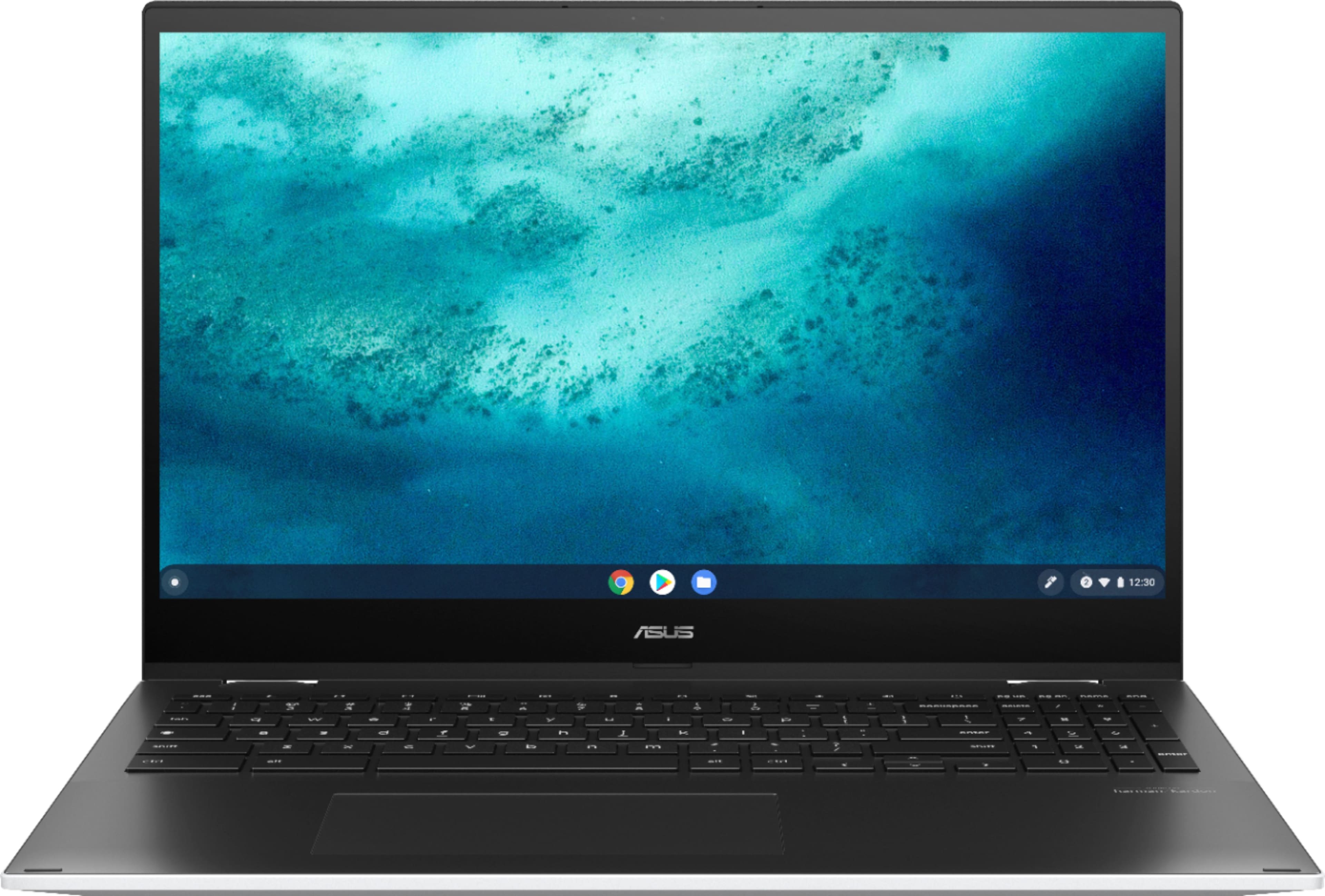
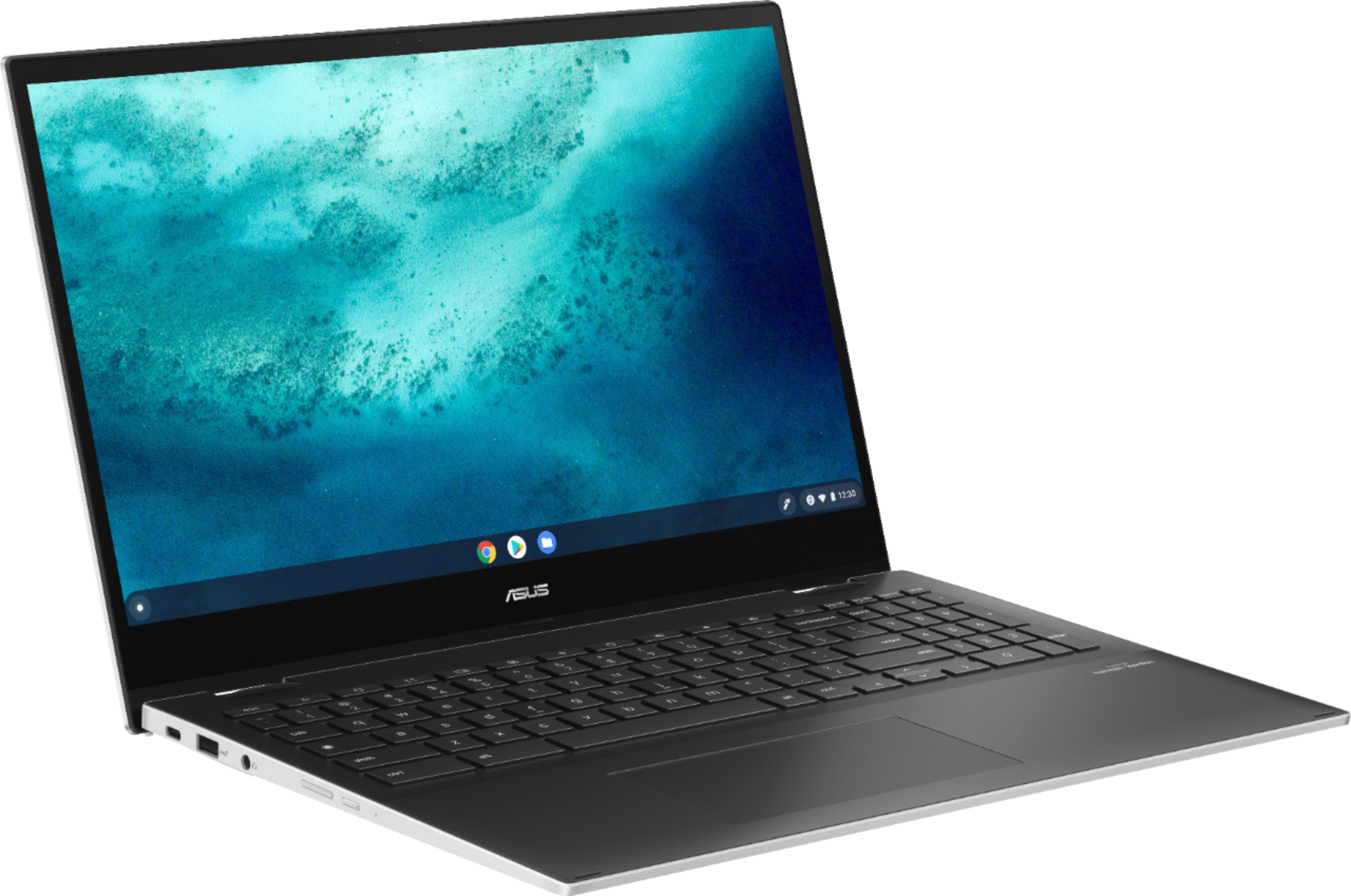
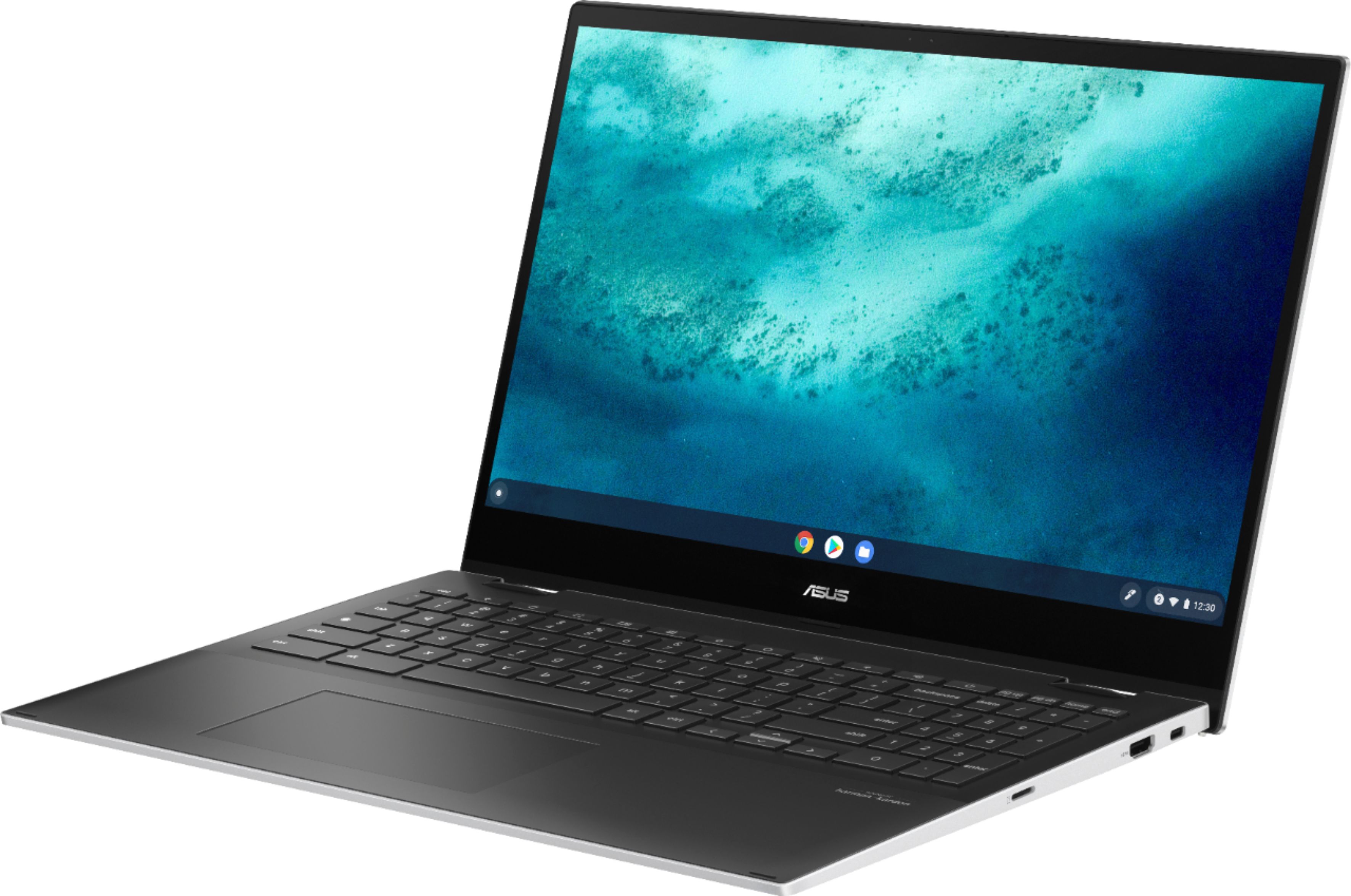
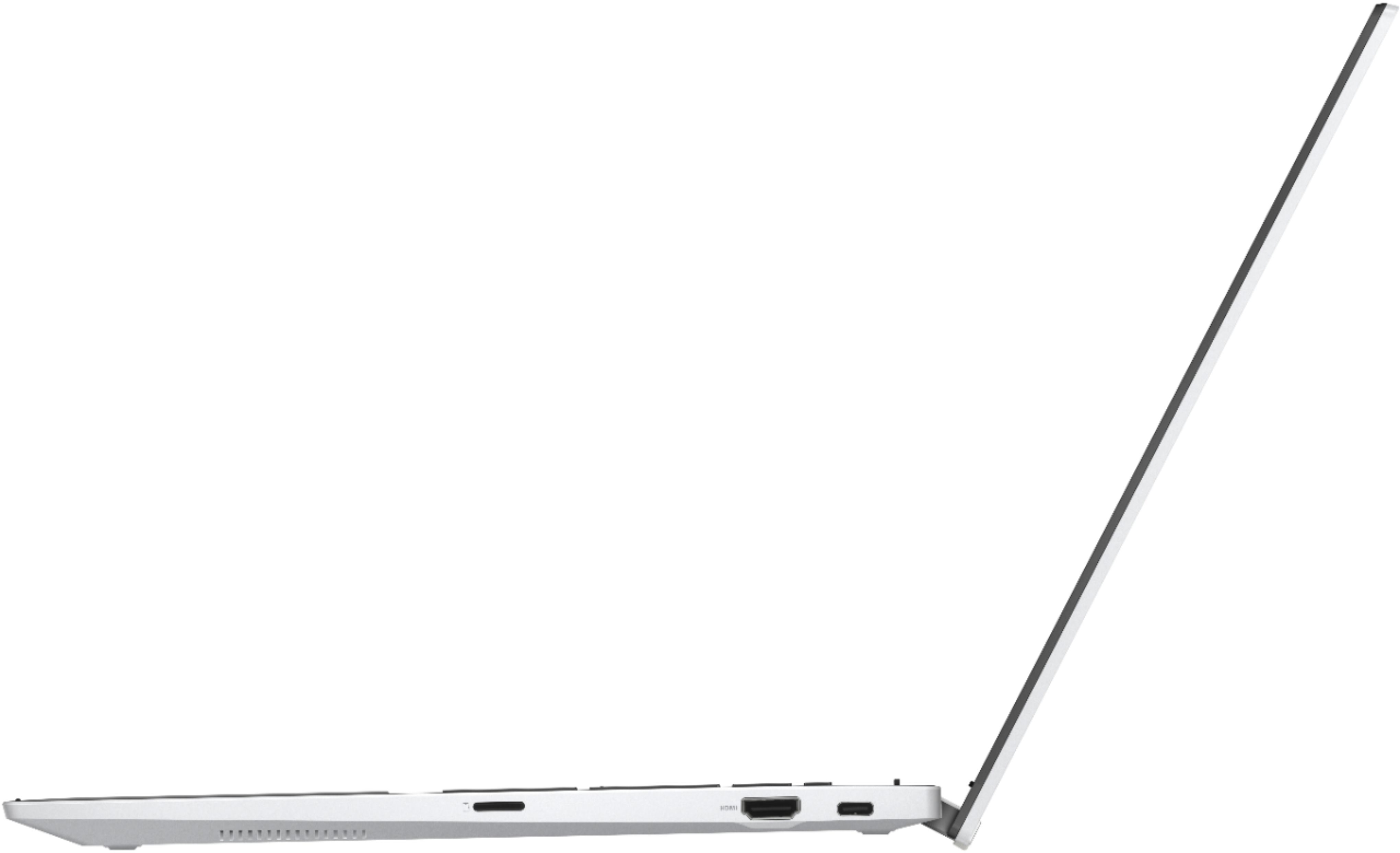
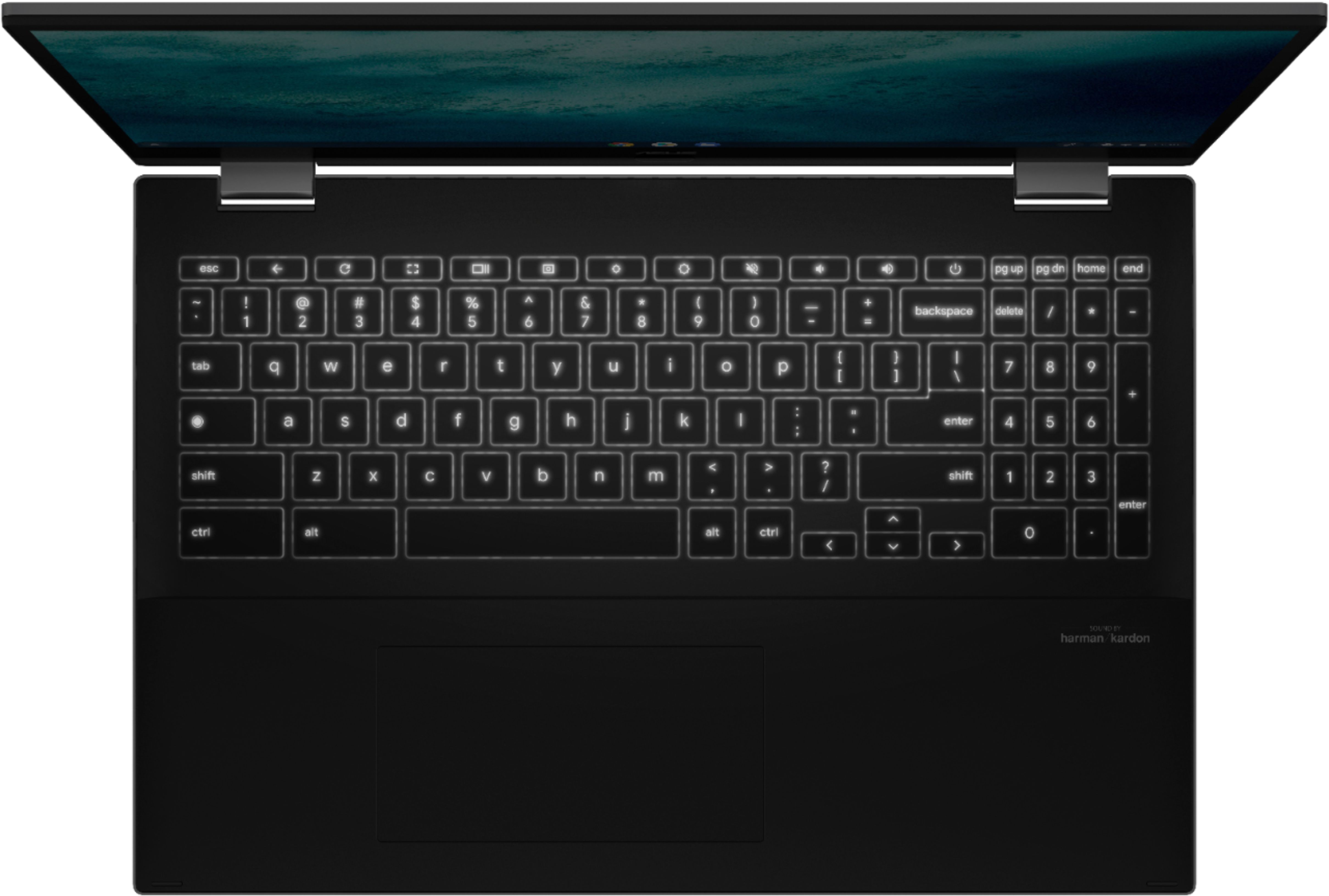
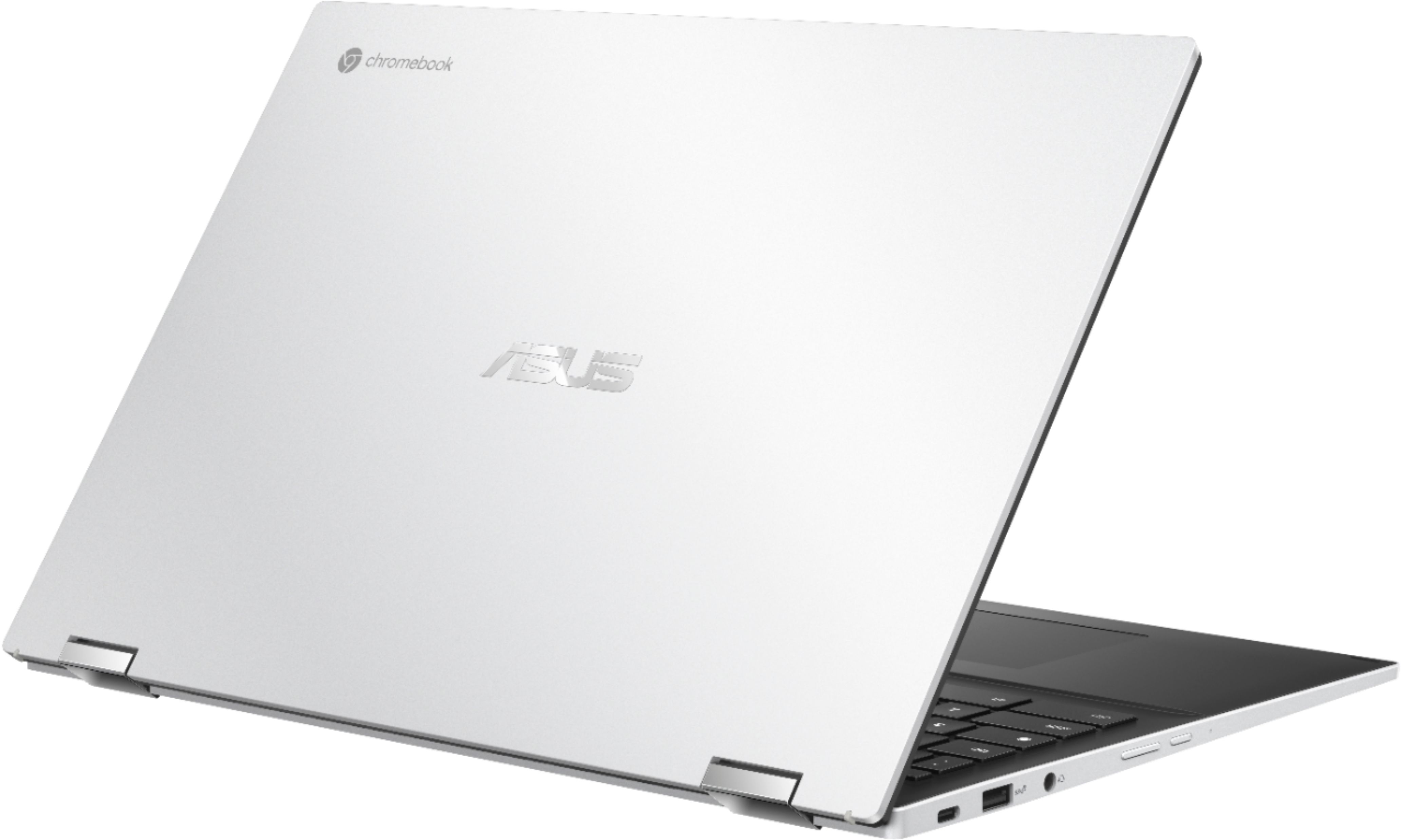
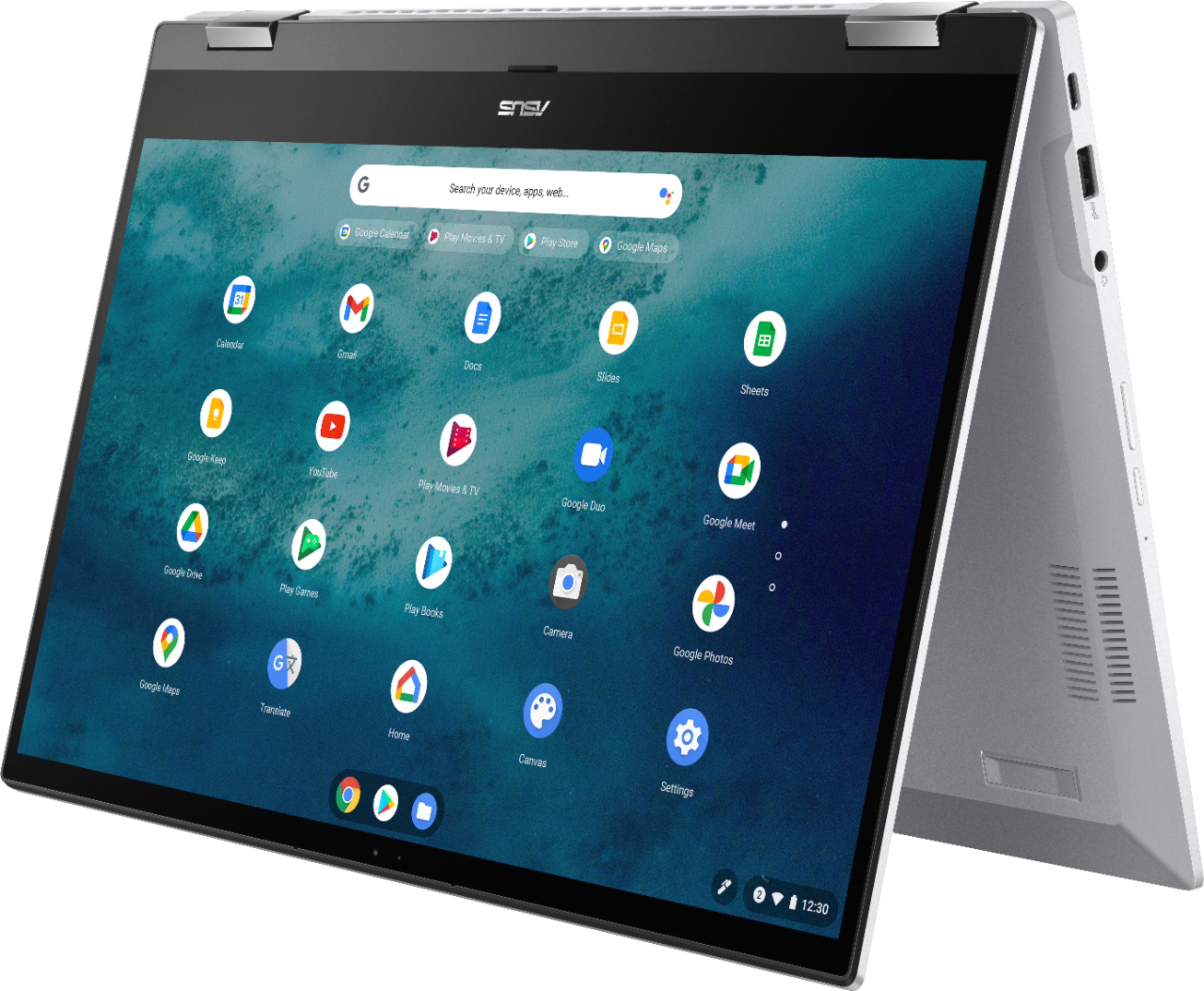
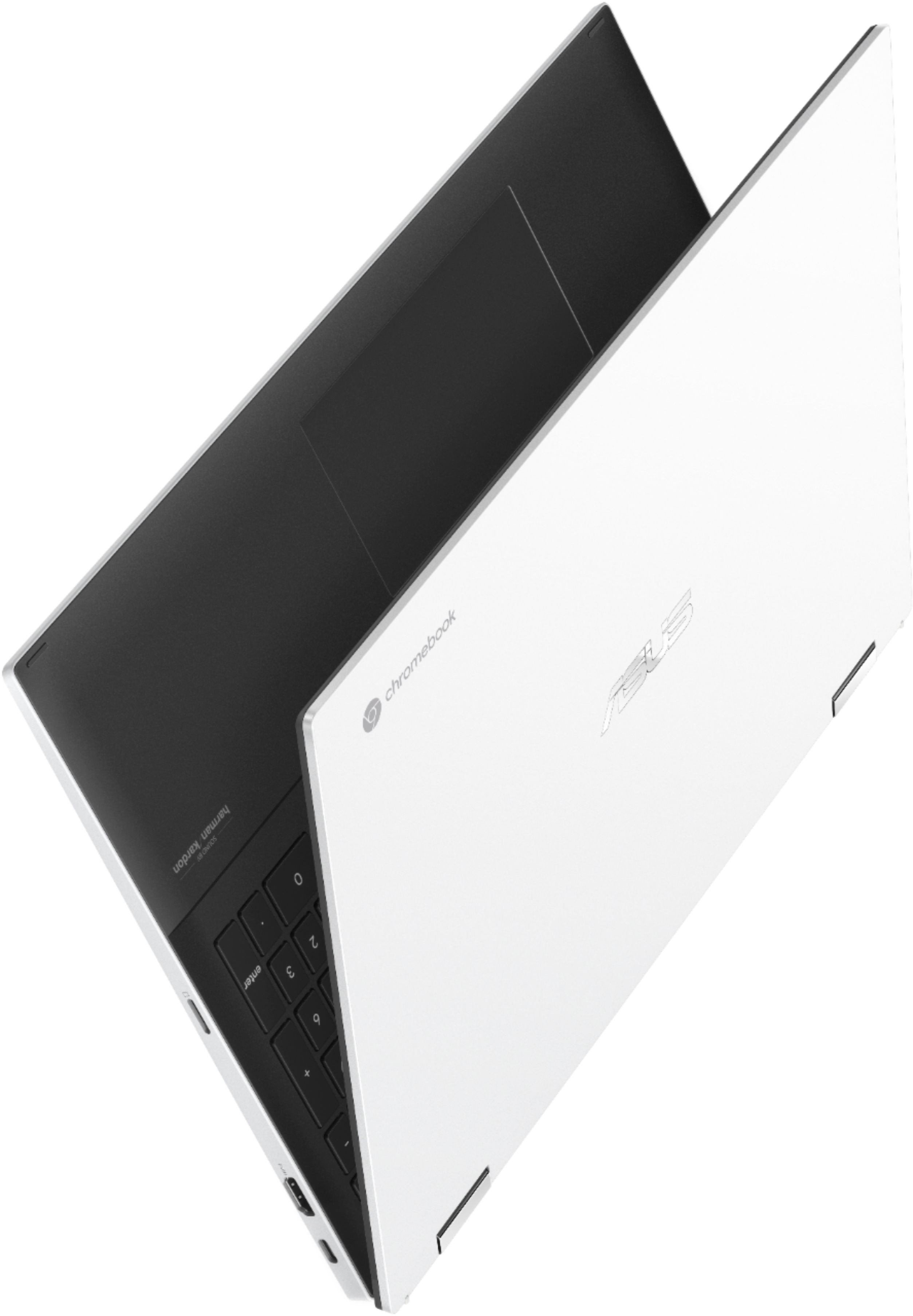
|Posted .This reviewer received promo considerations or sweepstakes entry for writing a review.This Chromebook is blazing fast, setup was easy and it even had an update during setup which was also fast. After setup I was able to download all my apps I wanted via the Playstore. So I was toally up and running with everything Ineed in about 15 minutes. All my bookmarks synced within seconds and the apps downloaded to the chrombook flawlessly with no hiccups. Keyboard Nice backlit keyboard with good travel on the keys. This even has 10 key even though the keys are narrower than the standrad 10 key on a regular keyboard I can still appreciate the fact that this chrombook has one. The function keys for brightness and volume work great. 2 in 1. This chomrbook has that 2 n 1 functionality. But i think its too heavy of a laptop to use that function, at least trying to use it as a tablet, just too heavy IMO. Putting it in tent mode works fine but this is a weighty laptop and I wouldnt buy this and plan on using it in tablet mode very often. Screen. The screen gets plenty bright, Im not sure on the official nits that this has but for my use (at home mainly) its just fine. The resolution is also fine at 1080P, I dont need 4k on a 15" laptop. Battery Life. So far the battery has been a champ. Ive had it powered on and connected to wifi for about 3 hours and Im still above 90%.after watching some youtube videos and checking other websites I go to daily on my Main PC. Ports. This has 2 USB C ports for charging and faster transfer of files between this chromebook and an external device like an SSD or external HDD. There is an HDMI out port, one USB A port, a headphone/mic jack and an SDcard reader. I can easily reccomend this Chromebook to any power user out there. The core i3 and 8 GB of ram make this thing fly through most anything you caan throw at it. Overall great Chrombook for the price.
I would recommend this to a friendI wish I could give .5 stars
|Posted .This reviewer received promo considerations or sweepstakes entry for writing a review.TL;DR - This is a great chromebook and fantastic bargain if you can find it for slightly less than MSRP. It's not very portable though and therefore you should definitely invest in an external keyboard & display. I've been using this Chromebook for a little more than a week with casual browsing, light office work and video streaming. Throughout, it never had any performance issues thanks to the i3 and new 11th gen Intel chips. Battery life is fantastic, even with the huge display. I can easily go 4-5 hours before needing to plug in. The connectivity is great too, with USB-C ports on both sides, a micro-SD and a HDMI out port. I had no issues with using Google Play Android apps on this, including running several games. There are a few downsides however. It's a big, heavy, thick laptop. And although it has thin bezels on the left and right, it has a large chin. The display is very glossy, so don't plan on using this outside in the bright sun. 15.6" is a great display size, but it also necessitates that the device is hefty and Asus didn't do anything to try and minimize the footprint or weight. It's got a 360 degree hinge, but at 4+ lbs., you're not going to want to use this as a tablet. It's good for tabletop/tent mode though. Just be aware of if you are going to use a USB external display, make sure your display, docking station or USB hub has USB-alt display mode compatibility, and keep in mind that the HDMI port is on the right side of the machine. Finally, the keyboard has a keypad (yea!) but the keys are slightly smaller than the rest of the keys so the feel is a bit off (boo!). Overall, if I could give it 4.5 stars I would.
I would recommend this to a friend- Pros mentioned:Battery life, Processor speed, Screen size
Great Developer Chromebook
||Posted . Owned for less than 1 week when reviewed.This reviewer received promo considerations or sweepstakes entry for writing a review.I have to disagree with "friendly's" review. It is the ASUS CM5 model that is set up for Stadia and gaming, not this CX5/C536, and the speakers and battery life are both excellent. As to Zach's review, my trackpad is excellent, but Chrome Unboxed did say that their trackpad needed adjustment which requires opening the case. Perhaps Best Buy's Geek Squad should be equipped to address that issue. On the other issues, this is not sold as a super slim machine and the weight is clearly stated in the specs. The plastic bottom is of a very durable high-quality plastic and difficult to tell from the white aluminum top. The white color will show grime, but not normal fingerprints. Personally, I don't handle computers and keyboards with gooey hands. I find the build quality excellent. Personally, though this is the largest Chromebook/laptop I've purchased in many years, the specs were clear. The performance is amazing. The 11th Gen i3 is much faster than the 7th Gen i7 of my last Windows laptop and the screen is large and crisp. The C536 is large enough to have a full keyboard and a numeric keypad. My trackpad feels great and works well. I'm a professional software developer and I've been using a Chromebook as my primary development workstation for a few years, connected to the Linux, Windows, and Mac OS machines I develop for. This is the first Chromebook enough better than my old ASUS C302CA to tempt me---especially being able to move back and forth from a Debian Linux distro, I am very satisfied.
I would recommend this to a friend - Pros mentioned:Battery life, Processor speed, TouchscreenCons mentioned:Fan noise
Great 15 inch Chromebook
||Posted . Owned for 2 months when reviewed.This reviewer received promo considerations or sweepstakes entry for writing a review.I've had this Chromebook for two months now. This is a very nice laptop. Pros: good battery life, I get 6-8 hours of use out of it. Screen is brighter than some pc's I've had, good enough even in many outdoor conditions. Super fast cpu response. Does not get hot on my lap. Keyboard surprisingly good, not quite as good as my Lenovo pc, but that would be a very high bar to meet, this chromebook is just fine on keyboard IMHO. I don't use the trackpad often but when I do it's about mid-level compared to other laptops. Cons: The fan does run more often than I think it should. If you are in a quiet room with no other noises you will notice the fan under casual use. But if a TV is on or other even subtle noises you won't hear the fan. The display color is not great but good enough if you're not doing picture editing. The display seems just fine, but then I put it next to a "real" pc Lenovo or Mac and you can see the Asus display is a bit yellow-ish, just a bit though. Asus should have put in 2 standard USB-A jacks instead of 1, but the HDMI is useful. Having 2 USB-C jacks with full functionality is a great bonus and pretty much negates the missing USB-A. In summary this is a really nice Chromebook and I have no regrets at all. As far as Chrome OS, this is a personal choice but I'm finding it just fine to use and with every update comes a bit more user friendly experience. I am right at the point of saying most people don't need a PC or Mac anymore, a Chromebook will do 95% or more of what most people need. And for the rest, just have an older PC or Mac laying around (I use Chrome remote desktop to my older PC when I need that stuff, which is rare).
I would recommend this to a friend - Pros mentioned:Processor speed, Screen size, Touchscreen
11/10
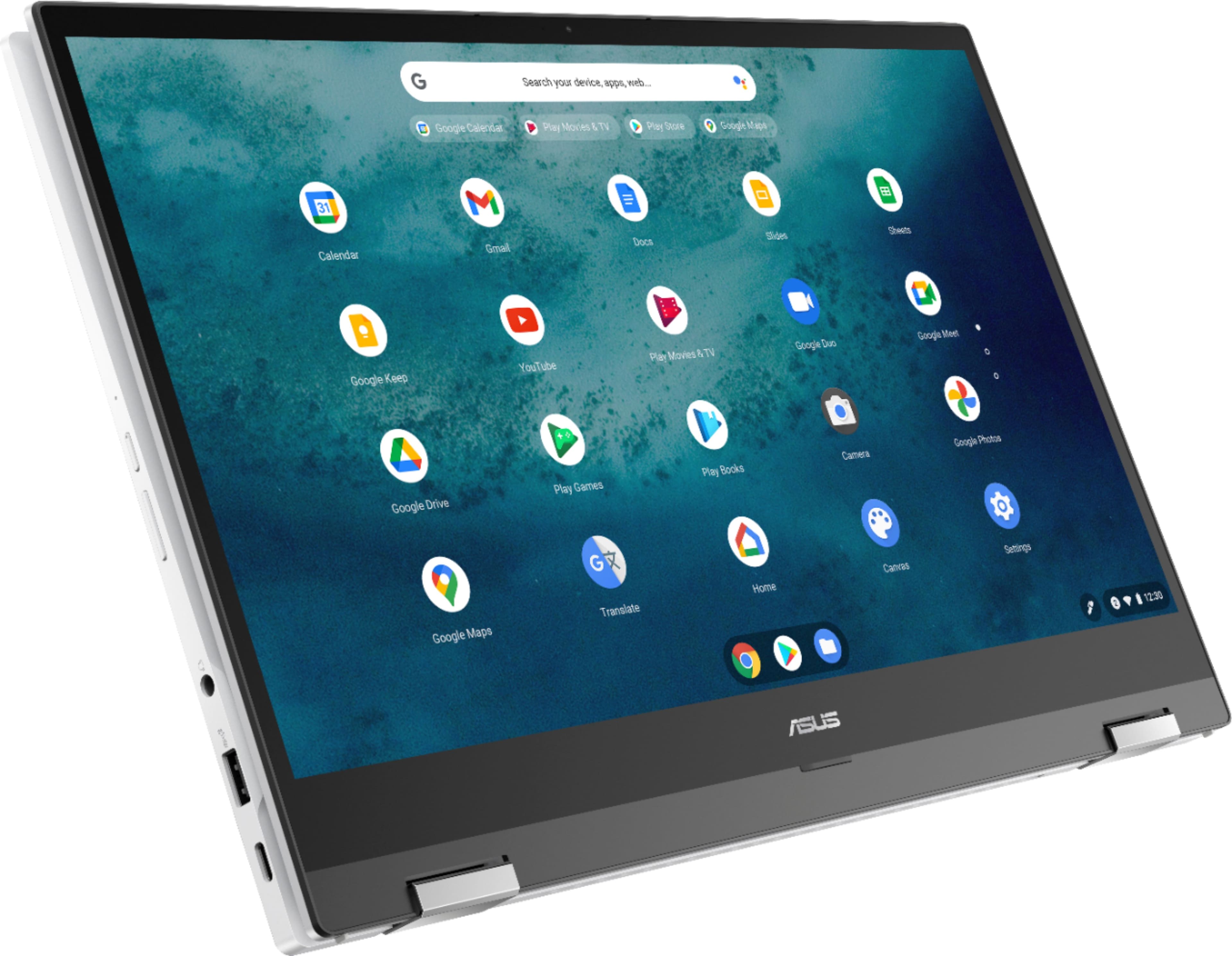
||Posted . Owned for 1.5 years when reviewed.This reviewer received promo considerations or sweepstakes entry for writing a review.I LOVE this laptop and will continue to buy this brand if it were to ever give me any problems but I’ve had it for over a year and still no complaints. I love flipping it into a tablet to watch movies in my bed . The screen is really big and the speakers are loud ! I love the touchscreen and this laptop is very sturdy and fast :) it was recommended by a Best Buy team member . Very satisfied !
I would recommend this to a friend - Pros mentioned:Processor speed, Touchscreen
A really great Chromebook from Asus!
||Posted . Owned for 1 week when reviewed.This reviewer received promo considerations or sweepstakes entry for writing a review.In addition to just looking and feeling very premium this thing flies! Everything from surfing the web to gaming to streaming, everything happens instantaneously and simultaneously without hiccups. Unless your doing video editing with it (which I have yet to try) the 11th Gen Core I3 truly is overkill for a Chromebook. I have been looking at the Diagnostic page in the settings and the processor stays cool and quiet, even when the system is being taxed. It has more than ample headroom for everything I've thrown at it. Also, the 8 GB of RAM is plenty for multiple tasks and Chrome tabs to run simultaneously. I have rarely exceeded more than 60% RAM usage during use. So far, nothing has caused this Chromebook to slow down for me. As far as the trackpad, it is without issues and works perfectly. And I especially love the swipe gestures for getting around in Chrome or the desktop I also really like the keyboard with the numpad and adjustable backlight. It has great key travel and just feels really nice to type on. There was virtually no learning curve for transitioning to it from my full sized desktop keyboard or my Windows laptop. My only gripe is with the screen brightness. 250 nits is just OK if you're in an office or indoors at home but, if you're in sunlight or a very bright environment then, it's just not bright enough. 300 nits should be the minimum for any laptop or Chromebook in 2021. I can definitely live with this screen but, I just wish it could be a bit brighter. This Chromebook should last a number of years with all of the constant updates to the Chrome OS and should remain a very quick and highly functional workhorse for me for a long time.
I would recommend this to a friend - Pros mentioned:Processor speed, TouchscreenCons mentioned:Weight
Worth every cent!
||Posted . Owned for 1 week when reviewed.This reviewer received promo considerations or sweepstakes entry for writing a review.This Chromebook is fantastic. The 8 GB of memory makes for a fast experience. There's lots of onboard storage, plus a micro SD slot. This makes download everything you WANT not a worry. No regrets on the Intel i3 processor either. It's been impressive. The build is very solid. Ceramic feel aluminum housing looks and feels high-end. I love the dimmable back-lit keyboard! The 1080p HD resolution is defined and smooth. 4K would be nice, but not at the expense of faster battery drain. I'm not a gamer, so I can't say how it does in this respect, but I doubt gamers are considering a Chromebook anyways. Because this is a heavy laptop, using it in tablet mode is a bit cumbersome. If this is how you would primarily use it, I would opt for a different unit, like a Galaxy tablet. But you will be settling for lesser tech specs. The harman/kardon premium sound is really good. No booming base here, but the spatial separation is good and the trebles are crisp and clear. Software-wise, I have no problem with the Chrome OS cloud-based platform. I'm almost always somewhere with wifi, or able to hotspot from my phone. Microsoft has an impressive amount of apps that are compatible. I use Windows at work and having all the Microsoft apps I need at home are on Chrome OS too. With this ASUS Chromebook, I just couldn't see spending more money on a Pixelbook or Samsung unit for what would be an ultimately similar experience.
I would recommend this to a friend Great chromebook!
Posted .This reviewer received promo considerations or sweepstakes entry for writing a review.I've had it for a whole school year and hasnt failed yet! I bought mine open box so it had some scratches and scuffs but i just wiped it off and its good as new! I love the speakers on it and the screen. i just wish it was brighter. I do notice some input lag when I plug in a external mouse but nothing noticeable when just browsing the web, however, when I am gaming on it (which it can do) it becomes very noticeable. I like the fact that you can now play minecraft natively on it(as of March 28th 2023) on max settings! It will lose some power as you play games on it so dont expect it to do too good when just running on battery, but when your running it plugged into the wall it is so powerful! It does come with a 128gb ssd but you can upgrade it, however, I've never needed to upgrade it. If your in search for a powerful cheomebook I couldnt recommend this enough. I will be upgrading to a gaming laptop though due to the chromebook not supporting a lot of games but other than that it is a BEAST! Ankther thing though after owning it for little over a month the spacebar is having some issues like it wont press down all the way if you dont press hard enough but I thibk that happend because I was messing with it. I will probably take it to an expert to try to fix it but overall a good chromebook.
I would recommend this to a friend- Pros mentioned:Processor speed, Screen size, Touchscreen
A cheaper "premium" CB, with a corner cut or two
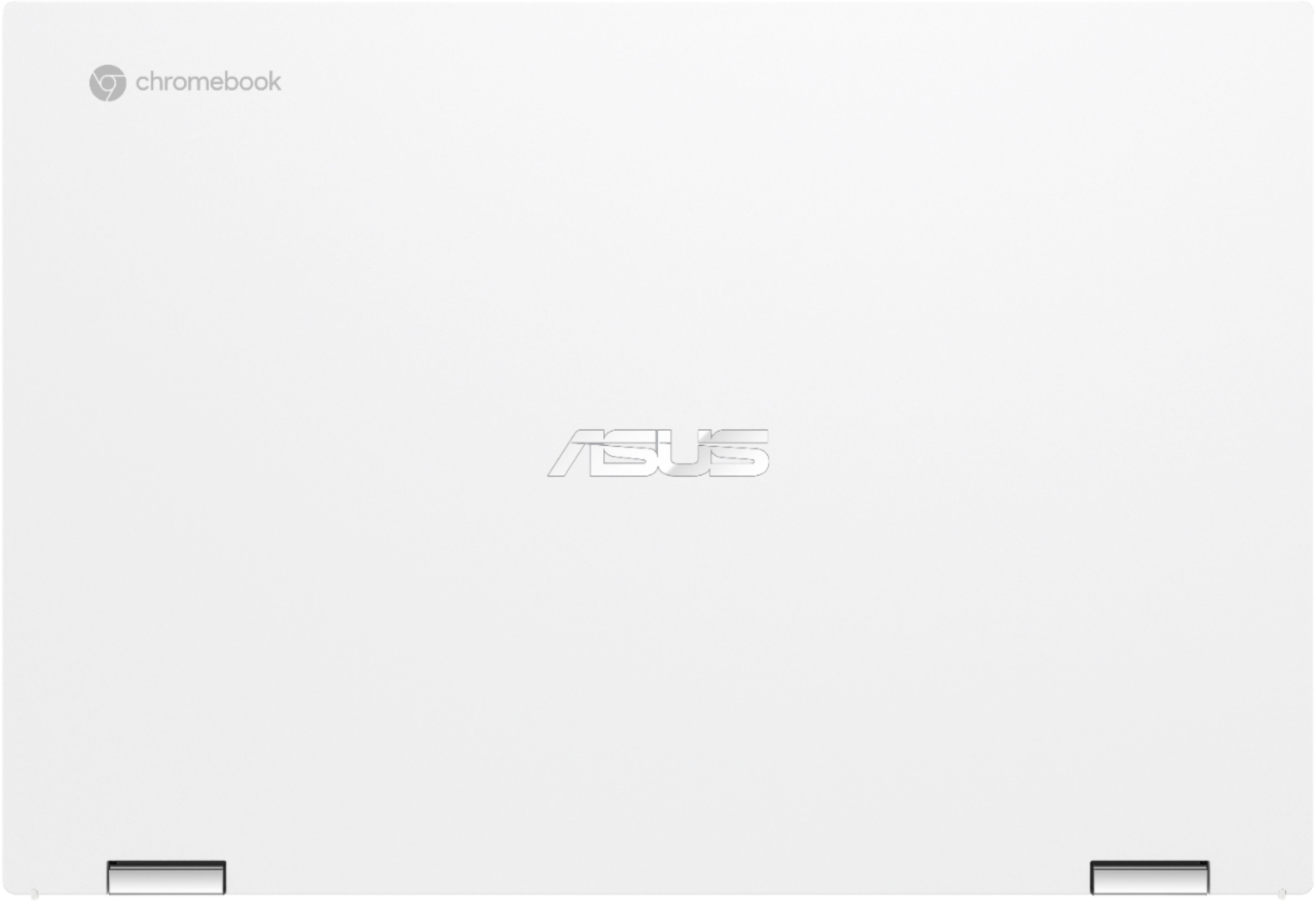
||Posted . Owned for 2 weeks when reviewed.This reviewer received promo considerations or sweepstakes entry for writing a review.This is a premium Chromebook, no doubt about it, with some non-premium trappings. However, it is through this very well thought-out balance between capability and frills that this has become one of the best bang-for-the-buck computers on the market if you're looking for a Chromebook. First off, this thing SMOKES. The 11th Gen i3 on this thing is WAY more than enough horsepower for a Chromebook in 99 percent of people's use cases. I'm a crazy tab opener, and one time I discovered that through the course of my work day I had accumulated 77 tabs open. I would have never known it, because this thing was still allowing me to stream a Youtube video, run Chrome Remote Desktop to connect into my main home computer, and be working with a very graphics heavy Google Slides document without SO MUCH as a stutter. The display on this device is very nice and at max brightness is way more brightness than you need indoors, however, outdoors the 300-ish nits it puts out is a bit too little to work with on a sunny day. But overall it's a beautiful screen, and my unit came with no anomalies like corner bleed. The keyboard is not quite Thinkpad quality but the keys have very good travel, much nicer than my old Dell Inspiron Chromebook, and having the albeit slightly squeezed number pad is a nice detail. Makes paying bills or entering student data (I'm a teacher) a reasonably pleasant experience. People have reported trackpad issues, I have experienced none, so this could be down to uneven quality control. But everything on my unit works great with it, so if you get one with trackpad issues, I'm sure you could just do an exchange (as annoying as that can be, at least it's an option). There's also videos on how to fix it online. Overall, it's a Chromebook. It has more than enough horesepower to run whatever you need to run on it. Battery life is also merely decent. It's about 8ish hours on a full charge, but I've gotten far more out of Chromebooks. My old Dell Insprion Chromebook could hit about 14 with the brightness turned below half. The screen is extremely though as well so I would put it RIGHT up against more expensive premium Chromebooks such as the Pixelbook or some of the higher end HP and Acer models. Where they seem to have cut some corners is in the build, because this thing feels plasticky all around. It at least feels like "premium" plastic, but I would not expect this thing to hold together too well if it fell off a table, so please take care of it! ALSO, the fan that keeps this thing cool is a little bit loud. When you do have this thing under load, it will start spinning to keep it cool. There's no apparent CPU throttling at work here, which is why it's so fast I believe, but that fan will start working hard to ensure things stay breathing inside. If loud fans bother you, then that may be a point of pause for you. Overall, I highly recommend this device unless you need to have a premium Chromebook with Macbook level build quality. If you can compromise a bit on that, then grab this and prepare to be pleased.
I would recommend this to a friend ASUS Chrome book is better quality.
|Posted .This reviewer received promo considerations or sweepstakes entry for writing a review.Still prefer windows over chrome os. But chrome has it's advantages faster startup, much longer battery life, great for email, internet browsing, good security and malware protection built in. Playstore now offers many games and apps that work with chrome. Most newer printers also work with chrome now. The ASUS brand chromebook is much better all round quality and build than other brands more than enough solid state drive and memory and the 15" screen is great. I certainly prefer ASUS quality over any other brand well worth the money.
I would recommend this to a friend- Cons mentioned:Weight
Not for me!
|Posted .This reviewer received promo considerations or sweepstakes entry for writing a review.I needed a new laptop since the last one I received started having problems soon after getting it. I thought that the Chromebook would be like any other laptop, but I soon found out that it is not. Once delivered, I opened the box and noticed that the laptop was packaged nicely, and what I really liked was that the box was not jam packed full of paperwork, warranty info, sign up this and that, etc. It was very minimalistic, which was very nice to see, just the laptop, a charger, and maybe 3 pieces of paper. The box and everything inside could easily be recycled. I took out the laptop, and wow was I surprised at how heavy it was. I guess I am just used to having lighter computers. I charged the unit and then followed the quick start guide which told me that it would turn on as soon as I opened the top of the laptop. Pretty cool. When I started to look around the laptop and go through the setup, that is when I quickly found out that it really is not like a regular laptop. It wanted to set up everything I do to be backed up to the cloud. I grew up when the internet was in its infancy and as it developed, there was a lot of issues with the internet. Because of this, I am not a fan or sharing my information, whether it is images, documents, etc. to the cloud. I am more comfortable backing up my data to an external hard drive than the cloud. I feel that I am more in control of my data that way. It might be archaic, but it feels more secure. I quickly realized that the learning curve with this computer was going to be steep and it was not going to be as easy as other laptops. So, I wanted to create a folder on the C: drive to hold the stuff I wanted to save…there is no C: drive! That is odd to have a hard drive, but not call it a C: drive and not be able to find it! So, where do I make my folders to organize my stuff? I sure do not know. I will have to do a google search to see if I can. Another thing is that I am told I do not have to put antivirus software on the laptop either. Should I trust that? Why should I trust that? They said the same thing about Apple products a few years ago too which happened not to be true. So, after a while of trying to figure out things on this Chromebook and Googling everything I wanted to do with it to find out how to do it, I got tired and wanted to shut the laptop off. I looked around for a power button, or the typical power shut down command and sure enough, I had to google how to do that too! Needless to say, I do not like the Chromebook I received as the learning curve is too steep with the limited amount of time I have when I come home from work. I finally found out how to shut down the computer and wondered, how do I turn it back on once I want to use it again since there is no power button? Googled that too! Found out that the power button was a small button on the left side with a symbol on it the same color as the laptop so you cannot read it. I had to pull out a magnifying glass to read it. Ridiculous! This is the first and last Chromebook I will get! They really need to make it more user friendly for the masses to use.
No, I would not recommend this to a friendBrand response from ASUS Answers
Posted .Dear Mlmpep,
We certainly understand the inconvenience learning on how to use a Chromebook, there is always a degree of difficulty learning a new knowledge.
The Chromebook is a laptop with a web or cloud-based OS that is fast, secured and easy to use and is becoming a popular choice because of these features. Internet security or antivirus software is integrated, no need to purchase the software or application separately. Besides, it is low-cost and lightweight, and supports thousands of popular computing applications, both in Chrome and Android, and Linux applications as well. Data or personal files can still be backed-up using an external device and date can still be organized using the File Manager. Since it is a web-based OS it does require a Google or Gmail account and an internet connection in order to use or operate it properly. If this is your first experience with a Chromebook, I recommend using the HELP file incorporated within the OS. To access HELP, please click your profile picture on the Notification Bar, located on the lower right-hand corner of the Home screen then click the question mark icon or widget. For more help, please go visit Google Support webpage.
If you need further assistance, please let me know and I will be more than happy to help. Or, you are always welcome to call Product Support Hotline at: 1(888) 678-3688. Also, you can chat with an ASUS live support agent at: http://bit.ly/AsusLiveChat.
Thank you for choosing an ASUS product.
Regards,
Rodel
ASUS Customer Loyalty
- Pros mentioned:Ease of use, Processor speed
Great for students and browsing the web.
||Posted . Owned for more than 2 years when reviewed.This reviewer received promo considerations or sweepstakes entry for writing a review.This Chromebook is great for students and/or people that mainly browse the internet. The Google suite of products runs great on this machine. It is simple and easy to setup and use. This machine does not natively run any Windows based products.
I would recommend this to a friend - Pros mentioned:Processor speed, Screen size, Touchscreen
Sorry it’s long!!
||Posted . Owned for 1 month when reviewed.This reviewer received promo considerations or sweepstakes entry for writing a review.I use this for work and college. Very fast, I usually have 7 tabs open everyday for work and for college and I’ll have Spotify running in the background. This laptop does not care it has no lag. The screen looks amazing and the touch screen is responsive and tablet mode works really well. I really wish it had more then one USB port I have a gaming mouse in the usb and I use the right usb c to charge my phone and the left to charge the laptop. I have not tried running a usb hub yet though which could solve this issue. The white color shows everything so be aware of that. The keyboard and mousepad will show even the littlest of grease from your hands I usually just use a baby wipe to wipe it off. The screen is a little dim but even under my bay lights which are 5000 lumens each the screen at max is just bright enough. Now back to the 5000 lumens lights the screen has way to much glare if I don’t angle the screen just right I can’t see a thing. The thin bezel makes for a nice crisp screen look though. The keyboard feels so good to type on smooth fast and efficient. The mousepad is perfect size responsive and also quite efficient. This laptop fits in my backpack perfectly so wether you just have a backpack or a laptop bag it will fit. I would highly suggest buying this laptop. I can’t really tell you battery life for most of the time I have it plugged in I think at max brightness the max I’ve see is 7 hours on a full charge.
I would recommend this to a friend - Pros mentioned:Battery life, Ease of use, Processor speed
Working Mom
||Posted . Owned for 3 weeks when reviewed.This reviewer received promo considerations or sweepstakes entry for writing a review.The setup of the asus chromebook was very simple. I have been using it now for about a week and no problems. It is faster and easier to use than a windows laptop. The battery life is exceptional. For everyday internet browsing and emails, I would recommend this laptop to anyone looking for an easy to use device. The side key pad and touchscreen are great features of this product.
I would recommend this to a friend - Pros mentioned:Processor speed, Screen size, Touchscreen
Absolutely Not Regretting My Purchase
||Posted . Owned for 1 week when reviewed.This reviewer received promo considerations or sweepstakes entry for writing a review.Got my new Chromebook a few days ago. I am use to Windows so there is a learning curve. Got to say I am glad to say goodbye to all things Windows. I had copied all my Word Documents and music files from my old computer onto a flash drive. It was easy and fast to transfer the files over to Google Drive. All my photos are on Google Photos. The screen is amazing. Clear, good color and resolution. The speakers sound great and are plenty loud. Love the lighted keyboard. It is nice to type on and I appreciate the number keys for using the calculator. I have decided to ditch my mouse and am getting better and enjoying using the track pad. It has Bluetooth which my old computer lacked. I've watched some videos on Amazon Prime and the screen and sound are wonderful. There is an Explore app that teaches how to use the Chromebook, loads of YouTube tutorials and, of course, my Google Assistant has answered many questions. What I am saying is using this Chromebook has been easy and fun and does everything I want it to do. This Asus is worth the money because it is fast and looks good. I have an Android cell phone and l can now see all my files that I just put on Google Drive which is an added bonus.
I would recommend this to a friend - Pros mentioned:Battery life, Screen size, Touchscreen
Solid chromebook with a large beautiful screen
||Posted . Owned for 2 months when reviewed.This reviewer received promo considerations or sweepstakes entry for writing a review.This is a top notch chromebook. Pluses are design, large screen, large trackpad and solid keyboard. Battery life is a very good for a large chromebook (7+ hrs on regular use). Recommend if you are looking for a larger size chromebook. Its best to keep this on a desk as its a bit unwieldy for the lap.
I would recommend this to a friend - Pros mentioned:Screen sizeCons mentioned:Fan noise, Weight
Heavy Chromebook - Nice Screen though
||Posted . Owned for 3 weeks when reviewed.This reviewer received promo considerations or sweepstakes entry for writing a review.Let me start by saying that I love ASUS Chromebooks. My wife and I both have an Asus Chromebook from about 3 years ago and love it. When Best Buy recently had a sale, My wife and I decided to buy this chromebook to replace it. We purchased this online and it was delivered just a few hours later. When got the chromebook and opened the box, We couldn't believe how HEAVY this laptop was. This Chromebook is super heavy. It did feel very well made though which is a good thing. We turned it on and loved how crisp the screen looked. After doing the setup which took a while to download the most recent update, the device froze. We didn't think anything of it since it had just got done doing a bunch of updates and Chrome updates are like Windows Update, They sometimes cause a minor issue unitl Chrome / Microsoft come out with a fix. Once we turned it off and on, Things were working normally until the fan kicked on. The fan was really loud. After about a minute, the fan turned off and the laptop froze again. Once that happened, We turned the device back on and reset the device. Love how quick you can reset a chromebook. We have returned the device and went with the Samsung Chromebook 2. We are still testing it but so far so good.
No, I would not recommend this to a friend - Pros mentioned:Battery life, Processor speed, Screen size
Does the job
||Posted . Owned for 1 month when reviewed.This reviewer received promo considerations or sweepstakes entry for writing a review.Great price for a laptop. Works very well, great colors, very responsive, battery last a long time. Good for schooling, personal & business
I would recommend this to a friend - Pros mentioned:Battery life, TouchscreenCons mentioned:Weight
Good overall performance
||Posted . Owned for 3 weeks when reviewed.This reviewer received promo considerations or sweepstakes entry for writing a review.My Samsung Chromebook crapped the bed less than 6 months after getting it (wifi card would no longer work). Decided to get a cheaper Chromebook. This serves my purposes. Not as flashy or lightweight as my previous one, but it surpasses in other ways. I can go longer without having to plug in and charge the battery. I actually didnt realize until after I'd already submitted my order that it had a 10-key, which comes in handy. Typing is a breeze. The touchpad and cursor are not possessed with a mind of their own. I really wish I had purchased this one the first time around and saved money for better performance.
I would recommend this to a friend