Customer Ratings & Reviews



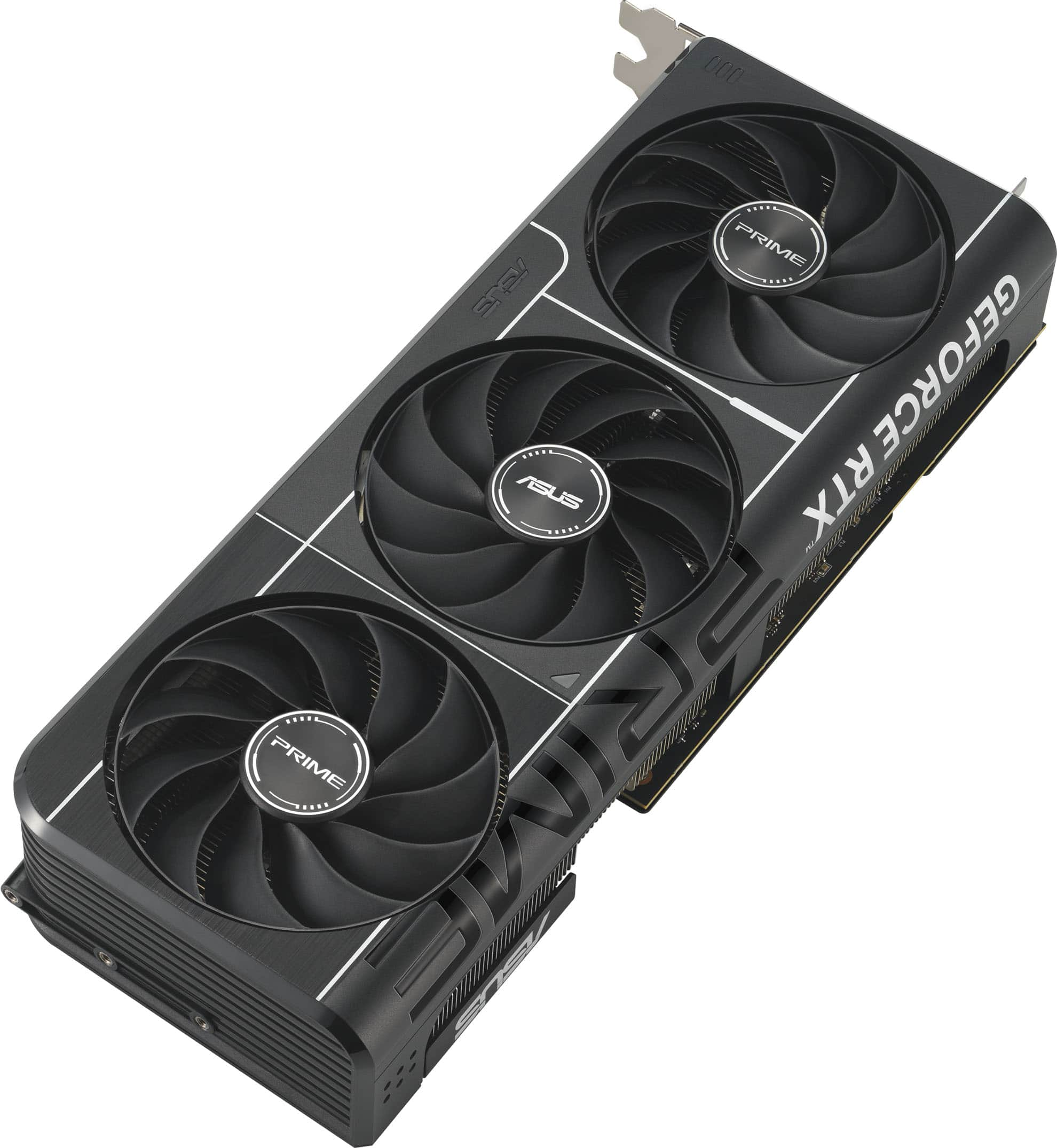


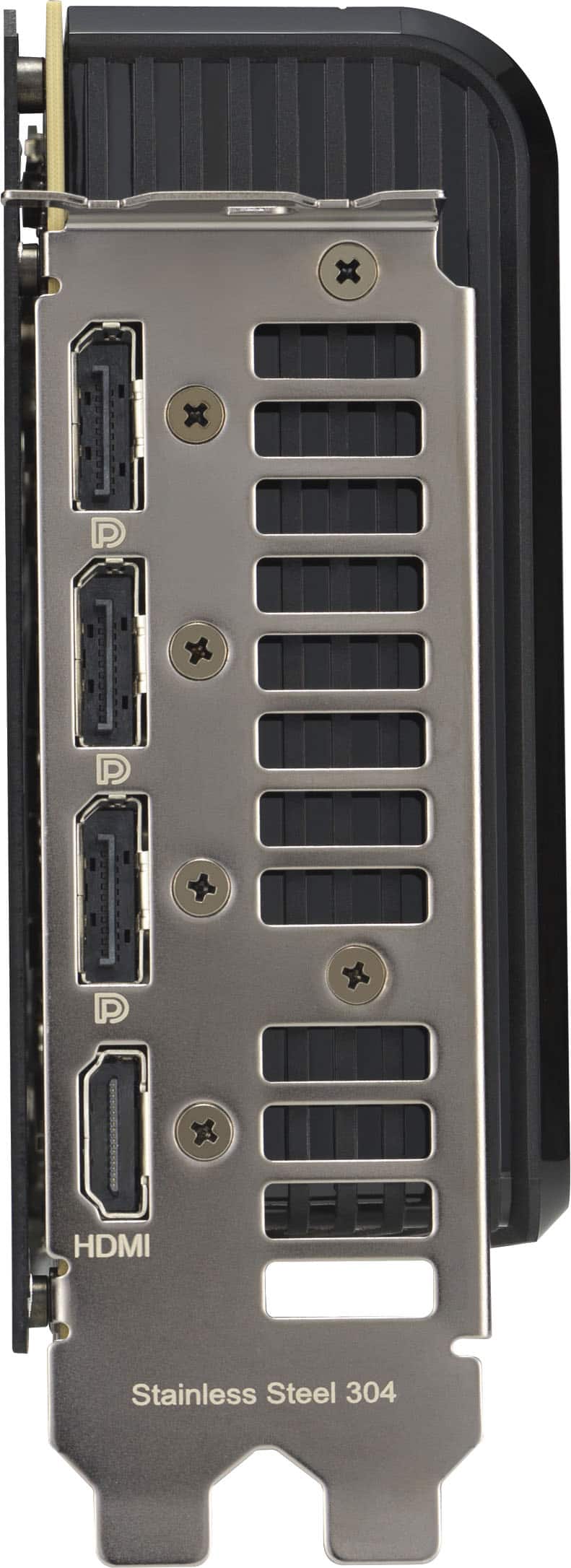
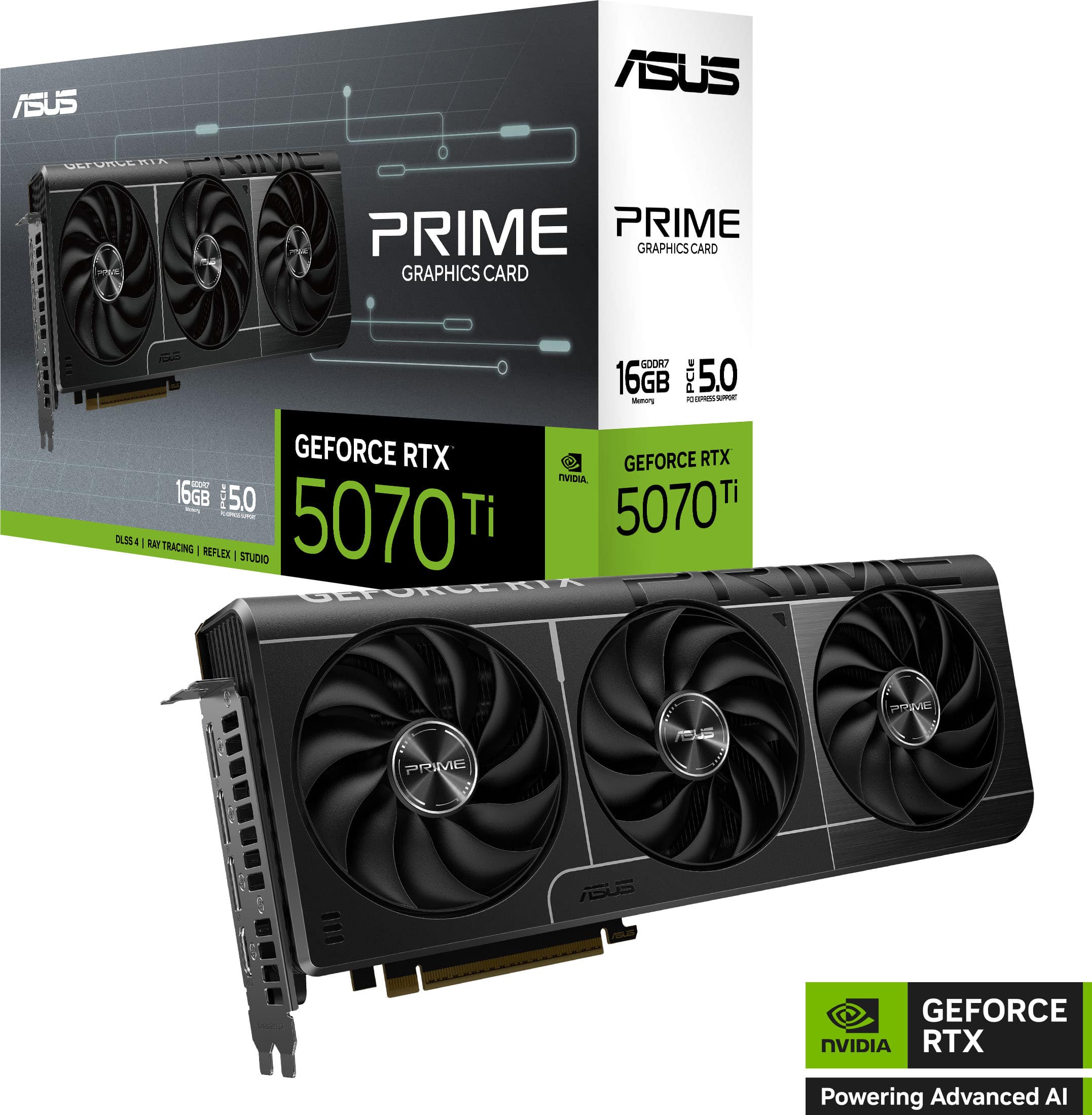




- Model:
- PRIME-RTX5070TI-16G
- |
- SKU:
- 11022762
Customer reviews
Rating 4.8 out of 5 stars with 86 reviews
(86 customer reviews)Rating by feature
- Value4.5
Rating 4.5 out of 5 stars
- Quality4.8
Rating 4.8 out of 5 stars
- Ease of Use4.8
Rating 4.8 out of 5 stars
Customers are saying
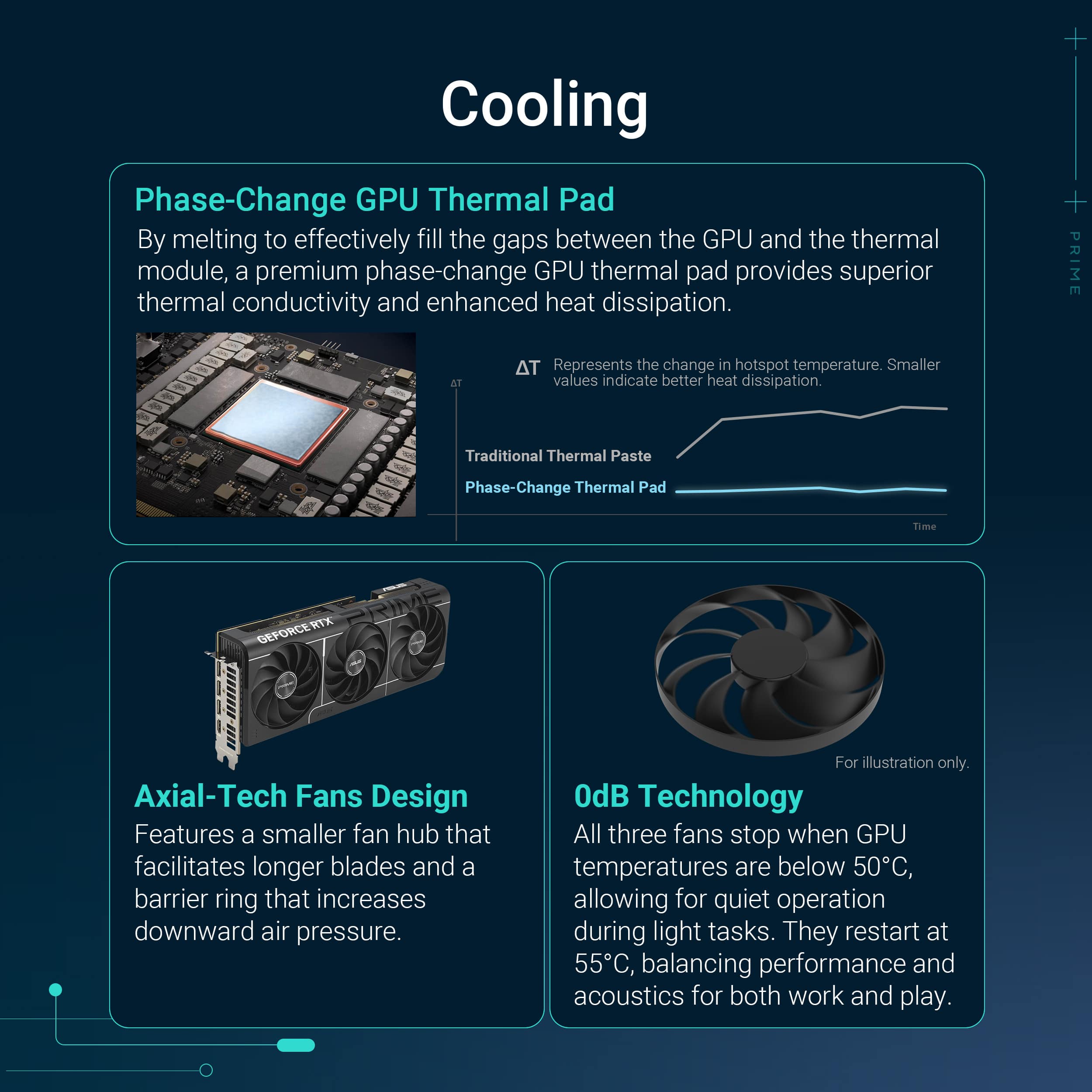
Customers appreciate the PRIME NVIDIA GeForce RTX 5070 Ti graphics card for its impressive graphics performance, particularly at 4K resolution. Users also note its effective heat dissipation and quiet operation. Some customers value its compact size and the high build quality.
This summary was generated by AI based on customer reviews.
- Pros mentioned:Graphics performance
Rated 5 out of 5 stars
absolutely wonderful at MSRP
||Posted .This reviewer received promo considerations or sweepstakes entry for writing a review.upgraded from a 3080 10gb to this and its leaps and bounds better, did a VBIOS flash for a 5070 rog strix and can overclock it pretty well with temps not even going over 65 degrees
This review is from ASUS - PRIME NVIDIA GeForce RTX 5070 Ti 16GB GDDR7 PCI Express 5.0 Graphics Card - Black
I would recommend this to a friend - Pros mentioned:Graphics performance
Rated 5 out of 5 stars
This is the 5070ti to get
||Posted . Owned for 2 weeks when reviewed.This reviewer received promo considerations or sweepstakes entry for writing a review.This is the 5070ti to get. Fair price and great performance. Love it!
This review is from ASUS - PRIME NVIDIA GeForce RTX 5070 Ti 16GB GDDR7 PCI Express 5.0 Graphics Card - Black
I would recommend this to a friend - Pros mentioned:Graphics performance
Rated 5 out of 5 stars
Amazing card
||Posted .This reviewer received promo considerations or sweepstakes entry for writing a review.Amazing card. Runs anything max settings at 1440p.
This review is from ASUS - PRIME NVIDIA GeForce RTX 5070 Ti 16GB GDDR7 PCI Express 5.0 Graphics Card - Black
I would recommend this to a friend - Pros mentioned:Graphics performance
Rated 5 out of 5 stars
Lightning fast quality graphics.
||Posted . Owned for 2 weeks when reviewed.This reviewer received promo considerations or sweepstakes entry for writing a review.This was delivered quick and really upgraded my gaming ability mocing from a radeon rx5700. Alazing and lightning fast.
This review is from ASUS - PRIME NVIDIA GeForce RTX 5070 Ti 16GB GDDR7 PCI Express 5.0 Graphics Card - Black
I would recommend this to a friend - Pros mentioned:Graphics performance
Rated 5 out of 5 stars
Great card
||Posted .This reviewer received promo considerations or sweepstakes entry for writing a review.Outstanding! I paired it with a Gigabyte B850 Aorus Elite and a Ryzen 7 9800x3d. Runs everything I play (Cyberpunk, Total War Warhammer III, etc...) on maxed out settings without a hiccup. It is a great card.
This review is from ASUS - PRIME NVIDIA GeForce RTX 5070 Ti 16GB GDDR7 PCI Express 5.0 Graphics Card - Black
I would recommend this to a friend - Pros mentioned:Graphics performance
Rated 5 out of 5 stars
great gpu, bang for your buck!
||Posted .This reviewer received promo considerations or sweepstakes entry for writing a review.works great, I had an older power supply which didn’t have the right connections for this graphics card, so I had to get a new power supply as well. Other than that it is a great graphics card makes my game run so much more smoothly.
This review is from ASUS - PRIME NVIDIA GeForce RTX 5070 Ti 16GB GDDR7 PCI Express 5.0 Graphics Card - Black
I would recommend this to a friend - Pros mentioned:Graphics performance
Rated 5 out of 5 stars
I love this thing
||Posted .This reviewer received promo considerations or sweepstakes entry for writing a review.I can play most games in 4k with no issue it is an amazing you for the price
I would recommend this to a friend - Pros mentioned:Graphics performance
Rated 5 out of 5 stars
Best Bang for your buck
||Posted .This reviewer received promo considerations or sweepstakes entry for writing a review.Incredible performanc for how much it costs, back in the day you’d have to fork out 2k for a titan GPU just to get 60fps on some games. Oh how times have changed
This review is from ASUS - PRIME NVIDIA GeForce RTX 5070 Ti 16GB GDDR7 PCI Express 5.0 Graphics Card - Black
I would recommend this to a friend - Pros mentioned:Graphics performance
Rated 5 out of 5 stars
Amazing Performance
||Posted . Owned for 3 weeks when reviewed.This reviewer received promo considerations or sweepstakes entry for writing a review.I’ve used everything from 1060 to 1660ti to 4060 to 4070ti to 5070ti. U love this card for its amazing performance. Not really worth upgrading if you have 4070ti or 4080, but i did it cuz it is so hard to find and i got it for retail price.
This review is from ASUS - PRIME NVIDIA GeForce RTX 5070 Ti 16GB GDDR7 PCI Express 5.0 Graphics Card - Black
I would recommend this to a friend - Pros mentioned:Graphics performance
Rated 5 out of 5 stars
Great GPU
||Posted .This reviewer received promo considerations or sweepstakes entry for writing a review.Great card. Got it on a discount for MRSP as well. Thanks Best Buy.
This review is from ASUS - PRIME NVIDIA GeForce RTX 5070 Ti 16GB GDDR7 PCI Express 5.0 Graphics Card - Black
I would recommend this to a friend - Pros mentioned:Noise level
Rated 5 out of 5 stars
Surprising great
||Posted .This reviewer received promo considerations or sweepstakes entry for writing a review.This card is the quietest GPU I've owned by far. I had a 5080 and 9070XT which both had fan bearing issues and coil whine so now I can finally relax.
This review is from ASUS - PRIME NVIDIA GeForce RTX 5070 Ti 16GB GDDR7 PCI Express 5.0 Graphics Card - Black
I would recommend this to a friend - Pros mentioned:Graphics performance
Rated 5 out of 5 stars
great gpu for gaming
||Posted .This reviewer received promo considerations or sweepstakes entry for writing a review.Works great and Im glad i was able to get it before the price spiked.
This review is from ASUS - PRIME NVIDIA GeForce RTX 5070 Ti 16GB GDDR7 PCI Express 5.0 Graphics Card - Black
I would recommend this to a friend - Pros mentioned:Graphics performance
Rated 5 out of 5 stars
5070ti
||Posted .This reviewer received promo considerations or sweepstakes entry for writing a review.Gets upwards of 500 frames on black myth waking a high demand game
This review is from ASUS - PRIME NVIDIA GeForce RTX 5070 Ti 16GB GDDR7 PCI Express 5.0 Graphics Card - Black
I would recommend this to a friend - Pros mentioned:Graphics performance
Rated 5 out of 5 stars
Graphics Card
||Posted .This reviewer received promo considerations or sweepstakes entry for writing a review.Working great with my current build and looks amazing.
This review is from ASUS - PRIME NVIDIA GeForce RTX 5070 Ti 16GB GDDR7 PCI Express 5.0 Graphics Card - Black
I would recommend this to a friend - Pros mentioned:Graphics performance
Rated 5 out of 5 stars
5070ti
||Posted .This reviewer received promo considerations or sweepstakes entry for writing a review.Just as advertised. Great GPU. And it helps that it comes with perks like Borderlands 4 and a month of Discord Nitro!
This review is from ASUS - PRIME NVIDIA GeForce RTX 5070 Ti 16GB GDDR7 PCI Express 5.0 Graphics Card - Black
I would recommend this to a friend Rated 5 out of 5 stars
best bang for the buck
||Posted . Owned for 1 week when reviewed.This reviewer received promo considerations or sweepstakes entry for writing a review.Good card, easy to setup, pretty big for a SFF card, but even with with surging prices, this asus prime is a good card for its price
This review is from ASUS - PRIME NVIDIA GeForce RTX 5070 Ti 16GB GDDR7 PCI Express 5.0 Graphics Card - Black
I would recommend this to a friend- Pros mentioned:Graphics performance
Rated 5 out of 5 stars
Good gpu
||Posted . Owned for 2 weeks when reviewed.This reviewer received promo considerations or sweepstakes entry for writing a review.Good gpu. Price is a little high for this category
This review is from ASUS - PRIME NVIDIA GeForce RTX 5070 Ti 16GB GDDR7 PCI Express 5.0 Graphics Card - Black
No, I would not recommend this to a friend - Pros mentioned:Noise level
Rated 4 out of 5 stars
Solid Upgrade
||Posted . Owned for 1 month when reviewed.This reviewer received promo considerations or sweepstakes entry for writing a review.I’m running this card inan ITX case on a riser. I had some moderate thermal issues and ended up “underclocking” it at about 90% total power draw to compensate, but now it runs consistently under 70C. You will need a more aggressive fan curve, but it is not that loud with the adjusted power draw. All in all a good buy.
This review is from ASUS - PRIME NVIDIA GeForce RTX 5070 Ti 16GB GDDR7 PCI Express 5.0 Graphics Card - Black
I would recommend this to a friend - Pros mentioned:Noise level
Rated 4 out of 5 stars
its a graphics card
||Posted .This reviewer received promo considerations or sweepstakes entry for writing a review.Works well. much quieter than my 2 fan 4070. looks fine in my case.
This review is from ASUS - PRIME NVIDIA GeForce RTX 5070 Ti 16GB GDDR7 PCI Express 5.0 Graphics Card - Black
I would recommend this to a friend - Pros mentioned:Graphics performance
Rated 5 out of 5 stars
Great value
||Posted . Owned for 1 month when reviewed.This reviewer received promo considerations or sweepstakes entry for writing a review.Very good card, best bang for buck available if you’re in need of an upgrade this is the card to get
This review is from ASUS - PRIME NVIDIA GeForce RTX 5070 Ti 16GB GDDR7 PCI Express 5.0 Graphics Card - Black
I would recommend this to a friend