Customer Ratings & Reviews

Customer reviews
Rating 5 out of 5 stars with 7 reviews
(7 customer reviews)to a friend
Rated 5 out of 5 stars
ASUS QG1080
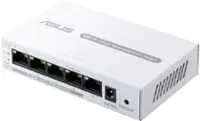
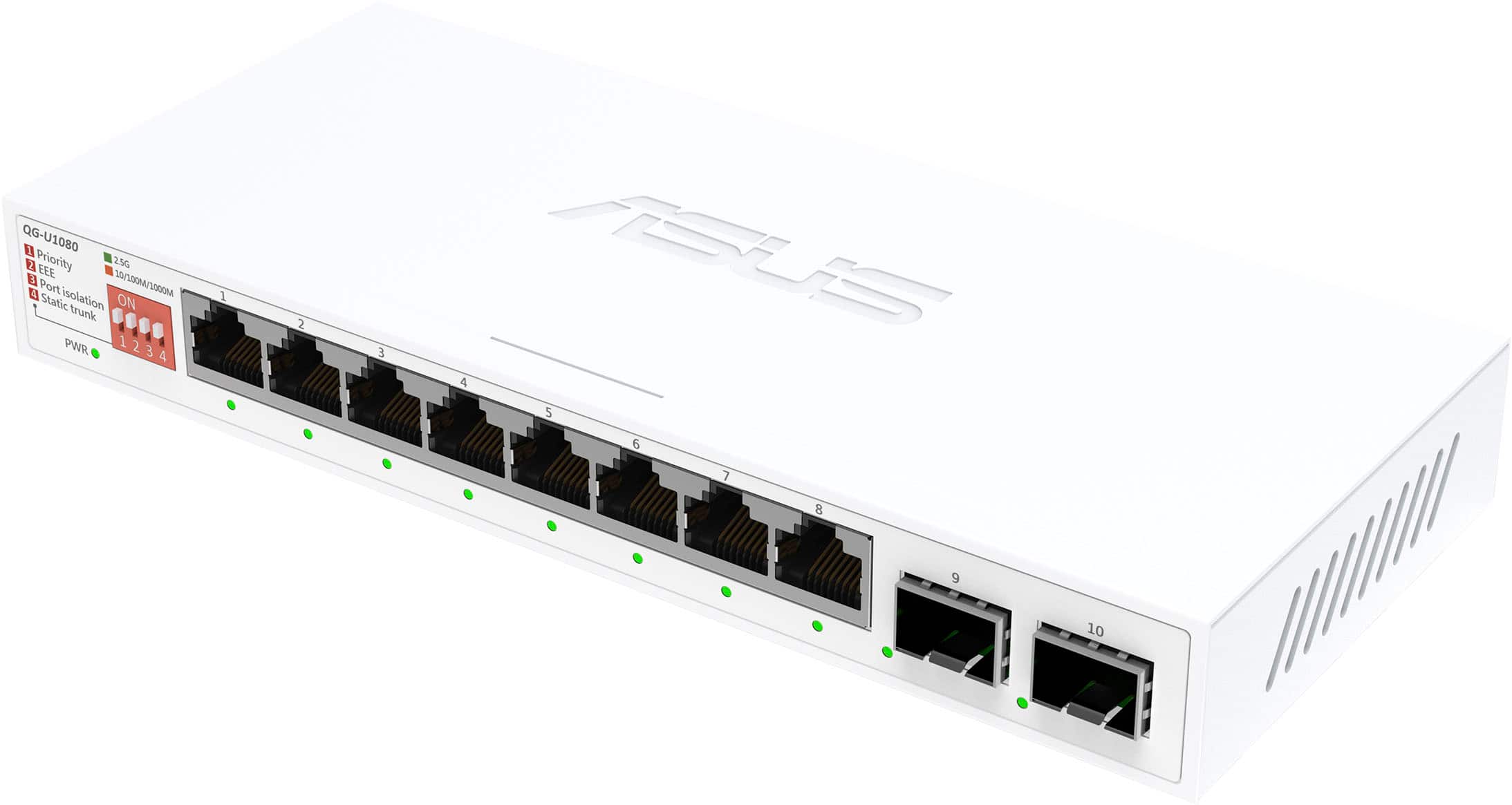
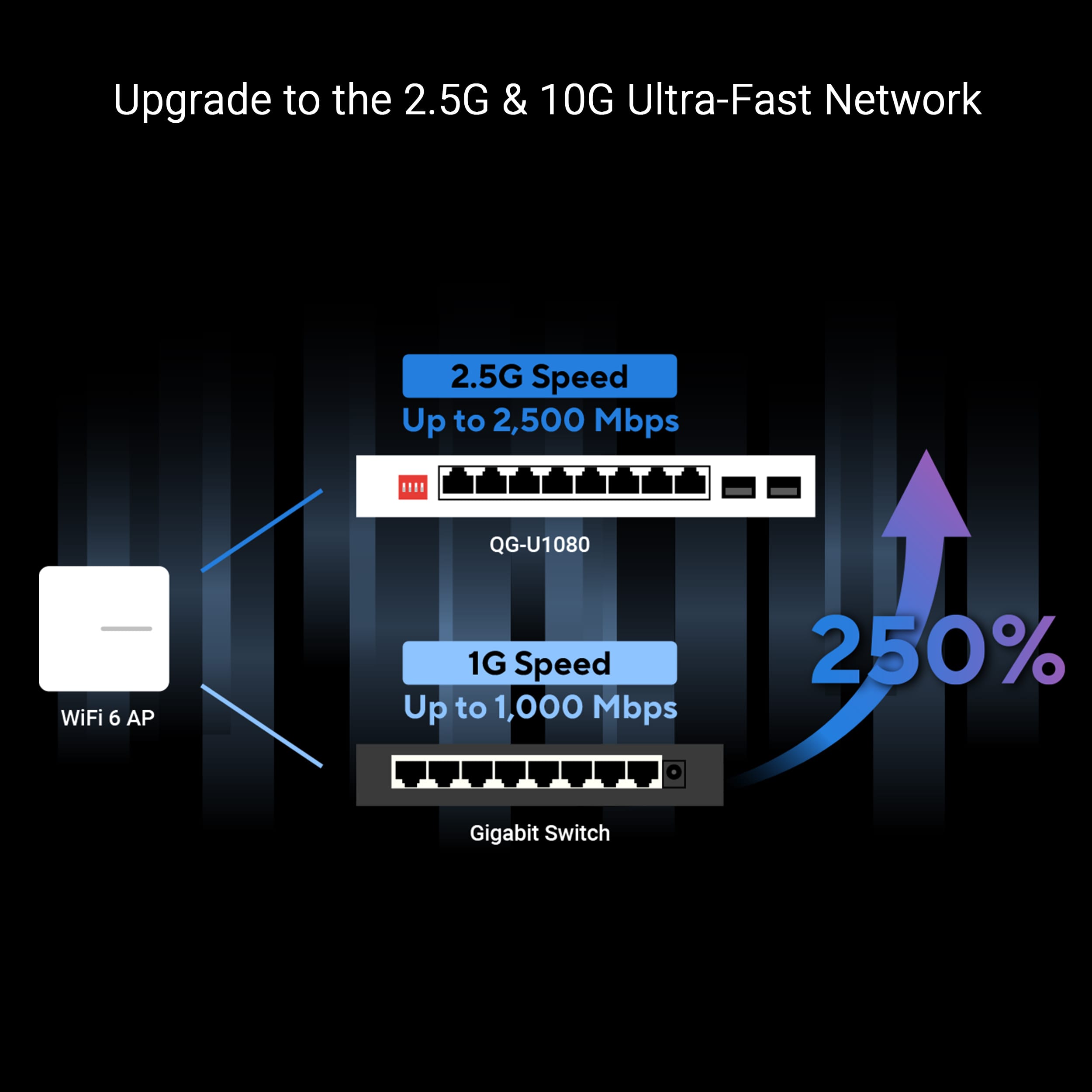
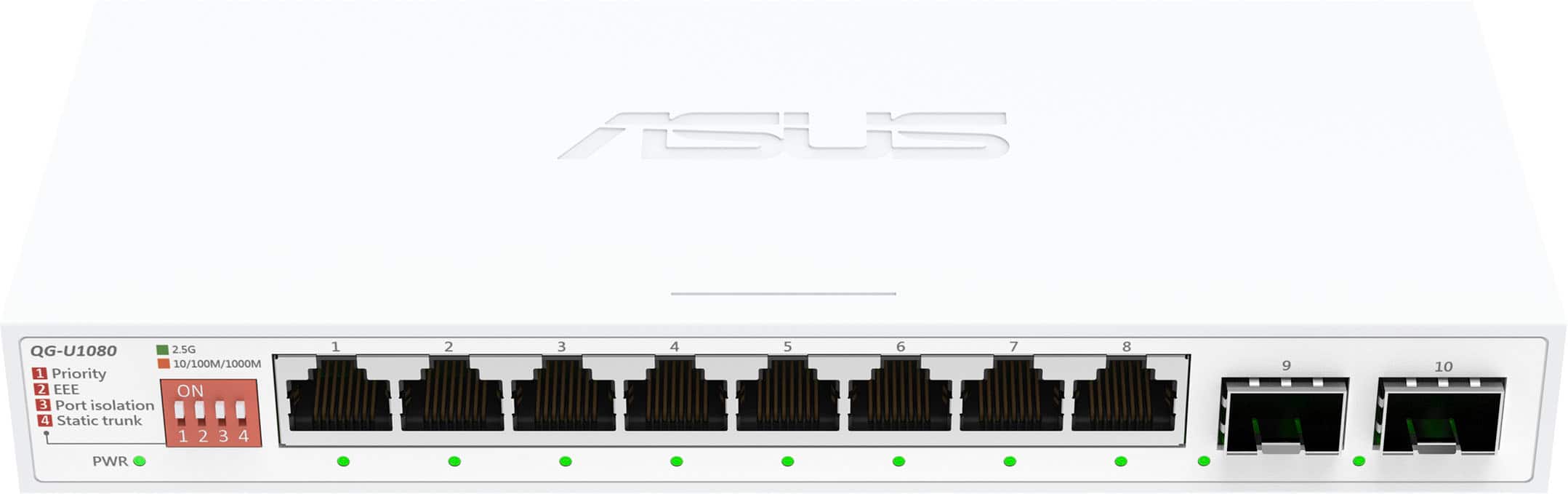
||Posted .This reviewer received promo considerations or sweepstakes entry for writing a review.I’ve been hunting for an affordable way to bring multi-gigabit speeds to my home office and media setup without jumping straight to 10GbE pricing, and the ASUS QG1080 has been the perfect sweet spot.First impressions & build quality The switch feels surprisingly premium for an unmanaged plug-and-play device. It has a full metal casing with a matte black finish that looks right at home next to a gaming PC or a high-end router. At just 580 g it’s heavier than most plastic 8-port gigabit switches, which tells you the heatsinking inside is serious. Passive cooling means it’s completely silent — no fan whine, ever. The blue 2.5G link LEDs are bright but not obnoxious, and the front-facing port numbering is a nice touch.Setup Literally zero configuration needed. I unboxed it, plugged in my ASUS RT-AX89X router (10G port → Cat6a cable → QG1080), then ran 2.5GBASE-T cables to: Gaming desktop (2.5G Intel NIC) Gaming laptop (2.5G Realtek) NAS (QNAP TS-464 with dual 2.5GbE) Two mini PCs used for Plex transcoding Everything negotiated 2.5 Gbps instantly. No link flapping, no dropped packets. I even threw a couple of legacy 1 Gbps devices on it and they coexisted perfectly (auto-negotiation works exactly as it should).Real-world performance Local transfers between NAS and desktop now saturate ~290–295 MB/s (≈2.36 Gbps after overhead) instead of the old ~113 MB/s ceiling. 4K Remux playback to multiple devices at once is flawless. iperf3 between two 2.5G PCs connected to the switch: steady 2.37 Gbps bidirectional. Running eight devices at once (mix of 2.5G and 1G) never caused the switch to get more than warm to the touch. What I love True 8 × 2.5 Gbps ports (no shared bandwidth nonsense) QoS priority for VoIP/gaming packets even though it’s “unmanaged” (ASUS quietly implements IEEE 802.1p – huge for latency-sensitive traffic) Loop detection & cable diagnostics LEDs – rare on cheap switches Wall-mount ears and rubber feet included Three-year warranty Minor nitpicks No jumbo frame option (stuck at 9K, which is fine for most people but 10GbE enthusiasts sometimes want 12K–16K) Power brick is a little chunky (12V/1.5A wall-wart style) Still waiting for a 5-port or 12-port version in the same lineup Verdict – 9.5/10 If you’ve upgraded your router, NAS, or PCs to 2.5GbE and you’re still bottlenecked by gigabit switches, the ASUS QG1080 is the no-brainer choice right now. It’s fast, dead silent, rock-solid stable, and costs less than most people expect for an all-2.5G metal switch. I went from “gigabit is fine” to “how did I live like this?” in about ten minutes of plugging cables in.Highly recommended for gamers, NAS owners, and anyone future-proofing their LAN on a reasonable budget. I’m already planning to grab a second one for the living room media setup.
I would recommend this to a friendRated 5 out of 5 stars
Amazing product.
||Posted . Owned for 3 weeks when reviewed.This reviewer received promo considerations or sweepstakes entry for writing a review.Changed everything with my setup. All my devices connected are getting Gigabit intern on this switch. Great performance and expansion for the price.
I would recommend this to a friendRated 5 out of 5 stars
Worked well at all speeds
||Posted . Owned for 2 weeks when reviewed.This reviewer received promo considerations or sweepstakes entry for writing a review.I had bought another similar switch prior to this, from another store that was giving me issues where the 1g links were only 500mb when using 10g and 2.5g mixed. This ASUS switch is working at all mixed speeds with all ports populated. I tested iperf benchmark on 1g, 2.5g and 10g links and all checked out. 943mb for 1g 2.35g for 2.5g 9.35g for 10g Which is perfect and all that I wanted.
I would recommend this to a friendRated 5 out of 5 stars
Works great, no issues
||Posted . Owned for 1 month when reviewed.This reviewer received promo considerations or sweepstakes entry for writing a review.Been using this for a couple of months, have had no issues getting multigig speeds from this. Have not tried the SFPs. Great product at a solid price would recommend.
I would recommend this to a friendRated 5 out of 5 stars
Simple plug and play
||Posted .This reviewer received promo considerations or sweepstakes entry for writing a review.Simple to use just plug and play. Needed to connect my wifi nodes through out my house for the fastest possible speeds.
I would recommend this to a friendRated 5 out of 5 stars
Recommended
||Posted .This reviewer received promo considerations or sweepstakes entry for writing a review.This item is working perfectly! We would recommend.
I would recommend this to a friendRated 5 out of 5 stars
Unmanaged switch is easy
||Posted .This reviewer received promo considerations or sweepstakes entry for writing a review.Provides all the speed and expansion I need for my home network
I would recommend this to a friend
Customer reviews from https://www.asus.com
See all https://www.asus.com reviewsUser rating, 5 out of 5 stars with 2 reviews on https://www.asus.com.
5.0(2 reviews)