Customer Ratings & Reviews
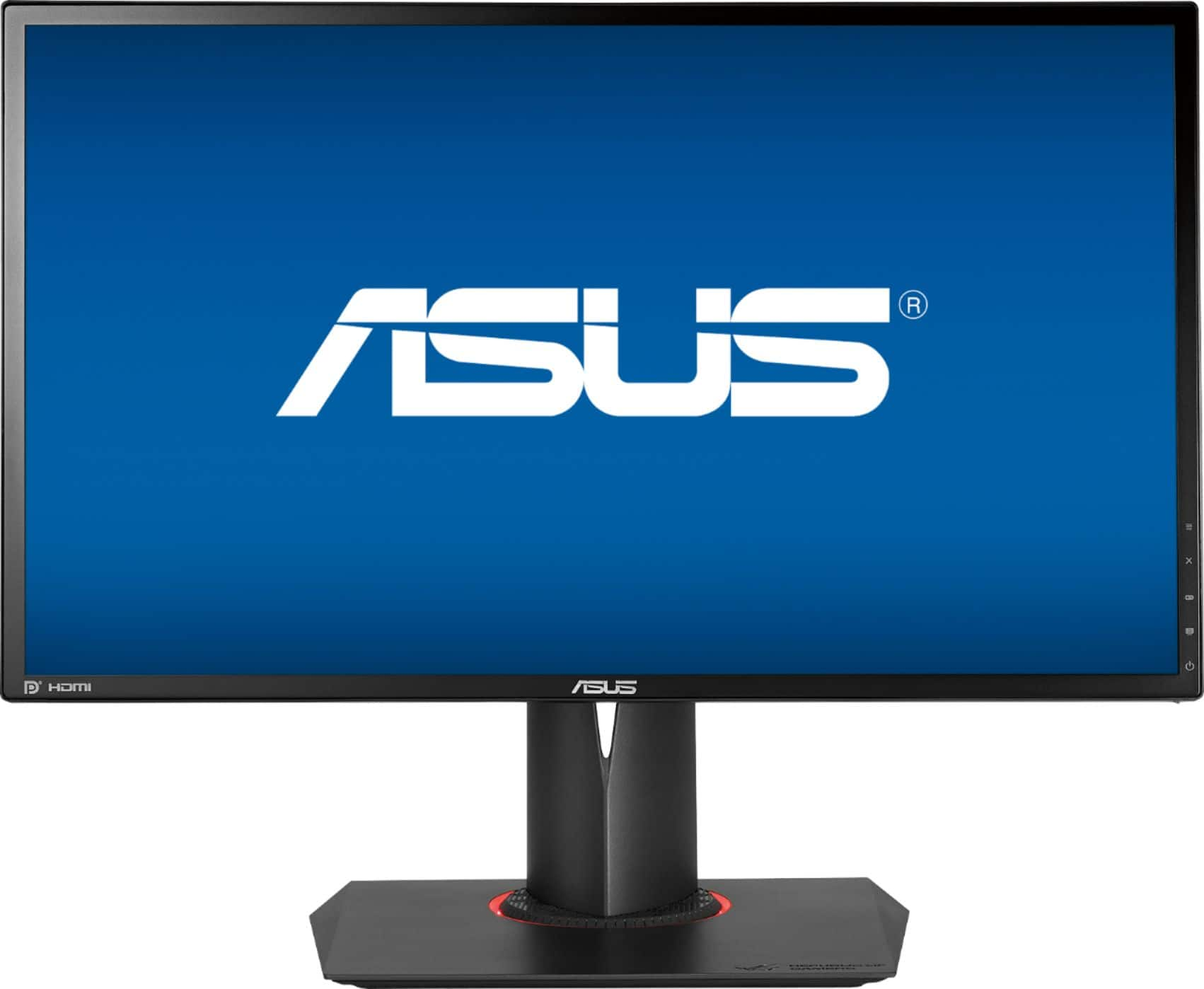
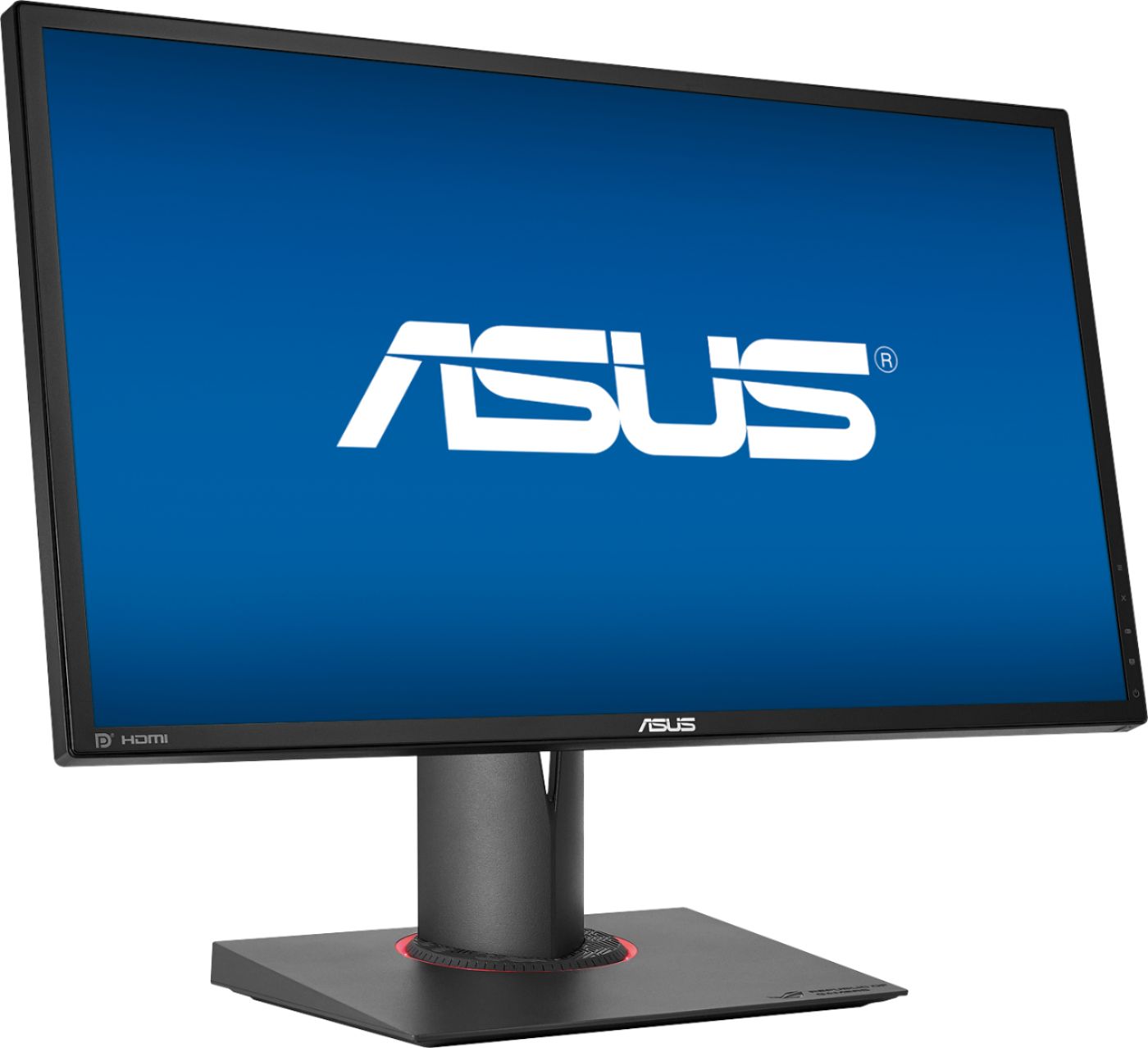
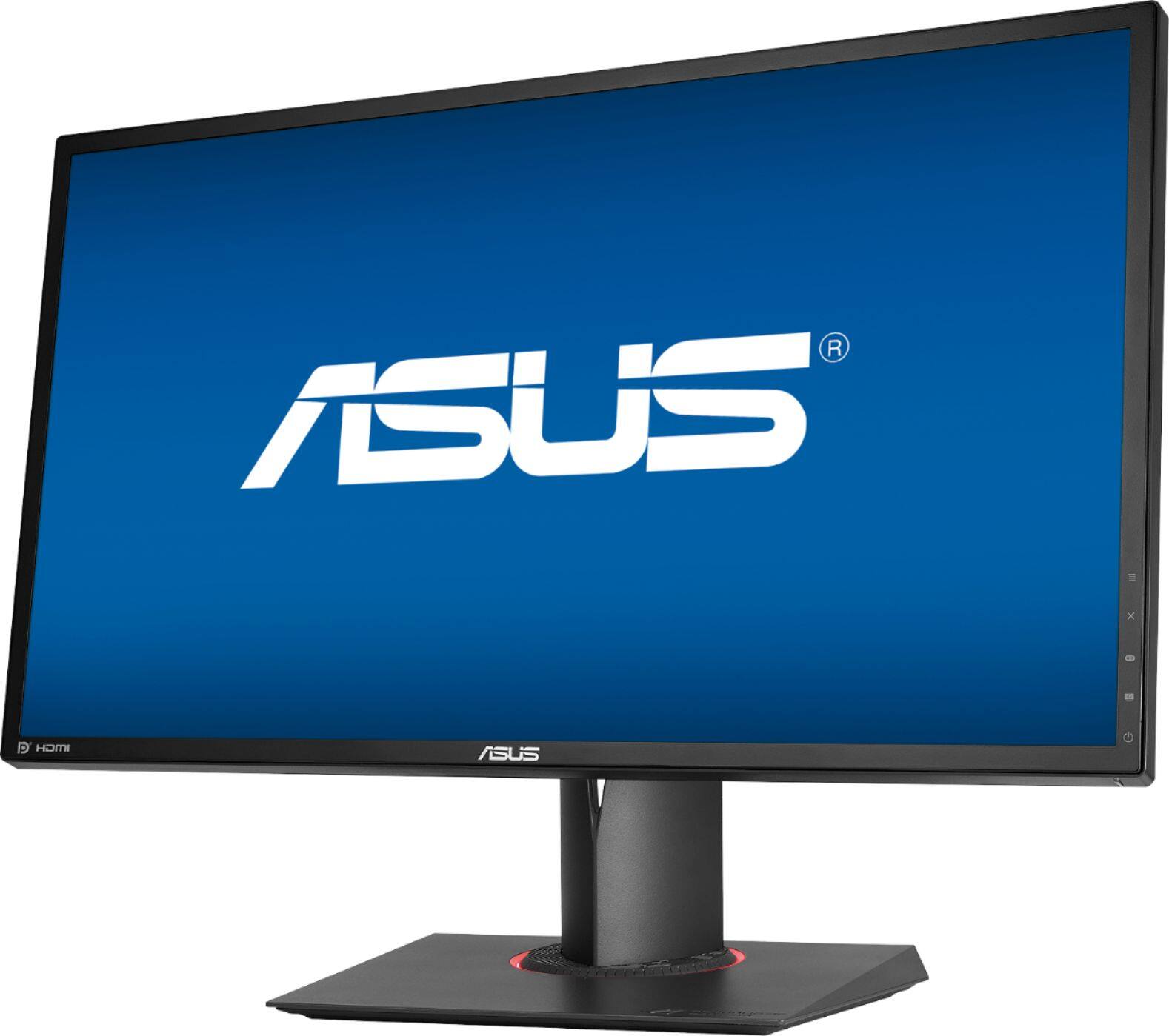
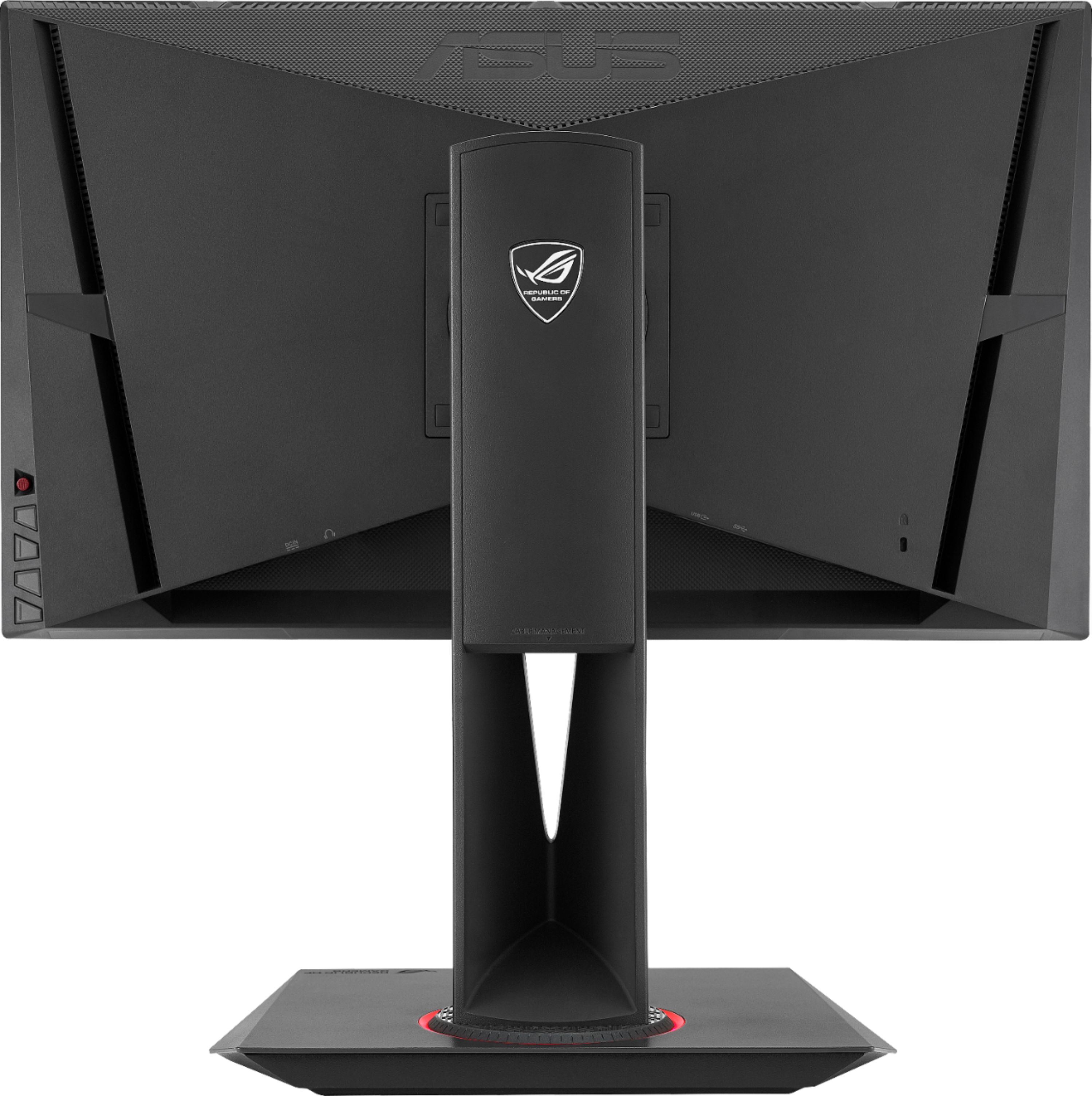



- Model:
- PG248Q
- |
- SKU:
- 5376601
Customer reviews
Rating 4.6 out of 5 stars with 297 reviews
(297 customer reviews)Rating by feature
- Ease of Use4.7
Rating 4.7 out of 5 stars
- Value4.2
Rating 4.2 out of 5 stars
- Quality4.7
Rating 4.7 out of 5 stars
Customers are saying
Customers are enthusiastic about the ROG Swift 24" LCD FHD G-SYNC Monitor's high refresh rate, G-SYNC compatibility, and excellent picture quality, frequently praising its performance in gaming. While some find the price high for a 1080p TN panel and note the lack of built-in speakers, the majority of users highlight the monitor's vibrant colors and ease of use. A few users reported issues with dead pixels, but these were not widespread concerns.
This summary was generated by AI based on customer reviews.
- Pros mentioned:Gaming
Rated 5 out of 5 stars
Great monitor
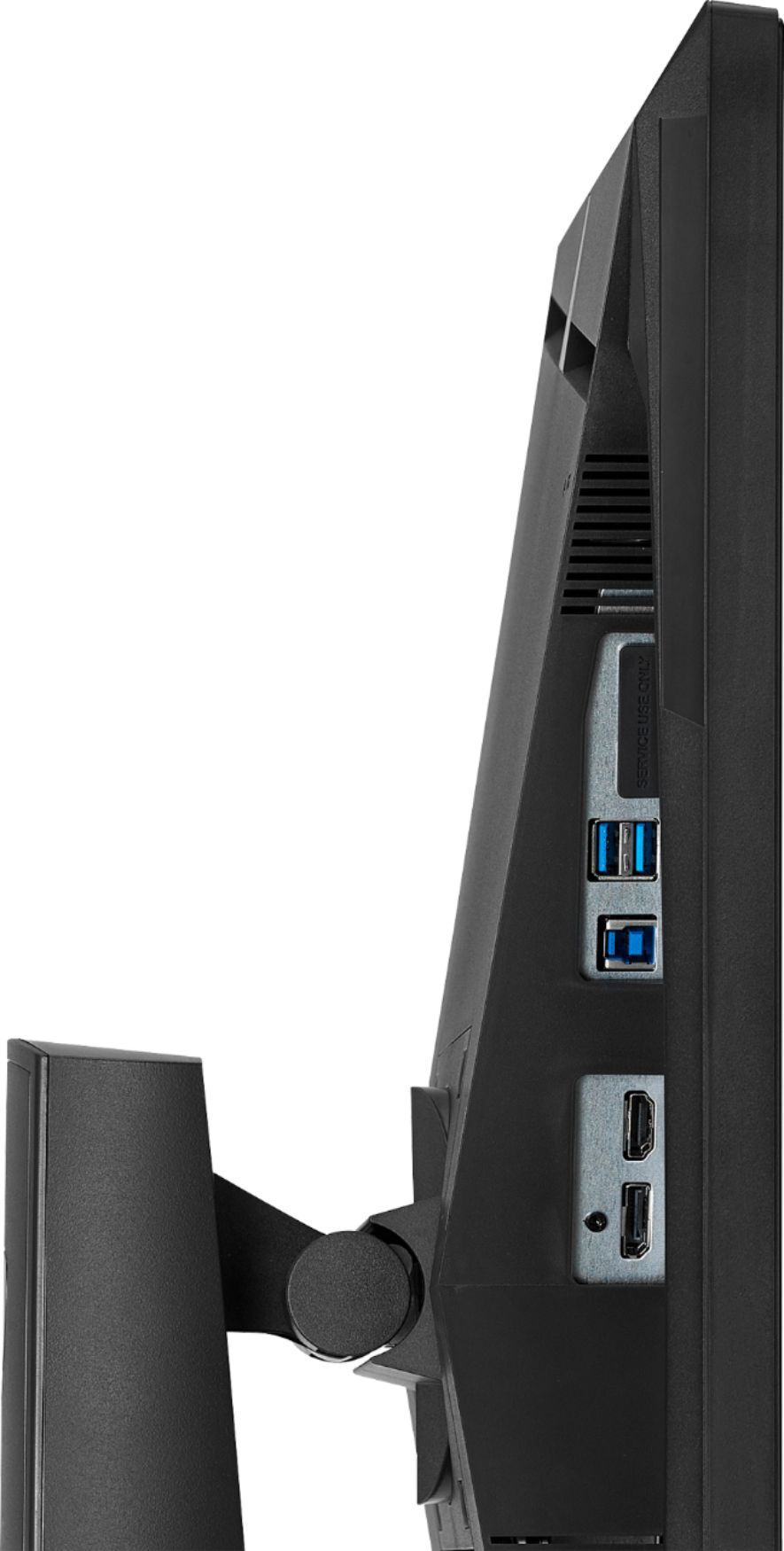
Posted .This reviewer received promo considerations or sweepstakes entry for writing a review.For anyone buying this monitor for the g-sync and high refresh rate, be warned that these features only work and are enabled via the display port connection and not HDMI. Other than that it is a beautiful monitor and does a great job for gaming in it's native 1920 x 1080 60hz.
I would recommend this to a friend - Pros mentioned:Build quality
Rated 5 out of 5 stars
An better Acer xb241h that cost a little more.
Posted .This reviewer received promo considerations or sweepstakes entry for writing a review.To this start off. I used both the Acer xb241h and the Asus pg248q. Panel is basically the same. TN, 1080p, 24 inches, g-sync, and etc. In terms of build quality, Asus hand's down. Pg248q OSD combine with the joystick navigation is superior to the xb241h. The xb241h's OSD was a mess and can become an annoyance. The only issue on my monitor is that "Light in Motion" does not work. Planning to contact Asus about that.
I would recommend this to a friend - Pros mentioned:Gaming
Rated 5 out of 5 stars
Fantastic Monitor
Posted .This reviewer received promo considerations or sweepstakes entry for writing a review.I recently built a new computer so I was in need of a monitor to go with my new gaming setup. I read really good reviews about this monitor and I have an Asus ROG Strix 1070 GPU so this pairs fantastic with my setup. I love the monitor and the picture looks fantastic. This monitor is great for FPS games. I would advise going to the Asus website and downloading the drivers for this monitor and follow the setup instructions for Windows.
I would recommend this to a friend Rated 5 out of 5 stars
Best monitor I've owned!!
Posted .This reviewer received promo considerations or sweepstakes entry for writing a review.So I did a lot of research before purchasing this monitor. I've always loved Asus products so I already knew I wanted to buy an Asus monitor, just wasn't sure which one. I definitely wanted at least a 144hz or higher. I saw this monitor and loved every detail of it. When I received it it was really easy to set up. It has dedicated buttons on the left side to change the brightness, overclocking settings and a lot of other stuff. You can also easily overclock it so it runs at 180hz. Just to let you know, you have to be using a display port in order to overlock to 180hz, can't do it with HDMI. I also love how this monitor can easily swivel left or right without having to actually move the bottom base. Also has hole in the stand for some cable management which is always nice. If you're looking for a good priced 180hz monitor, I HIGHLY recommend this one, I've had it for a few months now and have had no issues with it what so ever.
I would recommend this to a friendRated 3 out of 5 stars
On display port this panel will have a bright haze
Posted .This reviewer received promo considerations or sweepstakes entry for writing a review.Bought this monitor for the unbeatable specs. When I got it home I was shocked to see this bright hazy glow. I looked up several websites to find how to put the panel into better settings to get rid of the this "over gamma glow" I was getting. ASUS responded in its forums about not having a fix, and was offering people to send in their monitors for firmware updates, but it wouldn't fix the glow. Its just a side effect of the TN panel they used. TL;DR Just wanted to warn some people that the display will be bright using the display port (which you'll obviously want to use for the 144+hz). There are some settings to somewhat limit this, but it is very noticeable even in racing mode with brightness turned down, and gamma lowered. Also there is a yellowish glow in the corners on white backgrounds you will notice as well.
No, I would not recommend this to a friend- Cons mentioned:Expensive
Rated 4 out of 5 stars
Good gaming monitor. Expensive
Posted .This reviewer received promo considerations or sweepstakes entry for writing a review.Pro: Fast response time. Good preset for viewing modes. Not 6bit color TN Nvidia G-Sync Joystick for display menu! Con: Expensive Nvidia G-Sync doesn't know when to turn off. Power LED stay red.
I would recommend this to a friend - Cons mentioned:Color, Expensive
Rated 2 out of 5 stars
Its ok
Posted .This reviewer received promo considerations or sweepstakes entry for writing a review.The monitor is pretty good when it comes to performance with it being able to overclock to 180hz, but with it being so expensive youre better off upgrading to the 240hz display. The color is pretty terrible no matter how you calibrate it, and its even worse on console. (i play pc and xbox) im having an issue where it overheats and the screen goes white. So now in order to get it repaired i have to ship it to asus and ill be without a monitor for who knows how long. If youre going to spend the money for this monitor, just get a 240hz
No, I would not recommend this to a friend Rated 5 out of 5 stars
Ganers Choice
Posted .This reviewer received promo considerations or sweepstakes entry for writing a review.I used a 1080 GTX for this card, and I must say this is definitely one of the best monitors I've ever used. 1MS, GSNYC, 3d Nvidia 2, and 144HZ is a steal at $349.99. If BestBuy can keep up this price until the end of the year, I'm sure they will sell more for the PC gaming community.
I would recommend this to a friendRated 4 out of 5 stars
Just got them so far so good
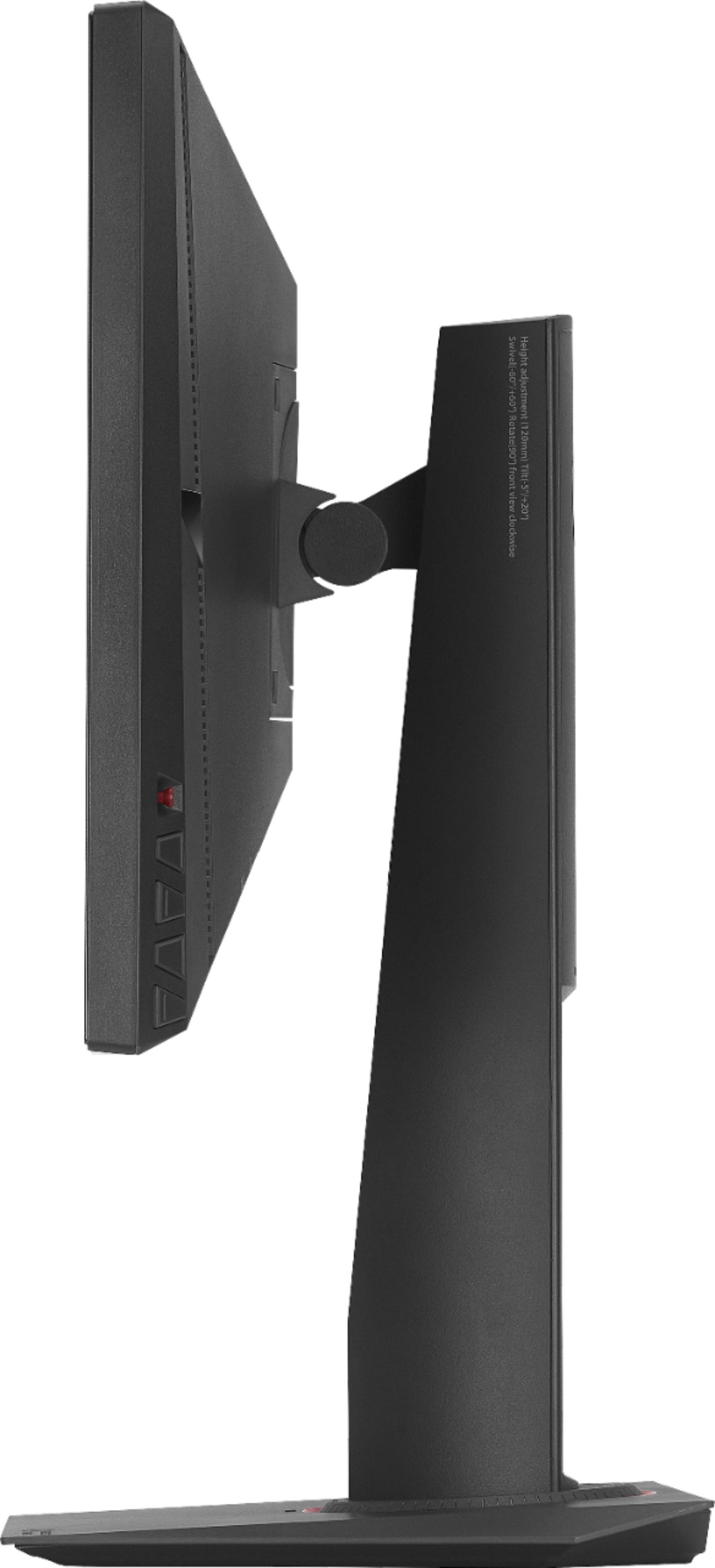
Posted .This reviewer received promo considerations or sweepstakes entry for writing a review.So I picked these up earlier today and so far they are pretty great. I have two set up side to side on my desk. The monitors themselves come in the box vertical but can be rotated to a horizontal position. the red led ring around the base is a nice touch though i wish it was rgb so i can match it to my build. As a side note the monitor comes with a power brick and cord as well as Display port cables and HDMI cables.
I would recommend this to a friend- Pros mentioned:Gaming
Rated 5 out of 5 stars
Awesome monitor
Posted .This reviewer received promo considerations or sweepstakes entry for writing a review.Love this monitor, awesome for Overwatch and WoW, so buttery smooth, you will not regret.
I would recommend this to a friend - Pros mentioned:Refresh rateCons mentioned:Flickering
Rated 1 out of 5 stars
Bad monitor if you care about pixels
Posted .This reviewer received promo considerations or sweepstakes entry for writing a review.I bought the monitor exactly one week ago tomorrow and I will be returning it because i noticed a dead pixel when i put my computer to sleep along with that there is screen flickering. Postive part is 180 hz was amazing for the time I had it
No, I would not recommend this to a friend Rated 2 out of 5 stars
Catch it on a sale, maybe...
Posted .This reviewer received promo considerations or sweepstakes entry for writing a review.I got this monitor on sale for 250$ and I was extremely excited for it. However, I ended up returning it as I almost used all time during the return period and was really let down. I adjusting every color setting and used the overclocking features. Ultimately, I couldn't find the right color settings to not make the monitor look dull - even going so far to download ICC profiles. I also want to point out that when you overclock this monitor past 144 it created a white line screen door effect and when you looked closer it got worse when approaching 180hz. The display port has issues when connecting multiple monitors and some just go black and lose connection and the resolution resets smaller. I tried this with triple and double setups using a GTX 970. End results that a VG248QE is a better quality model for much less than original price.
No, I would not recommend this to a friend- Cons mentioned:Flickering
Rated 2 out of 5 stars
Great Performance, Bad Everything else.
Posted .This reviewer received promo considerations or sweepstakes entry for writing a review.I bought this monitor thinking it would be the best choice at the time, boy was I wrong. Playing games it felt great, Gsync added the extra bang, but the first one I purchased, I was getting terrible backlight bleeding. Messed around with the settings and couldn't get it to look decent, so I went back and swapped it out for a new one, got home and continued messing around with the settings. Was doing pixel testing and BOOM, I got another bad panel. I dont know if its because its a TN panel, or its a problem with the monitors themselves. Im returning this tomorrow and am going to test my luck with the Dell S2716DG.
No, I would not recommend this to a friend Rated 5 out of 5 stars
the GT-R of monitors
Posted .This reviewer received promo considerations or sweepstakes entry for writing a review.-Really fast monitor for gaming fps,moba or any game you want.since the monitor is an 8 bit instead of 6 bit like others TN the colors are really good for a TN almost like an IPS.
I would recommend this to a friendRated 5 out of 5 stars
Asus - ROG SWIFT PG248Q 24" 3D LED HD GSync Monito
Posted .This reviewer received promo considerations or sweepstakes entry for writing a review.I used this Monitor via hdmi on xbox one and ps4 looks great
I would recommend this to a friend- Cons mentioned:Flickering
Rated 1 out of 5 stars
Constantly flickering
Posted .This reviewer received promo considerations or sweepstakes entry for writing a review.I don't if this is just my bad luck, but this monitor kept flickering and tearing in games. I have a RTX 2070 with gsync. I enabled everything needed and still kept tearing up. I saw other reviews that said the same. I wouldn't recommend this to anyone who wants quality.
No, I would not recommend this to a friend Rated 1 out of 5 stars
Hardware issues on TWO of these.
Posted .This reviewer received promo considerations or sweepstakes entry for writing a review.Bought the first monitor in December 2016, worked great for about 6 weeks, then started initiating a burn-in pattern on power up and any time it comes off sleep. Brought it back to best buy, geek squad said it needed to be replaced but they won't do it. The second I bought a few weeks after the first, and now after 3.5 months it has a horizontal grey line across the top of the screen about 1 inch below the edge. Again, shocker, best buy won't do anything. So that's 2 $400+ monitors, both have hardware issues, neither of which best buy will help with, now I just have to hope ASUS can fix them without me having no PC for weeks. Note to any buyer: get the geek squad warranty or don't get the monitor at all.
No, I would not recommend this to a friend