Customer Ratings & Reviews
- Model:
- VG246H
- SKU:
- 6450752
Rating by feature
- Display Quality
Rating 4.7 out of 5 stars
- Ease of Use
Rating 4.8 out of 5 stars
- Features
Rating 4.5 out of 5 stars
Customers are saying
Customers enjoy the excellent picture quality and the reasonable price of the TUF 23.8” FHD 1ms FreeSync Gaming Monitor. Many appreciate the height adjustment, sturdy stand, and smooth refresh rate, finding it easy to use and great for gaming. However, some customers point out the limited connectivity options and lack of built-in speakers as drawbacks. The on-screen menu system also received some negative feedback.
This summary was generated by AI based on customer reviews.
Great screen color.
||Posted . Owned for 1 month when reviewed.This reviewer received promo considerations or sweepstakes entry for writing a review.Very clear images on screen. Easy height adjustment.
I would recommend this to a friend- Pros mentioned:Price
Ps4 monitor
||Posted . Owned for less than 1 week when reviewed.This reviewer received promo considerations or sweepstakes entry for writing a review.Great monitor for ps4. Affordable and great graphics.
I would recommend this to a friend ASUS monitor review.
||Posted . Owned for 1 month when reviewed.This reviewer received promo considerations or sweepstakes entry for writing a review.Screen is quick and reliable. Resolution is fine. It has many height and tilt adjustments that are nice but really not needed by me.
I would recommend this to a friendNo built in speakers
||Posted . Owned for more than 2 years when reviewed.This reviewer received promo considerations or sweepstakes entry for writing a review.Great monitor for display. No buolt in speaker is a bummer but outside of that works very well
No, I would not recommend this to a friendBrand response from ASUS Answers
Posted .Dear Vicky,
We certainly understand your disappointment with the product. We certainly value your feedback on this matter, and I will be letting the related department know about the issues you are experiencing for continuous improvements to the product line. If you need any assistance, feel free to contact me at [email protected]. We'll be happy to provide a quick resolution to your case, and I will help you to the best of my abilities. I am here to assist our customers with our products and am dedicated to bringing resolution to all issues that they may come across. Your case for reference is [N2110018329-0011] for us to better assist you. Thank you for choosing ASUS!
Best Regards,
Schottky,
ASUS Customer Loyalty US Support
new monitors needed
||Posted . Owned for 3 weeks when reviewed.This reviewer received promo considerations or sweepstakes entry for writing a review.they are workin out very well my old monitors just didnt hack it they were too dark i like the color and the brightness
I would recommend this to a friendSmooth
||Posted . Owned for 3 weeks when reviewed.This reviewer received promo considerations or sweepstakes entry for writing a review.Not bad for a beginners gaming monitor, my son enjoys it . Runs smoother than my lg monitor
No, I would not recommend this to a friendBrand response from ASUS Answers
Posted .Dear Jerseymike,
We are glad to hear that you are satisfied with your ASUS Gaming Monitor overall. We take customer satisfaction seriously and strive to make every purchase experience with us a positive one. It is our hope that the device continues to operate normally and that you enjoy using it. We stand behind our products and continuously strive to improve our products and processes to achieve customer service excellence. For more information, send us an email at [email protected] and provide the case number "N2110018329-0010" for reference. We’ll do our best to provide a quick resolution to your case. Your feedback is important as it helps with improvements to ASUS Support channels. Thank you for choosing ASUS.
Best Regards,
Chantae
ASUS Customer Loyalty US Support
Great monitor for Light gaming or WFH
||Posted . Owned for 2 weeks when reviewed.This reviewer received promo considerations or sweepstakes entry for writing a review.Bought this monitor for WFH specifcally, I already use my LG C1 for gaming. Monitor has many features for orientation. Able to raise/lower, tilt, swivel, horizontal/vertical. Got it on a good sale too. Highly recommended monitor comes with HDMI, VGA port and HDMI cable
I would recommend this to a friendTurn to view longer photos or art work
||Posted . Owned for 1 month when reviewed.This reviewer received promo considerations or sweepstakes entry for writing a review.A little smaller than I thought I would like, but the ability to change it to vertical so I can work on art pictures that are more that shape, is a real boon. Much easier to move about in Photo Shop when you can put the entire picture on the screen by simply turning it around.
I would recommend this to a friend- Cons mentioned:Speakers
Solid monitor
||Posted . Owned for 1 month when reviewed.This reviewer received promo considerations or sweepstakes entry for writing a review.Easy on the eyes, wish it had speakers but I guess most gamers have an elaborate set up there.
I would recommend this to a friend Pretty good
||Posted .This reviewer received promo considerations or sweepstakes entry for writing a review.Pretty good monitor for your buck, it was really easy to setup and the case is very secure.
I would recommend this to a friendExcellent Monitor for at home office
||Posted . Owned for 1 month when reviewed.This reviewer received promo considerations or sweepstakes entry for writing a review.Excellent monitor. Used for office applications, photos, Google Earth, etc. and all content is clear and sharp. "Plug and Play" and has easy to use controls to customize the display. An exceptional value at this price point.
I would recommend this to a friendGreat Monitor
||Posted . Owned for 1 week when reviewed.This reviewer received promo considerations or sweepstakes entry for writing a review.WOW!!! This is a great monitor! Thought this size would be too big, but it truly isn't. Love how you can rotate the monitor between landscape and portriat depending upon what you are working on. Easy set up, clear and vibrant picture.
I would recommend this to a friendASUS monitor
||Posted . Owned for 1 month when reviewed.This reviewer received promo considerations or sweepstakes entry for writing a review.This was the perfect fit for my situation. I have space restrictions and because of the way the monitor mounts on its stand I am able to have a big display. The monitor is pretty much plug and play and has performed as expected or better
I would recommend this to a friend- Pros mentioned:Price

Decent gaming monitor
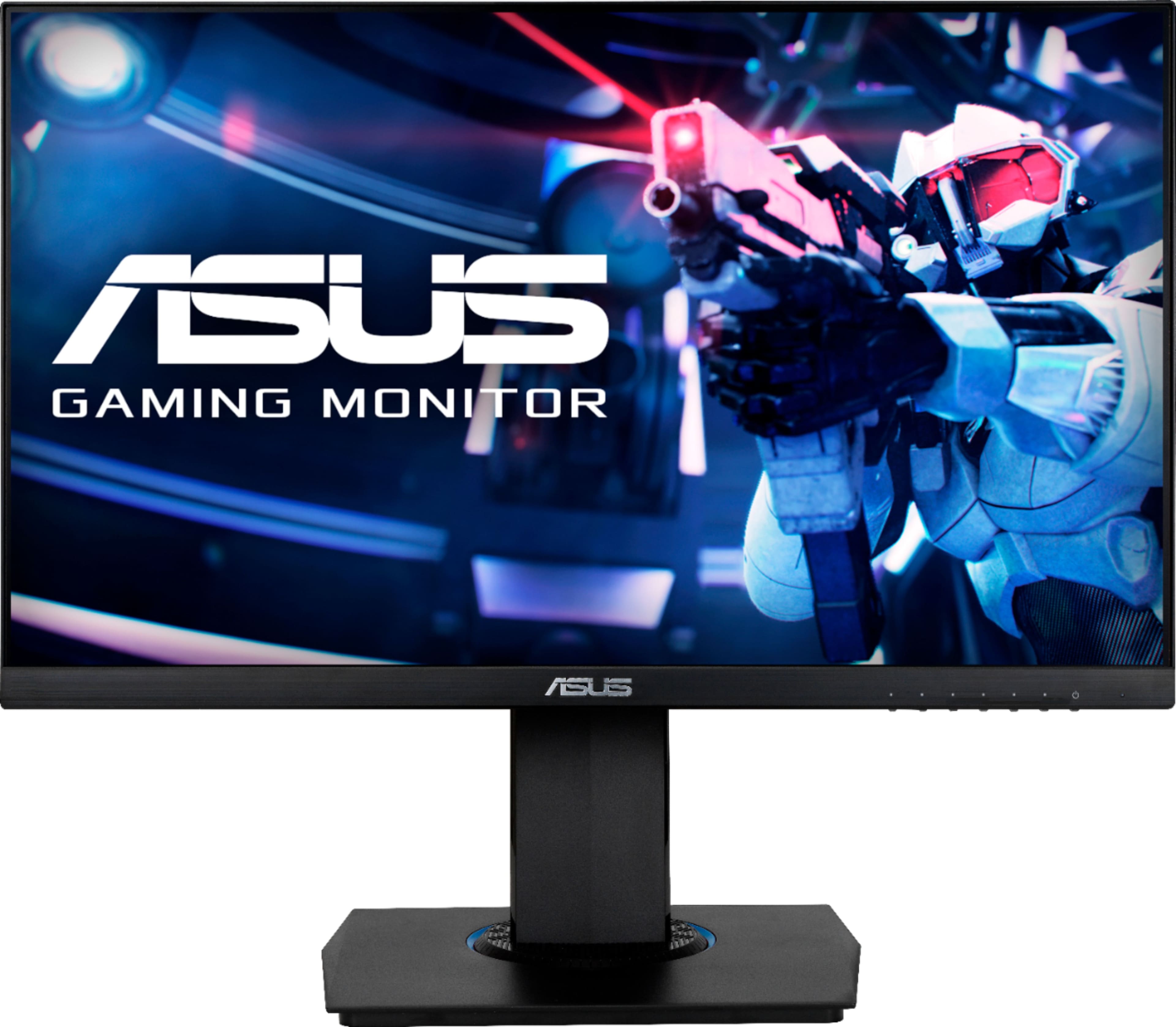
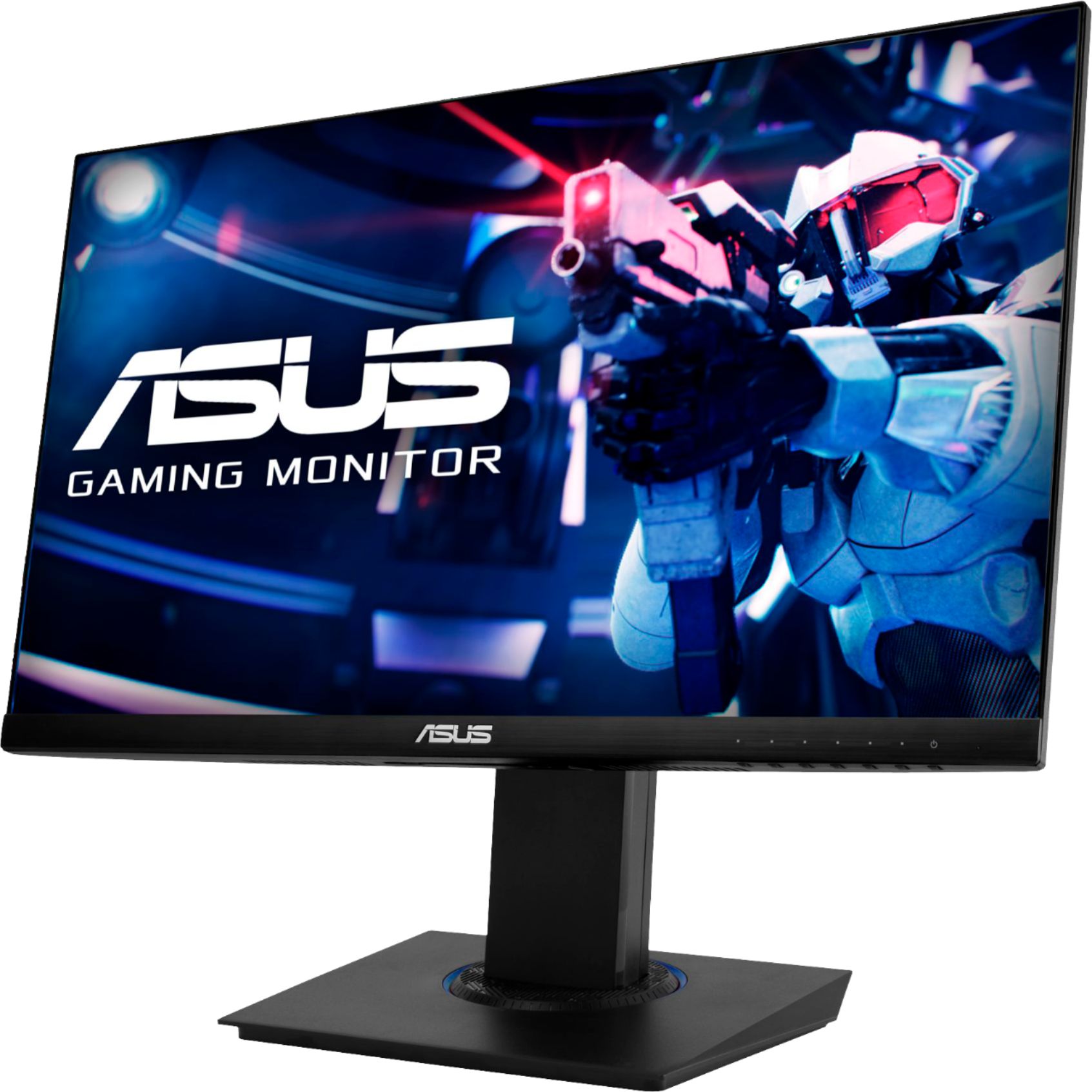
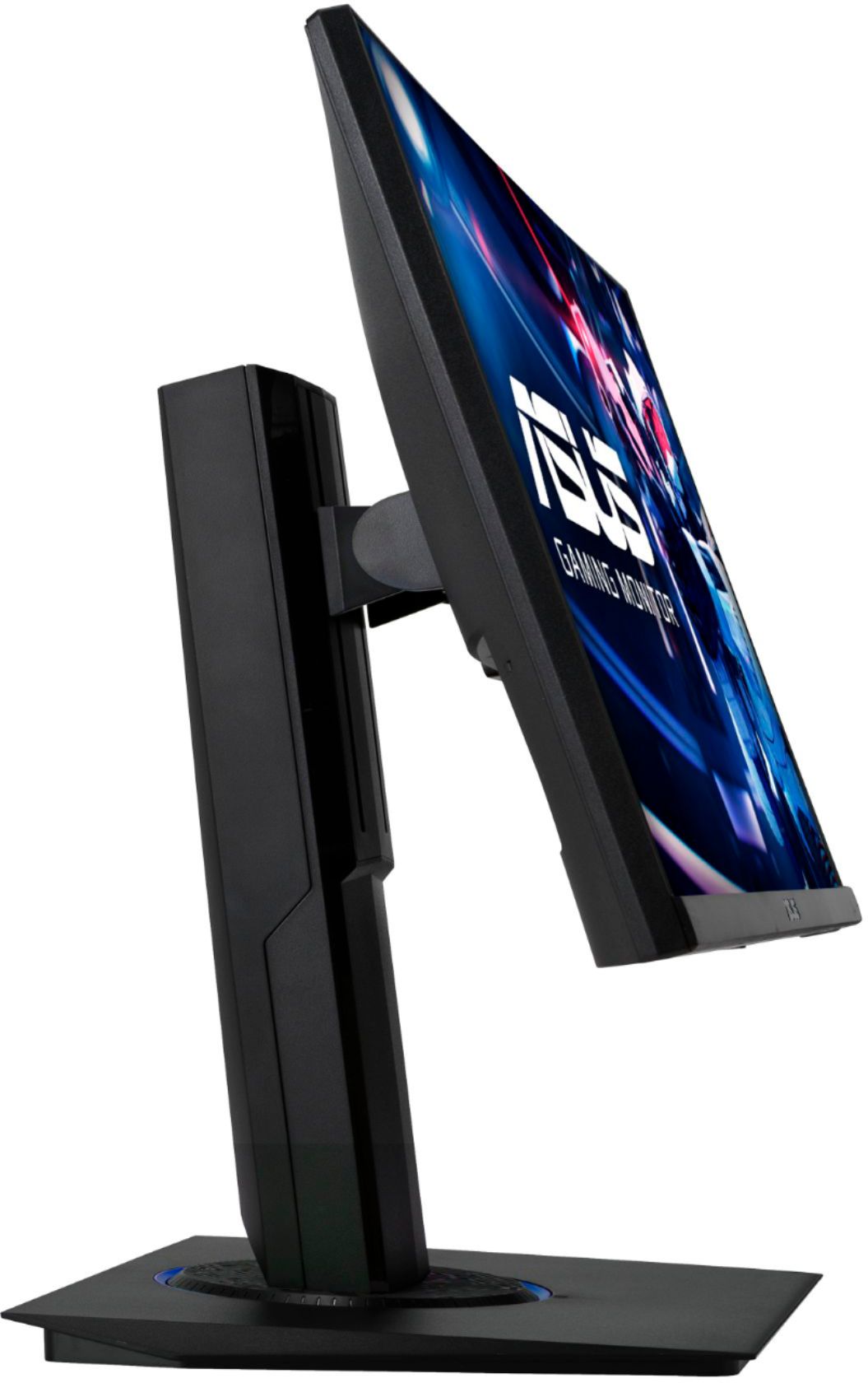
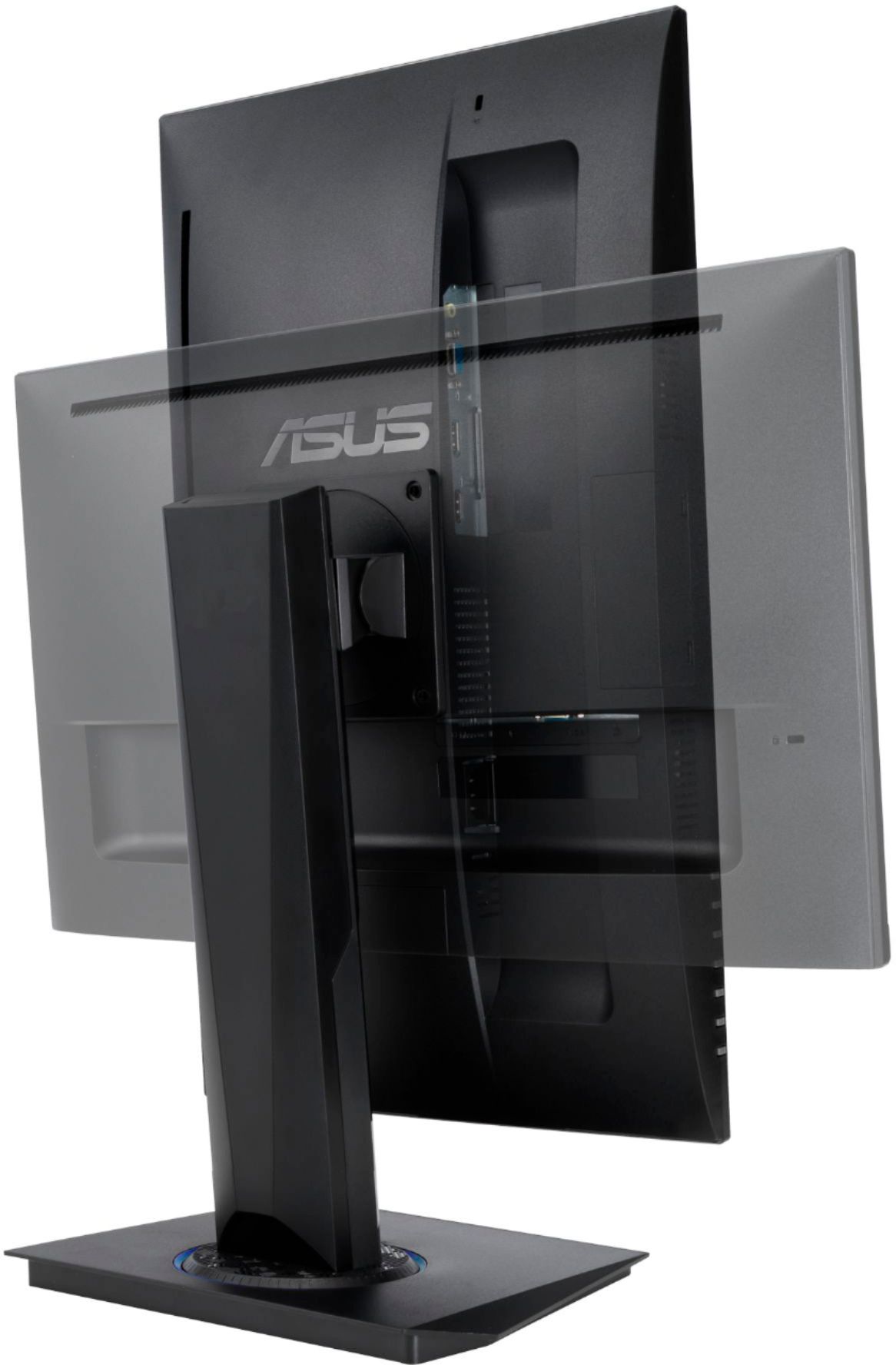
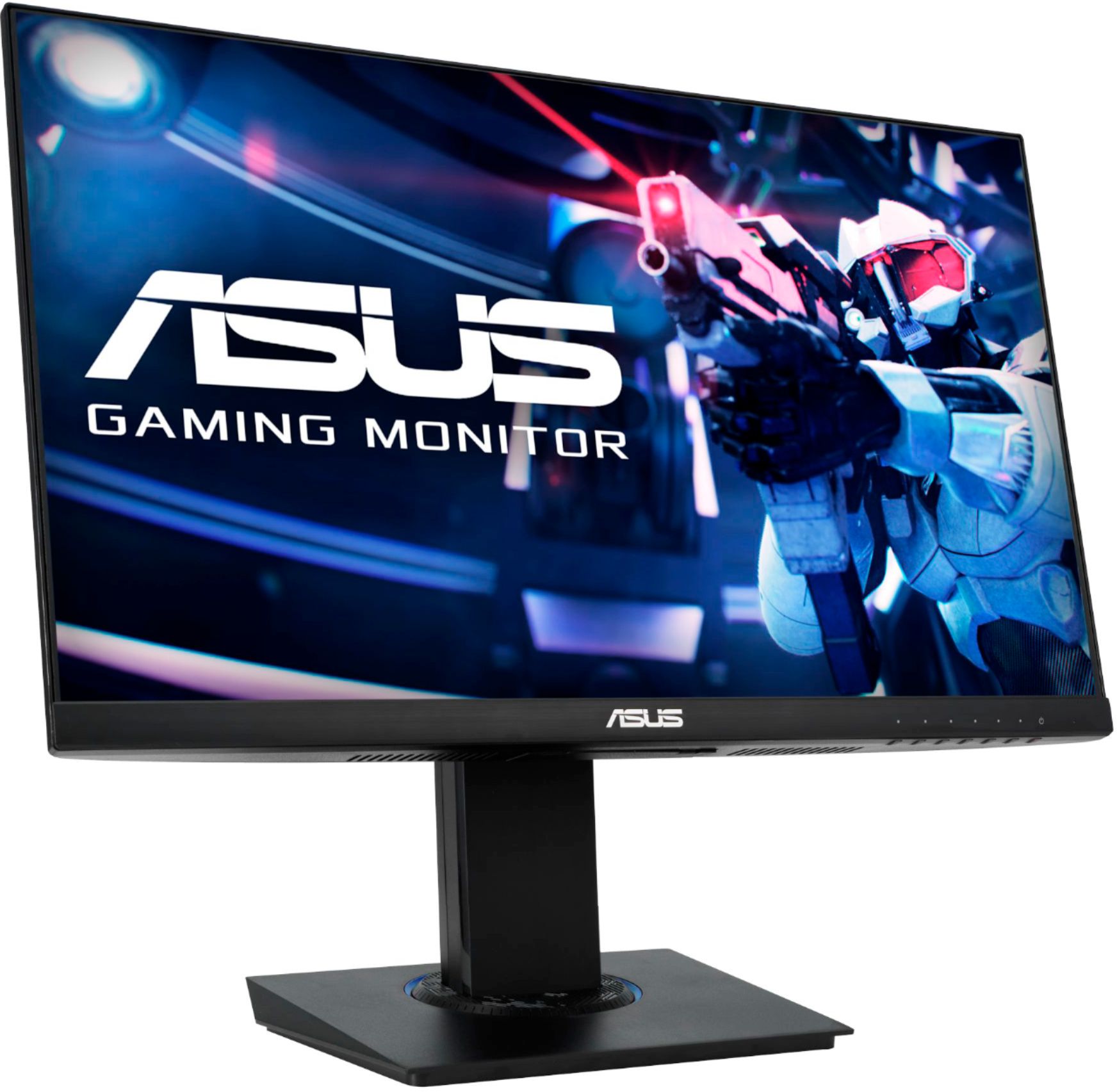
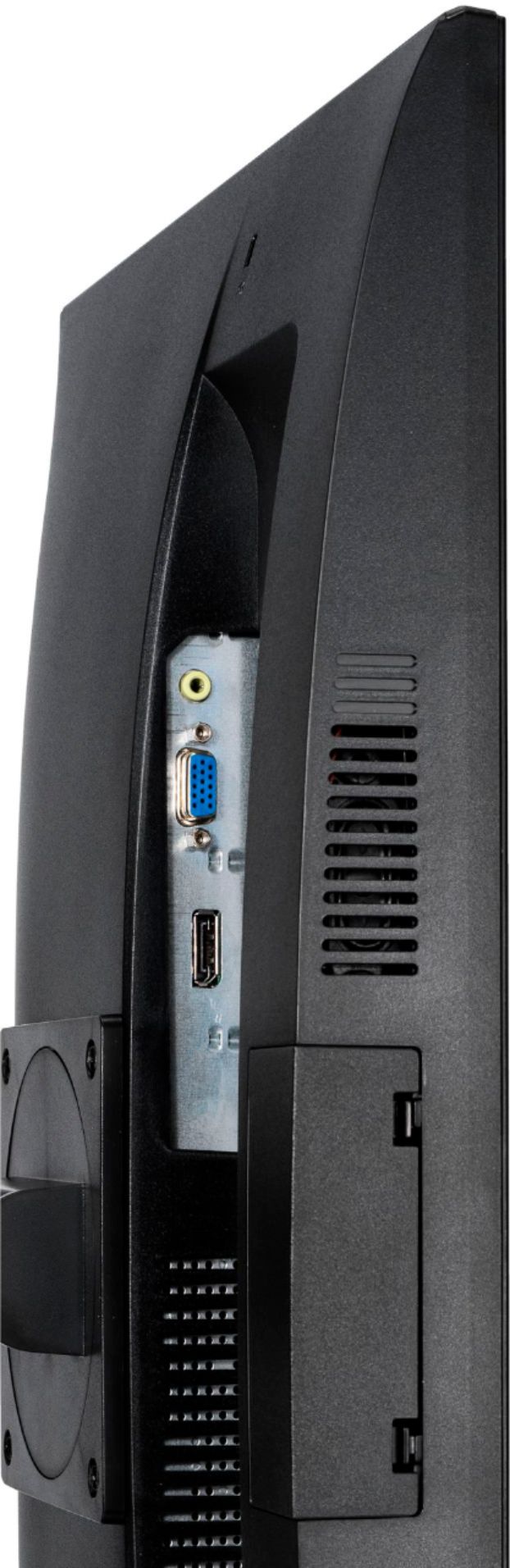
|Posted .This reviewer received promo considerations or sweepstakes entry for writing a review.I was surprised to see a 24” gaming monitor for under $200. When it arrived, it was well protected, well packaged. The arm was attached to the monitor and when taking out, just needed to be attached to the base which was easy enough with 1 screw. Another surprise was the VGA port. I know of no gaming rigs that utilize the analog VGA anymore. I would expect instead, maybe DisplayPort, just seems an odd choice for a gaming monitor. The stand is awesome with a great many adjustments. Swivel, tilt and height adjustment all easy to achieve. The monitor can be turned vertically as well. It’s a nice option though I would probably rarely use it vertically unless I had a document that requires a lot of scrolling. The display has very small bezels on top and sides and a slightly larger bezel on bottom. It’s a well-built, quality monitor. With the faster refresh rate, when playing games or when watching a video, the motion is smooth and crisp without The colors are vibrant and look great on the matte display. It’s not 120hz refresh which is more the norm for gaming monitors as is 4k, but for those that need more but can’t afford a full 120hz 4k monitor this is the one to get.
I would recommend this to a friend Worth It
||Posted . Owned for 10 months when reviewed.This reviewer received promo considerations or sweepstakes entry for writing a review.Ive been playing and running competitive HALO Infinite multiplayer matchmaking games on this monitor for alil over a year now, and it works and runs like its still brand new fresh out of the box
I would recommend this to a friendTeenager’s expert opinion …
||Posted . Owned for 5 months when reviewed.This reviewer received promo considerations or sweepstakes entry for writing a review.Daughter loves this and says I quote “it renders quite well, the colors are accurate and there have been no problems with colors too weird or bright.” She’s an artistic genius so I’d listen to what she has to say.
I would recommend this to a friend- Pros mentioned:Price
Great monitor
||Posted . Owned for 2 weeks when reviewed.This reviewer received promo considerations or sweepstakes entry for writing a review.Very good second monitor. It gets the job done. And very affordable
I would recommend this to a friend Perfect Monitors
||Posted . Owned for 1 week when reviewed.This reviewer received promo considerations or sweepstakes entry for writing a review.So far so good. Monitors feel well built and the vertical function is really neat. I have always loved Asus as they come standard with 3 year warranty on parts and labor. Easy set up as well.
I would recommend this to a friendGreat for first time gamers
||Posted . Owned for 1 month when reviewed.This reviewer received promo considerations or sweepstakes entry for writing a review.Great for a first gaming monitor ! Definitely worth the money (I got mine on a discount) graphics are great everything is good for someone looking to start building on the cheap side
I would recommend this to a friend- Pros mentioned:Price
Great stand, fast panel, ELMB, and Freesync
|Posted .This reviewer received promo considerations or sweepstakes entry for writing a review.The Asus VG246H, while may not have the most catchy name, it has a great feature set for a mid-range gaming monitor. You get a 1080p resolution at 23” (decent pixel density), ELMB (motion blur reduction), Freesync (HDMI only - sorry Nvidia users), and other features that may or may not be your bag. Overall for the $180 asking price it’s not a bad setup. Upon unboxing, you’ll find the stand already pre-attached to the monitor, with only the base to screw in. There’s a blue outline on the base and a textured pattern - but other than these, that’s about the only gamer ‘flare’ and it’s understated. If you’re looking for something that can fit in a setup that’s not over the top, this monitor is relatively understated. The stand is a nice bonus at this price point, and you’ll be hard pressed to find something that can rotate, twist, and angle. The stand is vesa mount, so if the monitor ever went kaput you could harvest the stand - bonus! The panel is edge to edge with minimal bezels and dark area. Thankfully you’ll find it has the power supply built in, so you can just use a standard 3 pin power cord. Let’s talk ports real quick. Out back you’ll find 3 ports: HDMI, VGA, and 3.5mm headset jack. Of course while it’s nice to have VGA for legacy applications, I’d trade it any day for a second HDMI in a gaming monitor - or a display port. The implications of having just one HDMI and no display port mean that you won’t be PC and console sharing this display without some serious compromises. VGA is analog, so you won’t get audio, or frankly, a very good picture on a native digital display. A second HDMI port would have offered PC & console connectivity, even allowing sharing the same speakers via that 3.5mm output. The lack of display port here means that for the vast majority of Nvidia users, you won’t be able to use the Freesync capabilities of this monitor. While only offering 48-75Hz variability, it’s still a feature that makes a pretty big difference for many lower end 1080p gamers. In the age of insane GPU prices, that’s a sad miss on an otherwise great feature set. Moving on panel brightness is sufficient for gaming and most office tasks. The IPS nature of this display means that colors are well saturated and bright. Viewing angles are great as well, and the stand really allows that to show off. Being able to rotate a display to vertical orientation may not mean much to your average gamer, but for productivity, this monitor pulls great double duty. Panel size is appropriate for the resolution. 23-24” panels at 1080p offer decent pixel density and don’t leave you feeling like you’re looking at an undersized TV. The monitor is comfortable to use and uses a direct DC backlight, reserving any PWM for the ELMB feature. Speaking of features, the monitor sports the aforementioned Freesync over HDMI. If you have a Radeon card, this feature will allow you to use 48-75Hz variability. You can’t use this feature and ELMB or some other tweaks, but overall this is the primary feature choice you want if you’re sporting a lower end Radeon from the past few years, as it will really smooth out games that your card might struggle to keep at 60 or 75hz. If you’re an Nvidia user, ignore Freesync, it isn’t happening over HDMI at least until 2.1 gets ubiquitous (HDMI VRR isn’t standardized until version 2.1). So what does an Nvidia user have to benefit from on this monitor? Well ELMB is pretty nice. While it introduces backlight strobing (completely on purpose - it’s how this feature works), it creates a much smoother motion. This means that text that would be unreadable in motion is clear as if it were coming out of a CRT (that’s a big tube monitor from the 90’s kids). This monitor offers 2 modes: Standard and Turbo. Standard gets you most of the benefits while not affecting backlight brightness as much as Turbo. Turbo does an excellent job, and even textures that appeared blurry on Standard are quite clear, but it comes at the sacrifice of more monitor brightness (strobing a light on and off lowers overall brightness). I like Standard, and this is the feature if you have an Nvidia card you want to consider, especially if you’re into RTS, MOBA, or FPS games. The effect on text in motion is amazing, so be sure to consider it. Beyond that, there are slew of gimmicky features, like added crosshairs (Practice mode.. really?), a timer (could be useful), an FPS counter with a graph (kinda cool, but only useful if you’re using Freesync), and display alignment (for aligning multiple displays together). Honestly, use the timer or the FPS graph (with Freesync) and forget the rest. Image adjustments like most Asus monitors are a tad confusing. The mix and match of what features are supported when is made clear by enabling those features, but it’s still confusing. For instance ASCR can’t be used with ELMB or Eco, but ELMB can’t be used with Freesync ASCR, or Eco. It makes sense, but there are a lot of acronyms going on here. ASCR’s dynamic contrast ratio is ok, but it makes a minimal difference. Furthermore, each picture mode enables or disables certain features, which is confusing. sRGB is the worst of these, while offering arguably the best accuracy, it barely lets you tweak any settings. Scenery or RTS are probably the best starter configurations, but there is no standard, which for some reason irritates me. Some of the modes (looking at you MOBA) offer weird effects on color in general, so be wary of some of the predefined settings. The response time on this panel is rated at 1ms with overdrive on. Overall, that’s a marketing number and it’s obvious that the panel is fast for an IPS, but 1ms might be pushing it a bit far. Anyways, I highly recommend the ELMB - as it makes this panel just about as good as a TN while offering a much better picture. Just do it as long as the backlight strobing doesn’t bother you. Overall this is a decent amount of monitor for the price. You’re still only getting a 1080p 23” display, but you get a great stand, lots of features, a fast panel with a flexible ELMB setup, and Freesync if you’re sporting a Radeon card. Styling is understated, so you could use this in a professional environment without people looking at you funny. IPS is great for colors, and the display is well saturated. I would highly consider this if you’re looking at 1080p monitors in general, and especially if you’re a Radeon gamer. This monitor isn’t perfect (would have really loved another HDMI and/or a DisplayPort), but you get a lot for your money here too. Highly recommended!
I would recommend this to a friend