Customer Ratings & Reviews

- Model:
- VG279QR
- SKU:
- 6450750
Rating by feature
- Display Quality
Rating 4.8 out of 5 stars
- Ease of Use
Rating 4.8 out of 5 stars
- Features
Rating 4.7 out of 5 stars
Customers are saying
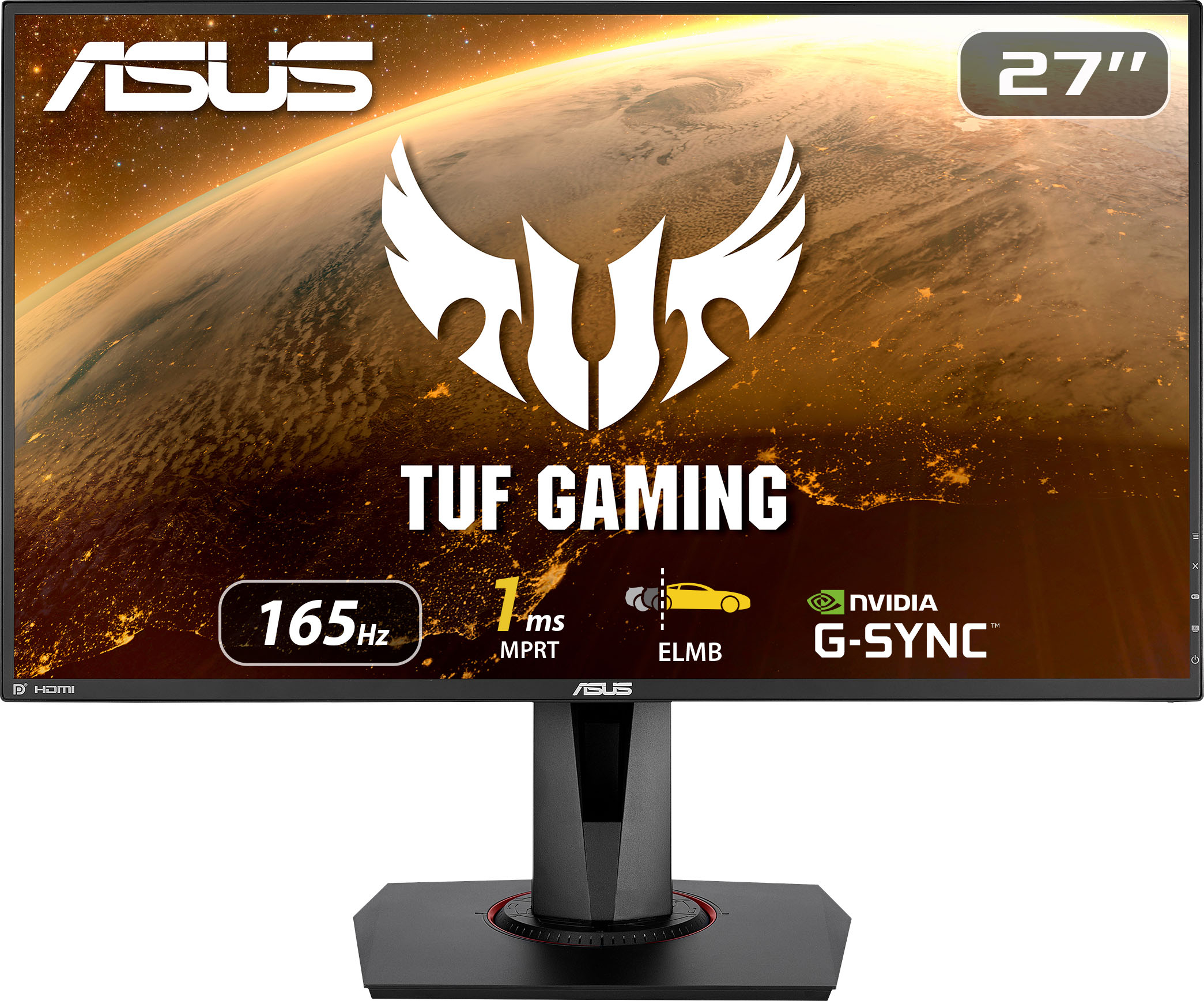
Customers are enthusiastic about the picture quality, refresh rate, and color accuracy of the TUF 27” IPS monitor. Many appreciate the monitor's height adjustability and ease of use, finding it to be a good value for the price. However, some users noted that the built-in speakers could be improved, and a few reported issues with dead pixels. While some users found the lack of HDR support disappointing, others highlighted the monitor's low input lag and lack of motion blur.
This summary was generated by AI based on customer reviews.
Asus monitor
||Posted . Owned for 3 weeks when reviewed.This reviewer received promo considerations or sweepstakes entry for writing a review.So far so good! Im loving the g-sync, i play warzone and the graphics look amazing on it combine with my 3060ti
I would recommend this to a friendGsync monitor
||Posted . Owned for 9 months when reviewed.This reviewer received promo considerations or sweepstakes entry for writing a review.Monitor is amazingly fast response. Gsync is amazingly good.
I would recommend this to a friendAwesome!
||Posted . Owned for 3 weeks when reviewed.This reviewer received promo considerations or sweepstakes entry for writing a review.Great picture! Works perfect with my 4K Xbox! Definitely recommend!!
I would recommend this to a friend- Pros mentioned:Refresh rate
Monitor buttons broken
||Posted . Owned for 9 months when reviewed.This reviewer received promo considerations or sweepstakes entry for writing a review.It worked good for a while. Perfect gaming monitor good refresh rates and display, complete upgrade from my tv. I had used this monitor often, greatest thing I had yet. Up until recently my monitor will turn on by it’s self and the buttons are acting as if they are being pressed when I’m nowhere near it. I’ll be playing a game and the monitor menu will appear taking up a portion of my screen and when I go to press the “x” button it won’t even work, so the monitor menu will appear and I can’t even get rid of it. I’ve tried cleaning it thinking it was dust still is doing it, I can’t even use this monitor now as I have to unplug it to make sure it stays off during the night. I have can’t really use it anymore as this monitor menu would keep appearing at random making it hard to play games or sometimes depending on what I’m doing daily tasks
No, I would not recommend this to a friendBrand response from ASUS Answers
Posted .Dear RH01,
We're sorry to hear that you are having issues with your buttons on your Monitor. We’re so sorry that your experience did not match your expectations. This is on us. ASUS provides warranty coverage in order to fix or repair any product that has issues under normal usage. Please reach out to us with your case number so we can do some investigation into this issue. We would love to have your issues resolved in a timely manner.
For more information send us an email at [email protected] and provide the link of this review for reference. We’ll do our best to provide a quick resolution to your case. Your feedback is important as it helps with improvements to ASUS Support channels. Please refer to this case number (N2111040240-0009) for us to better assist you.
Thank you for choosing ASUS.
Best Regards,
Ramon
ASUS Customer Loyalty US Support
Excelent
||Posted . Owned for 3 weeks when reviewed.This reviewer received promo considerations or sweepstakes entry for writing a review.Very good quality of materials and good image, excellent price.
I would recommend this to a friendNice
||Posted . Owned for less than 1 week when reviewed.This reviewer received promo considerations or sweepstakes entry for writing a review.Nice monitor! The problem is its blinking on Adobe premiere pro for 165 mhz. But I’m impressed overall
I would recommend this to a friendStuck/dead pixel
||Posted . Owned for less than 1 week when reviewed.This reviewer received promo considerations or sweepstakes entry for writing a review.I’m returning hopefully to have the monitor I purchased replaced. I used it no more than 3 times since I purchased this monitor on 11/22. On 11/29 I noticed a stuck/dead pixel Good monitor just sucks to have a defective product! Now I need to drive 10 miles to my nearest Best Buy to return and hope they have the same monitor. Thanks
I would recommend this to a friendBrand response from ASUS Answers
Posted .Dear Valued Customer,
It's unfortunate to hear about the dead pixel. All ASUS products undergo intensive quality control, testing, and inspections. What you've experienced was not intentional and this was a random case. Certainly, you can return for a replacement. If you have any concerns, feel free to reach out to me at [email protected] and provide this link for reference. I'll do my best to provide a quick resolution to your case. Your feedback is important as it helps with improvements to ASUS Support channels.
Thank you for choosing ASUS!
Best Regards,
Jamalie,
ASUS Customer Loyalty US Support
- Cons mentioned:Dead pixels
Dead Pixels
||Posted . Owned for less than 1 week when reviewed.This reviewer received promo considerations or sweepstakes entry for writing a review.I purchased 2 of these for my new office. One worked the other had dead pixels in the center of the screen. I went in and had the broken one replaced. I just received it and set it up to find the replacement also has dead pixels in the center of the screen as well as acting quite distorted randomly(I have reseated and replaced the cables just in case this was the problem). I will be returning both of these as I want a pair of matching monitors and cannot trust that another replacement will correct the problem. The 1 working unit is nice but receiving 2 broken units within 1 weeks time is why I need to leave this review.
No, I would not recommend this to a friendBrand response from ASUS Answers
Posted .Dear Valued Customer,
It's unfortunate to hear about the dead pixels and you are planning to return both monitors. What you've experienced was not intentional and this was a random case. Please attempt the steps from the FAQ below. If you have any other concerns, feel free to reach out to me at [email protected] and provide this link for reference. I'll do my best to provide a quick resolution to your case. Your feedback is important as it helps with improvements to ASUS Support channels.
Thank you for choosing ASUS!
Best Regards,
Jamalie,
ASUS Customer Loyalty US Support
Troubleshooting - https://www.asus.com/us/support/FAQ/1013113/
- Cons mentioned:Dead pixels
Broken Monitor due to either false labeling/ship
||Posted .This reviewer received promo considerations or sweepstakes entry for writing a review.Dead pixels almost on center of screen right out of the box. Very noticeable and is a big for day one. Don’t worry though as I won’t be buying electronics from here again.
No, I would not recommend this to a friendBrand response from ASUS Answers
Posted .Dear Valued Customer,
Certainly, we understand your disappointment with the dead pixels. All ASUS products undergo intensive quality control, testing, and inspections. What you've experienced was not intentional and this was a random case. I will forward your feedback to the product team for future improvements. Have you returned for a replacement? If you wish to have this resolved, feel free to reach out to me at [email protected] and provide this link for reference. I'll do my best to provide a quick resolution to your case. Your feedback is important as it helps with improvements to ASUS Support channels.
Thank you for choosing ASUS!
Best Regards,
Jamalie,
ASUS Customer Loyalty US Support
- Cons mentioned:Dead pixels
dead pixels after a month of use
||Posted . Owned for 3 weeks when reviewed.This reviewer received promo considerations or sweepstakes entry for writing a review.After only about a month of use there are already dead pixels appearing on the monitor. the adjustability of the monitor itself is very good and I would recommend but the dead pixels is pretty disappointing
No, I would not recommend this to a friendBrand response from ASUS Answers
Posted .Dear Valued Customer,
Certainly, we understand your disappointment with the dead pixel appearing on the monitor. All our products do go through an intensive quality control testing process to ensure that customers get units that are in proper working condition, what you've experienced was not intentional and this was a random case. We do offer excellent warranty repair, feel free to reach out to me at [email protected] and provide this link for reference. I'll do my best to provide a quick resolution to your case. Your feedback is important as it helps with improvements to ASUS Support channels.
Thank you for choosing ASUS!
Best Regards,
Jamalie,
ASUS Customer Loyalty US Support

Excellent for gaming and work
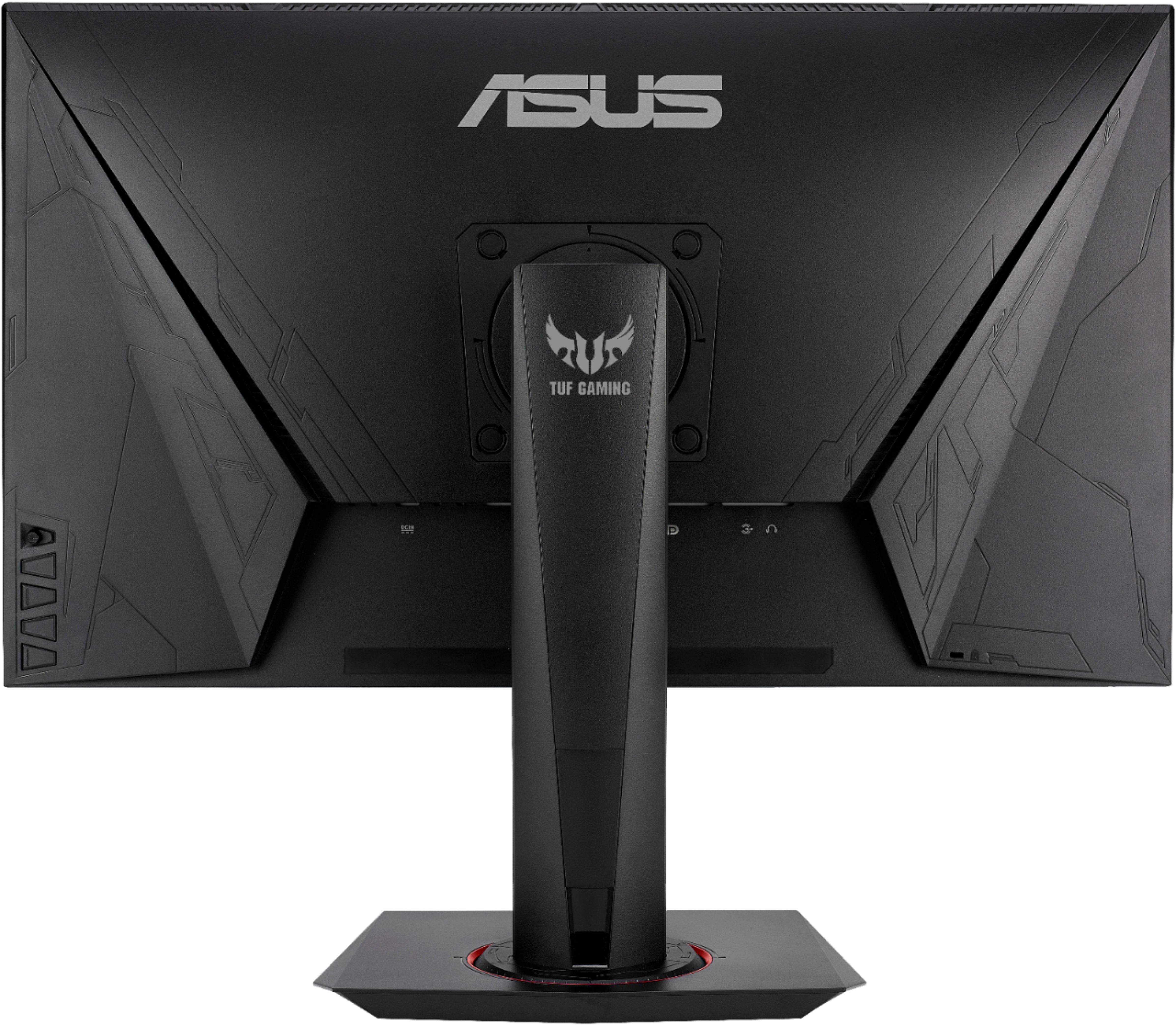
|Posted .This reviewer received promo considerations or sweepstakes entry for writing a review.I have been using this monitor extensively for over a week now and it is quickly becoming my go to for work and play! The 1080P panel is crisp and clear, though a 2k or 4k would be nice, at this price level this is perfect! I tested the refresh rate through both HDMI and Display Port, with HDMI topping out at 144hz and Display Port at the full 165hz. The display is extreme fast and responsive during fast paced FPS titles, like CS:GO and COD:MW & BOCW. For the periods between gaming, this monitor fits in perfectly in a professional setting, with very subtle gaming style and a clean bezel. The best feature for this is the swivel and rotating base, this allows you to utilize the sharp IPS display easily in horizontal and vertical modes, perfect for spreadsheets and long Word docs! The subtle styling and versatile configurations make this monitor an easy sell to the IT department or a spouse as a 2-in-1 device that will allow you get work done from 9-5, and game on an incredible display the rest of the time! The included speakers are nice to have for notifications, but are not loud enough to be used for more than quick audio or background noise. The I/O selection is very nice, offering 2 HDMI and 1 Display Port in, with one 3.5mm audio out for a headset! Setup is incredibly easy, menus are intuitive and flush with settings and features, and the controls on the back are easy to navigate. This display is able to handle it all! Overall, I would highly recommend this panel for someone looking for an excellent value, high refresh rate, quick response time, do-it-all monitor that will bring their work, and especially gaming, to a higher level!
I would recommend this to a friend- Pros mentioned:Adjustable
Affordable (AWESOME) gaming monitor in every way.
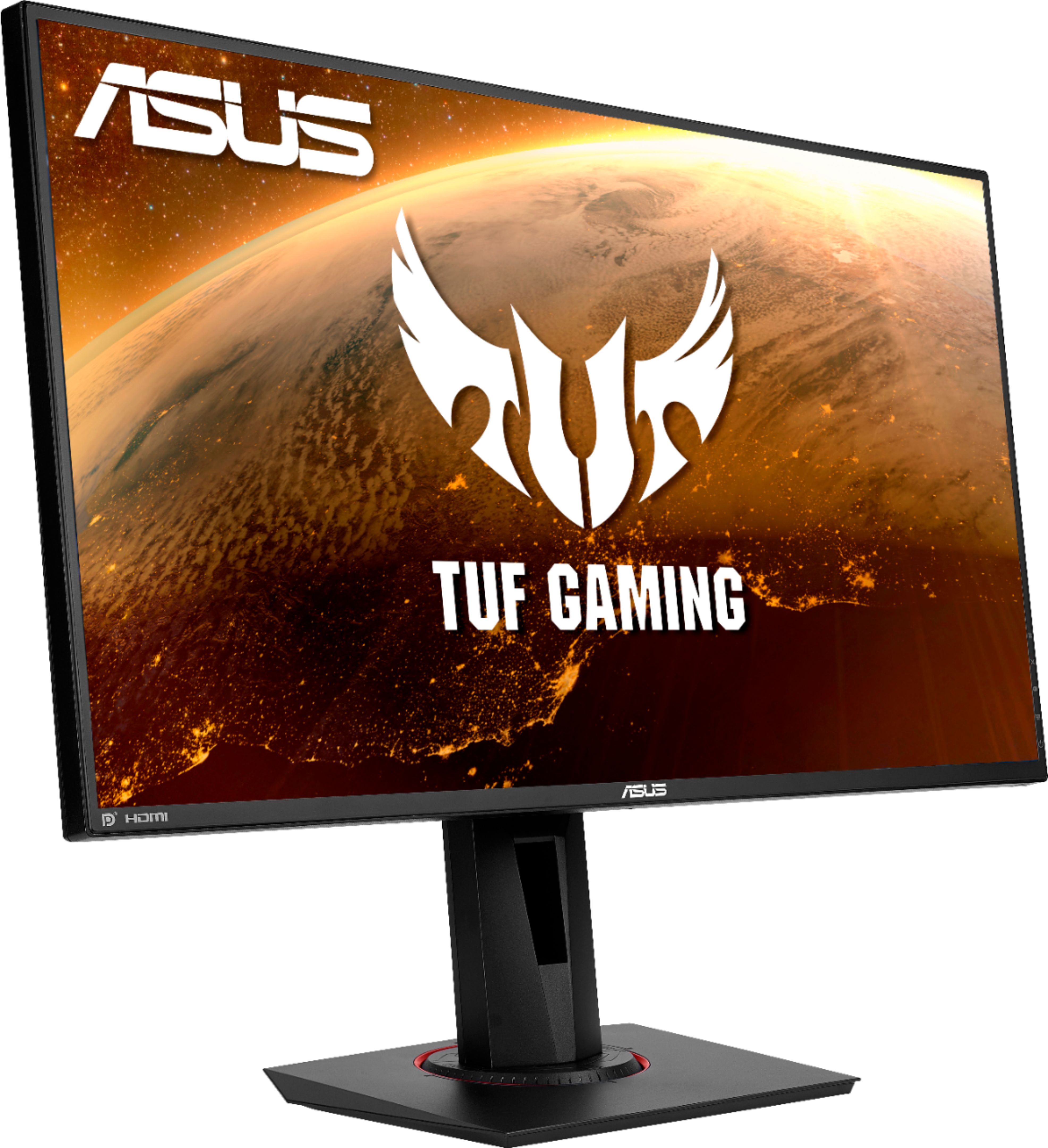
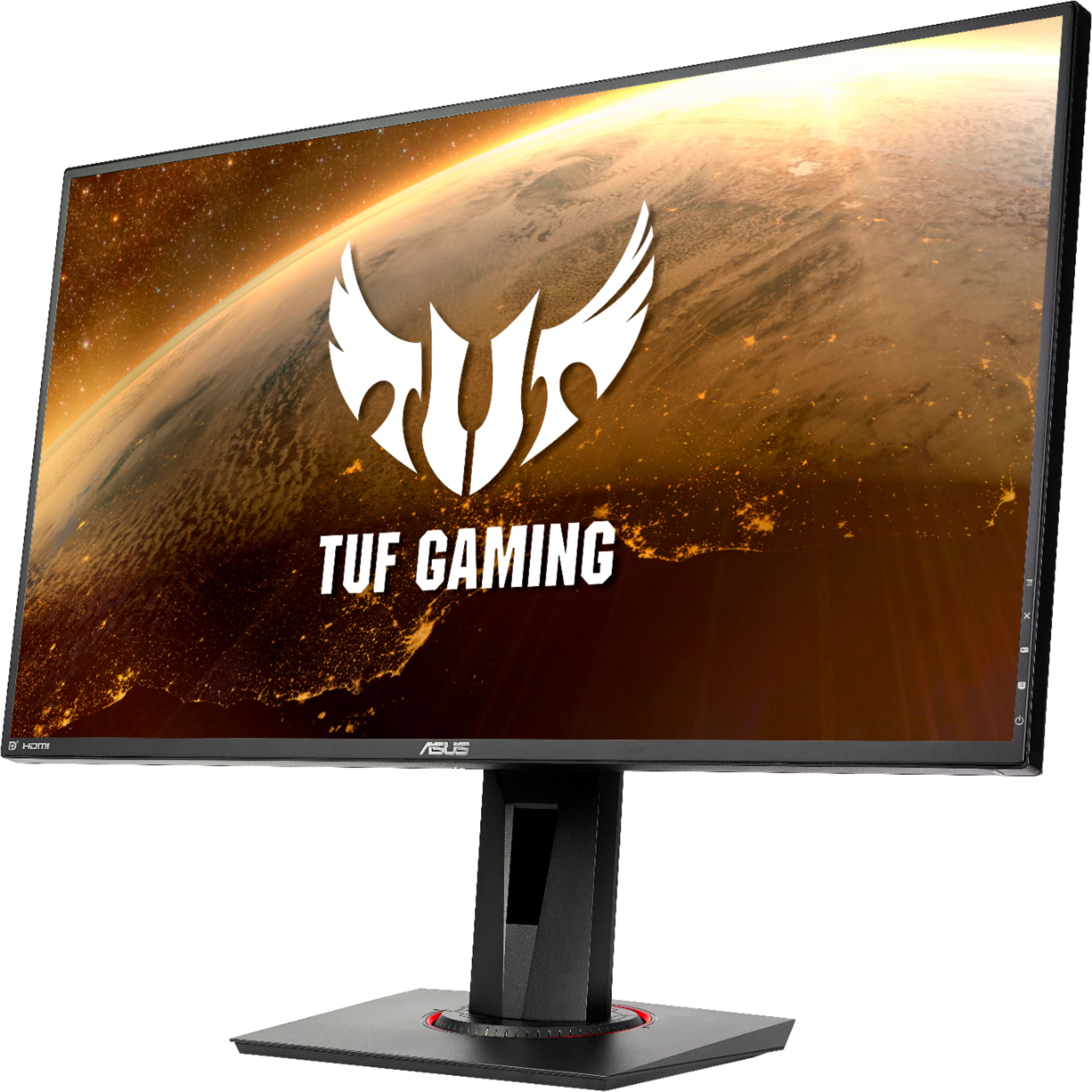
|Posted .This reviewer received promo considerations or sweepstakes entry for writing a review.This is purely a gaming monitor to its core. It has every single feature you would want in a monitor for gaming @165Hz; slightly missing a few things but overall I’m just gonna highly recommend the monitor now because the price is phenomenal, it’s great @1080p, G-Sync, low powered, and tons of other features through its own software. Long story short if you are looking for a great gaming monitor you can't go wrong at all here. Disclaimer: I use an Nvidia card. The design is extremely nice looking, I happen to enjoy the aesthetics of ASUS TUF Gaming. Many do not. The red around the base would be off-putting to some but it looks great and subliminal. Thin bezels all the way around the monitor keep it looking sleek and futuristic. Viewing angles are nice, the monitor tilts, Pivit, and swivel which comes in handy for Portrait or landscape. There is height adjustment which I applaud for this price something I wish my MSI monitor did. On the back, there is DisplayPort, DVI, HDMI, headphone jack, and A/C. There are no USB 3.0 ports so don't expect them here and Nvidia's 3D Vision seems to be a dead thing now so it's not here either. I currently use the monitor as the third screen in a triple 27’ inch @1080p. I’ve used both Nvidia’s surround spanning options and as an individual screen within windows; Both worked great and couldn’t be happier. Very different gaming on three screens @120hz, Forza Horizon 4 looked amazing sitting inside the Cyberpunk 2077 car. But beyond being an additional screen on its own it’s fantastic with its color accuracy and there is no doubt the response times are good. Ghosting wasn't an issue for me either and I happen to enjoy trying out Nvidia's Reflex technology on Overwatch and Rainbow Six Siege with this display, The additional low latency combined with the monitor was a treat. The display is great and the text and super crisp along with watching a video. One shining feature I love about the TUF VG279QR is "Shadow Boost" and let me explain; You know how some games can get dark in some areas? sometimes it becomes annoying. (*cough* CONTROL*cough*) well, this monitor can boost those dark areas of games you can really see. Resident Evil 2/3 Remake also benefits from this as well. GamePlus seems to be offering mostly what comes in line with gaming monitors of this price point. You can put a Crosshair, Timer, FPS Counter, and align the display through the settings menu. There is a button (and settings menu) where you can access a setting called "GAMEVISUAL" where you can set the tone of the display to match the type of game you are playing. Blue Light filter helps reduces strain on the eyes and is extremely useful if you are going to be gaming all night. Gaming has been a fun experience with this monitor and ASUS did a fantastic job hitting every feature and the price for gaming. From one gamer to another you really would enjoy this screen. I highly recommend this one.
I would recommend this to a friend - Pros mentioned:Refresh rate
Impressive Performance for the Price
|Posted .This reviewer received promo considerations or sweepstakes entry for writing a review.The ASUS TUF Gaming VG279QM 27" Monitor is a beautiful monitor with impressive performance. I use this monitor with a GeForce MX150 GPU with DirectX 12.0 on an HP Spectre 360 laptop with GeForce Experience Version 3.21 and a custom-built gaming computer with a B550 motherboard, a Ryzen 3600 CPU, 32 Gigs Ram at 3600mhz, and an RTX 2080ti GPU. The unboxing and setup went smoothly. The ports are clearly marked and easy to access. I love the whole motion range of the display in height, rotation, pivot, and angle. The base is a nice size for supporting the monitor but not too big on the desktop. The stand and display have a durable build quality. This monitor really shines when gaming. It is crazy fast, and I hardly noticed any ghosting at the 60 / 100 "tracefree" setting, also known as overdrive. Right out of the box, the color accuracy was excellent. The contrast ratio is decent for an IPS panel. I don't recommend the built-in speakers unless you don't have any other options. At least it has speakers. There are multiple Nvidia G-sync stickers; however, the monitor does not have a physical Nvidia G-sync module. It is a G-sync emulation to provide compatibility. Not a big deal, considering the price range, since an actual G-sync module would raise the price by $200. The joystick control for the monitor menu and settings is a nice touch. There are way too many settings and options to bring up here; however, the flexibility of options is nice, especially assigning custom settings. With the 27" screen size and a 1080 resolution, the pixel density is only 81 PPI. The edges are not smooth, and the image is a little rough. But again, for the price range, it's acceptable, especially with the insane 280Hz refresh rate. I wouldn't recommend it for photo editing or illustrative work. Still, it does a decent job for gaming and writing code in portrait mode. Overall: For a budget 1080p monitor, at 27", it is a strong contender with the crazy fast refresh rates and remarkable color accuracy on an IPS screen. If you can overlook some of the more minor flaws, you'll get a decent gaming monitor at a very reasonable price. Features • Non-glare, LED, IPS, 27 inch, 1920 x 1080 (Full HD) • 1ms GTG response time • G-SYNC Compatible with Variable Refresh Rate • Overclockable 280Hz refresh rate • High Dynamic Range technology with DisplayHDR ™ 400 certification. • One DisplayPort, 2 HDMI 2.0 ports, and an Earphone jack.
I would recommend this to a friend Great Gaming Monitor
|Posted .This reviewer received promo considerations or sweepstakes entry for writing a review.I’ve never used an Asus monitor before and mainly I have stayed in the Dell ecosystem. So when I saw this gaming monitor I became interested in trying something new and decided to get it and so far I have been having a pleasant experience. First, what’s in the box? The monitor, base, stand, an HDMI cable, a DP cable and the power cable. For connectivity we have one DisplayPort 1.2, two HDMI 1.4 ports and an earphone jack. That’s basically it outside of the warranty and quickstart guide. I would like to point out that it has five physical control buttons rather than touch capacitive ones on the bottom lower right back side, which is a plus for me. Right out of the box, setup was straightforward.The default settings were not to my liking but I was able to tweak it in the settings with no issue. I would greatly advise that with any new monitor you should always check for dead pixels right away. Attaching the base and arm to the monitor takes less than a minute, just make sure to place the monitor on a flat leveled surface while you secure the base and arm. Once set up the monitor can move a few inches up and down, turn 90° to the left or right, tilt a few degrees backwards and finally it is able to pivot clockwise and counterclockwise 90° from portrait to landscape orientation. So let's take a look at the features of note. First off this IPS panel from Asus has a very wide viewing angle(178° according to Asus) which is greatly appreciated. It has a 165HZ refresh rate which honestly changes your entire viewing experience if you’ve never had anything other than 60HZ. Long story short, every paced movement looks much more fluid and smooth with no janky blurred image. This is great for first person shooters (FPS) and car racing games as everything looks much more sharp when in motion. It has some dedicated preset Gamevisuals built in which has optimized visuals based on several game types such as FPS, Multiplayer online battle arena (MOBA), Racing etc. Another interesting feature it had was some in-game enhancements called Gameplus which allows you some game enhancements such as an on-screen crosshair and timer. I didn’t use these much but I am sure it will be useful to someone. Finally this monitor has built in speakers, (which are always a plus to me) that sounds ok, not impressive at all, my only concern is that the volume(even when at max) is lower than I expected. There is also a blue light filter built in with five levels in settings from 0 to 4. This monitor did a good job handling everything I threw at it, Call of duty Cold War and Black Ops 3, Super Smash Brothers and Need for Speed Heat. With each of these games across my PC and consoles there were no issues switching between them and performance was good on all of them. Colors were deep and rich especially black and the refresh rate definitely made my gaming experience better. Asus did a good job here and I’m hard pressed to find many reasons why you wouldn’t enjoy it if you picked this up.
I would recommend this to a friend- Pros mentioned:Refresh rate
Great IPS display for gaming and 1ms response
|Posted .This reviewer received promo considerations or sweepstakes entry for writing a review.This is a great entry level gaming monitor, I had my reservations but was pretty impressed with this affordable monitor. Some of the main features that I most liked about this monitor were: 144hz Refresh Rate 1ms Response Time Gaming tools built in to the monitor (FPS counter, crosshair for training) G-Sync compatible Shadow boosting Paired this monitor with my gaming laptop with an RTX 3060Q, really worked great. Colors are true and vibrant with presets, no lag with the 144hz (make sure you set your display setting to 144hz or you'll be wondering why you're only getting 59.96hz. Also make sure you're pairing the right monitor with the right video card. With this monitor, you'll want to make sure you have an nvidia RTX compatible GPU. Menu controls are easy to get used to and change settings quickly if needed. Tilting the monitor and adjusting it was super easy. The things that could be improved are the bezel, for those that like thin bezels, you won't noticed the bezel on this too much but always could be thinner. I would recommend anyone looking for an affordable or entry level gaming monitor with the Tuf VG279QR gaming monitor.
I would recommend this to a friend - Pros mentioned:Picture quality, Price, Refresh rateCons mentioned:Speakers
Great monitor to buy on sale, customizable.
||Posted . Owned for less than 1 week when reviewed.This reviewer received promo considerations or sweepstakes entry for writing a review.This thing is huge lol coming from a 14 inch laptop, I was definitely surprised at how big it was when I got it delivered to my door. This was a great price as I got it on sale during the Black Friday sale. I'm no expert when it comes to graphics and all that but for the first time I experienced 144hz coming from being on 60hz for years and it blew my mind the instant I switched it. Going from 144hz to 165hz was noticeable but in my opinion if you're like me and don't need 165hz you don't need to get something like this unless it was on sale. A slight con is this monitor doesn't have USB passthrough and the speakers are not great although they work if you don't have speakers yet.
I would recommend this to a friend Crisp Picture & Great Quality
|Posted .This reviewer received promo considerations or sweepstakes entry for writing a review.What an awesome display, I had one that this one replace and the picture quality doesn’t even compare. My favorite two features: the rotating base (my screen sits near the office window so I love that I can rotate it), and the crisp colors and images! The refresh rate didn’t feel as quick as it stated but I’m still playing with the settings. After a tough d of Fortnite and some Outsiders it was pretty simple to conclude that I love that I can adjust the colors and use the hash marks to help guide my shooting. I guess it’s time to invest in a better gaming tower. If you’re looking for a larger screen with great picture quality then this is for you.
I would recommend this to a friend- Pros mentioned:Picture quality
Great Value
||Posted . Owned for more than 2 years when reviewed.This reviewer received promo considerations or sweepstakes entry for writing a review.Great monitor held up did its job. Great picture. Good size does way too much Pat for 3+ years would highly recommend it easy to keep clean easiest set up.
I would recommend this to a friend - Pros mentioned:Refresh rate
A Review of the ASUS TUF Monitor
||Posted . Owned for 1.5 years when reviewed.This reviewer received promo considerations or sweepstakes entry for writing a review.Immersive Visual Experience: A Review of the ASUS TUF Monitor Rating: ★★★★★ (5/5) Introduction: The ASUS TUF Monitor is a visually stunning display that has left me completely enthralled with its exceptional performance and immersive features. As an avid gamer and a professional in the design field, I sought a monitor that would not only deliver crisp visuals but also enhance my overall computing experience. After extensively testing the ASUS TUF Monitor, I can confidently say that it surpasses all expectations. From its vibrant colors to its remarkable refresh rate, this monitor truly raises the bar for display technology.
I would recommend this to a friend - Pros mentioned:Refresh rate
A good upgrade
||Posted . Owned for 1.5 years when reviewed.This reviewer received promo considerations or sweepstakes entry for writing a review.A basic upgrade to a traditional 60fps monitor, it has mediocre color filter presets built into the hardware. Lacks HDR support. However, can be tweaked in Nvidia Control Panel. Now, I would say this monitor is perfect for a secondary screen. I use the Predator XB3 as my main. Highly recommend using DP cables and mounting it on a stand that attaches to your desk. The provided mount is large and can take up space on your desk. Overall, I'd recommend it as an upgrade to a basic 60fps monitor.
I would recommend this to a friend