Customer Ratings & Reviews
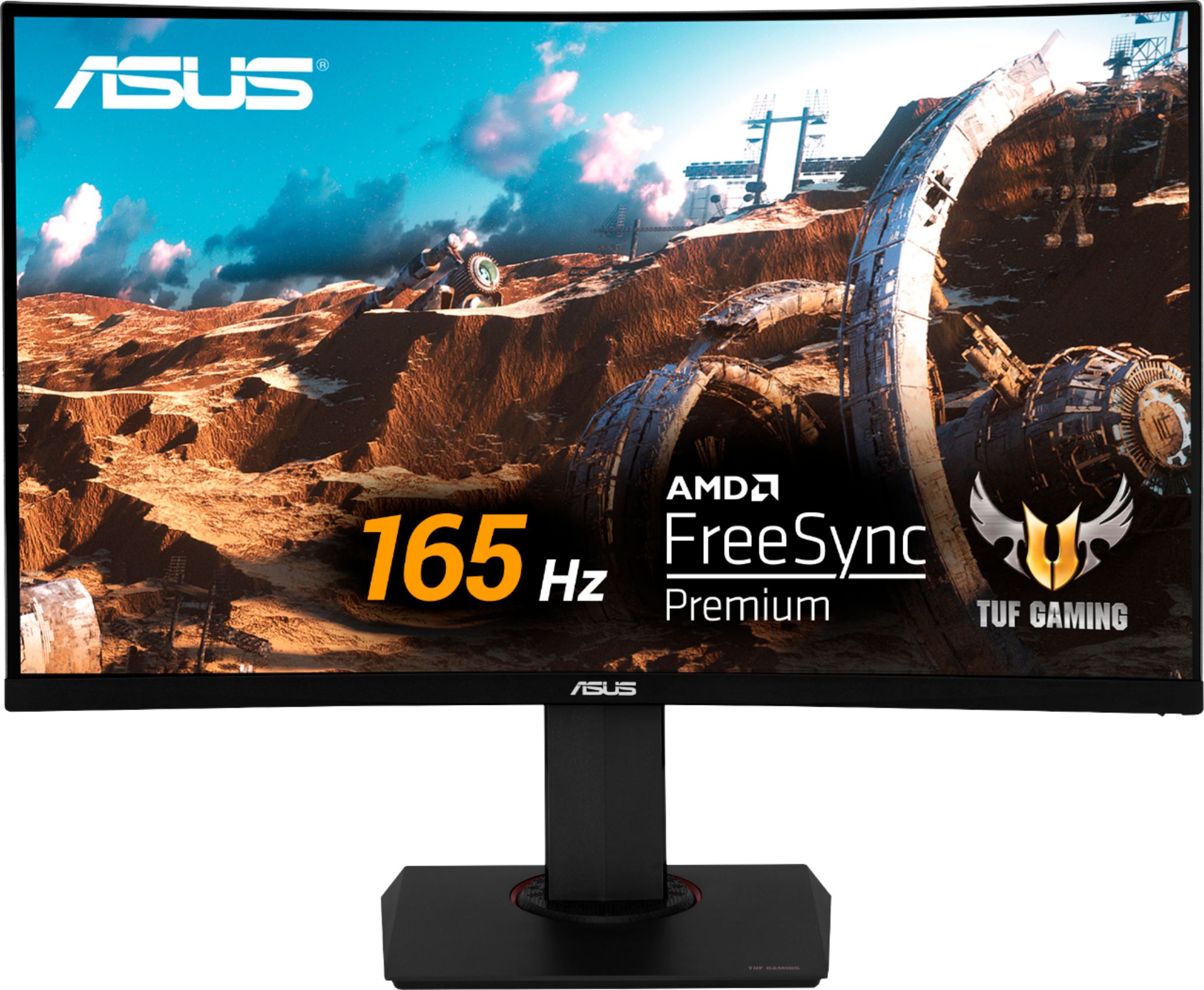
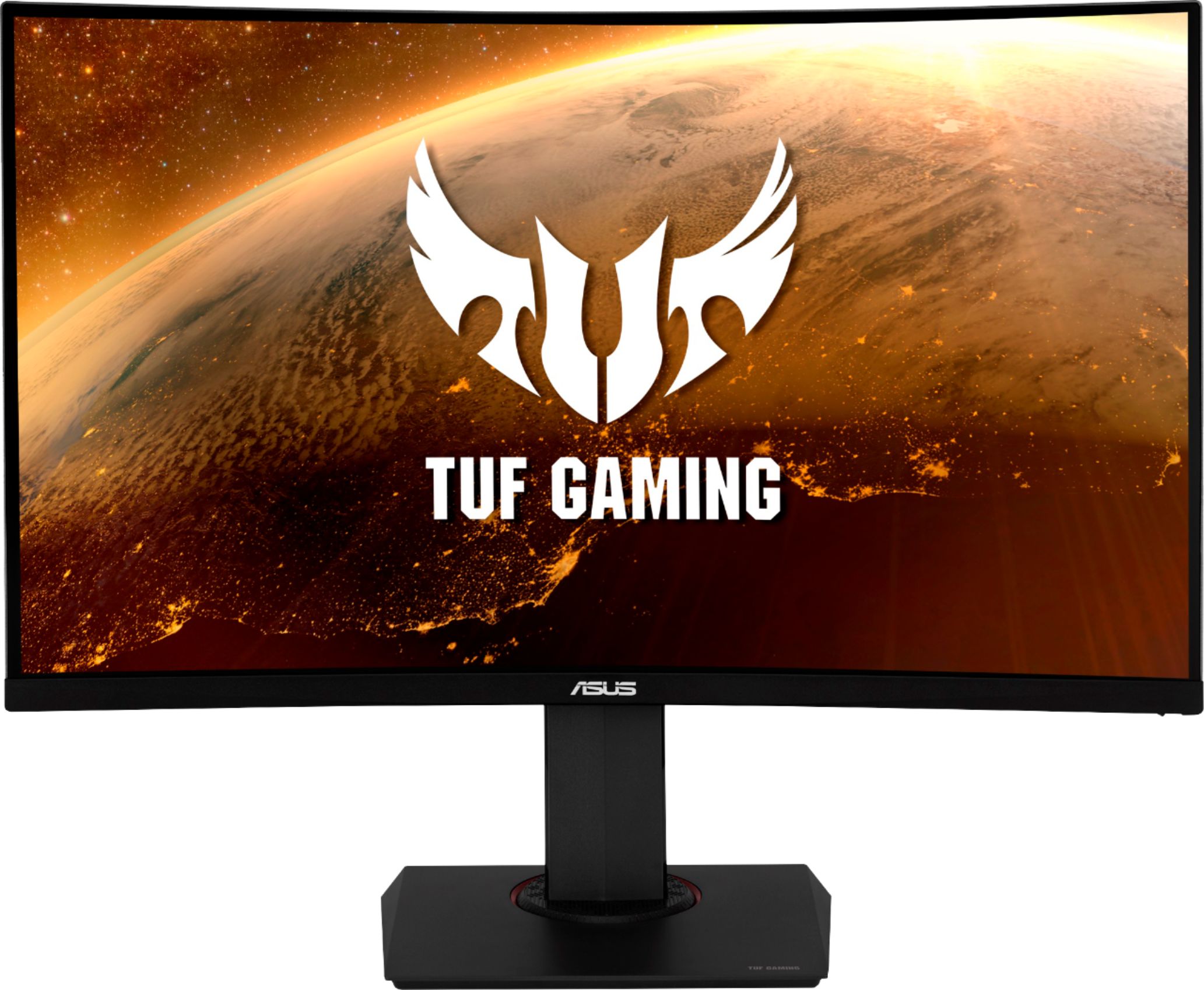

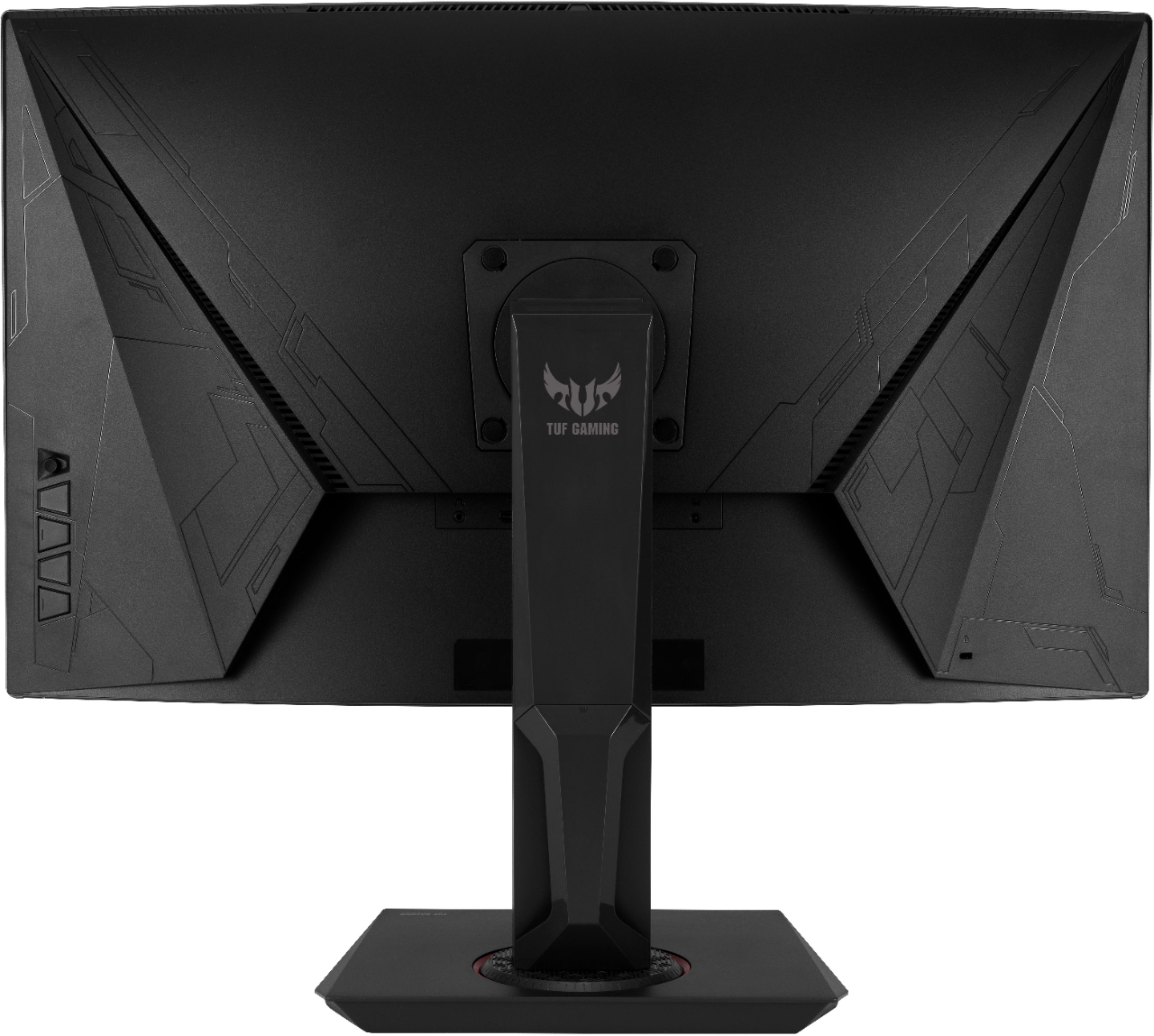
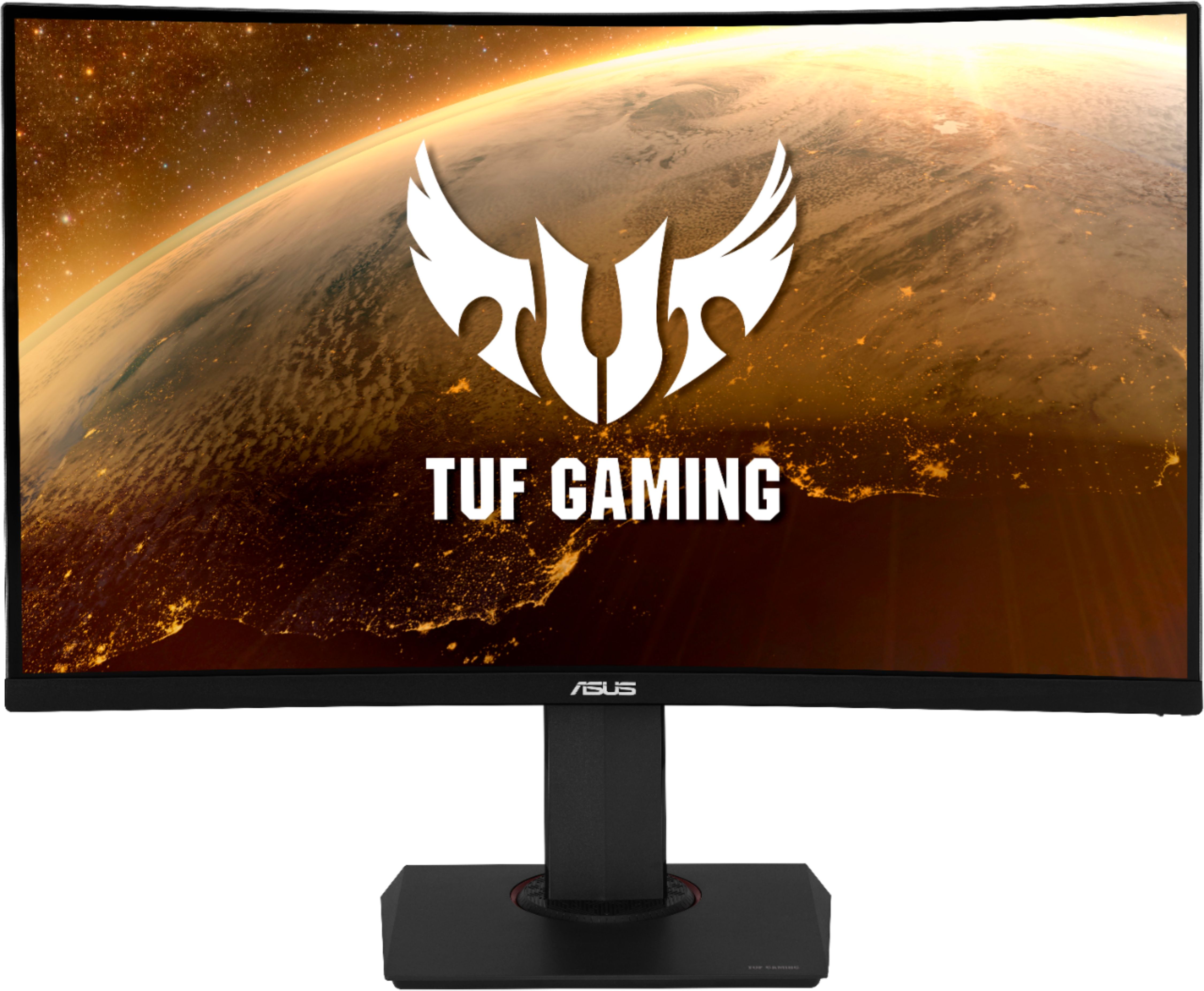
- Model:
- VG32VQR
- SKU:
- 6452917
Rating by feature
- Display Quality
Rating 4.9 out of 5 stars
- Ease of Use
Rating 4.7 out of 5 stars
- Features
Rating 4.6 out of 5 stars
Customers are saying
Customers admire the TUF 31.5" monitor's large screen size and vibrant visuals, praising its high refresh rate ideal for fast-paced gaming. Many appreciate the sturdy stand and its adjustability, while some find the built-in speakers to be underwhelming. Although some users noted minor issues with ghosting, the overall consensus points to a high-quality display with minimal lag.
This summary was generated by AI based on customer reviews.

VA (Vertical Alignment) panel Excellence
|Posted .This reviewer received promo considerations or sweepstakes entry for writing a review.The Asus VG32VQR, TUF Gaming 32" WLED monitor proves what VA panels are now capable of. My experience includes many large-format displays over the past 10 or so years, including a professional grade Asus IPS color-calibrated model and a competitors gaming display that is G-Sync enabled, 240 Hz capable and built upon a TN panel. I've have read numerous articles and watched blind-test comparisons between the three major panel types and honestly, I wasn't expecting much from the VA realm; especially in this size category. So, I was completely shocked and immediately struck by the amazing picture quality of this curved display. Presentation & Setup The VG32VQR is a mid-line, mid-priced 'gaming' monitor without any of the bling and with the absolute bare minimum of connection ports - albeit the right ports. The physical bezels are very thin but the dead-space area around the actual pixel plane is wider, although not distracting. The power indicator led is very subtle - which I personally like - and all the button controls are located on the rear, right hand side. If you're coming from a truly flat panel setup you will be immediately taken by the curved presentation but it will become a natural thing within a few days. The curve helps to reduce uniformity issues detected by the eyes whilst at the same time creating a very 'immersive' experience, even at viewing distances greater than 18 to 20 inches. Assembly was tool-less, simple and firm. One thing I appreciate in this design is the understated and compact base. No spidery legs here, which makes the accommodation for various desktop stands and platforms simple. Performance Again, coming from a 27" TN, 240 Hz panel and having read a wealth of less than favorable reviews regarding VA panel tech, I wasn't expecting much. But needless to say, my expectations were blown away as this generation of VA panel @ 165 Hz is a something that needs to be seen to be believed. I was immediately shocked to see what I consider to be OLED rivaling performance in terms of the depth of black, absence of light bleed and vividness in color reproduction. Straight out of the box, this monitor can be used without any fuss. But if you do have access to something like a SpyderX Pro, a simple warm-up and calibration will produce even more spectacular results. I am driving this monitor with a RTX 2070 Founders Edition card via Display Port and I have to say, although the 165 Hz is noticeably lower in overall motion quality vs. 240 Hz ... the near-OLED experience and vibrancy is utterly mind blowing. And I'd like to add that other than calibrating with a SpyderX Pro, I' have found this monitor is able to perform just fine without invoking HDR in Windows 10, not utilizing the advanced ELMB - nor the shadow boost or the vivid pixel controls. Essentially using this monitor on its defaults with DP, a capable graphics card ... and perhaps a little manual 'by-eye' calibration or with a SpyderX is all you will need to do to realize your money's worth here. I do go back and forth with a slight touch of vivid pixel enhancement but it is really game dependent (think old game titles...) and for C o D platforms or Insurgency, I find it best just leaving it turned off. With respect to the gaming experience, this monitor runs smooth and sharp, even in the most action/motion demanding scenarios. C o D Black Ops, Nuke Town is one of my favorite online sessions to engage and on the VG32VQR - it takes gaming to a completely new-level of wow. Color depth is outstanding, V-Sync enabled controls is a thing of the past and the contrast ratios from the brightest down to the darkest scenes is incredible and well balanced. I'll say it again ... calibrated - this thing looks like an OLED panel, across very bright to modestly darkened, ambient room environments. I'm 100% in the VA camp now. TN is too washed out and IPS isn't really meant for gaming anyhow. VA has come of age and I look forward to the faster response times that will certainly arrive in the years to come for VA based gaming monitors. I seriously cannot imagine a TN based 32" gaming monitor coming anywhere near the visual quality of the VG32VQR. The only real drawback I noticed with this display in that it appears to go into a rather deep, secondary sleep mode when allowed to do so - due to inactivity - thereby making it slow to wake up in a monitor-only sleep mode scenario. I assume this due to ECO friendly design practices. It's OK but just something worth mentioning.... as it takes about 15 seconds, give or take, to wake up. Pros Solid, top tier build quality All the essential ports Easy button controls and well laid out menu system Very easily the best non-OLED panel I've experience first-hand with Excellent color, brightness and black-level uniformity Comes with both a HDMI and DP cable. Thank you, Asus! Comprehensive enhancement features for those that want that extra boost in presentation Cons No onboard USB ports for those needing that convenience Slow resume from its onboard deep-sleep state Very average built-in speakers Highly recommended if you're a value conscious Gamer and prefer a curved, OLED mimicking gaming monitor.
I would recommend this to a friend- Pros mentioned:Image quality, Size
Buying a 2nd
|Posted .This reviewer received promo considerations or sweepstakes entry for writing a review.The ASUS VG32VQR is an extremely impressive 32" WQHD 165hz gaming monitor. I have been sold on a curved screen after a week using this and will never go back. This unit has a very sharp image, high contrast, very good color depth, minimal lag & no blur or flicker. I have used many of the presets & have had no desire to make any adjustments. The stand is very sturdy with swivel, tilt & vertical adjustment. All controls are located on the back right side and are easily accessible. All ports are bottom entry w one displayport & 2 HDMI's. I would definitely recommend and am looking to buy my 2nd one as we speak.
I would recommend this to a friend Yep, It's Immersive
|Posted .This reviewer received promo considerations or sweepstakes entry for writing a review.The Asus TUF Gaming VG32VQR is one of Asus’ latest installment of gaming monitors in the larger, curved space. They have a couple of curved monitors in the 31.5” size, but this one looks to stand out to professional gamers in both PC and console realms. Specs Taken from the Asus Website: 31.5-inch WQHD (2560x1440) 1800R curved gaming monitor with ultrafast 165Hz refresh rate designed for professional gamers and immersive gameplay ASUS Extreme Low Motion Blur (ELMB ™) technology enables a 1ms response time (MPRT) together with Adaptive-sync, eliminating ghosting and tearing for sharp gaming visuals with high frame rates. FreeSync Premium technology to eliminate screen tearing and choppy frame rates High Dynamic Range (HDR) technology with professional color gamut delivers contrast and color performance that meets the DisplayHDR 400 certification Supports both Adaptive-Sync with NVIDIA GeForce* graphics cards and FreeSync with AMD Radeon graphics cards *Compatible with NVIDIA GeForce GTX 10 series, GTX 16 series, RTX 20 series and newer graphics cards Full HD(1920 X 1080)@120Hz & 1440P (2560 x 1440)@60Hz output on PS5; Full HD & 1440P(2560 x 1440)@120Hz VRR output on Xbox Series X/S Build Quality: Out of the box, the monitor felt overwhelmingly large since I am used to 24”/27” monitors at home as well as at work, and I’m guessing you will too when you unbox it from its overwhelmingly large box. Assembly is quite simple as attaching the base footing to the monitor stand, requiring no tools. One would think that this monitor fully assembled would weigh a considerable amount, but no! It’s very light and that for those of us that will VESA mount (100x100mm) this monitor won’t have to sweat the stress on the mount. If you intend to use the included base, monitor adjustability is as follows: Tilt : Yes (+20° ~ -3°) Height Adjustable Swivel There is no option to on the included base to rotate to portrait...but then who would do that to a curved monitor anyway??? As far as looks are concerned, the monitor’s plastic bezels are fairly thin, but about a ¼” of panel on the top and sides are actually bezels flushed with the VA panel. So effectively the monitor is indeed 31.5” due to these bezels. The same is true for another Asus TUF monitor I own, so that must be a thing for them. Other than that, a vast majority of the monitor is made out of plastic, save the metal base for its weight to keep the monitor planted. I/O Ports: DisplayPort 1.2 x 1 HDMI(v2.0) x 2 Earphone Jack : Yes There isn’t a USB Hub built into the monitor, which kind of sucks as I’ve gotten used to monitors that do, but it isn’t a deal breaker by any means. Performance: The VG32VQR monitor is a gorgeous monitor. I run a 5900x with an Nvidia RTX3090. Right off the bat, Nvidia was able to detect both the refresh rate of 165Hz as well as the option to enable G-SYNC (although it does mention that the display is not validated as a G-SYNC compatible monitor). I turned it on just fine. Messing with the OSD allows the selection of predefined “GameVisuals” for most scenarios. sRGB was perfect for everyday browsing and productivity. Moving from visual to visual will change the color, brightness and contrast settings to benefit a particular genre of game or viewing mode. FPS, MOBA, RTS/RPG and Racing are the gaming modes; Scenery, Cinema and sRGB are more for your everyday viewing pleasure. I found each to be mostly positive for its intended purposes, but the advanced user will be able to customize each GameVisual that works for their situation. Another quick menu item is “GamePlus”, which allows an option of overlay: FPS practice crosshairs, a timer, FPS counter, DisplayAlignment and Sniper crosshairs. The VG32VQR is a DisplayHDR 400 certified monitor and when HDR is enabled in Windows, the monitor will disable GameVisuals to allow you to either choose HDR Cinema or HDR Gaming. If a particular game you play has a setting for HDR, it might be worthwhile to run in this mode, but beware that HDR will make your game appear washed out if there isn’t an option to do so. Finally, frame rates! Using an online website test tool, I was able to confirm the 165Hz refresh. This is making sure FreeSync Premium is enabled in the monitor. But how does that equate to gaming? You have to remember that your PC’s hardware will dictate the amount of fps it can generate based on the game you are trying to play. Will I get 165Hz out of Shadow of the Tomb Raider at Ultra settings? Probably not. But dang, it is so gorgeous on this monitor. But when I ran in lowest settings, I was able to max out fps at 165Hz. The same can be said for most games; find a good medium of graphics quality and fps if you can. Obviously if fps is your priority, then make the necessary graphics adjustments to do so. There is also the ELMB option to quicken the MPRT, but I found it made the picture darker overall. The biggest surprise for me is the 120Hz VRR output on Xbox Series X. Maybe I’ve been living under a rock for a minute, but to me this monitor is a bonafide gaming monitor made for console gaming! Currently, the PS5 only puts out 60Hz according to Asus, but I’m guessing with a PS5 VRR update down the road, this too will be able to allow higher refresh rates. Price-wise, there is a lot of competition in the 32” 1440p space, curved or not. Some omissions that I wish were on this monitor are USB ports as they come in extremely handy rather than buying another hub as well as Nvidia G-SYNC compatible. These features can be found on other monitors at around or below the asking price for this monitor. Seeing that this is an AMD-friendly monitor with Freesync Premium, this will probably suit better for AMD Radeon GPUs as well as next gen consoles with AMD silicon. I’d say if you’re part of that group, this is an easy buy. If you’ve got an Nvidia card like me, I don’t think you’ll find any issues running G-SYNC either, but you may be inclined to find a monitor with the GSYNC stamp of approval.
I would recommend this to a friend- Pros mentioned:Gaming
Top end, easy to set up giant
|Posted .This reviewer received promo considerations or sweepstakes entry for writing a review.Its hard to describe how impressed I am with this monitor so far. It is massive, sleek and very easy to set up and maneuver due to its awesomely designed stand and pivoting ability. Firstly, this monitor has all of the bells and whistles in terms of hook ups and cord wranglers. This monitor was purposely designed to be able to easily hook, and jump right into gaming within minutes. I was able to set up the stand and be ready to be plugged in within minutes…. In fact, it took longer to take the monitor out packing foam than it did to set it up. One thing to note about the monitor is that it’s heavy… being as big as it is it I was not excepting it to as heavy as it is. However, it’s very apparent what you’re dealing with once you see the size of the box and its unopened weight. It comes with HDMI and display ports which also give any type of input you need to game. I have a top of the line gaming PC and this gave me zero problems with being compatible, and with its 165Hz I had no reservations about maxing my settings. All in all, due to the top-notch design and its performance capabilities I would highly recommend this monitor if you are into gaming and have a gaming pc ready to output on max settings.
I would recommend this to a friend Made for AMD FreeSync, Works with NVIDIA G-Sync!
|Posted .This reviewer received promo considerations or sweepstakes entry for writing a review.This monitor is a certified AMD FreeSync Premium display, but I was able to reap the benefits of syncing refresh rates with frames rates on my NVIDIA GeForce RTX 3070 graphics card. To do so, first you need to make sure you have the latest Nvidia Game Ready Driver installed. Next, you have to use a DisplayPort cable (not HDMI). And finally, you need to go to NVIDIA’s Control Panel software, select the Display Tab, click Set up G-SYNC, and check the box next to “Enable G-SYNC/G-SYNC Compatible.” After enabling G-Sync, I was able to verify it worked by using the free ufo website to compare frames per second (FPS) to the monitor’s refresh rate. And a key benefit to this ASUS model is it’s 165Hz refresh rate. A higher refresh rate is always better if you can afford it. It’s not the highest refresh rate monitor out there, but 165Hz is an excellent refresh rate for a 32-inch curved monitor. The size and curvature of this monitor, in my opinion, provides the right amount of immersiveness for my gaming needs. During game play, the results do not disappoint. I didn’t see any screen tearing, very little to no motion blur, and no stutter. Because it’s a vertical alignment (VA) panel, the colors are vibrant and the blacks are deep. VA panels tend to have the reputation of having lag because of lower response times, but this monitor has Extreme Low Motion Blur (ELMB) technology that reduces the response rate to a minimum. There’s almost no perceptible lag. Maybe a professional Esports gamer would notice, but not a regular avid gamer like myself. And even though the 1ms Moving Picture Response Time (MPRT) listed in the specs is not the same as the more commonly used Gray to Gray (GTG) response time, this monitor keeps the response time low by being able to run its ELMB and Adaptive-Sync technology simultaneously. This technology is allowing VA panels to be a strong competitor to twisted nematic (TN) panels in terms of response time, low lag, and minimal motion blur. Again, the visuals looked great while I played different types of games from role playing games to first person shooters. Another feature this monitor includes is built-in speakers, but at 2 watts per speaker, they’re hardly an improvement from basic laptop speakers. Most people will use a headset, but if you do not have one or a separate set of speakers, these built-in speakers may come in handy. One more thing to note, the monitor comes with a DisplayPort and HDMI cable. This is great if you don’t have either. Many low-end monitors do not include cables. In my case, I needed to purchase a separate mini-DisplayPort to regular DisplayPort cable because my gaming laptop only had a mini-DisplayPort connection. I was aware of this need before my monitor arrived, so I was ready to go. But it might be worth investigating beforehand so you can hook it up and play as soon as you bring your new monitor home.
I would recommend this to a friendGreat display for you budget conscious
|Posted .This reviewer received promo considerations or sweepstakes entry for writing a review.The ASUS 31.5" WLED is a beast! The sheer size of the display is great, you have a curved display with minimal bezels and a small chin, enough to rep the brand. The product is solid, weighing in around 20lbs, once you get it set in place the monitor is sturdy! In the box you have the display itself, an HDMI, Display Cable, Power adapter, a simple cable organizer and some documentation. The monitor itself is simple in design, no LEDs other than a power indicator, but nothing flashy on it, the monitor can easily function for work (and look the part), with the specs to also give you a smooth gaming experience. You have 2 HDMI Ports, 1 Display Port, 1 3.5mm headphone jack and the input for power on the back. The buttons are on the back right hand side, you have the little navigation nub that you can navigate and bring up the menus plus various shortcuts on the buttons below for Cancel, GamePlus, GameVisual and Power. GamePlus gives you Crosshair (Practice Mode), Timer, FPS Counter, Display Alignment and Sniper (Practice Mode). GameVisual gives you visual presets for Scenery Mode, Racing Mode, Cinema Mode, RTS/RPG Mode, FPS Mode, sRGB Mode and MOBA Mode. The monitor does have built in speakers, they are a little flat, however if you are using an HDMI gaming input display audio output can be handy if you're playing something casual. A pair of speakers or a gaming headset is what I typically use so I only tested them out then turned them down again. The 165HZ 1440P display looks amazing, it took a couple adjustments after launching a game to get the display to my preferred visuals, I was initially using the monitor to work on some Excel sheets for work and had adjusted the visuals to a mostly white display. I jumped in and played a couple battle royales to try and finish off the season pass before they ended, so I sat in front of the display for quite a few hours, FPS Mode was my preferred setting (I did turn the brightness down just a touch). With the refresh rate and Freesync the display was buttery smooth! After a little more gaming I did adjust the monitors sharpness (mostly for text) and now I am pleased! Overall I am very pleased with this monitor, ASUS hit all of the right specs to make this an amazing display, and with the TUF Gaming badge you know you're getting great gaming hardware, at a price that is more budget friendly!
I would recommend this to a friendStunning Curved Gaming Monitor
|Posted .This reviewer received promo considerations or sweepstakes entry for writing a review.ASUS VG32VQR curved gaming monitor (with small bezel) offers plenty of real estate with its Wide Quad High-Definition (WQHD) screen, 165 Hz refresh rate and max resolution of 2560X1440. This monitor took my game experience to a whole new level. I was amazed the difference it made, compared to my 3 year old gaming monitor - the wide viewing angle and high refresh rate offered immersive experience with sharper image and I didn't notice any ghosting at all. I am an average gamer and let my friend test his high end gaming PC (MSI MEG Trident X) with my new monitor. We played Assassin's Creed Odyssey and Sekiro, we were able to tell the difference right away, no screen tearing, no blur images or flicker and zero lag with high contrasting colors (has good color depth), probably from its proprietary Extreme Low Motion Blur (EMLB) and adaptive sync technology. I see a noticeable difference on images with dark and bright areas and I didn't have to stare at dark areas on the screen trying to spot hidden people. I now use this monitor for watching movies as well. The screen is mounted on a circular swivel stand which makes it lot easy to twist and turn the monitor and it slides up and down easily. It has 2 HDMI ports and a display port. I have my gaming PC connected to the display port and using a HDMI port to connect to my work PC. I like the fact that it has the control buttons and a joy stick button on the right backside of the display, easy to scroll through the settings and comes in handy when I have to switch the display settings from gaming to work mode. Overall, I recommend the ASUS TUF VG32VQR curved monitor for an immersive gaming experience and it is worth every penny!
I would recommend this to a friend- Pros mentioned:Gaming
Great curved screen
||Posted . Owned for more than 2 years when reviewed.This reviewer received promo considerations or sweepstakes entry for writing a review.Great screen, amazing color and debt. Good for more than just gaming.
I would recommend this to a friend Great for Gaming!
|Posted .This reviewer received promo considerations or sweepstakes entry for writing a review.My son enjoys gaming so I got this Asus monitor for him. He is so happy with the 165HZ....no lagging and the picture is amazing! The curved screen makes the game experience more realistic. Super fast response time and overall a top notch monitor for gaming!
I would recommend this to a friend- Pros mentioned:Price
Great for the price
||Posted . Owned for 11 months when reviewed.This reviewer received promo considerations or sweepstakes entry for writing a review.I have two of these, they're solid monitors for the price point. Bright, pretty good colour, neat features in the OSD. Best part is, with the two of them, the panels are almost identical.
I would recommend this to a friend Good gaming monitor
|Posted .This reviewer received promo considerations or sweepstakes entry for writing a review.It has good features like high refresh rate, fast response time, color accuracy etc. The build quality is top notch. It comes in a big box and is pretty sturdy looking. The image is sharp and crisp and the 2560x1440 resolution is great. It has 2 HDMI and 1 display port as well as in-built speakers. The speakers are not very immersive but they are ok. It also has a 3.5 mm mini-jack. The curve is subtle and gives you a good immersive experience. The height can be adjusted. It can swivel as well as tilt. Overall, it is a good gaming monitor that I also use for my work.
I would recommend this to a friend- Pros mentioned:SizeCons mentioned:Auto dimming, Hdr
Great screen with minor hiccups
||Posted . Owned for 2 months when reviewed.This reviewer received promo considerations or sweepstakes entry for writing a review.Love the larger and curved screen! However, I have two issues I can't seem to figure out and it may just be me not knowing how to use it. 1: Screen auto dims whenever it wants. 2: The OSD settings don't let me change much, I have zero options to change image quality, such as gaming, cinema and etc. Can't even go into eco mode. I am hooked up to a gaming laptop, so not sure if that's the issue or not. Love what large screen but hate it that it is limiting me on so many things,
I would recommend this to a friend Great for Gaming
||Posted .This reviewer received promo considerations or sweepstakes entry for writing a review.Great monitor. We have bought multiple of these same monitors and have had no issues
I would recommend this to a friend- Pros mentioned:Refresh rate
Asus 31.5 inch Monitor
||Posted . Owned for 11 months when reviewed.This reviewer received promo considerations or sweepstakes entry for writing a review.A very good upgrade to my old 1080p monitor and have loved the picture quality. The refresh rate is as advertised and I can notice the difference from 60hz.
I would recommend this to a friend - Pros mentioned:Refresh rate, SizeCons mentioned:Hdr
Too blurry to be used for anything
||Posted . Owned for less than 1 week when reviewed.This reviewer received promo considerations or sweepstakes entry for writing a review.I had high hopes for this monitor, perfect size good curvature for viewing and high refresh rates. For whatever reason the monitor is nearly un-usable, scrolling through text leaves behind major ghosted lines. Games are completely out of the question as the picture quality is so poor it makes me nearly sick to look at. HDR on this monitor is not great but turning HDR off leaves the monitor too dark to be comfortable on the eyes, even in dimly lit rooms. I will be returning this as I've never been so disappointed with a monitor.
No, I would not recommend this to a friendBrand response from ASUS Answers
Posted .Dear Na7e,
We certainly understand your disappointment and the inconvenience this may have caused.
If you are not getting an excellent display resolution with the monitor, please verify if the PC meets the system requirments of the monitor. If it does, please check if the chipset and video drivers are up to date and the correct video cable is being used. Also, we recommend checking your settings in the Display properties are configured to optimum.
If you need further assistance with the product, please email me at [email protected] and I would be more than happy to help. Or, you are most welcome to call Product Support Hotline at: 1(888) 678-3688. Also, you can chat with an ASUS live support agent at: http://bit.ly/AsusLiveChat.
Thank you for choosing an ASUS product.
Regards,
Rodel
ASUS Customer Loyalty
- Pros mentioned:Refresh rate
Perfect!
||Posted . Owned for 1 year when reviewed.This reviewer received promo considerations or sweepstakes entry for writing a review.this is the perfect monitor for a first time pc gamer!
I would recommend this to a friend Love the monitor, want a second one now
||Posted . Owned for 2 weeks when reviewed.This reviewer received promo considerations or sweepstakes entry for writing a review.Perfect, looks great, set up was easy, no issues currently. I’m actually waiting for this to come back in stock to get a matching dual monitor
I would recommend this to a friend- Pros mentioned:Size
Fabulous!!
||Posted . Owned for 3 weeks when reviewed.This reviewer received promo considerations or sweepstakes entry for writing a review.Bought this for my son which he wanted..& it’s the absolute best especially if you’re a gamer. Perfect size & the quality is fantastic!
I would recommend this to a friend - Pros mentioned:Gaming
ASUS monitor
||Posted . Owned for 1.5 years when reviewed.This reviewer received promo considerations or sweepstakes entry for writing a review.My favorite monitor and the display for many of my PC games is amazing
I would recommend this to a friend Great gaming monitor
||Posted . Owned for 1 month when reviewed.This reviewer received promo considerations or sweepstakes entry for writing a review.Finally decided to upgrade my monitor after many years, since I do a lot of PC gaming. I bought another 2K monitor (a non gaming monitor) that had a bunch of features and a price almost as much as this one, but ended up returning it because it made my games look dark and washed out (even with adjusting all of the available monitor settings through the monitor menu AND my system's graphics management software, nothing could get it to look good). Now watching videos looked great, but nothing else. Anyways, I traded it in and got this one and this monitor immediately blew me away. It looks great, it makes games look ultra crisp in 2K (especially for lower range to mid range cards who aren't trying to play in 4K), the colors are very vibrant and bright (and there are many settings to adjust the color profiles on the fly). There are even some nifty little tools like adding a crosshair or zoom to the center of your screen for FPS games. And this is my first curved monitor, I worried I would notice the curve a lot but I really don't. I adjusted to it pretty quickly, maybe less than a week. Overall, great monitor, would recommend.
I would recommend this to a friend