Customer Ratings & Reviews
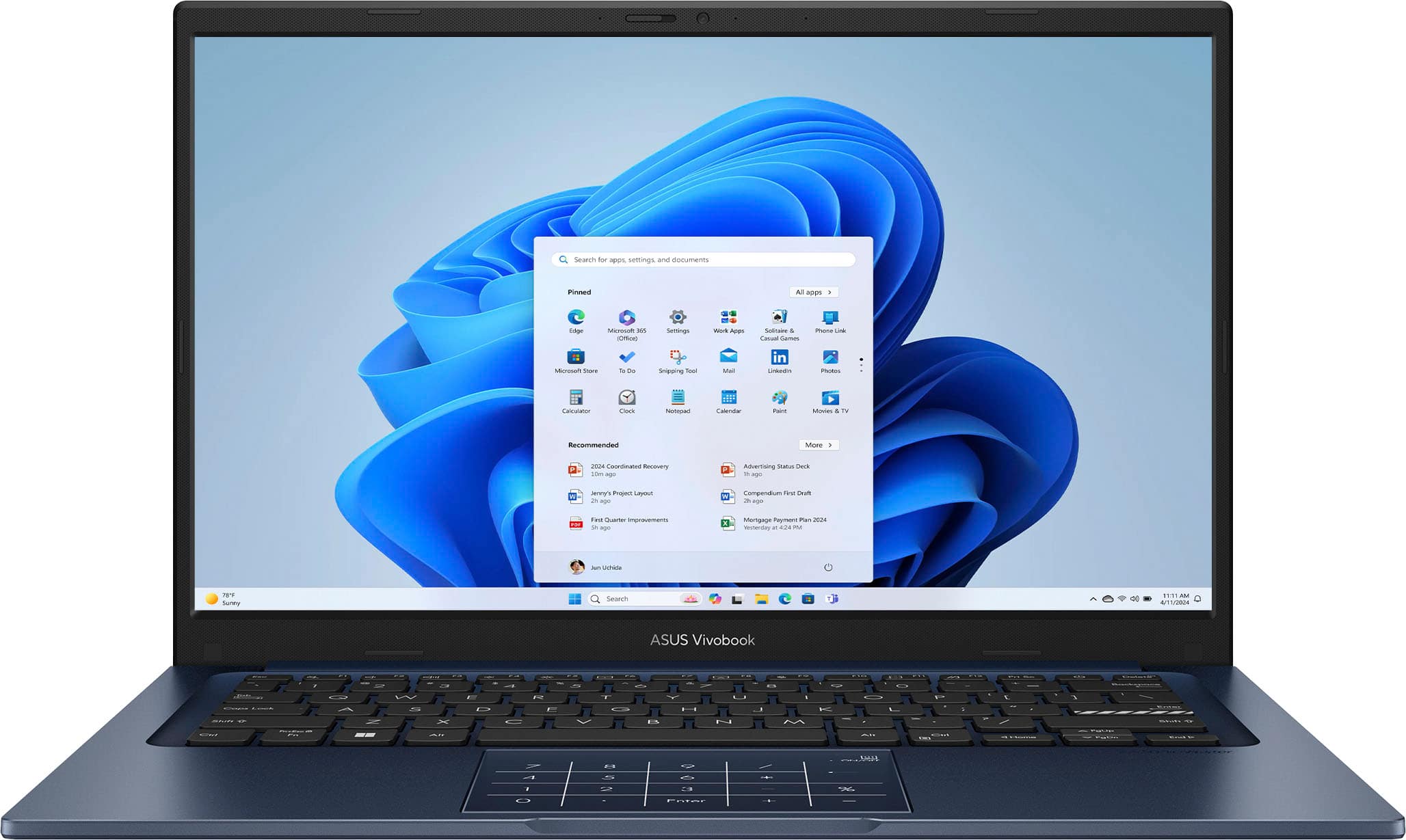
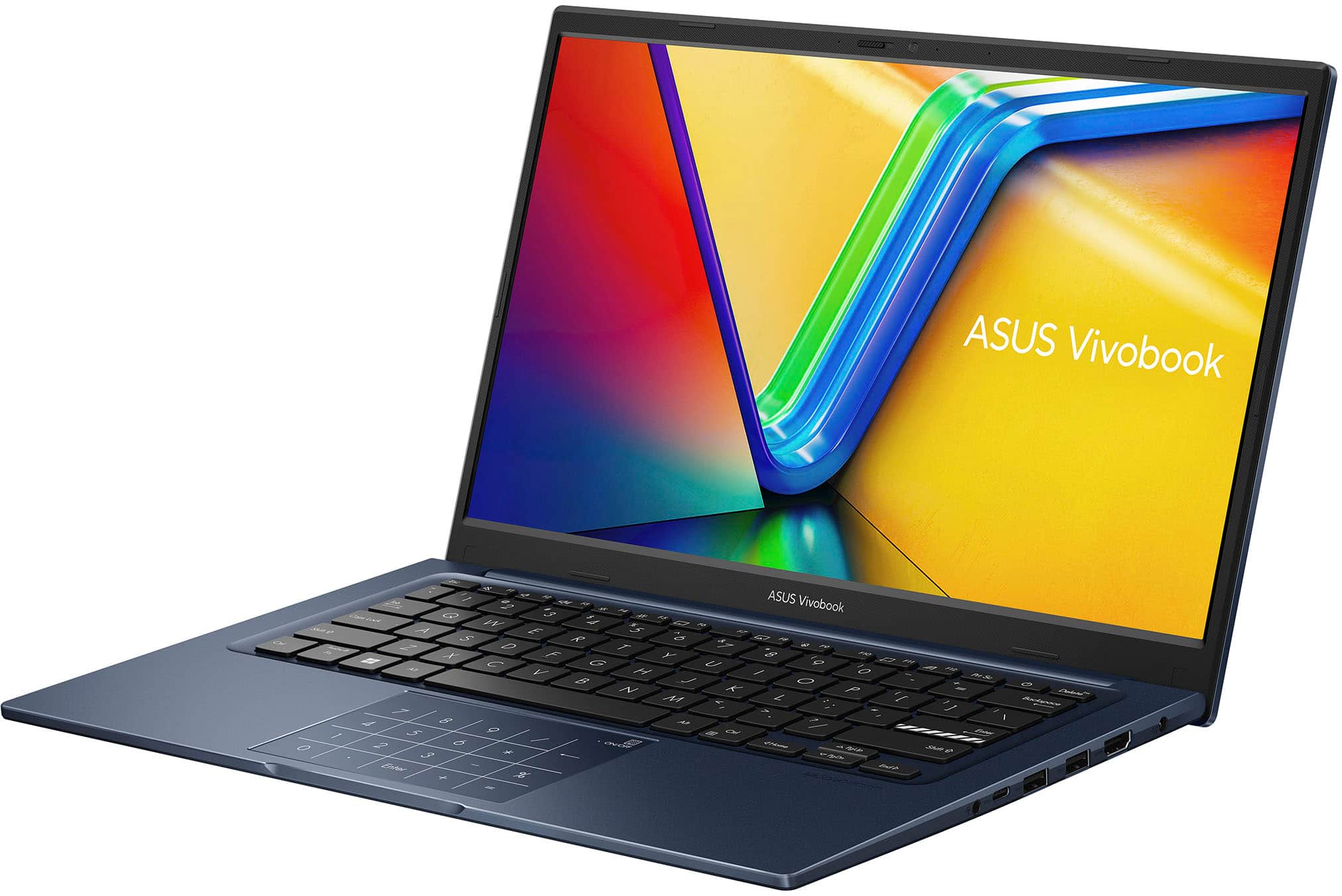
![ASUS Vivobook Esc 2 F1 F2 F3 F4 F5 F6 F7 FB 8 F9 F10 F11 F12 Prt Sc and Delete - & I 1 Q 2 # 3 $ 4 % 5 A 6 & 7 * 8 I 9 - O - I + = Backspace Tab Q W E R T Y U I O P I [ ] | / Ctrl Lock A S D F G H J K L : : I Enter Shift Z X C V B N M V ? / Shift Ctrl Fn Alt Alt Ctrl Home A PgUp PgDn End b ON/Off SonicMaster 7 8 9 / 4 5 6 * 1 2 3 I % 0 Enter + =](https://pisces.bbystatic.com/image2/BestBuy_US/images/products/03070455-28fc-46c7-a122-4df688c481bc.jpg)
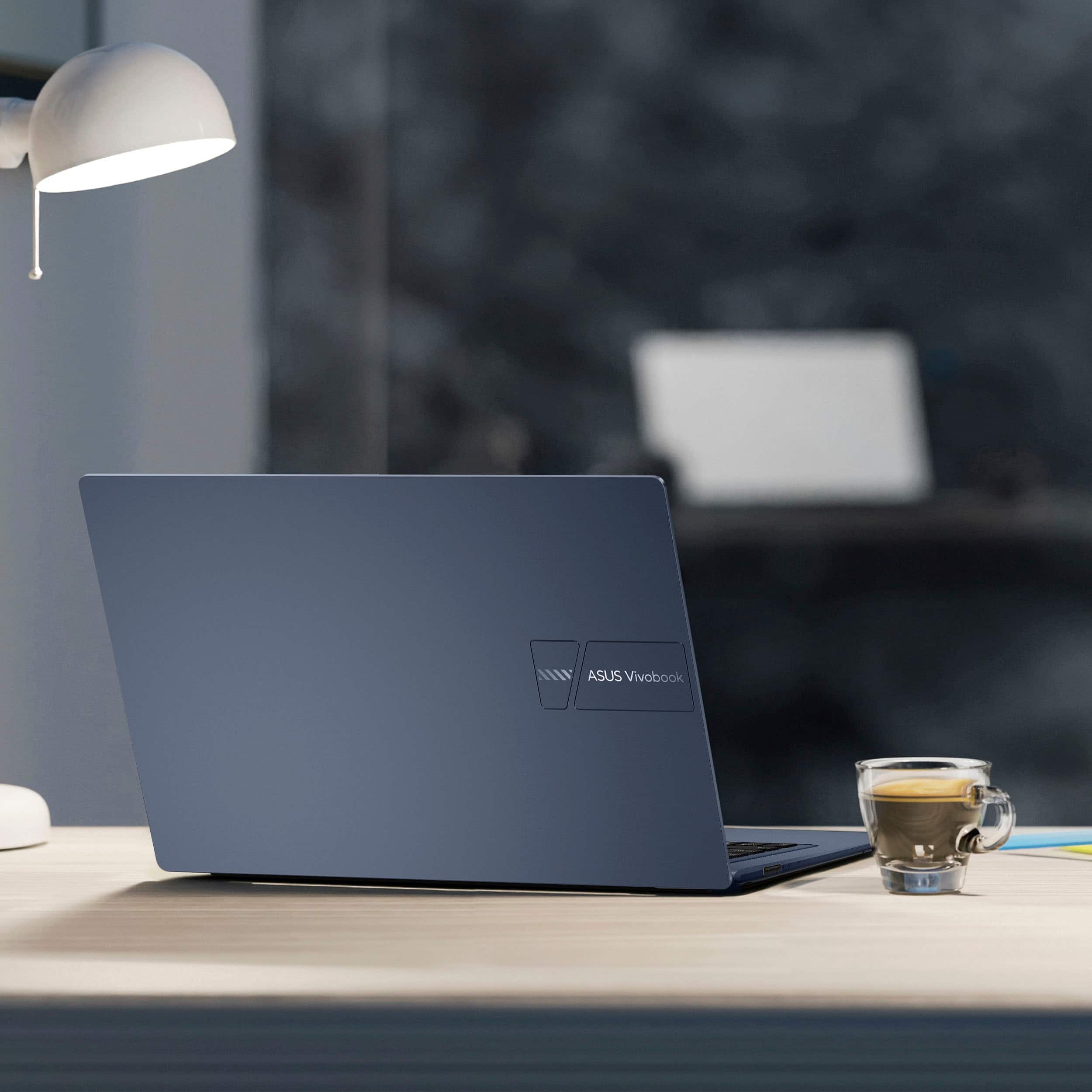

- Model:
- X1404VA-I712512
- |
- SKU:
- 6612885
Customer reviews
Rating 4.5 out of 5 stars with 214 reviews
(214 customer reviews)Rating by feature
- Battery Life4.5
Rating 4.5 out of 5 stars
- Speed4.7
Rating 4.7 out of 5 stars
- Display4.5
Rating 4.5 out of 5 stars
Customers are saying
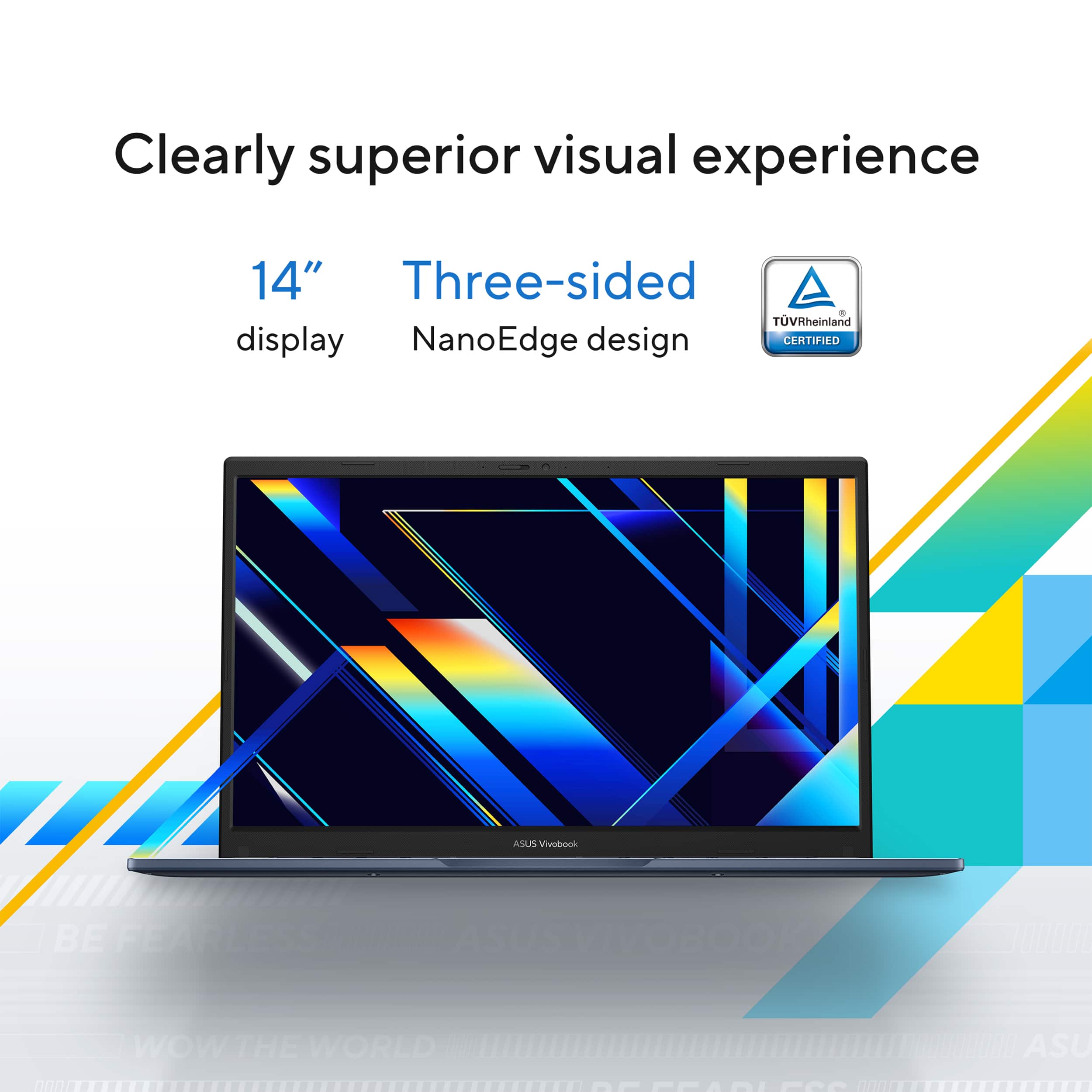
Customers enjoy the Vivobook 14 for its overall performance, fast processor speed, and exceptional battery life. The laptop is also praised for its portability and lightweight design, making it easy to carry. However, some customers have expressed concerns about the screen quality. Additionally, a few users have noted fan noise at higher workloads.
This summary was generated by AI based on customer reviews.
- Pros mentioned:Portability
Rated 5 out of 5 stars
Easy Deal
||Posted . Owned for 1 week when reviewed.This reviewer received promo considerations or sweepstakes entry for writing a review.Nice salesman and not at all pushy. The laptop is light and easy to view. Just what I was looking for!
I would recommend this to a friend - Pros mentioned:Overall performance
Rated 5 out of 5 stars
Deal of the Day
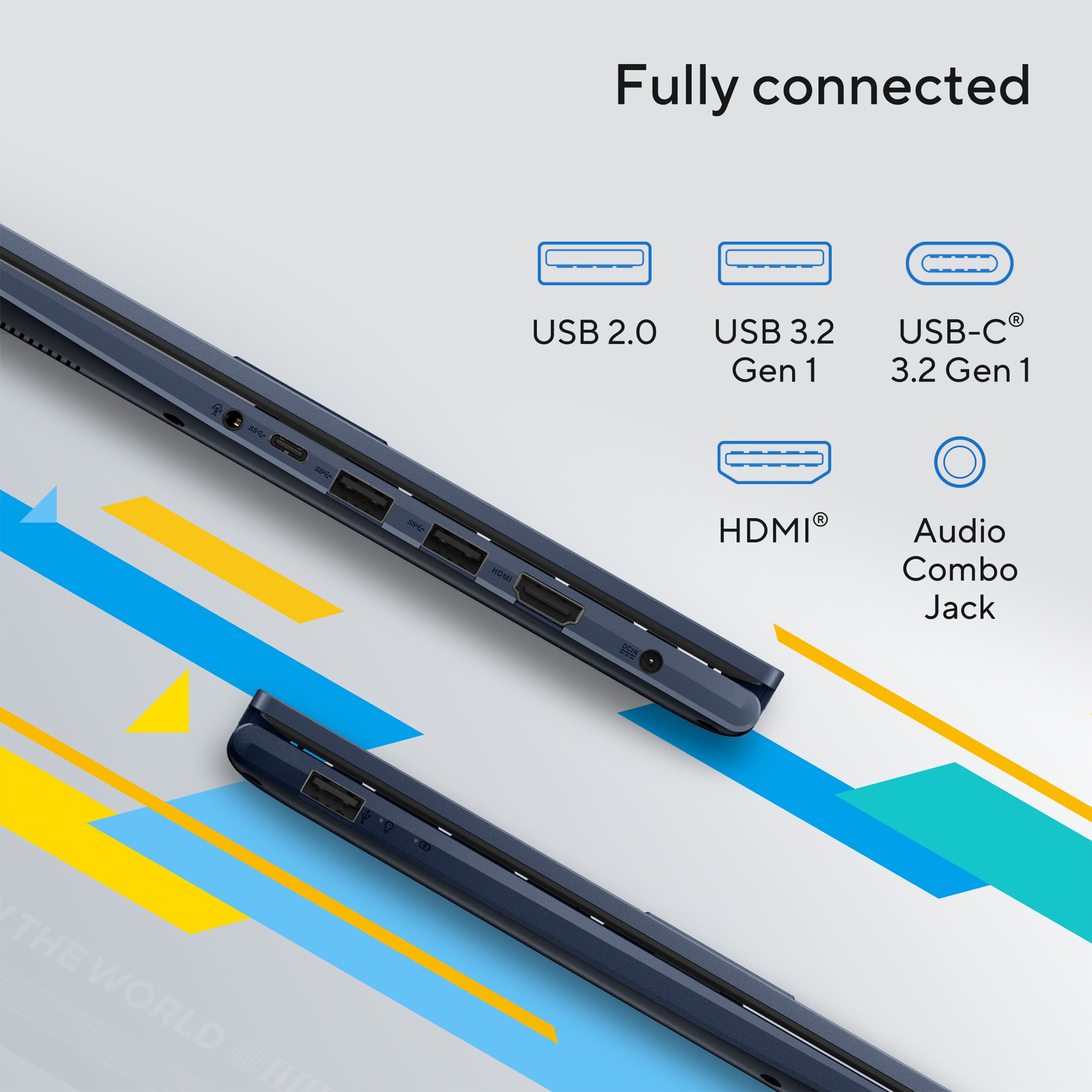
||Posted . Owned for 3 weeks when reviewed.This reviewer received promo considerations or sweepstakes entry for writing a review.Computer fits my needs. Overall good computer just wish it was a Type C for charging instead of ASUS barrel charger.
I would recommend this to a friend - Pros mentioned:Overall performance
Rated 4 out of 5 stars
Good laptop.
||Posted . Owned for 2 months when reviewed.This reviewer received promo considerations or sweepstakes entry for writing a review.keyboard takes some adjusting due to small size. overall good device so far
I would recommend this to a friend - Pros mentioned:Overall performance
Rated 5 out of 5 stars
ASUS 14" LAPTOP
||Posted . Owned for 3 weeks when reviewed.This reviewer received promo considerations or sweepstakes entry for writing a review.An excellent product. It is exactly what i envisioned it wolud be.
I would recommend this to a friend - Pros mentioned:Portability
Rated 4 out of 5 stars
Good Enough
||Posted .This reviewer received promo considerations or sweepstakes entry for writing a review.good enough. Main to conect a new screen and travel with. Not for the main laptop.
I would recommend this to a friend - Pros mentioned:Overall performance
Rated 5 out of 5 stars
Best laptop
||Posted . Owned for 2 weeks when reviewed.This reviewer received promo considerations or sweepstakes entry for writing a review.Best laptop... i m using it for my backup option but its like a copilot pc. Amazingly working
I would recommend this to a friend - Pros mentioned:Battery life
Rated 5 out of 5 stars
New computer
||Posted . Owned for 1 week when reviewed.This reviewer received promo considerations or sweepstakes entry for writing a review.Great computer, I love the battery life and the great keyboard. I’ve use this computer for homework and taking notes in college.
I would recommend this to a friend - Pros mentioned:Overall performance
Rated 5 out of 5 stars
Laptop
||Posted .This reviewer received promo considerations or sweepstakes entry for writing a review.Very good product and very handy for day to day tasks
I would recommend this to a friend - Pros mentioned:Overall performance
Rated 5 out of 5 stars
Exactly what was needed.
||Posted . Owned for 3 weeks when reviewed.This reviewer received promo considerations or sweepstakes entry for writing a review.Exactly what I needed to help with school work. I was able to complete my paper and finish on time. Awesome product.
I would recommend this to a friend - Pros mentioned:Overall performance
Rated 5 out of 5 stars
Happy with the purchase
||Posted .This reviewer received promo considerations or sweepstakes entry for writing a review.Would highly recommend. Convenient and works pretty well
I would recommend this to a friend - Pros mentioned:Portability
Rated 5 out of 5 stars
Great! Second one I ordered.
||Posted .This reviewer received promo considerations or sweepstakes entry for writing a review.Outstanding little laptop. My grand kid recieved it two days after I placed the order.
I would recommend this to a friend - Pros mentioned:Overall performance
Rated 5 out of 5 stars
ASUS Laptop
||Posted . Owned for 1 month when reviewed.This reviewer received promo considerations or sweepstakes entry for writing a review.Great purchase and customer service. It was perfect and the set up was very easy. It’s exactly what I needed.
I would recommend this to a friend - Pros mentioned:Overall performance
Rated 4 out of 5 stars
Works as promised.
||Posted . Owned for 1 month when reviewed.This reviewer received promo considerations or sweepstakes entry for writing a review.This gets the job done. I am still getting used to the numberpad/mouse combo.
I would recommend this to a friend Rated 4 out of 5 stars
ASUS Vivobook 14 I7 13th
||Posted . Owned for 1 month when reviewed.This reviewer received promo considerations or sweepstakes entry for writing a review.The ASUS Vivobook 14 with an Intel Core i7 processor is generally praised by users for its fast performance, portability, and long battery life for everyday tasks. However, some reviewers note that the screen brightness and quality are only average, and there might be some fan noise during demanding tasks.
I would recommend this to a friend- Pros mentioned:Overall performance
Rated 5 out of 5 stars
Good laptop
||Posted .This reviewer received promo considerations or sweepstakes entry for writing a review.Good laptop at this price point. I recommend it for average users
I would recommend this to a friend - Pros mentioned:Overall performance
Rated 5 out of 5 stars
Great Laptop at a great price
||Posted .This reviewer received promo considerations or sweepstakes entry for writing a review.Great laptop at a solid price. Performance is just what we need for our business.
I would recommend this to a friend - Pros mentioned:Overall performance
Rated 5 out of 5 stars
Everyday laptop
||Posted .This reviewer received promo considerations or sweepstakes entry for writing a review.Nice little laptop. It’s good for everyday things, Minecraft, browsing the web…etc. even sims 4 plays very well.
I would recommend this to a friend Rated 5 out of 5 stars
Exactly what I needed!
||Posted .This reviewer received promo considerations or sweepstakes entry for writing a review.This is an excelent machine if you're looking for a work station that can play triple A games! You won't run 4k native on every game but you will certainly have a very a playable experience on anything you throw at it!
I would recommend this to a friend- Pros mentioned:Overall performance
Rated 4 out of 5 stars
My ASUS
||Posted .This reviewer received promo considerations or sweepstakes entry for writing a review.great little laptop seems to do everything I need so far
I would recommend this to a friend - Pros mentioned:Overall performance
Rated 5 out of 5 stars
love my asus
||Posted . Owned for 2 months when reviewed.This reviewer received promo considerations or sweepstakes entry for writing a review.great product! use this for school and work and it does the job!
I would recommend this to a friend