Customer Ratings & Reviews




- Model:
- UX435EGXH74
- SKU:
- 6445814
to a friend
- Cons mentioned:Display port, Refresh rate
no display port, convertor cable only up to 60Hz.
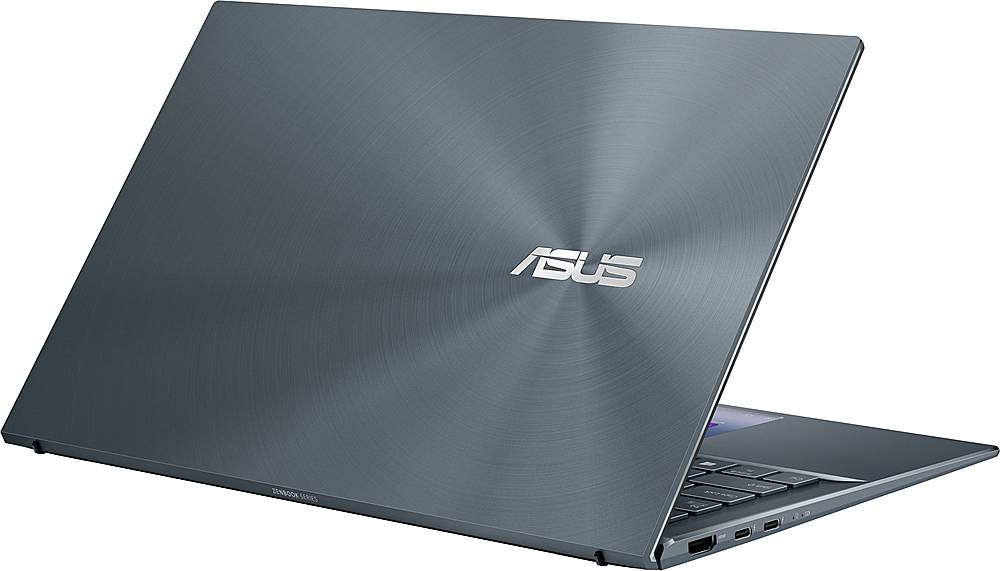
||Posted . Owned for 3 weeks when reviewed.This reviewer received promo considerations or sweepstakes entry for writing a review.it does all I wanted. Only problem is it does not have display port for better external monitor. I have to use converter cable. The converter cable only works up to 60Hz not 140Hz ( my monitor can support 140Hz)
I would recommend this to a friend - Cons mentioned:Cheap plastic, Touch pad screen
Maybe in a couple years but no for now
||Posted . Owned for less than 1 week when reviewed.This reviewer received promo considerations or sweepstakes entry for writing a review.probably only deserves 1 star. I'm not too picky when it comes to laptops and I wouldn't consider my self a power user. I see a lot of potential in the touch pad screen which is why I gave it an extra star. It's constantly flashing and the touch pad screen continues to black out until you hard cycle the device. I will be returning asap. Casing feels like cheap plastic and screen display is pretty underwhelming.
No, I would not recommend this to a friendBrand response from ASUS Answers
Posted .Dear Lorna,
We do understand your disappointment and the inconvenience this may have caused if you are experiencing issues with the.
To resolve the issue, please ensure Windows, chipset and touchpad drivers are up to date.
All ASUS products uses materials that are in compliance with industry's quality standard and each one undergoes intensive quality control testing and inspections, and are built to last.
Should you need further assistance with the product, please email me at [email protected] and I would be more than happy to help. Or, you can speak to an ASUS live support agent 24/7 at http://bit.ly/AsusLiveChat.
Thank you for choosing an ASUS product.
Regards,
Rodel
ASUS Customer Loyalty
- Pros mentioned:Purpose, Speed
Great partner
||Posted . Owned for 3 weeks when reviewed.This reviewer received promo considerations or sweepstakes entry for writing a review.Great laptop. Asus nailed it with this laptop model. super fast. great for what i needed.
I would recommend this to a friend - Pros mentioned:Powerful, Screenpad
First Impressions Are Excellent!
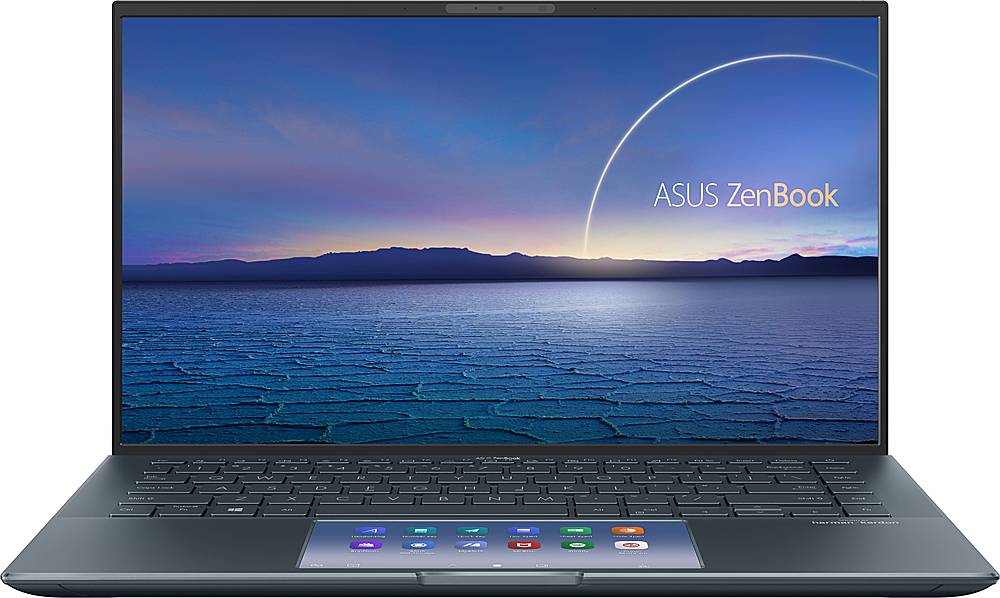
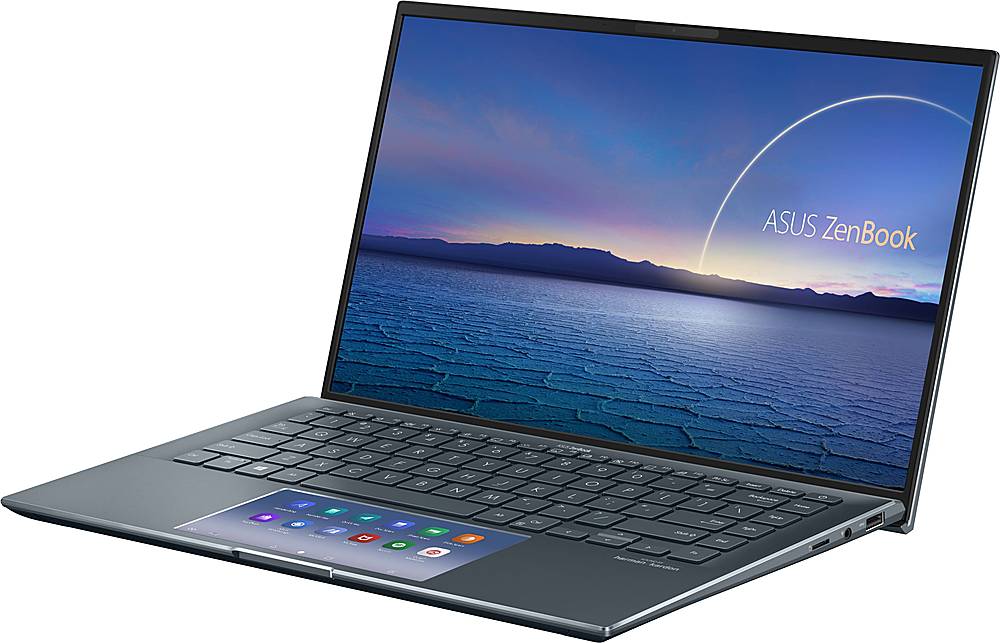
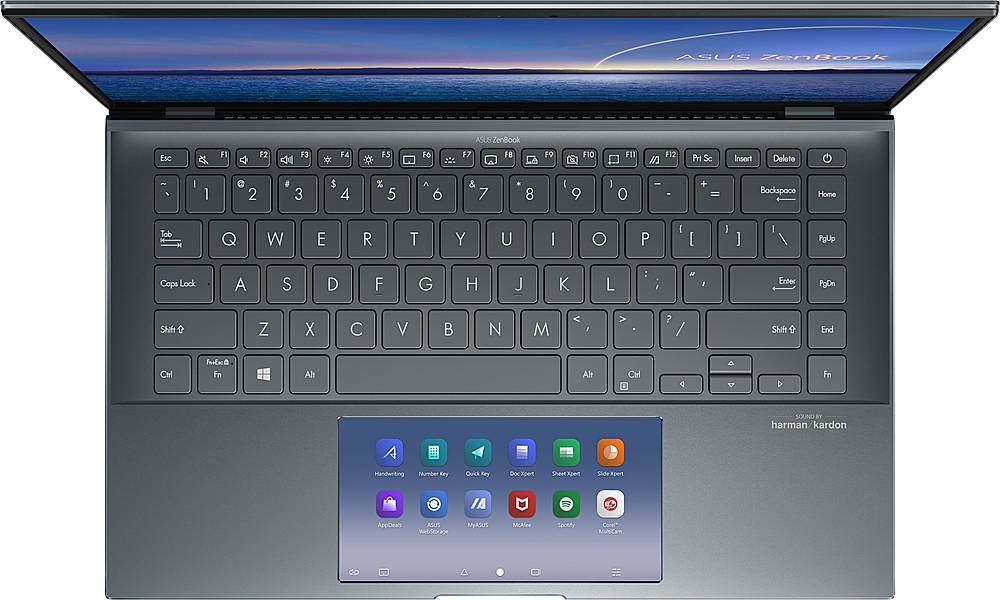
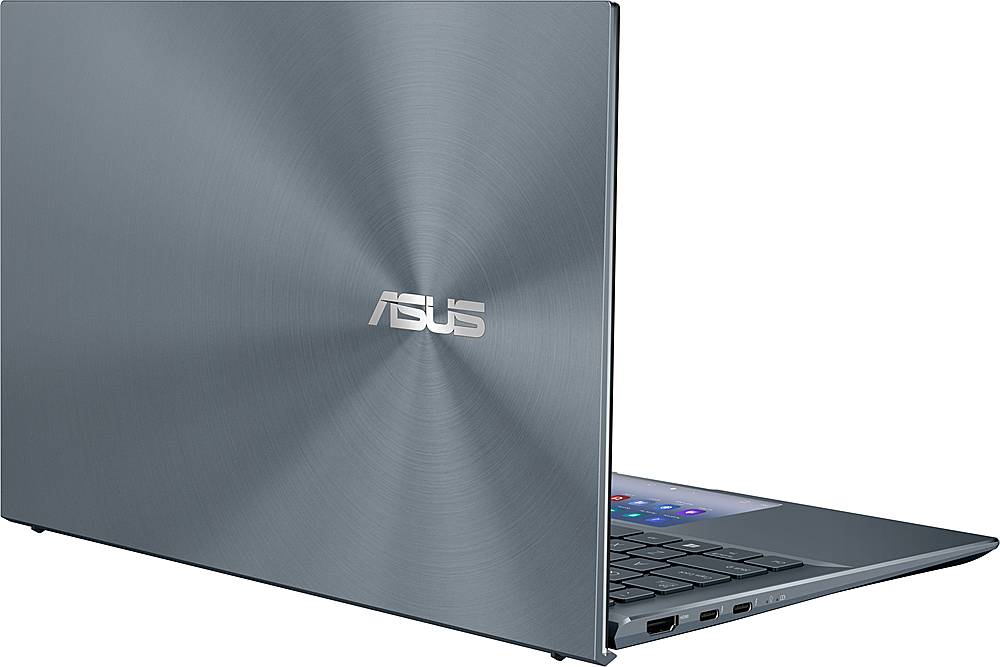
Posted .This reviewer received promo considerations or sweepstakes entry for writing a review.I ordered this ZenBook to take with me on a long trip that will include several short flights, multi-day train rides, and several overnights with family members. My wife and I will spend eight days and nights on planes and trains, and eight days in others' homes. But I haven't owned a laptop in more than six years and have to have a laptop to take with me when I need to attend to my work. I work part-time in computer sales, and, on my own time, do 3D modeling, use the Adobe Creative Cloud Suite, program in C/C++, and blog. The workstation I normally use is powered by a Xeon processor, 32GB of RAM, and an Nvidia Quadro graphics card pushing two 27" QHD displays. In the world of laptops there are very pricey workstations with similar specs that can keep up with my desktop. In consumer goods, there are gaming laptops that can perform similarly. But those laptop alternatives are often pricey, and have the potential to be big, heavy, and a chore to transport on extended trips. When I decided to start looking for a laptop to take on our upcoming excursion I thought a thin 14" laptop with the right components might be just what I wanted. This ASUS ZenBook is what I chose. This ZenBook is like most ASUS products; fit and finish are perfect. It is an elegant laptop without being pretentious. You can read all of the Specifications for this laptop on the BestBuy.com site. What they list is accurate. I will add that the display has a matte finish, not a gloss finish like you'll read elsewhere on the internet. The keyboard has backlighting, but it is not bright, even on its highest of the three available settings. That is certainly not a deal-breaker because the contrast of the large white labels on the black keys is easy to see. I don't think I am a good one to evaluate the feel of typing on this keyboard; I normally type on a mechanical keyboard and, to me, this one feels "like a high-end laptop keyboard." To me, trying to compare this keyboard to my mechanical keyboard is like trying to compare a Formula 1 engine to the motor in an electric car; they are very different technologies and my experience is one-sided. There is a very, very nice IPS display in this ZenBook. At its brightest level it may be too bright for some. Its color rendition is excellent. That is what I was hoping for. It is not a touch screen (I did not want one). I have no complaints about the electronic hardware in this machine. I have yet to push the i7 and its associated RAM, and I have not had a chance to push the MX450 graphics card. After our trip I will add to this review. So far I am impressed. The initial setup of this laptop was a "little different." I expected a "traditional" sign in to Windows/Microsoft Account and it would do its Windows Update thing. And, it did, to a point. But, being a bit of a geek, I felt there was something missing. So I went into Windows Update in Settings and had it "try again." Voila'! Down came the updates I was expecting, including a BIOS revision. After all of that was done, a pop-up from Nvidia appeared indicating there was a new graphics driver that would optimize the MX450 for each game as it was played. Not being a gamer I really didn't care, but I installed the driver anyway (it will likely help with modeling). If you have any concerns about setting up an i7 laptop that has some "unusual features," get the Geek Squad to do it for you. That may save you some time and anxiety. This is a powerful laptop and, to perform at its best, it will need to be set up correctly. Now, to the touchpad. Wow! Go online and spend time reading about the ASUS ScreenPad 2.0. I can not explain it better than the ASUS descriptions. I will say these things. When in "trackpad mode," it is extremely accurate. It is one of the best I've experienced. When changed to ScreenPad mode (I think I'm using the correct term) it can be filled with the icons of your choice and used to launch and, if desired, run apps on the touchpad (as if it was a second display). So far I have used it to turn the touchpad into a "ten key" for using with a spreadsheet and it has functioned perfectly. It will take me several weeks to take full advantage of ScreenPad 2.0, but I think it will become part of my regular "laptop routine." In many ways I think it will help me reproduce a bit of the experience I have when I have my two 27" displays in front of me. I'll report more later. So what I picked up from BestBuy (and it arrived four days early!) is a very light, very portable, very powerful laptop with features that will likely allow me to perform "workstation" tasks while on the road. In the days to come I will really push this ZenBook to see what it can do; I will report back after our trip.
I would recommend this to a friend