Customer Ratings & Reviews
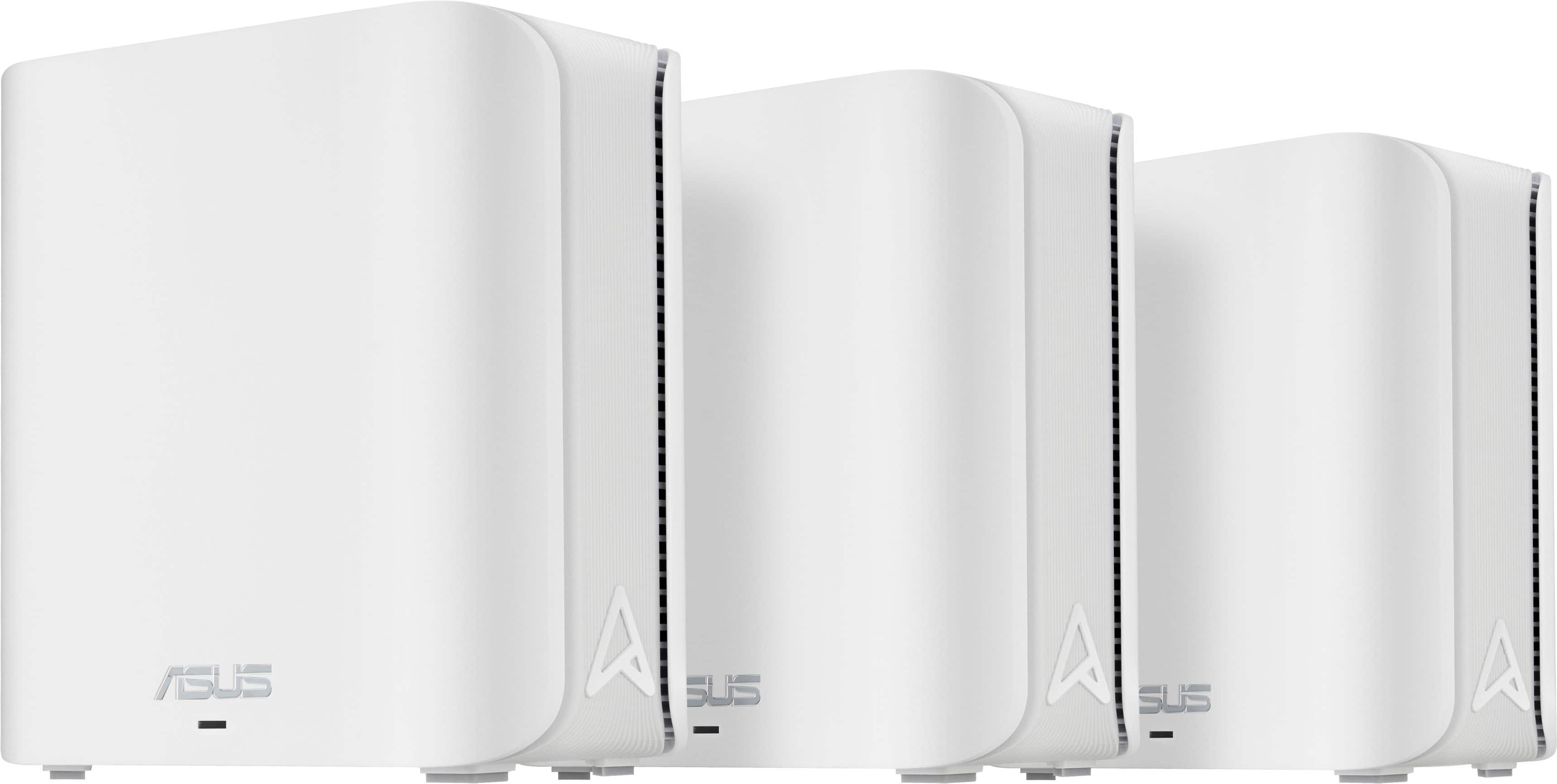


- Model:
- ZenWIfi BE5000 3-PK
- SKU:
- 10732650
Rating by feature
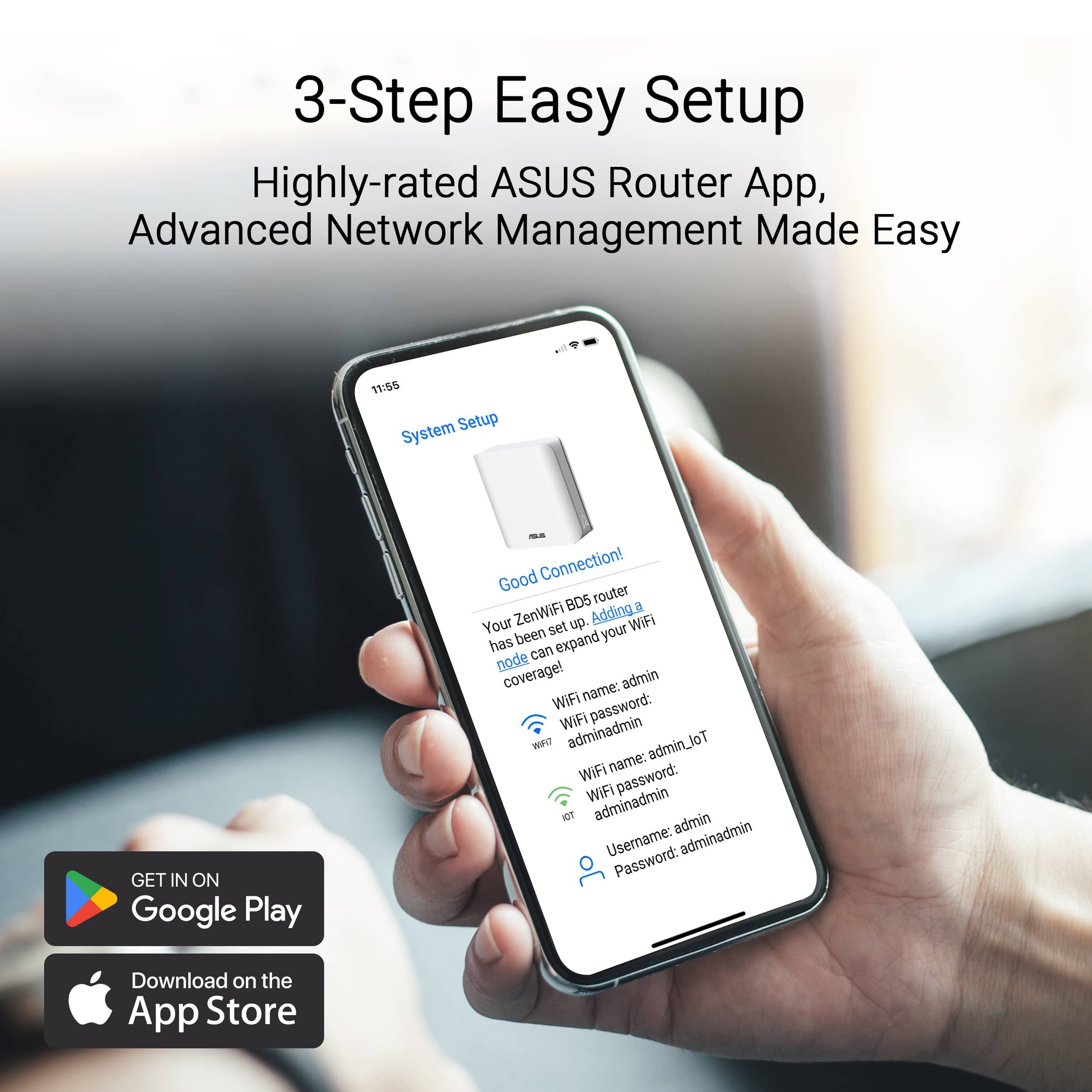
- Setup
Rating 3.5 out of 5 stars
- Range
Rating 3.8 out of 5 stars
- Signal Strength
Rating 3.8 out of 5 stars
Fast and reliable so far
||Posted . Owned for 3 weeks when reviewed.This reviewer received promo considerations or sweepstakes entry for writing a review.Initially, i placed thrse units too far apart. Each unit was probably 25ft apart and going throuvh 2+ walls each. It struggled to keep reliable internet speeds. I have 1 gig internet and a speedtest was topping out at 100mbs. Once i moved them a bit closer (probably 15ft apart each), they work much better. Im getting ~500mbs on a speedtest now.
I would recommend this to a friendSeamless
||Posted . Owned for less than 1 week when reviewed.This reviewer received promo considerations or sweepstakes entry for writing a review.The installation was very simple. Right out of the box. The base unit was clearly marked and the other 2 satellite routers connected first try. These mesh routers provide excellent coverage for where it was installed. Not a spot in the home with less than 3 bars of signal.
I would recommend this to a friendAvoid this mesh system
||Posted . Owned for 2 months when reviewed.This reviewer received promo considerations or sweepstakes entry for writing a review.This was a pain to deal with from day one. What should have been an easy install took a day of troubleshooting all my other connected smart devices. Once I finally got it all running it barely worked better than the Nest system I replaced, by a small fraction. Now a few months after I am having problems non stop to the point where I can barely get signal to the furthest access point, and my wired devices constantly get booted offline due to random software issues. The only thing that helps is a system reboot, so be ready to have to login to do that randomly.
No, I would not recommend this to a friendBrand response from ASUS Answers
Posted .Dear Chris,
Thank you for your comment.
We do understand your disappointment with this Mesh routers and the inconvenience this may have caused if you are experiencing weak wireless signal. To resolve this, place it in a central location within your home, away from walls and obstructions, keep it elevated off the floor and away from electronic devices that may cause interference. Check if you succcessfully setup your main router first before setting up the nodes.
Also, we recommend updating the Mesh routers' firmware if running with an older version since you are getting a software issue. Firmware is available for download at: https://www.asus.com/us/supportonly/zenwifi%20be5000/helpdesk_bios/.
Should you need further assistance with the product, please email me at [email protected] and I would be more than happy to help. Or you are most welcome to call Product Support Hotline at: 1(888) 678-3688. Also, you can chat with an ASUS live support agent from the link: https://www.asus.com/us/support/article/1135/.
Thank you for choosing an ASUS product.
Regards,
Rodel
ASUS Customer Loyalty
Expanded wifi coverage
||Posted . Owned for 1 week when reviewed.This reviewer received promo considerations or sweepstakes entry for writing a review.My network range improved and I have improved speed
I would recommend this to a friendReplaced AT&T Mesh
||Posted .This reviewer received promo considerations or sweepstakes entry for writing a review.Got AT&T Fiber. The mesh system they gave me would disconnect all the time. Replaced with this. Speed from main router is Excellent. Speed from mesh nodes in about half of this. Have to have high speed initially to make this work all over the house. Connections have been solid for about 6 months now.
I would recommend this to a friendGreat for faster wifi speeds
||Posted . Owned for 1 month when reviewed.This reviewer received promo considerations or sweepstakes entry for writing a review.In bought this to improve my wifi speed and this mesh system did that. My previous mesh system was the first gen google mesh pods that would give me around 400mb of speed through wifi. After setting this mesh system from asus now my speeds are at 700mb. This definitely helped
I would recommend this to a friendDoesn’t work with some Spectrum modems
||Posted . Owned for 3 weeks when reviewed.This reviewer received promo considerations or sweepstakes entry for writing a review.Setup was easy. I wish I could say more, but this system isn’t compatible with some Spectrum modems and I wasn’t able to get any further than that. Giving it 4 stars because their help desk was actually helpful.
I would recommend this to a friendWorks great, after setup nightmare.
||Posted . Owned for 3 months when reviewed.This reviewer received promo considerations or sweepstakes entry for writing a review.Setup was challenging with a Spectrum modem, but after finally getting it working, it has been pretty flawless. I ended up getting a new modem from spectrum and factory reset the router, then I was able to have the router obtain an IP address from the modem.
I would recommend this to a friendGood but not good
||Posted . Owned for 2 months when reviewed.This reviewer received promo considerations or sweepstakes entry for writing a review.Had this for about a month and at first. I was working fine. After a week or two, I’ve noticed that third one was having issues staying connect with the other ones. Near the end of the month, it would just cause major connection problems. Haven’t moved it and had restarted several times, but would always have a week signal. Eventually, the second one started to have issues as well. honestly, it could’ve been just me, but I’ve heard other people have the same issues
I would recommend this to a friendBrand response from ASUS Answers
Posted .Dear Snazzy,
Thank you for your comment.
We do understand your disappointment with the product and the inconvenience this may have caused if you started experiencing connection problems with two of the routers. To resolve this issue, please try to power cycle both the Mesh router and your ISP's modem. Additionally, check if your ISP's internet service or connection is working properly or stable and check if the router's security credentials matches with your ISP's modem credentials. Also, we recommend updating the Mesh router firmware if it is running with an older version. Firmware is available for download at: https://www.asus.com/us/supportonly/zenwifi%20be5000/helpdesk_bios/.
Should you need further assistance with the product, please email me at [email protected] and I would be more than happy to help. Or, you are most welcome to call Product Support Hotline at: 1(888) 678-3688. Also, you can chat with an ASUS live support agent from the link: https://www.asus.com/us/support/article/1135/.
Thank you for choosing an ASUS product.
Regards,
Rodel
ASUS Customer Loyalty

Mesh Ai
|Posted .This reviewer received promo considerations or sweepstakes entry for writing a review.I am delighted to share my experience with the mesh network. It has been a game-changer in resolving connectivity issues. The setup process was remarkably straightforward and user-friendly. The improved coverage has eliminated dead zones, providing consistent signal strength throughout the house. Ultimately, the whole family, including my mom, is now enjoying a much more reliable and stable internet connection.
I would recommend this to a friendPerfect for MoCA or 2.5G Backbone Systems!
||Posted . Owned for 1 week when reviewed.This reviewer received promo considerations or sweepstakes entry for writing a review.The overall performance and setup of these is quite good and pretty user friendly. If you're looking for really decent WiFi 7 performance at a low-ish price, this is the place to go. I was thinking about switching to tp-link for my mesh needs but this system fits perfectly in my setup.
I would recommend this to a friendGood Stater System
||Posted . Owned for 1 month when reviewed.This reviewer received promo considerations or sweepstakes entry for writing a review.Great starting system for those just getting into creating a mesh network. Good range while I’m outside. The system had to reset for each change though so your network down every time you change something.
I would recommend this to a friendGood router with some issues
||Posted . Owned for 1 week when reviewed.This reviewer received promo considerations or sweepstakes entry for writing a review.Product looks well built, but problems with setup and once running would drop connection. I think there may be a problem with interface with router and modem. Speed was double to triple from previous router.
No, I would not recommend this to a friendBrand response from ASUS Answers
Posted .Dear Stefan B,
We sincerely apologize for the connectivity issue you're experiencing with the ASUS ZenWiFi BE5000 and for any inconvenience this may have caused you. To troubleshoot the issue described, we recommend following the steps in the FAQ below. Should the issue persist, please contact our support team at https://www.asus.com/us/support/CallUs to further investigate the problem.
We stand behind our products and continuously strive to improve our products and processes to achieve customer service excellence. For more information, email us at [email protected] and include the case number "N2501026805-0004" as a reference. We will do our best to resolve your case quickly. Your feedback is very important to us and enables us to improve our support channels. Thank you for choosing ASUS.
Best Regards,
Chantae
ASUS Customer Loyalty US Support
[Troubleshooting] WiFi signal is often disconnected - https://www.asus.com/support/faq/1030641/
Great wifi coverage
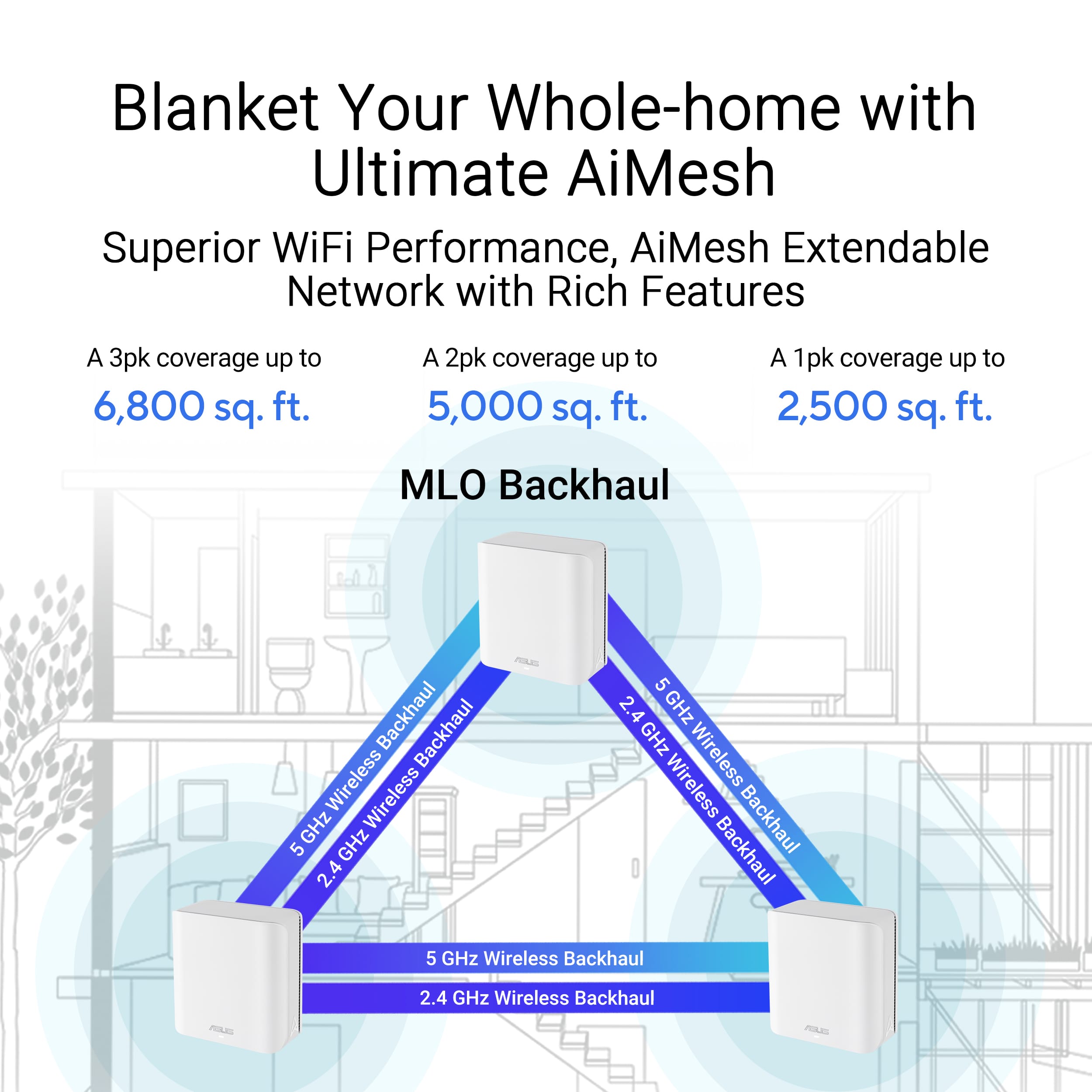
||Posted .This reviewer received promo considerations or sweepstakes entry for writing a review.Good wifi coverage. 3 units cover over 3000sqft home easily. Great app functionality as well!
I would recommend this to a friendNot quite worth the money better options 4 less
||Posted . Owned for 2 months when reviewed.This reviewer received promo considerations or sweepstakes entry for writing a review.Honestly, I returned it. I had the euro 6e I think and confirmed the speeds are faster with that they were with this for less money and easier use and better support
No, I would not recommend this to a friendBE5000
||Posted . Owned for 2 weeks when reviewed.This reviewer received promo considerations or sweepstakes entry for writing a review.Powerful but "Smart Connect" is hidden somewhere although mentioned as key available feature.
I would recommend this to a friendBrand response from ASUS Answers
Posted .Dear HERK,
We apologize for the frustration in locating the "Smart Connect" feature, especially when it's highlighted as a key benefit. We understand that finding advertised features should be straightforward. To locate it: Access your router's web interface (usually by typing router.asus.com or your router's IP address into a browser). Navigate to Wireless settings, then look for the General tab. You should find an option there to enable or disable "Smart Connect" or "Band Steering." If you're still having trouble finding it, please contact us at [email protected] with your router model, and we'll be happy to guide you further. Please copy a link to this post as a reference.
Thank you for choosing ASUS!
Best Regards,
Adrian
ASUS Customer Loyalty – US Support
Great for non congested areas
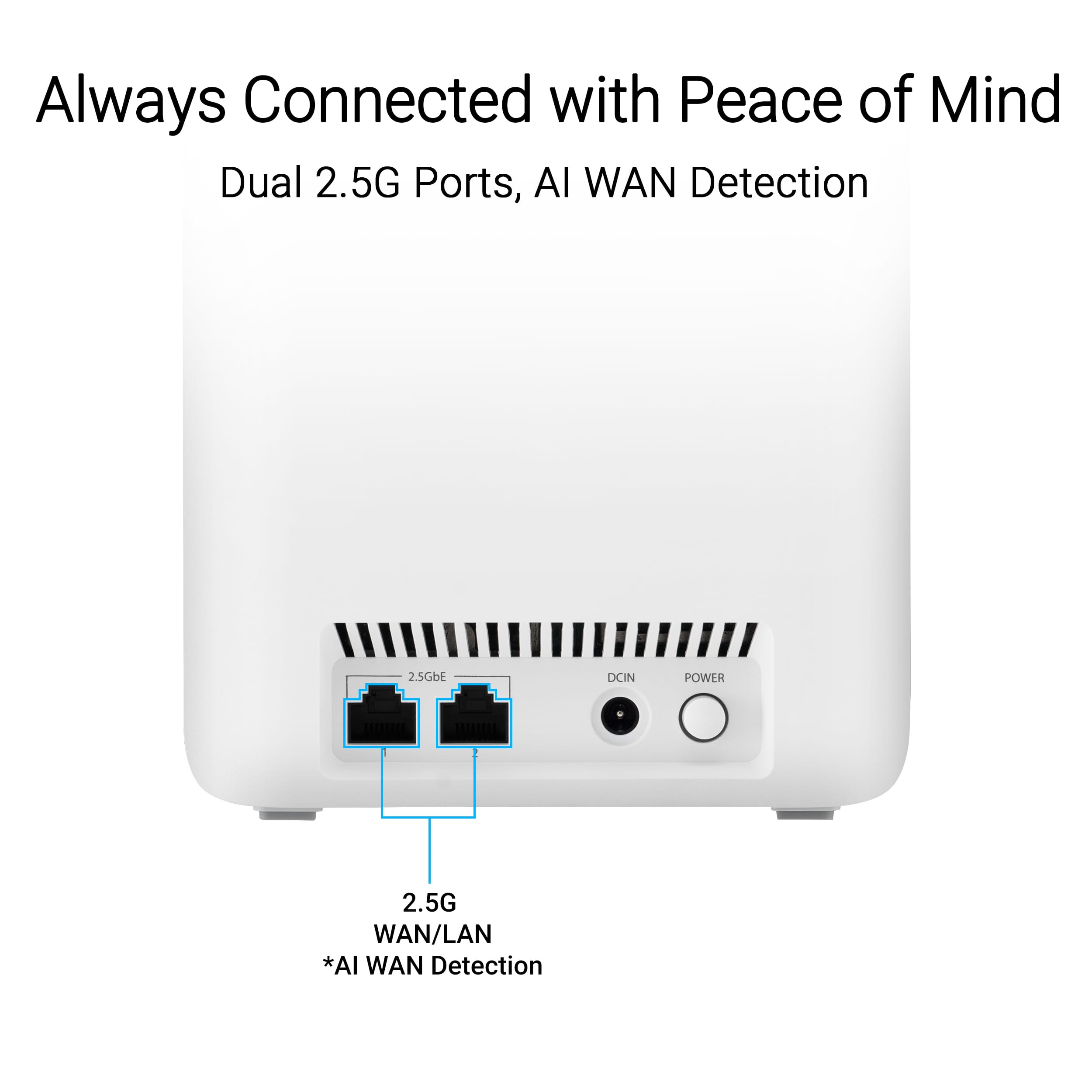
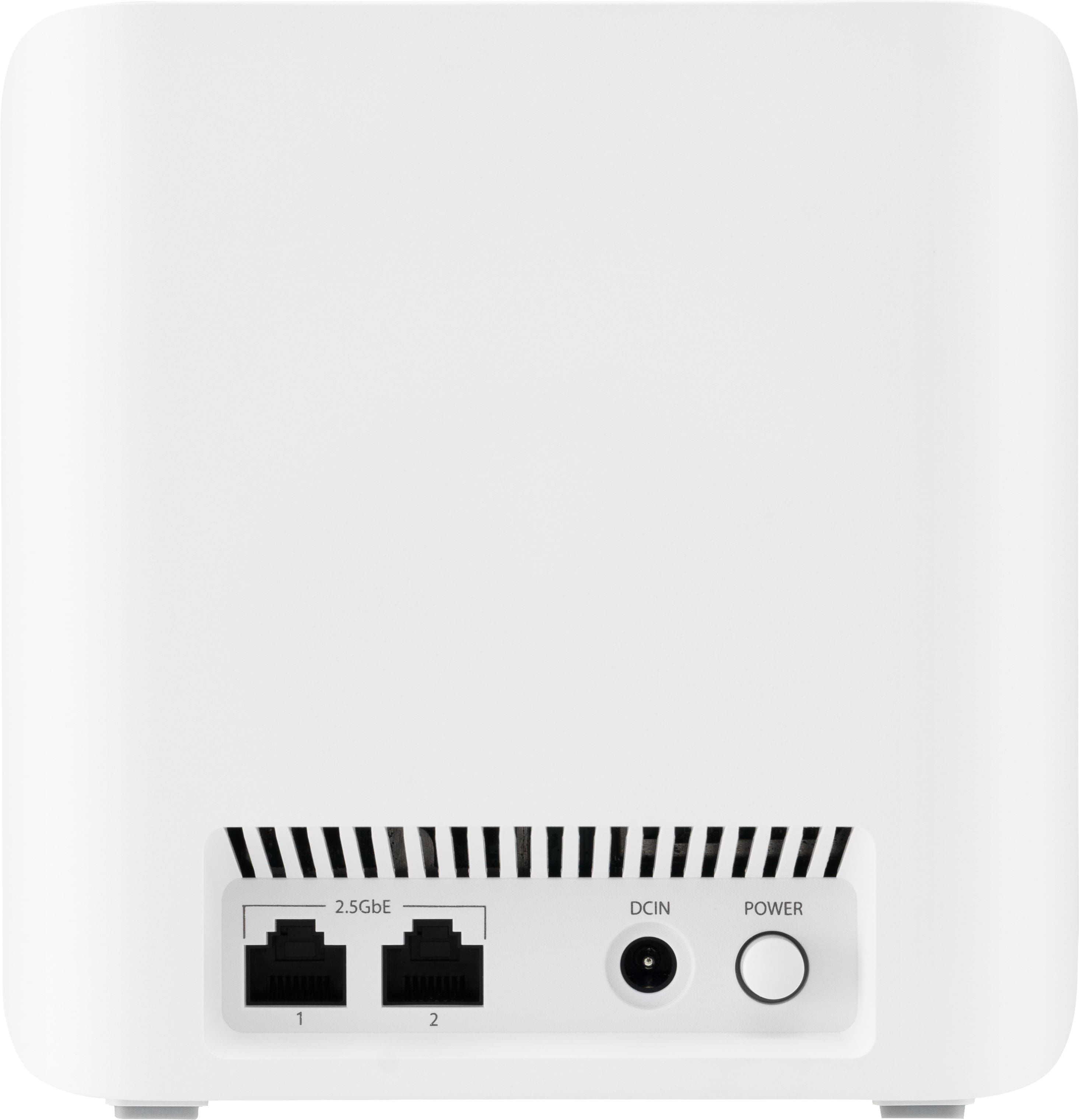
||Posted .This reviewer received promo considerations or sweepstakes entry for writing a review.Their software could be better. The phone app doesn't have the same options as the web interface. The price can't be beat though with the two 2.5 gbps ethernet ports.
I would recommend this to a friendVery worth the money
||Posted . Owned for 1 month when reviewed.This reviewer received promo considerations or sweepstakes entry for writing a review.Works great, it is overpowered for the amount of Internet that comes in from the provider. Meshes well even through walls
I would recommend this to a friendMesh Router
||Posted . Owned for 4 months when reviewed.This reviewer received promo considerations or sweepstakes entry for writing a review.It was Time to upgrade my mesh router! This unit is working great, not sorry I purchased this one.
I would recommend this to a friendAsus router FTW!
||Posted . Owned for 1 week when reviewed.This reviewer received promo considerations or sweepstakes entry for writing a review.The individual router doesn't have great range, but once you set up the 3 pack it has amazing speeds across the entire house. Very easy to set up, too.
I would recommend this to a friend