Customer Ratings & Reviews
- Model:
- F2CU037BTBLK
- SKU:
- 5476100
Rating by feature
- Value
Rating 4.3 out of 5 stars
- Quality
Rating 4.6 out of 5 stars
- Ease of Use
Rating 4.7 out of 5 stars
Customers are saying
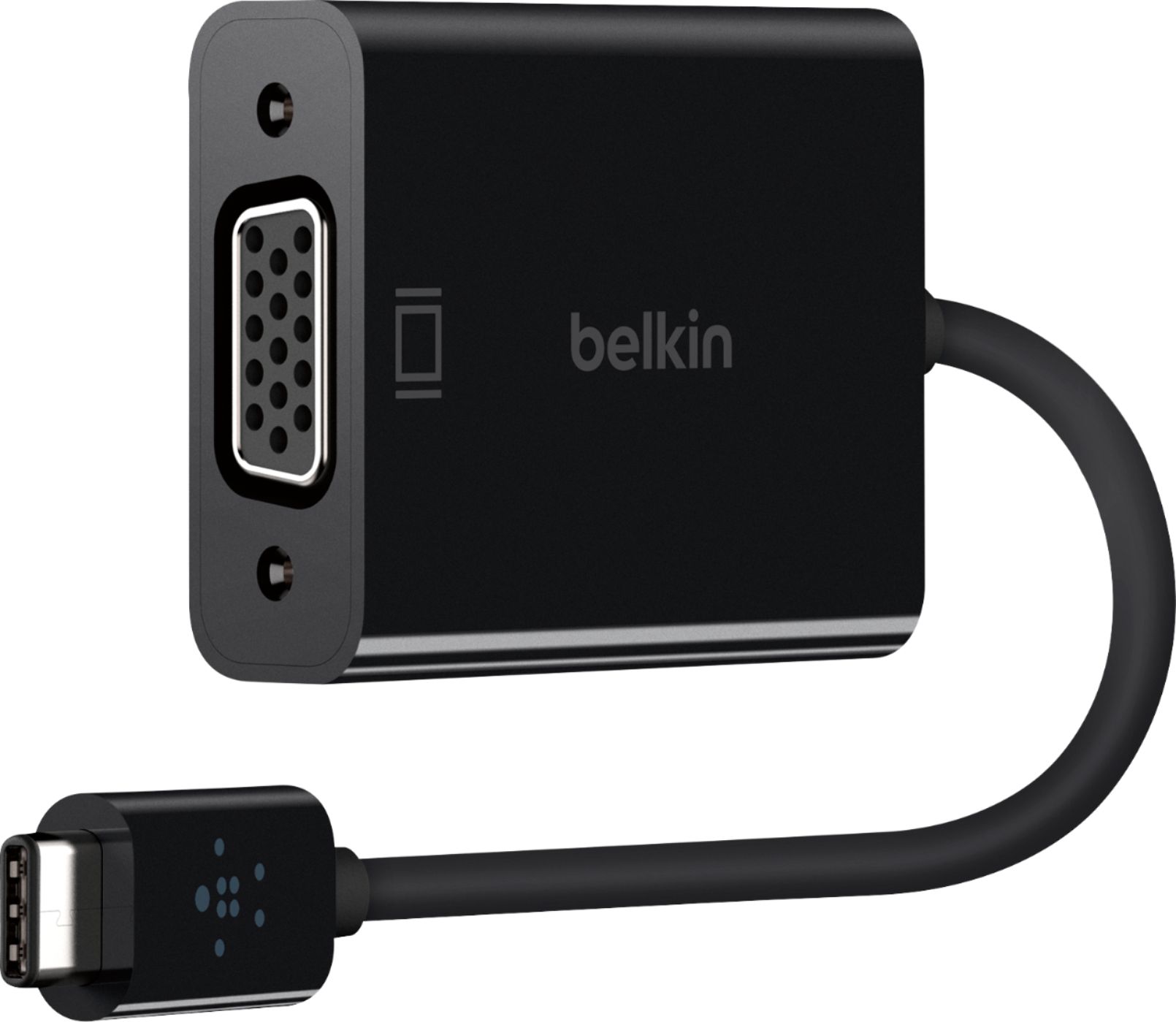
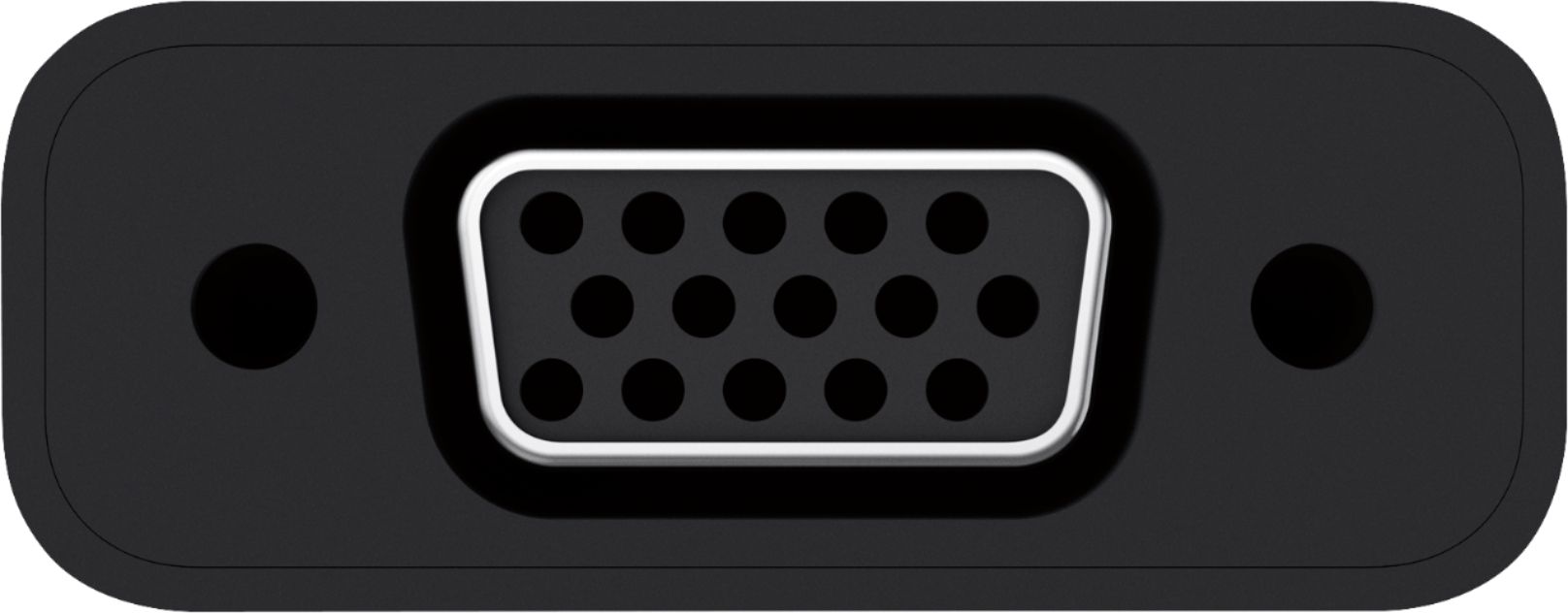
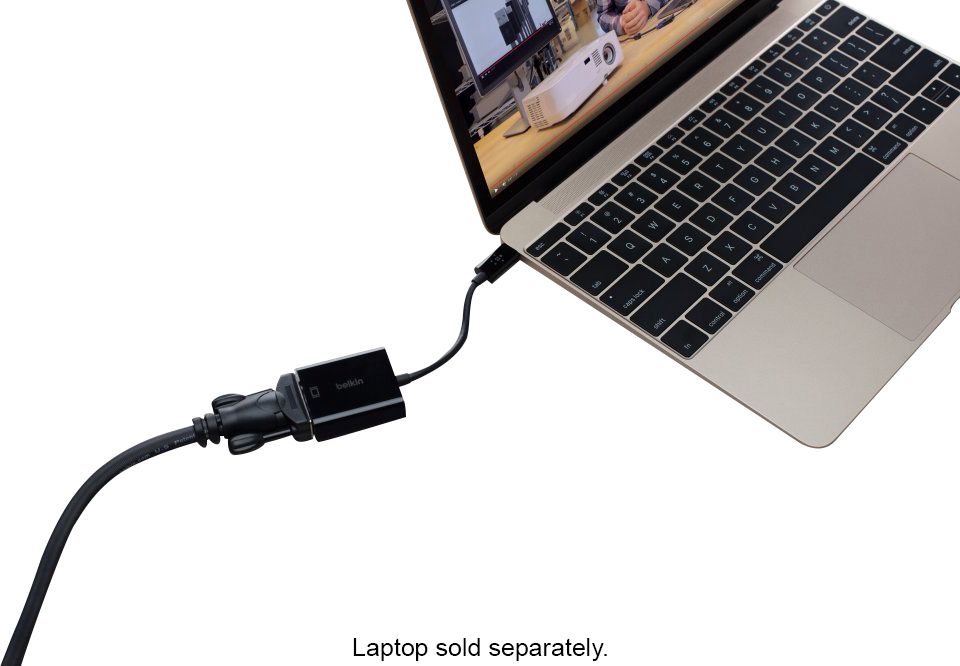
Customers commend the USB Type-C to VGA Adapter for its ease of use and compatibility with various devices. Many appreciate its ability to connect to VGA monitors and projectors, which is particularly helpful for those with older equipment. A few customers felt the price was high. Overall, the adapter is praised for its straightforward functionality and reliable performance.
This summary was generated by AI based on customer reviews.
Helps hook my Mac up to big monitor
||Posted .This reviewer received promo considerations or sweepstakes entry for writing a review.This adapter helps me work on my big color monitor. Real plus
I would recommend this to a friendFulfilled its duties
||Posted . Owned for 1 month when reviewed.This reviewer received promo considerations or sweepstakes entry for writing a review.It was able to adapt the drawing tablet to my daughter's laptop.
I would recommend this to a friendusb c vga adapter
||Posted .This reviewer received promo considerations or sweepstakes entry for writing a review.this usb c vga adapter is a good product for backwards compatability
I would recommend this to a friendDoes the job
||Posted .This reviewer received promo considerations or sweepstakes entry for writing a review.This seems to work as described. Haven’t had issues
I would recommend this to a friendDoes What it is Supposed to Do.
||Posted .This reviewer received promo considerations or sweepstakes entry for writing a review.It does what it is supposed to do. It is an adapter.
I would recommend this to a friendNot for use with 20xx Nvidia Cards and Windows 10.
||Posted .This reviewer received promo considerations or sweepstakes entry for writing a review.Unable to get this device currently to recognize a monitor's native resolution when trying to game on a CRT. The specifications (hard to find) for this device list that 1600x1200 at 60hz is supported, however Windows 10 only recognizes the monitor to go max of 1024x768 at 75 and 85/hz. When plugging the same monitor directly into a machine with a native VGA port, Windows 10 recognizes the native resolution of 1600x1200/75hz. Not sure what's going on.
No, I would not recommend this to a friendBrand response from BelkinStaff
Posted .Hi,
You can try to use a different VGA cable or use the Belkin USB-C to VGA Adapter (F2CU037) with a different monitor or Windows 10 computer to see if that made any difference.
For further assistance, please share more details at [email protected] with the link to this review for our reference and, we'll assist you further.
Regards,
Jan
Belkin Support
Fragile but works
||Posted . Owned for 9 months when reviewed.This reviewer received promo considerations or sweepstakes entry for writing a review.I'm much less excited about this one... it does what it says it does...but it fell apart on a simple drop to a wood floor... I mean.... really?
No, I would not recommend this to a friendDidn't work for me
||Posted .This reviewer received promo considerations or sweepstakes entry for writing a review.I was trying to create a 3rd screen. This didn't work for me.
No, I would not recommend this to a friendBrand response from BelkinStaff
Posted .Hi, churchamie,
Please reach out to us at [email protected] so our Product Experts can understand your setup and provide the necessary workarounds. Include the link to this post and your contact details once you email.
Regards,
Klaudette
Belkin Support
Only worked once
||Posted .This reviewer received promo considerations or sweepstakes entry for writing a review.Bought it got it, used it, it worked...once. Now it's a paper weight.
No, I would not recommend this to a friendBrand response from BelkinStaff
Posted .Hi, Lenovo,
If you have other USB-C computer, then try connecting the Belkin F2CU037 to that computer and observe if the same issue appears. Allow us to have our Product Experts investigate on this further by sending us an email at [email protected] with your contact info and the link of this review, for our reference.
Regards,
Elyza
Belkin Support
It did not work
||Posted .This reviewer received promo considerations or sweepstakes entry for writing a review.I could not get it to work with my monitors. Did not like it
No, I would not recommend this to a friendBrand response from BelkinStaff
Posted .Hello Buck,
Email us at [email protected] the make and model of your monitors so we can have our Product Experts look into this matter. Please include the link to this review and your phone number.
We'll help you with this.
Regards,
Princes
Belkin Support
Not compatible with all PCs
Posted .This reviewer received promo considerations or sweepstakes entry for writing a review.The description per Best Buy said compatible with all PC's however AFTER I purchased it and tried to use it with my HP laptop (Windows 10) I found it is not compatible with my laptop! I looked it up on the manufactures website and found this: COMPATIBILITY MacBook Google Chromebook Pixel MacBook Pro (2016) Would have been nice to know before I purchased but guess I should have done better research!
No, I would not recommend this to a friendBrand response from BelkinStaff
Posted .Hi,
This adapter is compatible with computers and tablets that are Thunderbolt 3 supported devices or have a USB-C port with DisplayPort Alternate Mode supported. Please note that not all USB-C ports support video out. Please refer to your computer or tablet manufacturer for specifications if your USB-C port supports DisplayPort Alternate Mode.
Regards,
Belkin Support