The vast majority of our reviews come from verified purchases. Reviews from customers may include My Best Buy members, employees, and Tech Insider Network members (as tagged). Select reviewers may receive discounted products, promotional considerations or entries into drawings for honest, helpful reviews.
Page 1 Showing 1 of 1 review
Rated 5 out of 5 stars
Hardware and Reviewer Considerations For hardware
|
|
Posted . Owned for 2 weeks when reviewed.
This reviewer received promo considerations or sweepstakes entry for writing a review.
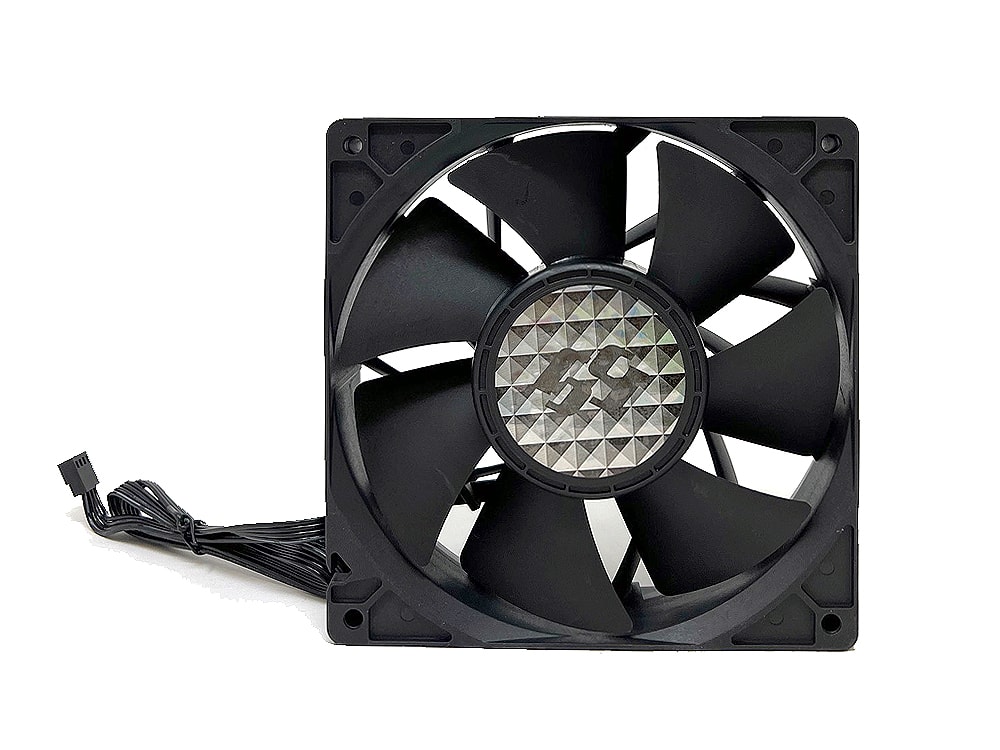
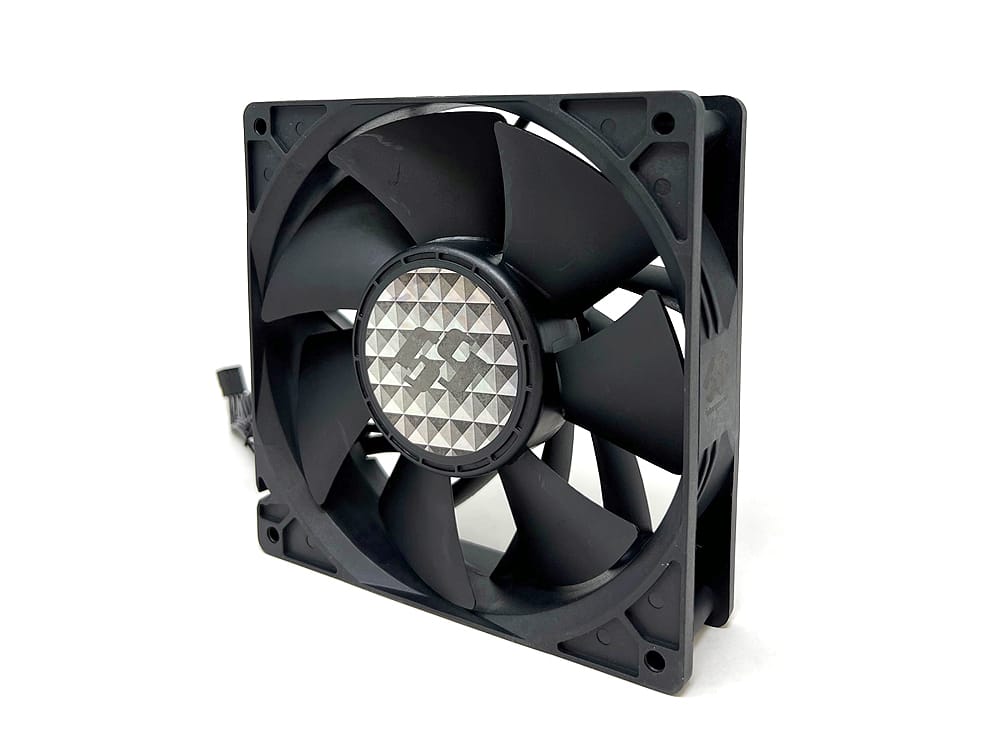
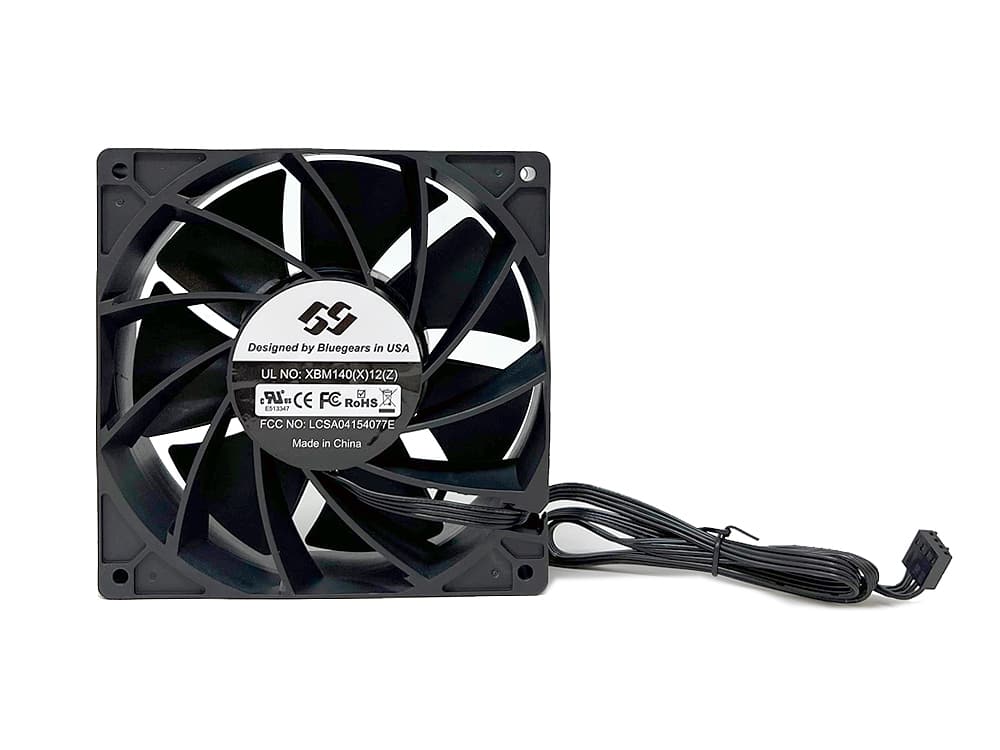
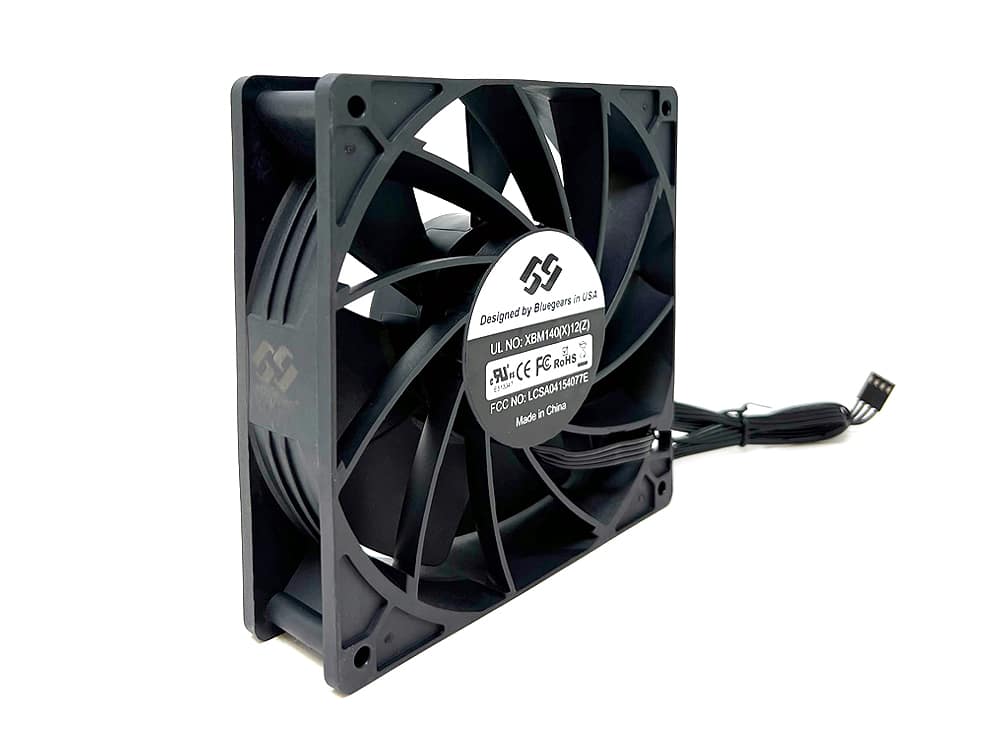
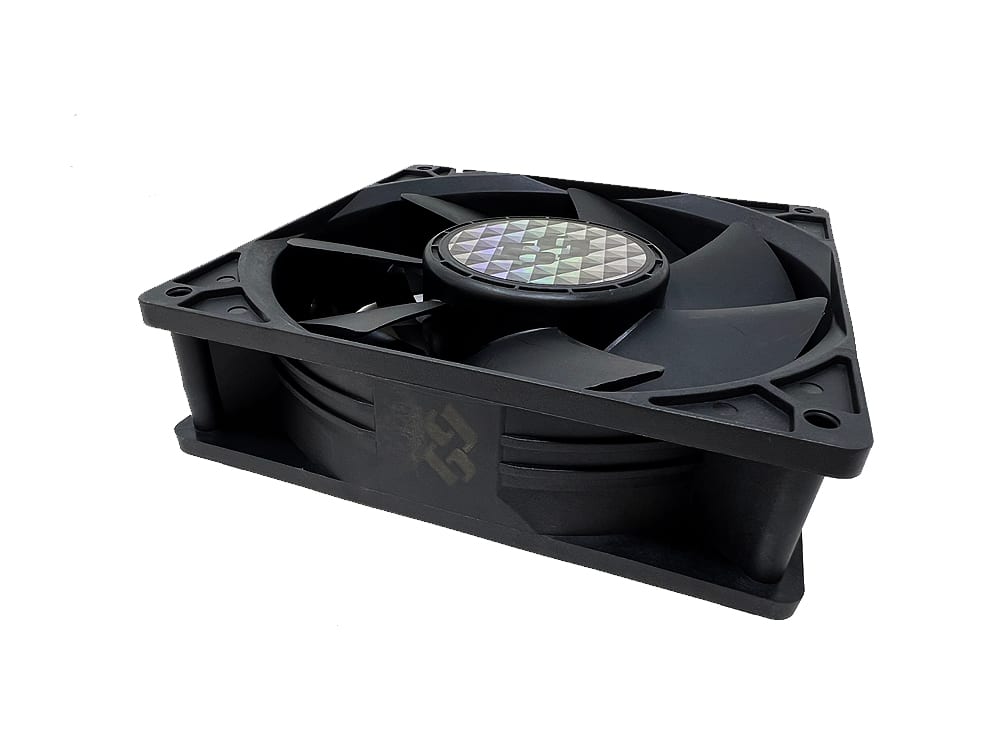
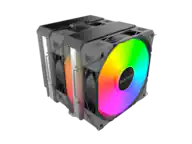
Using the ASUS ROG Crosshair VIII Dark Hero with high-power fans requires careful power management and specific software configurations to ensure stability. Enthusiast-grade fans pulling 24W to 33W exceed the typical 12W (1A) limit of standard motherboard headers, making external power and specific BIOS settings essential.
Power Management and Safety
High-wattage fans must be powered directly from the Power Supply Unit (PSU) rather than the motherboard headers to avoid damaging the board's circuitry.
SATA Power Requirement: For fans rated at 24W or 33W, you should use only one dedicated SATA to fan power adapter or a powered fan hub.
Connector Safety: A single SATA power connector is typically rated for approximately 54W on the 12V rail. For a 33W fan, it is critical to use only one fan per PSU SATA cable to prevent overheating the connector or the thin-gauge wires often found on daisy-chained SATA leads.
High-Amp Header: While the ASUS ROG Crosshair VIII Dark Hero features a "High Amp" header, it is generally intended for water pumps and may still be limited compared to direct PSU power for 30W+ industrial-grade fans.
Fan Control Settings
To maintain the 25% manual speed you prefer, you can utilize both the UEFI BIOS and desktop software.
BIOS Manual Mode: Access the Q-Fan Control section in the BIOS to set a manual duty cycle. Setting this to 25% ensures the fan remains at a constant low speed regardless of OS-level software status.
ASUS Fan Xpert 4: This tool, found within ASUS Armoury Crate or AI Suite 3, allows for desktop-level adjustments.
Auto-Tuning: Before setting manual curves, run the Fan Tuning wizard. This detects the fan's minimum and maximum RPM, allowing Fan Xpert 4 to accurately apply your 25% speed setting.
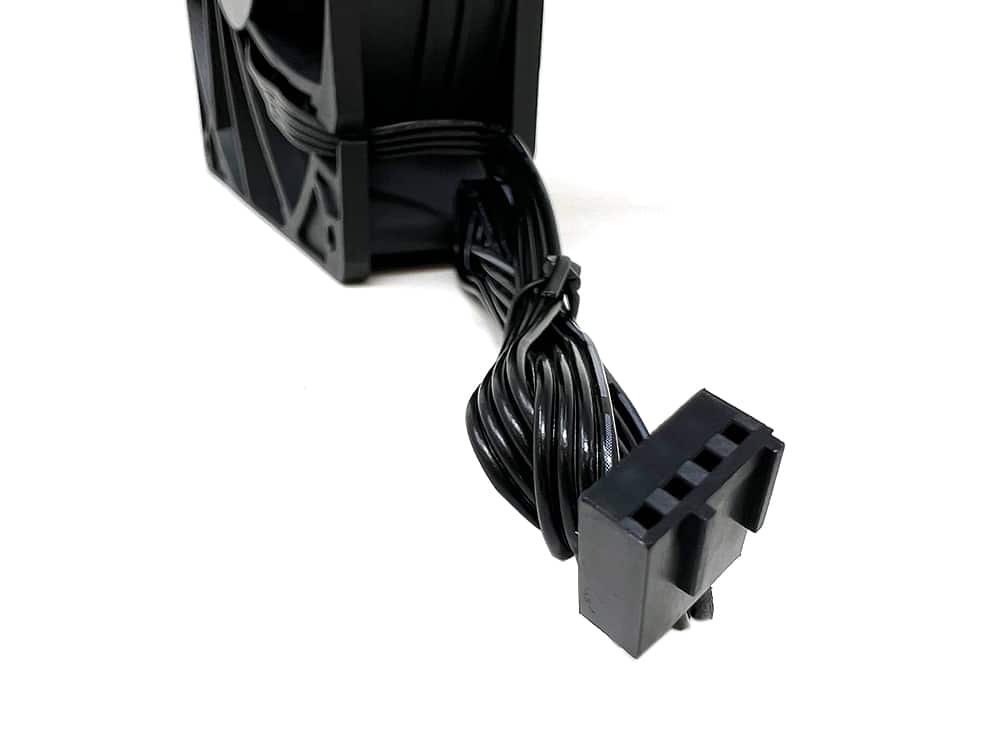
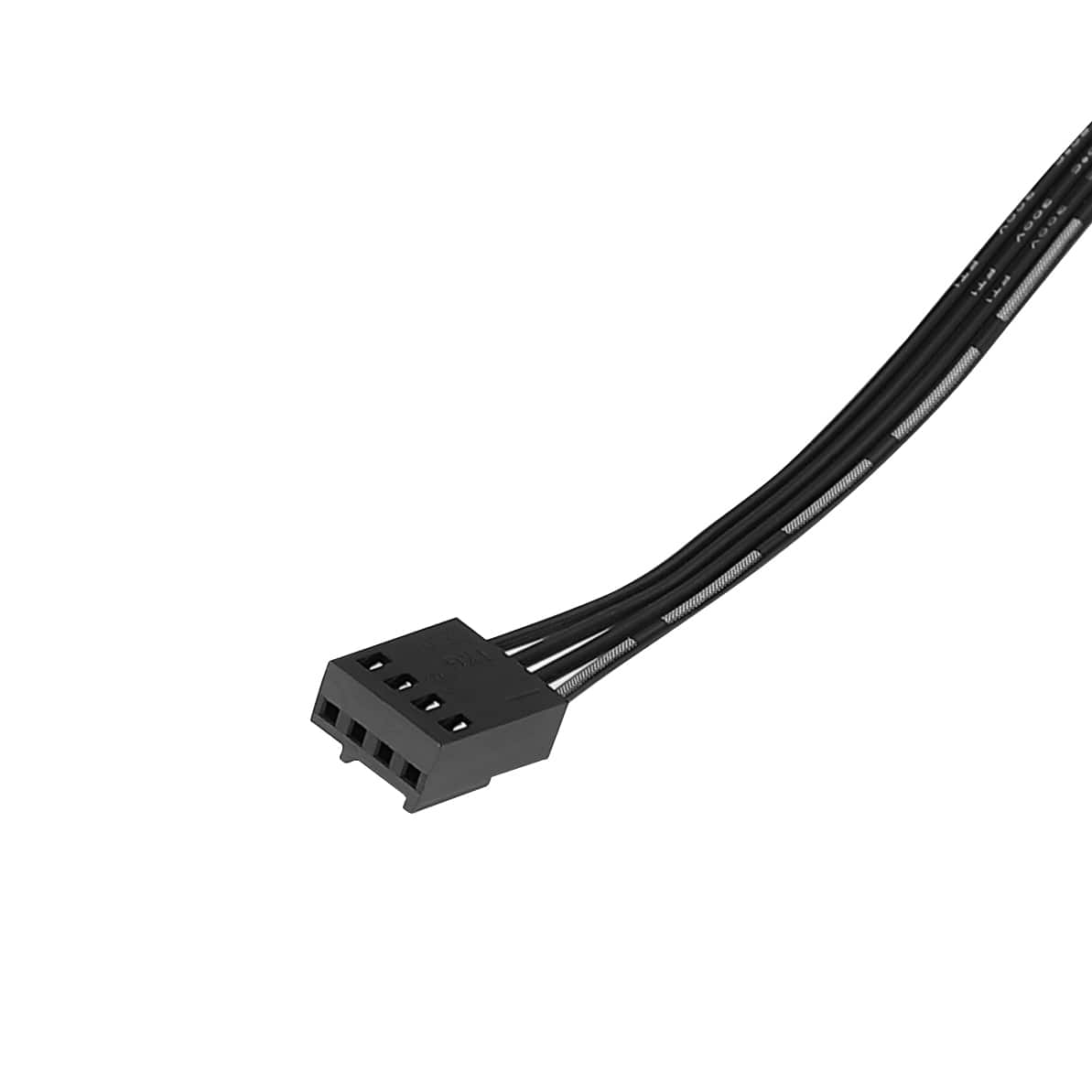
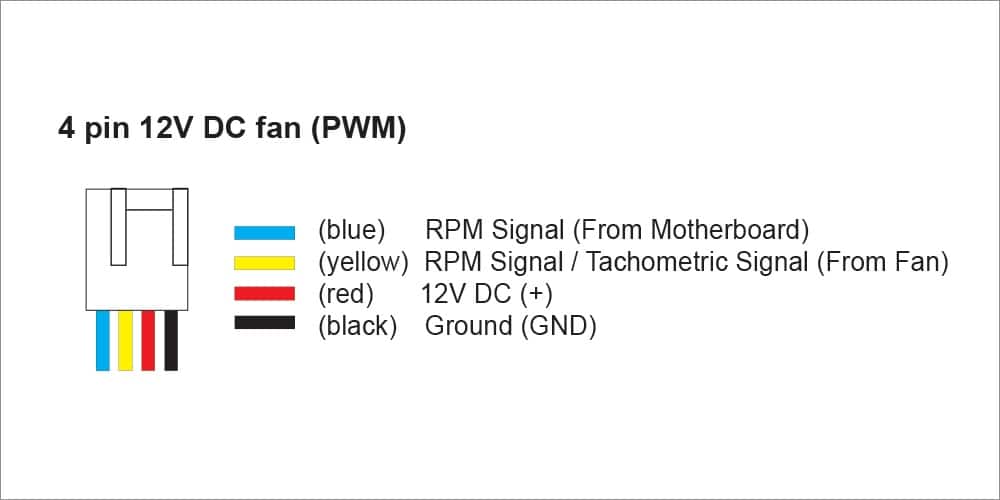
Control Mode: Ensure the header is set to PWM mode in the BIOS if the fan uses a 4-pin connector, as high-power enthusiast fans often require a constant 12V signal with PWM for speed regulation.
Hardware and Reviewer Considerations
For hardware reviewers using top-tier components like the ASUS ROG Crosshair VIII Dark Hero: