Customer Ratings & Reviews
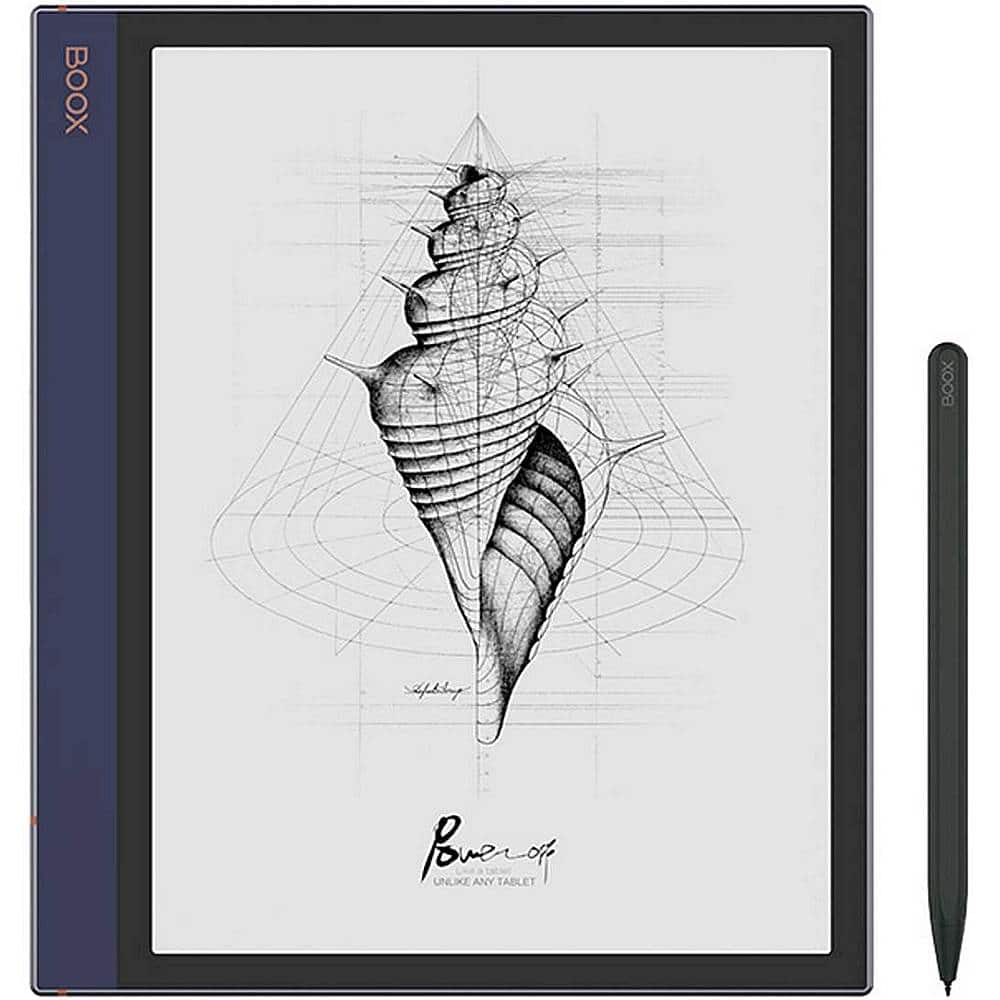
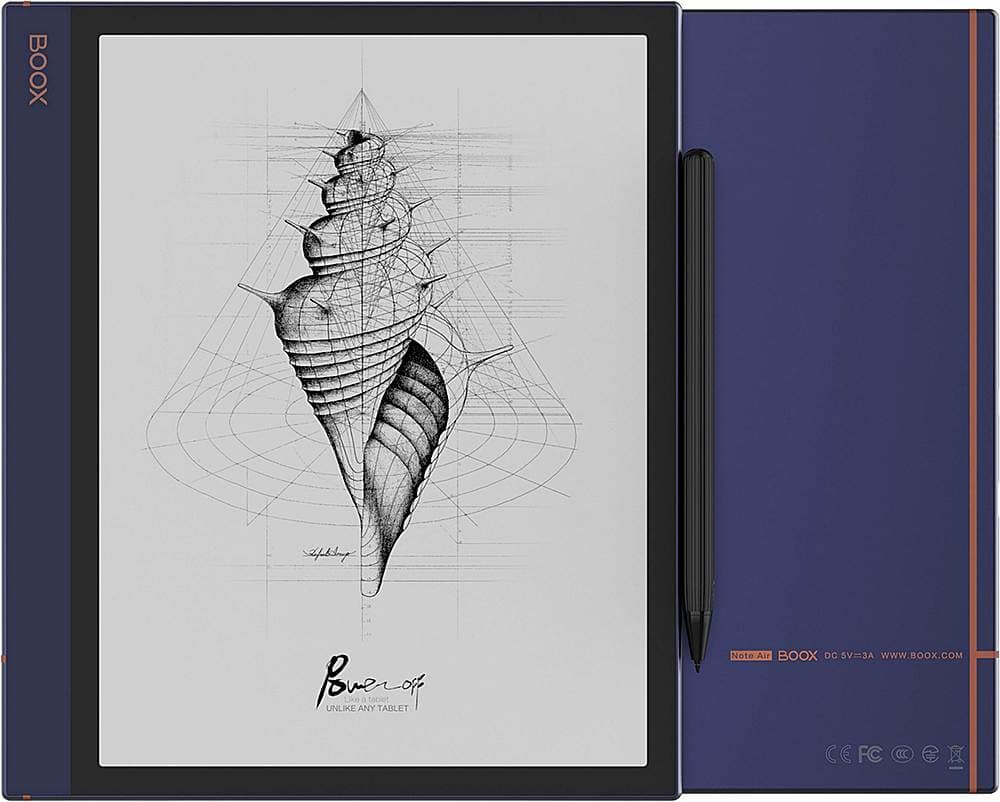
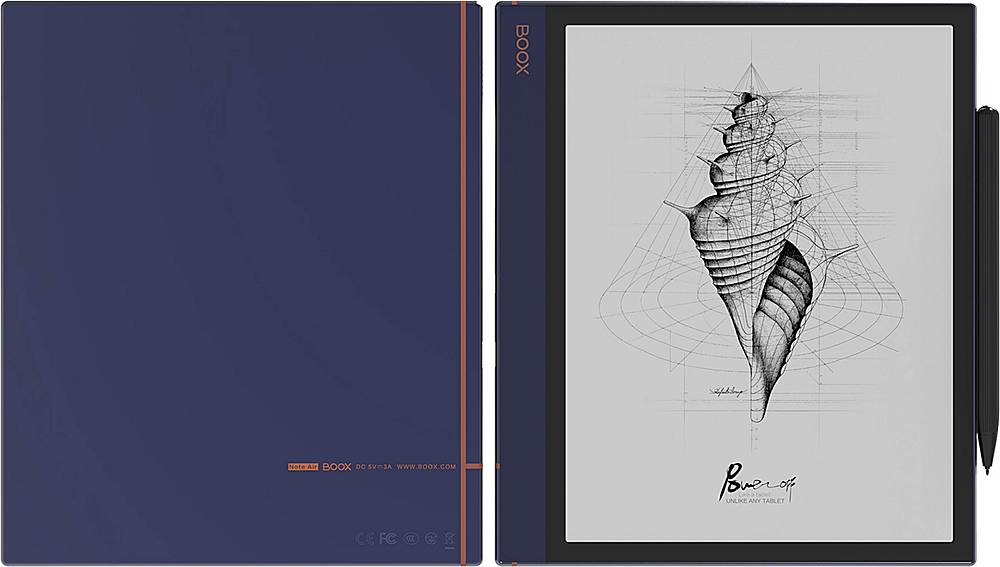
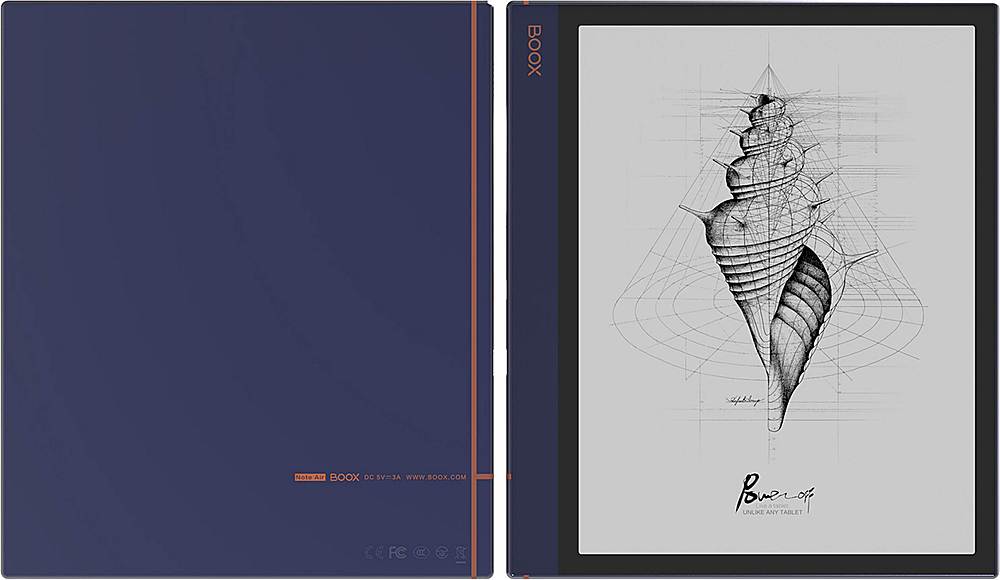
- Model:
- OPC0751R
- |
- SKU:
- 6440433
Customer reviews
Rating 3.9 out of 5 stars with 17 reviews
(17 customer reviews)Rating by feature
- Value3.5
Rating 3.5 out of 5 stars
- Quality3.9
Rating 3.9 out of 5 stars
- Ease of Use3.5
Rating 3.5 out of 5 stars
Customers are saying
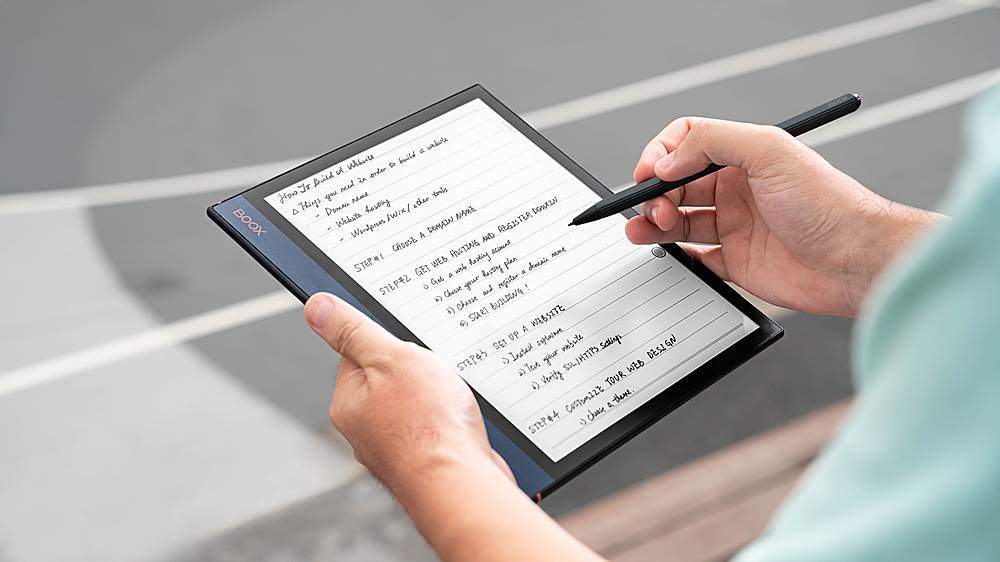
Customers frequently mention the ease of use and long battery life of the Note Air - 10.3" - 32GB. Many users find it easy to take notes and appreciate its intuitive design, comparable to a tablet. The device's battery performance is also praised for lasting an extended period. No significant drawbacks were reported by customers.
This summary was generated by AI based on customer reviews.
- Pros mentioned:Battery life
Rated 5 out of 5 stars
Not bad
||Posted . Owned for 3 weeks when reviewed.This reviewer received promo considerations or sweepstakes entry for writing a review.Battery is great and I'm sure it has more you can do than just read from kindle but still thin and light with 2 diff backlighting like Amazon oasis plus it's 2x bigger makes reading really easy. If you like to draw, surf the web for basic info and read then this might suite you. Also has type c so you should be able to extend storage or use dingle
I would recommend this to a friend - Pros mentioned:Battery life
Rated 5 out of 5 stars
Not for everyone...
||Posted .This reviewer received promo considerations or sweepstakes entry for writing a review.Let me begin by saying if you want something akin to an Amazon e-reader, iPad or Samsung Tab S tablet, DO NOT purchase this device. The Note Air is not for entertainment, it is a productivity device that fills the space between an Amazon e-reader and iPad/Samsung productivity tablets. Some pros: 1. amazing build quality 2. lightweight (less than a pound) 3. battery lasts weeks, not 1-3 days 4. functionality of pdf reader is amazing. You can change a pdf's font size, space between lines, the shape of paragraphs, the number of columns, and so much more... 6. split-screen capabilities allow you to do, among other things, translate a pdf from a foreign language into English and visa versa 6. can download Google play station apps 7. can attach a keyboard and mouse 8. has two different types of front lights 9. writing experience is far superior to any traditional tablet 10. microphone allows for dictation The Note Air's functional is on par with Samsung tablets and phones, far too many features to mention. Watch "My Deep Guide" videos to learn all it can do... Some Cons 1. not color, but you can write notes and annotate pdf in color and the color will appear on the printed document or pdf that is transferred to a laptop/desktop. 2. refresh rate is not that of a traditional tablet. Reading and writing does not require a high refresh rate. 3. official case is terrible. Get the "KuRoKo Premium PU Leather Case Cover with Hand Strap" 4. pen that comes with Note Air is not great. The "BOOX Wacom Stylus Triangle Pen with Eraser" is a much better pen. 5. pricey, this is not a cheap item. so best purchased by someone who plans on using it daily... 6. there is a 1-2 day learning curve 7. Onyx Boox Note 2 is smaller; and for that reason, better if you are just interested in a note-taking device. In short, the Note Air is ideal for white-collar professionals, academics/researchers, and graduate students. I have owned a Surface Pro 7, Surface Go 2, and Samsung Tab s6. This device is far better than those devices for note-taking and annotating pdf documents.
I would recommend this to a friend - Pros mentioned:Battery life
Rated 5 out of 5 stars
Boox Note Air, ❤️.
||Posted . Owned for 1 month when reviewed.This reviewer received promo considerations or sweepstakes entry for writing a review.Learning curve? Yes. The Manual is not in paper form, but on the device itself electronically. The instructions are not in complete English format and can have one guessing what it means sometimes. But all in all, if you pick up the device and not get into semantics, you will find a world of wonderful surprises, as the functionality is pleasing for my purposes at least. I use this to jot down and journal. Also it has applications for storage, like google drive, Dropbox, Evernote, as well as Microsoft applications. I downloaded kindle with ease. You may have to put your volume down when downloading each book file. I have had this for a month, and I still have not had to charge it, as I don’t use the backlight setting during the day. This helps me rest my eyes as I still have other devices that I am constantly on most of the time. But my researching still has to go on. The Boox device cover is a bit flimsy, i do like the stick on sleeve that keeps the pen from running away, which can be a bit problematic as the magnetic feature is not all the way secure. I had to use my padfolio with a ziparound to assure my investment is safe and secure. All settings are how you please faster or normal speed, lighter or dimmer, high sound or none at all; with multiple touch or pen use acces to these functions. The pen, is good but you cannot erase with it, you choose this option on the boox note air. I did have quite a time putting the screen protector on. This is not to replace my color tablet for movie watching and YouTube, but it is very good to not have to carry paper notebooks anymore. It’s a keeper.
I would recommend this to a friend Rated 1 out of 5 stars
Very poor quality of Hardware and Software
Posted .This reviewer received promo considerations or sweepstakes entry for writing a review.I purchased a Boox Nova Air 8 months ago and all of a sudden, the screen showed a frozen image and never cleared out. I use a couple of hours a week and took care very well of the device, never fell in floor and doesn't have a single scratch or mark. When I wrote to customer service they insisted I have broken the screen with force! They asked USD185.00 to fix it. Besides that, i didn't like the experience at all. It's far from user friendly and the speed of the apps and their limitations are so poor that, in 8 months, i never used it as something more than a notebook. The writing experience is pretty much similar to any tablet and the letter recognition is not useful at all, it's impossible to transform hand writing into a typing letters. it also takes about 5-7 minutes to find a word. For the price they charge it's a terrible choice.
No, I would not recommend this to a friend- Pros mentioned:Ease of use
Rated 5 out of 5 stars
Awesome tech!
||Posted . Owned for 2 weeks when reviewed.This reviewer received promo considerations or sweepstakes entry for writing a review.I love everything about this! I’m currently taking my prerequisites to apply toward my nursing degree and this little tablet/e-reader has it all! Easy on the eyes, can do everything a tablet can do plus. Comes with the pen, but not the cover. It calibrates to how you write so it feels authentic. You can download all your apps and use them. You can even upload your college books or your Kindle. It has Bluetooth capabilities, and has sound. I found a universal cover on amazon so I’m good. A tricky thing for all you non-tech type peeps… setting up your google account and making sure it’s an approved secured device per google. If you follow the boox instructions, you should be able to figure it out… or just youtube it.
I would recommend this to a friend Rated 3 out of 5 stars
For power users
||Posted . Owned for 3 months when reviewed.This reviewer received promo considerations or sweepstakes entry for writing a review.For the price, I was expecting more. But I realized that the e-ink technology currently has some limitations and this device cannot hide them. The refresh rate and pixellation were a deal breaker for me. I mainly wanted to use it for ebook reading. For other power users this may be a good purchase, just not for me.
No, I would not recommend this to a friendRated 5 out of 5 stars
Nice e-reader
||Posted . Owned for 1 year when reviewed.This reviewer received promo considerations or sweepstakes entry for writing a review.Great product - it's been intensively used for a year without problems, and it definitely reduces eye strain.
I would recommend this to a friendRated 5 out of 5 stars
Great
||Posted . Owned for 1 week when reviewed.This reviewer received promo considerations or sweepstakes entry for writing a review.Absolutely love this device. I find it easier to load books using USB compared to my Remarkable 2. The Remarkable 2 writing does feel better though. I do find that the device slides around on the table when writing though- a DIY carbon fiber “skin” helped with this.
I would recommend this to a friendRated 3 out of 5 stars
Okay product
||Posted . Owned for 6 months when reviewed.This reviewer received promo considerations or sweepstakes entry for writing a review.It is one of its kind product but definitely overpriced. The feel isn't super great when one writes and also there is a lag.
No, I would not recommend this to a friend- Pros mentioned:Ease of use
Rated 5 out of 5 stars
win win
||Posted . Owned for 3 weeks when reviewed.This reviewer received promo considerations or sweepstakes entry for writing a review.love this thing...easy to take notes, work life and home life...and i can open my kindle reader.
I would recommend this to a friend Rated 2 out of 5 stars
It's Okay
||Posted . Owned for 1 month when reviewed.This reviewer received promo considerations or sweepstakes entry for writing a review.I wanted to use this item as an everyday notebook and sync to my cloud services. It's hard connecting to Dropbox and OneDrive -- and not easy to use. I had to go to several YouTube sites to use. The processing speed is slow.
No, I would not recommend this to a friendBrand response from Product Expert
Posted .You can use Dropbox in two different way.
1) By binding your BOOX with your Dropbox account through Accounts settings (you also have Evernote and OneNote available). Once bound, you can long-press your notepads on the Notes App and sync them with the bound account. You can also set that process to be done automatically every time you close a notepad.
2) You can download Dropbox as a third-party App in your BOOX and upload/download files through the App.
These third-party Apps are developed for LCD screen devices and so the optimization of the App cannot be exactly the same as on an LCD Tablet for instance. It is normal that sometimes is a bit slower due to the screen technology refresh. A good way to improve its usability is by setting a higher speed refresh rate like A2 Mode or X Mode (it is recommended to use it for running Apps and browsing the Internet); that will increase the speed when scrolling or switching options but it will leave some ghosting on the background.
We are working on the optimization of Apps like OneNote or Dropbox in a new FW version that will be released before the end of the month.
- Pros mentioned:Ease of use
Rated 5 out of 5 stars
BOOX review
||Posted . Owned for 1 month when reviewed.This reviewer received promo considerations or sweepstakes entry for writing a review.Excellent device. Love working on it. Easy to use. Pen needs nibs changed a lot... maybe I am wearing the nibs out.
I would recommend this to a friend Rated 4 out of 5 stars
Get this BOOX
||Posted . Owned for 1 month when reviewed.This reviewer received promo considerations or sweepstakes entry for writing a review.Great E ink book. Works great and can do so much more than remarkable however the pen is not as nice.
I would recommend this to a friendRated 5 out of 5 stars
great for what it is
||Posted . Owned for 3 weeks when reviewed.This reviewer received promo considerations or sweepstakes entry for writing a review.This is great for what it is. Be sure you know how it will work. It's an Android tablet sure, but with e-ink, many apps won't work as they might on a more conventional device. The built in apps are pretty good, but documented poorly and will require some trial and error experimentation.
I would recommend this to a friendRated 1 out of 5 stars
do not buy this product
||Posted .This reviewer received promo considerations or sweepstakes entry for writing a review.Horrible item. I had to return it because the screen and pen did not work correctly. I do not recommend this product to anyone. In fact, you can purchase an iPad and place a screen protector that feels just like paper. It will work just as good.
No, I would not recommend this to a friendRated 2 out of 5 stars
Not what I expected
||Posted . Owned for 3 weeks when reviewed.This reviewer received promo considerations or sweepstakes entry for writing a review.Unfortunately I returned it the day after I received it. Lacked any kind of operational instructions, not user friendly at all.
No, I would not recommend this to a friendBrand response from Product Expert
Posted .Sorry to hear of your instructional issue with the paper manual standard in the Boox devices. Because Boox devices have so many uses, the paper manual just shows basic instruction and firmware updates. As stated in the instructional manual, please go to https://downloads.boox.com/download to pick the Boox E-Ink device you have purchased for full device instructions.
Rated 5 out of 5 stars
Best e-book reader I ever had
||Posted . Owned for 9 months when reviewed.This reviewer received promo considerations or sweepstakes entry for writing a review.WoW! That product make me to sell my kindle. Good job Boox.
I would recommend this to a friend