Customer Ratings & Reviews
- Model:
- OPC0764R
- |
- SKU:
- 6470825
Customer reviews
Rating 3.5 out of 5 stars with 11 reviews
(11 customer reviews)to a friend
Customers are saying
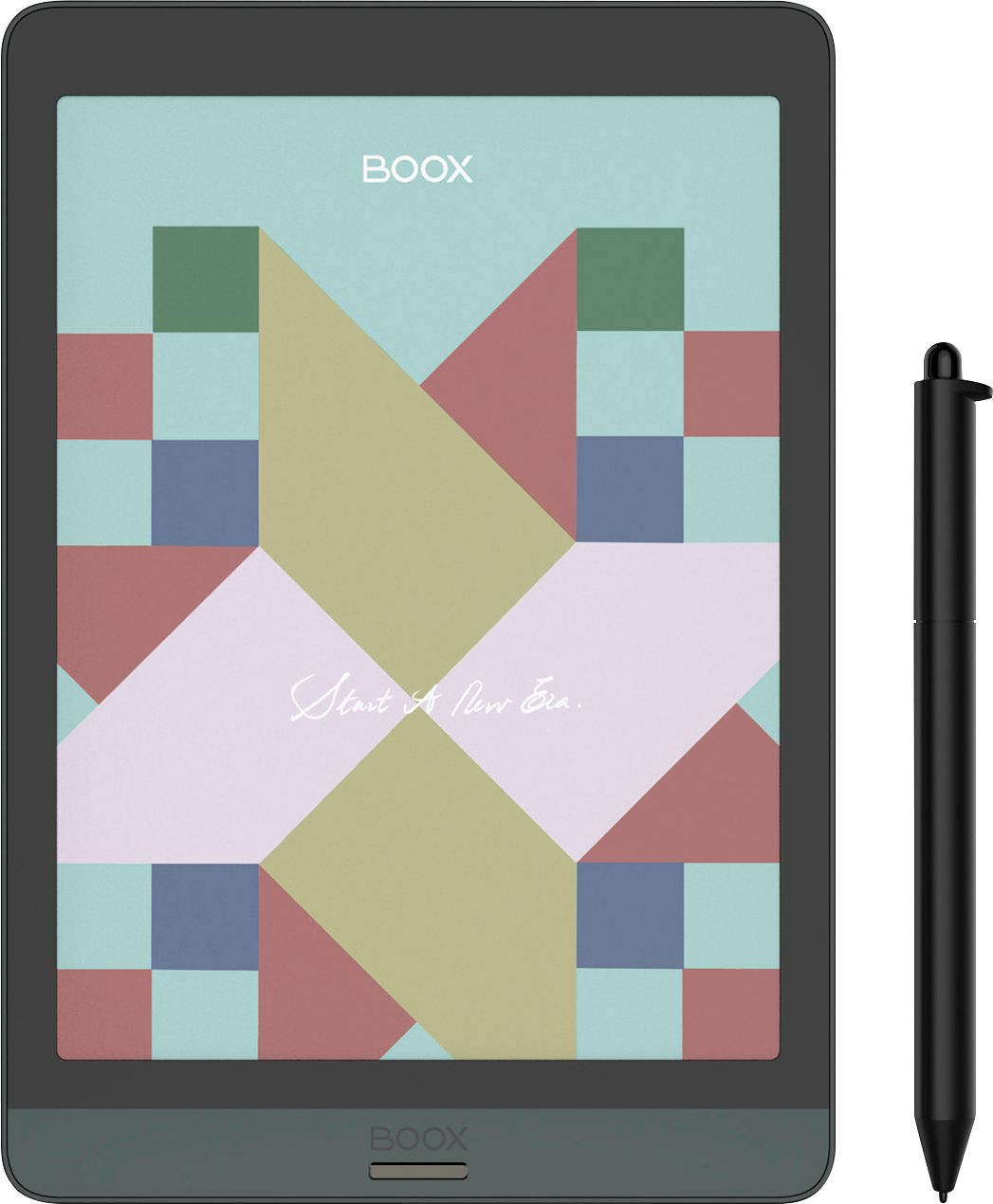
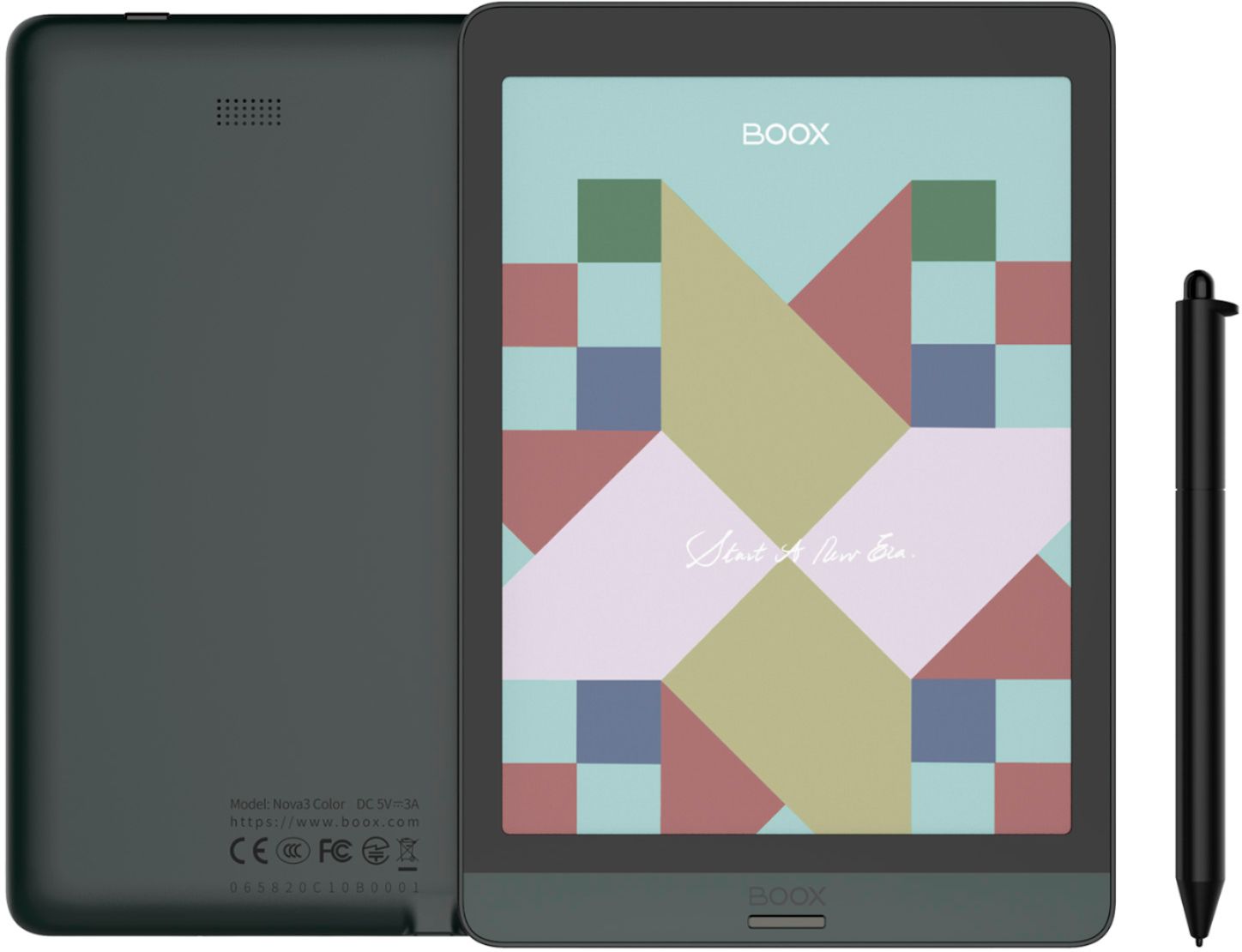
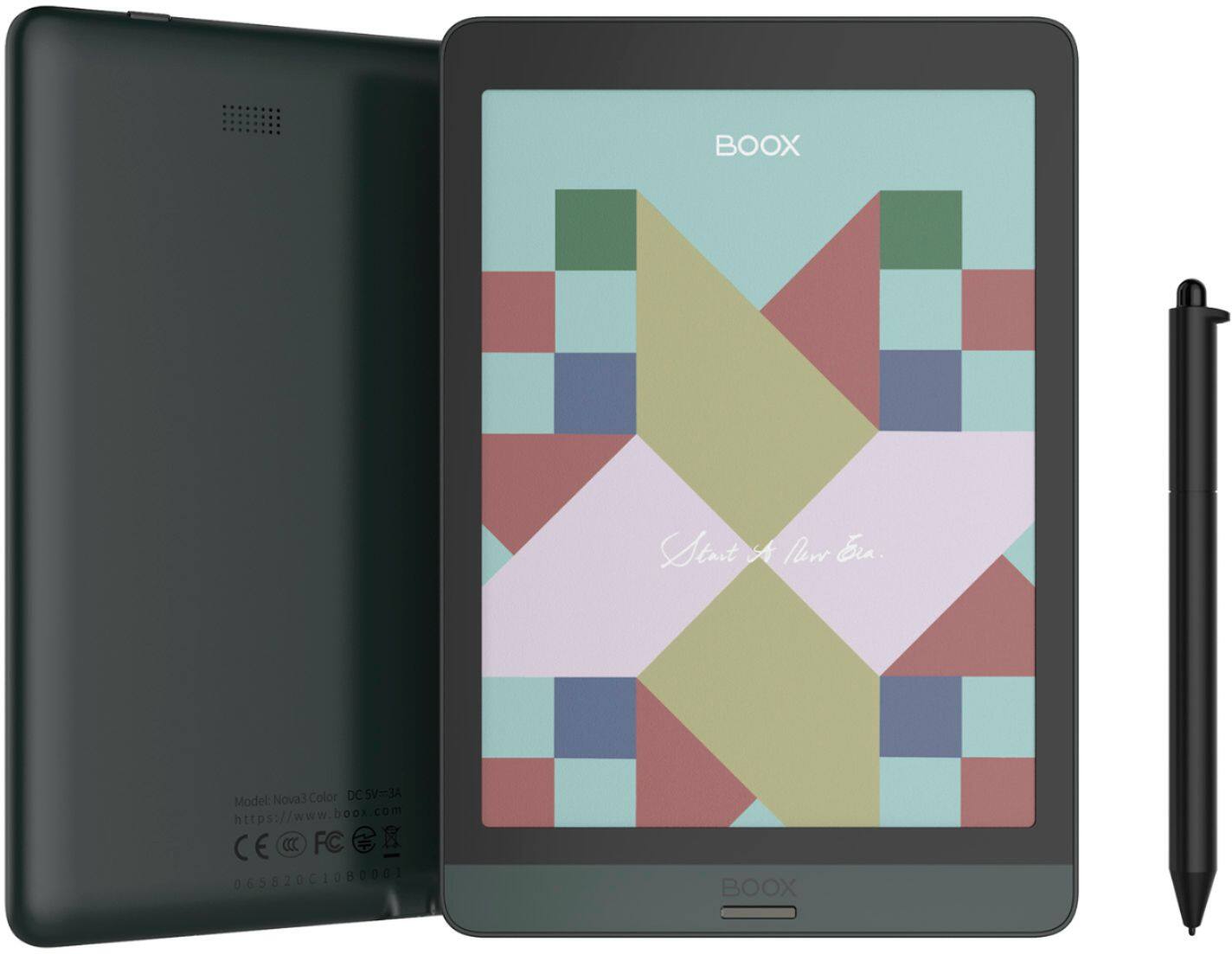
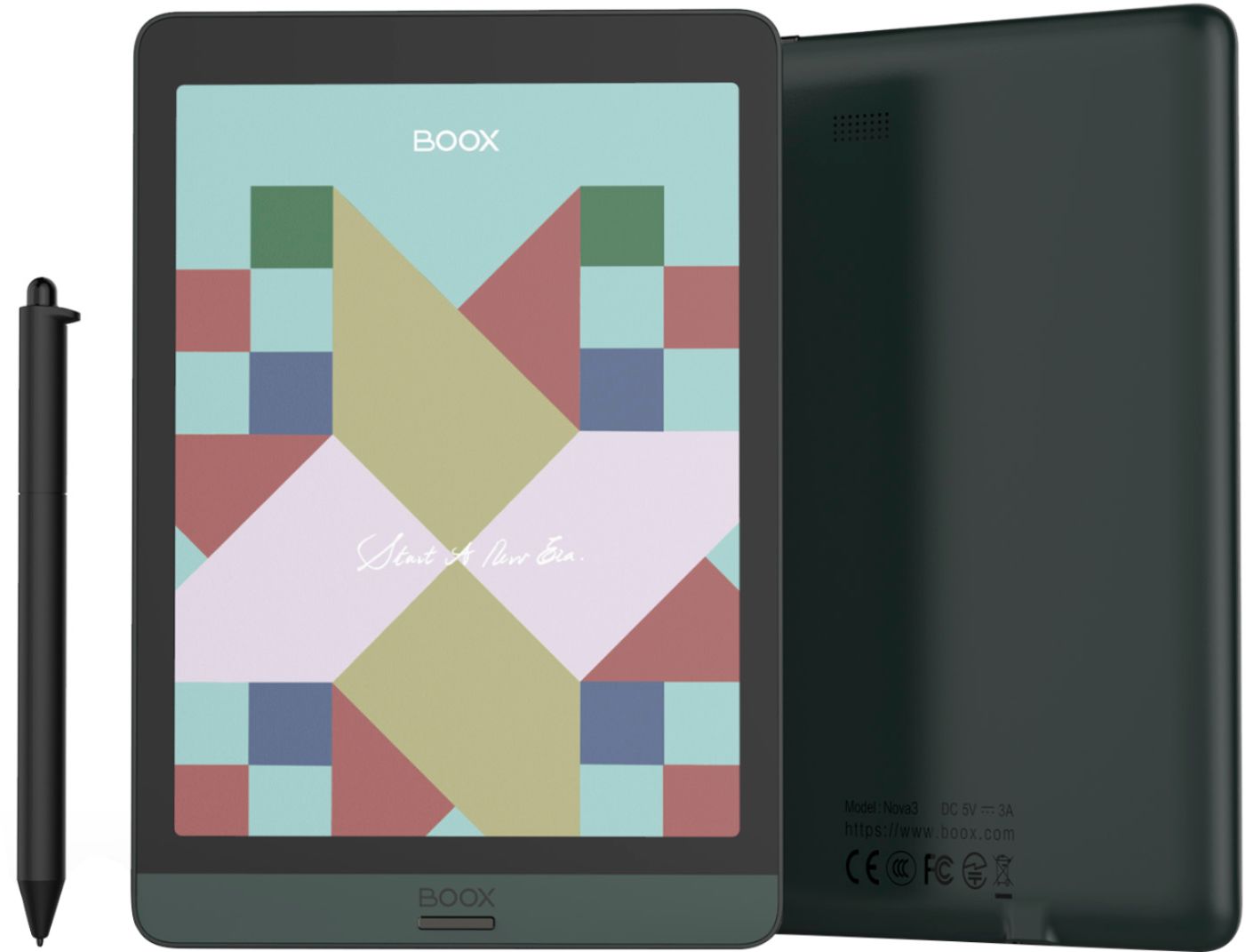
Customers have good things to say about the Nova3 Color E-Reader's Android operating system, highlighting its versatility and functionality as a full Android tablet. However, some users express concerns regarding the color quality of the screen, noting that colors appear muted or washed out, particularly impacting the viewing experience for color manga. The screen's color performance is a point of contention among customers.
This summary was generated by AI based on customer reviews.
Rated 5 out of 5 stars
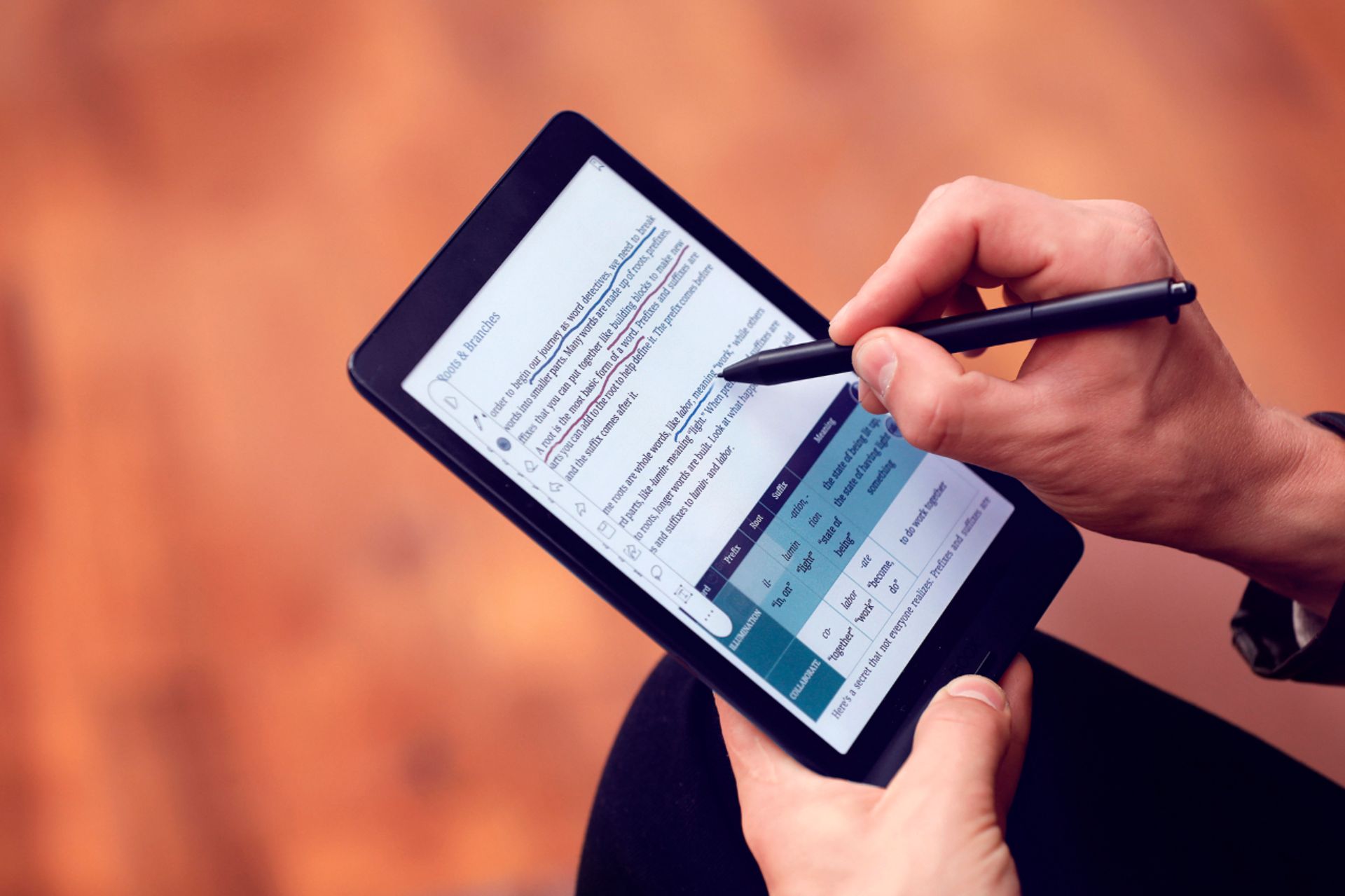
It's a fancy book and notebook
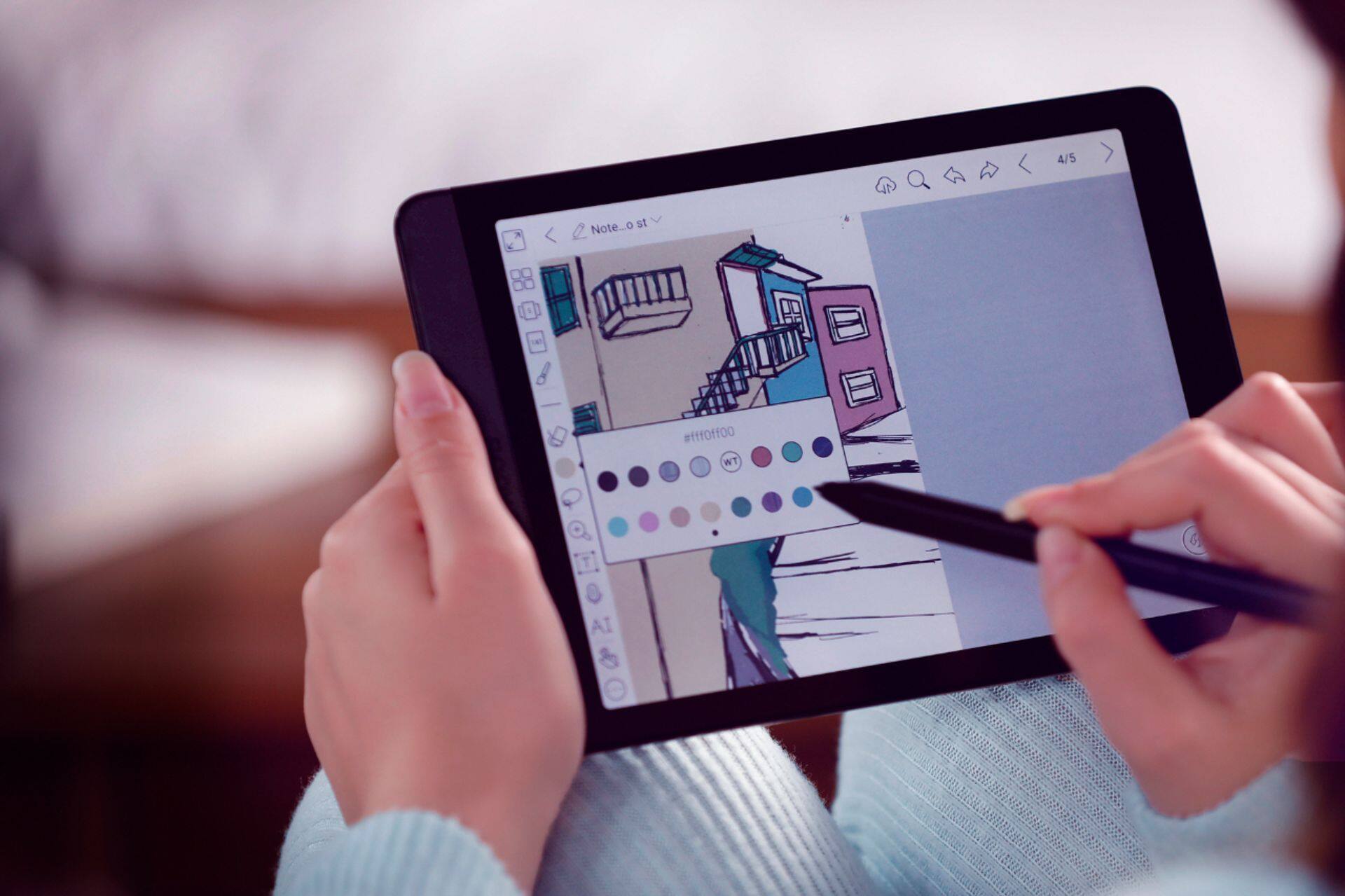
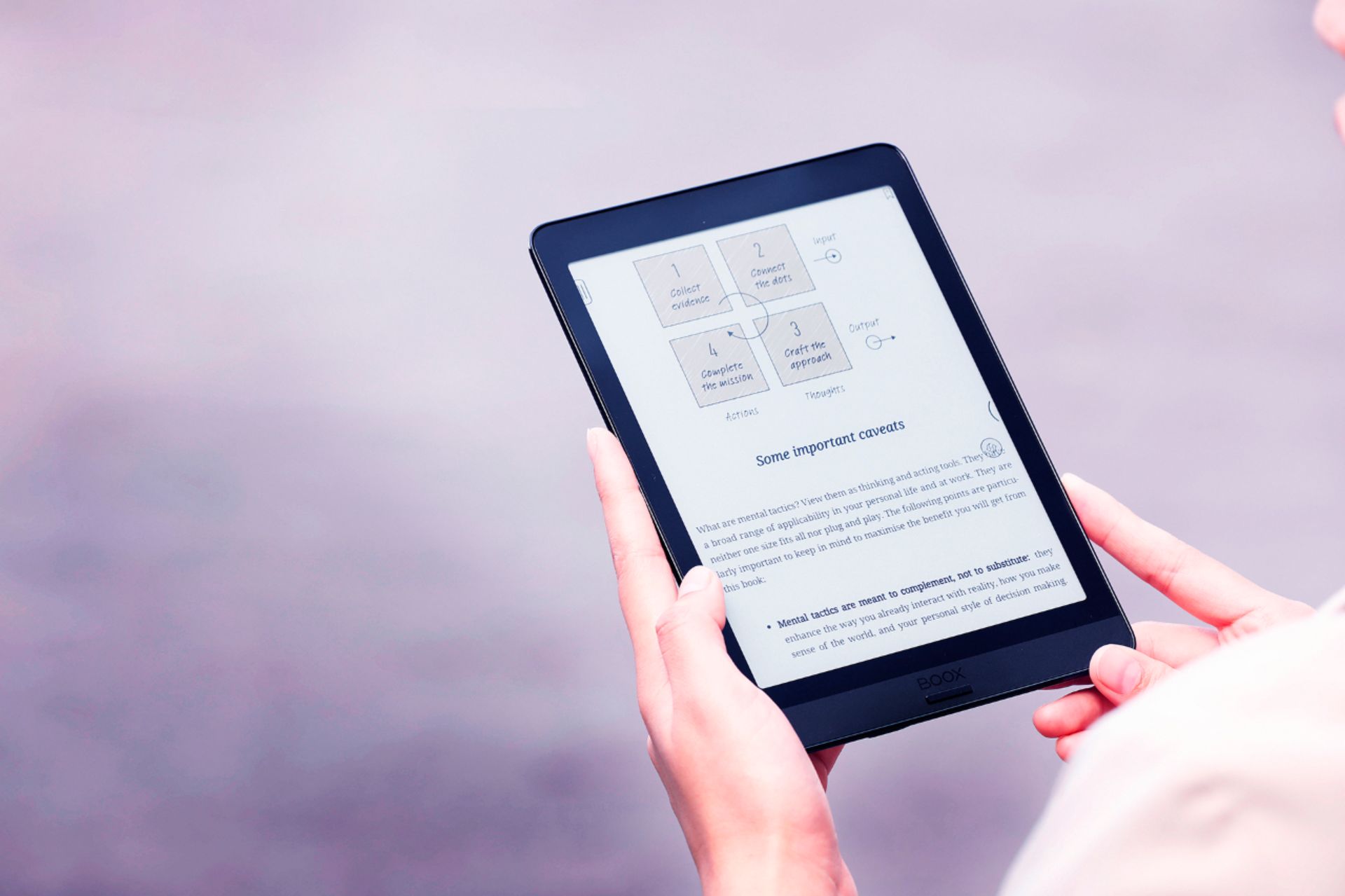
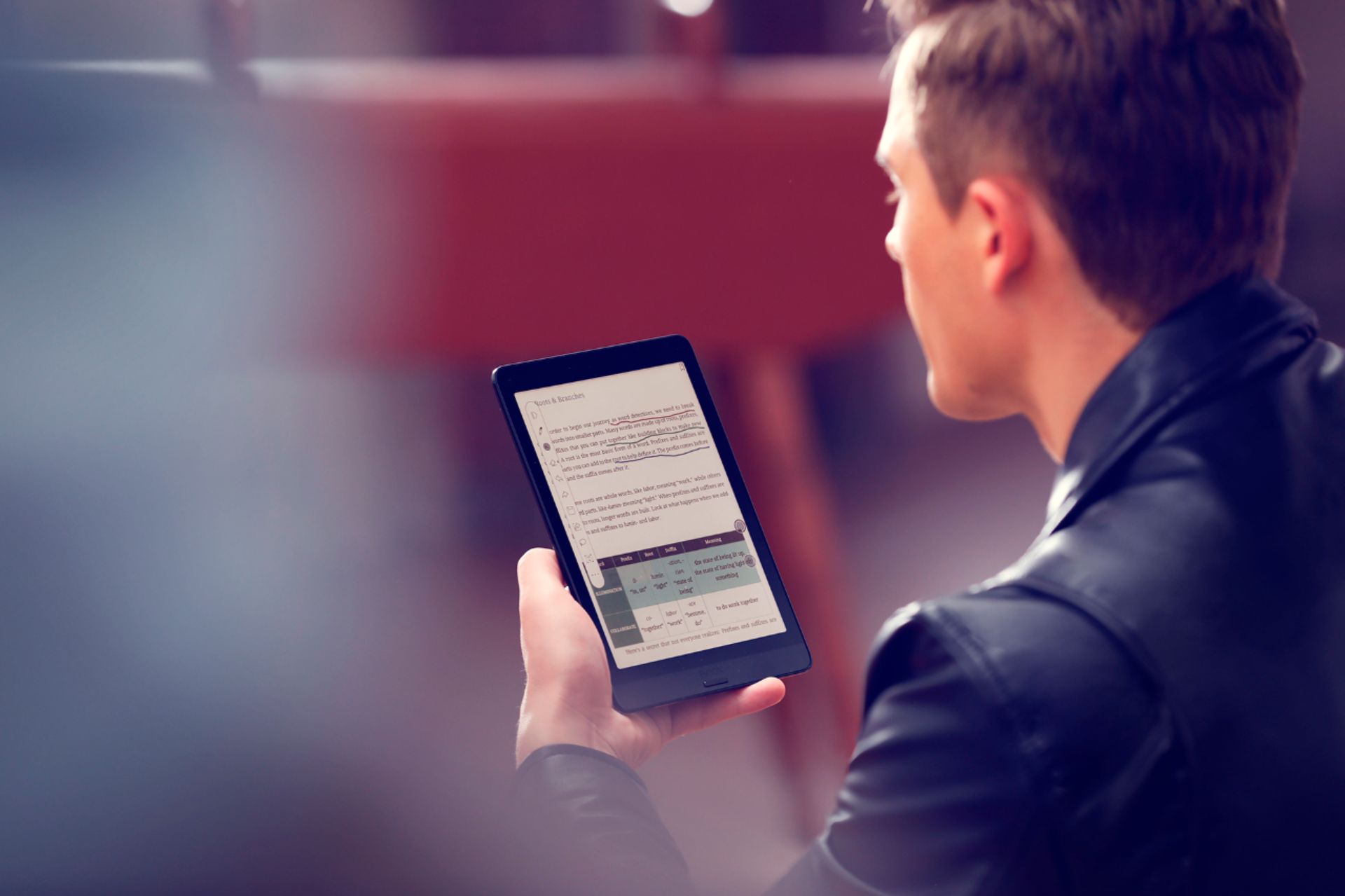
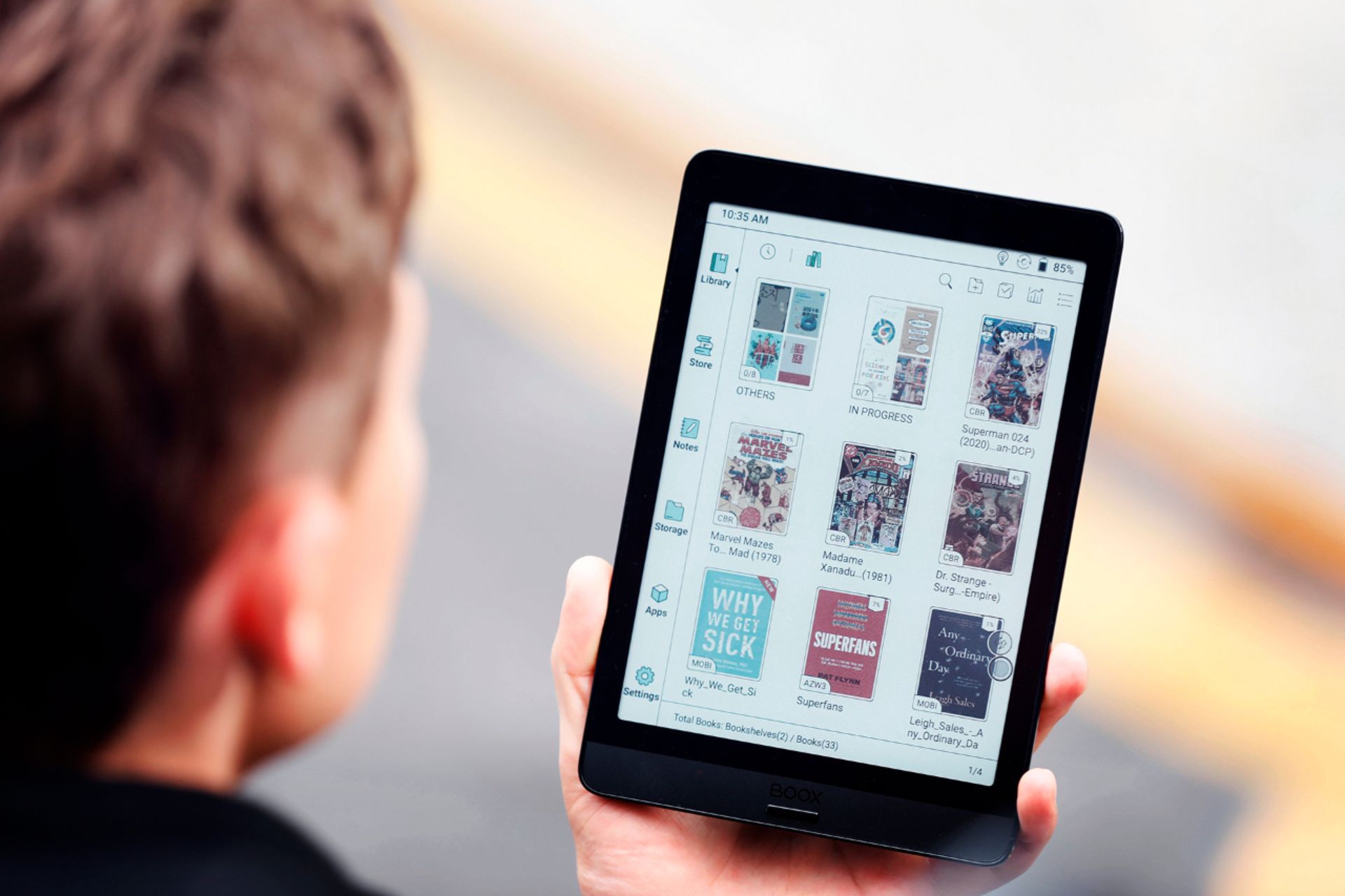
||Posted . Owned for 1 month when reviewed.This reviewer received promo considerations or sweepstakes entry for writing a review.Personally, I'm loving the versatility of this device. I use it primarily for reading and writing. I've activated the Google Play Store so I could download other apps, but there are plenty of basic apps available on the device's store such as Kindle, Kobo, and Libby. I've downloaded Marvel Comics Unlimited which reads beautifully on this device. It automatically refreshes after each page turn, so ghosting isn't an issue with the color pages or panels. The device has Bluetooth for headphones, but I also use it to connect keyboards for writing. And it had built in speakers and a microphone. For writing apps, I usually use One Note which syncs with my computers. I can "share" my One Note chapters with One Drive from the device (as a text file), and then download the text file to use with the Boox reader. The built-in Boox reader is amazing. I've used it for text files, PDFs, and epub with no issue. I love that I can handwrite all over the page. I can also do the more standard finger touch to highlight and make notes, but I like being able to make notes and shapes on the page of my books. The note taking app is wonderful too. Writing on the device is very natural and customizable. While notebooks can be accessed using the Boox website, I prefer to share my notebooks as PDFs and upload to a folder on One Drive. I can read over notes from my computer that way. But individual pages can also be exported as IMG. Why this device over a normal tablet or ipad? I really like the screen. I love e-ink screen and was excited to try color e-ink. I hardly use the backlight, especially during the day, so even with heavy use the battery lasts for days. The lowest I've let it get was about 40% after four days or so of heavy use. If I am reading comics in the evening then the backlight is needed as the color e-ink is kinda dark. But again, during the day, reading comics without a backlight in the bright sunlight is wonderful! Pros: Pretty much anything a normal Android tablet can do, this thing can do, including split screen. The battery lasts longer than a regular tablet. It's very much like a proper notebook. Every third party app can be "optimized" for the device. Being able to write and markup books has been fun, especially when I'm looking at my own work and editing. Con: The e-ink screen is dark in anything other than direct light. So the back light is generally required to read color anything indoors. And the color, even when it is black and white, will be more like the old e-ink/newsprint in tint. It's a dark grey color which is different from the many current devices that have the bright white backgrounds. The screen will also have ghosted images which is especially more prevalent in any mode other than normal (the slowest speed), but apps can be optimized including their refresh rates, there's a gesture for refreshing the screen, and the navigation ball allows for certain buttons to be pinned and moved around the screen- such as the refresh button.
I would recommend this to a friendRated 4 out of 5 stars
Almost good
||Posted . Owned for 1 month when reviewed.This reviewer received promo considerations or sweepstakes entry for writing a review.Purchased this product fully aware of the limitation of color eink. I love the note taking functionality of this e-reader. I can load in kindle app for kindle books. The main issue is that the built-in reader has a problem with some of my CBZ/CBR files. It displays in an incorrect order. I had to download a 3rd party app to read my files which isn't as streamlined as the built-in app. Backlight is nice for the eink. Battery life is amazing and comparable to a kindle. Back of the tablet is a fingerprint magnet. USB-C charging is great.
I would recommend this to a friend- Pros mentioned:AndroidCons mentioned:Color
Rated 4 out of 5 stars
Interesting proof of concept.
||Posted . Owned for less than 1 week when reviewed.This reviewer received promo considerations or sweepstakes entry for writing a review.Having full android (mostly, some things like the settings are very nonstandard) is awesome in an e-reader. It allows the ability to download whatever book reading app you want (well almost, Apple Books won’t work obviously) while still allowing easy readability. That said, the resolution isn’t good, it’s not compatible to a kindle e-reader. It’s acceptable, but just barely so. The colors also aren’t exactly punchy, though that’s very much a technological hurdle. Over all a really good device if you can get over the not great screen.
I would recommend this to a friend - Pros mentioned:AndroidCons mentioned:Color
Rated 4 out of 5 stars
Decent fully functional android eink tablet
||Posted . Owned for 7 months when reviewed.This reviewer received promo considerations or sweepstakes entry for writing a review.I love reading and this is a color eink! There weren't a ton of options when I got it, but I love that it runs android, I love that it has the google play store and the color is decent. I read lots of light novels. It's 3/5 for Manga. I hate the ghosting but the app doesn't tell the reader when to refresh. Color manga is a no-go especially the scrolling type. You'll waste a ton of time constantly trying to refresh and get rid of ghosting.
I would recommend this to a friend - Cons mentioned:Color
Rated 5 out of 5 stars
Very useful with color
Posted .This reviewer received promo considerations or sweepstakes entry for writing a review.Very happy about this purchase. 7.8 is a convinient size. It is an andrioid tablet that allows you to install many apps. Much simpler than ipad mini, much more powerful than Kindle. The screen is somewhat greyish because of color, but it is also comfortable on eyes. Wriging experience is 3/5 stars, sometimes it cannot capture the exact pen point, but overral it writes well.
I would recommend this to a friend Rated 4 out of 5 stars
Internet Browsing and Google Apps
||Posted . Owned for 3 weeks when reviewed.This reviewer received promo considerations or sweepstakes entry for writing a review.Bought this because I am tired of small phone screen and want something better for my eyes. It is pretty for its E-ink technology. I primary used to surfing on the internet (no videos) and read Manga, typing on Evernote (web version. Somehow the app version kept crashing). I downloaded some Apps from Google store and they runs ok. Overall experience is positive because I am not expecting it to be as good as other tablet. However, I wish it would have larger memory. I hope people keep improving the colored e-ink technology :)
I would recommend this to a friend- Pros mentioned:Android
Rated 5 out of 5 stars
Very unique device
||Posted . Owned for 1 month when reviewed.This reviewer received promo considerations or sweepstakes entry for writing a review.I've owned multiple e-ink readers and this one is definitely the best one. The screen size is much larger than kindle, color eink technology and this is a real android tablet, there is just no competition on the market for this device
I would recommend this to a friend - Cons mentioned:Color
Rated 1 out of 5 stars
Not ready
||Posted . Owned for 5 months when reviewed.This reviewer received promo considerations or sweepstakes entry for writing a review.I get that that color e-ink is still fairly new; however, I would suggest waiting. The colors are still washed out and The image isn't wiped clean enough for color. Note taking is decent. I can get the image to clear; however, it takes me clicking a refresh. I would actually prefer the software to add a little more time to the page switch and do that refresh automatically!!! vs. me having to do it manually every page turn!!!
No, I would not recommend this to a friend - Cons mentioned:Color
Rated 1 out of 5 stars
S-L-O-W. Don't buy.
||Posted . Owned for 1 week when reviewed.This reviewer received promo considerations or sweepstakes entry for writing a review.S-L-O-W. Underpowered. Very slow to load anything, slow to turn pages. Colors washed out. Built-in apps from their store don't load or won't download purchases (Kindle, Nook, Zinio). Works a little with your sideloaded items. Waste of time and money. Don't buy.
No, I would not recommend this to a friendBrand response from Product Expert
Posted .Thanks for purchasing BOOX and sorry for the poor experience. We are constantly trying to improve our products based on customer feedback. On this occasion, as we are unable to see the product in question, we cannot determine whether the unit has a technical problem or you were expecting the product to be faster.
E-Ink Screen devices are always slower than LCD Tablets, this is an intrinsic characteristic of this technology.
When turning pages of a document there is always screen refreshes the device do and which makes the process slower.
E-Ink display products have their advantages and disadvantages. As a benefit, you can read and take organized paper-like handwritten notes for hours without eyestrain, the battery lasts many more days than other devices with LCD, and you can use some applications for work.
Due to the technology, the saturation of the colors an E-Ink display can show cannot be equal to those of an LCD. However, we are convinced that this will be improved in the future.
Rated 3 out of 5 stars
No ready for prime time.
||Posted . Owned for less than 1 week when reviewed.This reviewer received promo considerations or sweepstakes entry for writing a review.The feels dated, the look is dated and the resolution of the "print" is a bit fuzzy. The colors are too drab and not very crisp. I do have astigmatism, so this may play a role in my experience. All eInk readers are a struggle for me. Returning today.
No, I would not recommend this to a friendRated 2 out of 5 stars
Returned
||Posted . Owned for 11 months when reviewed.This reviewer received promo considerations or sweepstakes entry for writing a review.Very laggy. The concept is very cool, but this device is glitchy. Ended up returning.
No, I would not recommend this to a friendBrand response from Product Expert
Posted .We are sorry to hear that this device has not met your expectations. E-ink tablet technology is a little slower than regular LCD tablets, but it offers other advantages such as low battery consumption, the writing experience, or the less harmful impact this type of screen has on the eyes.
The Nova3 Color was our first model with color display and there are always improvements to be made, so we welcome your feedback.
Today, with E-Ink color display, we have the model called Nova Air C (also 7.8"), which has a new version of the color display that offers higher color saturation and contrast, while we have improved its internal performance to make the device run faster than its predecessor.
We hope that if you find value in the E-Ink BOOX Tablet concept, you may at some point try the Nova Air C.
Thank you very much!