Customer Ratings & Reviews
- Model:
- MFC-T580DW
- SKU:
- 6643751
to a friend

What an INKvestment: Small Footprint, Big Impact
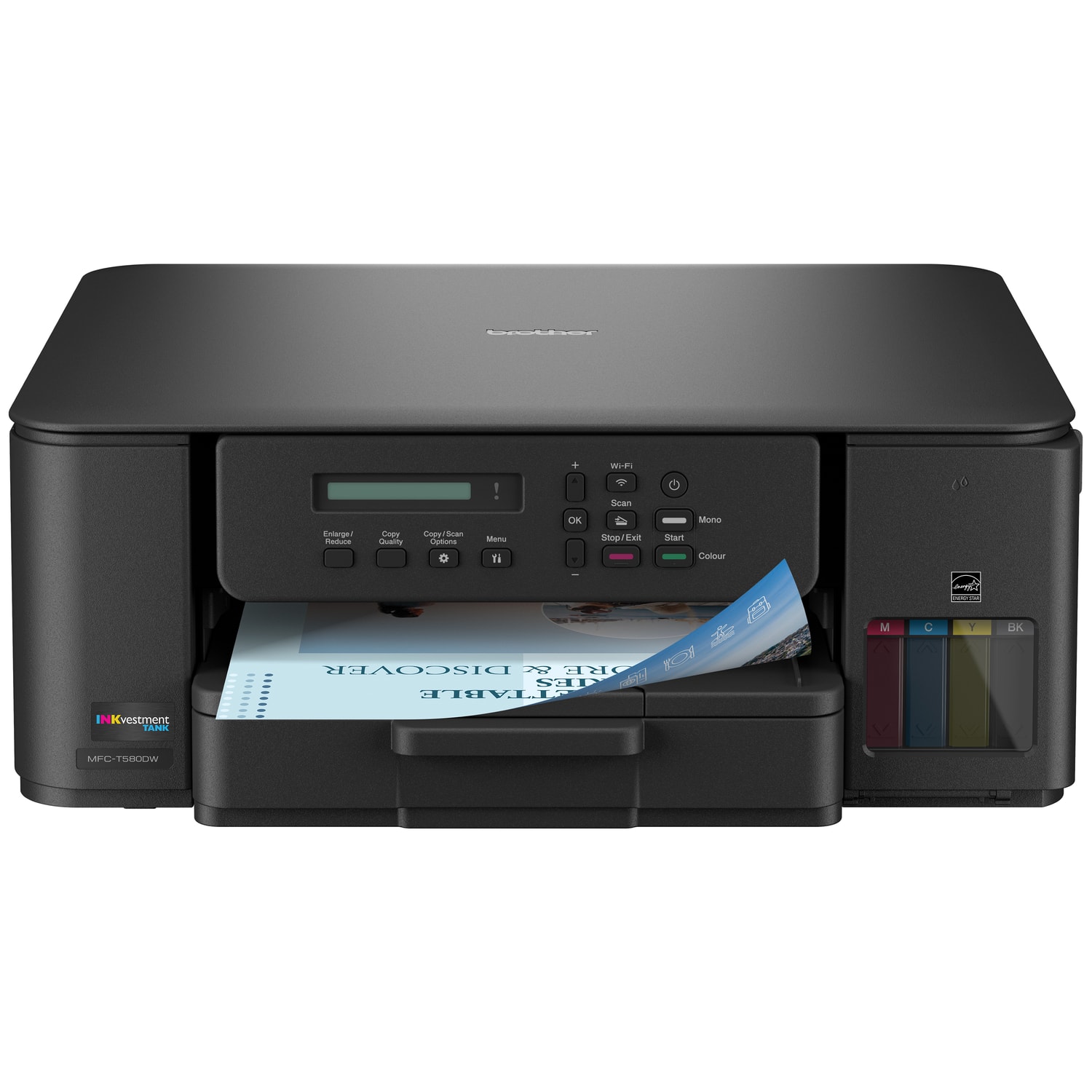
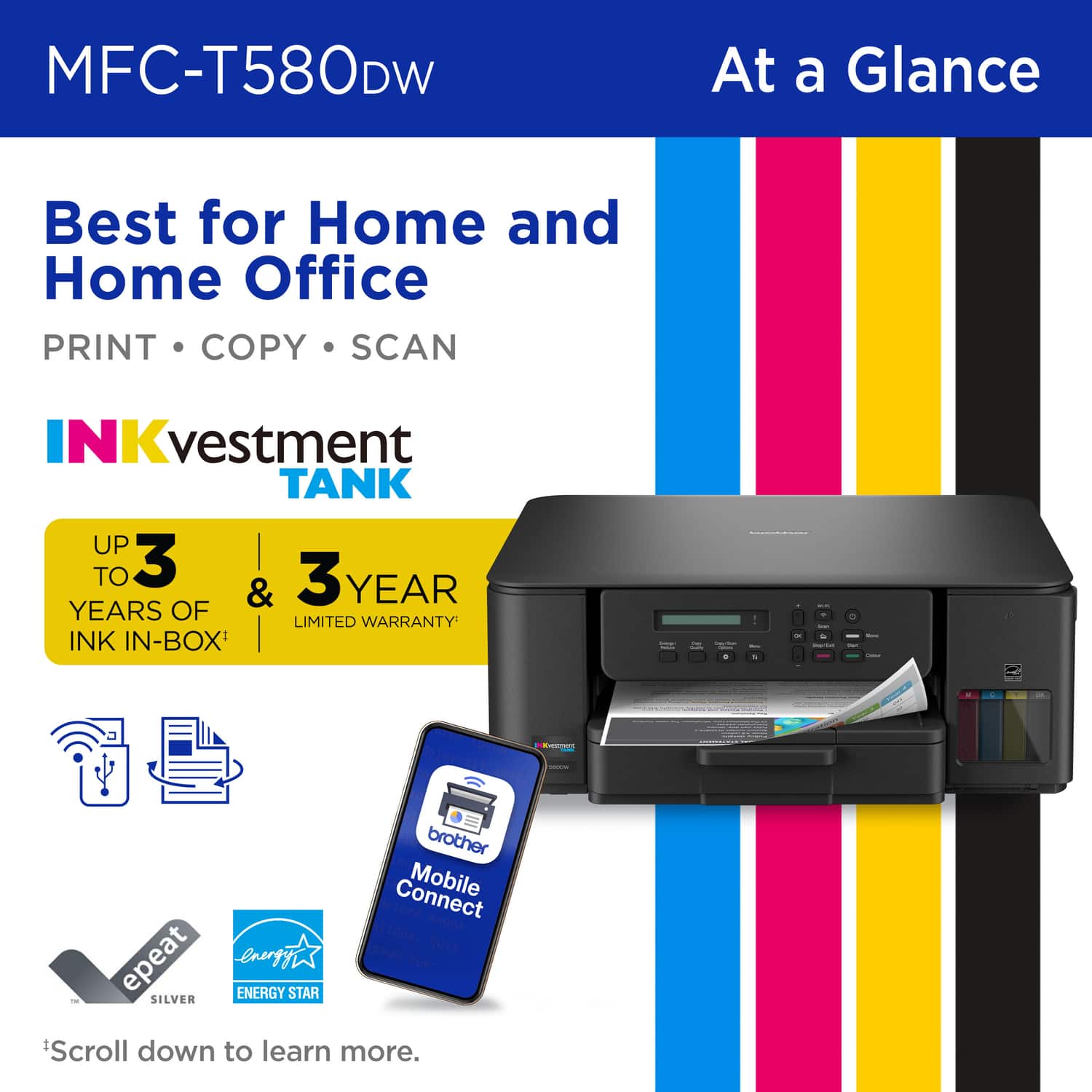
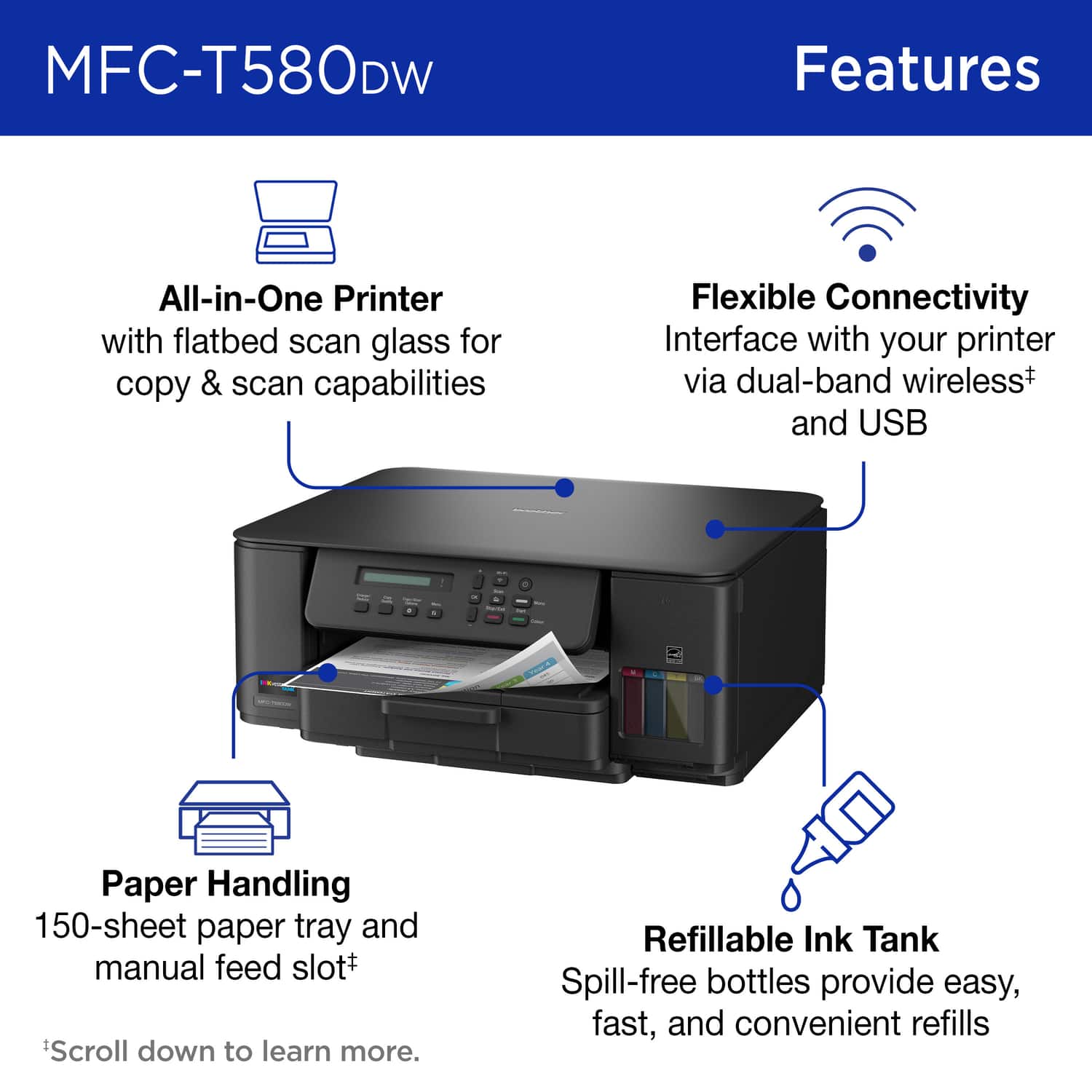
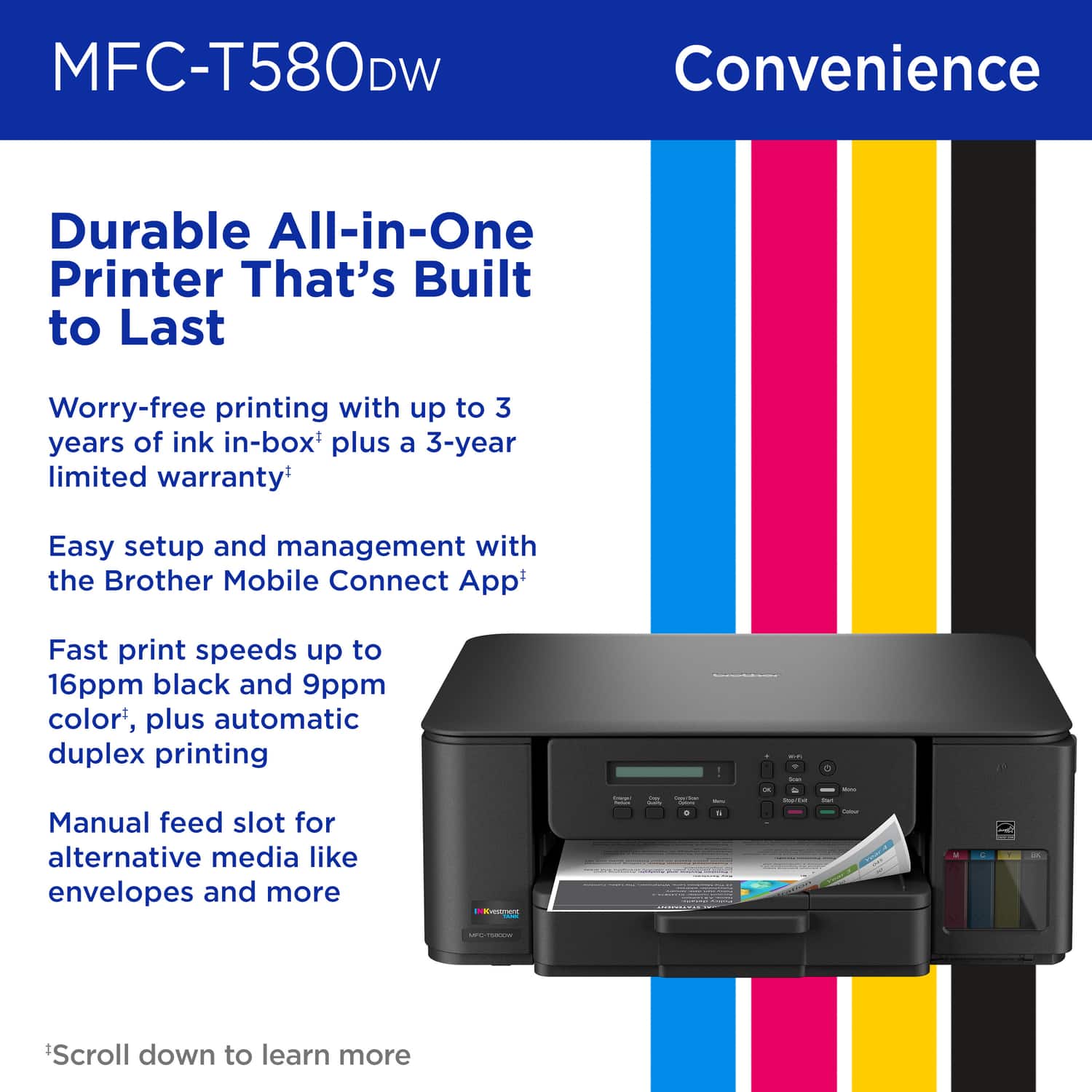
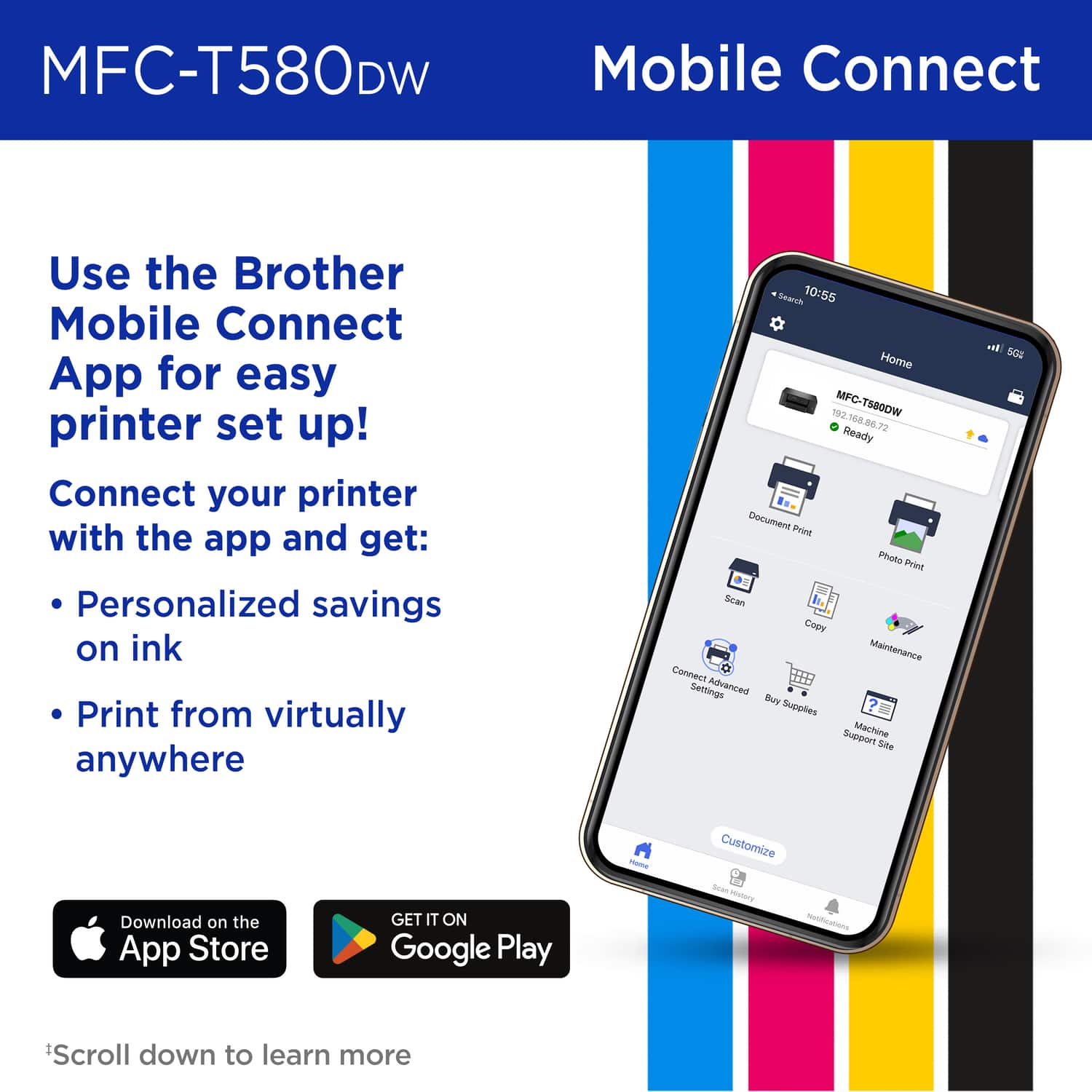
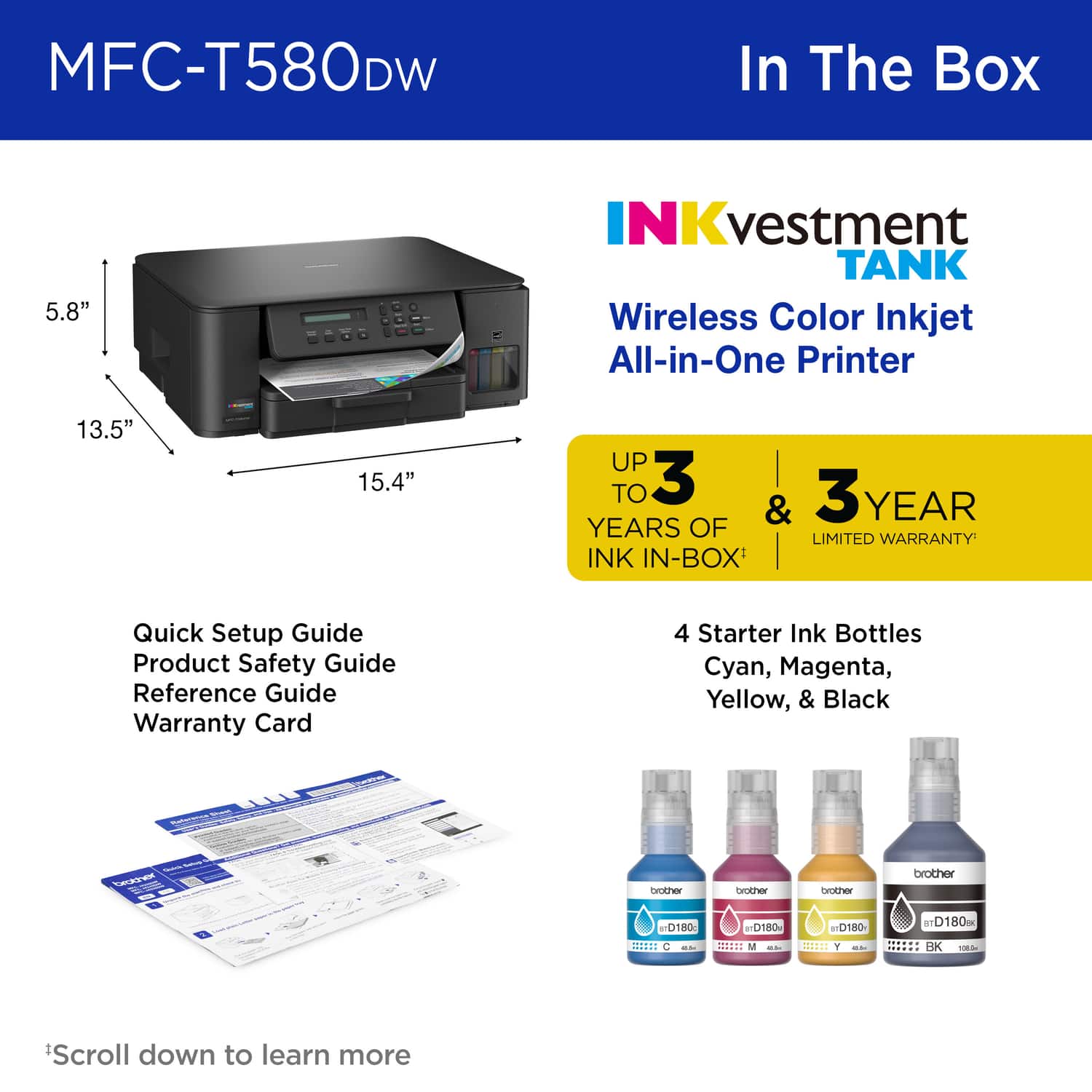
|Posted .This reviewer received promo considerations or sweepstakes entry for writing a review.The Brother MFC-T580DW Printer color inkjet all-in-one Printer has been a great addition to my study. Gone are the days where we spent all of our money buying ink cartridges with its INKvestment tanks that are both affordable to replace and can last years depending on use. These cartridges can technically last 3 years if you're monthly volume averages about 125 pages of light ink coverage. If you're printing high quality photos this period will decrease significantly. Personally, I use my printer for printing high-resolution glossy photos from my Smartphone or PC, and for basis work/productivity/school prints for me and my kids. - Design/Build - The printer has a matte black textured finish which is easy to keep clean. It's a relatively small footprint with a top cover that opens for scanning or copying. Dimensions are about 15.5" x 13.5" x 6". The print head is Piezoelectric which is very precise and durable compared to thermal heads. The LCD screen is small and hard to read, but the entire panel actually has 3 tilt settings to make it very easy, love this feature. I was able to enter my Wi-fi credentials with the buttons and LCD screen in about 30 seconds, but you can do that on the smartphone app too. Placing a window in the front for the inkjet cartridges makes it really easy to see your ink levels so that you know when to replace. - Specs & Features - - 4 INKvestment tanks - Cyan, Magenta, Yellow, and Black - 150 Sheet Standard Tray (Plain, Inkjet, Glossy, Recycled paper) Max weight about 60# - Manual Feed only fits 1 sheet (Envelopes, Labels, Cardstock, Photo paper) Max weight about 80# - 2-sided (Duplex) printing - Dual Band Wireless (2.4GHz and 5GHz) I like to put mine on the 2.4GHz band but it's nice to be able to use both - There's enterprise level security supporting WPA3-SAE, SSL/TLS and IP filtering. - Print Speed: Black 16ppm, Color 9ppm (This will vary with ink coverage) - Print Resolution: 1200 x 6000 dpi - Black: 120 Nozzles, Cyan/Magenta/Yellow: 70 Nozzles each. I've seen higher but print quality is really good so I wouldn't worry here. - Software - I downloaded the app for both my phone and my computer. The app on the phone is a breeze to operate. You can select paper type, size, and quality right from your phone. However, I did not see the scan function in my phone app, I used my PC app to scan. I will note setup on my PC did require more technical acumen than a typical casual user. It took me about an hour to setup my mobile app, pc app, update firmware, etc. I would recommend updating drivers and firmware via your PC. Environmental/Sustainability The ease of refilling ink cartridges eliminates plastic cartridge waste which also reduces shipping and disposal. It has energy star certification. It also has an EPEAT Silver rating for environmental impact. - Performance - The color print quality of my photos was exceptional and just as good as any photo I've picked up from local/national photo printers. I chose normal quality and I could produce a full coverage 8.5 x 11" glossy, coverstock photo print in about 3.5 minutes. If I chose higher quality it took up to 12 minutes but this seemed like a waste of time considering the high quality of the "Normal" quality print. The Black/White printing is quick and does the job. I personally prefer Laser black, but these quick b/w prints were good enough. I don't like to get caught up in pages per minute counts too much at home printing in my study because ink coverage can dictate print times as well as the complexity of the job. I felt like the full-color photo printing was good, and the B&W business/school document printing was extremely fast. The ink is dye-based so it is theoretically possible to get some smudges but I had no problems with this. The printer seemed like it went to sleep fairly quickly, I'm not sure where to adjust this or if you can, but I found my self waking up the printer several times while I was setting things up for a photo print. Scanning was very good. The 1200x2400 optical resolution captures high detail. I liked the B/W scanning better than color for reprints. - Pros/Cons - *Pros* - Wireless - Small, compact footprint - Generous amount of ink in the box - Extremely low operating cost is great for high-volume users or those that print photos - 3 year warranty - Glossy Photo print quality is excellent - Dual Band 2.4/5.0 GHz - Performs nozzle cleanings automatically after periods of inactivity *Cons* - No Automatic Document Feeder (ADF) - Small LCD Screen - Some parts of setup can be frustrating The Brother MFC-T580DW is a great value that delivers affordable everyday home printing. There are a few budget conscious features such as the LCD or lack of an ADF but it absolutely deserves a place in any home office with it's more than capable Print/Scan features. The app makes it easy to transfer your photos to print from your smartphone. Even though it's not perfect, I would highly recommend it for students, home office/remote workers, or those families or individuals want an affordable way to print their photos. It's an incredible value.
I would recommend this to a friendSolid Wireless Printer/Scanner w/Lots of INK
|Posted .This reviewer received promo considerations or sweepstakes entry for writing a review.I have already used this printer/scanner to help my daughter with a school project, printed a few travel photos, printed a few manuals/instruction books (double-sided), made copies of school worksheets, and scanned a few guides/articles. It is basic, but it has everything I need, works well, and should be worry free for the next few years. Pros 1. Checking the level and refilling ink is easy. There are sight glasses for each color and a small access door for refills right on the front of the printer. The printer comes with around 10x more ink than normal and the refills are affordable compared to other options. 2. Compact size and reasonable weight make it easy to reposition 3. Low noise and no noticeable print/scan delay coming out of sleep mode 4. 2-sided printing works great and only adds 2-3 seconds per page compared to single sided printing. 5. The printer buttons are good size and well marked, making it is pretty easy to do something quick like make a copy. 6. Good results on regular paper. Black and white print is sharp and colors are accurate. 7. Decent print speeds, that were just a bit under the quoted spec in real life. Black & White: 14-15 pages per minute on normal and 3-4 pages per minute on fine quality (normal actually looks good to me). Color: 3 pages per minute on normal and 8x10 photo/fine quality is 2-3min each page. 8. There are Brother mobile/PC apps for my iPhone 13, Pixel 8 (Android), and Windows 11 laptop that allow easy wireless printing and scanning. I really love that Brother allows you to skip registration and just use your printer (no account required). The Brother app also makes setup easy, by walking you thru Wi-Fi connections and filling the ink/paper. 9. Brother also offers a mobile print plug-in that allows printing from your mobile device's built-in print menu with additional settings for quality and output. On mobile devices, I recommend downloading both the Brother mobile app and plug-in. I use the app for scanning and prefer to use the plug-in for printing from my phone's built-in print menu when using editing apps or the internet browser. 10. 3-year warranty from a solid company. I have owned 4 Brother printers of different kinds over the past 20 years and they were all reliable. Other Notes - The supplied power cord length is a few inches short of 6ft and has 2 prongs (no ground required). The printer end of the cord has a right angle and comes out of the side of the printer (not the back). - The single line LCD display (think calculator) looks dated and makes changing settings locally harder than other printers I have used. Some copy functions have dedicated buttons, but other settings require scrolling line by line and clicking to get thru menus and select options. The control panel angle is adjustable to make the LCD easier to read at different heights, but there is no backlight for the LCD which makes it hard to use in dim light. This is not a deal breaker since most of the time I use the mobile or PC app, but disappointing for this price point. - There is no auto-document feeder (only a flat bed scanner), this reduces the size of the printer, but should consider the larger model if you scan or copy a lot of multi-page documents. - The Brother mobile and PC app are pretty good, but not perfect. I did have to delete and reinstall the printer once on the mobile app to correct a connection issue. You also cannot see ink level in the app, only on the front of the printer.
I would recommend this to a friendMixed value and inconvenience deliver for home use
|Posted .This reviewer received promo considerations or sweepstakes entry for writing a review.The most compelling feature of the Brother MFC-T580 is its shift away from expensive cartridges to an integrated tank printer system that uses ink bottles for refilling. This design dramatically lowers the running costs, bringing the cost-per-page for color prints to under $0.01 per page. This exceptional affordability makes it an outstanding choice for high-volume home or small office use where frequent printing is required. The refilling process is relatively clean and very straightforward, with spouts on each bottle fitting directly to the printer for each color. It significantly reduces waste plastic which would otherwise be thrown away. The initial setup process proved to be significantly frustrating. The recommended mobile application for setup failed to complete the process, preventing immediate wireless use. Ultimately, the printer required a direct physical connection to a PC via USB to finalize the installation and driver configuration. Even then, it did not automatically configure the printer driver, requiring me to add the printer on my PC after it was connected to the network. The printer's connection options are limited to USB or WiFi. Critically, the printer does not have a wired Ethernet network port, which can be a limitation for users who prefer the stability and security of a physical network connection in a permanent office setup. The scanning functional is limited, making it inefficient for processing multi-page documents. Scanning can only be done one page at a time (it lacks an Automatic Document Feeder or ADF). Furthermore, the scan destination is limited to a local target (PC or mobile application), meaning documents cannot be scanned directly to network folders or cloud services without an intermediary computer. The on-device LCD display is a significant drawback in terms of user experience. It is a single-line display with a highly constrained character limit. Worse, the display lacks backlighting, which makes it extremely difficult to read in low-light conditions or from an angle, often requiring the user to shine a light on it or crouch down to confirm settings and status messages. Even understanding this is a value priced printer, I would have made a different design choice. The overall print quality is average for a modern inkjet printer in this class. For general document printing, the performance is commendable: Small type and fine details are very readable and crisp. When printing images or colored graphics, there is no noticeable bleed or smudging between colors, maintaining clear separation. However, the quality is not flawless: Upon close inspection, some minor artifacts—such as light banding or slight graininess in solid blocks of color—are visible. The print quality is good enough for a home office, personal use, and schoolwork. However, the output is not sufficient to make a professional impression for materials intended for high-stakes business presentations or client handouts where premium, flawless color fidelity is expected. Overall, this printer delivers exactly what is promised: a great upfront price with extremely low operating costs. This printer is perfect for a family with regular printing needs who isn't looking to impress anyone.
I would recommend this to a friendBrother MFC-T580DW Color all in one printer.
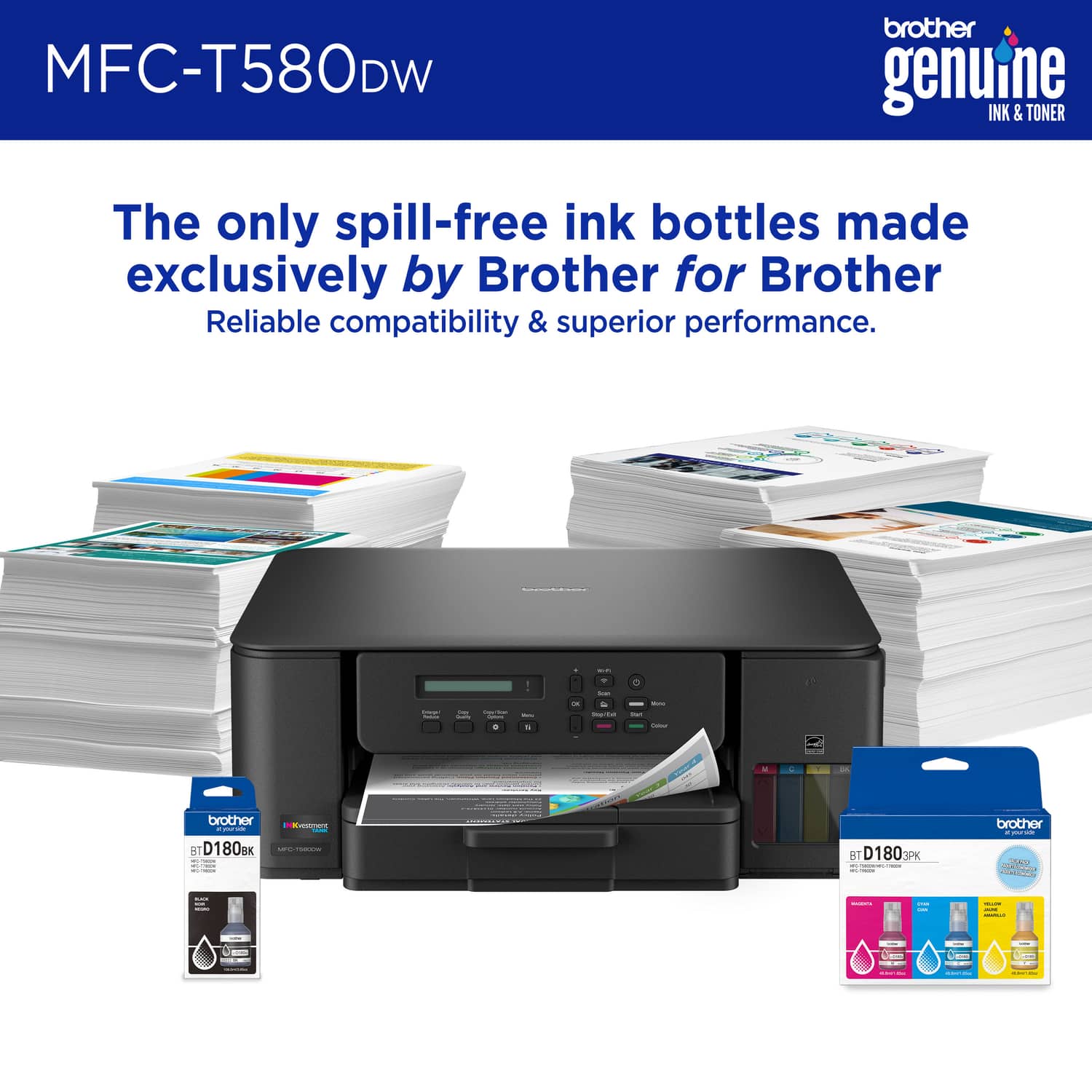
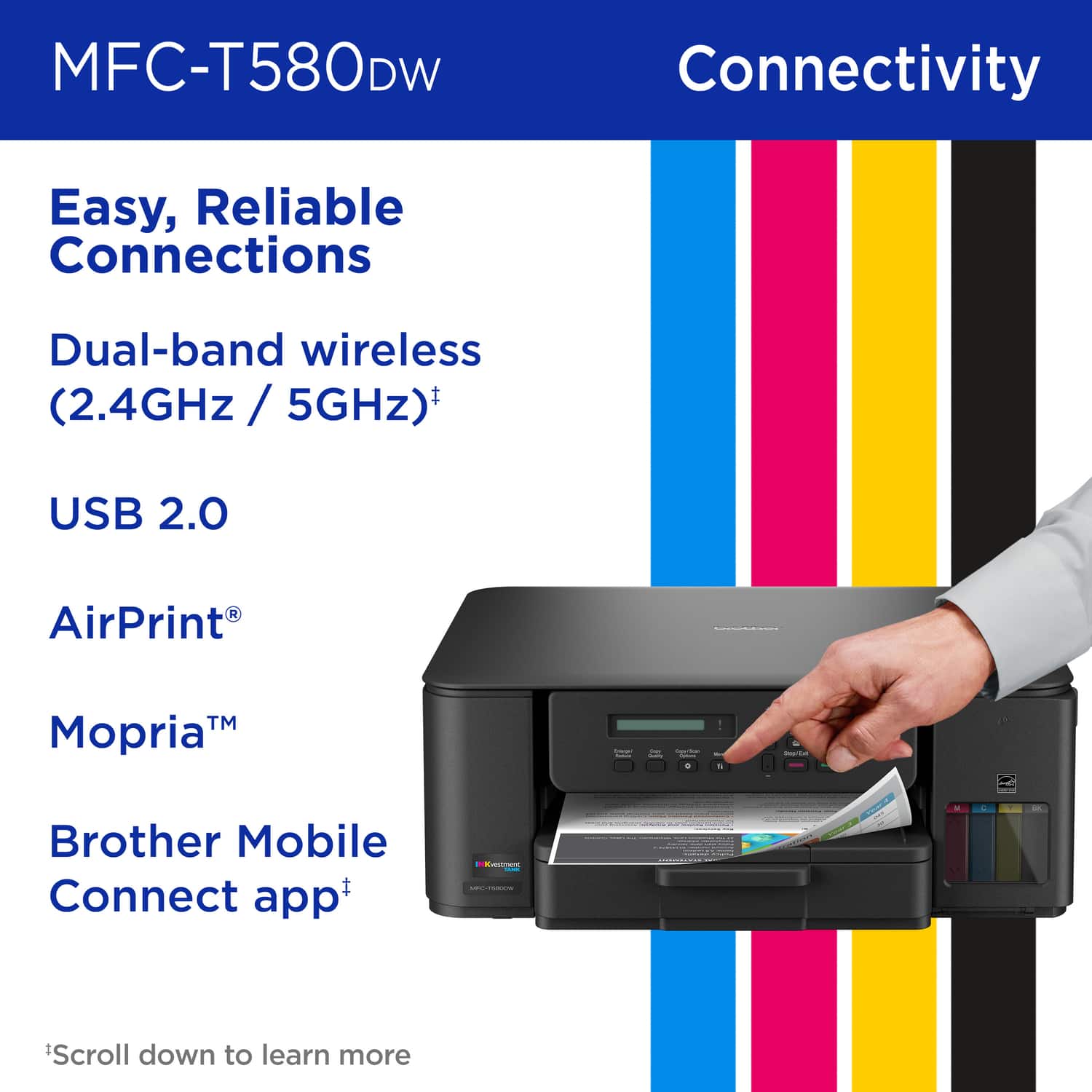
|Posted .This reviewer received promo considerations or sweepstakes entry for writing a review.The MFC-T580DW has a print speed of 16 sheets per minute black and white and 9 sheets per minute color. The paper tray holds 150 sheets of paper. There is also a bypass feeder on the back for single sheets. The Brother MFC-T580DW does not include an Automatic document feeder, you must place each sheet on the flatbed scanner to be scanned or copied. The MFC-T580DW does support duplex printing for sheets up to 8.5 X 11, it does not support duplex scanning or copying. There is, however, a problem with paper jams if you print larger numbers of pages. Keep it below 10 and you should not have a problem. I noticed when printing multiple pages, the printing tends to walk to the side of the page. The MFC-T580DW has a single line display, the display is not backlit and hard to read which makes set up harder than it needs to be. The printer comes with four bottles of ink each color has a distinct cap so you cannot put the ink in the wrong slot. The colored ink bottles contain 48.8ml of ink with a yield of up to 5000 pages. The black ink contains 108ml of ink and yields up to 7500 pages. The MFC-T580DW uses Brother BT D180 replacement ink. The MFC-T580DW supports Wi-Fi, Ethernet, and USB printing. It also supports direct print via apple Air Print and Mopria, along with Wi-Fi Direct.
I would recommend this to a friendAnother solid entry from Brother
|Posted .This reviewer received promo considerations or sweepstakes entry for writing a review.Printers these days are still seemingly a thing. Some people need them, some others swear by them, lots of others still hate them. That said, I think everyone should own at least a basic AIO printer for their business/personal usage. Brother has been holding it down in terms of quality, somewhat budget friendly printers for quite some time and this one is no different. For me, this is my first of their Tank printers. Like pretty much everyone else, I have been using the standard cartridge/toner for my printers which we all know can get quite expensive. This being a tank printer, I'm curious to see the change in price of ownership in the long term. That said, as with all their AIO printers, this one can do it all. Whether in-person or via cloud through their app, you can print anything you need pretty much anywhere which is super convenient. Again, small footprint so it won't take up a huge chunk of real estate. Quality for both printing/scanning is beyond what is more than acceptable.
I would recommend this to a friend
