Customer Ratings & Reviews



- Model:
- 4828C013
- SKU:
- 10207781
to a friend

GREAT POTENTIAL!!!
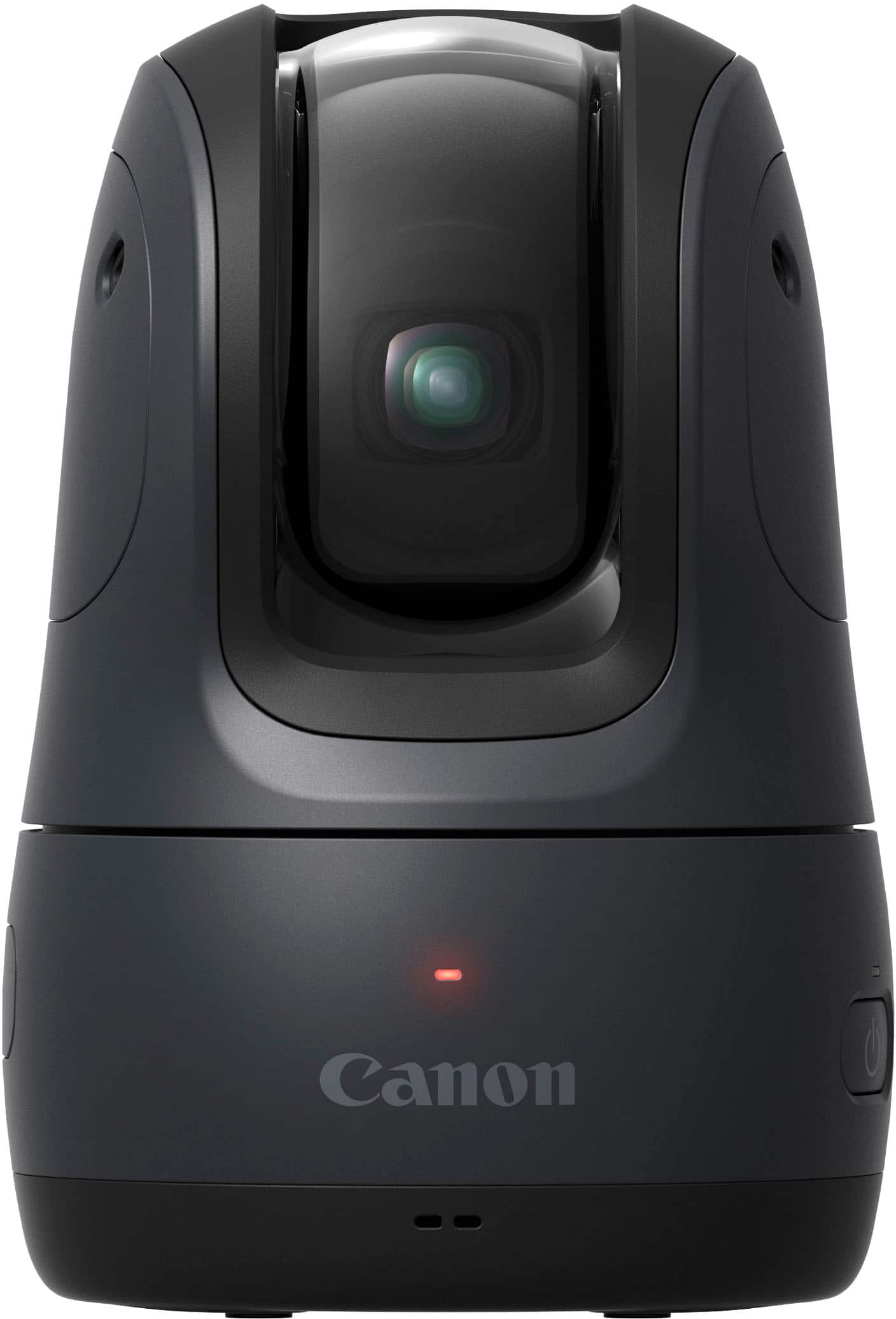
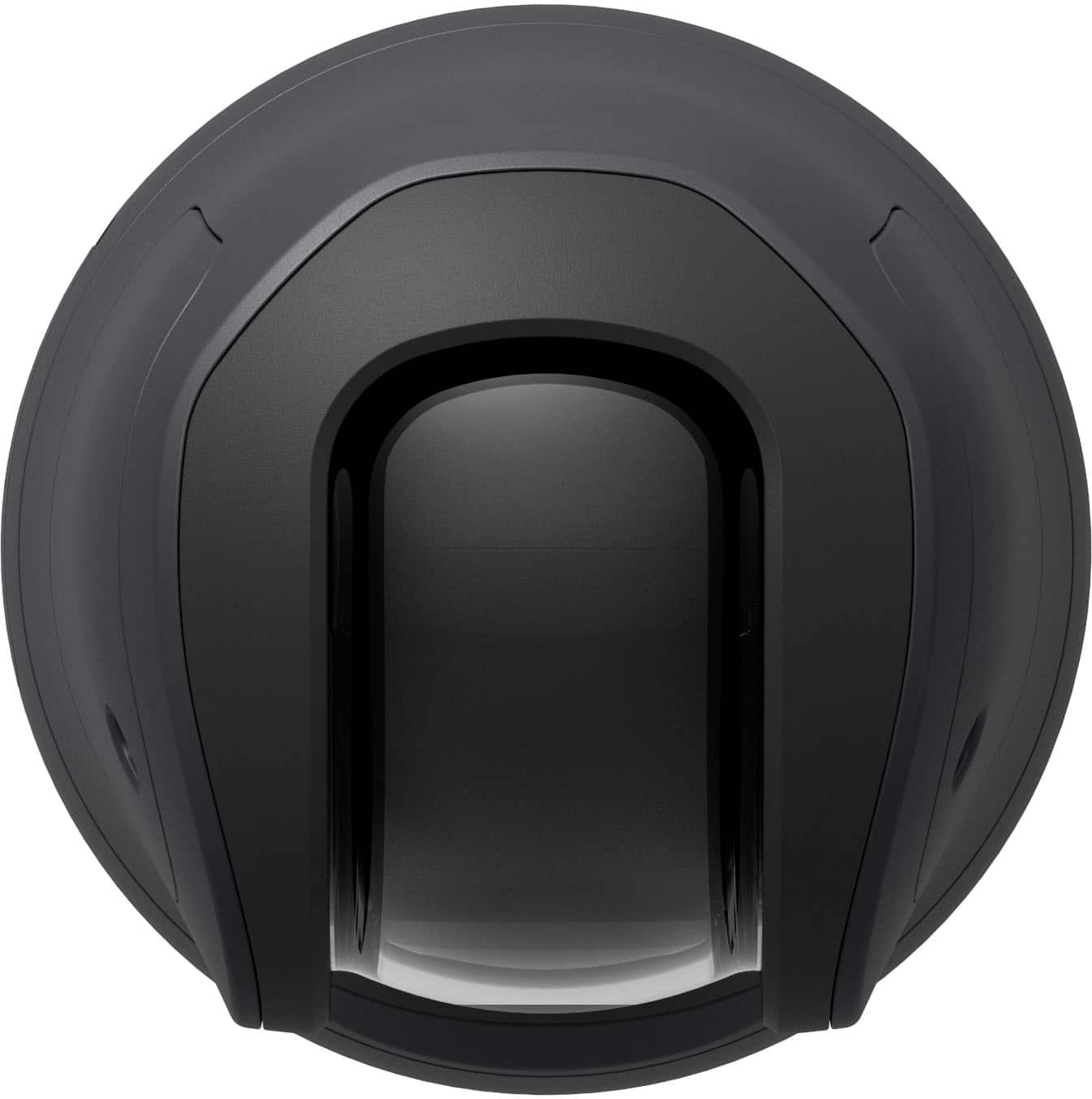
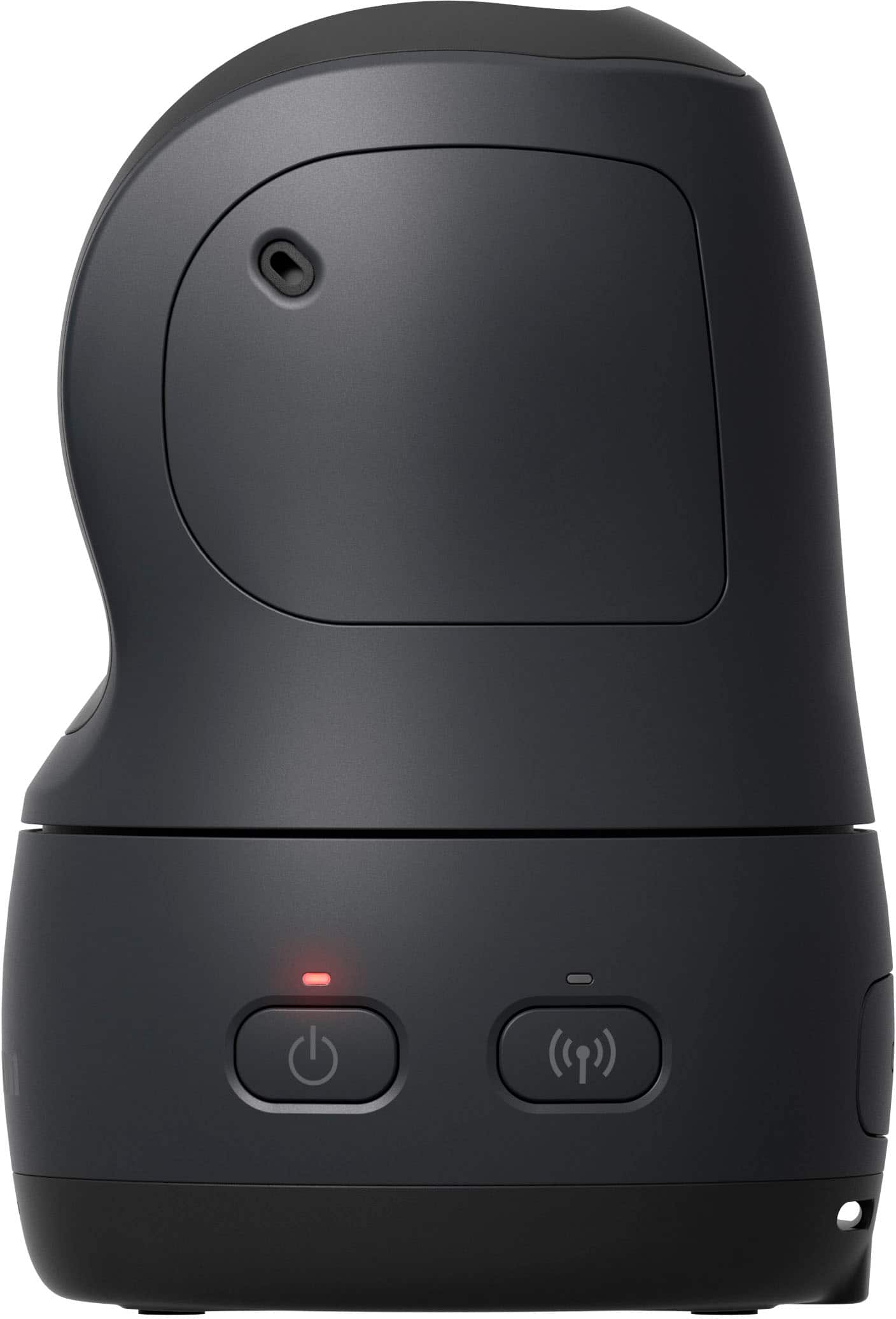
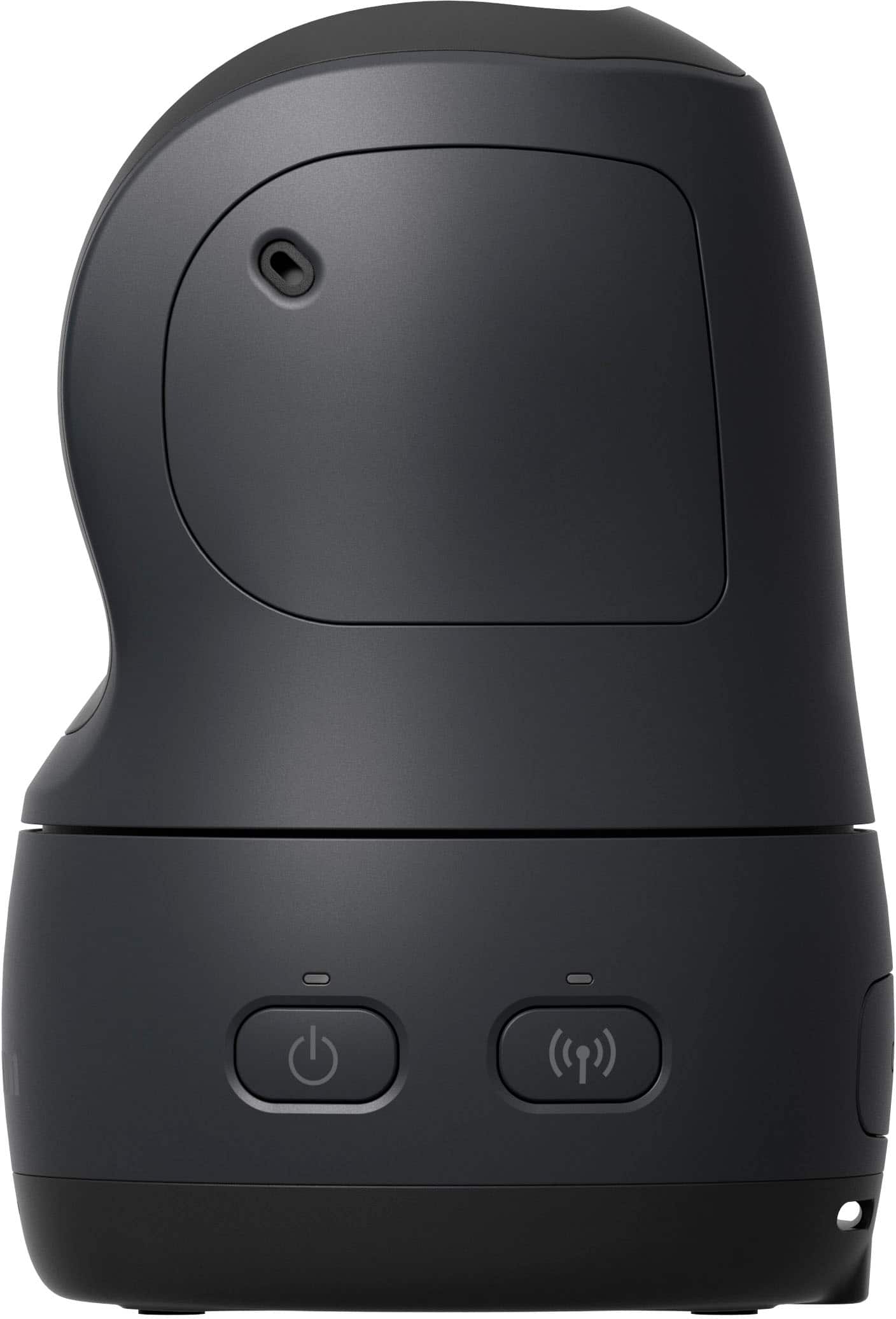
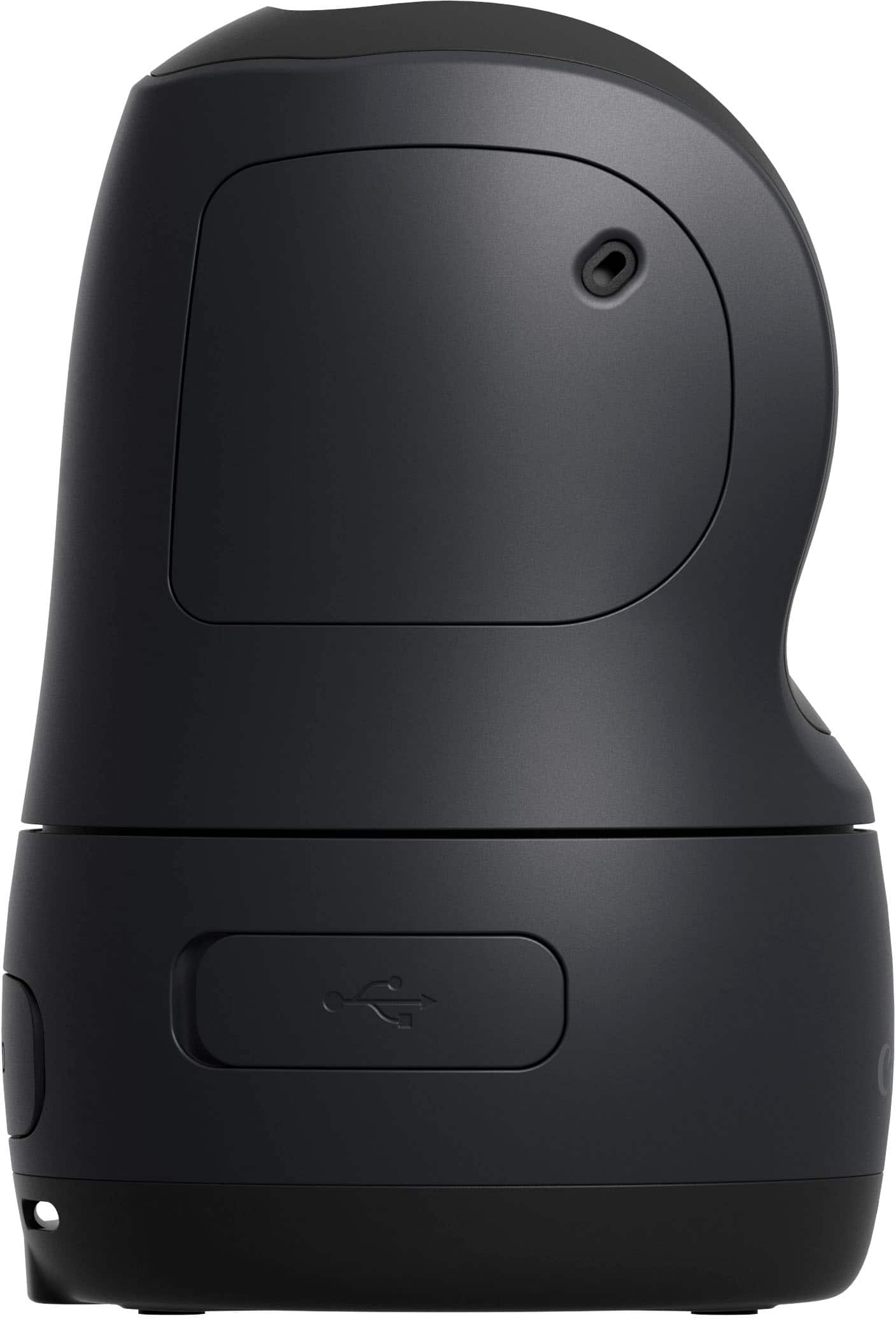
|Posted .This reviewer received promo considerations or sweepstakes entry for writing a review.The Canon PowerShot Pick is a portable, battery powered camera that can take pictures of you and your loved ones all on its own. This tiny camera can pan, tilt, and zoom all on its own, has face tracking, takes photos and videos on voice command, and can also be used as a webcam and when you are all done, simply throw it in your pocket. This pocket-sized camera is an amazing idea with great potential, but it’s just not there, yet!!! I have had the opportunity to test out the Canon Powershot Pick camera in my home for about a week now and everything about this camera is great, but I ran into a few issues with the tracking and it constantly losing connection. The Powershot Pick is meant to follow the faces and take photos and record video and it seems to do its job about 90 percent of the time and the rest of it just stares at the wall in our family room. You can manually control the camera as well using the application so you can use the app to turn it back in the direction you want to but it defeats the purpose. The other issue that I came across was a connection issue. The Powershot had some issues staying connected to my phone. I am not sure what the issue is and did a perform factory reset on the camera but that did not seem to help, and I was using the Google Pixel 7 Pro. Aside from the connection and tracking issue, which I am sure can be easily fixed with an update, the camera actually does a pretty good job of taking pictures and takes some good quality photos. The pictures are crisp and clear and records videos in Full HD (1080p). I have registered my daughters in the application and have set them as a priority in the camera settings, so whenever the camera detects them smiling or looking at the camera it takes a picture. We have a few family gatherings coming up and I actually cant wait to try out this little pocket-sized photographer at those events and let this little camera do all the work. Overall, this is not a bad product at all and has some real potential and I am hoping that a future update may resolve the tracking and connection issues that I encountered.
I would recommend this to a friendGreat versatile camera
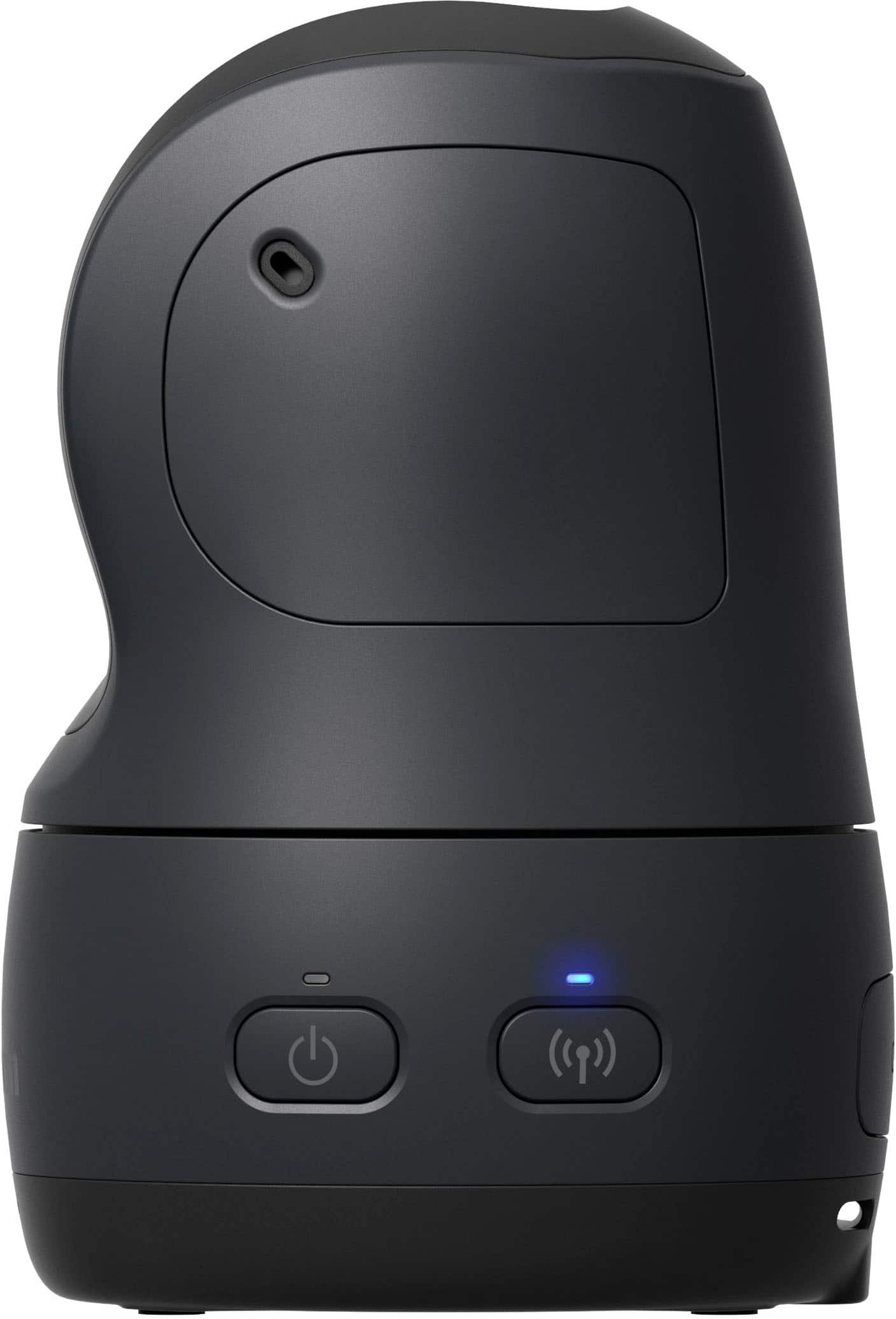
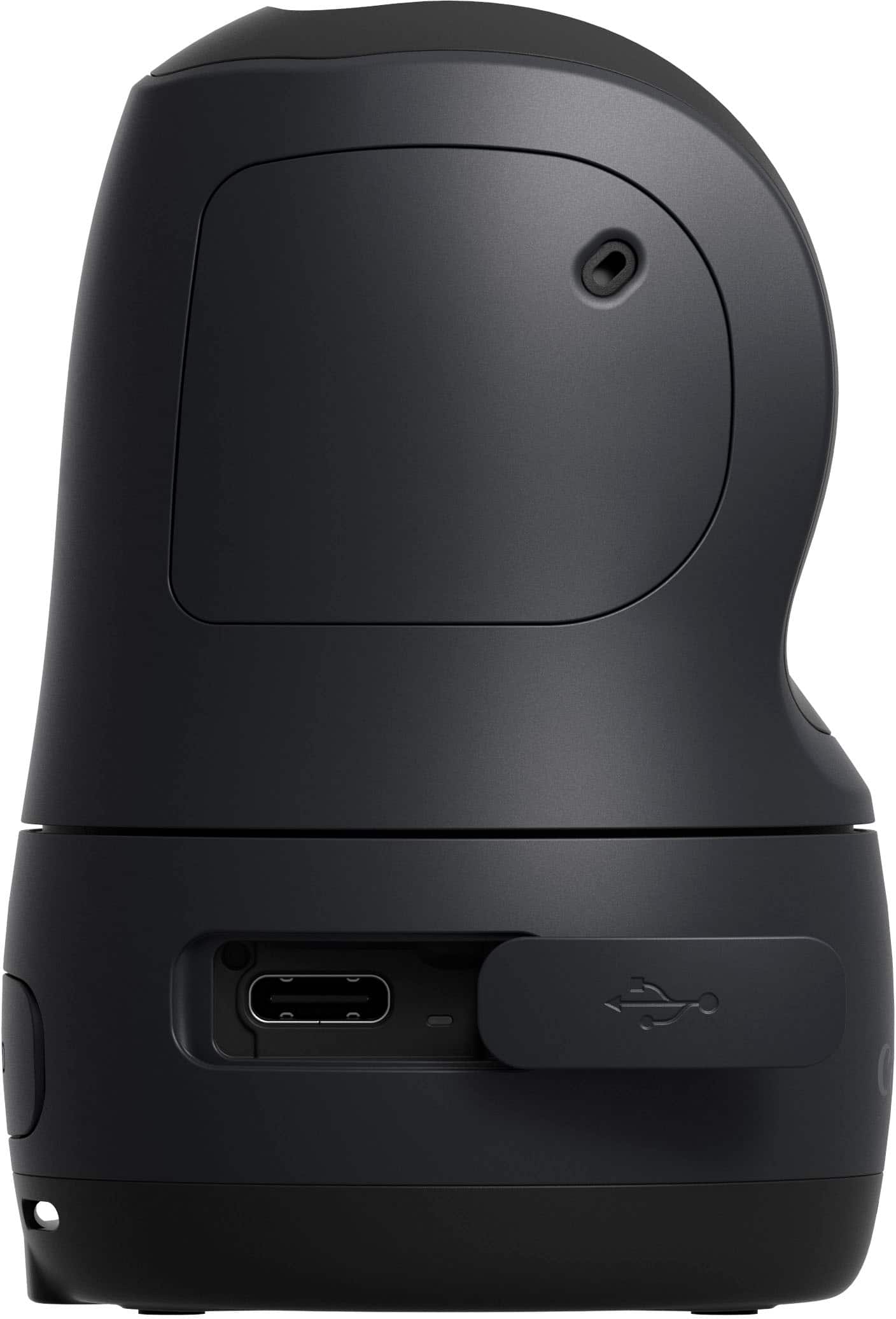
|Posted .This reviewer received promo considerations or sweepstakes entry for writing a review.In the past, I used to be an amateur photographer and devoted a lot of time to artistic, events, and personal photography. Knowledgeable with single-lens reflex (SLR) cameras, my favorite devices were Canon. They make high-quality devices that always give you the best images. After 15 years, those devices still work, and I can still use them to produce high-quality images. In any event, one drawback of being a photographer is that you are not fully involved in the event because your eyes are focused on the viewfinder or just looking to capture joyful moments. Now, this cute and robotic-like looking Canon PowerShot Pick does help anyone who likes to take pictures and at the same time be involved with what is happening. It is fully automated; it moves 360° from side to side and up/down to get different views and orientations. It has artificial intelligence (AI) to catch the incredible and lively moments happening. It does a great job looking at and detecting faces, movements, and actions, and it records various images to capture them. All of the features make this camera versatile. If you are going out with friends or family, you can set it in the center, like the coffee table, and it will do its own thing to capture joyful moments. If you are an online influencer (content creator), for videos and photos, the device tracks your facial reactions, follows your around, and is voice-activated. Set-up is quick and easy using the Canon MiniPTZ app. The device connects to a smartphone, tablet, or computer using BlueTooth or Wi-Fi. The app lets you live view, download images or video from the Pick to your mobile phone/table, move the camera around and adjust settings. The image and audio quality are good. There is no light or flash on the camera. It is battery-operated and portable but is not water-resistant. The base of the device has a tripod socket which allows it to mount on a tripod and top a DSLR camera shot shoe slot using a tripod screw to hot shoe adapter. It will also work with a point-and-shoot camera with a hot shoe slot. While photo-taking with your primary camera, the Pick will simultaneously give you images or videos of a different perspective of an event. This option is excellent for weddings, quinceaneras, or other important events. As a dedicated photographer, having this device on top of your primary camera will give your more options for your clients. It uses USB-C charging port, which is excellent for the environment and handles fast charging, which is a big time saver. It is like having your how little personal photographer. If you are always a photo taker, the best part of the PowerShot Pick is you can enjoy events and not be behind the camera. This device will capture a lot of the things that one might miss. Overall, this camera is excellent for photographers, content creators, or anyone who doesn’t like to miss lively moments.
I would recommend this to a friendNice photo quality, but the AI is lacking
|Posted .This reviewer received promo considerations or sweepstakes entry for writing a review.I'm not a huge fan of this camera. I'll give Canon credit for making a cute, compact camera with excellent image quality. Unfortunately, the "A.I." functions are sorely lacking. The initial setup was grueling and arduous. I charged the camera overnight, downloaded the app, and I attempted to set the camera up the following evening. It took my phone 15 attempts to connect to this camera. I suspect that it may have been because my phone only had 24% charge when I went to set this up. On the 15th attempt (after having tried a variety of different things - i.e. plugging the camera in, connecting to the camera through settings instead of the app, . . . etc.), I plugged my phone in to recharge, and it finally connected when my phone's battery was up around 70%. Once connected, the app proved to be fairly intuitive. I was able to move the camera around, take photos, and record video very easily. Unfortunately, things went downhill when I attempted to let the camera take control. The camera did a great job of focusing on faces that were directly in front of it when it first booted up. It would swivel around and make slight adjustments to keep the person's face centered as they moved around while seated. Unfortunately, the camera completely fell apart the moment someone stood up or moved in a more dynamic fashion. Upon standing (at a completely normal rate - it's not like people were leaping from their seats), the camera would lose the person's face, get confused, and fixate on the nearest light-source instead. The camera would only sometimes find the person if they moved back into the frame and remained stationary. More often than not, the camera would just remain fixated on the light-source. I was looking forward to using this at Christmas to try and catch people's expressions as they open gifts. Unfortunately, this isn't going to work unless we're all sitting at a table, facing the camera, without moving more than a foot or two. I'm hoping that this is something that they can maybe fix with a software update the down the road. But as it stands right now, I can't recommend this camera.
No, I would not recommend this to a friendGreat idea, but the value isn't there
|Posted .This reviewer received promo considerations or sweepstakes entry for writing a review.The idea of this camera is a great idea. You will capture candid photos of your family in it's natural setting. Whether it's a party, holiday dinners, playing or out in the yard, or just hanging out in the family room, you'll get some shots that ideally will make you happy you got the thing. I've had it set up for about a week now. It's very easy to unbox and set up with just a few minutes. You connect to the cam with its own wifi signal, which is a shame, because I'd love to access the cam outside of my home as a version of security camera. However, it's not a security camera. It's supposed to be a camera through and through. So how does it do as a camera? I'd say it's decent. It can be better in quality, but the pics you save onto your phone can be modified with your choice of photo apps. For example, I use Google Photos with a Pixel 7 Pro and it does a great job at cleaning up the photos with its software. The shots can definitely be better for a $499 camera. I wish it was on par with a $499 camera. It's tracking skills are not great, because there are several photos that the cam took of the wall it was near when I plugged it in. Software may update and improve, but only time will tell. For the price, I just don't see it being worth the money at it's current state. It's a grand idea. It's especially valuable if you have kids you want to capture, but I feel like I do that anyway, and better with my everyday phone.
No, I would not recommend this to a friendPersonal Paparazzi, ready for prime time?
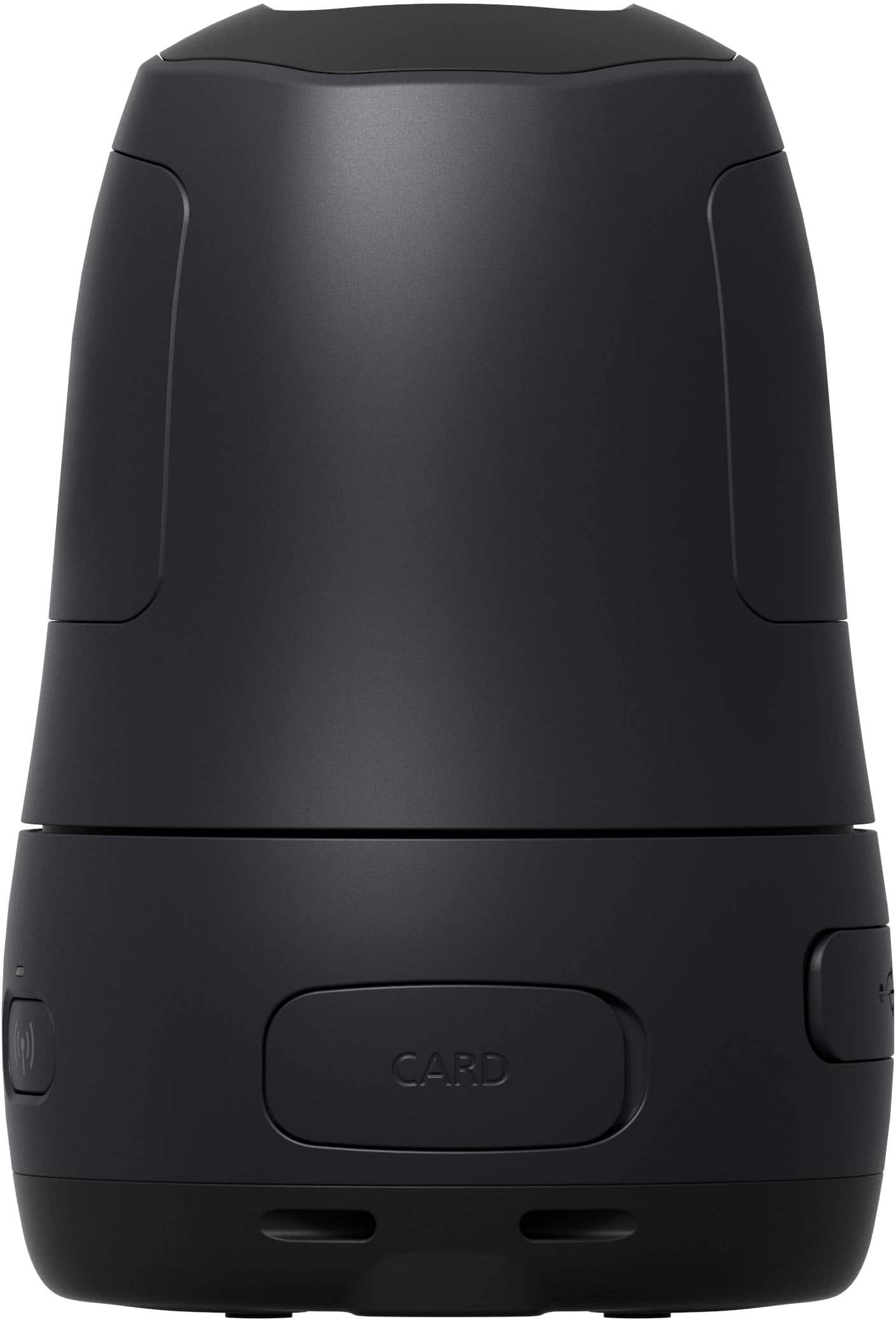
|Posted .This reviewer received promo considerations or sweepstakes entry for writing a review.Canon has been innovating digital imaging products for decades, and the new PowerShow Pick PTZ is no different. I wasn’t sure exactly what to expect; a miniature portable camera that you place on a flat surface for a social setting, and it automagically pans, tilts and zooms to the faces of people in the room. With the app you can name and rank your subjects, for example birthday parties the emphasis can be on the recipient. Then afterwards pop the micro SdHC (or larger capacity SxHD card) into your computer to see what it recorded, save what you want, and discard what you don’t. This being a brand new category could be daunting for some, yet I feel it has legs and will continue to see technological advancements in the coming years, just as we saw with the advent of digital photography starting in the late 1990s. Low-light quality leaves something to be desired, producing pixelated images, and a lot of throw-away video and still photos, but in decent lighting there is something so cool about having your “personal paparazzi” record events with motion and zoom effects. I expect to use this a lot over the holidays. Thanksgiving was a testbed, that’s not entirely without merit. Christmas time with the whole family here will be the real test. Hopefully things won’t be as “hit-or-miss”. Pros + Compact + Diminutive + Made in Japan high-quality + Picture quality + easy setup + limited interaction + App is a nice addition + includes 16 GB micro-SDHC card Cons -phone connection issues could prove frustrating -small micro SDHC card hard to access with large fingers -tad bit creepy to see a camera following movements -price seems 2-3x what we’ll see in Chinese knockoffs -limited to 44 MB video files -time to sift and sort keeper videos Conclusion Mixed bag for me, I truly think Canon is on the verge of a brand new category. Instead of people posing for photos and selfies, the PowerShot PTZ seamlessly captures social events and settings by itself. Recommend : Buy if the price isn’t a deterrent, and you’re a creative social type, but pass and let the product mature for the remaining audience.
No, I would not recommend this to a friendEasy to Use, Great Pictures and Videos, Fun Helper
|Posted .This reviewer received promo considerations or sweepstakes entry for writing a review.I have been looking for a small camera I could take with me to events to aid with the photo and video taking. I use so much equipment that felt it would be nice if I could combine both pictures and videos into one while I use my professional main one for more focused events. I found using this Canon PowerShot was a great little helper to take pictures during events while I am running around taking pictures with my other equipment. I really enjoyed the custom settings to allow picture taking of all around along with the video. This little helper caught some amazing action shots that I am now sharing / combining with my professional shots with my photo package. The best part of this little helper is you do not need to be constantly connected to it. You can configure it on how you wish it to operate , set it down and let its do its thing. Later after the event you can connect it to your computer and download all the pictures. Picture quality was great, the zoom was clear and the video audio was clear as well. Unfortunately the battery is average, it may be due to taking pictures and videos during events. When I set it to pictures only it seems to improve the battery life. Charging is slow so its good to plan ahead before using this for the event. Overall I would recommend this product for anyone who enjoys taking pictures and videos during events. This is a great little helper when you are running around taking shots.
I would recommend this to a friendGreat camera
Posted .This reviewer received promo considerations or sweepstakes entry for writing a review.This a great little portable camera you can take it with you on vacation, parties and outdoors activities to capture nice pictures. The lens moves and adjust itself. Setting up the pick camera is pretty simple, the camera power on with a little tweeting. Also the app is easy to connect. When I open it up I was surprised how small it was, but when I saw what it can do I was amazed.
I would recommend this to a friendA fun little camera with lot's of flexibility
|Posted .This reviewer received promo considerations or sweepstakes entry for writing a review.Just about everyone has a camera built into their mobile phone these days. Canon used to be a big seller of point-and-shoot cameras, but there isn't a lot of use for them anymore. Canon has been trying to come up with modern cameras that serve a purpose that can't easily be done with your phone camera. The Canon Powershot PICK PTZ camera is one of those devices. The PTZ in the name stands for Pan, Tilt, and Zoom. Those are the main features of this style camera. Along with an app on your phone, the camera supports 170 degrees of panning to cover a 360 degree field of view. It has a 110 tilt range for finding objects at various heights. It can detect subjects from 16 feet away. Using the app on your phone, you can prioritize up to 12 faces. It can shoot 12Mp photos and full HD video with a minimum aperture of F2.8-5. It also supports limited voice commands so you can control the camera with your voice. The idea behind the camera is to be able to take pictures and videos while tracking a moving person. Another use is to create group pictures without someone having to hold the cameras. Set up your group as you want them to loo and use your phone to frame the shot on the camera. You can then take a picture from the app or tell the camera to take the picture. It will look for all the faces and try to get a picture with everyone smiling and eyes open. If you are having a party, you can set up the PICK to take random photos. Using AI, it tries to determine if something would make a nice picture and it will take it on it's own. Here are a few ideas on how to use the camera: 1. Set it up to film you playing a sport. It will follow your moves and you can see what happens around you. 2. Set it up to take pictures at a party. It will create lots of candid photos of everything that goes on. 3. Use it as a web cam. You can walk around as you are talking and the camera will stay focused on you. 4. Doing a video in the kitchen about making a recipe? The PICK will follow you around the kitchen as you make your masterpiece. 5. Enjoy handsfree photo and video taking using the PICK voice commands. The camera is small and lightweight and ready to take all the pictures you want. If you have the desire to do these types of things, this is the camera for you.
I would recommend this to a friendThe concept for this camera is great, but it still
|Posted .This reviewer received promo considerations or sweepstakes entry for writing a review.This device is cool to fool around with but the AI still needs a lot of work. The setup of this camera was way more difficult than it should be. The app also could use some improvement. I set the camera on a tripod to get better shots and it helped. The image quality is very good if you're close to the camera, but then the quality drops the further away you go from the camera. The connection to my phone from the camera was not very good. I was using a Google Pixel 6 which is a relatively newer phone, so unfortunately the issue is with the camera. I wasn't sure how to register faces for the AI to take random shots, so I found myself using the manual controls to takes pics which defeats the whole purpose of this camera. The manual controls work very well, but I shouldn't have to be using it. The other issue I had is at a get together, faces that have not been registered with not get too many shots. There is really no way around this, there is no way I can register every person that shows up to a party. Also the battery life is lacking, it only lasts about two hours, but I guess that is a sacrifice that has to be made for portability. It's not good to only have the camera available for only two hours at a party.
No, I would not recommend this to a friendInteresting camera technology. Decent quality pics
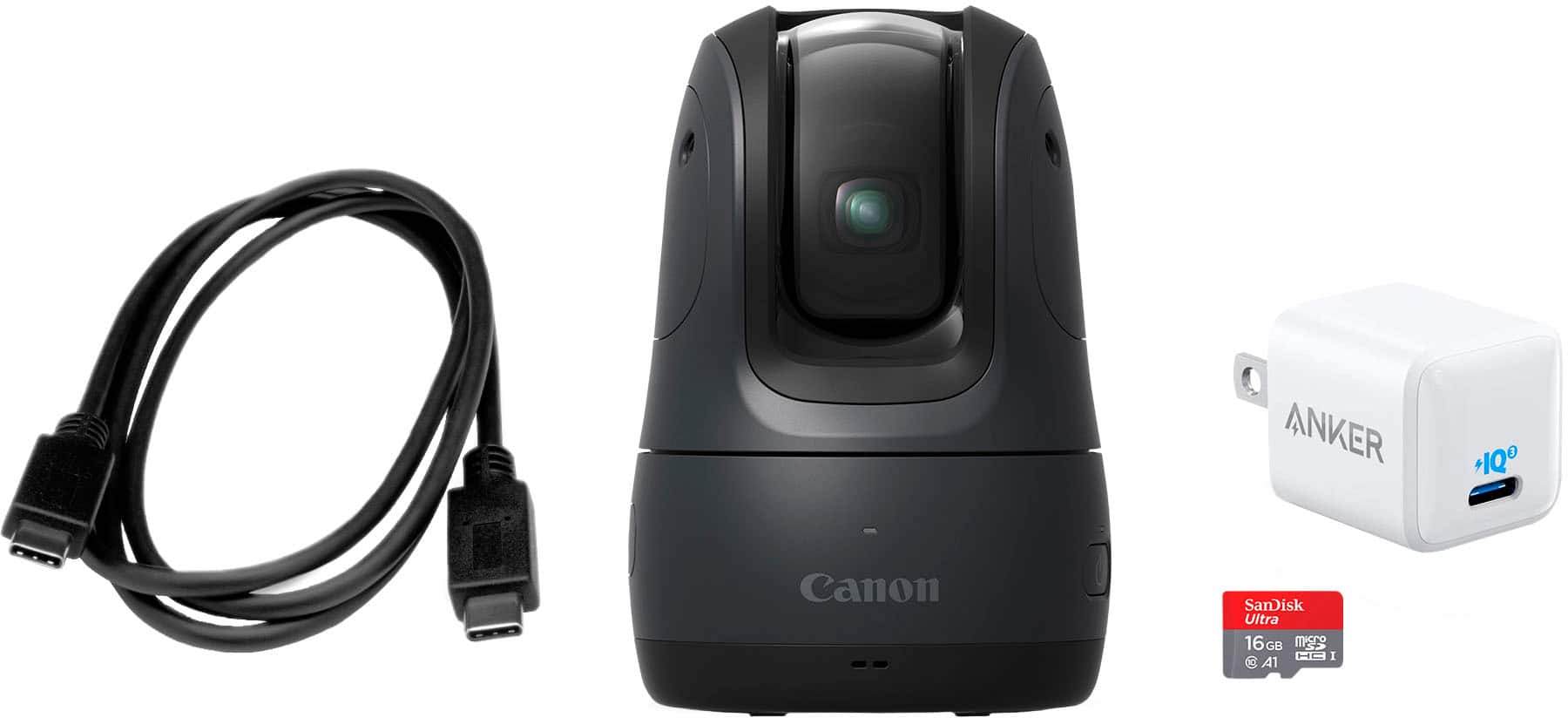
|Posted .This reviewer received promo considerations or sweepstakes entry for writing a review.Never had nor heard of ptz cameras before. Got this a day before I got a new puppy, and this has been a godsend. Now I can join the family in playing with our new family member and still have memories to look back on. The tracking and stabilization are excellent. The puppy can zoom around and the camera does a pretty decent job of keeping up. Picture quality is what you’d expect from a canon powershot. It won’t win photography awards, but it definitely works for catching memories. I’m really looking forward to putting this camera through its paces over the next few weeks at holiday family gatherings. I’m usually the dedicated family photographer but now I’ll get to interact more. It’s cute enough to be a Disney era Starwars droid too. It makes adorable boop boop sounds at startup that kids love. Battery life is more than adequate, and it charges up at an acceptable rate. Interesting side note about this product are the accessories. This is the first canon product I’ve ever had that didn’t come with canon branded accessories. The included charger is Ankor and the miniSD is sandisk. Both excellent brands, but I’m shocked they went 3rd party. Overall, it’s a great product for the social butterfly to make memories. I highly recommend it.
I would recommend this to a friendYour secret picture taker
|Posted .This reviewer received promo considerations or sweepstakes entry for writing a review.Canon is launching this device to offer a service that I am not sure I can see clearly. Conceptually, the camera placed in an open space during a party or a family gathering is taking pictures of the people in there. No human interaction is needed and with the setup, in the app, you could prioritize profiles. The camera is turning on and the party could be documented with people moving around. Pictures can indeed be more natural without the people preparing for the picture, however, after using the camera a couple of times, most of the pictures are lacking the history behind them. Just people on a frame. Let’s start that the Canon kit, including the changer, the card to record the pictures, and the camera is part of my big recognition. No additional purchases are needed. After this first impression, my interaction with the camera has been based on deceptions: .- The instructions are not clear at all. What exactly the camera can or not do, connexion to your phone by bloothoth or house wireless (not an option). .- The manual is available also in the app, but surprinsenly auto-search is not an option, just moving forward and backward pages following the index. .- Like in all this technology, an app is to be downloaded and to be used to manage the camera. After several interactions, not sure who manages who. Some of the options (like no auto shooting) are constantly changing. .- Other settings are very often too basic and only the option of update firmware is really relevant. .- I found the privacy policy too intrusive. Yes, you need to read what are you accepting while using the camera because you could be sharing your family images. .- The camera is not to be used as a security device in your house due to lacking connection to your home wireless but by using the laptop app, you could use it for videoconferencing. .- Connecting to your phone to control the pictures worked for me only after a few intents. After the first connection, if the camera is on, recognize the phone. With all that. This is not a technology investment that I would recommend. Perhaps if you are interested in taking pictures of people without being noticed, you could consider it thanks to its limited size.
No, I would not recommend this to a friendTerrible
||Posted . Owned for 3 weeks when reviewed.This reviewer received promo considerations or sweepstakes entry for writing a review.Picture quality is horrible. I returned it almost immediately.
No, I would not recommend this to a friendCanon - PowerShote Pick Active Tracking PTZ 11.7MP
|Posted .This reviewer received promo considerations or sweepstakes entry for writing a review.Canon - PowerShot Pick Active Tracking PTZ 11.7MP Digital Camera is a very nice surprise. I placed it in the family room and let it take the photos and then video. It was great, I sat it and let it do its thing. I am looking forward to the holidays using this camera in the area where everyone gathers. Preparing the Thanksgiving dinner, Everyone gathered to enjoy the dinner and then Christmas. Opening gifts, handing out the gifts. Looking forward to a better experience than in the past. Image quality Image Quality is really crisp and precise. The lighting and colors in the photos represent what I expect. Not blurry or pixelated. I took several photos around the room just by setting the camera where I wanted it and then it started taking photos. Flexibllity and portability It is small so no one is really noticing it or paying attention to the camera so they are just doing natural things and the camera is doing the rest. Looking forward to testing this device as a webcam in the next few weeks to see how that will work. Overall very impressed with such a small device and knowing I can set it anywhere and it will sit without falling over or tipping at any time.
I would recommend this to a friendVery Interesting Concept - Great Camera
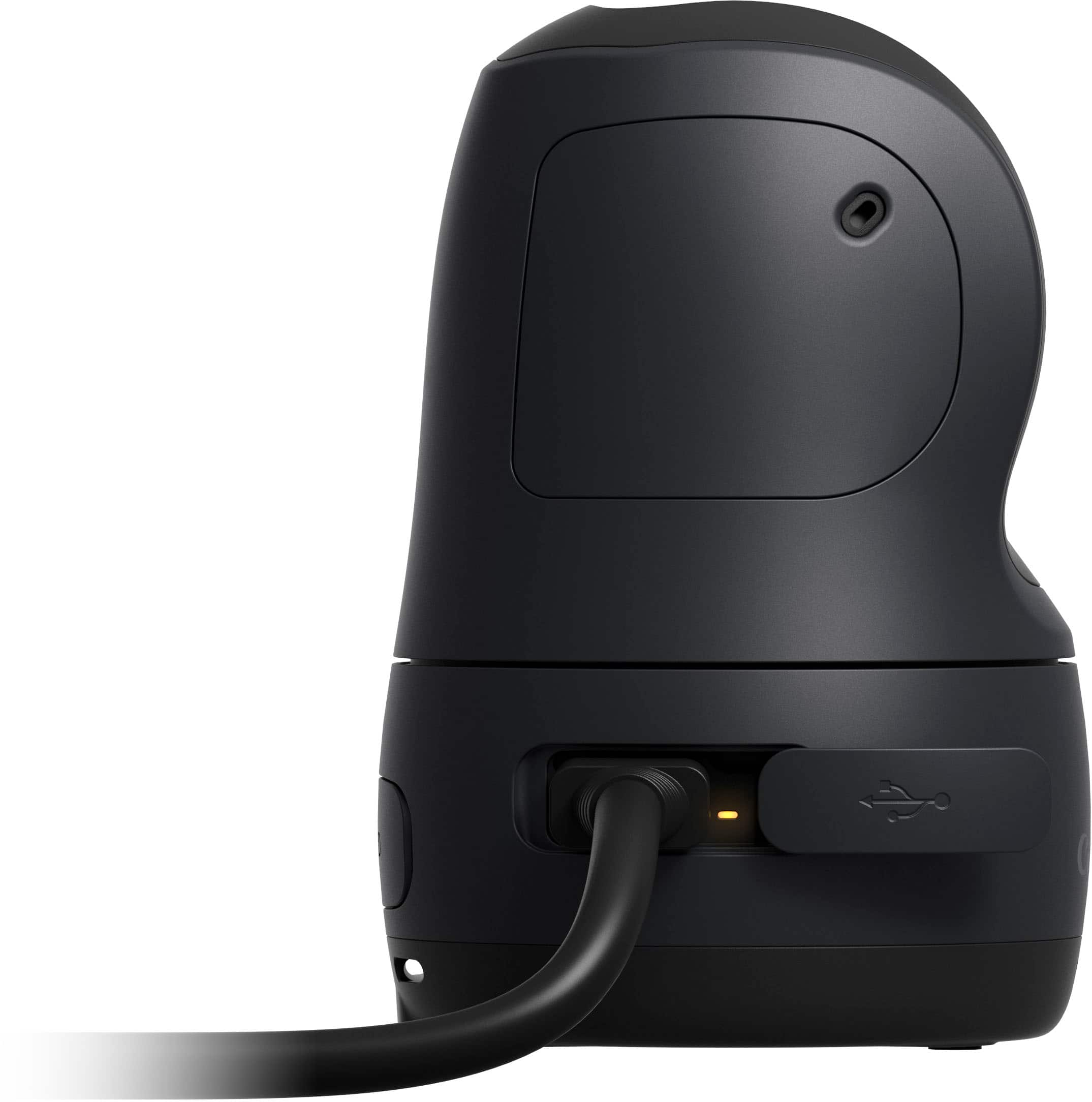
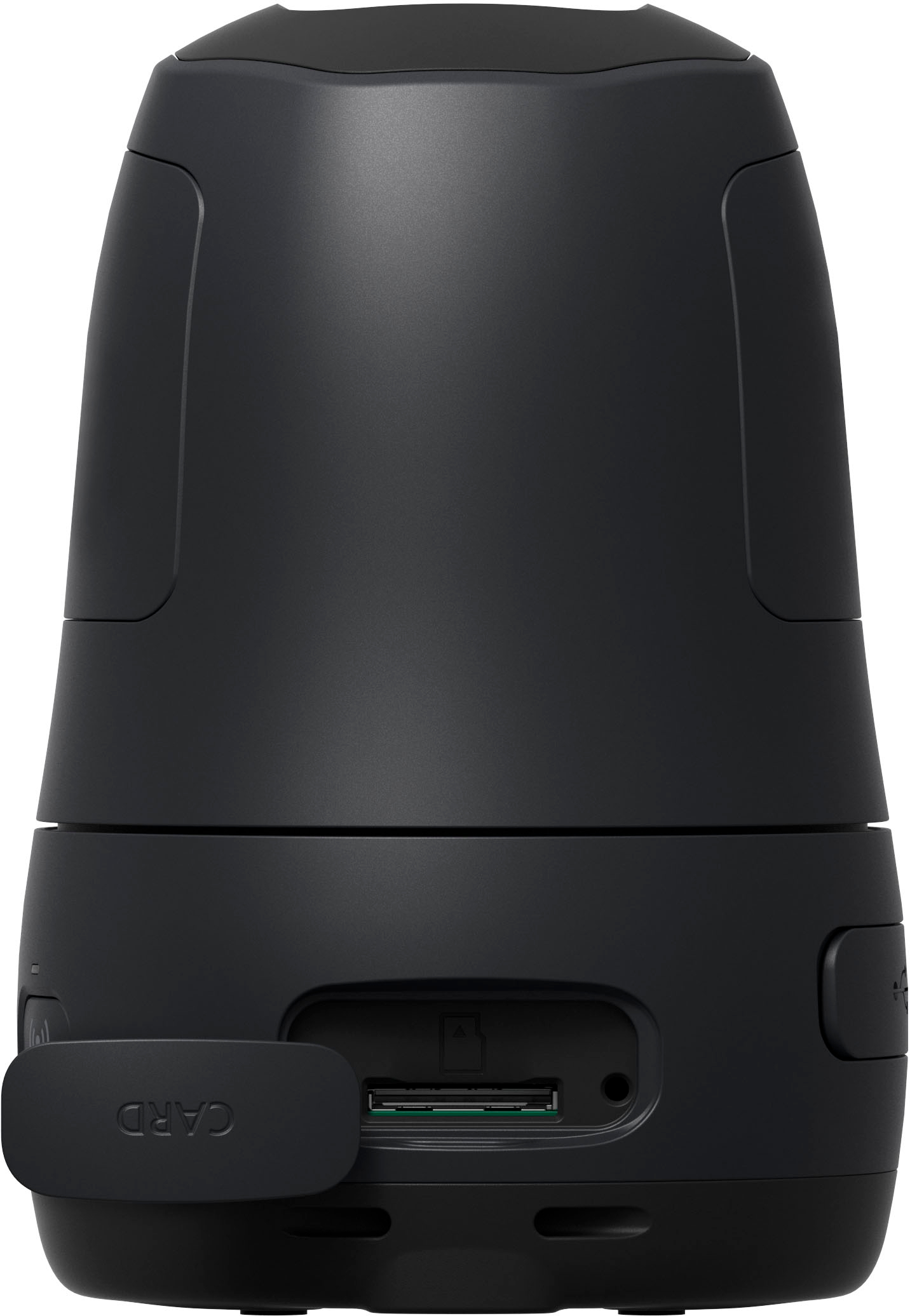
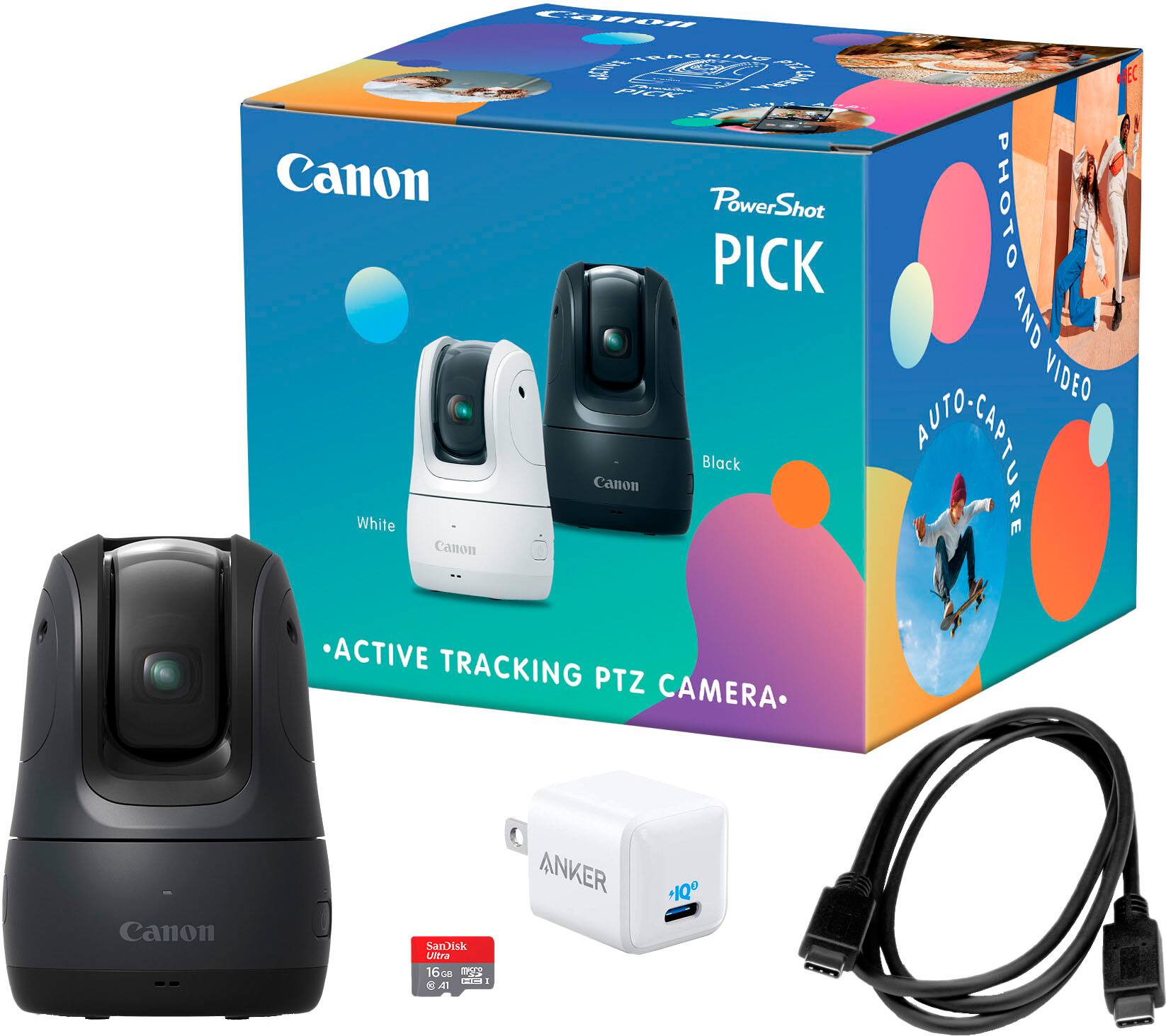
|Posted .This reviewer received promo considerations or sweepstakes entry for writing a review.I wasn't sure quite what to expect of this Canon PowerShot Pick. Once it Arrived, I immediately opened upt the box, took out the camera, USB-C charging cord which included an Ankor high capacity plug, an included 16GB micro SD photo card, along with a very limited user manual. I inserted a 64GB card I had and the camera worked fine with it. The camera is covered by a one year warranty by Canon. It was previously introduced to Europe and has now come to the US. I first had to charge the camera before using it. The battery is an internal unit that must be recharged when out of power and is not removable. Canon says the battery should provide 5-hours of use between chargings. I haven't tried that out yet to confirm its useful life. Once charged, the camera needs to be paired via Bluetooth with your smartphone using an app. It took a couple of tries before I was able to get the camera to recognize my phone and once I did, it immediately informed me a firmware upgrade was available for download and installation. That process was pretty much automatic using the downloaded application. I started using the PowerShot Pick on the automatic photo setting and was not thrilled with the results. So I got out my tripod and after setting it up with camera perched atop, i found the shots taken were much more interesting. The quality of the camera's photos and video are quite good once you have the lighting adjustment, heigth and distance from the subject set correctly. The Canon PowerShot Pick is designed with artificial intelligence to automatically track you or whatever the subject matter is both horizontally and/or vertically as the subject moves around. I did not understand what I would use the camera for until I stood up, moved around and reviewed the shots and videos I took. The lens is an 11.7 megapixel quality capable of taking 1080JPEG, HEIF, RAW and MP4 formats while videos are of full 1080p quality. The camera lens does not have low-light or high-sensitivity but is equipped with 4x digital zoom capability and 3x optical zoom. There is no flash included nor is there any attachment for one to be added. This camera will be great to film family gatherings such as opening holiday, birthday or other gifts, shooting video of a swim meet, foot race, soccer, football or basketball game or wildlife. It will automatically track the action swivelling its lens back and forth, up and down while following the movement. The camera can be tripod mounted using its included bottom mounting. Once you've completed your shooting, you may display your video or still shots in a show to which you can add pre-installed music from which you can choose. You can delete photo shots or rearrange how they appear in a slideshow. I expect Canon will continue to upgrade the camera's use via firmware or other downloads.
I would recommend this to a friendA smart party potato...
|Posted .This reviewer received promo considerations or sweepstakes entry for writing a review.First of all I LOVE the idea of the PowerShot Pick - Not only was this a hit at the first party we tested it at, but it was a lot of fun for the kids to play with and talk to, as it seems to have a personality of its own. If only that personality was reflected in the quality of images it produces... First a bit about this bundle. The Pick starter pack I received comes with the Canon Pick camera, a 16GB MicroSD card, and an Anker GAN charging brick to fast-charge the internal battery. The Pick is rechargeable and didn't have any issues keeping up with demand during a two and a half hour party on its first day of full use. The camera itself is quite intuitive. Once set up with your mobile app, it powers up and has very cute little "beeps and squeaks" that it does to let you know it's there. It even works very similarly to a home assistant, responding to commands after a trigger phrase of "hey Pick" and worked well in this regard. The biggest challenge was that the photos it took were of terrible quality. The pictures were taken in a well-lit room (a party room a local ice skating rink) and were both blurry and hazy - reminiscent of a 2008-era smartphone picture, and the fluorescent lighting of the room being behind most of the subjects in the pictures caused terrible glare (all of this was troubleshot during the event, as I thought perhaps the unit had become cold or smudged, but on inspection I couldn't find any issues with the camera or its protective lens/shield - It appeared to be clean and still took terrible photos. I decided to test it again and took some photos inside my home office the next day on a fresh charge and found the same outcome. The camera quality just leaves me wanting - Particularly for something meant to replace your party photographer for memory capture, or for something from a reputable imaging company like Canon to attach to the PowerShot brand. I do like the intelligence features and in concept the awareness mode worked well for our event, but I'm glad we didn't leave it up to the camera to do all of the photography work. We would have been very disappointed in the outcome.
No, I would not recommend this to a friendGets The Job Done
|Posted .This reviewer received promo considerations or sweepstakes entry for writing a review.This Canon PowerShot Pick Active camera is a handy little camera to have handy if you're planning to shoot mainly staged shots. Personally, I think the "Active" part of the name is a misnomer in that it doesn't automatically track and shoot fast enough for say sports photography. Or a speedy four year old. Setup and use are fairly simple. Download and install an app from Canon via your app store of choice (both iOS and Android have apps), link the camera to your phone via app, and start shooting. In the box a 16GB MicroSD card and a wall wart from Anker are included. Of note the camera charges via USB-C and the included wall wart is rated at 20 watts so it does not take all that long to charge it up. The upside is that so many of us carry USB-C chargers now you don't have to pack any special chargers when on the go. Image and video quality are decent for what this is, a small gimmick type camera. If you're serious about your photography then this is not for you. If you want something small and compact for specific use case scenarios then this is the one for you. Just don't expect DSLR type images and video, think a recent smartphone (Galaxy S series or iPhone). One feature I didn't try out is to use this as a wireless webcam. You can't do it without going to a Canon website to set up. The app lists the site but doesn't offer to take you there and I don't feel like trying to type in a website to use this feature.
I would recommend this to a friendinteresting camera
|Posted .This reviewer received promo considerations or sweepstakes entry for writing a review.The Canon Powershot Pick Active Tracking PTZ digital camera is a battery powered camera that allows hands free pictures of you and your loved ones. it charges fairly fast. The camera can track faces and take candid shots of all your guests, or just specific ones. most of the set up is done in the app. The app seems very minimal for such a cool concept. I was slightly disappointed in the features and the speed of the app. I definitely felt like the camera worked best when I was choosing the shots vs. when it was free to do it's own thing. The low resolution photos that this thing takes leaves much to be desired. That alone is enough to send back. I really like the size of the camera, big enough to place, but small enough it doesn't feel like it is "watching" you. It was really simple to set up and use, I didn't have any issues with connection to the app or set up. When I buy this again? maybe if I hosted parties, but in my day to day life it doesn't get as much use as my phone or camera would.
I would recommend this to a friend