Customer Ratings & Reviews

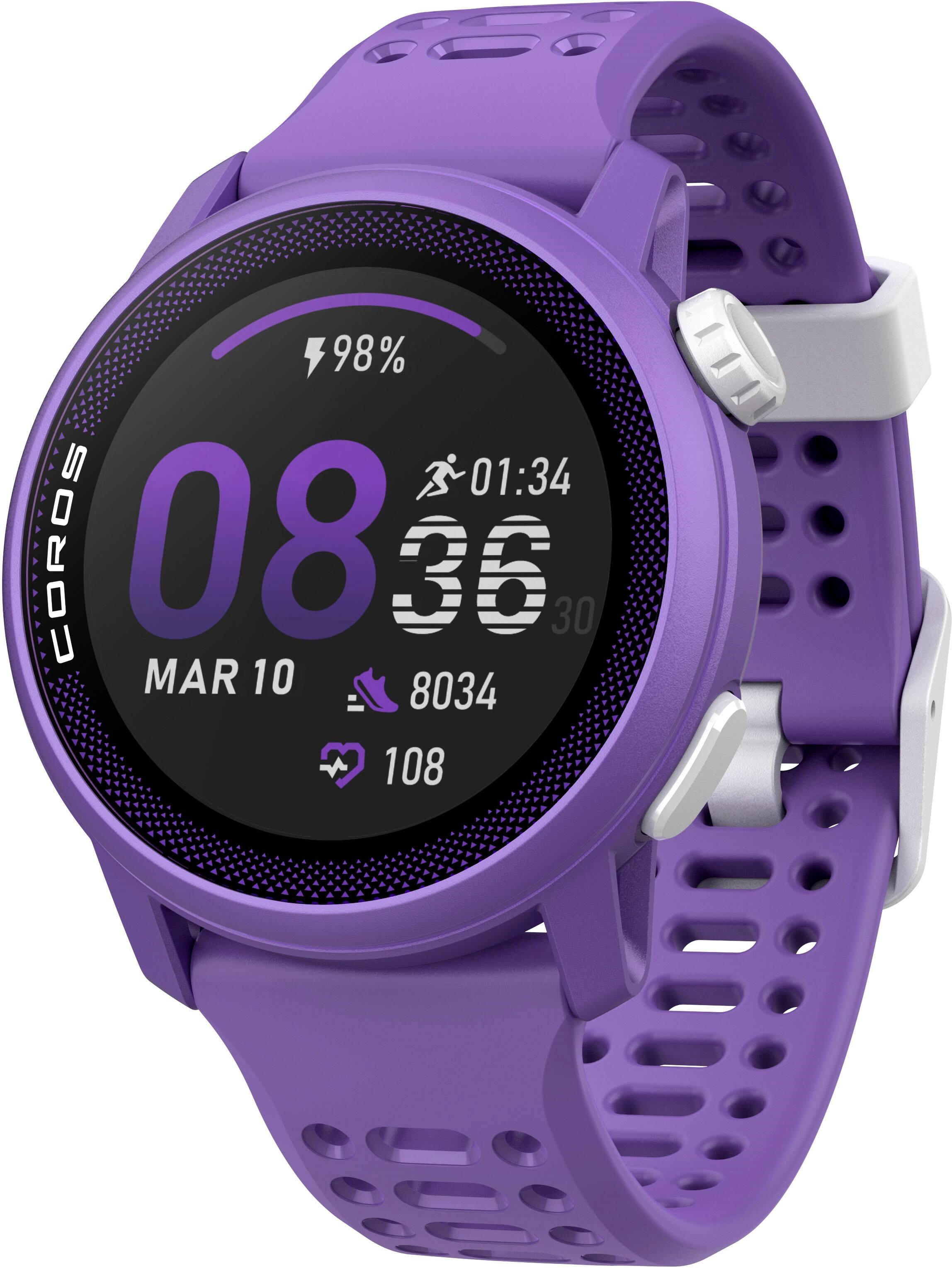
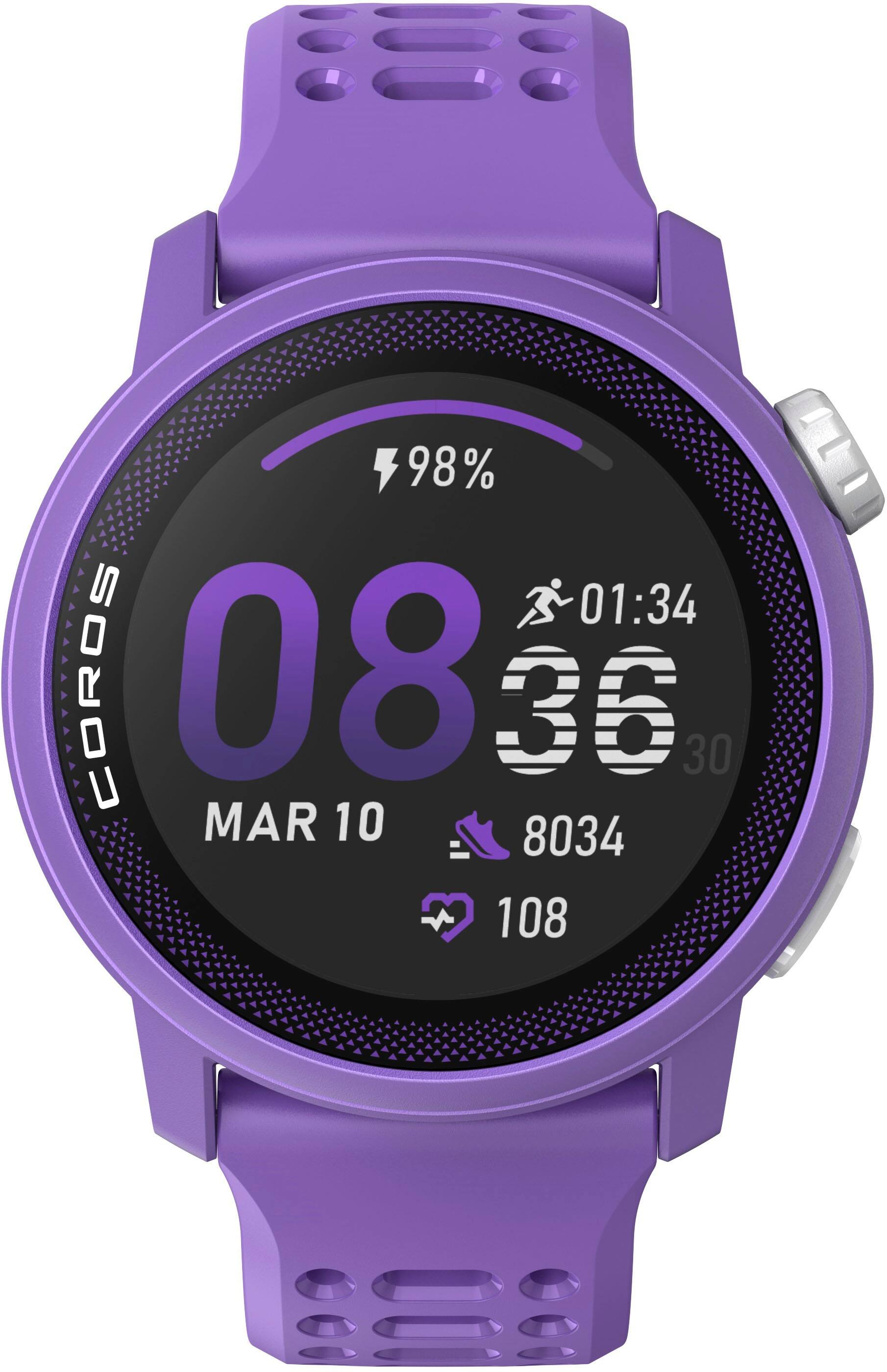
- Model:
- WPACE3-PUR
- SKU:
- 6585348
to a friend
- Pros mentioned:Color, Comfort

Amazing for running!
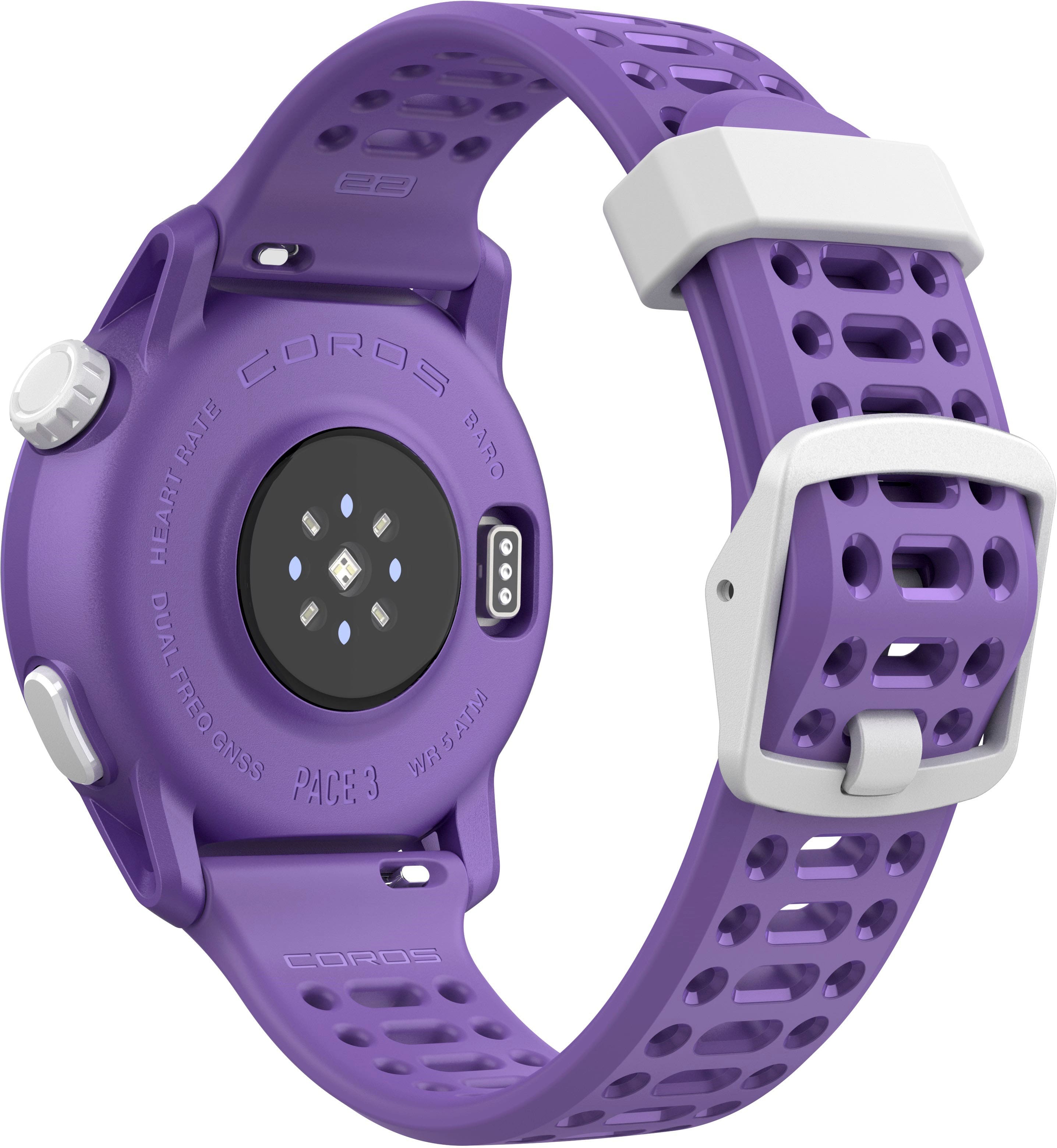
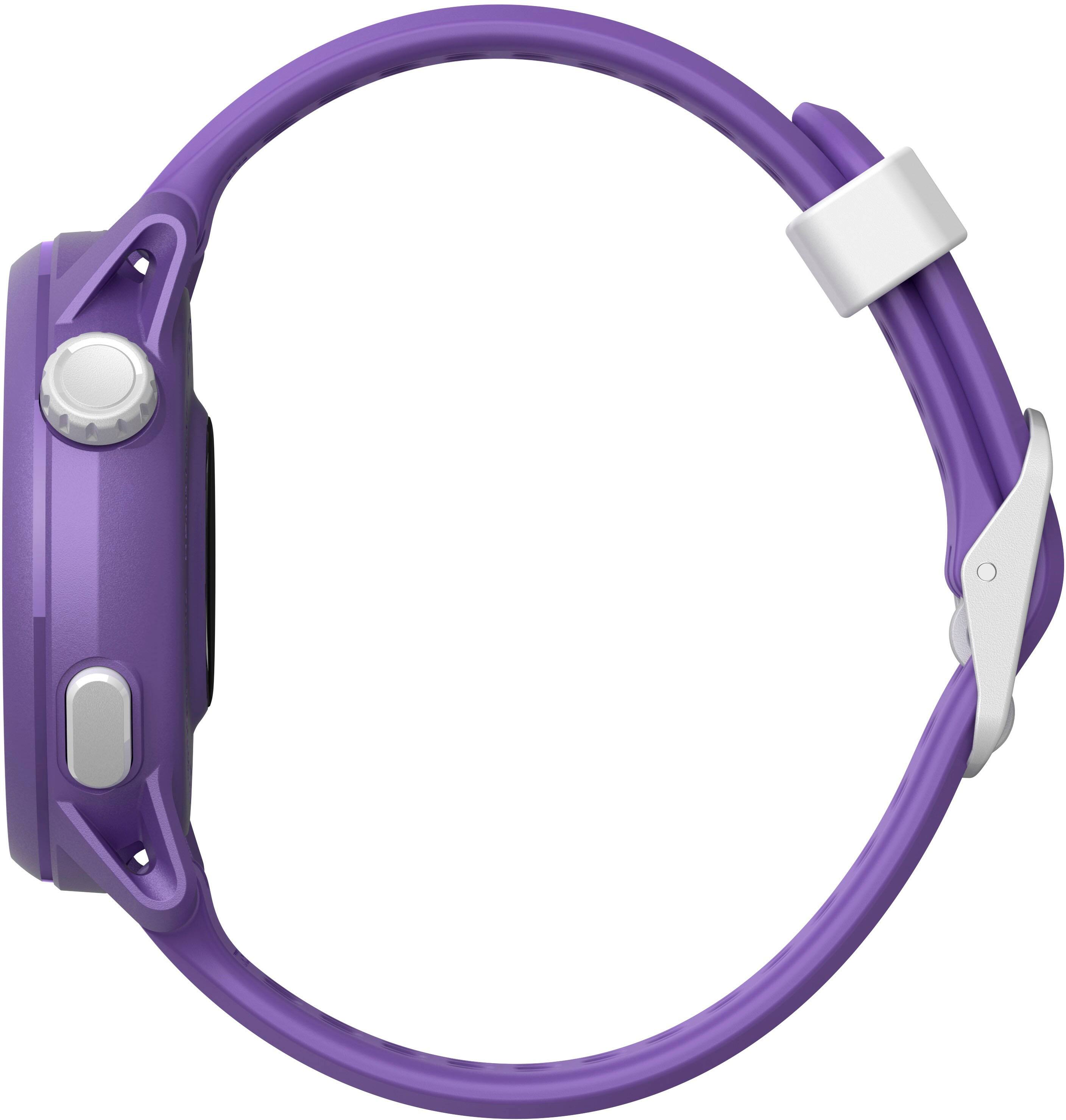
|Posted . Owned for 1 month when reviewed.This reviewer received promo considerations or sweepstakes entry for writing a review.Feels amazingly comfortable and the purple is just a beautiful coor. The watch is a little on the small side but is light so it doesn’t feel like it’s there!
I would recommend this to a friend Unimpressed
||Posted .This reviewer received promo considerations or sweepstakes entry for writing a review.Miles were about 1.5 miles on the treadmill you need to calibrate it. My iWatch6 works much better.
No, I would not recommend this to a friendBrand response from Stephanie
Posted .Thank you for your feedback! If you’re experiencing discrepancies in treadmill distance tracking, you are correct, your COROS PACE 3 can be manually calibrated for improved accuracy. This allows you to make sure you have the most accurate info possible.
Here’s how to calibrate your treadmill run:
1. Complete Your Indoor Run:
• Use Indoor Run mode on your COROS watch during your treadmill session.
2. Post-Workout Calibration:
• After finishing your run, save the workout on your watch.
• Navigate to the saved workout and select the option to calibrate or adjust the distance.
• Input the exact distance displayed on your treadmill.
It is important to note that this calibration process helps refine the watch’s distance estimation for future treadmill runs. The calibration range is up to ±25% of the distance recorded by the watch.
For more details, check out our official guide here:
support.coros.com https://support.coros.com/hc/en-us/articles/360039841712-Indoor-Run-Treadmills?utm_source=chatgpt.com
We appreciate your support and are happy to help if you reach out to our support team at [email protected].