Customer Ratings & Reviews
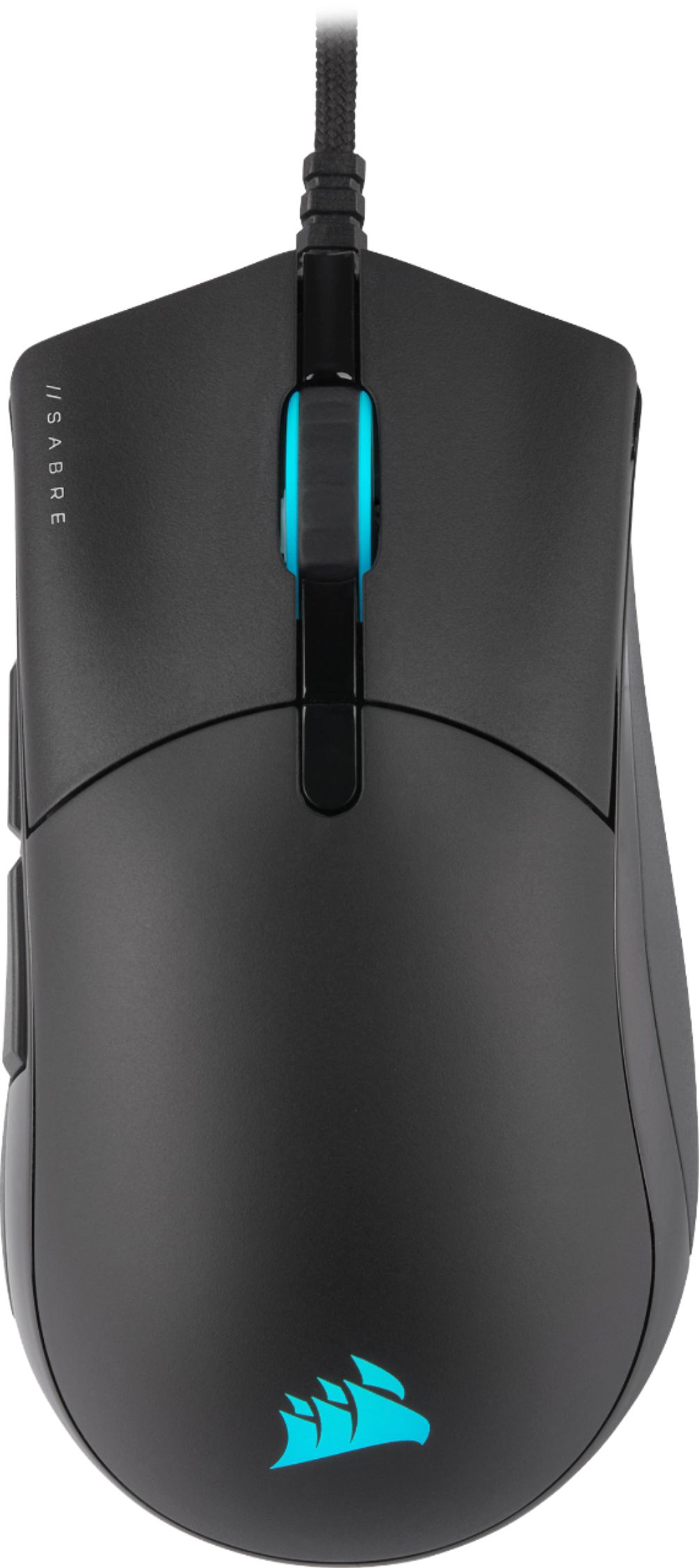
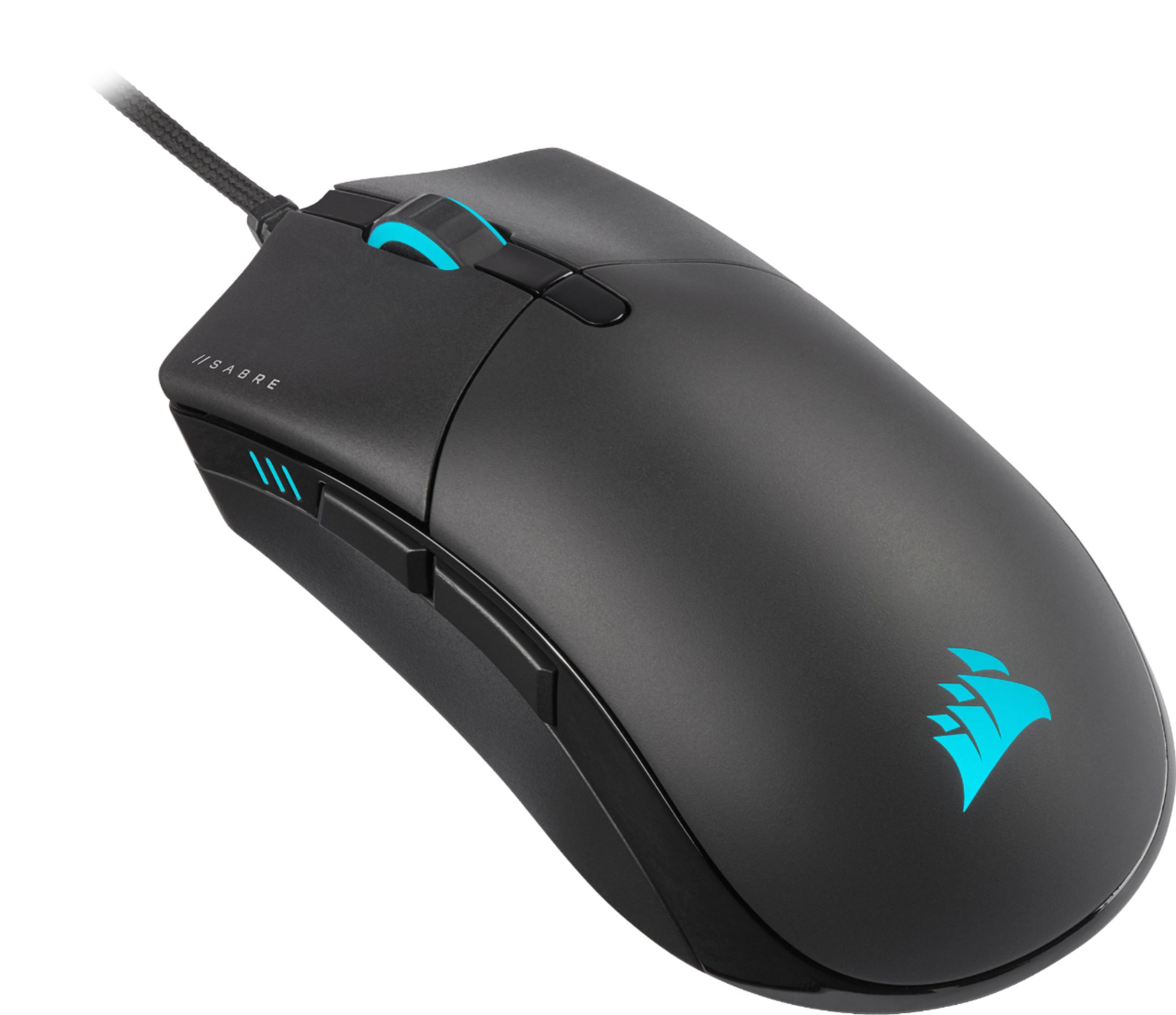
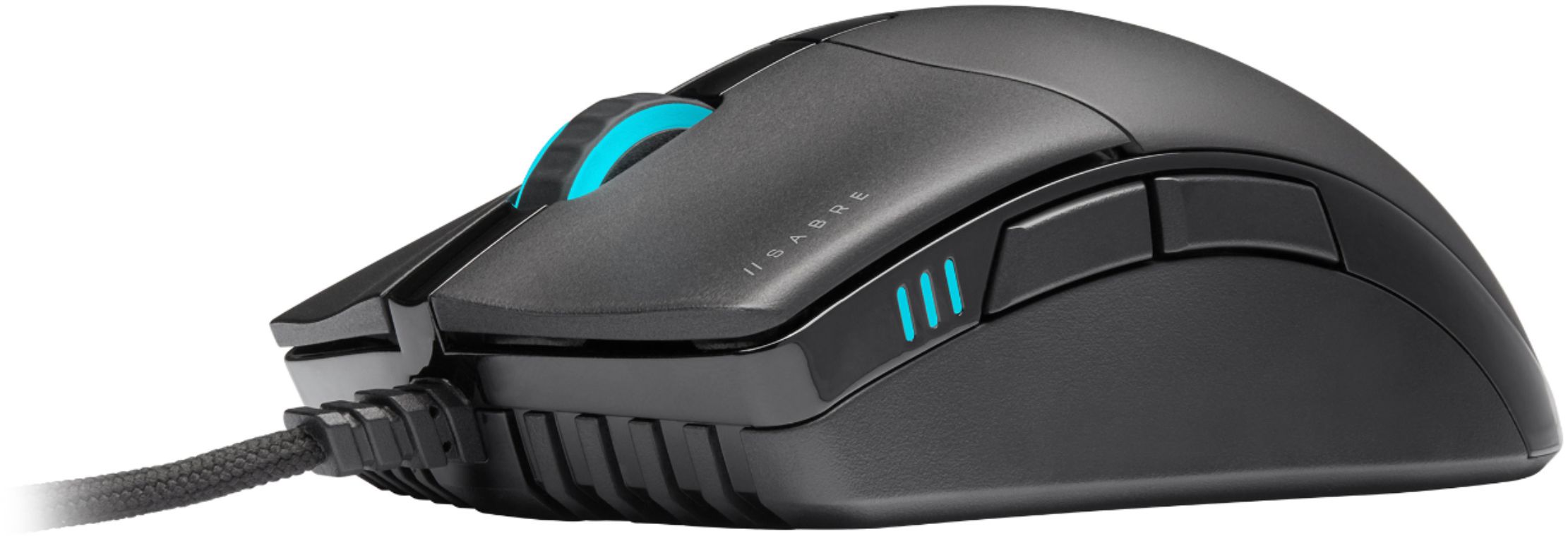
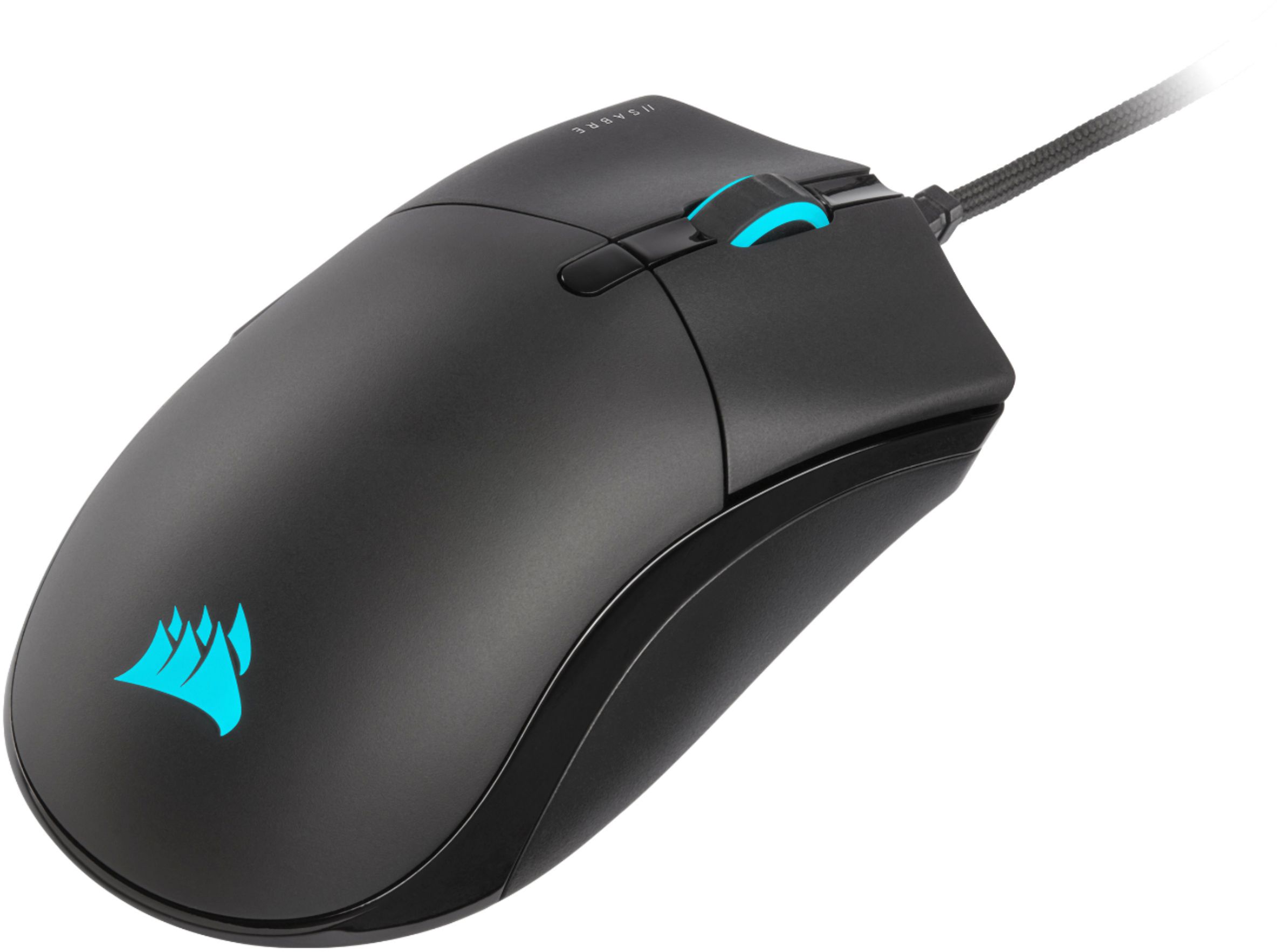




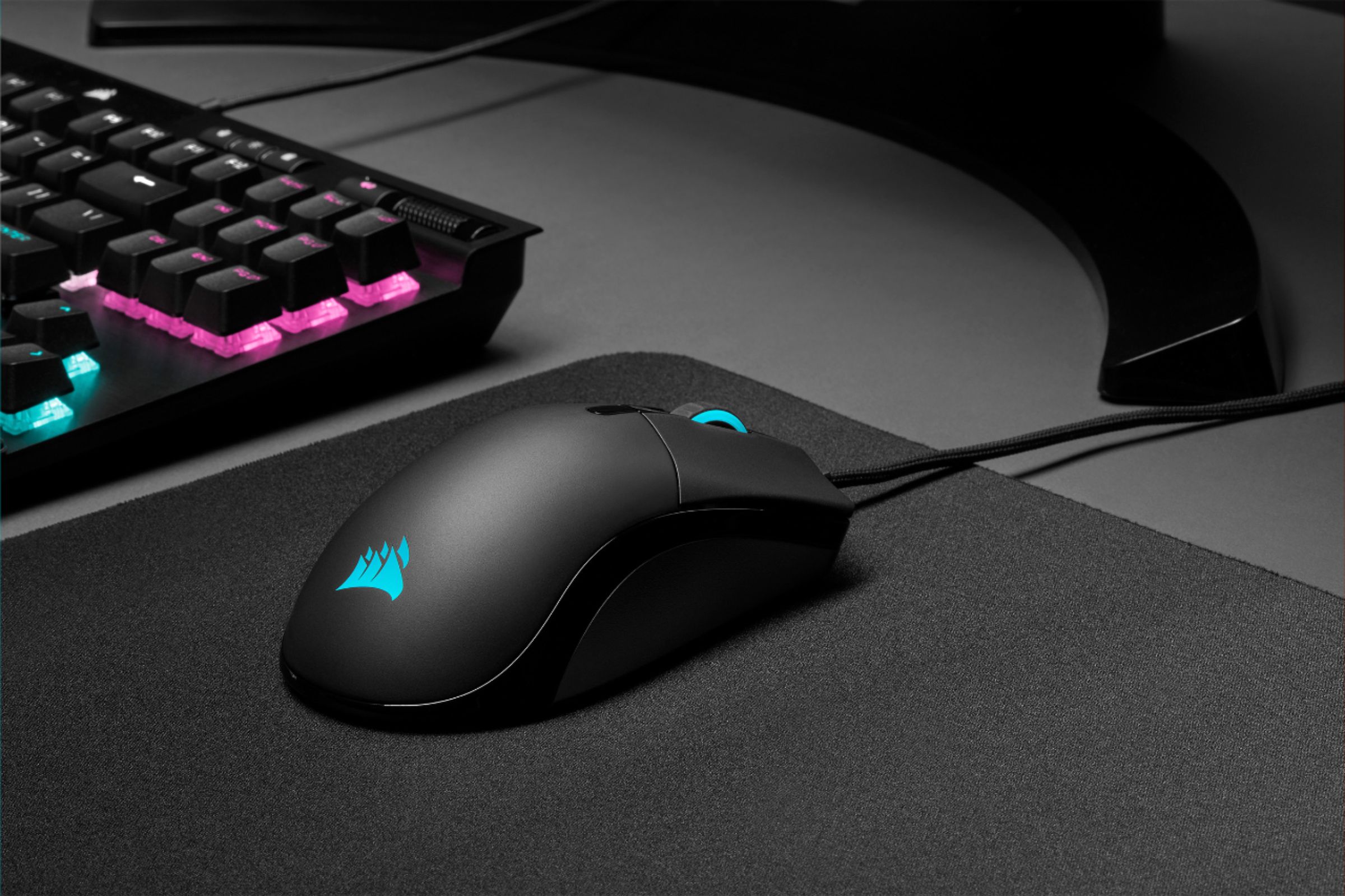
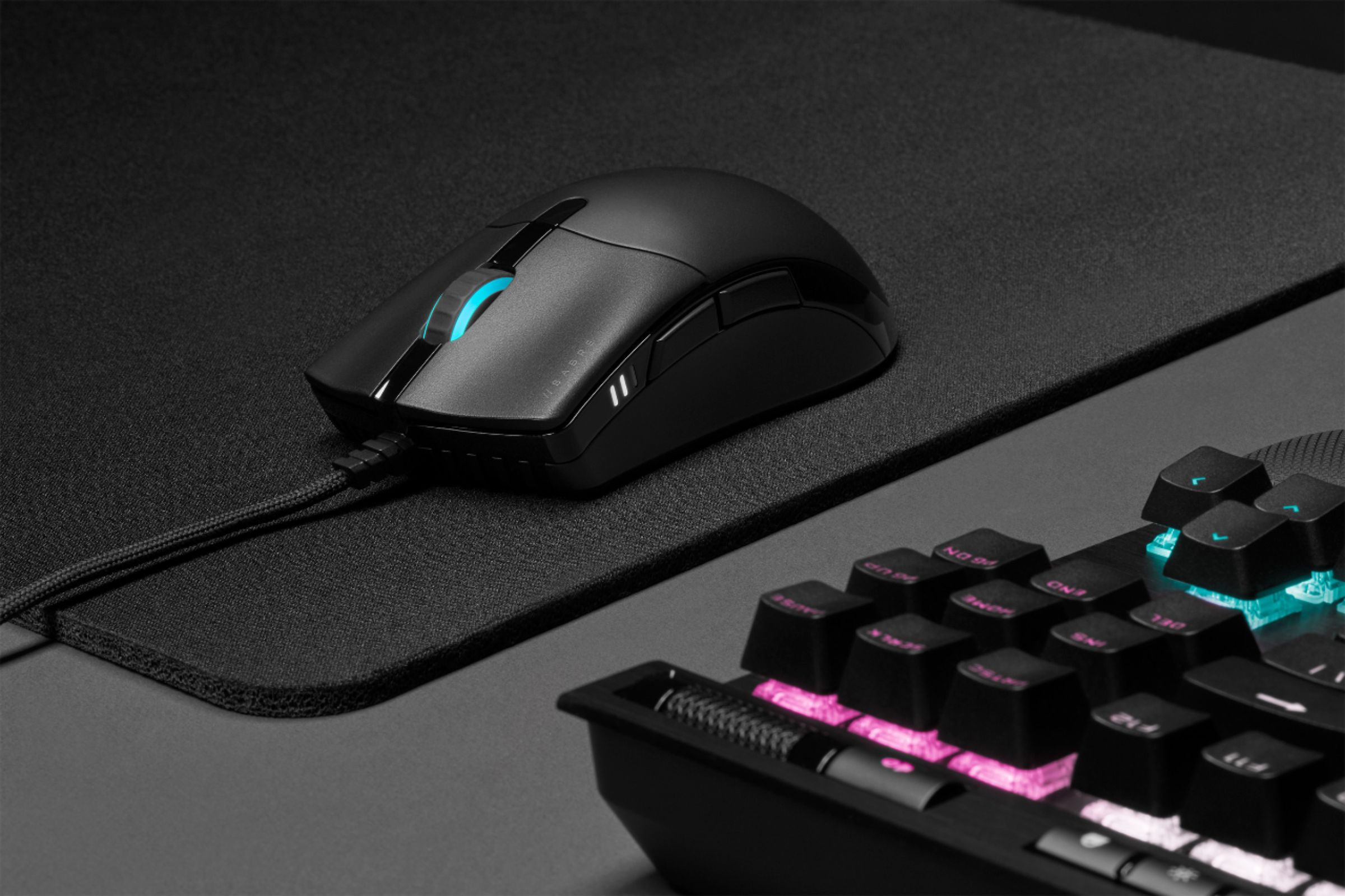



- Model:
- CH-9303111-NA
- SKU:
- 6453147
Rating by feature
- Value
Rating 4.4 out of 5 stars
- Quality
Rating 4.6 out of 5 stars
- Ease of Use
Rating 4.6 out of 5 stars
Customers are saying
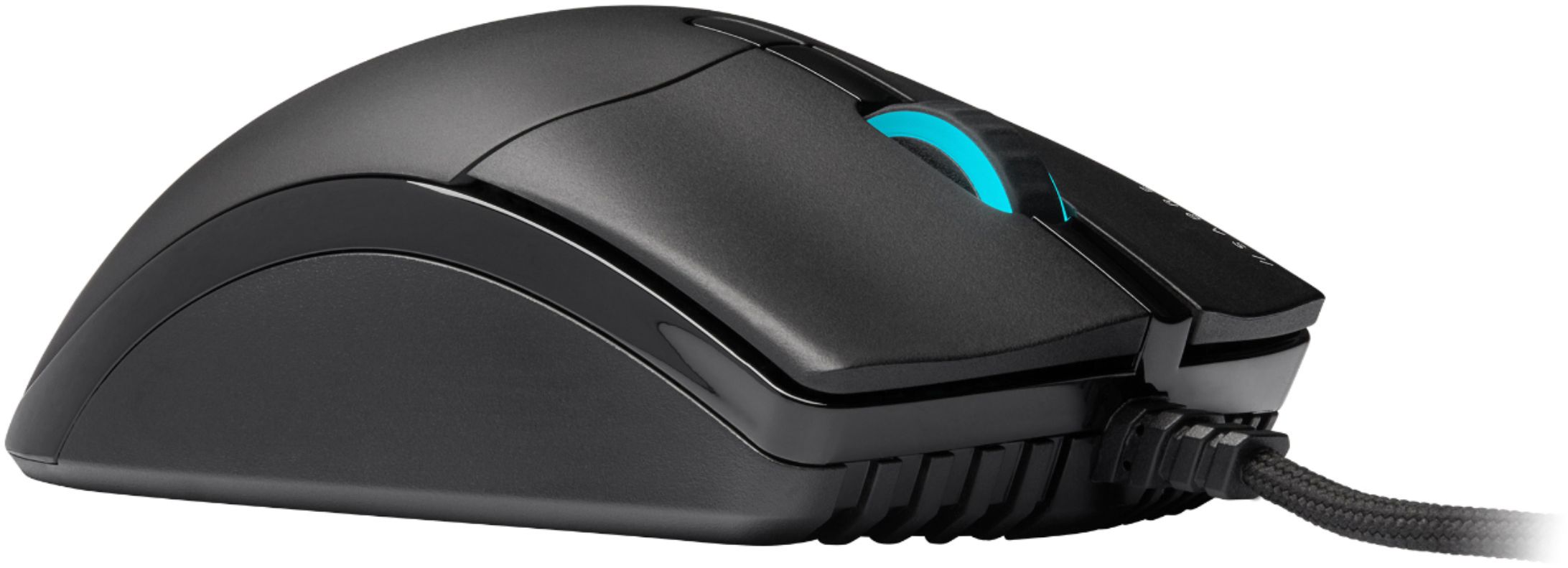
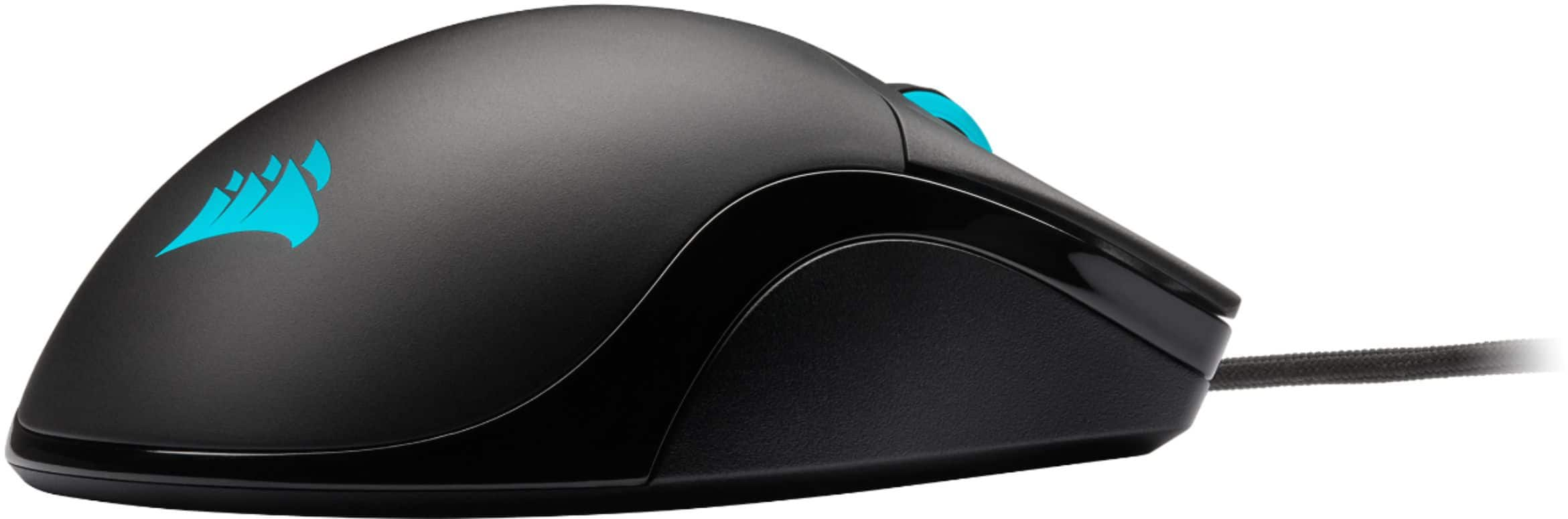
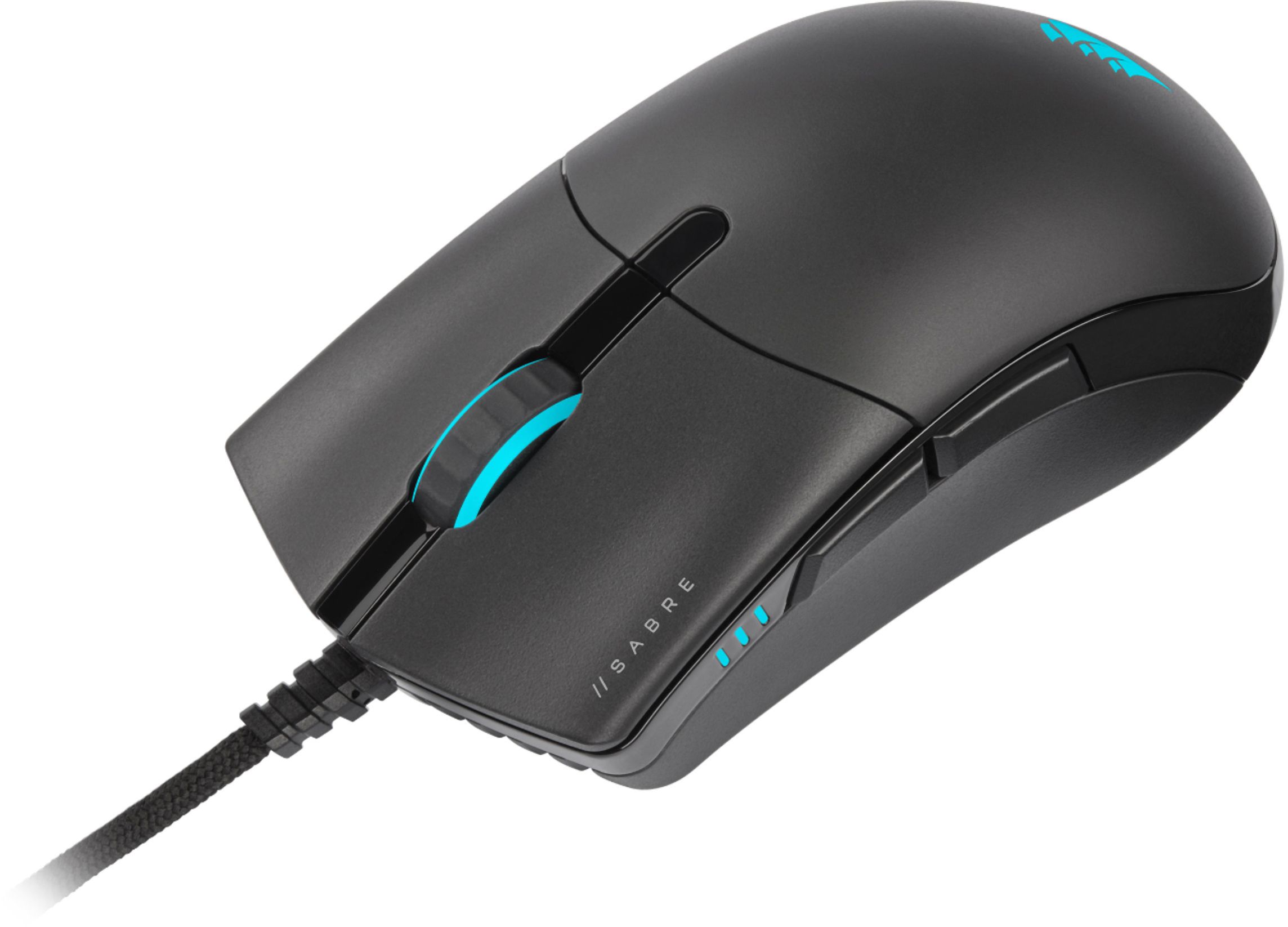
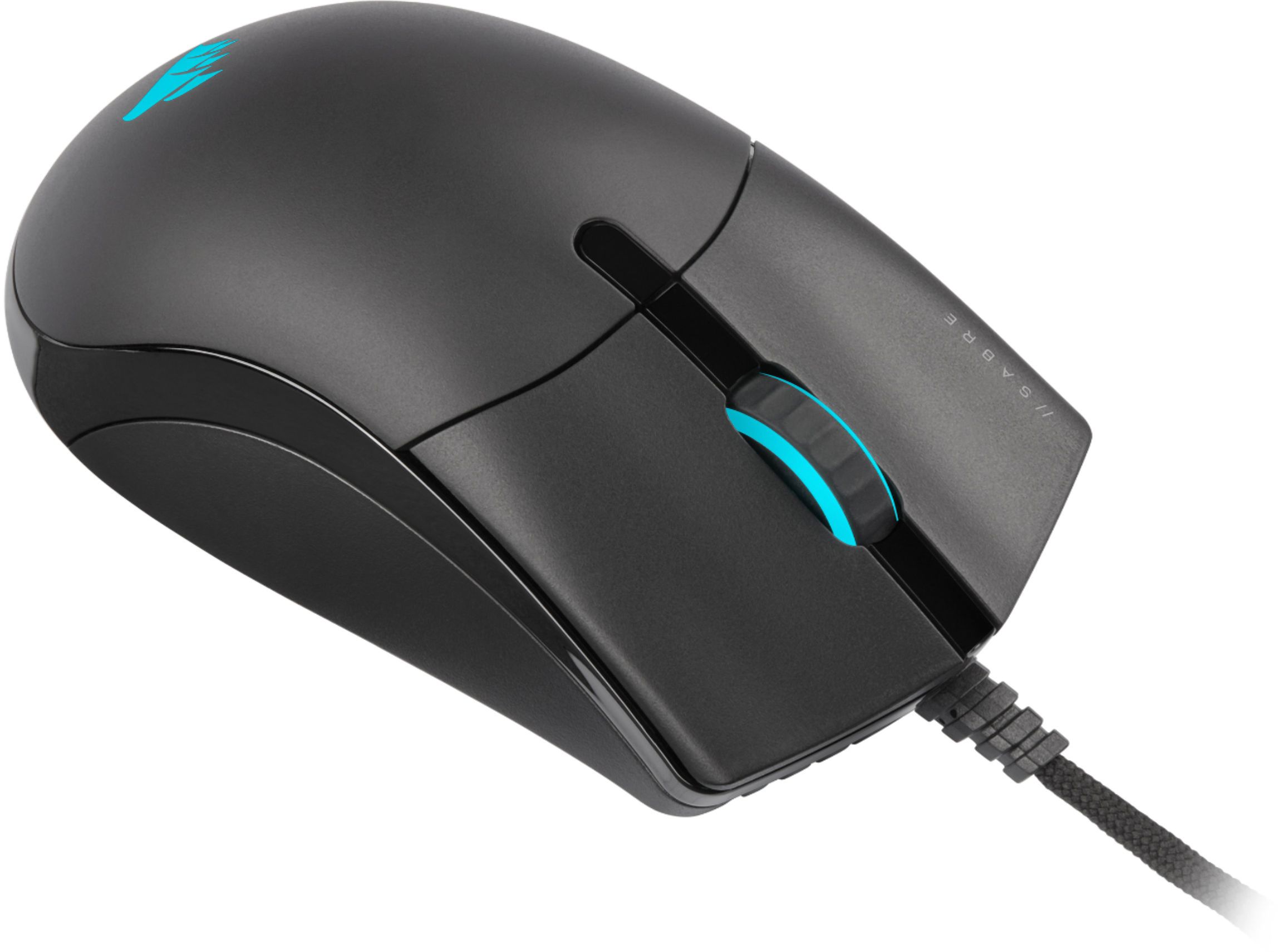
Customers enjoy the CHAMPION SERIES SABRE RGB PRO's lightweight design, vibrant RGB lighting, and responsive performance. Many appreciate the customizable DPI settings and comfortable ergonomic design, while some find the size and click mechanism less ideal. Positive feedback frequently highlights the smooth cable and responsive software. However, a few users noted concerns about the grip and lighting effects.
This summary was generated by AI based on customer reviews.
- Pros mentioned:Weight

Love this mouse!
|Posted .This reviewer received promo considerations or sweepstakes entry for writing a review.Another great product from Corsair. I really like their peripherals. Solid, well-made and feel good in your hands. This mouse is super light, barely feels like it's there and the paracord is so smooth it's like using a wireless but without the lag. Love the iCUE software which is intuitive and simple to customize. Lighting effects put a little bit of nice flashiness on the desk as well. Instantly responsive and quiet clicks as well with the quickstrike buttons.
I would recommend this to a friend - Cons mentioned:Lighting
Works well and does what I expected
|Posted .This reviewer received promo considerations or sweepstakes entry for writing a review.This gaming mouse does exactly what it is supposed to do. It has a great polling rate adjustment to match to how I use it. It has different modes so I can adjust for each game or task I am going to use it with. Sometimes I want the mouse to move really slowly for fine control and others I want to move really fast. I can do that with a push of a button. Was not impressed for the fabric over the cable. Looks really sloppy. I also thought the software to control the lighting needs work. In the instructions it tells you to plug it in to the back of your desktop computer, make sure you do or it won't work at all. Overall I was not thrilled with this mouse but it works. Nothing deal breaking bad but nothing that really wows either.
No, I would not recommend this to a friend A very good choice for beginners and intermediates
|Posted .This reviewer received promo considerations or sweepstakes entry for writing a review.I received this product in exchange for my fair and unbiased review. Tested with a Xeon e3-1246v3 (4c/[email protected] ghz) with 32GB DDR3-1866, Radeon RX570 8GB, and on an Asus VG248QEZ@1080p/144 hz. TL;DR - The Corsair Saber RGB Pro Champion Series gaming mouse has a familiar feel to it, between it's large size that fits well in my meat claws, it's scroll wheel that has that "just right" amount of tension in its movement, buttons that also have that "just right" amount of tension in their switches, and a a shape that is conducive to hours of play with FPS, MMO, and strategy games. The texture does take some getting used to and those accustomed to heavier or wireless mice might find the ultra lightweight design a little off-putting at first, but you do get used to it quickly. The only thing I can knock is if your cable management solution includes holes though a MDF surface, the paracord might get stuck. Otherwise, this is a good beginner to intermediate gaming mouse. Unboxing and first impressions: The mouse is packaged nicely. You'll find the cable wrapped with a Velcro tab. The paracord wrapping the mouse's cable is a little looser than I expected, but that's not a bad thing; just expect it to bunch up if you move the Velcro tab toward the USB connector. Speaking of, the USB connector is fairly stout in build quality but doesn't get in the way of other ports. You'll also find instruction and warranty literature in the package. Setup: Of course, you start by plugging in the mouse. The RGB lights are fairly bright before you can adjust them with the Corsair iCue software. If you already have Corsair's iCue software installed, then you're halfway done. If not, it's easy to install from Corsair's website. Once installed, open it and you'll see your Saber Pro in the software's home screen. You can adjust DPI and button assignments (other than left-click, that is) including disabling the on-the-fly DPI adjustment button, adjust the DPI mode, adjust the polling speed (up to 8000 hz - more on that later), adjust lighting mode and effects, and even calibrate it to your mousing surface. The software is very straight-forward and easy to use, a much better experience than the last time I used it. (Kudos to your programming and software design team, Corsair!) Usage: You could say that "All mice are mice", but that doesn't help you learn about the features that can help your game. Having said that, I enjoyed paying Portal 2, Postal 2, Doom Eternal, DOTA, Sims 3, and Minecraft with it. GTA 5, RDR II, and the old puzzle game Bejeweled 3 were all alright but it's not my preferred experience. The on-the-fly DPI adjustment is great for both FPS games when you're using a sniper weapon and for RTS games when you're placing things and you want to make sure you're placing things accurately; conversely, it's useful when you want rapid, twitchy movements in those games because speed trumps accuracy. This is a good spot for me to bring up it's polling speed. Many optical and laser mice might update position data around 125-250 times a second (125 to 250 hz), with some higher-end "every day" mice being able to update it at 500 hz. Gaming mice typically run around 1000 hz. The Corsair Saber Pro Champion Series can update up to 8000 hz. While I did notice differences between 500, 1000, and 2000 hz, I didn't notice any difference between 2000, 4000, and 8000 hz. There's also a warning that the 8000 hz mode can use significant system resources, so I tried the mouse out at 8000 hz mode in an older Core 2 Duo computer running Windows 10 and did observe more processor usage with 8000 hz mode, though not enough to make a significant difference in most of the games that could run on that computer. Note that for the Mac and XBox One gamers, the fastest the mouse's polling rate can be with those systems is 1000 hz. I wasn't able to test and confirm this myself on a Mac or an XBox. Using it as an "every day" mouse is also an alright experience, but its size can sometimes make it awkward. If you use your gaming rig for work and play, you can always run a second mouse if you find yourself in this situation. The RGB lighting is a nice touch. You can choose from presets Corsair provides or make your own, and Corsair's iCue software can be used to control some 3rd party smart lighting systems, which is awesome for those of you who want to expand your RGB lighting beyond the computer, mouse, and keyboard. The only thing that was an annoyance was that paracord around the cable. While it stayed out of the way, unlike most mouse cables I've used in the past, it would catch on the MDF my desk is made out of. Final thoughts: If you're looking for a mouse to play strategy and first-person games with, the Corsair Saber Pro RGB Champion Series mouse is a safe bet for a comfortable mouse that'll get the job done. If you're just getting into PC gaming or you're experienced but don't want to spend a lot of money on a high-end mouse, this unit has enough features at it's midrange price point to keep you satisfied until you're ready to make the plunge into the high-end.
I would recommend this to a friendGreat mouse but unintuitive software.
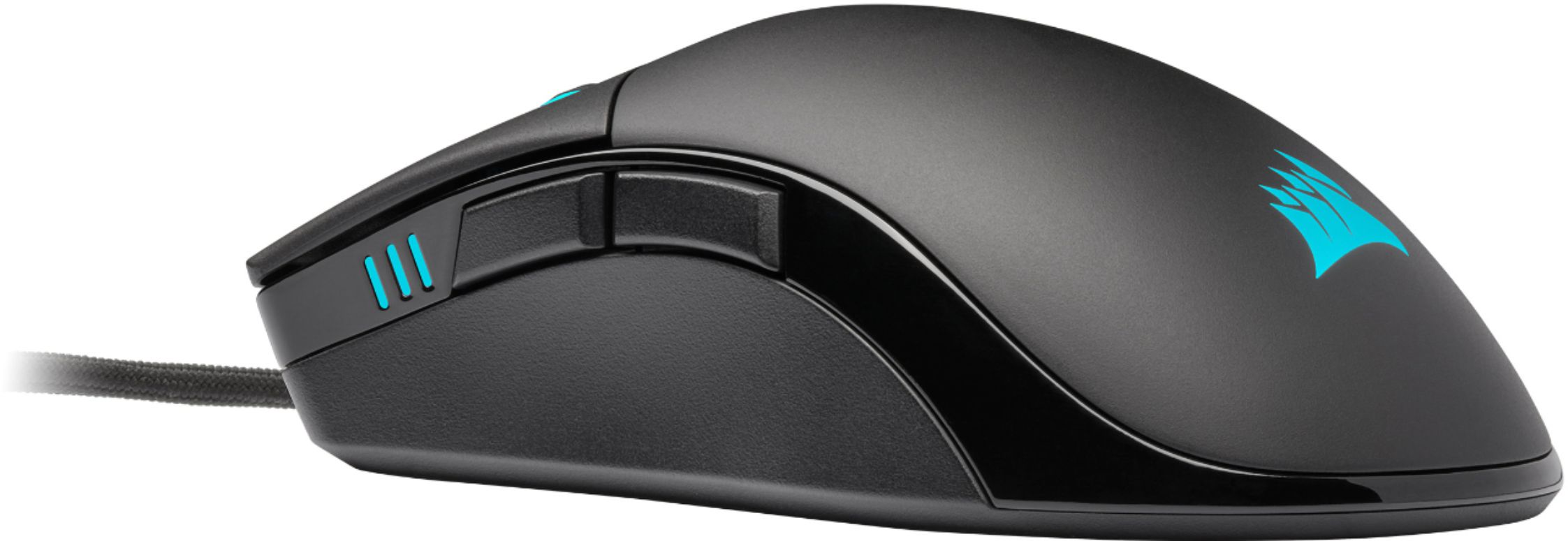
|Posted .This reviewer received promo considerations or sweepstakes entry for writing a review.The Corsair Sabre Pro is an excellent gaming mouse hampered by unintuitive software. The mouse itself is well constructed but fairly basic. It consists of the usual left and right clickers, forward and back buttons along the left-hand side (sorry southpaws), and a DPI button centered on the top of the mouse. The Corsair iCue software does support programming these buttons. This is useful if you’d like to remap the forward or back buttons to do something like reload ammo or use a special ability in a game. The mouse’s cord is sleeved in a soft, cloth wrap that feels like a t-shirt. I found that the wrap tended to bunch up and corkscrew around the wiring when sliding the included velcro strap up and down it. The mouse itself has enough heft to it to feel solid without feeling “heavy.” The iCue software is probably the biggest drawback to this mouse. The software is downloaded from Corsair's website (as is the case for most PC accessories these days). The download is surprisingly large at 700Mb. This is nothing compared to a 20GB game download, but it’s still beefy enough that you notice it taking up some hard drive space. I initially tried downloading it on my gaming laptop at the coffee shop, but it was going to take more than an hour just to download. It took a full 17 minutes to download on my mid-tier internet plan at home during peak hours. The software gives a lot of different options for adjusting the RGB lighting. If you’re a longtime Corsair user, then you may already be familiar with all of the controls in this program. Unfortunately, this software isn’t very forgiving for newcomers. I wanted to setup a cycling color scheme that would match my Bluetooth speaker and gaming desktop. My current setup cycles through blue, green, purple, teal, aqua, and white with the colors gently fading into each other. Unfortunately, I couldn’t figure out how to do this using the software. I don’t doubt that it “can” do this, I just couldn’t figure out how to make it happen. The software offers a number of presets for rainbow colors, solid colors, or switching between just two colors. It wasn’t clear how to do a pallet of more than two colors, and the options for controlling the transitions feel “clunky” for lack of a better term. I’ve seen other people with Corsair setups manage some extremely intricate color patterns, but I haven’t a clue how they accomplished it using this software. This mouse is a solid, high quality mouse for gamers. If you’re familiar with the Corsair iCue software, or you’re willing to take the time to learn it, then this could be a solid addition to your gaming rig.
I would recommend this to a friendRemarkably agile gaming mouse at a nice price.
|Posted .This reviewer received promo considerations or sweepstakes entry for writing a review.I didn't know what to make of this mouse when I first plugged it in. I generally tend to like my gaming mice with a heftier feel and that is definitely not the case with this mouse! The bottom line is that it is a mouse I would heartily recommend if you like an extremely light, nimble mouse that you can throw around your mouse pad quickly. Because of the weight and plastic build, you might be tempted to write this mouse off as a "cheap" gaming mouse, but that is not the case. The 'paracord' cable, replaceable glide pads, nicely tensioned scroll wheel and hyper-accurate sensor help this mouse punch above its weight class and not get hung up on your desk. That plastic build takes some of the 'premium feel' away from the otherwise quality components but it also makes it much easier for day-to-day use if, like me, you use your computer for work and play. The switches are responsive and I found tracking in my favorite games to be above reproach. At the same time, the light feel doesn't kill my wrist over a long workday. The iCue software is nicer than a lot of competitor's products, but my personal preference is for a mouse that does the job. I personally don't much care what color it glows. That said, if you have a custom rig with full RGB LED accents, this mouse will blend well enough. However I did find the logo color and main color got just a little out of sync with each other using multicolor (breathing) presets but, like I said, that's not a dealbreaker for me. The Corsair Sabre RGB Pro is a nimble, capable, hyper-accurate mouse for gaming AND day-to-day use. Particularly for the price, I have no complaints. Truthfully, I didn't like this mouse at first. I got caught up in a first impression of a 'cheap build' because of the weight. However after a longer period of use, I'm giving it a 5-start review. Only time will tell if the build holds up to punishing long-term use, but I have always had very good luck with Corsair products in that regard.
I would recommend this to a friendGood but not really great
|Posted .This reviewer received promo considerations or sweepstakes entry for writing a review.I got this mouse as an alternative to my Roccat Kone due to the Corsair being slightly smaller in size. It fits great in my hand and for extended periods of computer use or gaming. The light bars on the left hand side are easy to see when holding the mouse to quickly see what DPI setting you are at. As for that piece I have a few gripes. The DPI setting button doesn't have the most gamer friendly location. It is right between my left and right mouse button fingers but not in a comfortable location to quickly hit it on the fly. I have to shift my entire hand down to be able to click it with my finger. It also cycles up, you have to continue clicking for the DPI to cycle all the way through the highest settings back down to the lowest. There is no jumping from say 2000 DPI back down to 1500 DPI. You can customize the DPI settings in the iCUE software which is nice but not ground breaking. The other gaming mice that I have are not as awkward to change the DPI settings on the fly while gaming. It looks great and the colors are cool to synch up using their software but if you are a gamer that likes to change between DPI settings on the fly you won't like this mouse.
No, I would not recommend this to a friendWired mouse feels wireless
|Posted .This reviewer received promo considerations or sweepstakes entry for writing a review.The mouse is comfortable and light. The Roccat I had been using was cutting into my 3rd finger due to how the right mouse button was placed - the button sits high enough that won't happen here. You likely won't realize the paracord cable is even there, giving a wireless feel with a wired mouse. It performed without issue in any game genre I played; no issues with a slightly glossy surface (surface calibration for the win). Two downsides for me: if your hands are very dry, which mine can get in the winter, the surface of the mouse might as well be teflon, as it's hard to get an appropriate grip on it. The other, the front thumb mouse button feels too forward and I tend to rest more on the back of the mouse - so I end up reaching. iCUE software was easily installed and hasn't caused any issues in Windows 10. Lots of options for changing whatever setting you want to fiddle with. As stated in other reviews, I don't necessarily understand the point in the light changing functionality for gaming hardware, but the iCUE software is easily used to make changes, with multiple available options. I do however like that you can tie colors to temperatures in the system - very useful!
I would recommend this to a friendVery responsive gaming mouse!
|Posted .This reviewer received promo considerations or sweepstakes entry for writing a review.The Sabre RGB Pro is a great overall gaming mouse, for users who like to stick with wired mice, and need crazy high DPI options. Overall it works very well, I'm a big fan of the polling options, all the way up to 8000hz is insane! Most FPS users will be content with 1000-4000hz, I find 2000hz to be the sweet spot for me at 1200DPI. I have 2 issues with this mouse, but its mostly opinion on the first. This mouse IS WAY TOO LIGHT! I've used some other gaming mice with weight kits, and usually max them out! This mouse fit my hand nicely, but is much lighter than I am used to, and I feel like I'm going to accidently chuck it off my desk! The other downside to this mouse is the iCue software. It works ok, but even the newest version seems to be a bit clunky. It wasn't running properly, and I couldn't use the side mouse button to go back a webpage, just because the app wasn't running. That's a bit lame, but once working correctly, its at least ok. I would prefer to set the polling option once, and be able to adjust the DPI settings with the button on the mouse. Still a very useable gaming mouse, would be a great gaming mouse for most users!
I would recommend this to a friend- Pros mentioned:Weight
Very responsive, excellent value
|Posted .This reviewer received promo considerations or sweepstakes entry for writing a review.This mouse is a very responsive, high quality mouse. I work from home and also play old school strategy games at times like Age of Empires 2. This mouse is awesome - very responsive and lightweight. Looks pretty cool as well. Highly recommended.
I would recommend this to a friend RGB Excellence!
|Posted .This reviewer received promo considerations or sweepstakes entry for writing a review.The Corsair Sabre Pro is an excellent choice for a variety of online games! I found this mouse to be very accurate playing FPS games, and it has worked well on my desk pad but also on the bare desk as well. Very quick response time and accurate scrolling as well. The RGB matches my keyboard and really brings the whole gaming package together for a very nice look as well!
I would recommend this to a friendGood
Posted .This reviewer received promo considerations or sweepstakes entry for writing a review.Very good mouse I am now a god at all video games.
I would recommend this to a friend