Customer Ratings & Reviews

- Model:
- CH-9315511-NA
- SKU:
- 11124058
Rating by feature
- Value
Rating 4.4 out of 5 stars
- Quality
Rating 4.5 out of 5 stars
- Ease of Use
Rating 4.6 out of 5 stars
Gaming
||Posted . Owned for less than 1 week when reviewed.This reviewer received promo considerations or sweepstakes entry for writing a review.Love it it works amazingly best product to use while gaming
I would recommend this to a friendGood but sometimes finicky
||Posted . Owned for 3 weeks when reviewed.This reviewer received promo considerations or sweepstakes entry for writing a review.It sometimes doesn't charge, but it is way better than plugging it in.
I would recommend this to a friendBest mouse ever
||Posted . Owned for 1 week when reviewed.This reviewer received promo considerations or sweepstakes entry for writing a review.Hands down the best mouse I've ever owned usb-c recharge port very very accurate
I would recommend this to a friendCorsair outstanding
||Posted . Owned for 1 week when reviewed.This reviewer received promo considerations or sweepstakes entry for writing a review.Comfortable in palm buttons have very positive click
I would recommend this to a friend
What an awesome gaming mouse!
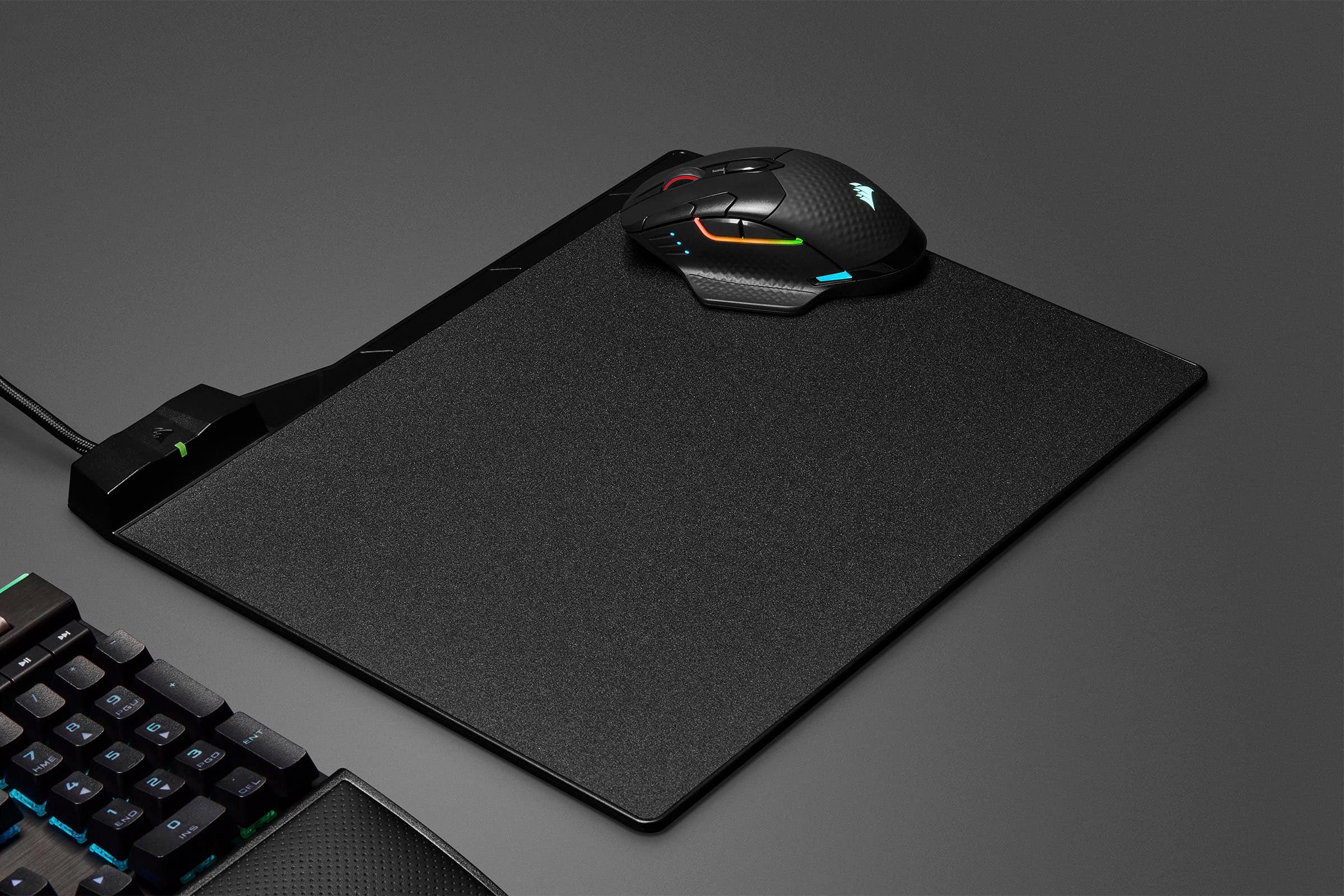
|Posted .This reviewer received promo considerations or sweepstakes entry for writing a review.1st off, I have held off getting and using a wireless mouse for a LONG time because I prefer the responsiveness of wired and never having to worry about a mouse dying halfway into a deathmatch. The Dark Core RGB PRO SE is one amazing mouse from corsair. I have used a Logitech MX518 and a G502 Hero for YEARS. I love Corsair KBs and other various PC parts from them, but now I decided to try this mouse. Comfort is great for my big hand. Cups the mouse and the buttons are in perfect placement. RGB is really nice. Various parts of the mouse can be customized to fit your RGB needs or just leave is static or not lit up at all. Your choice! Responsiveness is amazing! You can adjust the DPI settings to whatever you wish via the iCUE software. No lag at all that I can tell playing FPSs, RPGs and RTSs. Qi wireless charging is what sold me on this along with all other mentioned points. I would HIGHLY recommend getting a wireless Qi mousepad to combo with this mouse as charging would never be an issue. Battery life is LONG without a charging mousepad anyways and you can just plug it in for a couple of hours or just put it on a Qi charging pad. The iCue software is great. I have been using it prior to getting this mouse and was already familiar with what it can do. I use it for my H115i, Vengeance Pro RAM, Commander Pro and my K95 Platinum. Everything SYNCs like a dream! Though you can showoff your unicorn vomit in whatever way you please using the various presets, or you can also tailor each individual peripheral to your needs. I just do a solid static color. In the end, I have shelved my G502 for the Dark Core for the time being because the freedom of wireless has spoiled me. The mouse is just great for all kinds of tasks and gaming.
I would recommend this to a friendGreat Mouse... for 2 years EXACTLY
||Posted . Owned for more than 2 years when reviewed.This reviewer received promo considerations or sweepstakes entry for writing a review.Great Mouse... for 2 years EXACTLY, After 2 years the paint started to flake off and it stopped working properly... exactly 2 weeks after the Warranty was up.
No, I would not recommend this to a friendBrand response from Corsair
Posted .Hello,
If that's the case, I'd still suggest that you contact our team for assistance!
-Art
Disappointed
||Posted . Owned for 5 months when reviewed.This reviewer received promo considerations or sweepstakes entry for writing a review.It was defective. Something dangles inside and it not hold the charge. And in 2 months the coating on the mouse has peeled off.
No, I would not recommend this to a friendBrand response from Corsair
Posted .Hello,
Definitely not the experience we'd want you having. Do contact our team directly via ticket on our site for assistance with this!
-Art
Didn't work out
||Posted . Owned for 1.5 years when reviewed.This reviewer received promo considerations or sweepstakes entry for writing a review.I had high hopes for this mouse. It worked for about 3 months then it died on me. I got a replacement from the manufacturer but that didn't work either so I gave up and got a different basic mouse. Real unfortunate.
No, I would not recommend this to a friendBrand response from Corsair
Posted .Hi,
Sorry to hear about your experience. Considering our mice carry a 2-year warranty, we'd appreciate the opportunity to further look into this and provide a solution - please reach out directly to our Support Escalation team at [email protected] with a screenshot of this review and our team will assist you ASAP.
-Albert
It's a bad product, and it broke down in 3 months.
||Posted . Owned for 2 months when reviewed.This reviewer received promo considerations or sweepstakes entry for writing a review.I only write honest reviews, and I don't recommend this mouse. it didn't last even half a year.
No, I would not recommend this to a friendBrand response from Corsair
Posted .Hello,
How did this break? Please contact our team directly right on our site for assistance.
-Art
mouse
||Posted . Owned for 1 week when reviewed.This reviewer received promo considerations or sweepstakes entry for writing a review.I own this mouse and I love it. Battery lasts about 4 days for me with the RGB on, and I've never had connectivity issues. Feels very responsive and latency-wise, I can't tell a difference against wired mice except against those 8K HZ wired mice, but those are something else entirely. To me, the size is great and weight is not an issue at all but that is all up to personal preference.
No, I would not recommend this to a friendReview
||Posted . Owned for 3 months when reviewed.This reviewer received promo considerations or sweepstakes entry for writing a review.For gamers seeking a top-tier wireless experience, the CORSAIR DARK CORE RGB PRO SE is an absolute winner. I've been using it for several months now, and it consistently impresses me with its performance, features, and design. Here's why I'm giving it a perfect 5-star rating: Unrivaled wireless performance: The 1ms 2.4GHz wireless connection feels virtually indistinguishable from wired, providing lag-free responsiveness crucial for competitive gaming. No more worrying about input delay hindering your performance. Qi wireless charging convenience: The ability to wirelessly charge the mouse using any Qi-compatible charging pad is a game-changer. It eliminates the need for messy cables and keeps your desk clutter-free. Highly customizable: The 18,000 DPI optical sensor offers incredible precision and can be fine-tuned to your liking through the intuitive CORSAIR iCUE software. Additionally, the nine-zone RGB lighting allows for extensive customization, letting you create stunning lighting effects to match your setup. Comfortable and ergonomic design: The contoured shape with interchangeable side grips provides a comfortable and secure grip for various hand sizes and grip styles. Even during extended gaming sessions, my hand feels comfortable and fatigue-free. Long battery life: The DARK CORE RGB PRO SE boasts up to 50 hours of battery life on a single charge, ensuring you can game for long stretches without worrying about running out of power. The option to plug in and play wired while charging further enhances its flexibility. Additional features: I appreciate the inclusion of dedicated DPI buttons for on-the-fly adjustments, programmable macro buttons for streamlining in-game actions, and durable Omron switches rated for 50 million clicks. Overall: The CORSAIR DARK CORE RGB PRO SE is a top-of-the-line wireless gaming mouse that delivers exceptional performance, unparalleled convenience with Qi charging, extensive customization options, and a comfortable design. Whether you're a competitive gamer or a casual enthusiast, this mouse has everything you need to elevate your gaming experience. If you're looking for a premium wireless mouse that doesn't compromise on performance or features, the DARK CORE RGB PRO SE is definitely worth considering.
I would recommend this to a friendA feature rich, fantastic performing mouse!
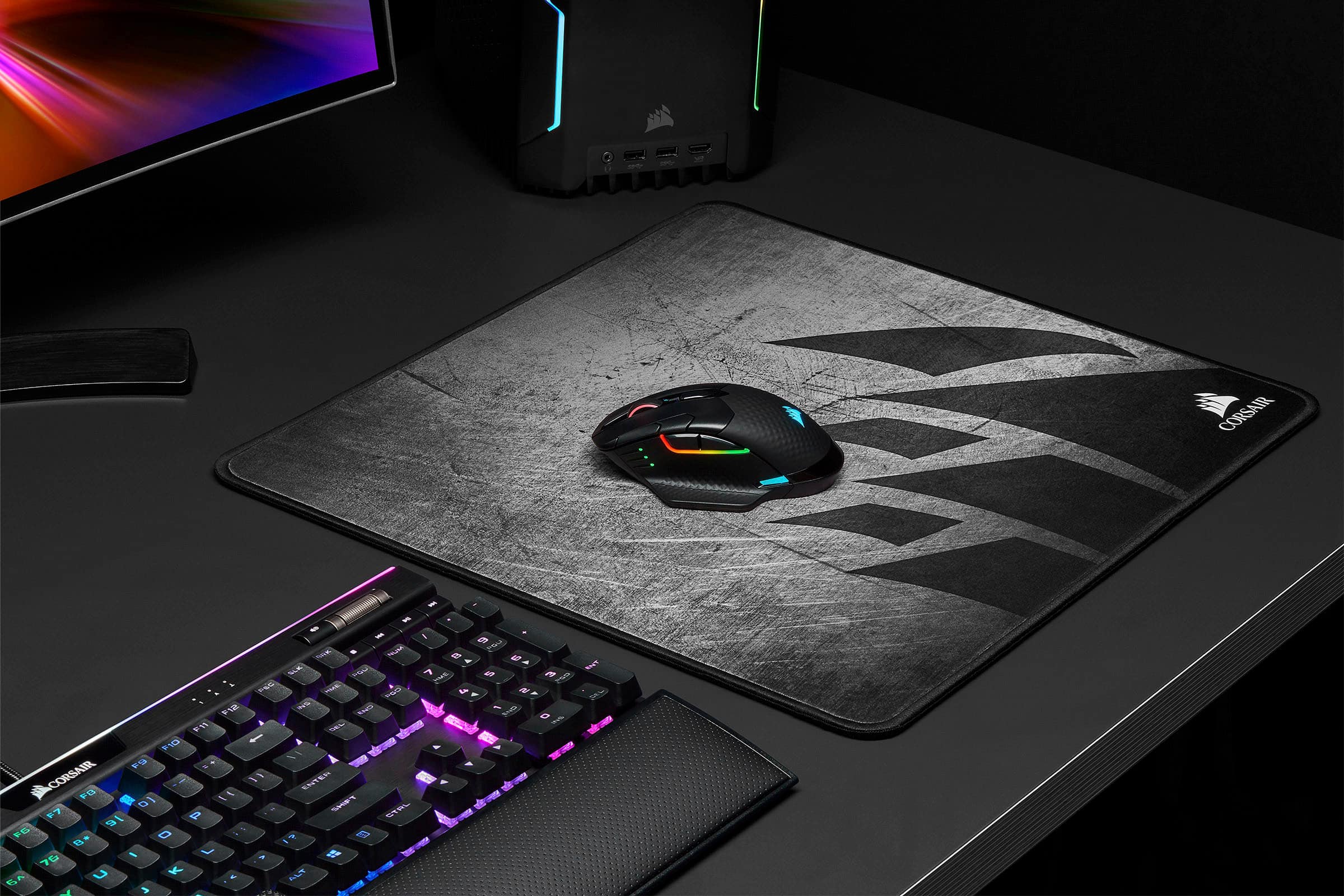
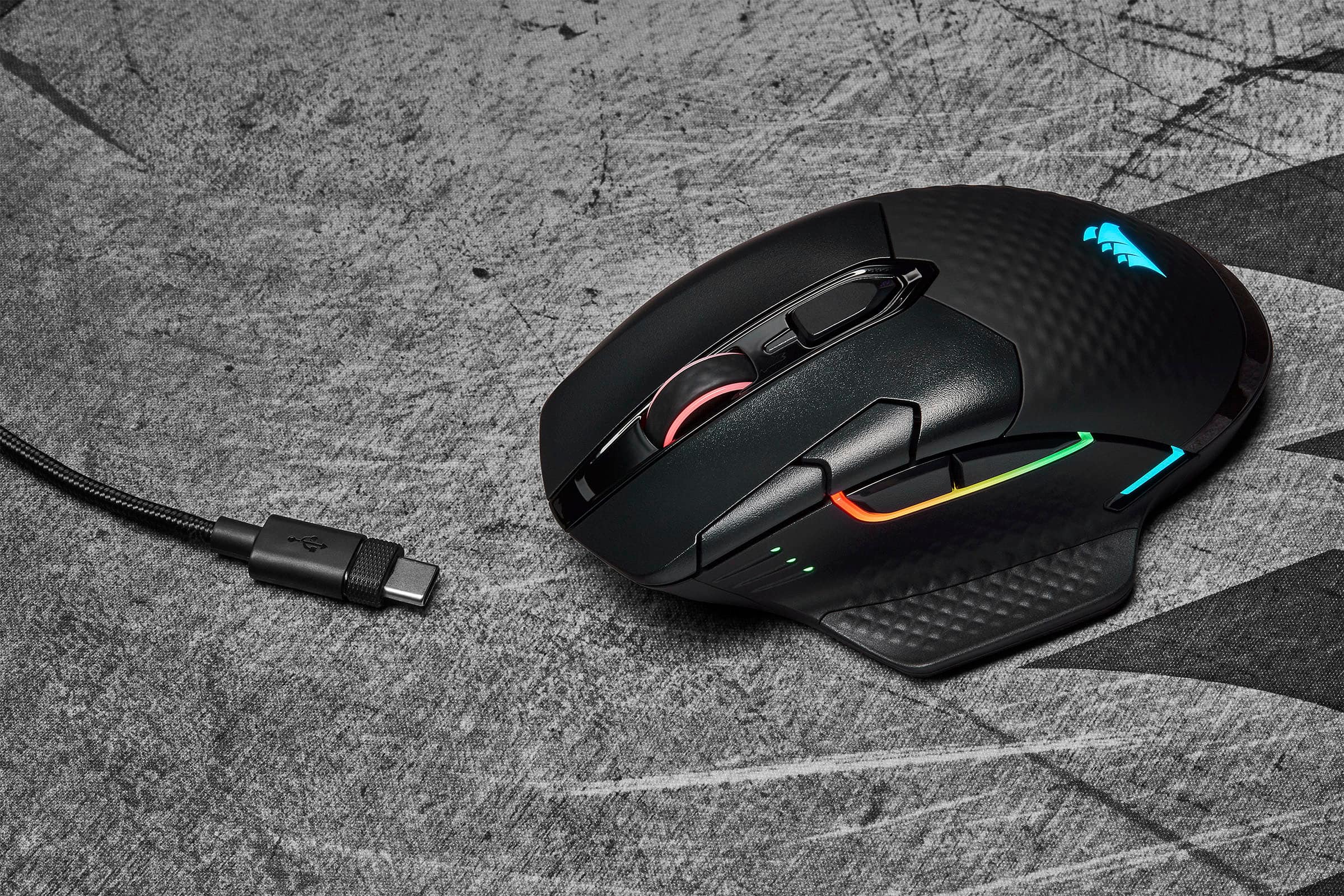
|Posted .This reviewer received promo considerations or sweepstakes entry for writing a review.I am previously coming from a Razer Basilisk and I have definitely found a replacement in this new mouse from Corsair. I am definitely a 'claw' grip style user over a palm style grip, so the transition to this mouse was really easy. A few of the stand out features I really appreciate about thus are the fact that it has lots of connectivity options. It can utilize Bluetooth, a USB 2.4Ghz dongle, or a direct USB connection-for which they thoughfully include a 6 foot braided USB-A to USB C cable). I have opted to use the dongle, as I did want to enjoy the wireless mouse experience and not have to deal with Bluetooth which I still feel can be rather glitchy in maintaining connection at times. The dongle uses what Corsair calls their Slipstream technology that is supposed to keep response time down to less than 1ms. This is fast enough to meet the demands of almost all gamers and subjectively I have not noticed a diminishment in my responses and flick shots in fast paced FPS games like Modern Warfare and Doom 2016 over my wired mouse. As a matter of fact, I like the increased weight and grip-filling design of this mouse over my Razer Basilisk for shooters. The iCUE software I would still call a work in progress. I have Corsair Vengence RGB Ram and a Corsair AIO CPU cooler in addition to this mouse and I have always found their suite of customization to be a bit glitchy at best, not as bad as Razer Synapse but not as polished or user friendly as Logitech G HUB software. After updating the iCUE software, it did recognize the mouse and I was able to customize my RGB lighting and DPI profile settings. I figured out the RGB can be customized quite niftily to have specific lighting zones reflect the temperatures of my different computer components. For example, I have one zone that is customized to have different colors from light blue to bright red to reflect the temperature of my GPU while gaming. This is fun and is cool to demonstrate to guests and friends who I show my rig. My next upgrade to my set up is to get the Qi wireless charging mousepad from Corsair as this mouse is Qi wireless charging enabled! The idea of perpetual wireless use without worrying about the mouse dying in my next gaming session is super cool, not to mention it is just future proof as a lot of tech is moving towards being wireless charge enabled! Overall, I find this to be a great mouse and I definitely think it is worth your time and money to give it a try and see if you like it!
I would recommend this to a friendLimited Joy
||Posted . Owned for 6 months when reviewed.This reviewer received promo considerations or sweepstakes entry for writing a review.The mouse has totally stopped working after 6 months of purchase, that's a big disappointment.
No, I would not recommend this to a friendBrand response from Corsair Art
Posted .Hi Marwenski,
Sorry to hear that the mic stopped working so soon, we'd like to help! Please reach out to our support team so we can work with you directly: support.corsair.com
-Brian
Best mouse I've ever owned
||Posted . Owned for 1 year when reviewed.This reviewer received promo considerations or sweepstakes entry for writing a review.This product surprised me. I always buy a wired mouse for gaming because of input lag. I use my wireless ones for casual stuff like streaming my computer on the TV or using my computer from my bed. But I've seen wireless mouse come a long way. So I decided to give them a chance. I saw this mouse on sale Holiday time 2020. I did a little research on it before deciding to buy it. I do not regret my decision. I can say without a doubt that this is the best mouse I've ever used. My movements in games are smoother and more natural and my aim is SO much better. I have the option to use the mouse wired or wireless. But I have zero problems using it wireless. I still have not used it in Bluetooth mode since I only have use for this mouse on my desktop and laptop. I use it on a Corsair MM800 Polaris RGB Mouse Pad. These two products work flawless together. I charge it with a 15W wireless charger and it does as intended. The RGB is ok. Kinda awkward that there's a lot of RGB on the left side of the mouse and then there's a tiny sliver on the right side that you probably won't notice. Most of my peripherals are Corsair, so it is nice that I can use the same app to update and sync all my lighting together with it. There is one thing I don't like about this mouse. The mouse wheel. I wish it was more textured to get a better grip on it for those long gaming sessions. Sometimes I accidentally scroll more than I intended to. Other than that, great mouse overall.
I would recommend this to a friendGreat Function, Versatile Software iCUE
|Posted .This reviewer received promo considerations or sweepstakes entry for writing a review.The gaming mouse is very responsive, offers pre-programmable buttons and USB or wireless connections. The RGB is nice but it's not the biggest draw for me. I added the attachment for a finger rest/extended attachment and it makes for a more comfortable grip. It has been great for gaming, the iCUE software has made it very easy to have control. The iCUE software lets you download lighting effects, set up your own RGB profile, program your buttons and even lighting effects, DPI mode, action buttons, surface calibration. It has a very straight forward approach and walks you thru the programming and lighting options. The software does compliment the great software. TRULY ENJOY IT!
I would recommend this to a friendhigh quality, great battery, very comfortable
||Posted . Owned for more than 2 years when reviewed.This reviewer received promo considerations or sweepstakes entry for writing a review.This mouse is extremely comfortable for my hand. As a larger individual, there are some mice that are way too small, and some that I don't understand the purpose of because anyone smaller than me would have to get a bus ticket to get to the right click. The thumb rest is perfect, I opt to not use the optional pinky rest as it gets a bit crowded with it. The thumb buttons are well placed for me and are a size that I can hit without difficulty. the sensitivity buttons are a bit close to the thumb buttons for my likeing. I would rather they be software coded instead of physical buttons. Halfway through a fight in call of duty and suddenly my curser is twice as fast as normal because instead of throwing a grenade, I turned the sensitivity of the mouse up. Batter is great, I only find myself plugging the mouse in every few days. Have not used the qi charging, did not even realize the mouse had wireless charging available. The finish starts to rub off after a bout a year, this is my second mouse as the first one was getting pretty rough, and this one is almost there now too. overall worth the money, very happy with my purchase.
I would recommend this to a friendNice mouse needing refinement
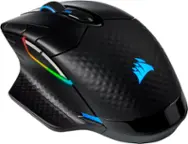
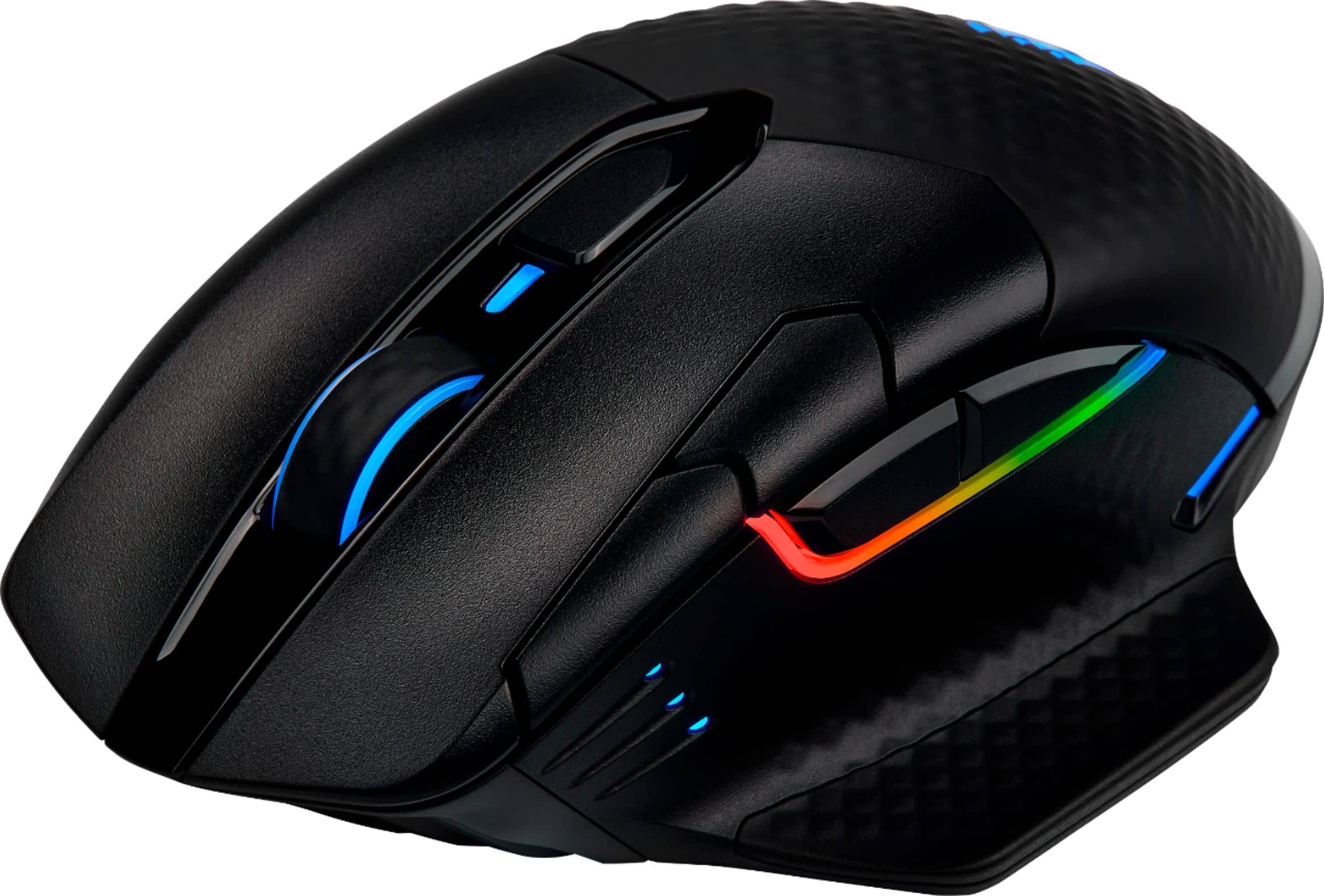
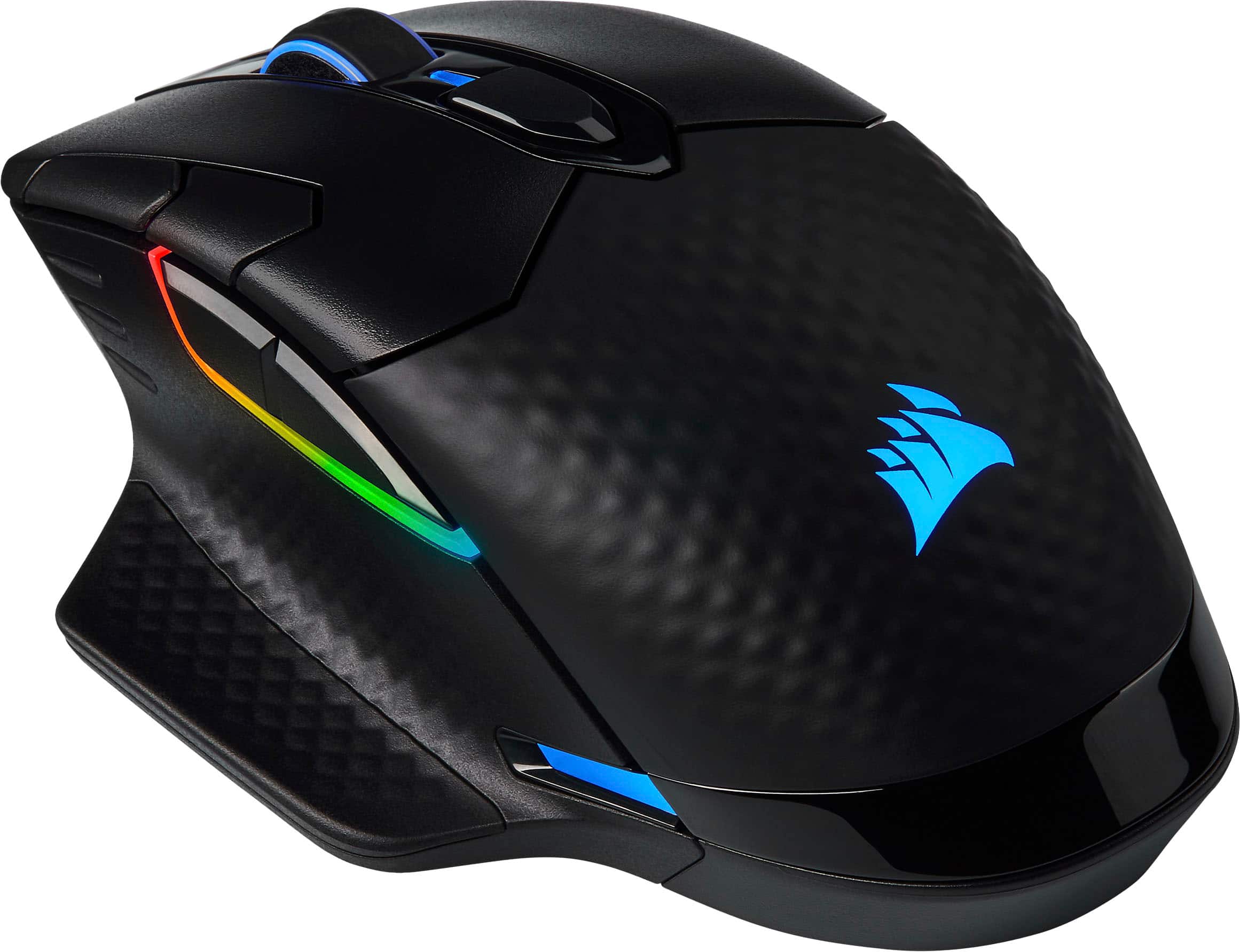
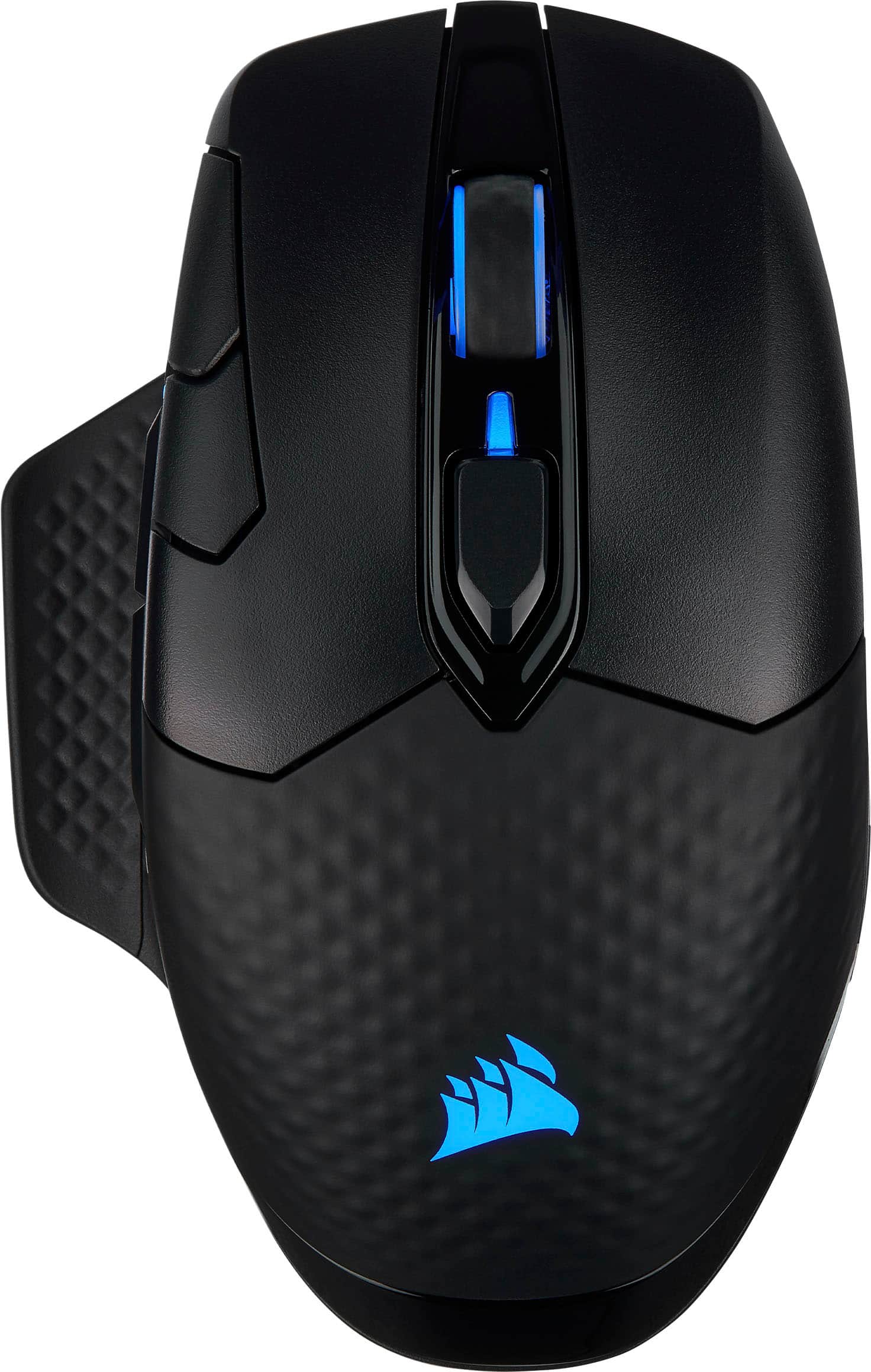
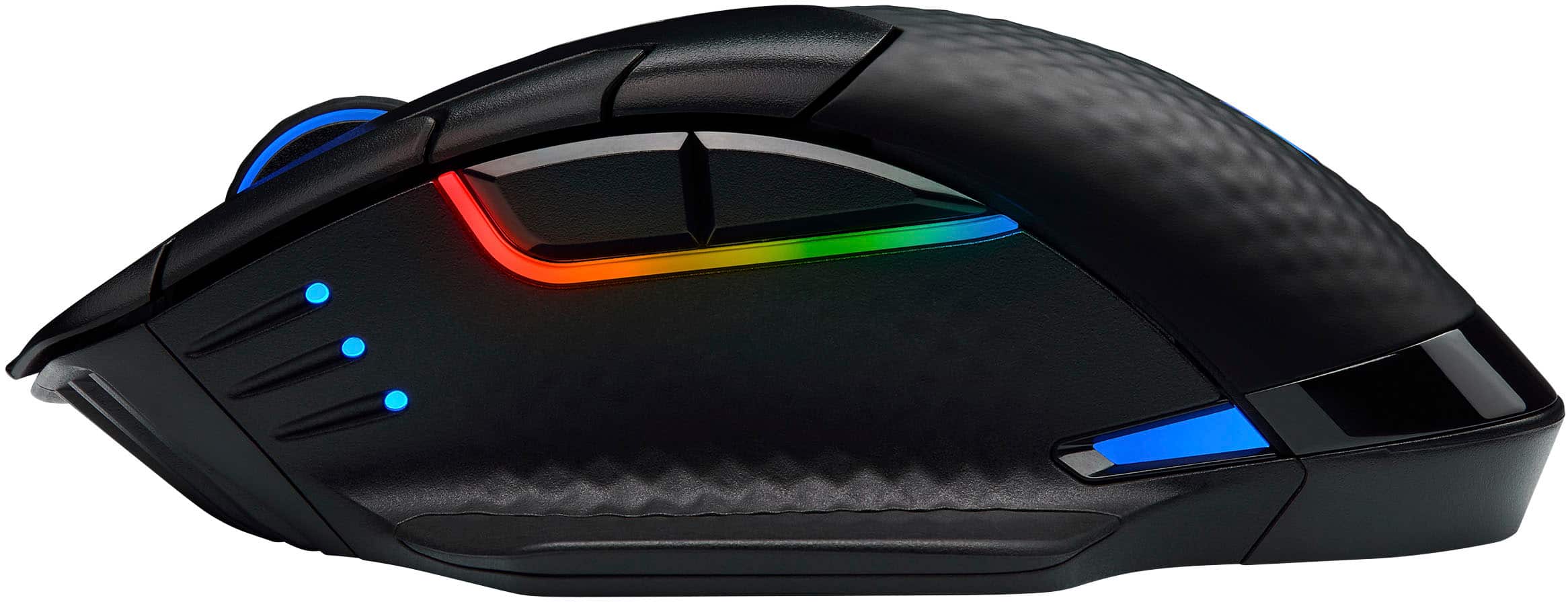
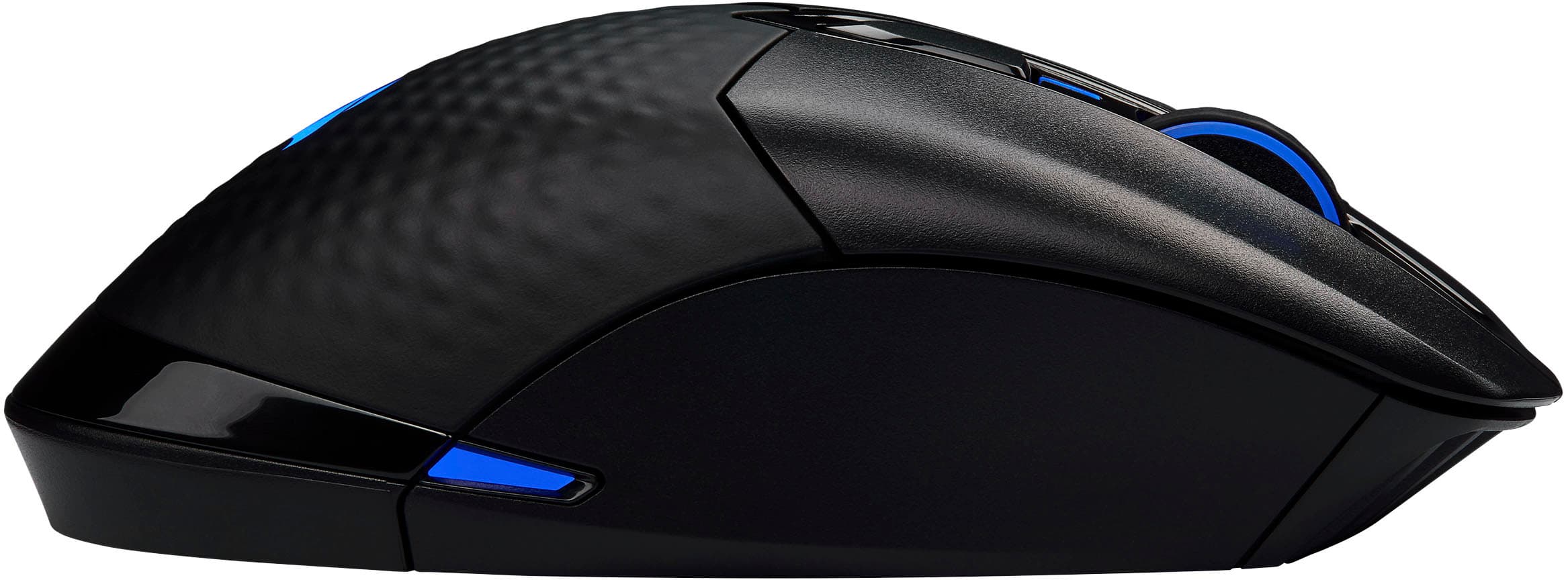
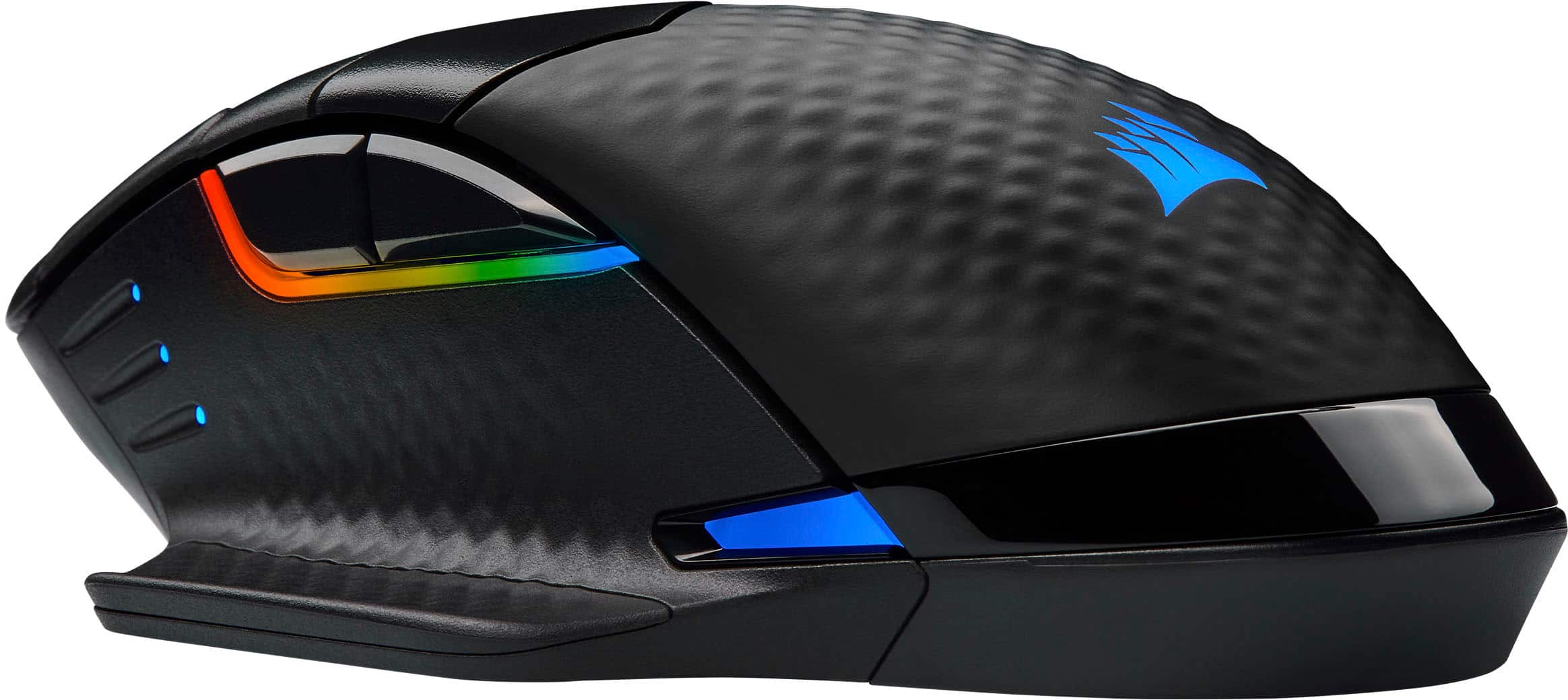
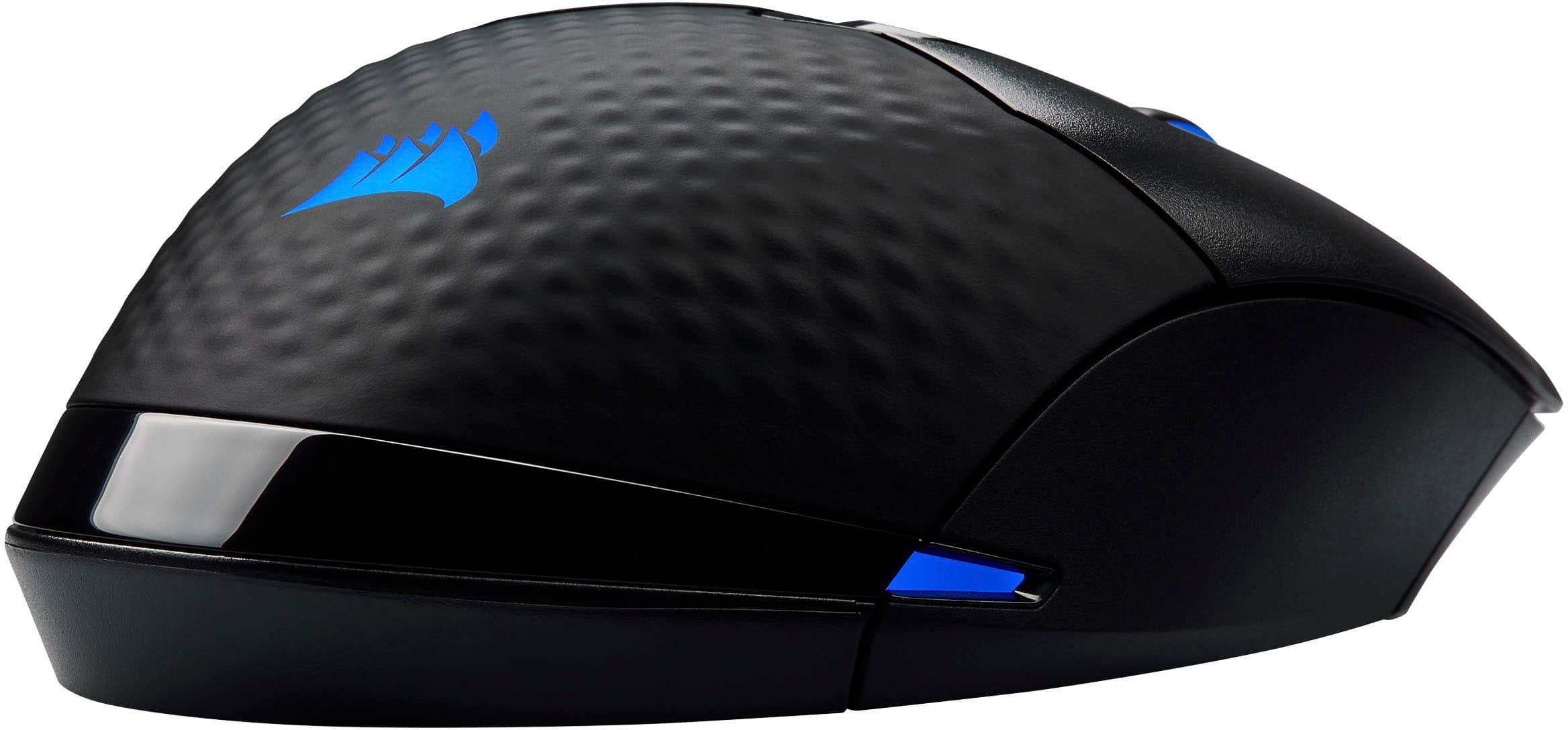
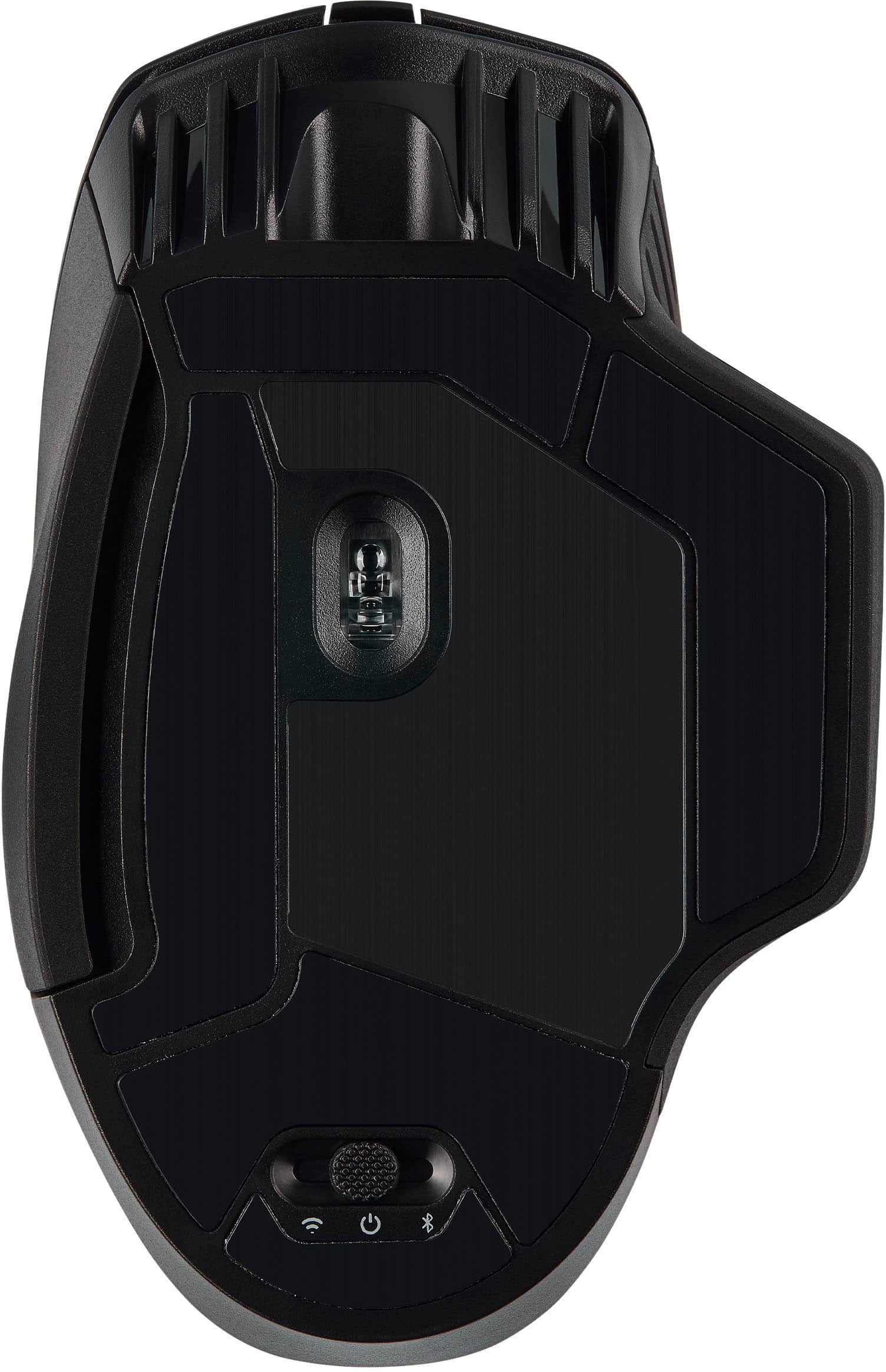
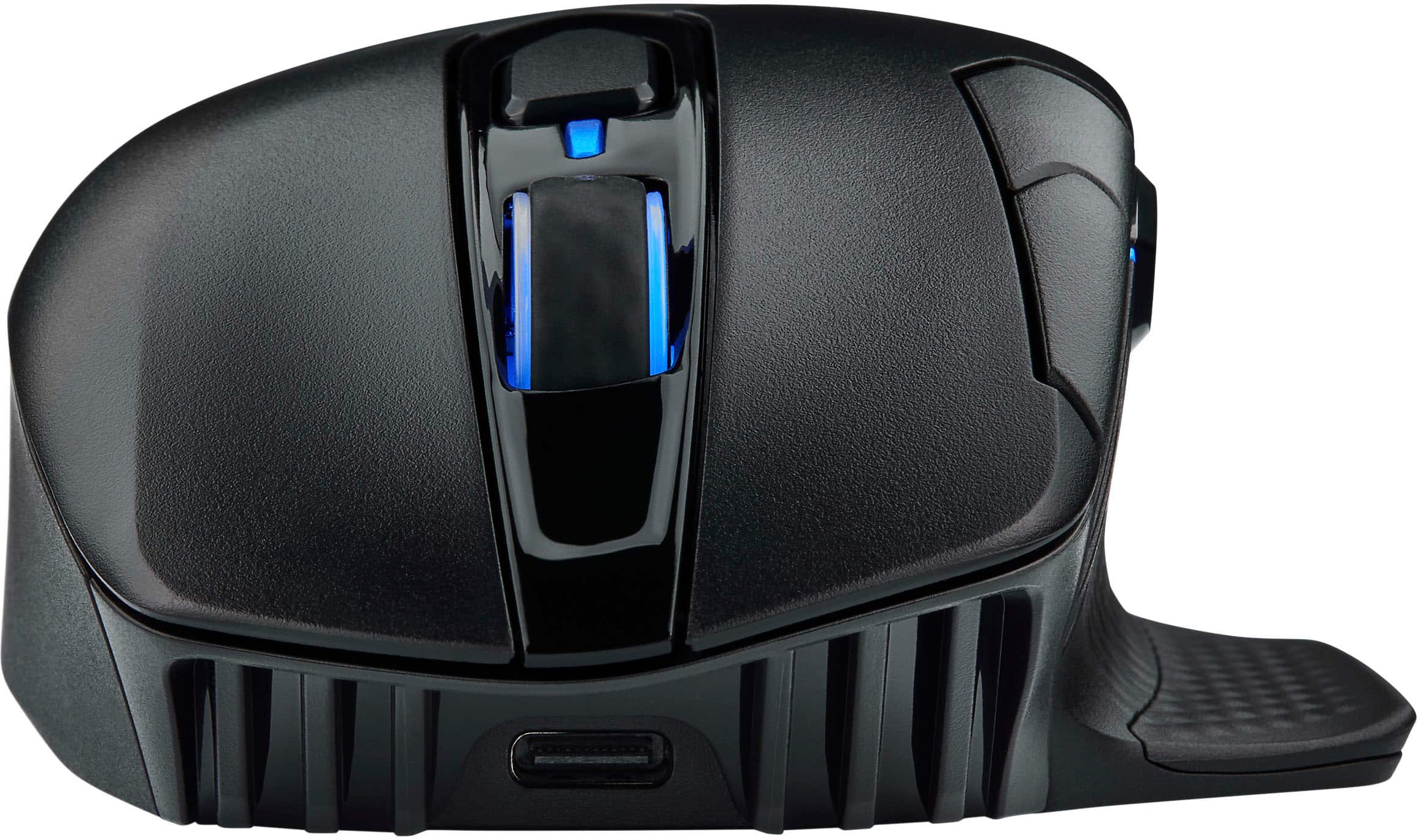
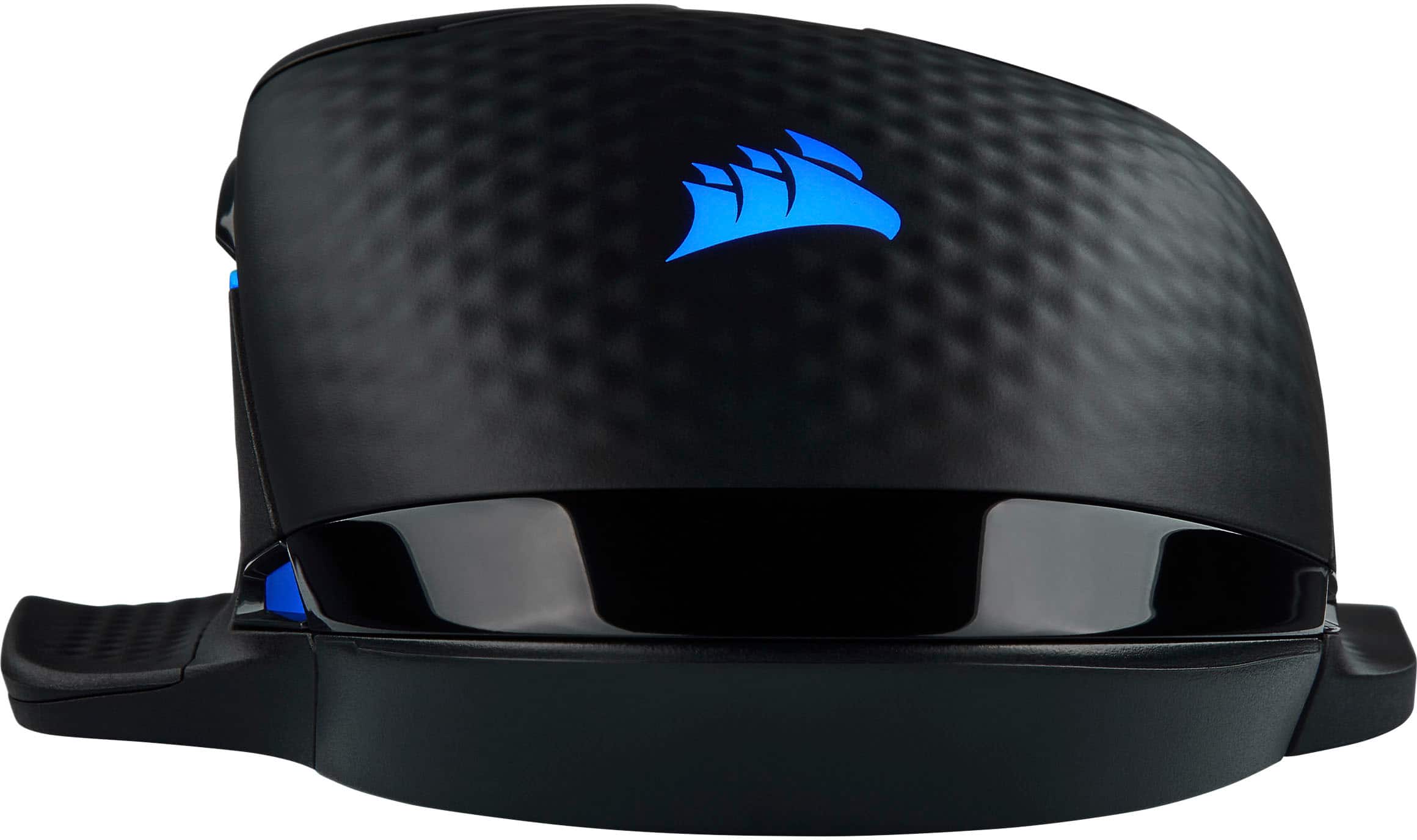
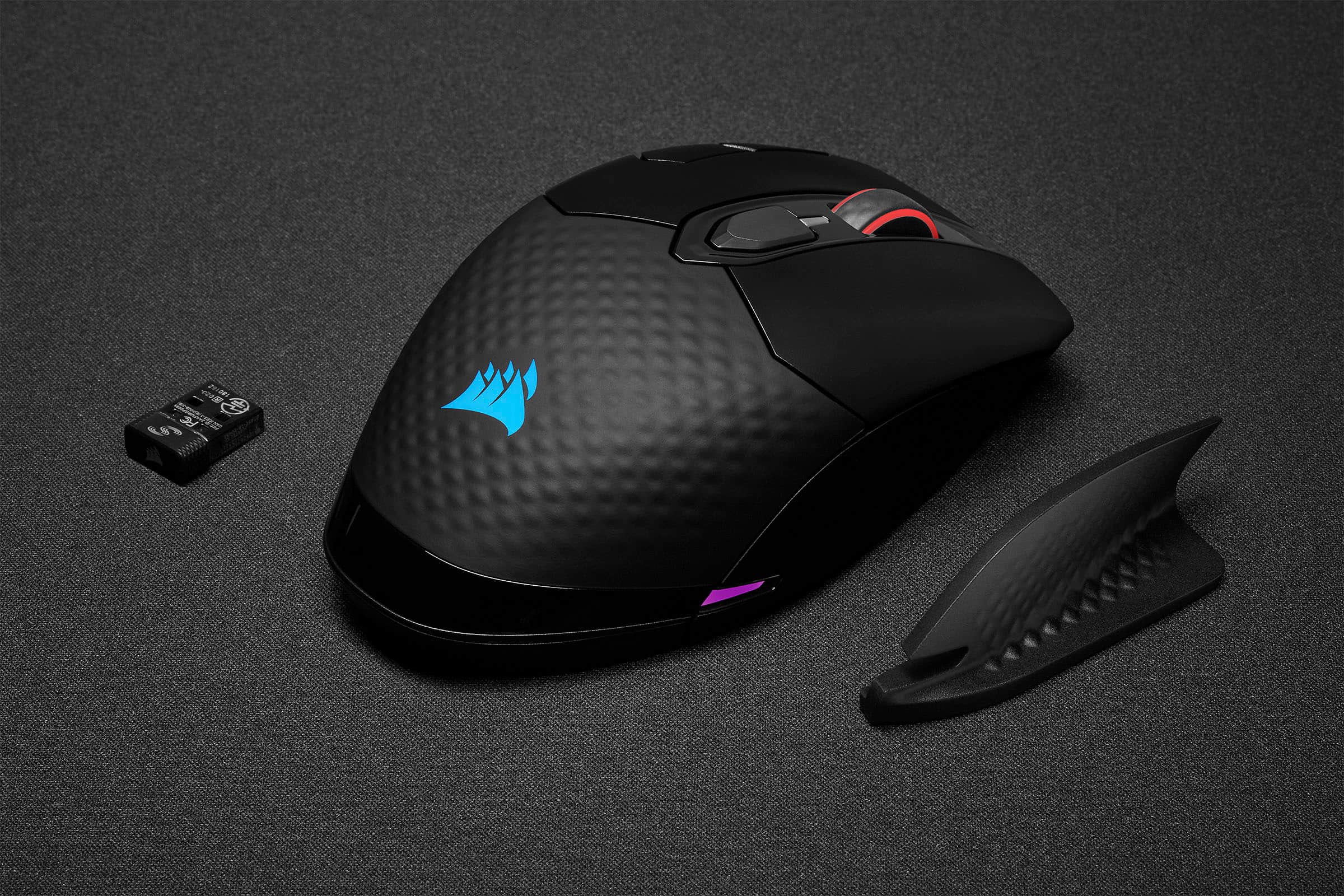
|Posted .This reviewer received promo considerations or sweepstakes entry for writing a review.Pros Smooth and precise tracking Comfortable Qi charging capable Physical, fast wireless, and Bluetooth connections Braided USB-C for charging/data cable Includes separate sniper mode Interchangeable side grip On board memory for storing up to 3 profiles Lighting profile can be used to indicate system temps Micro switches have a solid feel Mouse has storage for USB dongle Cons iCue software is not very intuitive Saving profiles didn’t seem to save them to the mouse Doesn’t support light linking Hard to distinguish individual buttons Placement of sensitivity buttons leads to accidental clicks No OSD for mode changes Battery level only shown as tray icon Battery level only has low, medium, and high iCue doesn’t prompt for automatic download No automatic game profiles Design The Dark Core RBG Pro SE is latest generation of Corsair’s highest end wireless gaming mice. The latest iteration includes Qi wireless gaming that is compatible with any Qi charger, but more importantly their companion gaming mousepad. The specs state 128 grams but this one came in at 140-142 grams depending on side grip. The charging/data cable now uses USB-C instead of Micro-USB. The side grip is interchangeable between sleek and offering a finger rest. Underneath the side grip is a storage bay for the high-speed wireless USB dongle. Operation is through hardwired USB-C cable, High speed Slipstream wireless, or Bluetooth. On the underside of the mouse is a mode switch where you can choose off, Bluetooth, or high-speed wireless operation with hardwired mode switching automatically when plugged in. This is nice because you can then use the same mouse for regular work without a dongle and then switch to high speed on your gaming system. The profile is a medium height arch which decent compromise to allow the most popular grips with good comfort. The finger rest is particularly helpful if you use a claw grip. The back half of the mouse has a soft, textured surface to improve comfort and grip. In front of the thumb rest are three LED lights that indicate DPI mode and two configurable buttons. On the left click mouse button there are also two more configurable buttons. Usage and Performance The instructions say to plug it in hardwired first for initial configuration. But, out of the box it works if you just plug in the USB dongle. That said, unlike other brands, it doesn’t prompt to download their custom iCue software. This is good in the fact that you can get straight to using it. The bad is if you didn’t read the instructions or already know, all the advanced settings and profile setup is done through iCue. It would have been nice if, like other mice, on initial install on a new system it prompted you to install the configuration software. It’s not a deal breaker but just not as refined as one would think for what should be a high-end device. That said, without configuration the profile button switches between a couple of lighting profiles and the buttons on the side of the left mouse click button still work to change DPI mode. Operation is smooth and precise with no perceptible lag. A quick flick to the side to shoot and the mouse stops where you stop without overshooting. The slight texture also means if you tend to lift while moving you should have a good amount of grip to do so confidently. The main issue is the button profiles don’t make it easy to determine which button you are touching which leads to more accidental button presses. The DPI mode is a perfect example of this. To get really get to the capabilities of this mouse you need to install the iCue software. When you launch it after installing it looks slick, but unfortunately it seems looks came first. All the functions are there, but it seems they didn’t take a lot of time thinking of how to organize things and make the software simple to use. You can create macros but there is no obvious way to assign them after creation. After digging, you might find the menu has an option to go to support and you can browse their support website. There is a macro section but then part the instructions says macros aren’t supported without a keyboard which is strange if true because why would the mouse options have macro setup. Furthermore, when trying to map a macro to a mouse button it never seemed to work. In short, if macro activation is supported via the mouse setup of such functions is far from intuitive. Furthermore, there isn’t any sort of indication or default OSD that indicates mode changes or Macro activations. Another oddity is that there is a sniper mode in the DPI settings. This seems great because you can put very low DPI to allow precise aiming while sniping. What is strange is the DPI mode switch buttons don’t toggle through sniping mode. There also isn’t a pre-configured button for it. With further digging in the help you will find that sniper mode requires to map it to a button. That just seems a bit strange to go so far as to create the option for a DPI profile built in but not have at least a default mapping. It also further gives the feeling that the hardware is good, but the software just feels unfinished. Finally, when it comes to storing profiles, just when you think you have them stored on the mouse you might find yourself out of luck again. According to the specs, the mouse can store up to 3 profiles that don’t require iCue. It could be the confusion with the software but in use once the profiles were “saved” and the mouse was moved to a new computer it was like starting all over again. At least the positive part of this is the default profile isn’t horrible, but the process just doesn’t feel intuitive. On research, it seems others have had similar issues with older versions asking on different sites. Seasoned users have either pointed them to Youtube videos or other forums so it would seem this confusion isn’t isolated. Apparently, there is also an option to auto switch light and mouse profiles automatically when launching a game but this goes back to needing to do more research. Other gaming mice offer to automatically install the companion software and even auto search for games and even offer default game profiles and well as allow you to download and share from others. Corsair might have allowed loading shared profiles, but they don’t make it straightforward to find if they do. Final Thoughts The Corsair Dark Core RBG SE has a name to match its design, complicated. On the hardware front, it’s a solid mouse besides the button profile issue. It’s hard to comment on individual grip styles, weights, and button activations but the mouse feels well built. If you are a PC gamer and have tweaked every aspect of your system from voltages to clocks speeds until just shy of the point of failure or thermal overload, programming the Dark Core is just another thing to figure out. The big question is if the hardware draws you enough to warrant figuring out the configuration when more intuitive options exist.
I would recommend this to a friendGreat mouse for people with bigger hands.
||Posted . Owned for 1 week when reviewed.This reviewer received promo considerations or sweepstakes entry for writing a review.Great mouse overall. Good battery life and convince of wireless charging capability. Also great performance. I use it with the wireless dongle and I notice no lag or latency. I have rather large hands and I will say I like the pinky rest. I was struggling to find a mouse that really fit my hands as I tended to anchor my pinky on my desk. However, I did notice that sometimes in game my ring finger gets in the way and holds the right click down from the side of the mouse which is sometimes very aggravating. Other than that one ergonomic drawback and the higher price tag, I like the weight of the mouse as it is a rather heavy mouse and overall I think it is a very nice option especially if you have large hands like myself.
I would recommend this to a friendGreat mouse.
||Posted . Owned for 3 weeks when reviewed.This reviewer received promo considerations or sweepstakes entry for writing a review.Buttons are clicky and responsive. Can get almost a week on a full charge. All my peripherals are Corsair so getting the RGB to match with the iCue software is a breeze. Also can use iCue to set the DPI for different profiles which can be switched to very quickly with a side button click. Scroll wheel is solid as well. Only complaint is the weight but it’s not egregious and feels solid. Paired with a decent mouse pad and it glides very well. Just don’t expect to be able to spin it ten times like a super light.
I would recommend this to a friendAwesome wireless mouse
||Posted . Owned for 2 weeks when reviewed.This reviewer received promo considerations or sweepstakes entry for writing a review.This mouse feels good and is pretty responsive. It is currently being used when I play games on the main TV as opposed to the monitor and the movement is smooth and there is 0 lag or drop in connection. I sit about 6 to 7 feet away from the dongle and use it in dongle mode. It's got some neat rgb and a swappable grip on the right side that stores the usb dongle. Having used a corsair m65, this feels very similar so there was nothing much to get used to. The Qi wireless is a nice bonus as I have one installed on my desk and easily recharge when I need to but battery life seems really good on this mouse. I don't regret purchasing it one bit.
I would recommend this to a friend