Customer Ratings & Reviews
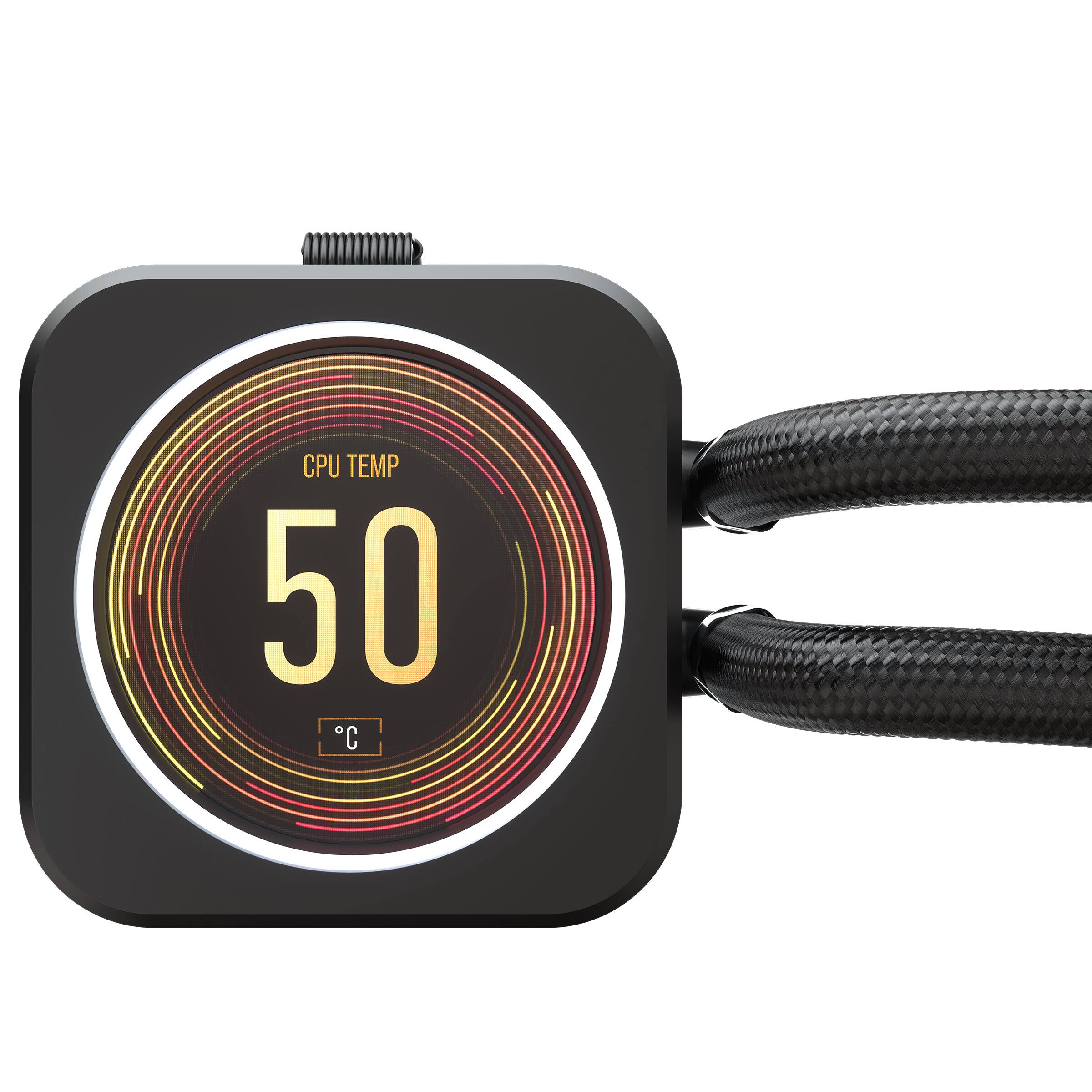
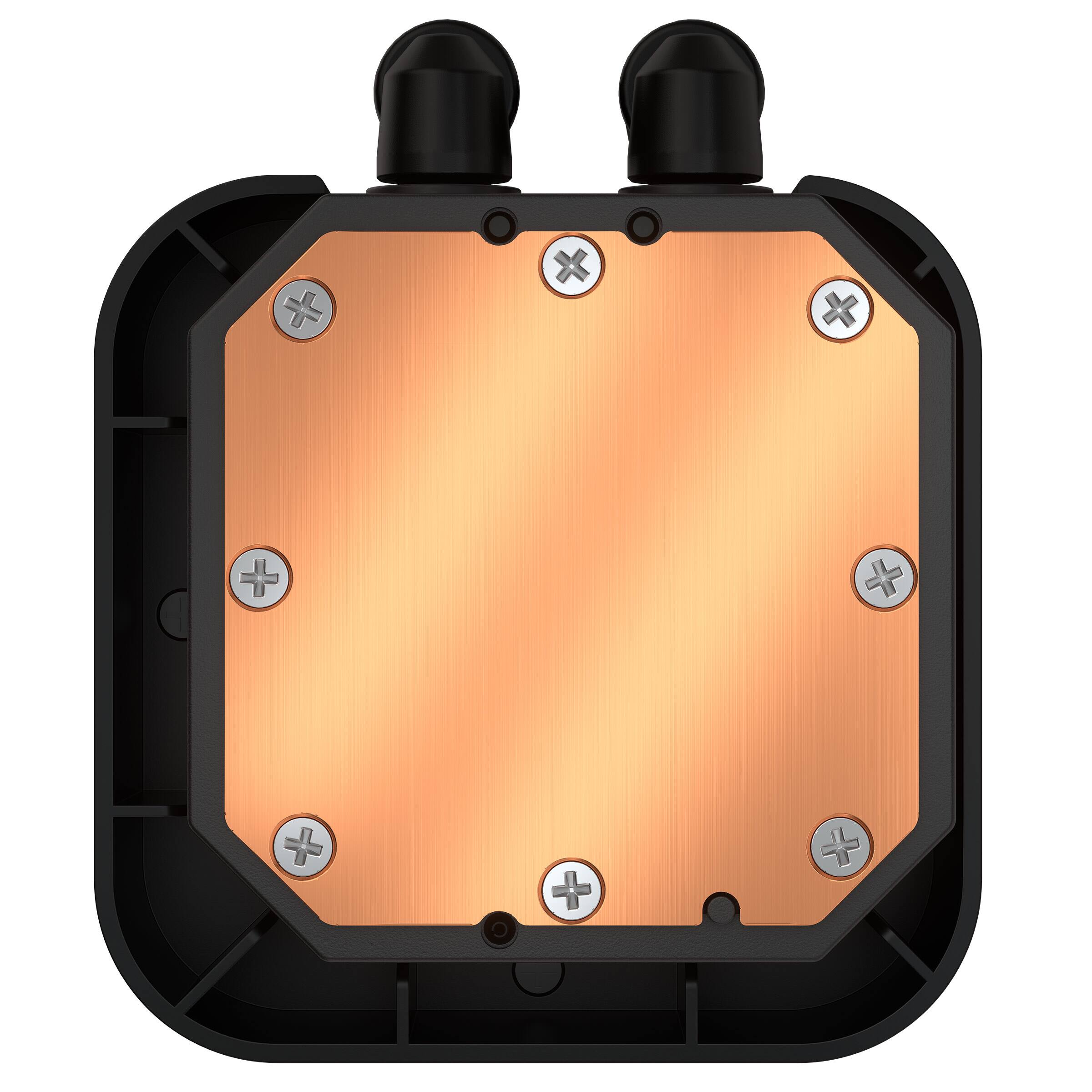
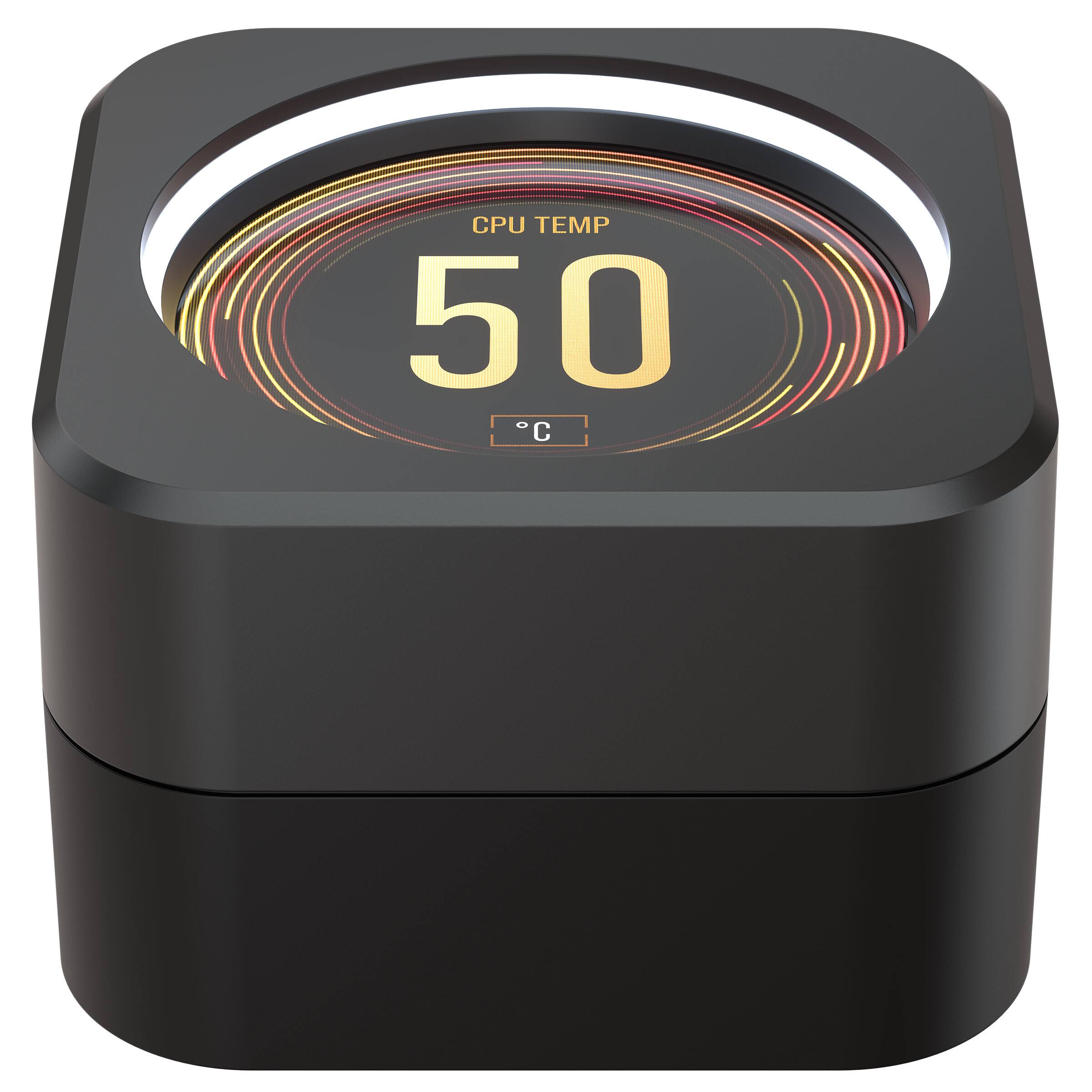
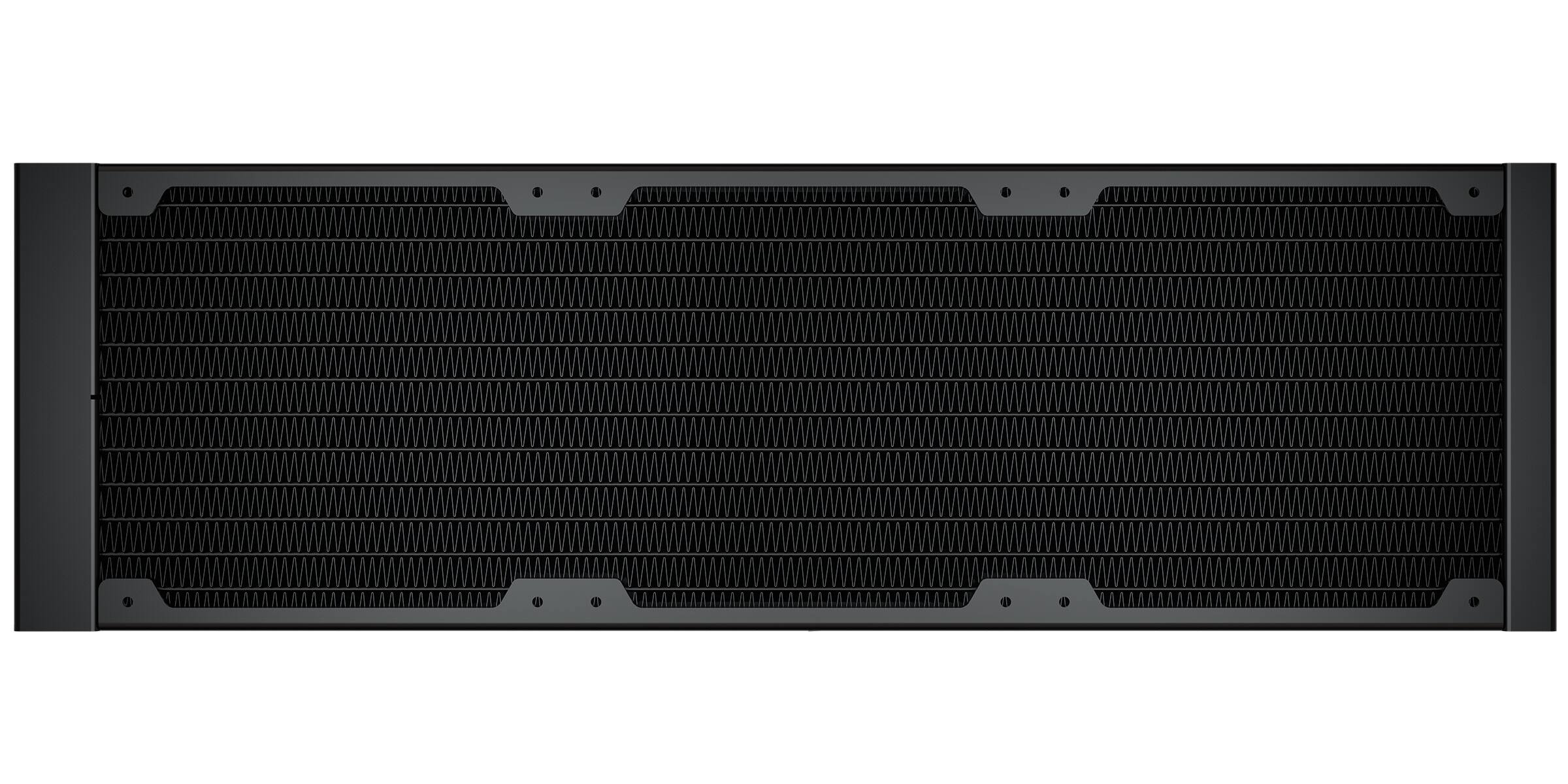



- Model:
- CW-9060062-WW
- |
- SKU:
- 6488321
Customer reviews
Rating 4.3 out of 5 stars with 310 reviews
(310 customer reviews)Rating by feature
- Value4.1
Rating 4.1 out of 5 stars
- Quality4.4
Rating 4.4 out of 5 stars
- Ease of Use4.3
Rating 4.3 out of 5 stars
Customers are saying
Customers recognize the iCUE H150i ELITE LCD cooler's excellent cooling performance and visually appealing LCD screen. Many appreciate its relatively easy installation and quiet operation, while some find the price to be high. A small number of users reported issues with the pump or software.
This summary was generated by AI based on customer reviews.
- Pros mentioned:Cooling, Lcd screen
Rated 4 out of 5 stars
Quality LCD AIO with a minor flaw
||Posted . Owned for 2 weeks when reviewed.This reviewer received promo considerations or sweepstakes entry for writing a review.Very clean and aesthetically pleasing AIO cap. Tasteful rgb ring and the preset LCD screens in ICUE all look very nice. In terms of performance, it does very well and keeps my 12900k nicely cooled. (Bonus: the cat loves to stare at it) Unfortunately, mine had a slight problem/defect with ICUE crashing and the LCD resetting to default, but I was able to find a fix online from other users experiencing the same issue.
I would recommend this to a friend - Pros mentioned:Cooling, Lcd screenCons mentioned:Pump
Rated 4 out of 5 stars
Nice, but with a caveat
||Posted . Owned for 3 weeks when reviewed.This reviewer received promo considerations or sweepstakes entry for writing a review.I like the aio, and the screen is great. It cools pretty well, I have an aggressive fan curve set and a 7700k. Using 90c limit PBO on my new 7700x it keeps it in the 60s-70s while gaming. Benchmarking it jumps up to close to or at the 90c thermal limit, but the amd 7000 series runs hot with any cooler. I haven’t run into the red exclamation mark issue with the screen like others have. I just keep the software and firmware up to date. I also don’t run icue while gaming and use the hardware screen option. The one pretty major issue I have with this aio is coil wine/pump noise. When I first got it set up it didn’t have the loud high pitch squeal at all while running the pump with the quiet setting. I tested it with the extreme pump setting and that’s when it starting the loud noise. Even after switching back to quiet the noise won’t go away… I don’t know if swapping it to extreme caused the noise or if it would have happened either way over time, but I would recommend leaving it set to quiet to be safe. There was only a 1-2c temp difference with the higher pump speed anyways. Thankfully I keep my pc under my desk so the coil whine/pump noise isn’t really audible unless I’m near the computer. Overall it’s a solid cooler with a nice screen and good performance, but you may have the loud pump noise issue. If you look at the picture, just know that the screen looks way better in person and it was hard to capture a good picture that wasn’t oversaturated.
I would recommend this to a friend - Pros mentioned:Ease of use, Lcd screen
Rated 5 out of 5 stars
I upgraded to the Corsair H150i elite LCD.
||Posted . Owned for 1 week when reviewed.This reviewer received promo considerations or sweepstakes entry for writing a review.I upgraded to the Corsair H150i elite LCD. because I wanted to monitor my CPU, GPU temps at a glance. I read and have seen a lot of reviews that people who have purchased this have had issues. You NEED the latest version of ICUE for the screen to function properly. This can't be stressed enough. This unit is super quiet, easy to install and very easy to set the RGB, LCD screen and fan curves. As you can see in the pictures you can monitor CPU and GPU temps at the same time. This blue is my CPU and green is my GPU temps. It Keeps my Ryzen 9 5900X nice and cool even under heavy loads. KPX TP used.
I would recommend this to a friend - Pros mentioned:Cooling, Ease of use, Lcd screen
Rated 5 out of 5 stars
Great overall performance
||Posted . Owned for 3 weeks when reviewed.This reviewer received promo considerations or sweepstakes entry for writing a review.Fantastic cooler, easy installation, quiet operation, quality build, fantastic display and great cooling performance, I have been very happy with all aspects of the cooler. It was worth the higher price to add the extra customization and information display to my machine. It’s cooling and overclocked 12900k reliably at quiet to moderate maximum fan noise. A big step above air coolers
I would recommend this to a friend - Pros mentioned:Cooling, Lcd screen
Rated 5 out of 5 stars
Incredible
||Posted . Owned for 6 months when reviewed.This reviewer received promo considerations or sweepstakes entry for writing a review.I definitely understand I could have saved money not by the LCD screen version but it is so helpful and looks so cool. If I had not bought this version however I would not have found out about the incredible fan that are packed with this model. I would take them over Noctua anyday. This keeps my 5800X3D super cool.
I would recommend this to a friend - Pros mentioned:Installation, Lcd screen
Rated 5 out of 5 stars
Refreshing liquid cooled
||Posted . Owned for 1 week when reviewed.This reviewer received promo considerations or sweepstakes entry for writing a review.I was torn between this one and the one without the LCD screen, as they seemed to be similar or the same; just this one has a screen. Install is simple and easy and really neat to see the temps right there. After downloading the software you can add gifs, images and change what exactly is displayed.
I would recommend this to a friend - Pros mentioned:Cooling
Rated 5 out of 5 stars
Legendary AIO performace just got sexier,,,
||Posted . Owned for 1 month when reviewed.This reviewer received promo considerations or sweepstakes entry for writing a review.Amazing AIO upgrade, I've been a fan of Corsiar AIO units for my last three builds. This one is a bit over the top in terms of need/cost for me, but dang it's worth it! I just purchsed it to protect an i9-13900K CPU, and the legendary Corsair AIO performance coupled with the sweet customizable LED screen makes the build look top shelf. I've had Corsair producst for quite some time (AIOs, RAM modules) and have had their iCUE software on my builds as well. It is a pretty nice intuitive software suite that works great in understanding and controlling both the temperature of your machine as well as the LED capacities. With the addition of the full on LED screen here, it's been a veritable playground of .jpg and .gif image files that I can change at my whims, while maintaining a cool low 30 degree celsius environment in the case. My fourth Corsair AIO cooler over 10 years, it's never let me down and has fundamentally provided the lowest temps regardless of what I throw at it.
I would recommend this to a friend - Pros mentioned:Ease of use, Lcd screen
Rated 5 out of 5 stars
Personalize your cool
||Posted . Owned for 5 months when reviewed.This reviewer received promo considerations or sweepstakes entry for writing a review.Lots of options out there for these types of coolers. My first time buying one I went this option. Runs well no issues during install. Comes with thermal paste on already (please read instructions). The LCD is freaking awesome so you can add your own style to your build.
I would recommend this to a friend - Pros mentioned:Cooling
Rated 5 out of 5 stars
Cooler cpu temps
||Posted . Owned for 5 months when reviewed.This reviewer received promo considerations or sweepstakes entry for writing a review.I was using a msi triple fan cpu cooler and had issues running warmer than i like. I ordered this and installed it and its hands down way cooler and quiter. I ordered one for my brother and he absolutely loves it.
I would recommend this to a friend - Pros mentioned:Cooling
Rated 4 out of 5 stars
Does what it’s supposed to do
||Posted . Owned for 1.5 years when reviewed.This reviewer received promo considerations or sweepstakes entry for writing a review.Overall this unit is a beast for an AIO. I will say that the only con is corsairs IO programs and programming it and making it your own. If you don’t want to do all of that, it is more than capable of keeping your CPU cool!
I would recommend this to a friend - Pros mentioned:Lcd screen
Rated 4 out of 5 stars
Great cooling with fun features
||Posted . Owned for 1 month when reviewed.This reviewer received promo considerations or sweepstakes entry for writing a review.Have been surprised by the enjoyment of having the screen on the CPU. So many functions and fun customizations to be had. The only problem is just iCue issues already. It's crashing all the time freezing up USB ports on new build with windows 11. Reinstalling hasn't helped everything is up to date it just seems to be waiting on an update to be stable. Seems to be connected to using the Corsair headset I also have.
I would recommend this to a friend - Pros mentioned:Cooling, Lcd screen
Rated 5 out of 5 stars
keeps your cpu cool
||Posted . Owned for 1 year when reviewed.This reviewer received promo considerations or sweepstakes entry for writing a review.incredible product! keeps my cpu cool amd has a lcd screen that can be fully customized alongside the lighting system which is easy to use
I would recommend this to a friend Rated 4 out of 5 stars
Works well, iCue software needs attention
||Posted . Owned for 6 months when reviewed.This reviewer received promo considerations or sweepstakes entry for writing a review.Great cooler, especially if you can get it on sale. Everything works pretty well, but there's something with the iCue software that drives the custom screen that it winds up with a caution sign on it and doesn't show the custom screen we set up. It's some sort of software issue, because a lot of the RGB software is less-than-desirable. Otherwise, the fans work well and keep 'the beast' cool.
I would recommend this to a friend- Pros mentioned:Lcd screen
Rated 5 out of 5 stars
Solid AIO
||Posted . Owned for 1 year when reviewed.This reviewer received promo considerations or sweepstakes entry for writing a review.This was my first corsair aio. Im using it to cool an overclocked 13700k. Temps reach 84°c max under load, and less than 50°C while gaming. One of the best features this unit has is the LCD screen. I love using it to keep tabs on my gpu and cpu temps. The corsair icue feature has also been flawless in my system, would reccomended their software if looking for rgb and performance info. I also painted the LCD screen white. Will i lose my warranty? Yes. Do i care? No.
I would recommend this to a friend - Pros mentioned:Cooling, Lcd screenCons mentioned:Price
Rated 5 out of 5 stars
Great Cooling w/ a Taste of Luxury
||Posted . Owned for 1 week when reviewed.This reviewer received promo considerations or sweepstakes entry for writing a review.This is a great cooler with a cool LCD that is fully-customizable. I upgraded from a H100i to cool my Ryzen 9 5900X and it dropped temps by around 10C, which is great considering how hot these CPUs run. It is a bit expensive but if you have the money to spend I would definitely get this, especially if you have a lot of Corsair products & use iCUE.
I would recommend this to a friend - Pros mentioned:Cooling, Ease of use, Lcd screen
Rated 5 out of 5 stars
Amazing and beautiful!
||Posted . Owned for 1 month when reviewed.This reviewer received promo considerations or sweepstakes entry for writing a review.Love everything about this cooler. It’s super quiet and very efficient, paired with 3 LL120 Corsair RGB fans. The LCD is an incredible addition to this cooler as well. Elevates the aesthetics of it, showing your temps or even custom gif images. Super easy to set up and install. Icue software works amazing with it as well. 10\10 would recommend this to anyone.
I would recommend this to a friend - Pros mentioned:Cooling, Lcd screen
Rated 5 out of 5 stars
Corsair h150i ELITE
||Posted . Owned for 6 months when reviewed.This reviewer received promo considerations or sweepstakes entry for writing a review.Best looking cooler, gives you a better view and performance to your desktop
I would recommend this to a friend - Pros mentioned:Cooling, Lcd screen
Rated 5 out of 5 stars
Keeps the i9 12900k 5.1ghz overcclocked cool
||Posted . Owned for 1 month when reviewed.This reviewer received promo considerations or sweepstakes entry for writing a review.Awesome cooler for the i9 12990k and the only cooler that has 1700 bracket ive bought others only to return no 1700 bracket,this keeps my pc cool for gaming with all 16 cores and 24 threads going durning vr gaming sessions and online gaming shooters.runs 129° to 135° or less thats Fahrenheit no Celsius,then drops to 98° on idle,and the fans are quiet to.and you can add gifs to your lcd screen or monitor cooler coolant temp and cpu temp also at same time,or add cool pictures to your lcd screen too
I would recommend this to a friend - Pros mentioned:Cooling, Lcd screen, Performance
Rated 5 out of 5 stars
Quite As Heck
||Posted . Owned for 4 months when reviewed.This reviewer received promo considerations or sweepstakes entry for writing a review.Runs fantastically. Stays super quiet and keeps the internal very cool especially with the 3070ti. The 3070 gets super hot but stays cool inside the case. Overall a great buy and worth the money for the LCD screen. Doesn’t seem to affect performance at all.
I would recommend this to a friend - Pros mentioned:Cooling, Lcd screen
Rated 5 out of 5 stars
very happy
||Posted . Owned for less than 1 week when reviewed.This reviewer received promo considerations or sweepstakes entry for writing a review.Very pleased. I suspected my 3+ year old water pump failed that came with my ibuypower z390 phatom gaming motherboard that supports i7 8700K, cpu was hitting 100C (not sure how long). so I chose this one, now I get 25C idle, 31C in game. Comes with thermal paste already applied, it's setup to default for intel chipset, but comes with all the necessary parts for AMD. I found this video on youtube useful to watch before I attempted the install (and I've only done this type of thing twice now)... https://www.youtube.com/watch?v=BVE7sasUao0 One word of caution, make sure the water inlets are mounted at 3'oclock, I installed mine at 12'oclock so the orientation of the LCD is off (see pic), but I kinda like it for now. icue software seems to let you do a lot of stuff, does RBG by default, but I wanted mine blue. Apparently you can even put a pic on the lcd screen.
I would recommend this to a friend