Customer Ratings & Reviews

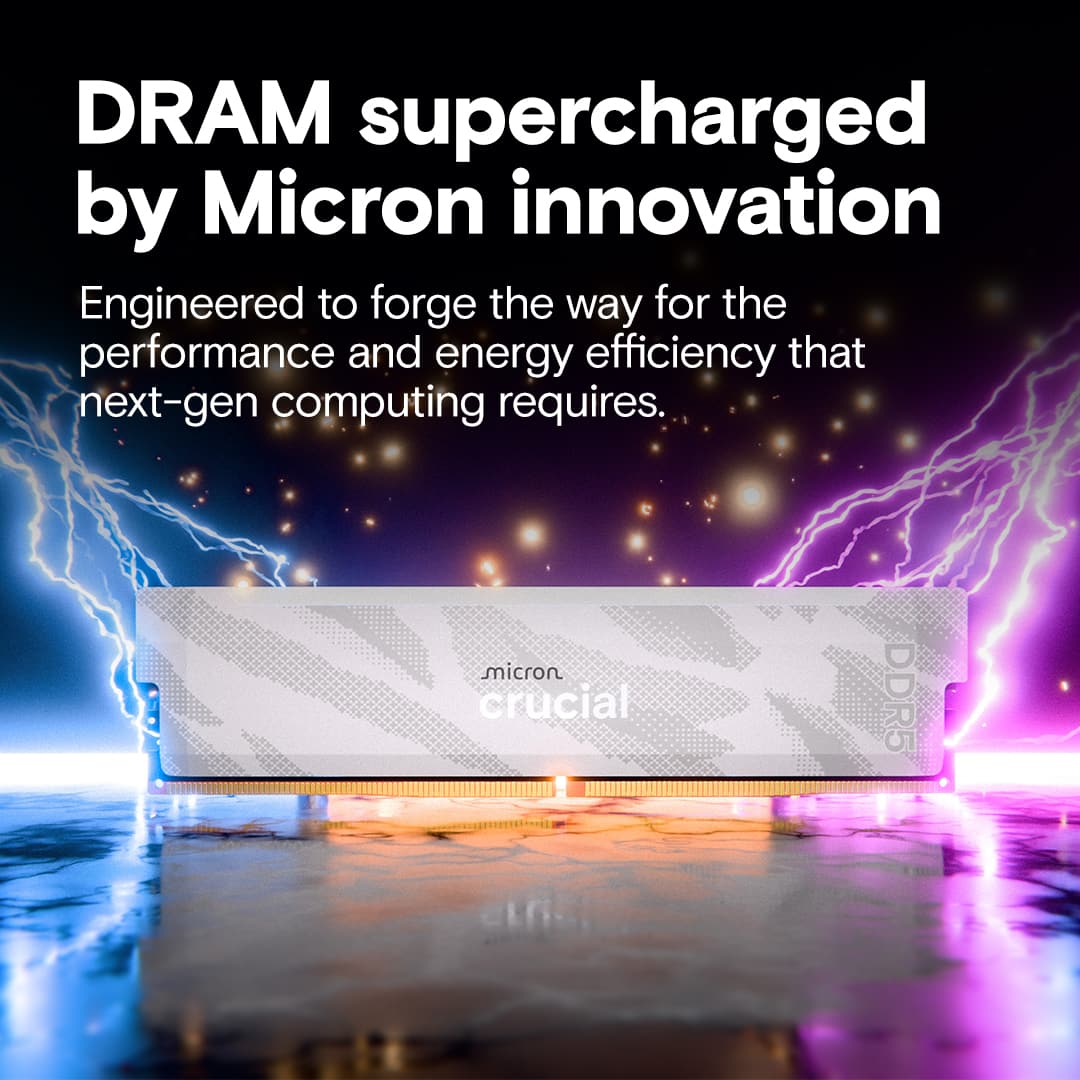
- Model:
- CP2K16G64C32U5W
- SKU:
- 6649398
to a friend
Customers are saying
Customers frequently mention the Pro Overclocking 32GB DDR5 Desktop Memory for its great performance and RAM speed capabilities. Users also appreciate the heat dissipation technology and straightforward installation. In addition, the memory's compatibility with desktops and its appealing design are well-received.
This summary was generated by AI based on customer reviews.
- Pros mentioned:Installation, Ram speed

Intel focused design
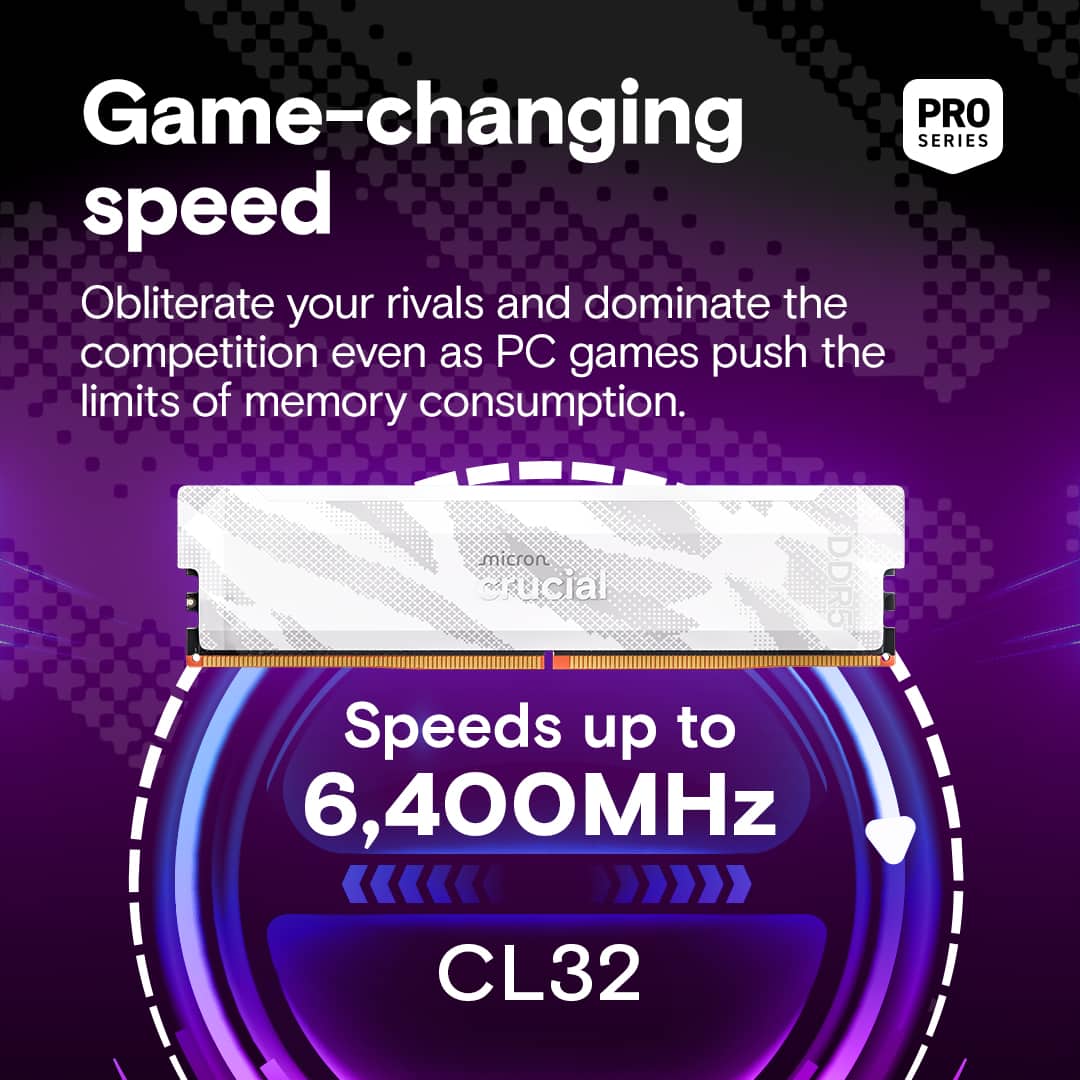
|Posted .This reviewer received promo considerations or sweepstakes entry for writing a review.This memory kit comes as a two-module set to which each RAM module is 16GB unbuffered to create 32GB of memory. Looking at the number of IC’s on each module, each IC should have a capacity of 2GB. By way if its design, the RAM speeds are capable of up to 6400 MT/s while the latency is reduced providing smoother gameplay and responsiveness over the standard 5600 DRAM. Noting these features, multi-tasking can be done with ease from gaming, livestreaming, 3D rendering, content creation, and more. This RAM becomes an ideal choice for custom-builds or anyone using data-intensive applications. This includes platforms driven by AI and machine learning. There are some limitations to use outside of Intel based systems based on its design focus. While it can still be used in AMD based systems, it does have IMC/IF limitations to which you will not be able to receive full performance expected in overclocking with this RAM. The RAM is quick and easy to install to the system with a quick click-lock after placing it into the slot.
I would recommend this to a friend - Pros mentioned:Heat dissipation, Ram speed
Great bang for your upgrade buck
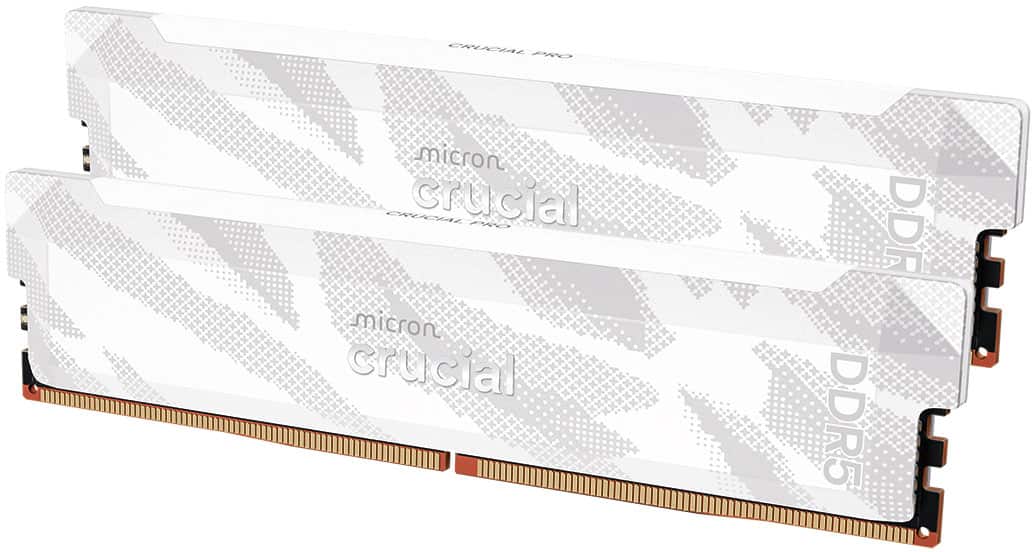
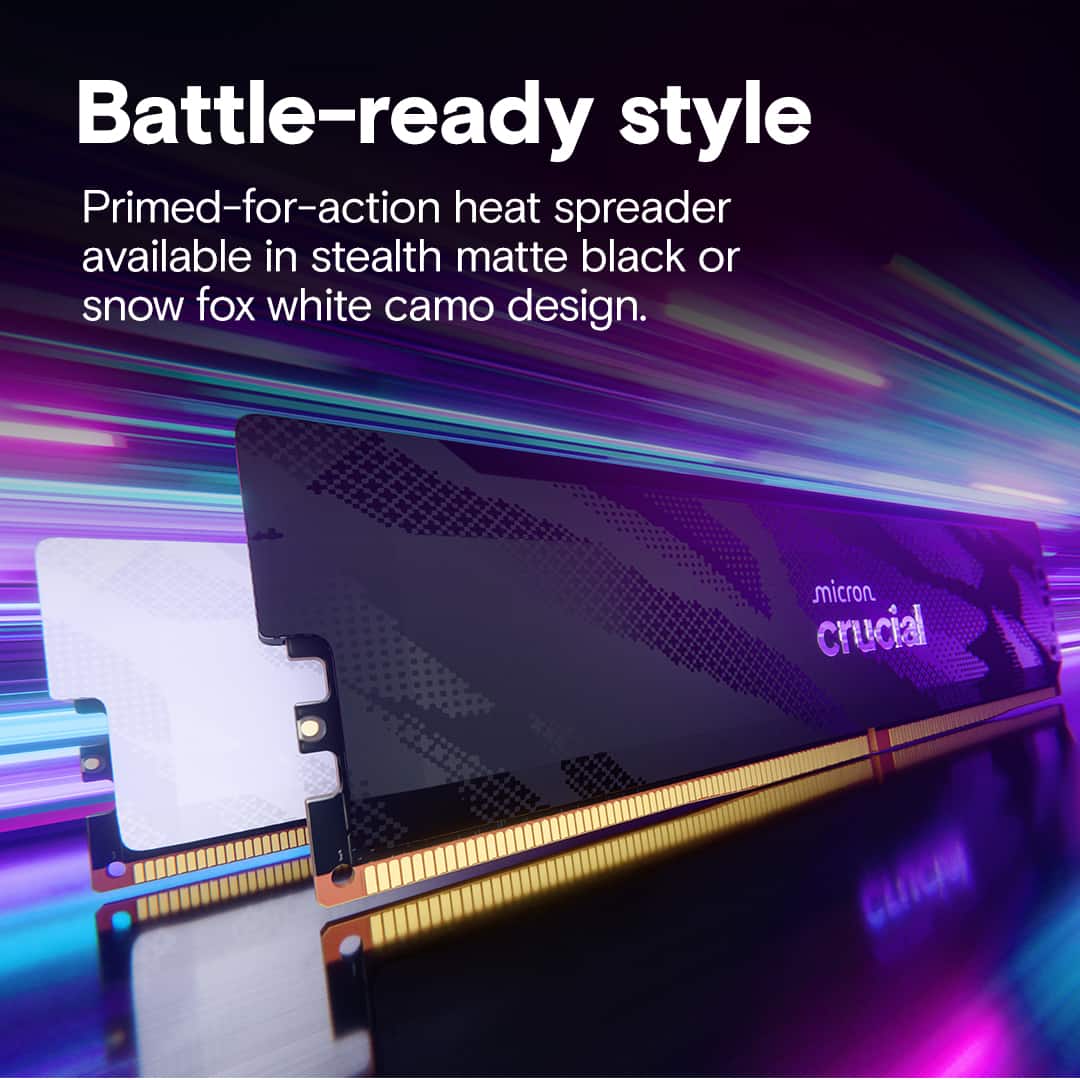
|Posted .This reviewer received promo considerations or sweepstakes entry for writing a review.My desktop gaming machine has been running with only 16GB of memory since I bought it, so it was time for an upgrade. In looking at 32GB DDR5 memory options, this kit from Crucial is a little more expensive, but I think it’s worth it. I’ve bought lots of memory upgrades from Crucial over the years, and I’ve never had a problem. They make it easy, starting with identifying the right chips for your computer, to guiding you through the installation. The Crucial site confirmed that this DDR5 Pro OC memory kit was compatible with my PC, so off I went. I’ve never had memory sticks that included heat spreaders, so the appearance of these sticks was markedly different from anything I’ve installed before. They come in either a black or white finish, either one of which looks great. That didn’t matter much to me, since my PC’s case is opaque and doesn’t allow the insides to be visible. Installation was straightforward and easy—just push them into the slots and click into place. Upon bootup, the bios recognized the new memory with no issues. While most people might buy this memory specifically for gaming, it improves overall performance of the PC. Everything feels faster and windows open slightly faster, making the computer feel crisper. To put some numbers to it, the Geekbench single core speed improved by 5%, while the multi-core speed improved by 11%, with an improvement to the overall transfer rate of 17%. These may not feel like huge jumps, but Windows feels faster. For games, everything just feels smoother. From NBA 2K to graphically rich games like Chess Ultra, I was very pleased with the performance improvement. I included Chess Ultra because it’s a graphics hog that doesn’t perform well in lower RAM environments. With the upgraded RAM, it worked smooth as silk. Other games such as Civilization VI and Europa Universalis IV were also smoother with the extra headroom. There are other options available, but I really believe that Crucial offers the best overall value. Yes, it costs a little more, but I think it’s worth it for these reasons: • Solid construction. • Inclusion of the stylish and functional heat spreader to help with heat management when overclocking. • Crucial’s reputation and backing Speaking of overclocking, this kit offers speeds of up to 6400 MT/s. Although the Crucial site told me this was compatible with my Dell XPS 8960 (which it is), it didn’t point out that I may not be able to overclock it. Overclocking requires support for Intel’s XMP overclocking technology. I upgraded my BIOS to see if I could take advantage of that, but unfortunately it was not available, most likely because my CPU does not support it. Nonetheless, I’m able to get speeds of almost 5600 MT/s, which is still not bad, and considerably better than what I had before. I highly recommend the Crucial DDR5 Pro OC memory, especially if you’ve got a PC that’s still sporting good hardware but just needs a little more headroom. You’ll be glad you did.
I would recommend this to a friend thanks for screwing customers
||Posted .This reviewer received promo considerations or sweepstakes entry for writing a review.Love getting screwed by businesses. Way over paid for this ram. We need more Luigis.
No, I would not recommend this to a friend- Pros mentioned:Installation
Functionally Perfect
|Posted .This reviewer received promo considerations or sweepstakes entry for writing a review.Upgraded my motherboard and chose this for the DDR5, price point, and performance. The Crucial RAM has the specs, performance, quality, and modern look for what I needed. The RAM speed and timing of this DDR5 is superior to the DDR4 and has been performing absolutely perfect. I had read some reviews where people had some issues with the 6400Mhz over the 6000Mhz, and I was happy there were no issues for my setup. Setup was easy, intuitive, and I made sure to enable XMP to ensure I was getting the fastest speeds as advertised. Definitely a serious product with all the features I needed and more This RAM is compatible with any DDR5 motherboard. Installation was easy and typical of any other RAM sticks. These are high quality modules, and I liked them so much I bought the 64GB variant for another computer. They look very nice in all white builds. Be aware that there is no RGB on here. With RAM prices on the rise, this is one of the cheaper options I have seen on the market. Overall, I think these are a great option and would recommend purchasing.
I would recommend this to a friend - Pros mentioned:Performance, Ram speed
Solid performance
|Posted .This reviewer received promo considerations or sweepstakes entry for writing a review.This Crucial Pro Overclocking 6400Mhz RAM is a solid choice for anyone using a DDR5 system. Although aimed at gamers, it works great for any tasks. Gamers will definitely see the benefits of its speed. But I’ve found that even for photo and particularly video editing, the jump in speed is noticeable. Maybe not earth shattering gains over say a 5600Mhz system, but noticeable none the less. So far the performance has been very solid with no crashes of any kind even while gaming. Keep in mind to get the best speeds you will need to enable XMP (or manually overclock) in your BIOS. Even if you already have XMP enabled you will most likely need to go back into the BIOS and enable it again after installing this RAM. Reason being is that doing any kind of hardware change often disables XMP. As for the look of the sticks I think they look nice with a simple pattern. There is no RGB lighting and that’s fine by me. I’m interested in performance not flashing lights. When it comes to DDR5 the sweet spot for speed is right in the 6000-6400Mhz range. Anything faster shows very minimal performance gain. So if you are looking for solid performance that will get the most out of your computer, this Crucial memory hits the spot.
I would recommend this to a friend - Pros mentioned:Performance, Ram speed
Quick, Fast, and in a Hurry!
|Posted .This reviewer received promo considerations or sweepstakes entry for writing a review.If your computer is in need of a boost in processing power, look no further than the Crucial Pro Overclocking 32GB DDR5 Desktop Memory. These two pieces of hardware are super easy to install. All I had to do was shut down my computer, pull the cover off the side of my computer, disconnect the existing, slower DDR5 memory, and install the new ones! Plug and play at its finest! Both memory sticks are 16GB, so when installed they equal the full 32GB that is advertised. I edit a lot of content on a regular basis. This includes very large 4k video files. I absolutely have to have RAM that can keep up with the software I use when editing and rendering UHD videos. The Crucial Pro Overclocking 32GB DDR5 Desktop Memory hasn't failed me yet. For those who like to customize the look of their desktop with a transparent cover, you can get this item in either black or white. They do have a fairly high price point, but if performance is necessary for your work or play, you will not go wrong with this memory!
I would recommend this to a friend - Pros mentioned:Compatibility, Heat dissipation
Solid RAM for any PC type
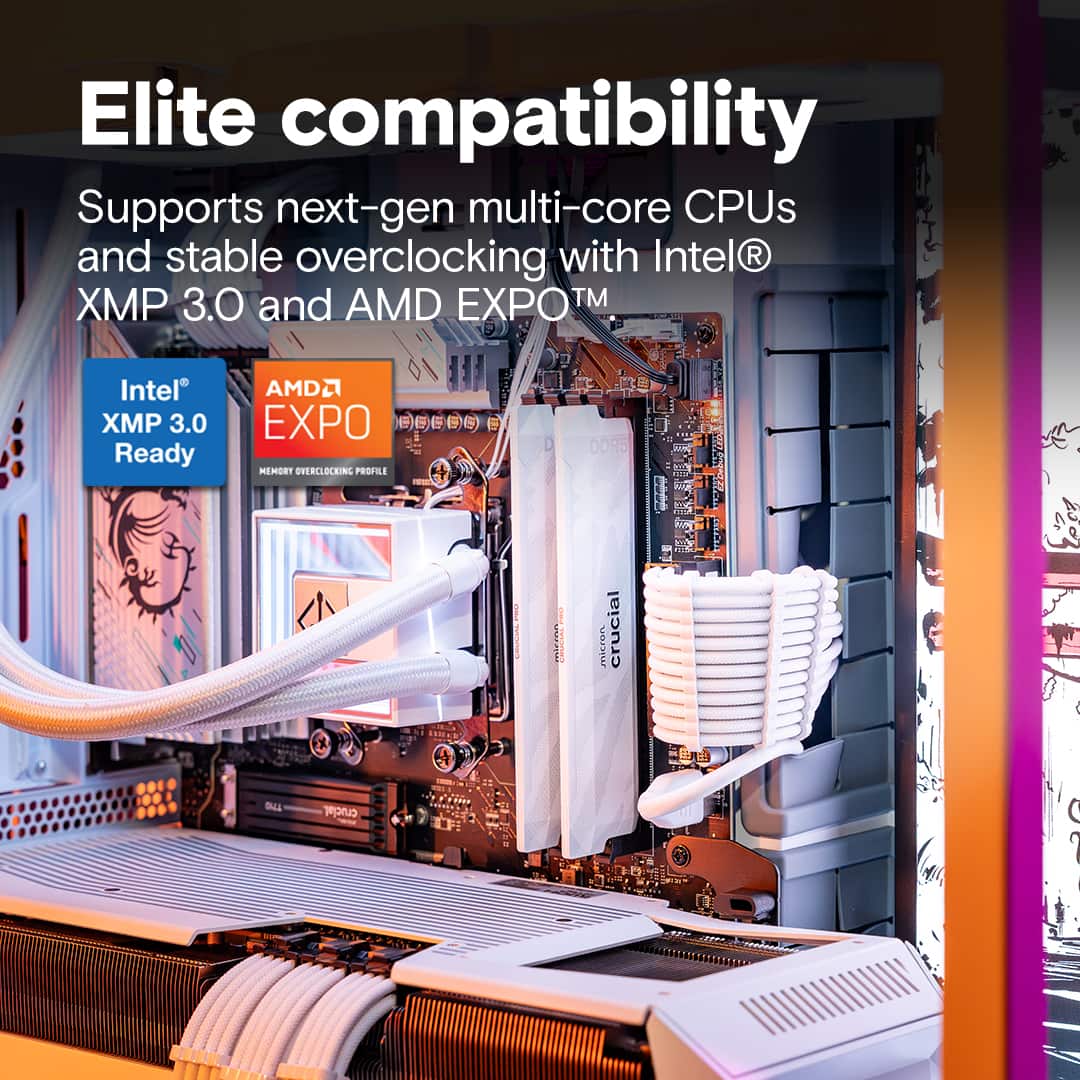
|Posted .This reviewer received promo considerations or sweepstakes entry for writing a review.I've used Crucial PC RAM in the last couple builds I did and have been thoroughly pleased with them through and through. Considering today's RAM economy, kinda hard finding any RAM really but finding decent RAM at any retailer is quite the undertaking at the moment. Fortunately, seems like quite a few people sleep on this RAM in particular and I say it's their loss. Sure, it may not win any beauty pageants or be featured RAM in some sick build OR not have any of that fancy RGB but, this RAM has it where it's needed. Availability seems to be OK (at least in my area) and the price isn't too jacked up which is nice. The previous build I had was using a Ryzen 7800X3D/XTX7900 combo. Those specs with the RAM, never had a single hiccup or issue with the hardware in my time. This being both AMD EXPO/INTEL XMP ready, no need to worry if you got the right RAM for your mobo since this can handle both. Temps were pretty solid as well IIRC and no issues with overhearing. Granted, I did not OC that RAM since it was a customer build but it did run whatever I had thrown at it.
I would recommend this to a friend - Pros mentioned:Compatibility, Installation
Good memory kit.
|Posted .This reviewer received promo considerations or sweepstakes entry for writing a review.So who had Micron getting out of the ram game on their bingo card for 2025? Well this ram kit is interesting. It says it overclocks with AMD Expo and Intel XMP 3.0. I only rock with AMD so I can't speak on the reliability of this kit if used with Intel. I have it running stable at 6400MHz and Garuda Linux. If you are still building a rig or upgrading this kit isn't a bad choice to put in it. Easy to install and if your new to building or upgrading your PC go online and look up videos that will walk you through the process and be careful of static electricity. Handling those sticks the wrong way might make them dead sticks. Make sure you don't let your bios control the voltage that goes to your memory. If you want to maintain a stable system keep it at 1.35v and keep your clock speeds at the recommended state of 32-40-40-103. Now hopefully you can still get your hands on a memory upgrade kit and not have to sell a kidney to buy it. I would recommend picking this up if you are ready to go.
I would recommend this to a friend - Pros mentioned:Installation, Performance
Supercharged my system performance
|Posted .This reviewer received promo considerations or sweepstakes entry for writing a review.It was an easy decision to upgrade my system with Crucial RAM. The memory quality, capability and support, has always been a hallmark of Crucial. I know when buying it, it’ll work today and in the future. With a limited lifetime warranty, they stand behind it. One of the best ways to improve performance is an upgrade of RAM, both amount and speed. This memory didn’t disappoint. The install is very easy, with the typical locking tabs. While running they operate at a cool temperature, which in a high end gaming rig is critical. My testing showed that the memory was fully capable of running at the max speed without any issues. In daily use of both gaming and intensive video editing, the response improvement was noticeable. My renders completed at least 25% faster. Multi-tasking was a breeze. Whether you have a new build or existing system, these sticks won’t let you down. To get the maximum performance, and ensure they will work in your system, be sure to check the Crucial tools.
I would recommend this to a friend - Pros mentioned:Ram speed
Great Stale Reliable RAM
|Posted .This reviewer received promo considerations or sweepstakes entry for writing a review.Micron has always been of the best manufactures for RAM for many years. It is sad to hear that they are moving away from the commercial RAM business as they are an industry leader in it, so lucky to snag one of their last products they make before they are gone. Here are the specs of my gaming rig to start before we get into the details of the performance and benchmarking of this RAM. Specs: CPU: AMD Ryzen 7 7800X3D GPU: AMD Radeon RX 9070 XT Motherboard: Gigabyte X870 AORUS Elite Storage: Samsung Pro 980 NVMe PCIe 4.0 SSD OS: Windows 11 Pro (Build 26200) I used 7-zip and AIDA64 to benchmark the RAM and got the following results: 7-zip EXPO Enabled Total Rating: 91.97 GIPS CPU Utilization: ~748% Compression: ~99.2 GIPS Decompression: ~84.8 GIPS AIDA64 Memory Performance EXPO Enabled Read: ~88–90 GB/s Write: ~85–87 GB/s Copy: ~83–85 GB/s Latency: ~64–66 ns Compared to my old DDR5 that could only clock out at 5600 MHZ, I am seeing about an overall 7-10% in performance gain alone. In other benchmarking for my CPU, this RAM has allowed some freedom in the CPU to boost its performance, marginally about 1-2%, but still a gain is a gain! Overall this RAM is fantastic, it is stable, no crashes, no issues, just don't mux with the voltage because it did not seem to like that too well. Hopefully prices come down soon because the AI rush is absolutely insane with what it has done to RAM prices!
I would recommend this to a friend Absolutely worth the upgrade for Ryzen 9900X!
|Posted .This reviewer received promo considerations or sweepstakes entry for writing a review.If you have a gaming PC that uses DDR5 and you only have 16GB, these are definitely the right memory sticks to get. In upgrading from the cheaper factory installed RAM that my gaming system came with it made a really noticeable difference in terms of being able to run more applications at the same time and also improved overall FPS on my Ryzen 9900X system. In addition to the huge upgrade in available RAM these overclocking sticks do let you Overclock and run stable. I do recommend ensuring that your motherboard is compatible using Crucial's ram checking tool and then read up on your motherboard manufacturers BIOS settings to ensure you enable all of the right features to enable the maximum performance you can get out of these chips. As an example, I had to modify the FCLK settings for RAM timing on my board to get the best performance. The settings to enable or look for are the AMD EXPO (or Intel XMP) which should set the right timing/FCLK speeds but again you'll need to check your motherboard manual. Other settings to verify are the Resizable BAR (which is likely already enabled if you have a high-end GPU) and Precision Boost Overdrive (PBO). Again, the disclaimer here is verify the settings with your motherboard manufacturer, CPU type/manufacturer to ensure the right settings are set to keep the system stable. There are plenty of YouTube videos that explain this far better than I have here and lots of people on different subreddits that can help. The key thing to know is that to get the max out of these chips you'll likely need to make tweaks to your system BIOS for the best results. As it relates to these, they've so far been very stable and the performance boost is actually pretty good and I'd recommend them if you have a DDR5 compatible system that support the 6400MT/s speeds.
I would recommend this to a frienda good amount of RAM is crucial
|Posted .This reviewer received promo considerations or sweepstakes entry for writing a review.If your computer is a bit laggy this is the solution. If you are having issues where your graphics card is running out of memory when your gaming, this will not fix your issue… unless you allocate the RAM to the video card in the BIOS but a new graphics card might be a more user-friendly solution. Not to say RAM won’t help gaming at all, a good amount of RAM makes your games boot faster, enables you to do more in the background. If you are a lone gamer and just gaming, 16GB or 32GB might be enough, but if you are maybe trying to run some communications programs, a music player, edge/chrome/mozilla, OBS software, RGB controller software, accessory configuration software, and/or a plethora of other programs; you may find you run out of memory and it drags your whole system down real quick. 32GB of RAM speeds everything up. So, while not affecting the game directly it is extremely important for gaming as well as when your whole system slows down… so does your game. For me 32GB of RAM added to my 32GB of RAM made the entire system just run butter smooth with all of the extra applications I am usually running in the back ground.
I would recommend this to a friendAmazingly fast!
|Posted .This reviewer received promo considerations or sweepstakes entry for writing a review.I upgraded my gaming desktop PC with the Crucial Pro Overclocking 32GB DDR5 6400MHz C32 memory, and it instantly breathed new life into a system I have been using for about three years. The install was quick and painless, and the improvement was noticeable the first time I booted up and started using it. The most immediate benefit was how dramatically my game load times dropped. Games open faster, levels loaded in no time, and those little pauses that had become part of the routine are basically gone. My gaming desktop PC now feels much more responsive no matter what I am doing. Outside of gaming, the entire desktop experience feels faster and more polished. Multitasking is smoother, apps open quicker, and everything just feels more responsive overall. What impressed me most is how a simple memory upgrade made my PC feel new again without having to replace major components. If you are looking to refresh an older gaming rig and noticeably improve performance you can feel every day, this memory kit delivers.
I would recommend this to a friendGood but a mixed bag
|Posted .This reviewer received promo considerations or sweepstakes entry for writing a review.Overall – I’ve used Crucial in the past and find them to be a solid and reliable memory, and this kit is in the same boat. That said, this particular kit landed a bit in the middle for me. I did see a slight performance increase in my gaming system with very minimal configuration changes. However, in my video editing system, I didn’t see any real-world performance gains, and it required more tweaking and configuration to get things stable. Because of that mixed experience, this ends up being more of an “okay” upgrade rather than a must-have. Packaging – The memory was well packaged and protected. Nothing fancy, but everything was secure and arrived in perfect condition. Touch and Feel – I really like the look and feel of these, as I would expect from any Crucial DIMMs. Setup – This was a bit of a mixed bag. See opening comments. Functionality / Performance – - Gaming: I saw a slight but noticeable performance increase, mainly in consistency and smoothness. - Video Editing: No real performance gains in exports or timelines, even after additional configuration tweaks. No real gains for me, but I already have pretty beefy memory in that system. Overall Rating – I’d give this memory a 3-star rating. It works well and does what it claims, especially for gaming with minimal setup effort. However, the issues with my video editing system and the time to config keep it minus a star or 2. That said, I would still recommend it if it’s a significant upgrade from what you currently have. Once configured, it was stable and worked well in all applications and systems that I have – it wasn’t a large upgrade from my current memory in either system.
I would recommend this to a friend