Customer Ratings & Reviews


- Model:
- ARC-01
- SKU:
- 6098895
to a friend
Customers are saying
Customers find value in the Cube's affordability, ease of use, and compatibility with both Android and Apple devices. Many appreciate its VR capabilities and the augmented reality experiences it offers, although some note that many apps are not free. The Cube's sensitivity to light is also a recurring concern for some users.
This summary was generated by AI based on customer reviews.
- Pros mentioned:Vr

Da' cube
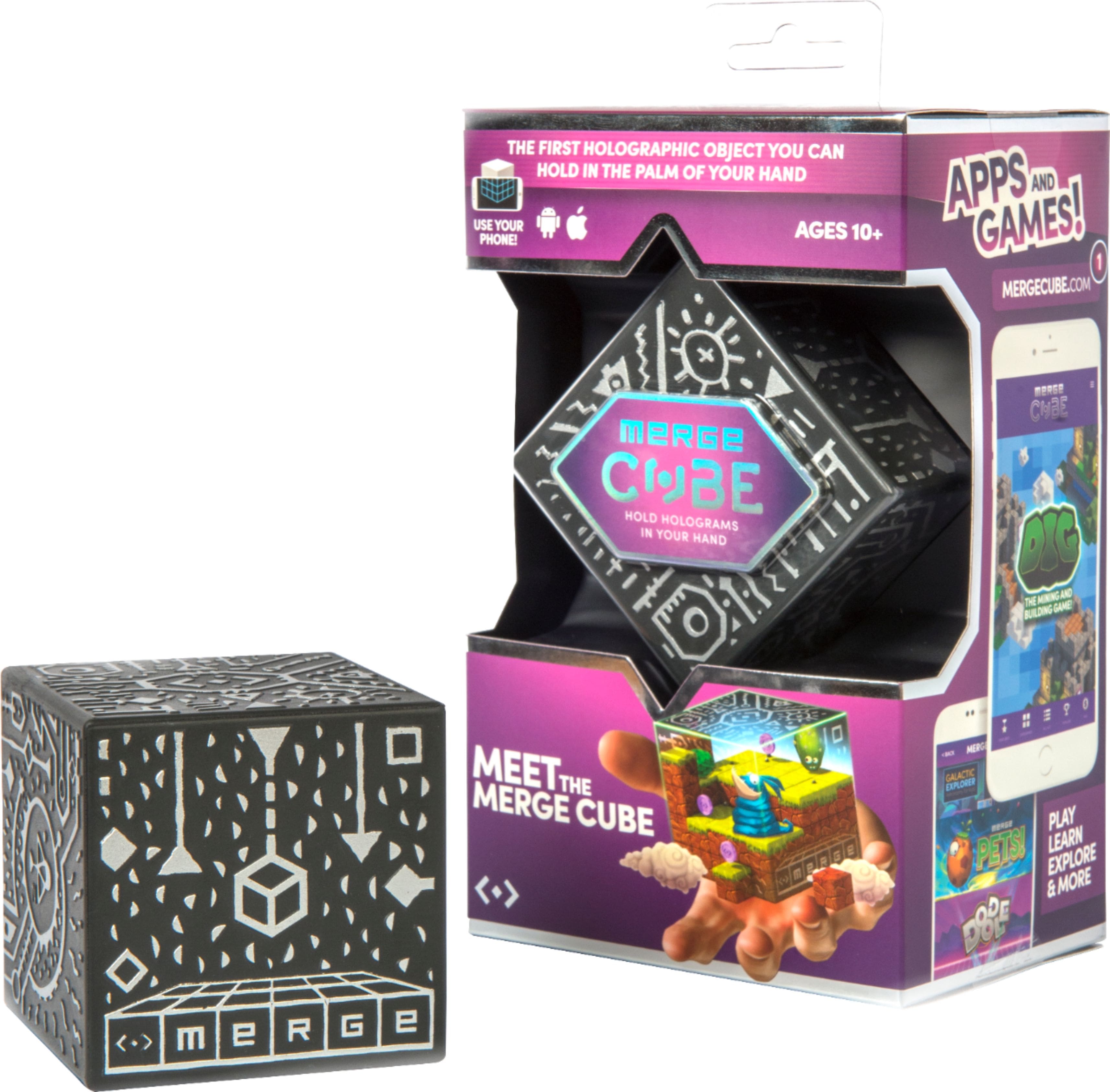
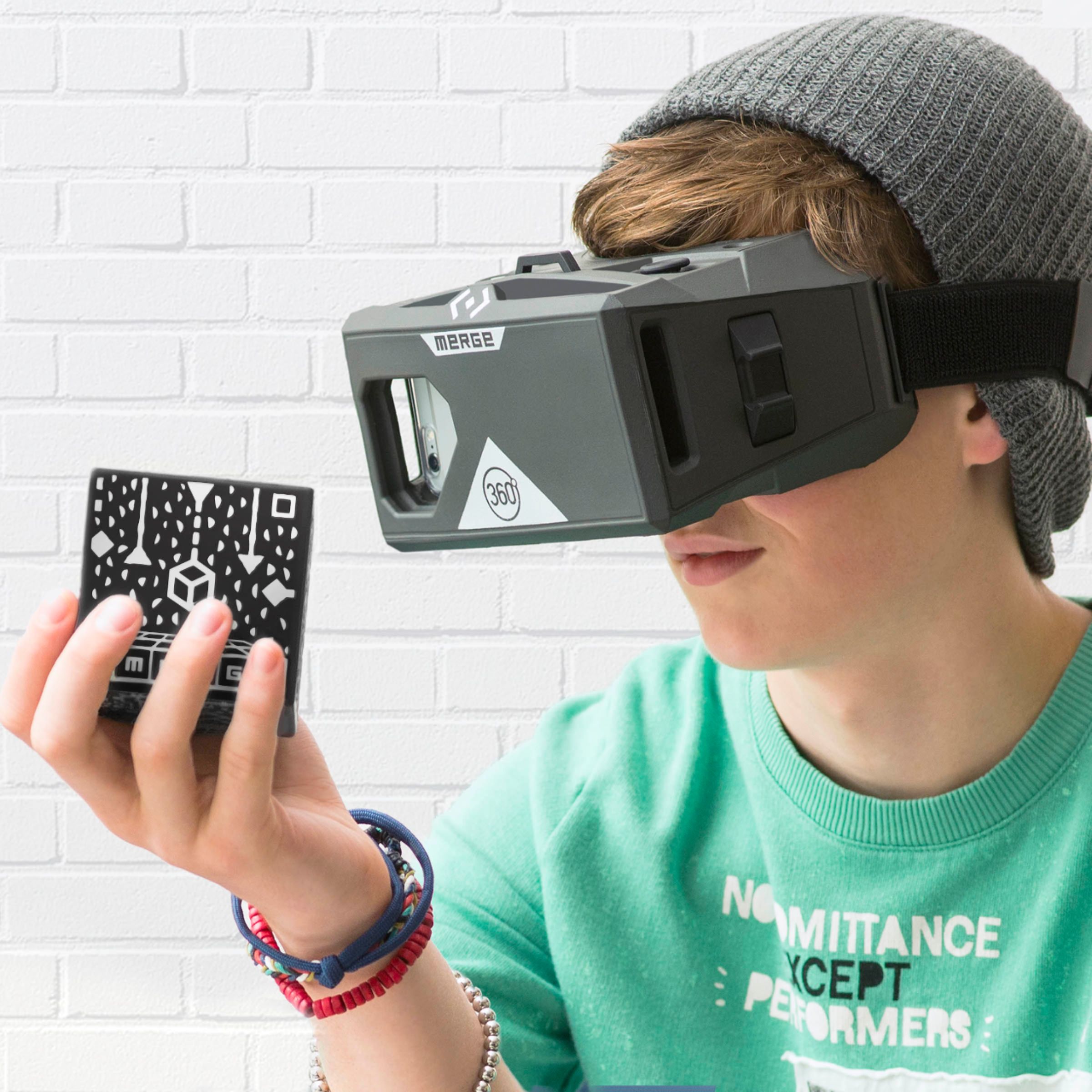
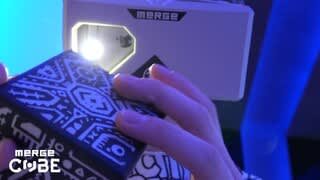
|Posted .This reviewer received promo considerations or sweepstakes entry for writing a review.What is this soft foam cube with seemingly alien hieroglyphics? Why, it is your personal porthole into a fascinating vr and ar world. If you have a smartphone, you are good to go. Simply download a merge app (and there are many to choose from) in your app store and that's all she wrote. I tried the "dig" app which is like mine craft. Before long you'll be building neat structures atop your merge cube in the augmented reality world. Use the merge goggles, and you can do it in a truly immersive virtual reality world (see my review for the goggles). You can interact with the cube (in real time) by picking it up, turning it, etc - and the world changes as you do. If you are going to get the goggles, I highly recommend that you get the cube also. But if you just want to mess around in the ar world, you can do so effortlessly with just the cube itself.
I would recommend this to a friend - Pros mentioned:Ease of use
Good VR experience/toy for kids.
|Posted .This reviewer received promo considerations or sweepstakes entry for writing a review.The cube and software were easy to use, the activities and games were easy to access using the goggle buttons and interface. My nephews, ages 10 and 12, thought it was really cool. I'd say that, for the price and available apps, it is a good buy to keep the kids busy - but if you are an adult, the novelty wears a bit thin and might not warrant more than a few uses. I'd recommend this for kids as a fun interaction with VR.
I would recommend this to a friend - Pros mentioned:Vr
Great addition to the Merge VR Goggles
|Posted .This reviewer received promo considerations or sweepstakes entry for writing a review.I received this with a set of Merge VR Goggles and they are pretty neat together. I was not able to use them long enough to do a whole lot of testing beyond the few free games they offer, I started feeling a bit lightheaded and haven't seen them since because my kids are having so much fun with it! It really adds to the VR experience when you can hold something in your hands that has an immediate response to your motion. I think I will be able to get back to it soon and look forward to using it to see more of its capabilities... if I can pry it away from everyone else!!! Makes a great addition to a relatively cheap setup... the cube and goggles together are less than $75 usually. Definitely would recommend to anyone who is interested in VR.
I would recommend this to a friend Fun Product Great for Play- a little jump
|Posted .This reviewer received promo considerations or sweepstakes entry for writing a review.I got this Cube as well as the Merge VR Goggles. They go well together. I tested them out with a couple of the free apps available and recommended. Age of Diamonds for the Goggles alone, and Dig for the Cube with or without the goggles. The products are easy to set up. The Cube needs to be scanned in to get started and you need to download one of the supported apps to use it. Like I said above I tried 'Dig' because it was the first free app that looked interesting. The Cube is a 3D building device/game. Dig is a lot like Minecraft (building mode) except you can build on all 6 sides of the cube and see it in real time. You can use the Cube with just your phone or mobile device or you can use it with the Goggles. I recommend using the goggles it makes it easier. Using just the camera with the Cube makes it a little difficult to maneuver. However, the buttons on the goggles also make staying in focus difficult at times. I have not had a chance to try out other apps but I think they should be a lot of fun. On the app I was playing you simply place blocks or objects on the surface you are viewing, then rotate the cube to build on another side. It is a lot of fun, and should be great for kids 7-8 years old and up (to 40+) Great product with a lot of potential, fixing on specific objects/locations was a little difficult and may take getting used to.
I would recommend this to a friend- Pros mentioned:Vr
Pretty cool cube
|Posted .This reviewer received promo considerations or sweepstakes entry for writing a review.This was pretty fun to play with. For the most part the apps that I used with it tracked the graphics to the cube very well. The box comes with a phone stand so you don't have to have VR goggles but I think having goggles makes it work the best. I think that at some point the novelty of it wears off though and your arm gets tired of holding the block up to your face.
I would recommend this to a friend endless possibilities!
|Posted .This reviewer received promo considerations or sweepstakes entry for writing a review.Amazing trick! This works great. At first you're holding a Rubik's cube-sized block with mysterious glyphs all over it, then you peer at it through your phone and it opens up to a tiny world where anything can happen. I'm amazed at how effective it is; I have a Google Pixel, and this cube tracks my hand movements really well. You just have to be used to keeping it in frame. Setup was super easy. I would really want to see a bit more support for newbies. I really didn't know what to expect with this, but going to the setup site, it links you to several paid games on Google Play. I think it would be best if they offered some free introductory games, or even a free premium game to get you started. I found "Merge Things" in the Play Store which is a great intro, it gives you a bunch of little games to play with and get you used to the technology. That should have been the first link on the startup web page! Another issue -- I can't figure out an easy way to exit the games once they're started. I have to override like anything in full-screen mode, then close the task from the task list. Overall, a fun device, worth the money, and I can see all sorts of future potential for this technology.
I would recommend this to a friend- Pros mentioned:Ease of use
Mesmerizing!
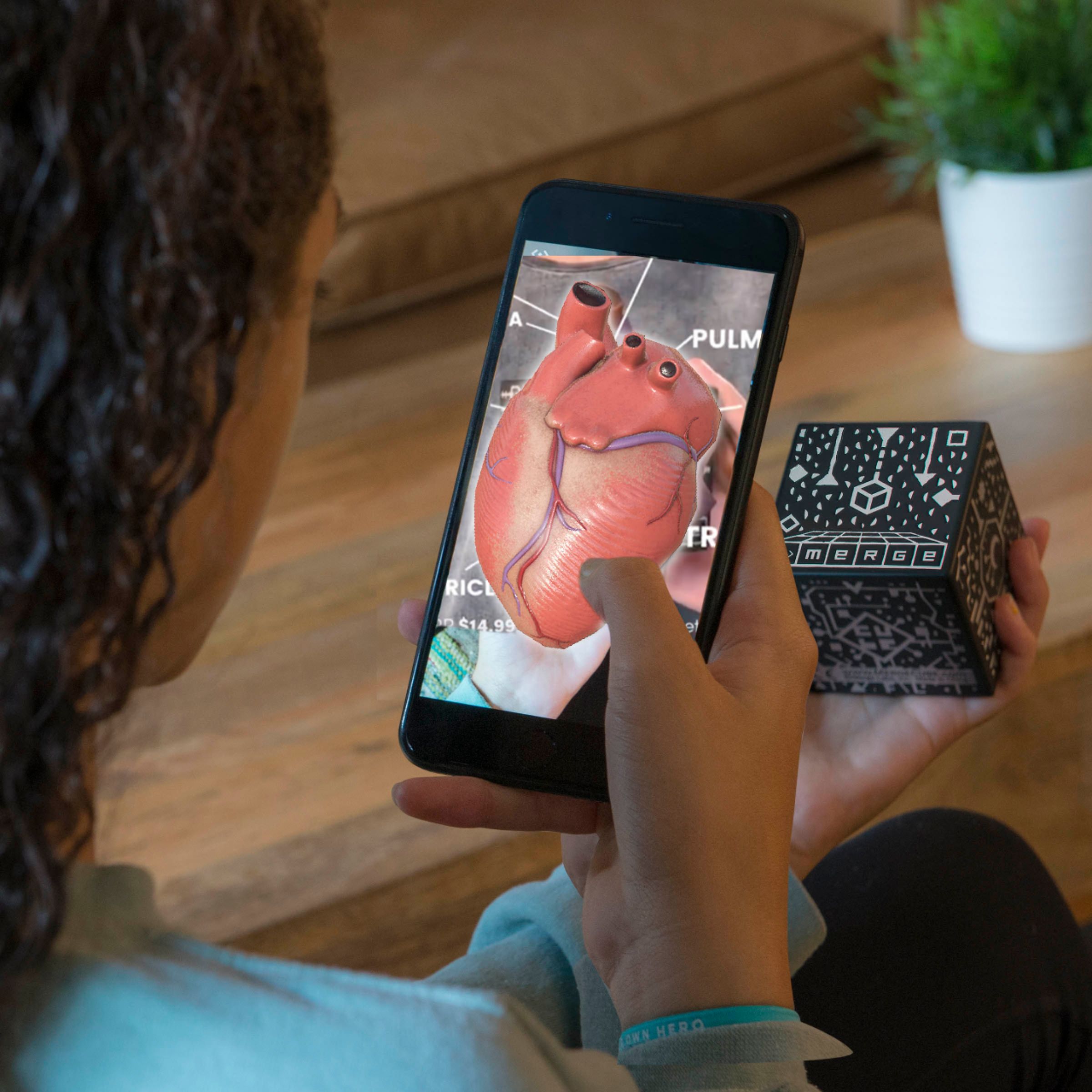
|Posted .This reviewer received promo considerations or sweepstakes entry for writing a review.The Merge Cube is a very entertaining product and the price point is awesome. It is very easy to set up, just follow the directions that come with the cube and in 5 minutes you are ready to be amazed by this little gadget. The cube website will guide you to apps that you can use with the VR goggles and the cube. Some of the apps are free and some will cost you, but there are plenty of free ones. The kids and adults have really loved using the cube. I really love that the cube can be used for educational purposes. The kids have enjoyed viewing a 3D heart or planets in the palm of their hands. This is a great gadget with endless potential.
I would recommend this to a friend - Pros mentioned:Price
Neat Addition to the Merge VR Goggles
|Posted .This reviewer received promo considerations or sweepstakes entry for writing a review.The Merge cube is a neat addition to the Merge VR Goggles. There are some cool apps that work with the cube. Being able to manipulate "items" real-time twisting and turning the cube using supported VR apps is fun. The cube isn't a critical add-on for the goggles, but for the price, it is a cool addition so get one.
I would recommend this to a friend - Pros mentioned:Price
Portal to the Multiverse
|Posted .This reviewer received promo considerations or sweepstakes entry for writing a review.You can use this MERGE CUBE without the MERGE Goggles. But, after you check out the cube with your smartphone, you'll want to go down the goggle road for the expanded experience. The apps are not only entertaining for every generation; but, are great for school and just pure fun games and galactic exploration. You'll be surprised that a soft, squishy and unbreakable cube can hold an ever expanding universe of potentials. Can't beat this very reasonably priced box of magic that can charm the hearts and minds of family, friends, lovers and office buddies.
I would recommend this to a friend - Pros mentioned:Ease of use
Awesome supplement to VR goggles
|Posted .This reviewer received promo considerations or sweepstakes entry for writing a review.It is great. It is very immersive and educational. I have a 5 year old and I wish he can already use this to play games and to use for educational applications. The cube just responds well to the goggles. Since it is app driven, I can imagine how many other apps this can be used for! It is so creative and engaging. Oh, and getting it ready is easy as 1-2-3. If you have a child at least 10 years of age, you should get one!
I would recommend this to a friend Decent prop for AR/VR
|Posted .This reviewer received promo considerations or sweepstakes entry for writing a review.As noted via a nearby label, I'm a member of Best Buy's Technical Insider Network and so was given a device to test for free in exchange for an unbiased review. The Cube came with the associated Goggles that I previously reviewed on Best Buy's site. And as with the Goggle's intended age group use, so too is this particular item. While it's useful for manipulating the environment in some VR applications as well as becoming the equivalent of a projected image in an AR application, that's about as far as this item goes, and the price reflects it. In all fairness, my family has had significantly more fun with the goggles, per se, than attempting to include anything else within that same environment. In other words, you obviously need to get the goggles, as this Cube is useless without them, but don't sweat getting the Cube if you're on the fence. It is not, in my opinion, a huge value-add.
I would recommend this to a friend- Pros mentioned:Vr
Hologram in your hand
|Posted .This reviewer received promo considerations or sweepstakes entry for writing a review.You can use the Merge Cube with just your cellphone or view it through your Merge VR Goggles. It is a lot of fun and very amusing. If you have never seen Virtual Reality, this is an ideal cheaper way to view it. Don't lose the container it comes in because you have to activate it with the code that is located on the inside bottom part of the container. It is a great gift for kids/teens with cellphones and adults will enjoy it just as much.
I would recommend this to a friend What a fabulous little piece of gadgetary
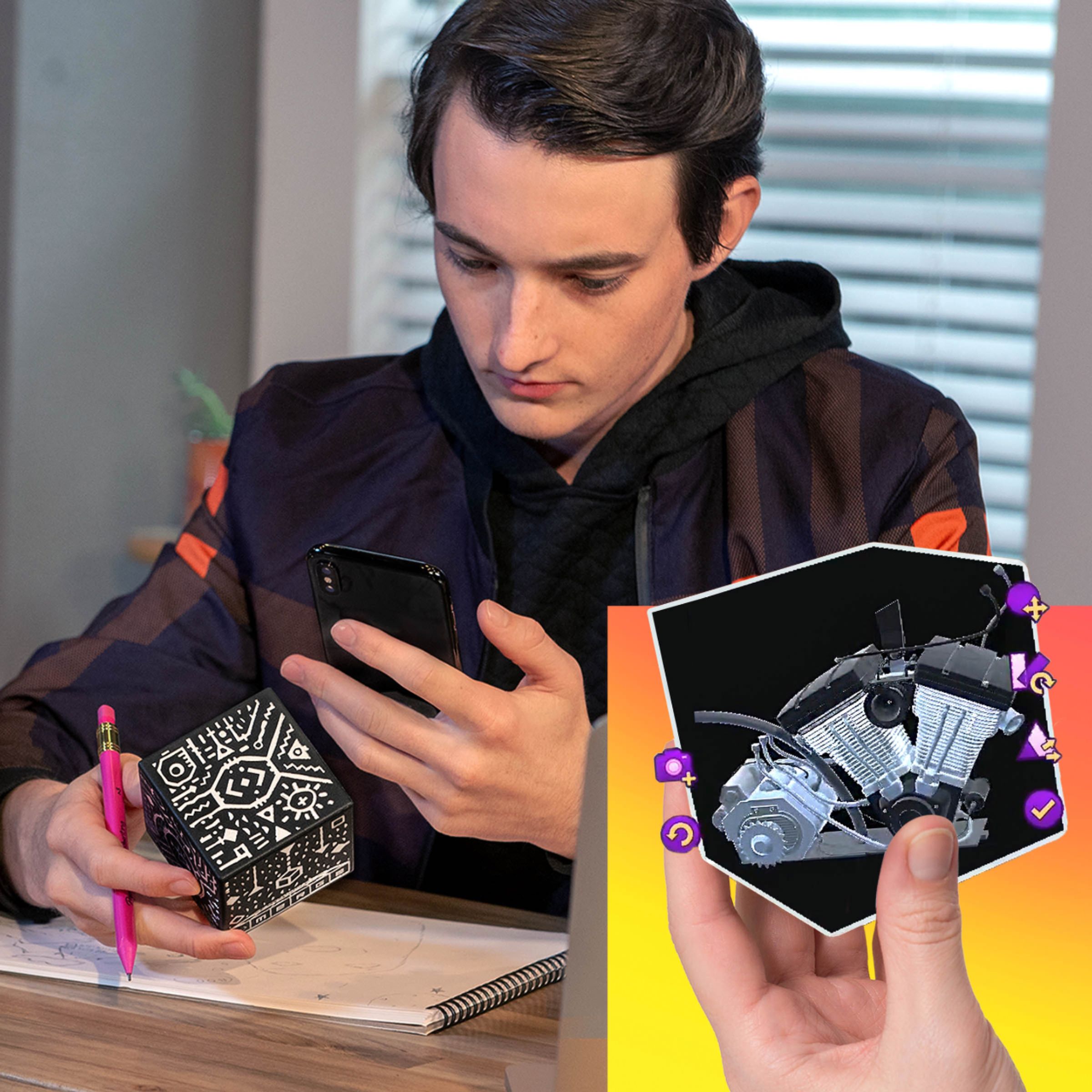
|Posted .This reviewer received promo considerations or sweepstakes entry for writing a review.For 15 bucks, it gets you an entry into AR. You can maximize your experience using merge glass along with cube but that is not really required to start having some AR fun. There are merge apps, which works with cube. And they give you an option to try it using the phone or with phone and merge glasses. I tried both and I think the implementation is brilliant. I tried few free apps and a couple of paid (tilt, snake). Snake is charming(and nostalgic), and Tilt is challenging. I tried one pre-released app which shows earth in your hand and it was brilliant. There are few educational apps, which can be used to show human body or a Minecraft style game Dig. One thing which needs to be improved with this setup is the application's number and things they do. So it is great to play Snake/Tilt but can the experience be more engaging? As it sure lacks a long term engagement. It is novelty in current stage, and at this price everyone can try this, so kuddos to merge for managing it to release at this price point. When I use it with the Merge glasses, some times the clarity is not that good. It is sharp when looking only through the phone, so it is something to do with the glasses. Except for this one nit, I think I am amazed to get my hands on this technology. Great job, Merge.
I would recommend this to a friend- Cons mentioned:Light sensitivity
has some fun potential
|Posted .This reviewer received promo considerations or sweepstakes entry for writing a review.This cube is just a foam cube with special markings that allow the software to work with it in an AR way. Some of the apps available are neat, but will get better with time. I noticed that, at least with an iPhone 7, the software is very sensitive to light. The cube would glitch in and out of AR mode when hit by different light in my house, or say I ended up looking toward a window. This is fun, and I imagine it is more fun for kids than adults. When more apps become available it has some potential.
I would recommend this to a friend - Pros mentioned:Ease of use
Merge Cube ok
|Posted .This reviewer received promo considerations or sweepstakes entry for writing a review.The Merge Cube works with the VR goggles, you remove the patch (like an eye patch) from the goggles and then view the cube thru the patch or hole. While I could get the cube to change and tried playing a few games with it I was not entertained. I'm sure young kids would like this as it is neat and there are a few apps out there that are free. It is interesting to hold a cube in your hand and watch it change. For the price I would say it's a good toy that most kids would really enjoy.
No, I would not recommend this to a friend FUN HOLOGRAM CUBE
|Posted .This reviewer received promo considerations or sweepstakes entry for writing a review.Another neat product from MERGE. The Hologram Cube is interesting technology ... definitely suitable for all ages. Easy to use with my Samsung S8+ (after "cube" apps downloaded) either standalone OR with MERGE's VR Goggles. Another great product that requires NO setup ... download the app and away you go! I need to try a few more apps with the device to become a better gamer - which I do very little of, gaming that is - but pretty neat. I was surprised that the "cube" is a very soft, lightweight product. Easily held in your hand and comfortable. FUN PRODUCT!
I would recommend this to a friend- Cons mentioned:Apps
Interesting idea but I quickly grew tired of it
|Posted .This reviewer received promo considerations or sweepstakes entry for writing a review.The Merge Cube was interesting and fun at first but the novelty quickly wore off. I used the cube in combination with the Merge VR Goggles although you don’t necessarily need the goggles themselves to use the cube. I have found that many of the apps designed to work with the Merge Cube don’t require the goggles although it does make it easier to hold and manipulate the cube when you don’t have to also hold or position your phone at the same time. The instructions and setup for the cube were not very straightforward and didn’t make much sense at first. There is a code that comes with the cube and the instructions say to enter the code after you download an app and enter your email address but the first app I tried to use never asked for a code and simply directed me to the Merge Cube website for registration. The registration process never asked for the code either so it was very confusing just trying to get everything setup and running. I was finally able to get a different app to work but the novelty of that particular app wore off quickly and made it feel like all of the initial hassle was ultimately not worth it. Since VR still seems to be a relatively new and expanding idea, this might be more fun when more apps are introduced but for now, it just isn’t something I can see myself choosing to play with in my spare time.
No, I would not recommend this to a friend Durable, neat novelty
|Posted .This reviewer received promo considerations or sweepstakes entry for writing a review.This is really kind of a neat item, especially for kids. The construction has no moving parts, and it's a squishy, but solid foam, which means it can stand up to some abuse and handling. Which is kind of the point--you're meant to pick this thing up and play with it. You can do this in two ways: If you have the Merge VR goggles, you can slip your phone into the goggles and play with the cube in front of you. Or, you can just use it with your phone. The packaging can be configured to work like a stand for the cube and your phone... this I thought was a good idea, but bad execution. The packaging is not made any sturdier for this purpose and will not last if you're going to be using it this way. It's also not ergonomically friendly... you'll be hunching over to view the cube with your phone using the packaging "stand" and will probably end up holding your phone in one hand and the cube in the other. Which is just as well... You don't really need two hands on the cube itself. I kept wanting to "click" on the cube and interact with it directly when I was seeing images "projected" onto it through the goggles or my phone... because this "augmented reality" thing on the cube actually worked really well. It looks really cool! But when it comes down to it, there's not a whole lot to *do* besides look at it... Games to download are very simple and have only one or two interactions to be done using the triggers on the goggles or by clicking at your phone. The cube is really just the 3D projection screen for the AR images. It's pretty neat... but probably won't hold attention for too long. Fortunately, the cube itself is simple and not really expensive. It's a fun little diversion, but not going to blow anyone's mind.
No, I would not recommend this to a friend- Pros mentioned:Augmented reality
Fun little gadget for smartphone VR/AR
|Posted .This reviewer received promo considerations or sweepstakes entry for writing a review.This is a cool little exploration toy for kids. Works with or without goggles and provides an augmented reality experience that has a lot of potential applications for learning. I'm looking forward to seeing how many other apps come that allow places like museums or schools to utilize this as a learning toy.
I would recommend this to a friend A toy with much potential.
|Posted .This reviewer received promo considerations or sweepstakes entry for writing a review.The merge cube is an Augmented Reality (AR) tool for use with Merge Virtual Reality (VR) glasses. In order to use it, I had to download the Merge cube app on my phone and place my phone into the merge VR glasses. After playing the available games and content I was impressed. Mostly because of how accurate it is and how much potential it has. It may not be the hottest toy of 2017 but it will definitely be an interesting one.
No, I would not recommend this to a friend