Customer Ratings & Reviews
- Model:
- S2240T
- |
- SKU:
- 9196102
Customer reviews
Rating 4.6 out of 5 stars with 97 reviews
(97 customer reviews)to a friend
Customers are saying
Customers are enthusiastic about the 21.5" LED HD Touch-Screen Monitor's touch screen functionality and picture quality. Many appreciate the monitor's ease of use and straightforward setup process. Positive feedback also highlights the monitor's excellent value for its price. Overall, the reviews suggest a high level of customer satisfaction.
This summary was generated by AI based on customer reviews.
- Pros mentioned:Touch screen
Rated 4 out of 5 stars
great monitor
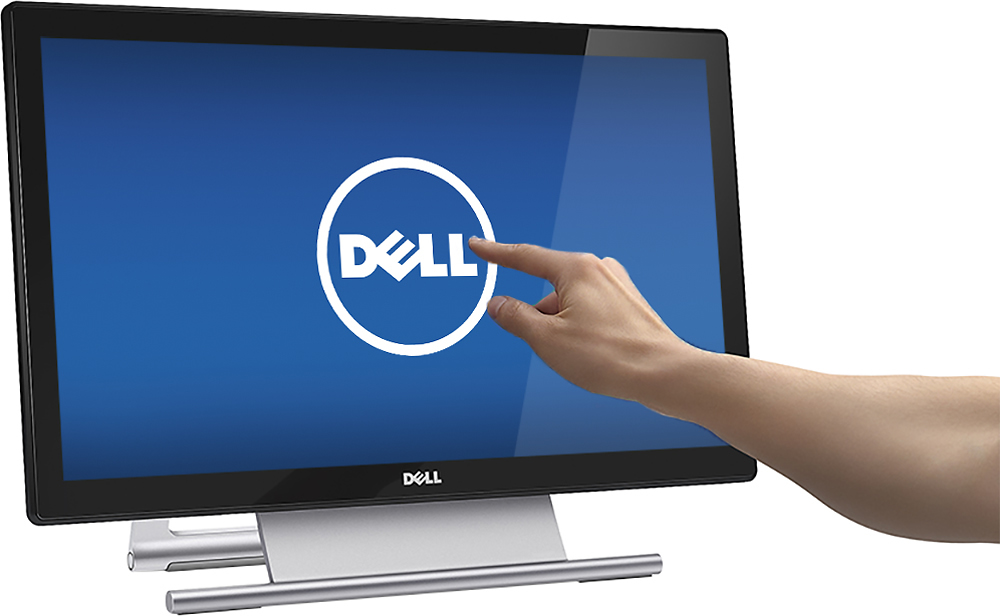
||Posted .This reviewer received promo considerations or sweepstakes entry for writing a review.great touch screen monitor. beautiful screen resolution and touch capability
I would recommend this to a friend Rated 4 out of 5 stars
Very good touch screen
||Posted .This reviewer received promo considerations or sweepstakes entry for writing a review.Bought for my store where our employees use often. Good image quality, not as sensitive as our last one (which is good). Seems a very good replacement w/ larger screen than predecessor.
I would recommend this to a friendRated 5 out of 5 stars
Dell monitor
||Posted .This reviewer received promo considerations or sweepstakes entry for writing a review.Dell monitor 21.5 is good buy and live upto my expec
I would recommend this to a friendRated 4 out of 5 stars
Great products
||Posted .This reviewer received promo considerations or sweepstakes entry for writing a review.Not one problem with any equipment, thanks best buy!
I would recommend this to a friendRated 3 out of 5 stars
Great for a beginner
||Posted .This reviewer received promo considerations or sweepstakes entry for writing a review.It doesn't come with windows programs like Microsoft word... I thought it would have been better.
No, I would not recommend this to a friendRated 5 out of 5 stars
exceptional monitor, perfect for windows 8, 8.1
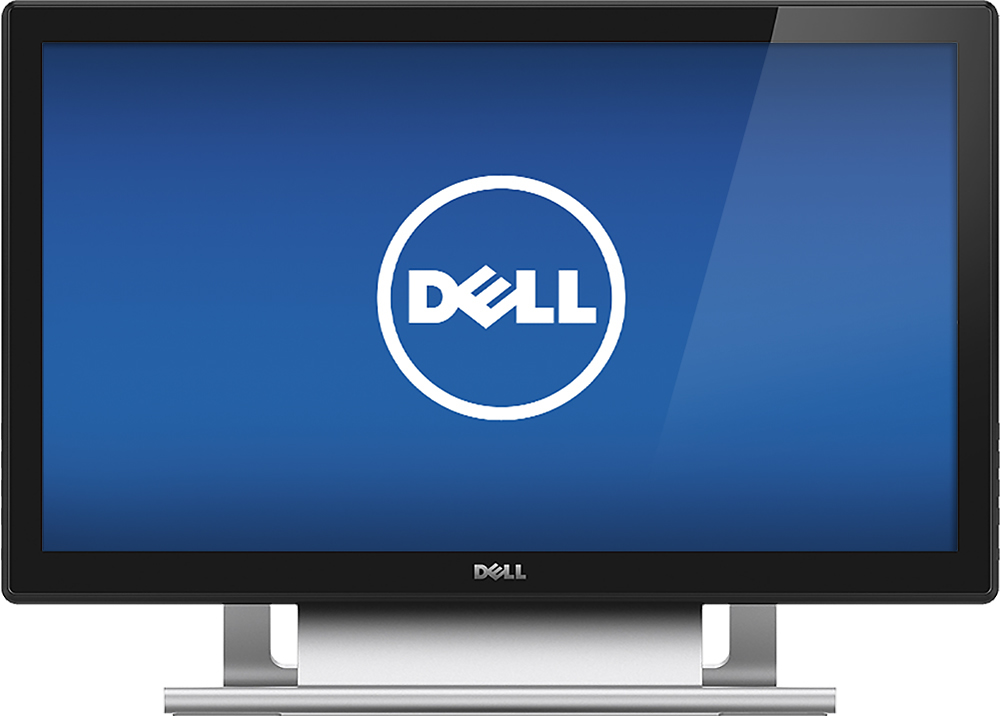
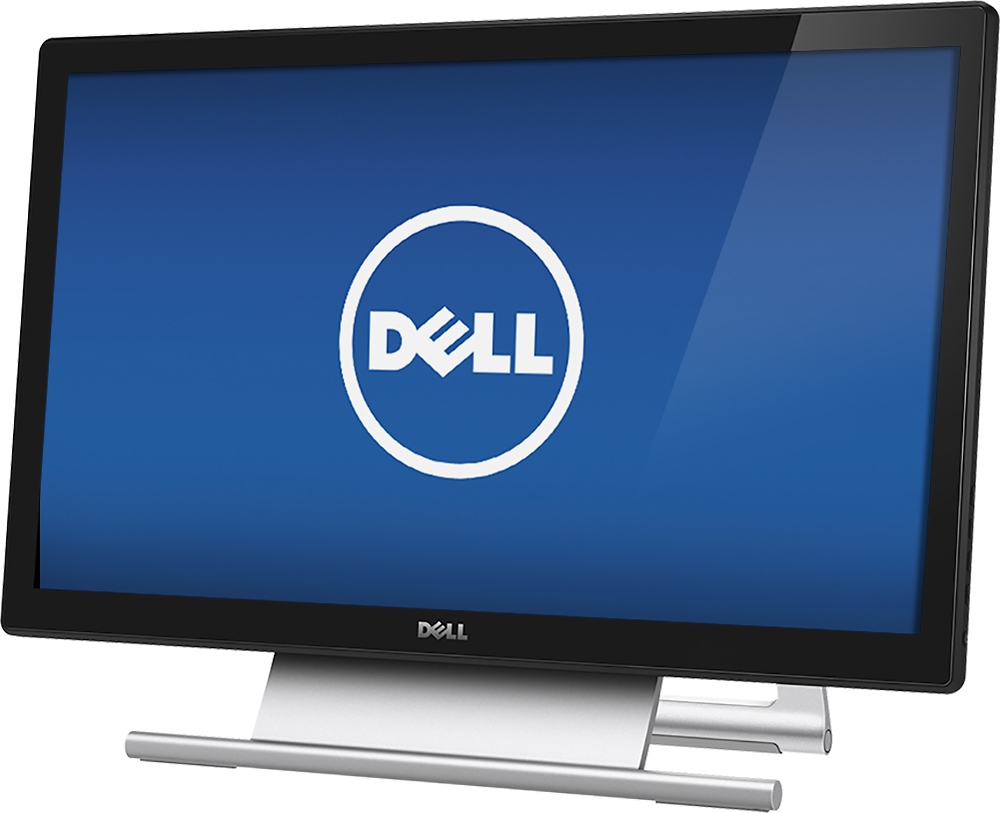
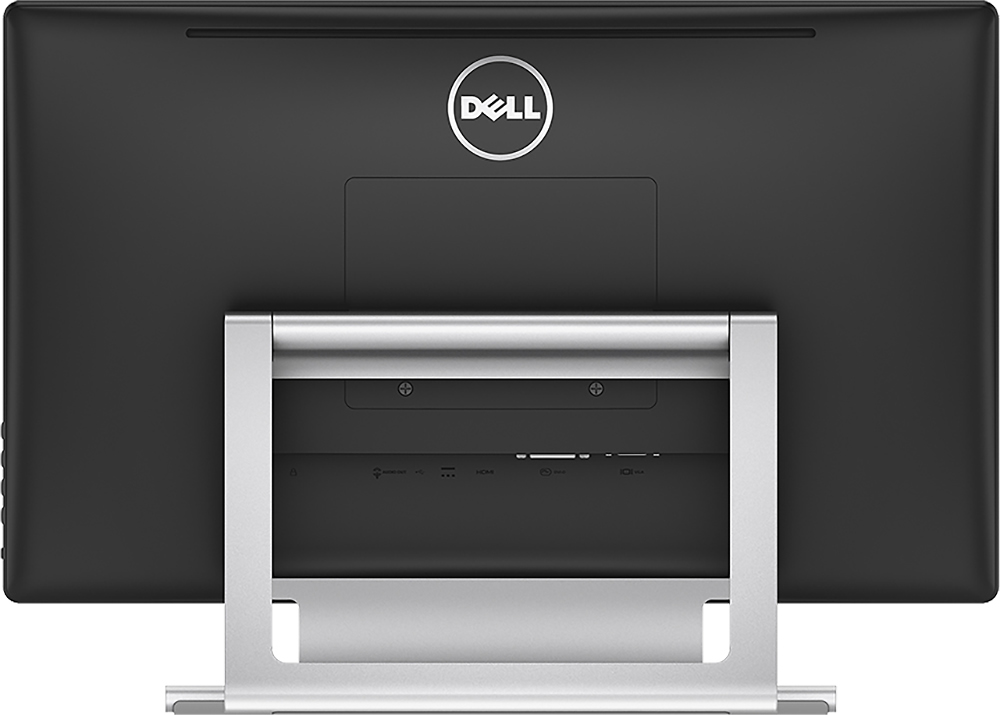
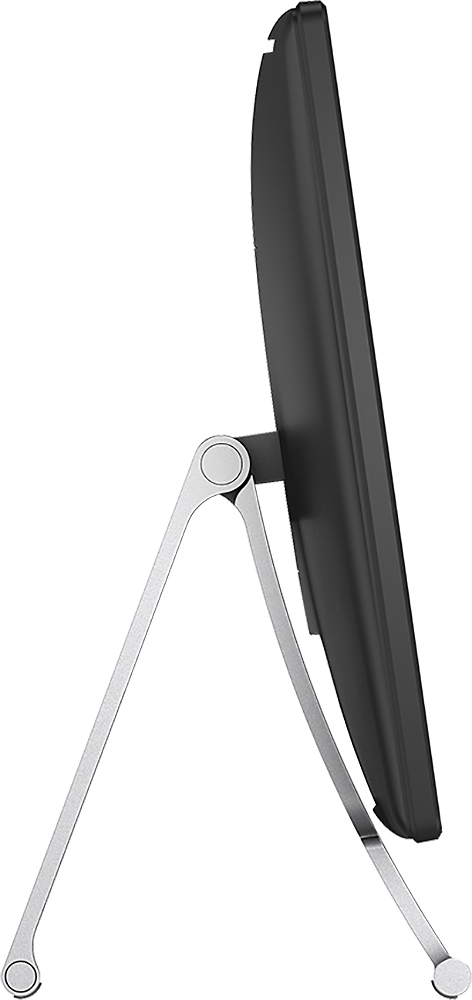
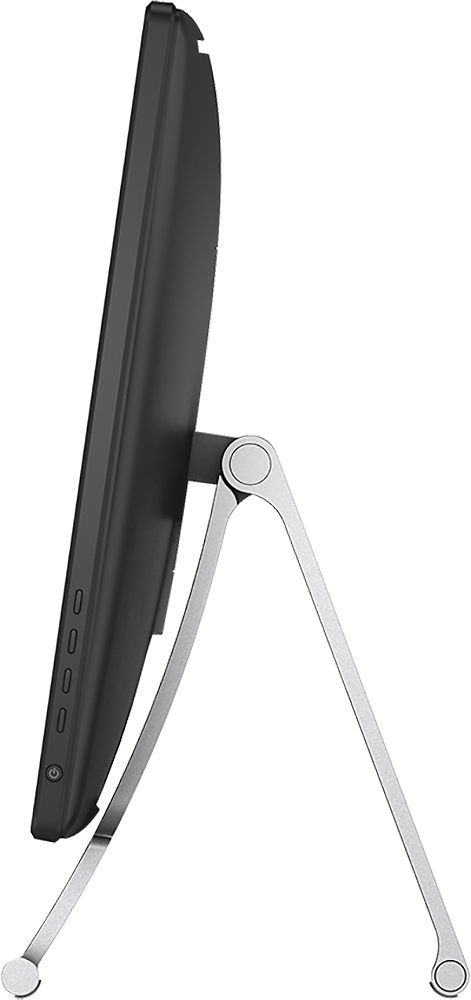
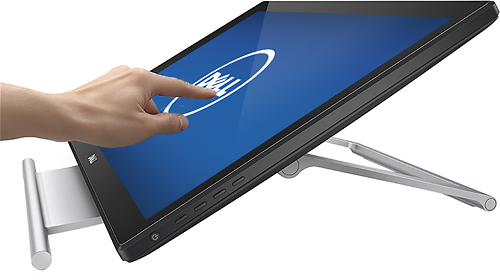
Posted .This reviewer received promo considerations or sweepstakes entry for writing a review.This is an exceptional monitor. Using it reminds me of using a Surface Pro tablet. The S2240T's design allows you to enjoy the best of the "traditional" and "new" aspects of Windows 8. When you want to work, you can put the S2240T in its upright position, use your keyboard and mouse, and blast through what you need to get done. When you want to casually surf the web, play games, look at pictures, or use Windows 8 apps, you can fold the screen to a comfortable angle and have a tablet-like experience with your desktop pc. Image resolution is impressive. You can use the DELL Display Manager utility to automatically change the monitor settings to your chosen presets for each application, or you can lock in standard, cool, warm, custom or other setting for all of your uses. Build quality is impressive. The glass extends to the very edges, making Windows 8 gestures easy. It's very responsive to touch. The stand is solid and easily adjusts to a wide variety of angles (it won't lie completely flat for "two user" games, but I don't do this, so it's not a problem for me). Size is a bit smaller than the 24" DELL LCD this monitor replaced, but I've found the 21.5" size is more than sufficient, and the S2240T is much more affordable than larger touch monitors, especially considering its fine build quality. You should be aware that you will need two connections for touch screen capability on any desktop computer monitor: a hdmi (or lower resolution)video connection, and a usb connection in order to communicate your touch gestures back to the pc. Very impressive. DELL has made a monitor that allows you to take advantage of all Windows 8 (and 8.1)has to offer! I only have a small complaint about the S2240T: the sticker with the marketing info and energy star logo was affixed to the glass with an adhesive that was very difficult to remove (I ended up carefully using goo gone which didn't damage my monitor, but there is probably an even safer way to remove it).
I would recommend this to a friendRated 1 out of 5 stars
Horrible DELL Tech Support
||Posted .This reviewer received promo considerations or sweepstakes entry for writing a review.I had this monitor for 3 years. Still looks great but the touch screen gave out. I called the Dells tech support to try and troubleshoot it but they refused to help because its an old monitor. They suggetesd I buy a new one. I love Dell but this really got me upset. I don't want to buy a new one, I just wanted to get the touch screen feature going again. I tried fixing it myself by wathcing a bunch of You Tube vids but no luck. I will think twice if I ever decide to buy another Dell product.
No, I would not recommend this to a friend- Pros mentioned:Picture quality, Touch screen
Rated 5 out of 5 stars
Great Monitor, Looks Great, Works Great
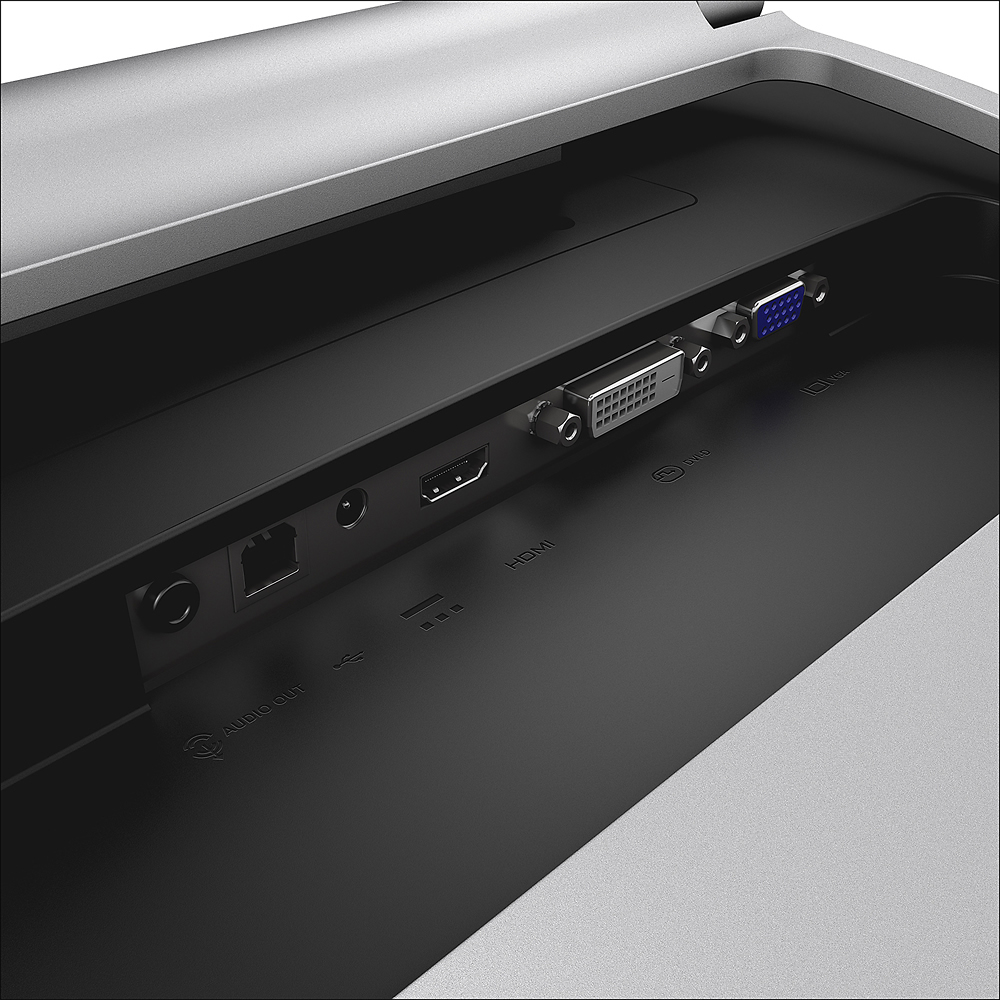
Posted .This reviewer received promo considerations or sweepstakes entry for writing a review.I am so glad I bought this Monitor ( along with a desktop with windows 8.1 ). The quality is great, exactly what I was hoping for. Responds quickly to touch. If you buy, don't make the setup mistake that I originally did; You need to plug in the stand monitor connection to graphics port, AND You Need To Also Plug In The USB Cable, That is what actually makes the touch screen work. Great Monitor, Looks Great, Works Great
I would recommend this to a friend - Pros mentioned:Ease of use, Picture quality
Rated 5 out of 5 stars
Awesome monitor!
Posted .This reviewer received promo considerations or sweepstakes entry for writing a review.I love this monitor! It was super easy to setup. I connected the cables powered on the computer an it worked immediately with no additional software needed. It is extremely sensitive to touch and it responds very fast. The display has wonderful colors. I really like the easel stand, it is very easy to tilt. It doesn't sit so high that it takes up a lot of space. It is a nice looking monitor. I did a lot of research before buying this monitor and I am very happy with my purchase. You will not be disappointed!
I would recommend this to a friend - Pros mentioned:Touch screen
Rated 5 out of 5 stars
Fantastic touch monitor
Posted .This reviewer received promo considerations or sweepstakes entry for writing a review.I got the Dell 2240T touch screen monitor from bestbuy on black Friday for $199. I connected it to a laptop running Windows 8.1. Windows 8.1 installed drivers in less than a minute without me having to do anything. A minute later, touch was working. Its been a little over 36 hrs now and I am impressed with it. Crisp display, great graphics, precise touch operation. It suddenly transformed my non touch PC into a device that our 4 and 6 year olds are able to operate. They have been able to open up programs and select what they want to, etc. We have Sonos devices at home and my kids like playing songs through the desktop controller. This touch monitor now allows my kids to make selections as well. I cant think of anything bad about this monitor. Actually I wanted to buy another one today and realized that besbuy jacked up price to 350. So I am wondering if I should wait. if it were still at 200, I would have bought another one in a flash! Go for it, you will love it.
I would recommend this to a friend - Pros mentioned:Touch screen
Rated 5 out of 5 stars
No going back...
Posted .This reviewer received promo considerations or sweepstakes entry for writing a review.Updated my "older" gaming rig to Windows 8.1 over the weekend and figured why not take advantage and or find out how a great big touch screen would be. In a word "Awesome"! I can see where die hard Windows users might not care to learn anything new but honestly, I liked it before I bought the touch screen and now I like it even more with a few tweaks here and there. Still playing around and I have to say this monitor is really quite nice. HD on Netflix actually looks pretty damned good compared with my previous Dell 21.5 that it replaced. The way this monitor adjusts angle works very well. Just position the back leg toward the back of your desk and slide the front leg forward. Folks complaining that it doesn't have "cable management" are just plain weird. So far I am loving this monitor for just about anything and don't see that opinion changing any time soon...
I would recommend this to a friend - Pros mentioned:Price, Touch screen
Rated 5 out of 5 stars
make the most of Windows 8
Posted .This reviewer received promo considerations or sweepstakes entry for writing a review.As a monitor this is fantastic. Connected to an old - non touch - laptop with Windows 8 it has revitalized the machine. It is only when you have a touch screen that Windows 8 really starts to make sense - this monitor turns any PC into a touch screen machine. I bought this monitor when it was in the sale (at a bargain $199). I would be happy with it at it's current price of $269, maybe even more.
I would recommend this to a friend - Pros mentioned:Price
Rated 5 out of 5 stars
Great Product
Posted .This reviewer received promo considerations or sweepstakes entry for writing a review.Works beautifully with my Dell XPS computer, the "lay flat" feature is very nice and make the touch screen easy to use. Picture quality is also very good, I'd definitely purchase again if I needed to, best touch monitor at it's price point.
I would recommend this to a friend - Pros mentioned:Price
Rated 5 out of 5 stars
Crystal clear picture, cool touch screen
Posted .This reviewer received promo considerations or sweepstakes entry for writing a review.I bought this for my wife as a Christmas gift and she loves it, as I do too! This is bigger than any other monitor we've owned and it's the first of the flat screen type so we're now enjoying clear pictures and images. The touch is very precise, meaning you have to touch exactly in the correct spot for it to work, no big deal. Scrolling is perfect! The only thing that's hard to get used to is not using the mouse, force of habit. It's nice to have options! Also got it on sale @ 150 off regular price, what a steal!
I would recommend this to a friend Rated 5 out of 5 stars
wall mountable
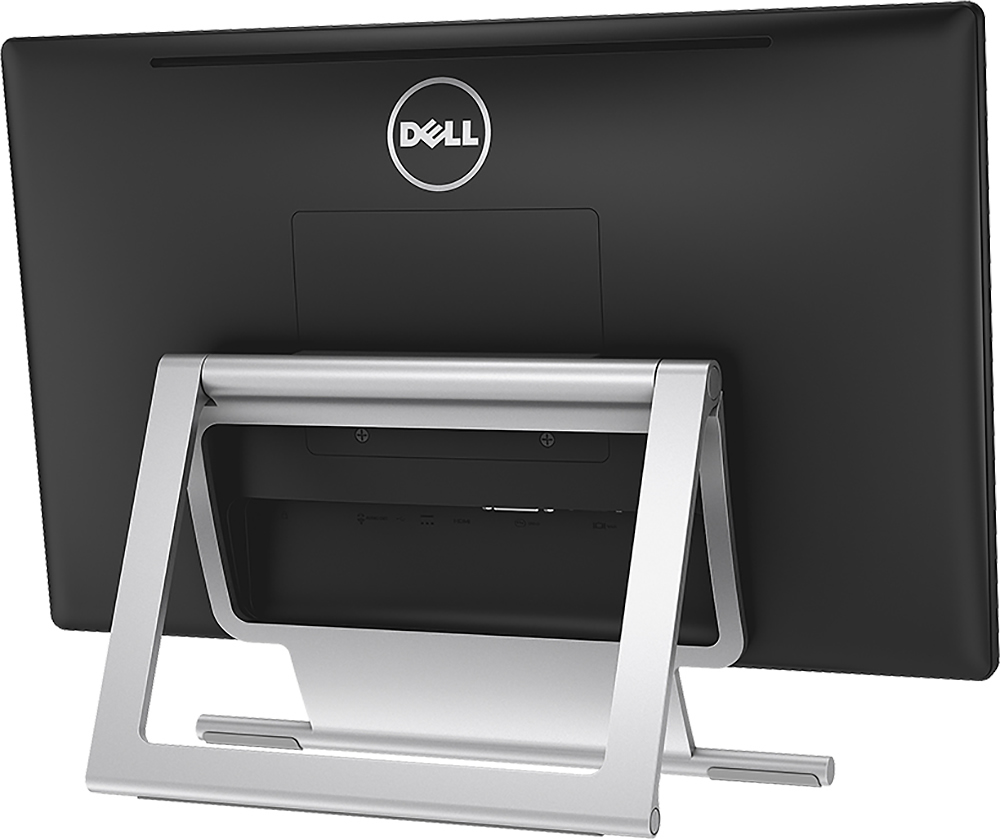
Posted .This reviewer received promo considerations or sweepstakes entry for writing a review.You have to remove the panel on the back to expose the 4 screw holes
I would recommend this to a friendRated 4 out of 5 stars
Great Screen, Decent Touch Capabilities
Posted .This reviewer received promo considerations or sweepstakes entry for writing a review.This monitor is extremely beautiful to look at, and it looks crystal clear. The touch capability is great, if you only need to tap on the screen. However, when dragging, there is a slight lag in response, as well as a lot of friction with the screen. Overall, amazing monitor.
I would recommend this to a friendRated 1 out of 5 stars
Wait for the next generation and don't buy this
Posted .This reviewer received promo considerations or sweepstakes entry for writing a review.As 2nd monitor to Surface Pro, it's a total failure
No, I would not recommend this to a friend