Customer Ratings & Reviews



- Model:
- S2716DGR
- SKU:
- 5293502
Rating by feature
- Ease of Use
Rating 4.7 out of 5 stars
- Value
Rating 4.4 out of 5 stars
- Quality
Rating 4.6 out of 5 stars
Customers are saying
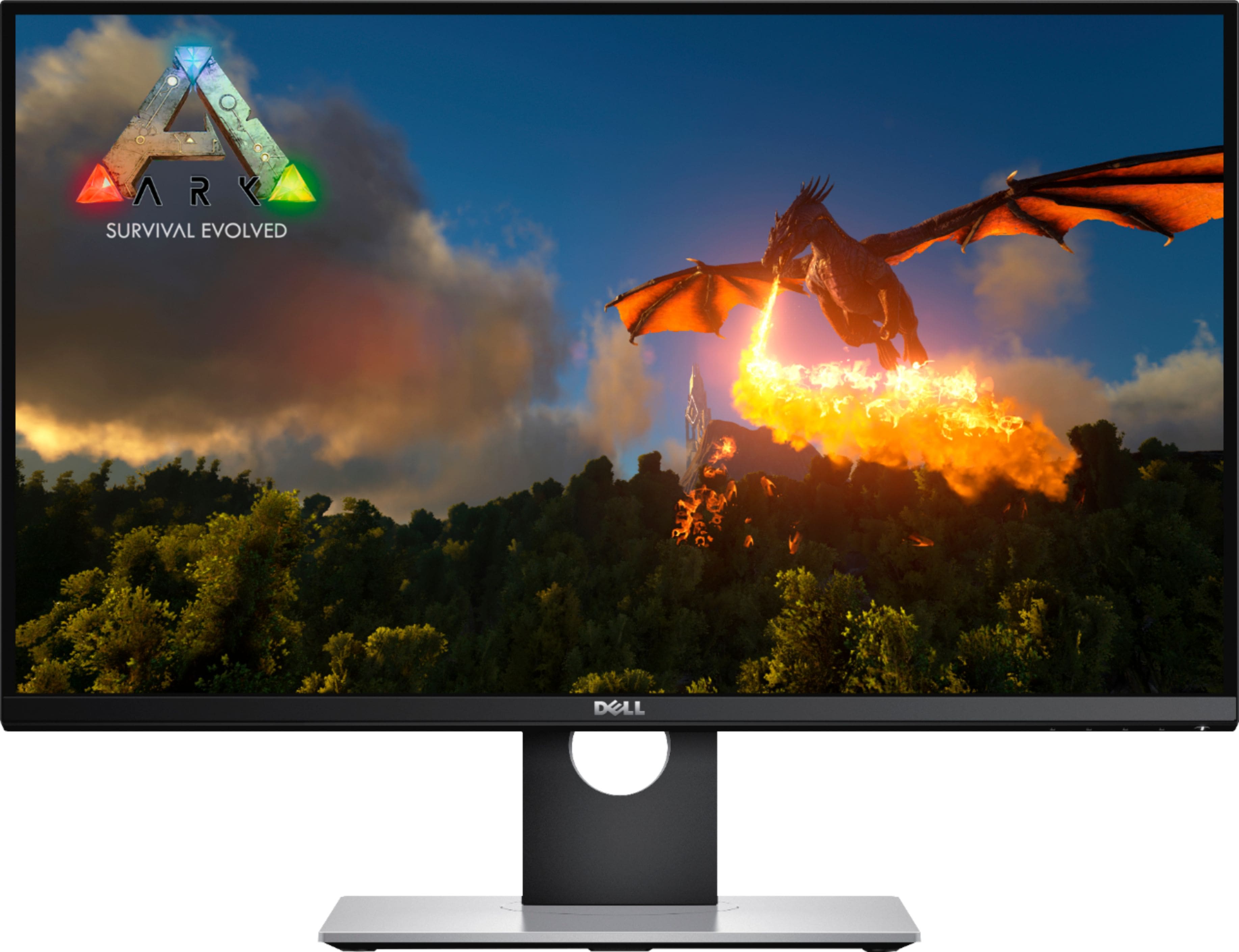
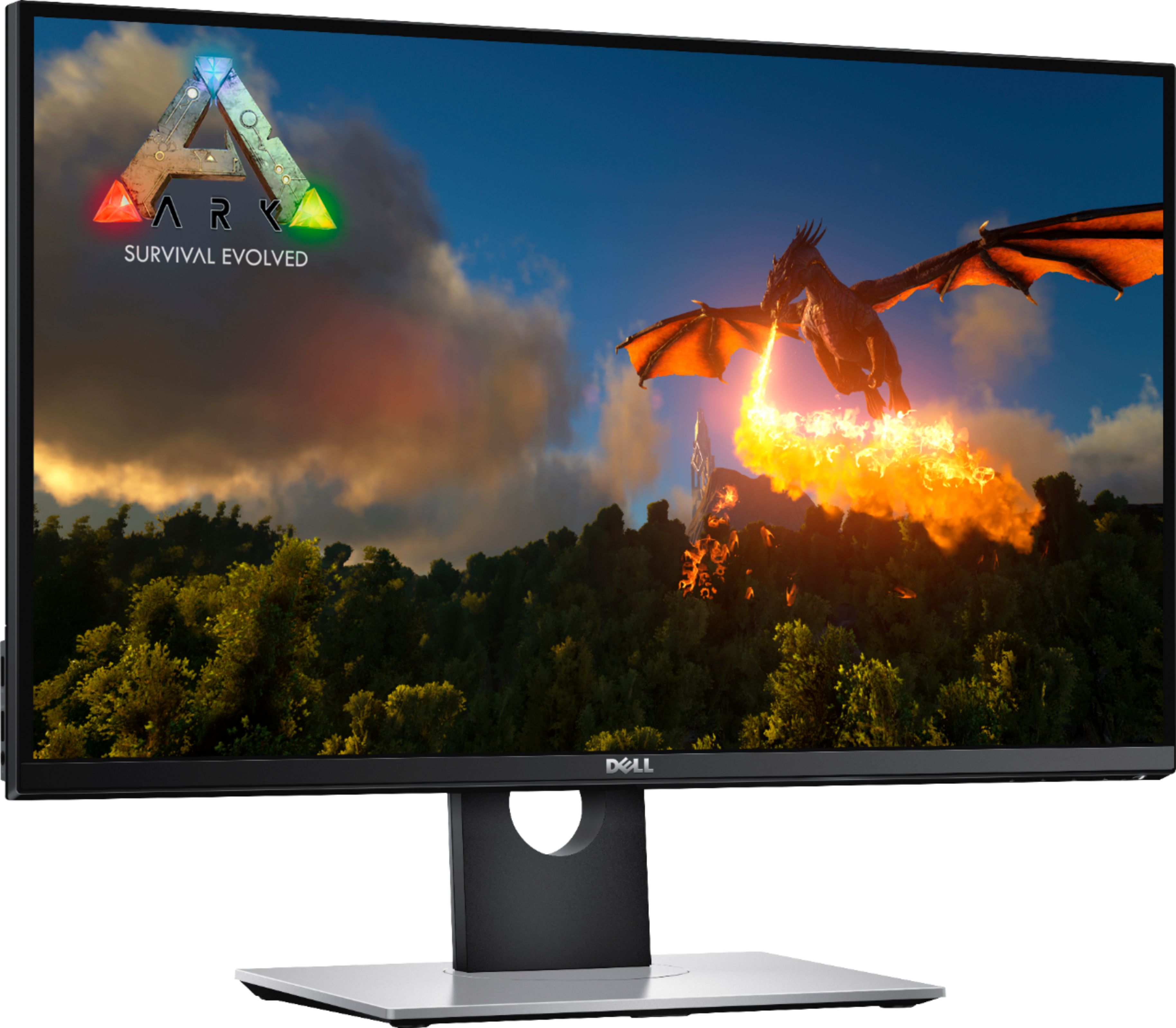
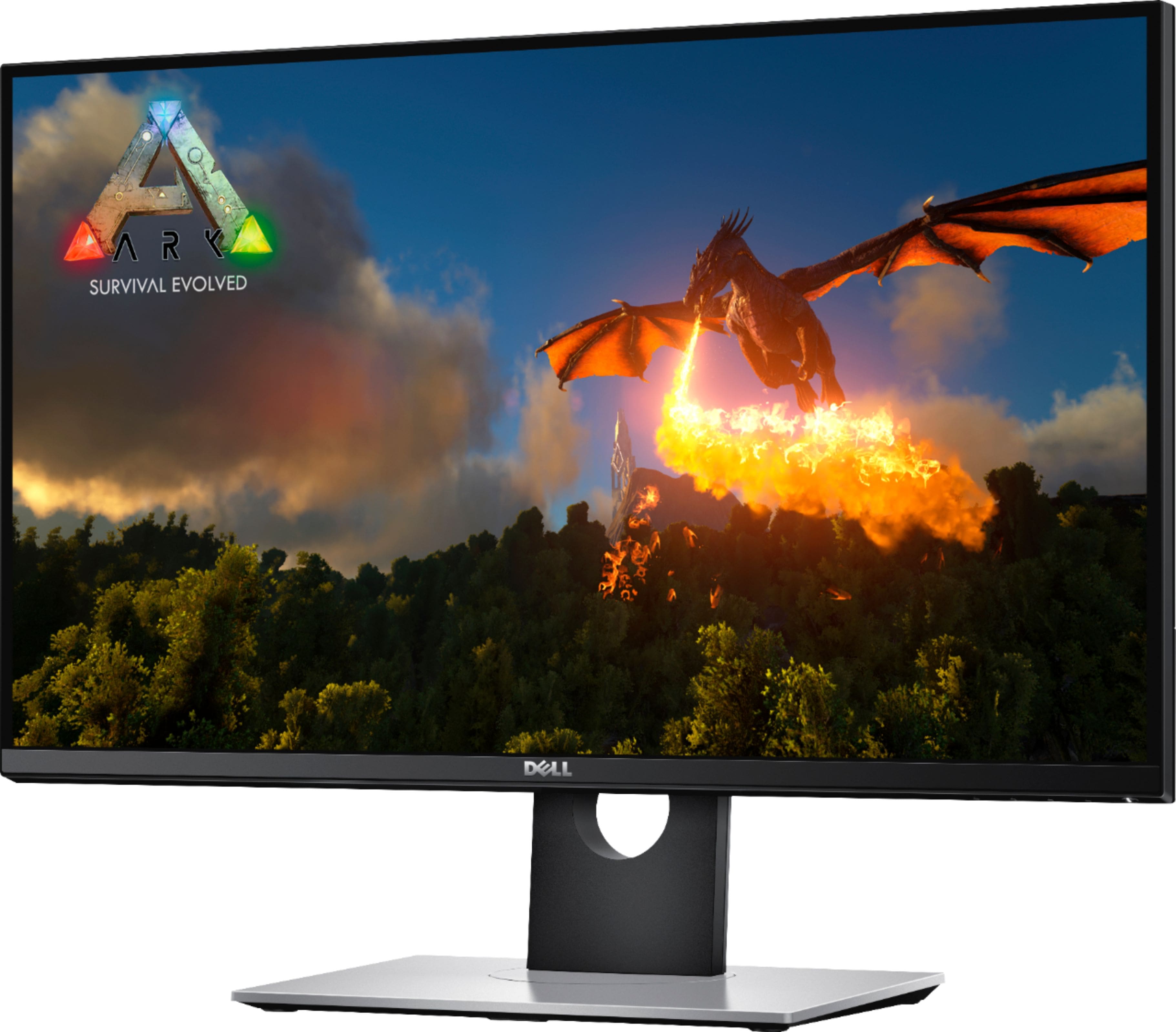
Customers are delighted by the 27" LED QHD G-SYNC Monitor's exceptional picture quality, smooth G-SYNC functionality, and high refresh rate, all contributing to a superb gaming experience. Many appreciate the monitor's excellent performance and value for its price. While some users mention the lack of built-in speakers and the type of panel used, the overwhelmingly positive feedback focuses on the visual experience and gaming capabilities. The sturdy stand also receives praise.
This summary was generated by AI based on customer reviews.
Good monitor but has its problems.
||Posted .This reviewer received promo considerations or sweepstakes entry for writing a review.Pros: G Sync, 144hz, 1ms respons time GTG Cons: Colors, blacks have a brown tint. even with calibration. Sadly mine has a circular white glow, very noticiable in dark movies/games.
I would recommend this to a friend- Cons mentioned:Dead pixel
Stuck/Dead Pixels
||Posted . Owned for less than 1 week when reviewed.This reviewer received promo considerations or sweepstakes entry for writing a review.I have actually been through 2 of these monitors. Within 24 hours of starting them up they BOTH displayed a recurring stuck red pixel on the screen. Overall it is a beautiful and great gaming monitor, but stuck/dead pixels on a $600 monitor is unacceptable. I will be returning this monitor AGAIN tomorrow.
No, I would not recommend this to a friendBrand response from YourDellTeam
Posted .Twitch,
Thanks for your review and we're sorry to hear about the pixels in your monitor so far. Here is a link to Dell's Monitor Pixel Guidelines: https://dell.to/2lCLW0I.
Best,
Bryan
1-800-624-9896
- Cons mentioned:Ghosting
Just a few days old.. white lines
||Posted . Owned for 1 week when reviewed.This reviewer received promo considerations or sweepstakes entry for writing a review.White lines appearing on bottom of screen..when screen is dark shows green and wierd pixels..not to mention ghosting like heck. Am going to return this product! And try it again. A 600 monitor shouldnt have more problems then a 100 buck one.
No, I would not recommend this to a friendBrand response from YourDellTeam
Posted .DrewRhec,
We're sorry to hear about the ghosting that you're experiencing on your new Dell monitor. We'd recommend checking out our support article that may be able to help you resolve some of your issues: https://dell.to/2CLF6yC.
Here's a link to Dell's Pixel Guidelines for your monitor: https://dell.to/2lCLW0I.
Best,
Bryan
1-800-624-9896
- Pros mentioned:Price, Refresh rate
Excellent monitor for the price
Posted .This reviewer received promo considerations or sweepstakes entry for writing a review.Some people say Asus or Acer are better than this one. Let me tell you something. For $449 (today as black friday early access) no other gaming monitor beats this one. After calibration you will love it. Make sure your Nvidia card is a 970 or higher otherwise you won't get 144Hz. See calibration settings in the pictures below for Nvidia control pannel + 55 brightness and 75 contrast on the monitor itself. You will love this monitor. By the way, it is true that Asus look sharper but that's because they have a technlogy called vivid pixel which when enabled delivers sharper images. It makes a difference but not for the price this monitor has right now. I had a MG279Q side by side with this monitor with Vivid Pixel enabled it is true it looks better when they don't have back light bleed or any defects (IPS monitors suffer from this a lot). Note that Asus MG279Q is an IPS monitor. The only difference in terms of colors after calibration was the blues. Blue colors tend to look a bit darker but only the blues. The rest are the same I can tell you. This is a TN monitor and even so it has great viewing angles and excellent colors. Not to mention G-sync and refresh rate of 144 Hz. No match for this beast at $449.
I would recommend this to a friend - Pros mentioned:Gaming, Price
Completely Exceeded My Expectations!
||Posted .This reviewer received promo considerations or sweepstakes entry for writing a review.Bought for gaming and it works perfectly. No dead pixels, everything came packaged nice and neat. Happy that it has the gaming features and an excellent stand without all the new gaming LED/RGB "bling" nonsense. After using the http://www.tftcentral.co.uk/articles/icc_profiles.htm#a color profile and setting the display up with that websites recommended settings everything looks crisp and colorful. Paid $349.99 for it the week before Black Friday sales, wasn't a Door Buster so I'm sure it will be at this price again in the future. Best Buy also sells a Dell S2716DG which tends to be more expensive, it's the exact same display without and R at the end for price matching etc.
I would recommend this to a friend - Pros mentioned:Price, Refresh rate, Resolution
A Gorgeous Monitor for a Fantastic Price!
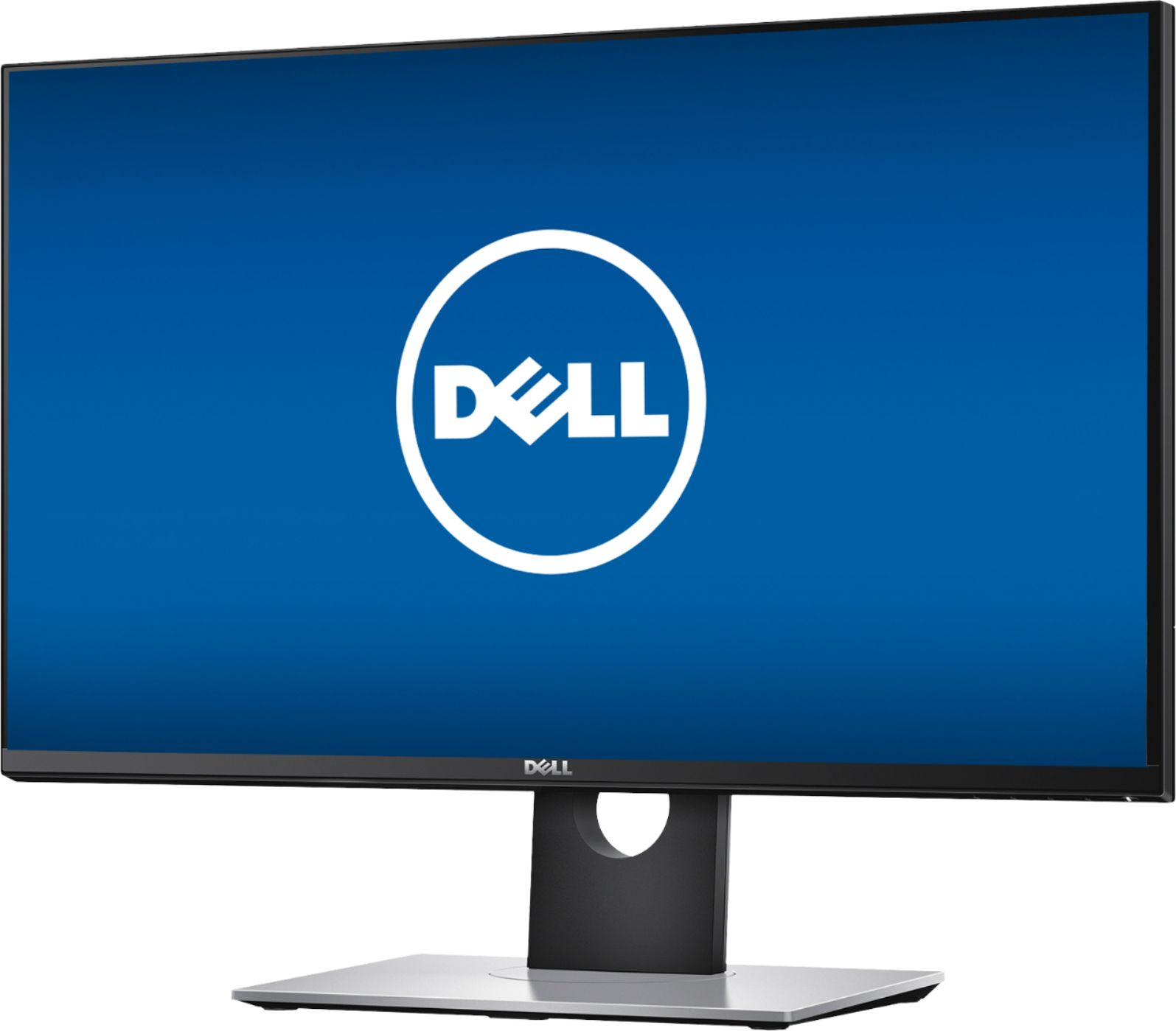
||Posted .This reviewer received promo considerations or sweepstakes entry for writing a review.I had been browsing for a good 2K, 144mHz NVIDIA G-Sync monitor for a the last couple of months. Shopping both online and at local retail stores. Everything I looked at was in the high $500's to mid $600's minimum, and that was for TN panel models. IPS Panels were about $200 above that. With Black Friday only a month away, I was going to wait to see if any better deals came up. Best Buy had this on sale for $480 and I just to jump at the deal. While I have seen "AMD Free-Sync" monitors in this price range, I have never seen a price this low on an NVIDIA G-Sync model, unless it was some used one that someone was selling online. This monitor is beautiful to look at, the colors are amazing and text appears crisp and clean. I haven't notice any light bleed around any edges of the screen. Dell has a 3-Year Advance Replacement Warranty (they send you the new one before you send back the old) which is awesome. Aesthetically this monitor is exactly what I was looking for. A very thin bezel around the edge. The casing is a very sleek and elegant looking high gloss black. but not too flashy like some of the Acer and ASUS gaming monitors that I have seen. The monitor stand looks bright silver in the pics on Best Buy's web site, but in person it has a much darker titanium grey appearance with a NVIDIA G-Sync sticker on the front left corner. I have to mention how amazing the 144mHz G-Sync refresh rate looks in FPS games like "Battlefield 4" and "Gears of War 4". I wondered how noticeable it was going to be, and it was extremely smooth when moving your point of view around with the mouse, Final Thoughts... I just purchased a GTX 1070 about a month ago, and it was total overkill for a 1080 monitor. I had been using my ASUS 1920 x 1080 for easily over 4 years now. And that was just some $130 Black Friday special. So from that view point, this monitor is so much more superior. You truly get what you pay for. I would suggest that if your going to get this monitor for gaming make sure you have a GPU that can handle the 2560 x 1440 resolution.
I would recommend this to a friend - Pros mentioned:Refresh rate, Resolution
Great Gaming Monitor with G-Sync!
Posted .This reviewer received promo considerations or sweepstakes entry for writing a review.I bought two of these for my PC gaming! These were my first dip into higher quality gaming monitors and they did not disappoint! Pros: - 1440p - 144hz - G-Sync - USB Hub - Stand - Fast Response Time Cons: - Picture is a tad washed out
I would recommend this to a friend - Pros mentioned:Price
Amazing monitor
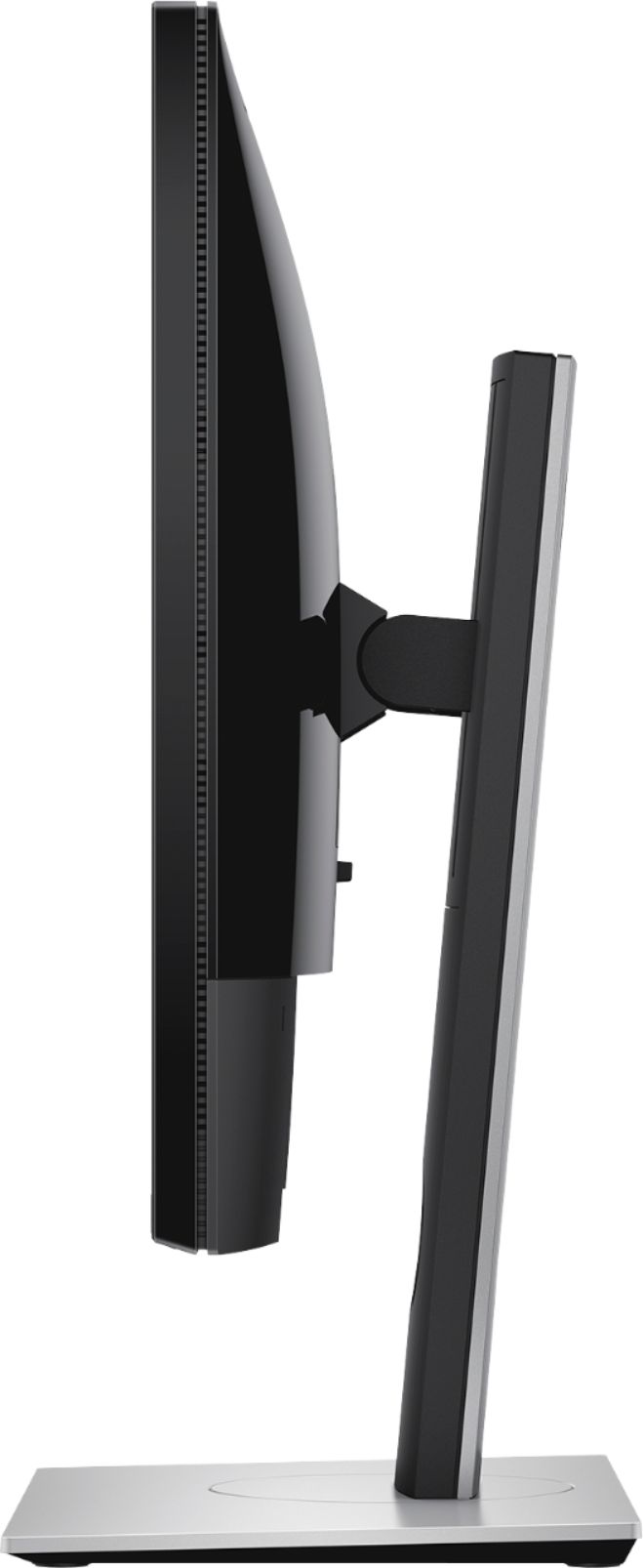
||Posted .This reviewer received promo considerations or sweepstakes entry for writing a review.Purchased this monitor recently during the black Friday sale, super stoked I was finally able to get one for less than $599! I play PC games, so i wanted to try a monitor with the G-Sync capability. To be honest, I'm not sure if there's a difference during gameplay, I never really had lag with my last monitor so this is still up for debate, but it being a 27" for $350, I couldn't pass it up. It's a beautiful monitor, and the ability to lift, tilt, turn, and even turn to portrait is convenient, especially when you want to move your chair around to get more comfortable. Overall, it's a great monitor, but since I'm only using it for gaming I can't really say whether or not the G-Sync is worth the extra money. So far, I've had 0 issues with dead/bright pixels, I haven't used the built-in speakers more than 2 minutes (I'd recommend a separate speaker set-up), and there haven't been issues with screen tearing. If you're a n00b to PC's like me, definitely make sure you use the display port connection to get the 144hz, and go to your computer settings and verify it's on 144hz. The first day I forgot to switch it over, and I was honestly peeved that it looked worse than my other monitor...I tweaked a few settings and switched the hz...then, voila! Also, there's a setting in the menu to turn off Deep Sleep Mode....I HIGHLY recommend doing that. It resets all of your settings when it goes to sleep, and thankfully my gf warned me about this before mine was set up.
I would recommend this to a friend - Pros mentioned:Price
Just as good as an IPS
Posted .This reviewer received promo considerations or sweepstakes entry for writing a review.This monitor does not conform to the standard TN stereotype (imo, Dell has a lot to do with that). As others have said, 144hz, Gsync, 1440p, 1ms response for under $500? Unheard of. For the current time you won't find all of that for this price point and from my understanding the IPS equivalent would be ~$650+. I've been keeping an eye out for a year now and this is finally it; I picked up two. I also find strange how no one has mentioned the thin bezel and flat/minimal design of this monitor. Great looking piece of hardware if you're seeking a modern PC setup. A requirement for me at this point. It's a great monitor and my first high quality display. I'll never go back under 144hz or 2560x1440 (also g sync is incredible). It will look like absolute bad out of the box but you can fix that easily. Nvidia Control Panel > Adjust desktop color settings Select "Use NVIDIA settings" Brightness 50% Contrast 50% Gamma 0.72 Digital Vibrance 70% Hue 0 Dell S2716DG menu Brightness 43% Contrast 75% Set a custom color and play with it, this is what I have. R 97% G 99% B 96% This is a good starting point.
I would recommend this to a friend - Pros mentioned:Price, Refresh rate
Quality 1440p Gaming Monitor
||Posted .This reviewer received promo considerations or sweepstakes entry for writing a review.If you are reading these reviews you are probably trying to figure out whether or not to buy this, or the Asus ROG Swift/Acer Predator monitor. I bet you have some questions like these: - Why is this monitor only $450 and the acer and asus 500-600. Is it bad quality? - I heard TN sucks and IPS is the only way to go. Is this true? - Why doesn’t this monitor look as cool as others? -Are there going to be dead pixels? Or will I have a horrendous experience? - Is G-sync really worth it? And can I even get 144hz at 1440p? Honestly those questions ran through my head, but I ended up going with this monitor. Why? Because this monitor has a vast majority of great reviews, dell has a great track record, and this monitor is perfect for what I need. PROS -144hz -1440p -Simple design -Works as advertised -great price when on sale -includes Display Port cable CONS -I think the adjustable height mount could be a little more secure. When pressing the power button on the bottom he screen flexes in the mount a little. -The monitor settings have a basic layout, but there are four buttons that control it all. Could be more simple like modern Samsung control button. I play mainly FPS games, and I really wanted a monitor that could have a high refresh rate, fast response time, and was at the 1440p resolution. Here was my initial impression coming from a Samsung 27” 60hz monitor from 7 years ago... Wow! 144hz is the real deal, and 1440p is incredible. TN panels are not what they used to be, and yes the viewing angle is tighter, but I’m not going to notice the difference between this and an ips when I’m playing doom on nightmare. This looks incredible compared to what I had before. If you are an IPS only fanatic then go with the acer predator model that is ips for $600. People rag on TN like it’s terrible, but for gaming and web browsing its awesome. Like why would TN models even exist if they were bad quality? It really doesn’t make sense. It’s like saying 144hz compared to 240hz is terrible. Both are great, but have different levels of visual quality. 144hz on a TN is enough for me but it won’t be for everyone. PRO TIP. Figure out exactly what you want to be doing with your PC and buy your parts accordingly. Don’t just buy the most expensive parts assuming they will yield the best results. There are diminishing returns in performance past a certain point. Examples: - buy a i5 8400 if you game mostly because it is a great processor for this. But buy an i7 8700k if you game, stream, or edit videos on one or multiple monitors. You’ll need the hyper threading for the multiple processes. -buy a 1080ti if you want to play every game at 1440p at 144hz or above. Buy a 1070 if you want to play every game at 144hz on 1080p. Buy a 1060 if you want to play 1080p at 60hz. Also look at what games you play and see if you even need a certain card to obtain you desired refresh rate. -Buy an IPS screen if you edit videos, are a graphic designer, or color recreation is of utmost importance to you. Buy TN if you want to game at a high response rate, you’re fine with a great TN monitor, and you don’t want to pay $100 extra for an IPS display. There is a reason why high quality 4K IPS displays are $1200. They are meant for video editing, not daily gaming or browsing. CONCLUSION: Do your research on what you need. This is a superb monitor with great quality build, and at this price point, in my experience, it makes it the one of the best TN monitors for purchase. Cheers
I would recommend this to a friend - Pros mentioned:144hz, Price, Refresh rate
awesome monitor
||Posted .This reviewer received promo considerations or sweepstakes entry for writing a review.I am a pc gamer and have been for over 15 years. So when i was looking for a new monitor it had to pass a check list. #1 refresh rate had to be fast and at 144 it is. #2 response time had to be fast and at 1ms it is. #3 had to be 1440 or 4k and its 1440 (4k the meets #1 & #2 are expensive". #4 had to be 27" or bigger witch it is. #5 had to have gsync witch it does. #6 had to be a good price and at $499 it was. This monitor is perfect for gamers. It fits perfectly between my two 22" monitors and with the adjustable height I can line them all up with ease. In game is where this monitor really shines. I never knew what i was missing with an older 60hz monitor till i got my hands on this. Now i will never go back. Do your self a favor and buy this if your computer can handle 144 fps. Also wait for it to go on sale for $499.
I would recommend this to a friend - Pros mentioned:Price, Refresh rate
Beautiful Monitor
||Posted .This reviewer received promo considerations or sweepstakes entry for writing a review.Absolutely love the colors, which I discovered how to adjust and make perfect in an optimized settings list on google to make this monitor run smoothly. The refresh rates are a game changer, but the higher end cards can run the 1440p resolution at a decent frame rate and no lag in game. This Monitor is completely amazing for the price I got it at.
I would recommend this to a friend - Pros mentioned:Gaming, Refresh rate
Good Monitor for price only IF gaming
||Posted .This reviewer received promo considerations or sweepstakes entry for writing a review.Coming from an IPS Panel (LG) 60hz 34inch ultrawide, the colors were hard to adjust to. It just does not have the rich colors like an IPS does has. That being said, the detail from 1440p looks the same. The higher refresh and Gsync are where this monitor shines. My roommate has my old ultrawide, and we mostly play Destiny 2 now. I simply cannot go back to the slower refresh rate and no gsync. It just looks FAR too choppy and it strains my eyes. Gaming on this monitor is GREAT. Productivity on the other hand, not so much. If your gaming, I'd definatly recommend this monitor. If your editing, producing content that requires color accuracy, or need multiple windows open at one time, I wouldn't recommend this one. Also, I had to set my color settings through Nvidia control panel to make this one look good. The Gamma is WAY off by default and looks AWFUL out of the box. Be prepared to tweak your settings.
I would recommend this to a friend - Pros mentioned:144hz, Refresh rate
WOW
||Posted .This reviewer received promo considerations or sweepstakes entry for writing a review.This monitor has blew my mind in every way possible. I haven't had many experiences with monitors over 1080p. The only two are lg's 4k and a mac 5k. Let me tell you, if you're a gamer, this is the best bang for your buck monitor. Checks off all the ticks, 1440p 144hz refresh rate, as well as g-sync. Once you do game on something like this there isn't any more going back. The quality is amazing, perfect for my amateur level video production. The size makes it very productive for studying or doing assignments. And for gaming, any game running on a gtx 1070 can handle the maximum settings. Although it's not an ultrawide or curved. This is perfect for my case, a constant frame rate along with the g-sync technology makes for an experience that had me sitting there in awe watching benchmarks with my jaw dripped for a half hour straight. Also another great benefit is that is doesn't have the "gamer flare" meaning the monitor had a professional look and finish to the body wich is a plus in my book!
I would recommend this to a friend - Pros mentioned:144hz
Good gaming monitor
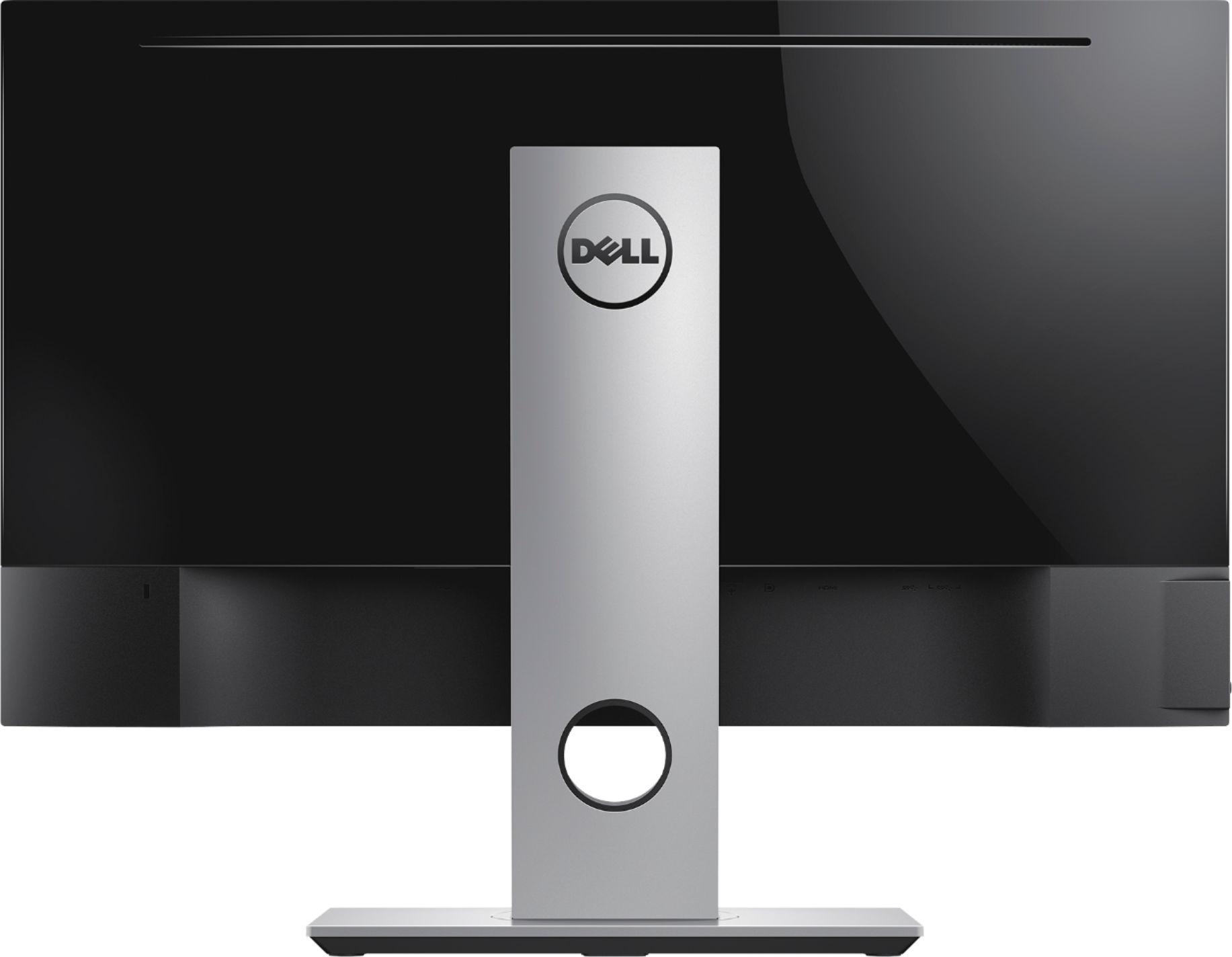
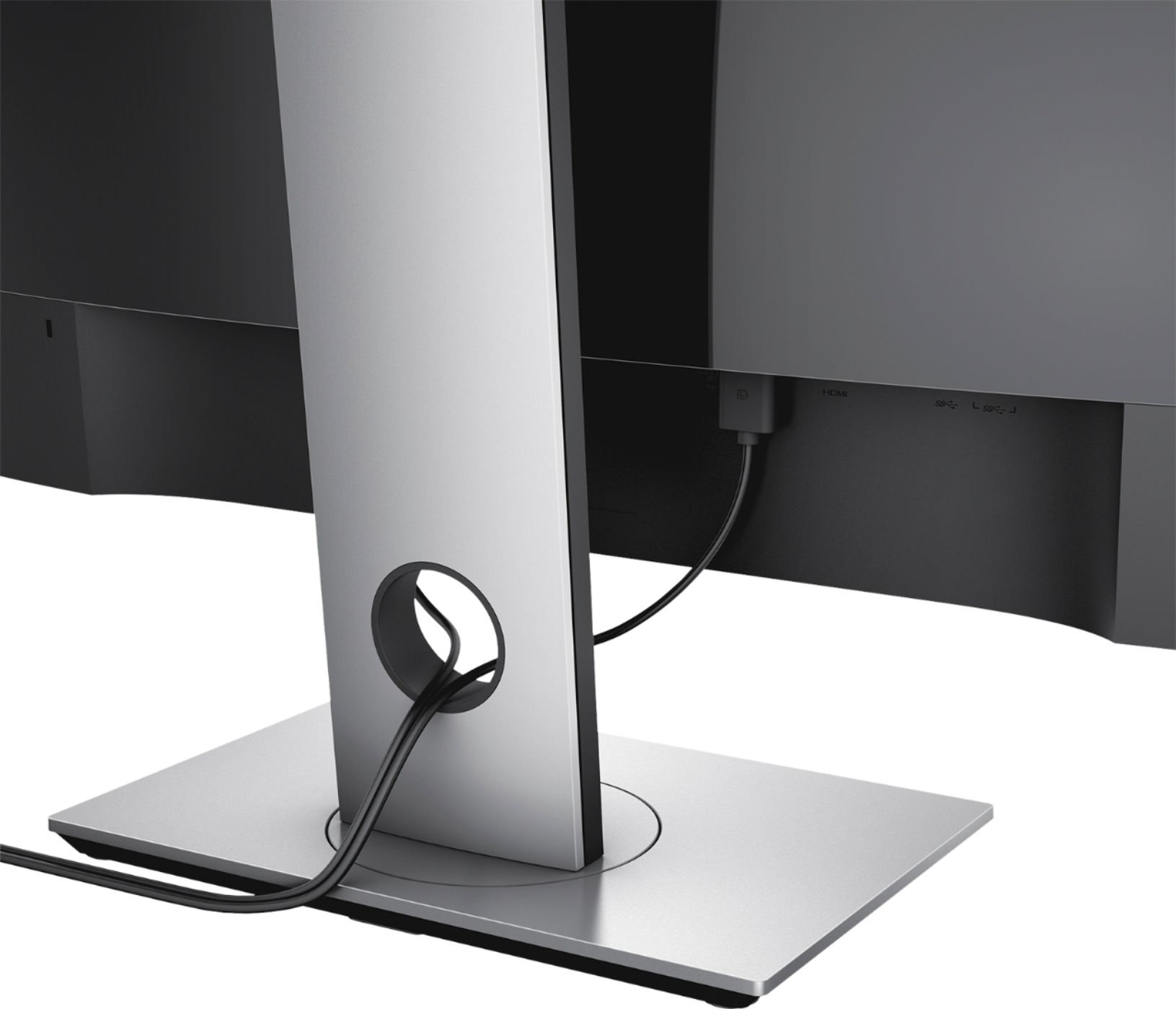
||Posted .This reviewer received promo considerations or sweepstakes entry for writing a review.This is a good monitor overall. 144hz, 2k resolution, color was quite nice from the normal PoV(color will change when looking from other angles due to TN screen). They have output sockets of 1 audio and 2 USBs, which is very useful and now I could connect my phone with screen for charging. I did enjoy playing games with this monitor more than my old 1080p 60hz one(Dell, IPS). Installation is easy enough. The only issue is that they only have one DisplayPort cord included, no HDMI, so you may need to get a HDMI cord by yourself if your machine doesn't have a DP socket. To take the advantage of GSync feature of this monitor, the connection must be via DP port. So I would not recommend this to anyone that doesn't support DP.
I would recommend this to a friend - Pros mentioned:Price, Refresh rate
Best Value G-Sync Monitor
||Posted .This reviewer received promo considerations or sweepstakes entry for writing a review.I did a lot of research on this monitor before buying. Reddit has multiple threads on this monitor, and it is posted to /r/buildapcsales every time it goes on sale. This is the best value G-Sync monitor you can get. It is an excellent monitor for the price. My only complaint is that, after calibrating, it has very noticeable color-banding when in dark areas in games. I found that if I turned down the Gamma(in-game, when available), really low, the color-banding goes away, but then I can't see anything in dark rooms and such. Regardless, this monitor still looks beautiful, and the color-banding is a small price to pay to get a high-refresh rate and G-Sync. Don't hesitate to buy when on sale for $450 or less.
I would recommend this to a friend - Pros mentioned:144hz
Great gaming monitor
Posted .This reviewer received promo considerations or sweepstakes entry for writing a review.144hz and 1440 this is one of the best monitors ive had still use it to this day, and the g sync even better. Great if you love a good gaming monitor.
I would recommend this to a friend - Pros mentioned:Gaming
Great gaming monitor!
||Posted .This reviewer received promo considerations or sweepstakes entry for writing a review.This monitor is pretty great. It comes feature packed with most everything a gamer or professional will ever need. The screen quality is phenomenal especially since it is only a TN panel. I have it on my desk next to an IPS monitor and it’s hard to tell a difference after some slight adjustments. Games run stutter free if you have an Nvidia gpu in your computer. I’ve also done some console gaming on this monitor and it works great for that as well. The size is great also. Any bigger and it’s just too big for being that close to your face. Overall I’ve had a great experience with this monitor and would gladly buy another one or a newer model
I would recommend this to a friend - Pros mentioned:Price, Refresh rate
Amazing Gaming Monitor
||Posted .This reviewer received promo considerations or sweepstakes entry for writing a review.I got this monitor while it was on sale, and let me tell you, as soon as I plugged it in and turned it on, it was amazing. The colors are really great for a TN panel that I didn't feel any need to adjust any settings to make it look better. All I did was raise the "Gamma" setting just because I like a brighter image personally. The G-Sync and 144 Hz refresh rate are something else too. I've never experienced either, and oh my goodness. It's straight butter. Your eyes will never wanna see anything less then 144 FPS again. And the G-Sync really does help with tearing and makes any game look really smooth which is great if you have a more budget friendly GPU and have FPS fluctuate a lot. Do not hesitate. Save yourself a few hundred bucks and buy this monitor instead of an ROG Swift or Predator. It has the same specs for a price that's much more worth the money. You will not regret it. I sure didn't! A few thing to note as well, the pictures make it look like it's primarily a gunmetal color. That's true for the stand. The actual monitor is a very sleek black and really helps hide bezels which is great. And if you switch from Windowed Borderless to Full Screen or vice versa while in-game, a line will sometimes appear in the middle that'll throw the picture off just a bit. If you don't mind doing it, a simple PC restart will fix the problem.
I would recommend this to a friend - Pros mentioned:144hz, Price, Resolution
Feature packed monitor, unbeatable price
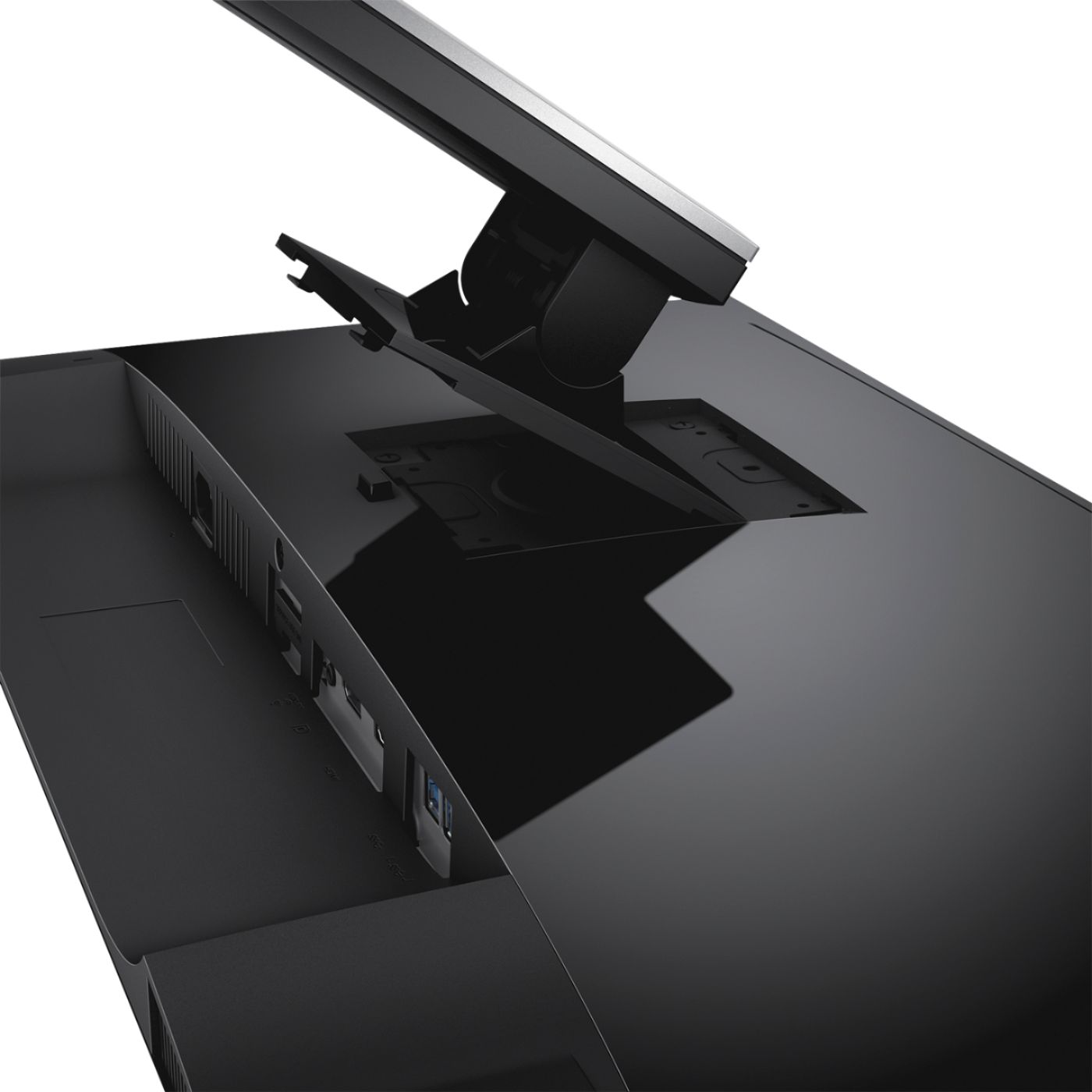
||Posted .This reviewer received promo considerations or sweepstakes entry for writing a review.This monitor regularly goes on sale for sub $400. That's when I got this and there is nothing else that compares feature wise and picture quality. 1440, gsync, overclock capable, glossy finish, and good colors. Gsync is literally game changing, I'll never get a monitor without it. Frame tearing is a thing of the past. The other thing that get overlooked that Dell does great is boxing and ease to assemble. The boxing for this is unmatched. Nothing else comes close. I've moved 3 times with this monitor and the box fits and protects it so well. All my other monitor boxes worry me when I move and I take extra care, even though this is my main monitor. Ease of assembly. No screws, no terrible plastic clips or other garbage quality snaps. Just the based with a little folding clip that allows you to turn without a flat head that goes into the arm and the monitor clips into the arm. Perfect. Haven't run into any other monitor that is as nice. Lastly, swivel, rotate, tilt, so on, all of that on this monitor so nicely. Another thing that gets overlooked because everyone focuses on the image quality and features. But none of that means anything if you can't get the monitor into the position you need it to be. This monitor nails everything I could possible want.
I would recommend this to a friend