Customer Ratings & Reviews

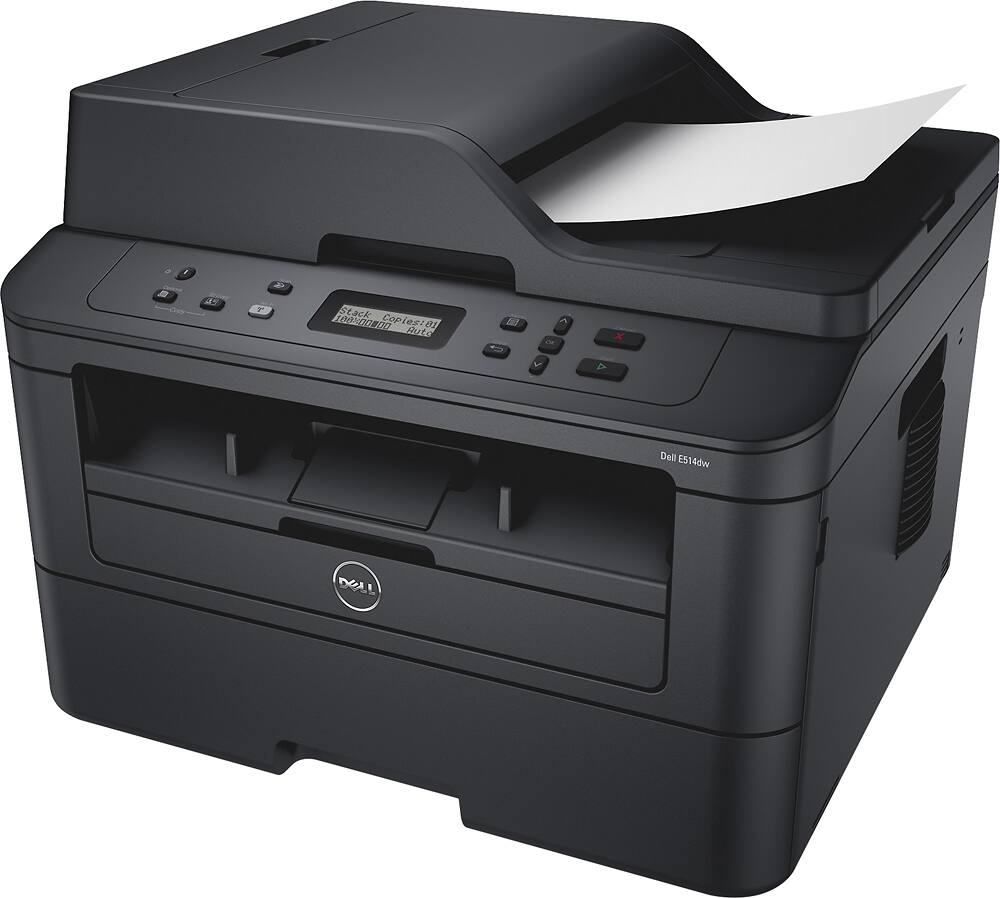
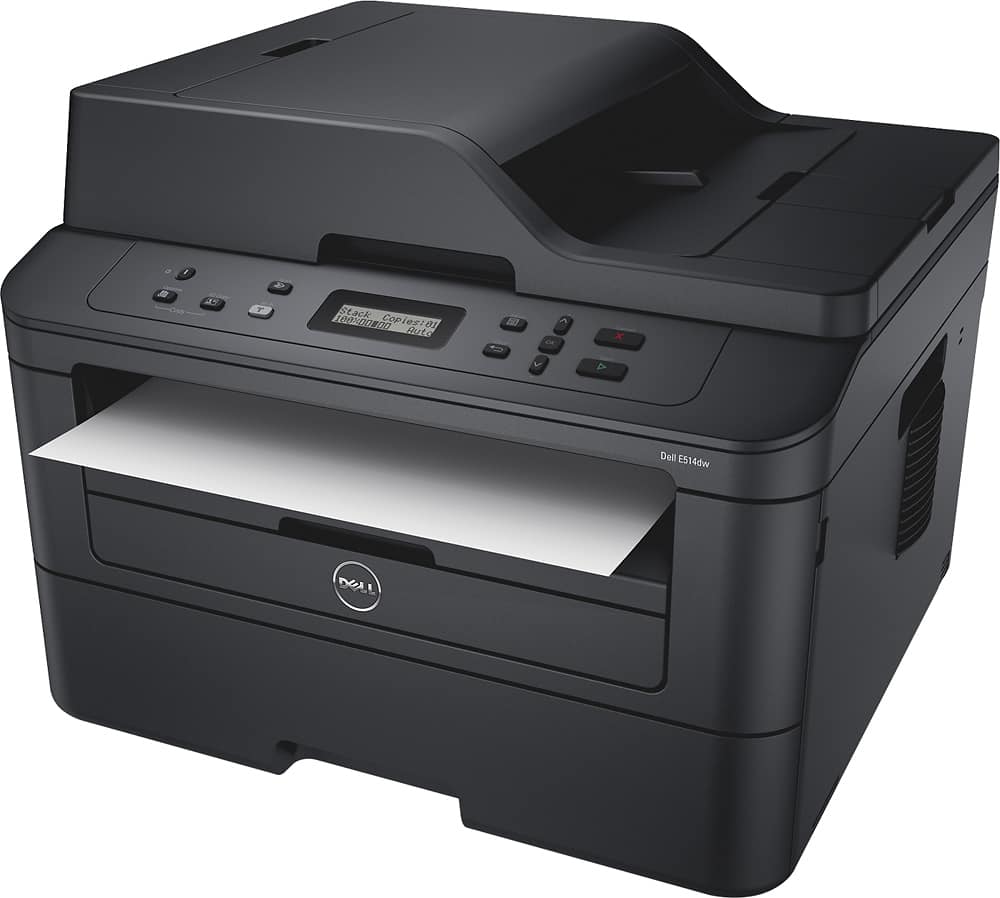
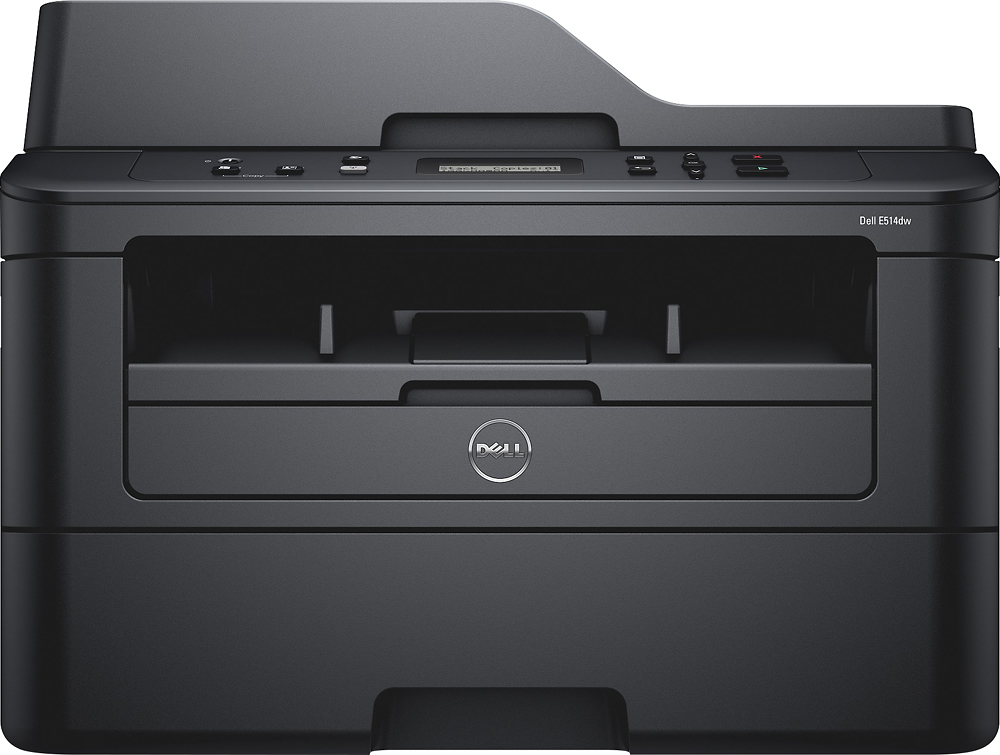
- Model:
- 1GVPP
- SKU:
- 8913041
to a friend
Customers are saying
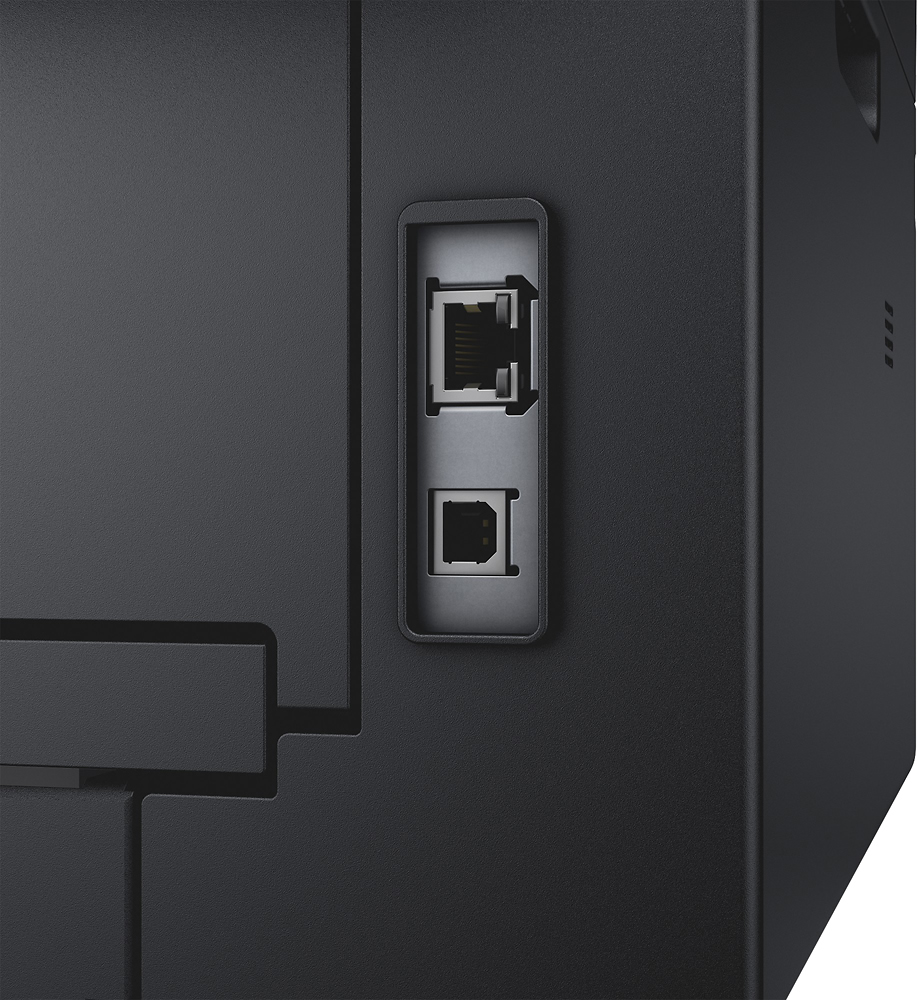
Customers are positive about the print quality and ease of use of the E514dw Wireless –and-White All-In-One Laser Printer. Customers also appreciate the price, scanning capabilities, and setup process. However, customers are negative about the connectivity, mentioning that it can be tricky to connect to Wi-Fi.
This summary was generated by AI based on customer reviews.
missing cd and manual
||Posted .This reviewer received promo considerations or sweepstakes entry for writing a review.it did not come with the manual, either the cd i could coonect to my wife easy
I would recommend this to a friendIt's an OK printer
||Posted .This reviewer received promo considerations or sweepstakes entry for writing a review.It a nice printer the copies are fine and it does everything I need.
I would recommend this to a friendBrand response from YourDellTeam
Posted .Debb,
We're happy to hear that your new Dell printer is meeting your needs. If you ever have you reach out to our Technical Support Team you can reach them here - http://dell.to/2sH7Qlm.
Best,
Bryan
1-800-624-9896
Not a good choice
||Posted .This reviewer received promo considerations or sweepstakes entry for writing a review.It’s not user friendly, I could not get scanner to send documents to my email, I have to have my computer connected to the internet in order to scan documents and sometimes it would not connect...the quality of the documents was great but I would not recommend the particular printer/scanner
No, I would not recommend this to a friendBrand response from YourDellTeam
Posted .ApeA,
We're sorry that your printer is not working the way you had hoped it would. We'd recommend reading through these manuals to make sure that everything is properly connected: https://dell.to/2INx8FI.
Best,
Bryan
1-800-624-9896
Issue with Scanner
||Posted .This reviewer received promo considerations or sweepstakes entry for writing a review.I bought this few days ago and the scanner is not working at all. worst
No, I would not recommend this to a friend- Pros mentioned:Ease of use
Solid print/scan/copier
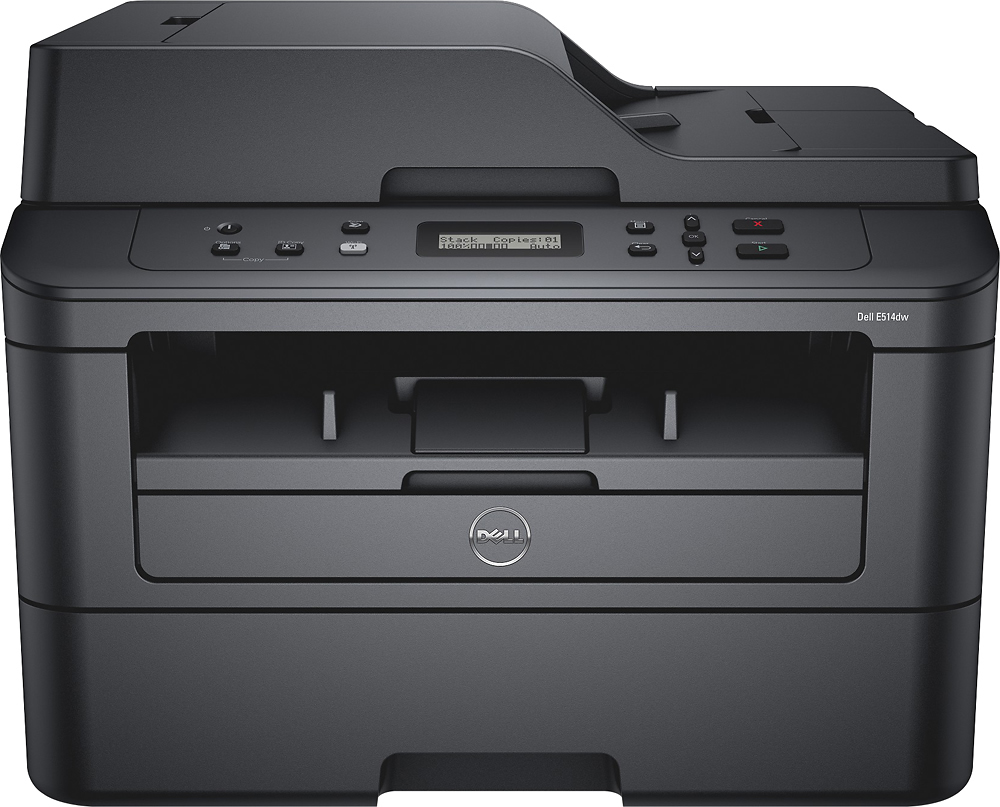
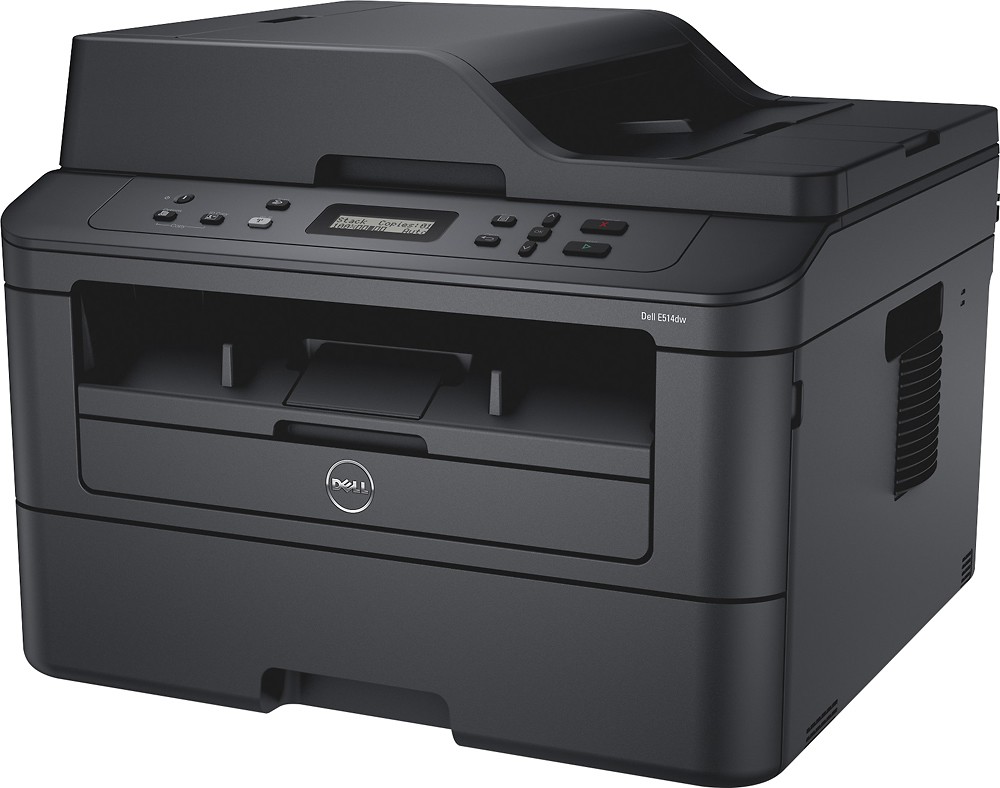
Posted .This reviewer received promo considerations or sweepstakes entry for writing a review.I was looking for a print/scan/copier that was economical and well built. I originally was looking at the Dell 515DW; however, realized that I didn't need the fax function. If you keep a close eye on the pricing you may see it drop from time to time. I have it set up with my Mac and the installation was fairly easy. By no means am I an IT person, but was able to configure the wireless connection without a hang up. I've only owned this for several days, but have already used the scan to email, standard copies, and printer functions and I'm impressed.
I would recommend this to a friend Nice printer/Dell printer hub fix
Posted .This reviewer received promo considerations or sweepstakes entry for writing a review.Very nice quality prints and copy. The scan option is good also. The initial software set up took about 15 minutes. There is a common issue with the Dell printer hub program that affects your ability to scan from your computer. What happens is that once you install the software that comes in the CD, the printer hub program is checked off to automatically look for updates. Once it updates to the latest version of the printer hub, it doesn't allow for scanning and you get a message that says "scanner not installed". I had to uninstall the software and reinstall it again and uncheck the automatically update option. To do this you click on the settings or the icon that looks like a wrench and uncheck the auto update option. Another thing that I notice is that the body of this printer is identical to the brother 2540 and someone online wrote that the toners might be interchangeable
I would recommend this to a friend- Pros mentioned:Print quality
Great Printer
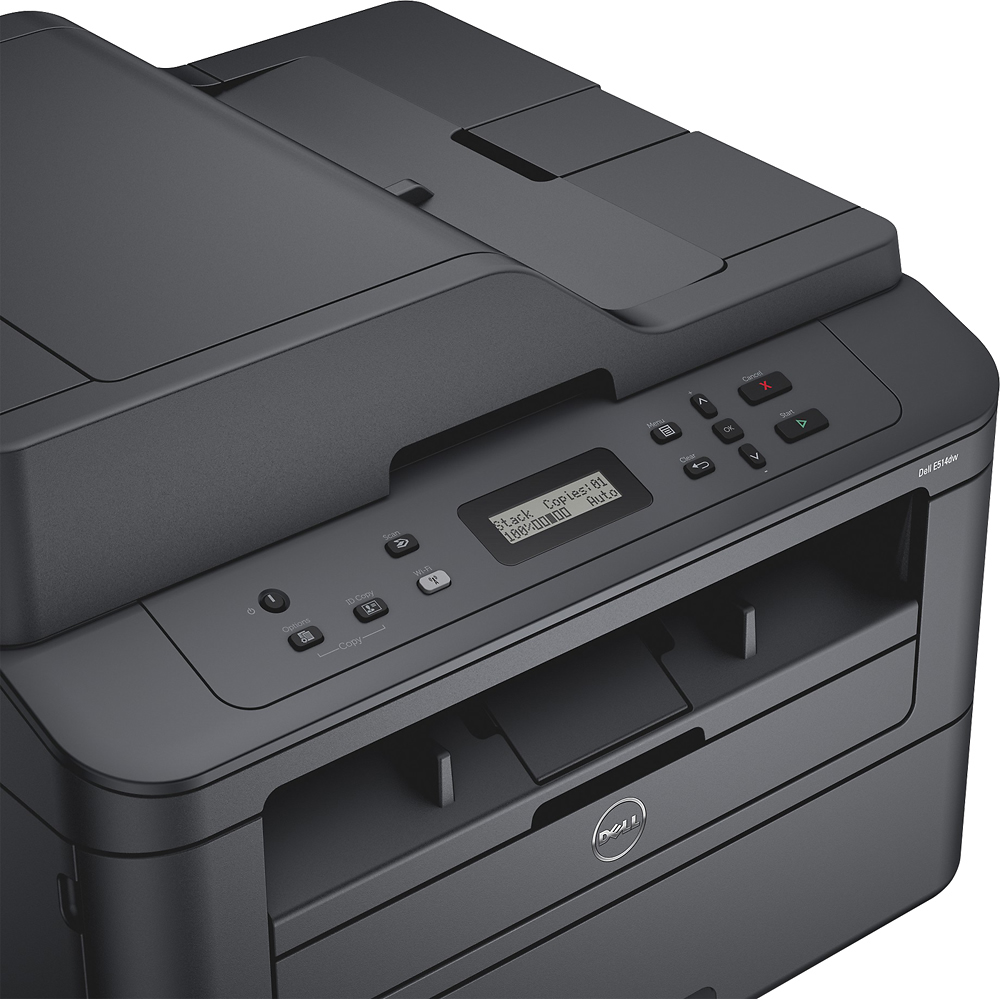
Posted .This reviewer received promo considerations or sweepstakes entry for writing a review.Despite the lack of buttons and a basic step-by-step interactive menu, this printer is amazing (especially when you get an amazingly low price). Perfect for more than just a small business. Students who need to print a lot of reports (black & white only) should invest in one of these laser printers which uses toner instead of cartridges. Printer has a quick sleep mode function to save energy. Don't be fooled. Just because it's in sleep mode, doesn't mean it can't continue printer. If these printers or the equivalent Brothers laser printers are on sale (under $100), I would suggest picking them up.
I would recommend this to a friend