Customer Ratings & Reviews
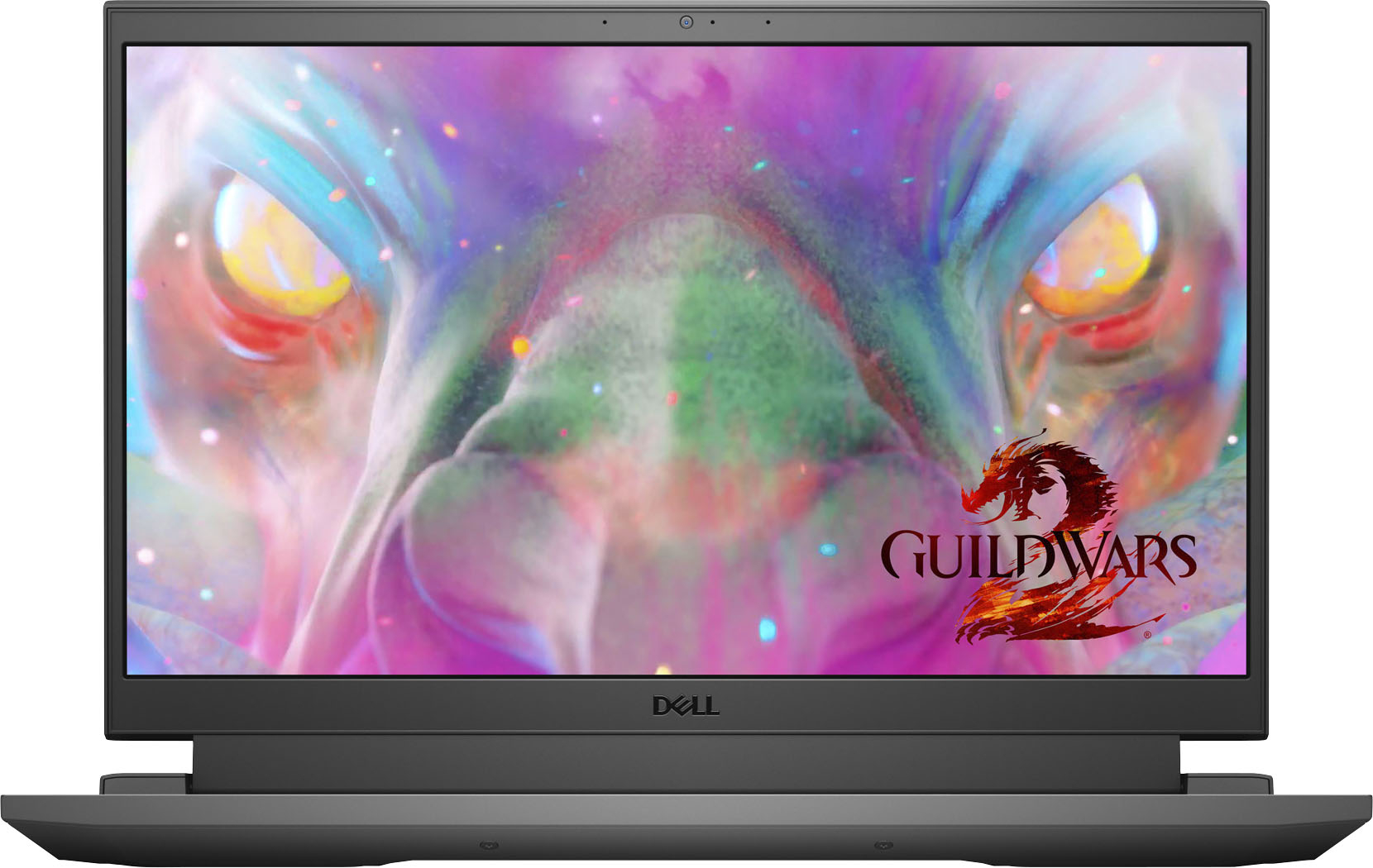
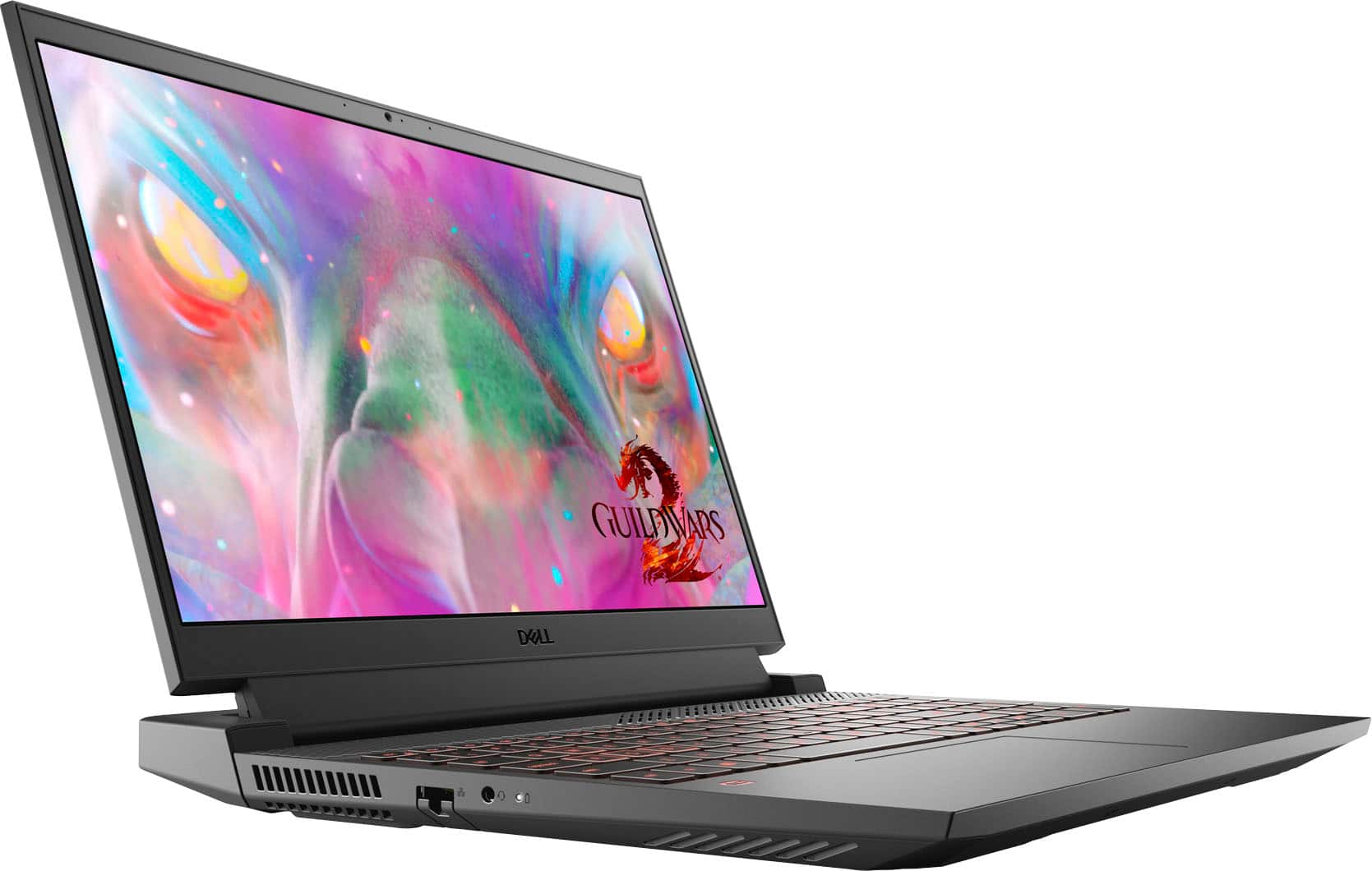
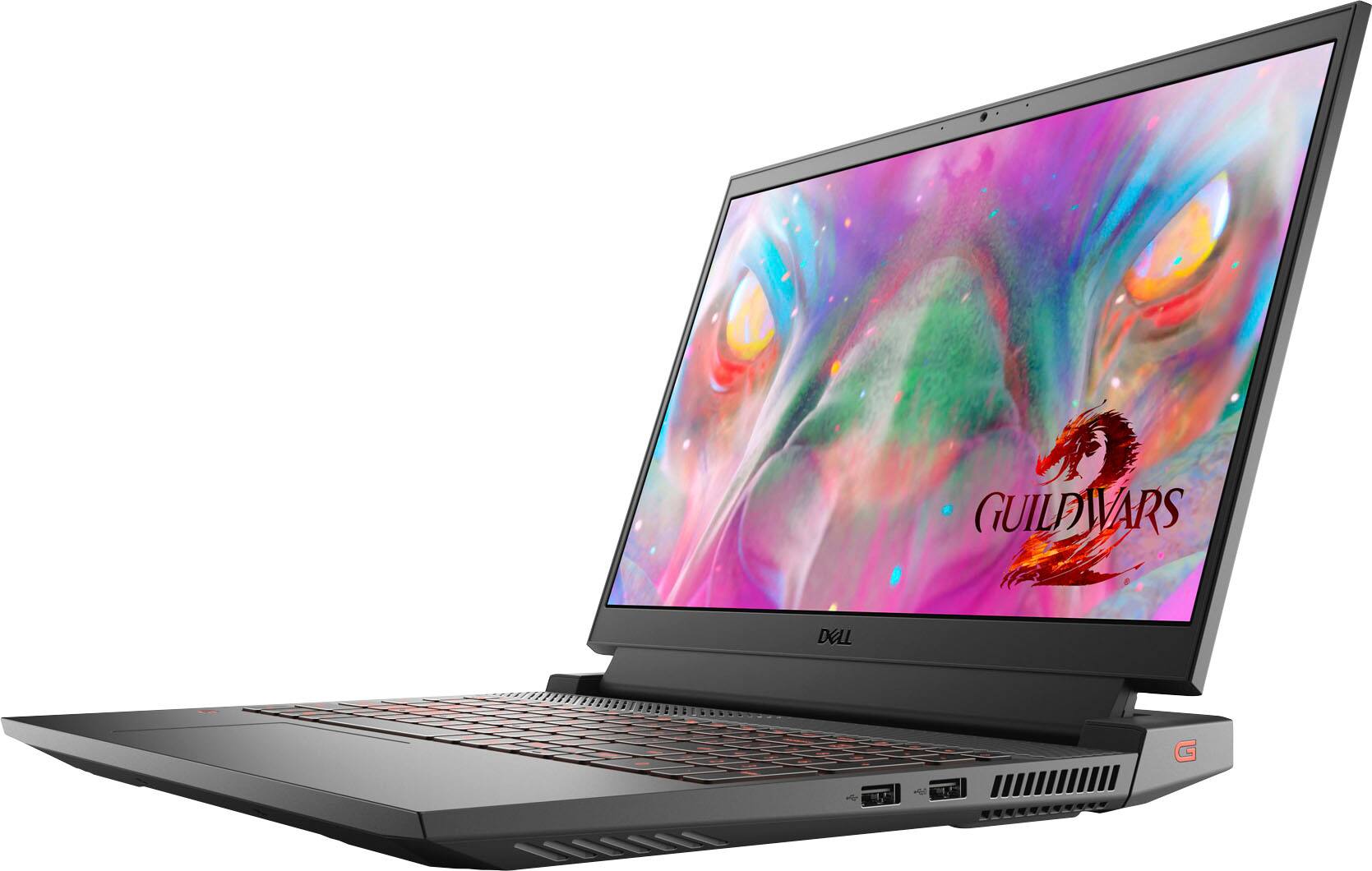
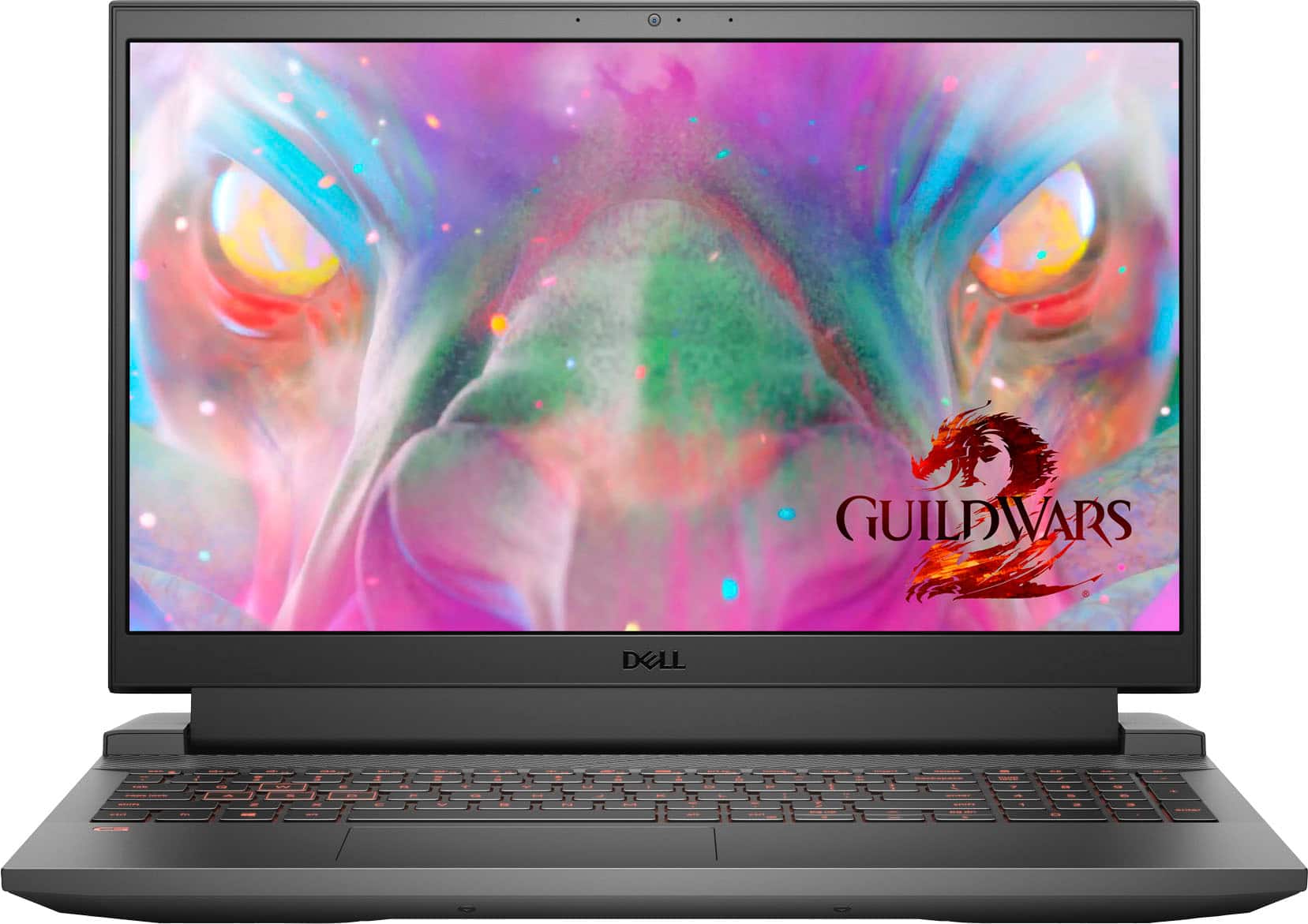
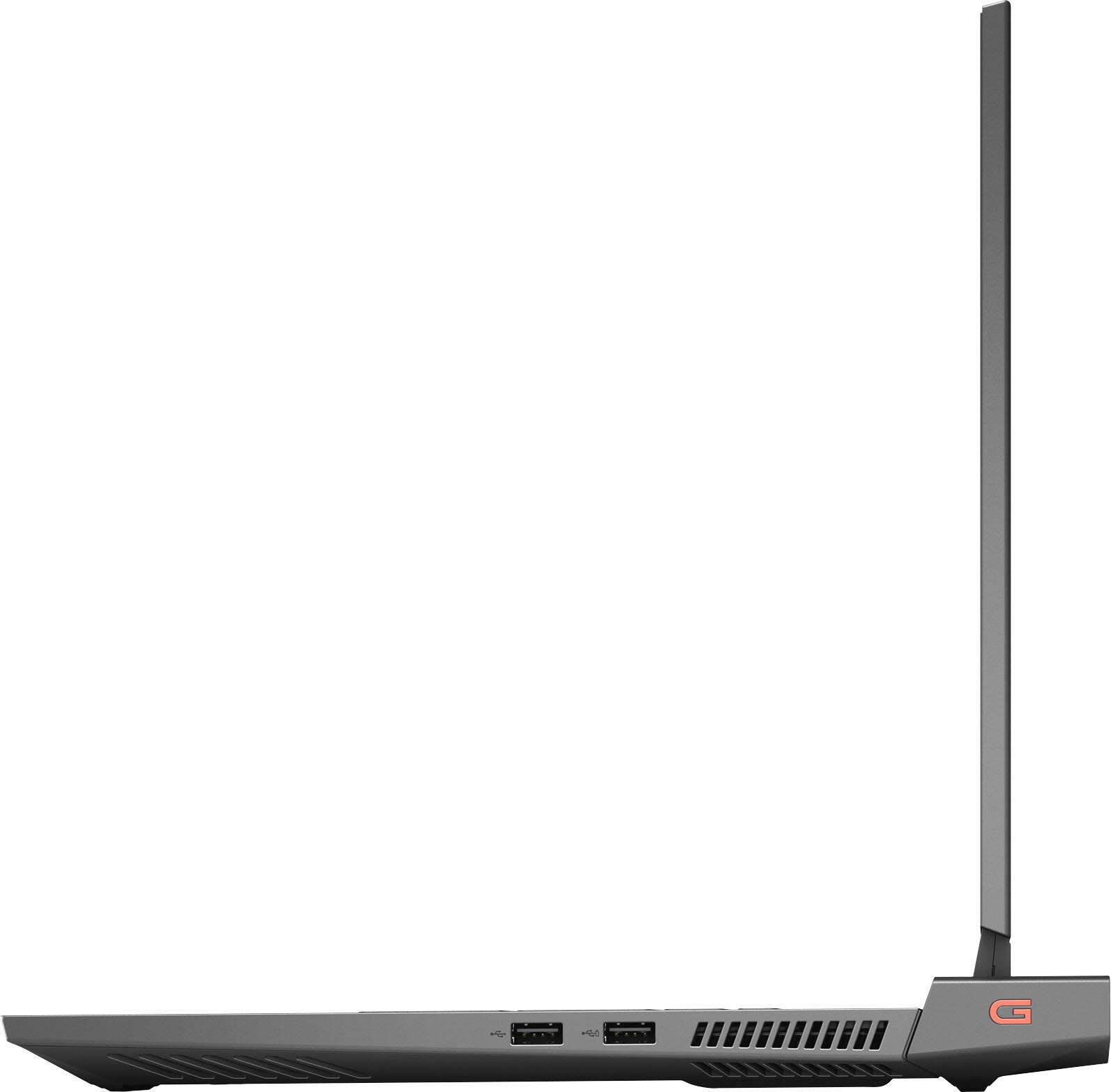
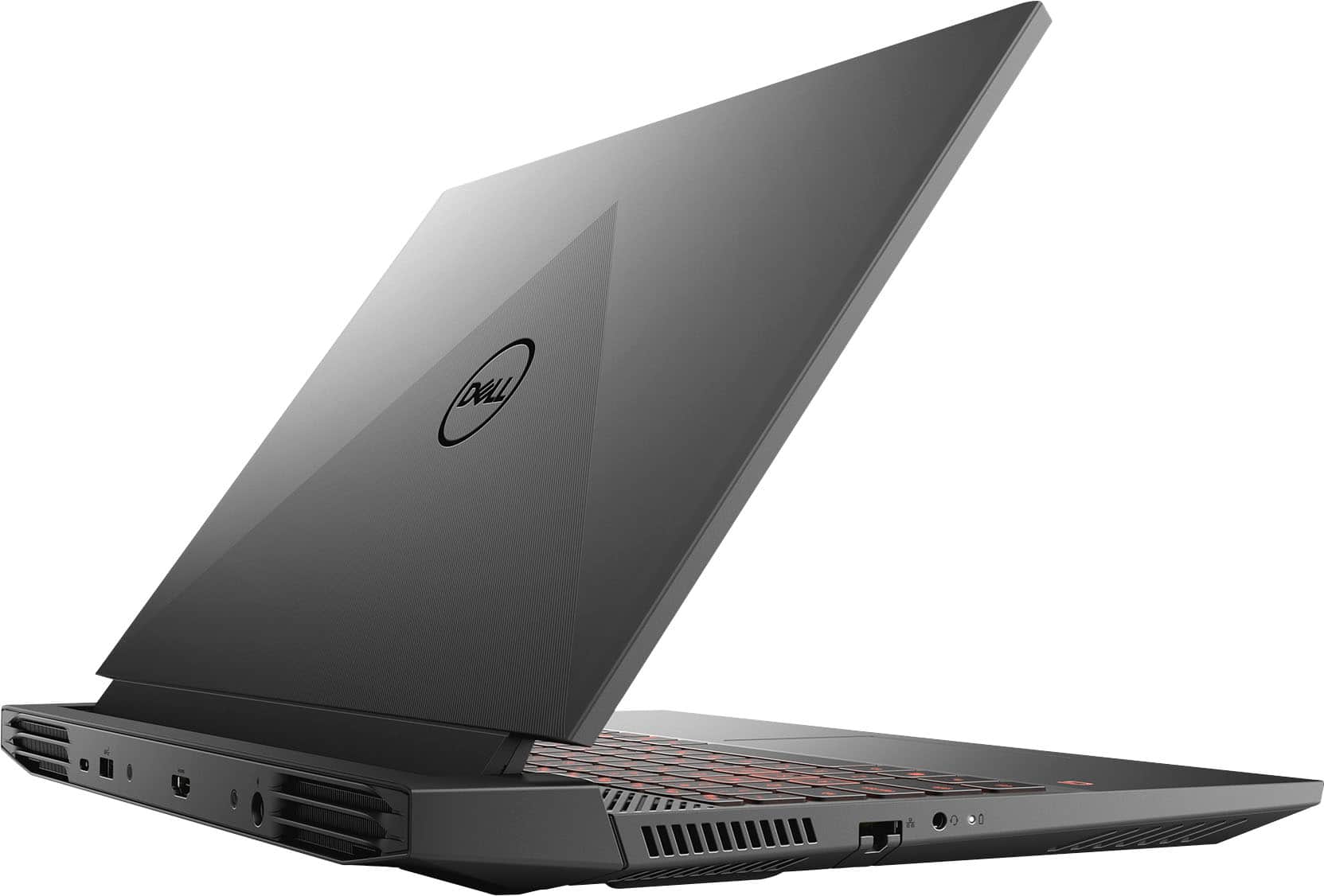
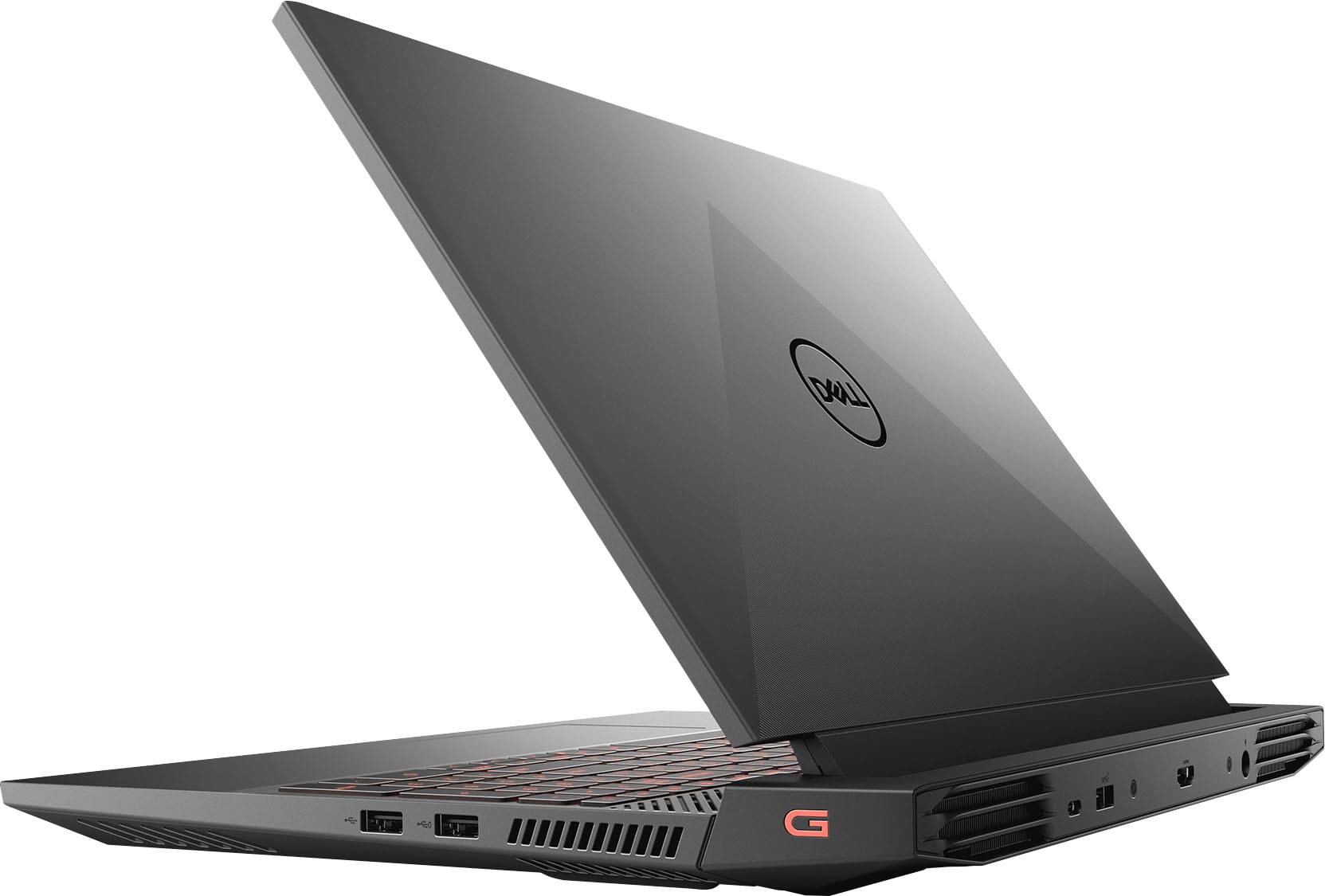


- Model:
- G15-5511-7517BLK
- SKU:
- 6470463
Rating by feature
- Battery Life
Rating 3.8 out of 5 stars
- Speed
Rating 4.6 out of 5 stars
- Display
Rating 4.6 out of 5 stars
Customers are saying
Customers are delighted by the performance and graphics capabilities of the G15 15.6" FHD 120Hz Gaming Laptop, finding it easy to use and appreciating the ample RAM. However, some users express concerns regarding battery life and occasional screen issues. The laptop's weight and fan noise also received some negative feedback.
This summary was generated by AI based on customer reviews.
- Pros mentioned:Graphics
DELL GAMING LAPTOP
||Posted . Owned for 1.5 years when reviewed.This reviewer received promo considerations or sweepstakes entry for writing a review.fast and beautiful graphics compared to other laptops. for me this is the best gaming laptop!
I would recommend this to a friend Good but one issue
||Posted . Owned for 1.5 years when reviewed.This reviewer received promo considerations or sweepstakes entry for writing a review.Great laptop good for gaming although one main issue. This model of laptop has an issue where the plug will stop working after a while and you will have to get it replaced. Its around 180 so i suggest getting a different model.
I would recommend this to a friendBest ever!!
||Posted . Owned for more than 2 years when reviewed.This reviewer received promo considerations or sweepstakes entry for writing a review.Best product for your purpose, according to price and need!
I would recommend this to a friend- Cons mentioned:Battery life, Screen
Great buy!
||Posted . Owned for 1 month when reviewed.This reviewer received promo considerations or sweepstakes entry for writing a review.Pretty good laptop! I use it for gaming, studying and work so far no issues. The only thing is the battery life is like 3 hours top and at first you'll see the screen fidgeting but with the updates it will resolve. Otherwise awesome laptop.
I would recommend this to a friend - Cons mentioned:Battery life, Heat, Screen
died in 1 week
||Posted .This reviewer received promo considerations or sweepstakes entry for writing a review.only had the computer running for less than 3hrs a day for a week all i can say it runs hotter than a oven no matter how low the settings even with battery saver the battery lasted 2hrs the longest idle. Didn't even get the chance to play 1 game just watched twitch for 15mins then the computer fans screamed then the display flickered and turned off but the fans and keyboard backlight never shut off. I'd recommend this to someone who wants to blow 1300$ just to have it fry after watching 15mins worth of twitch no games played
No, I would not recommend this to a friendBrand response from YourDellTeam
Posted .Hello Morrigan,
Thank you for taking the time to share your input and review. We apologize for the battery and overheating, and crashing issues you have come across with your G15. We understand how frustrating this can be and we would love to help right away. This link can assist with maximizing and troubleshooting any possible issues with your battery: https://dell.to/3nEbRmb.
Here are the recommended steps for troubleshooting your issue:
1. If the computer is displaying the Dell logo and does not move past that point, it has probably failed POST.
2. If the power indicator lights up and it is amber or orange, this is usually an indicator that it has failed POST.
3. If you see text on a black screen, the computer is currently performing the POST. If the computer stays in that condition and does not move past it, it has probably failed POST.
4. If the video screen displayed anything at all during the startup process but is now black, this probably indicates that the computer failed POST.
5. If the computer is beeping or if Caps/Num/Scroll Locks are flashing, note if there is a particular pattern in which it beeps or flashes.
6. If the computer is not beeping and caps/num/scroll locks are not flashing, unplug all connections and remove all media communication devices (e.g. external monitors); reconnect one at a time and check if the computer functions.
7. For a notebook, press and hold the Fn key and then press the power button. This starts the pre-boot testing and will launch ePSA. In case you have a Desktop at the Dell logo screen tap the F12 key to enter One Time Boot Menu and use the arrow keys to highlight Diagnostics and press enter.
8. You can read the full article here - http://dell.to/2uj1Sby.
We recommend following the steps above to resolve your crashing issue. If the issue continues, please contact our support team here: https://bit.ly/DellSupportTeam.
Best regards,
Wendy C.
https://bit.ly/DellSupportTeam.
Phone number to Dell: 1-800-264-9896.
- Cons mentioned:Battery life, Heat
Is okay, could be better.
||Posted . Owned for 1 month when reviewed.This reviewer received promo considerations or sweepstakes entry for writing a review.The laptop is fast and easy to navigate. Was a very quick set up and user friendly. I like the Alienware command center and G settings. Cons is the vattery dies very quickly, even if its just using basic web browsing for homework the battery gets low within 2 hrs. It does get pretty hot at times as well. The last thing is games/webpages crash sometimes which is frustrating when im in the middle of a test or essay question, and the error says not enough memory...yet per the settings menu there is a lot of space left. Theres also no SD port. Im kind of kicking myself for not shopping around a bit more.
No, I would not recommend this to a friendBrand response from YourDellTeam
Posted .Hi BNixon,
We want to thank you for taking the time to leave us your review and valued feedback. We are glad you like some of the features of your G15 gaming laptop but we are sorry to hear that you have come across some troubles with it because its battery is not performing as expected, it is overheating and crashing.
To help with overheating, we would recommend making sure the BIOS is up to date on your PC. I have provided a link to the Drivers and Downloads page so you can check for and do any applicable updates. Dell has also released an Intel Power Management Utility to help with the overheating that you may be experiencing on your computer. For this package to take effect, the system power plan must be set to Balanced under the Additional Power Settings. Also, the Power Mode option that is displayed when you click the battery icon, should be set to Better Performance. This package only takes effect on AC power and not on battery power. The Intel Power Management Utility can be found here - http://dell.to/3tStRgX.
Drivers and Downloads page: https://dell.to/3PHXQ65
To help with battery life, I have provided the steps to change the power plan to help improve the performance of your battery. I have also provided the full article, which has more options if they are needed.
Change the Power Plan:
1. On the taskbar’s notification area, right-click the Battery icon.
2. On the options list, click Power Options.
3. Select a power plan on the battery meter, such as Power Saver or Balanced. Windows 10 has a built-in 'Battery Saver' mode that can be activated to extend your system's battery life. The Battery Saver mode will monitor and limit background activity and other features such as push notifications. You do have the option to enable or disable this mode within settings or within advanced Battery Saver settings, you can customize the mode to best suit your needs.
a) Click on the Action Center icon in the taskbar and select the tile for Battery Saver.
b) If running Cortana, type Battery Saver into the search box and select from the results.
Within the Battery Saver settings page, you will be able to turn on and off the feature and customize the feature to best meet your needs.
c) Turn Battery Saver On or Off.
d) Additional settings available via the Battery use and Battery saver settings links.
e) Battery use shows further info on apps and their power usage.
f) Battery Saver Settings screen allows you to customize further Battery Saver features.
You can read the full article here - http://dell.to/2vfXWf4
For the issues with crashing, I have provided a link below to help troubleshoot and resolve this issue.
Resolutions
1. Run a Computer Diagnostic. To determine if your computer is experiencing a hardware problem, run the Dell Preboot System Assessment (PSA) Diagnostics. For information on how to run Diagnostics, and to determine the issue, refer to Dell Knowledge Base Article: http://dell.to/2iaiujA
2. Check Safe Mode for Symptoms. To boot into safe mode, please follow the instructions below:
a) Start the computer.
b) Tap 'F8' on the keyboard immediately and every one second until the Dell logo screen disappears. From there you will see the Windows Advanced Options Menu on the screen. (If the Windows Advanced Options Menu does not appear, restart the system and try again.)
c) Select Safe mode with Networking and press Enter.
d) Log on as the administrator or as a user with administrative access.
e) Open applications and test the computer in safe mode. If the symptoms exist in safe mode, please continue the troubleshooting steps in this article. If the symptoms do not exist in safe mode, the issue is likely related to a driver or software and you may wish to complete step 3 to see if you are able to resolve the lockups or freezing.
3. Check for Malware. Malware (Virus, Spyware, etc.) can definitely cause a Windows system to lock up or appear to hang. To check for malware on your system and to ensure that your computer is up to date on security software, visit Dell Knowledge Base Article: http://dell.to/2wWP1zI
The computer restarts or shuts down intermittently, locks up, stops responding or an error occurs: https://dell.to/3GX6BVf
If these issues with your computer are still not resolved after utilizing the troubleshooting options above, please contact the Dell Support Team at 1-800-624-9896 for further guidance.
Best,
Katarina@Dell
Should you need further assistance, you can contact Dell directly with the information below.
Chat or call: https://bit.ly/DellSupportTeam
Phone number to Dell 1-800-624-9896
- Pros mentioned:Performance
Great system. Love it
||Posted . Owned for 1 year when reviewed.This reviewer received promo considerations or sweepstakes entry for writing a review.Great computer. Has a nice look to it and runs the games I use efficiently. Have had no issues.
I would recommend this to a friend - Pros mentioned:Performance
Great laptop
||Posted . Owned for 1 month when reviewed.This reviewer received promo considerations or sweepstakes entry for writing a review.I bought this to replace my ageing laptop. I had previously bought my wife a Dell G7 so I was familiar with this line of Dell PCs. I believe these G series laptops are comparable to the Alienware computers the Dell also sells but are much less expensive. I own two Alienware Area 51 desktops over the years with the last one being the last offered in the series so I am very familiar with Alienware as well as Dell's own brand. If you want a laptop that performs well and doesn't break the bank, this is it.
I would recommend this to a friend - Pros mentioned:Ram, Speed
Good laptop for the price.
||Posted . Owned for 2 weeks when reviewed.This reviewer received promo considerations or sweepstakes entry for writing a review.Decent laptop for the price. Wife is happy with it. Has ample storage and ram and is quite fast. Keyboard and trackpad are decent and not flimsy or cheap feeling. The screen is ok, they could of went for a higher refresh rate screen.
I would recommend this to a friend - Pros mentioned:Performance
Pretty good
||Posted . Owned for 1 year when reviewed.This reviewer received promo considerations or sweepstakes entry for writing a review.Had it for about 6 months and have had no problems, runs great, all the games haven’t had any issues.
I would recommend this to a friend - Pros mentioned:Performance
Good laptop
||Posted . Owned for 1.5 years when reviewed.This reviewer received promo considerations or sweepstakes entry for writing a review.Good durable laptop. I bought it for my brother and no complaints so far
I would recommend this to a friend - Pros mentioned:PerformanceCons mentioned:Weight
Dell Gaming laptop
||Posted . Owned for 3 weeks when reviewed.This reviewer received promo considerations or sweepstakes entry for writing a review.This laptop is everything i needed and was a great price for what it has. I do some light gaming and streaming and it has no problem keeping up with those. It's somewhat heavy but has great cooling and the screen is very nice. I wouldve preferred a 17" screen but this couldn't be beat for the price. Very happy, overall, with this laptop and it's functionality.
I would recommend this to a friend Mac
||Posted . Owned for more than 2 years when reviewed.This reviewer received promo considerations or sweepstakes entry for writing a review.I loved it so much it was an amazing computer and so efficient
I would recommend this to a friend- Pros mentioned:PerformanceCons mentioned:Battery life
Darn Good
||Posted . Owned for 3 months when reviewed.This reviewer received promo considerations or sweepstakes entry for writing a review.Pretty darn good laptop. It looks clean and operates smoothly. Only complaint would be the battery life. You're looking at about an average of 2-3 hours (1-2 for gaming).
I would recommend this to a friend - Pros mentioned:Speed
great machine, fast and ready to go.
||Posted . Owned for 3 weeks when reviewed.This reviewer received promo considerations or sweepstakes entry for writing a review.i had a crash with a very fast & big desktop machine. i quickly bought this Dell - G15 15.6" FHD Gaming Laptop - Intel Core i7 - 16GB Memory - NVIDIA GeForce RTX 3050 - 512GB Solid State Drive - i loved it from the moment i bought it. it's fast, the screen quality is great, it was just a lot of fun to use. it took three weeks to get back my desktop. i was sorry to stop development on the Dell machine. i don't know about games, but any professional using it for development or work will love it.
I would recommend this to a friend - Pros mentioned:Performance
This laptop will last
||Posted . Owned for 1 year when reviewed.This reviewer received promo considerations or sweepstakes entry for writing a review.This is a superb laptop. Games, school, work…..does it all. Highly recommend
I would recommend this to a friend - Pros mentioned:SpeedCons mentioned:Battery life
Dell
||Posted . Owned for 1 week when reviewed.This reviewer received promo considerations or sweepstakes entry for writing a review.Overall a good laptop. Battery life is pretty short while gaming, only lasts about an hour unplugged. Speed is great and boot up time is minimal.
I would recommend this to a friend - Pros mentioned:Speed
Super fast
||Posted . Owned for 4 months when reviewed.This reviewer received promo considerations or sweepstakes entry for writing a review.Great for multitasking! Easy set up and very fast processor!
I would recommend this to a friend - Cons mentioned:Screen
Good mid level build
||Posted . Owned for 3 weeks when reviewed.This reviewer received promo considerations or sweepstakes entry for writing a review.Bought for my husband to use for both work and personal use. Runs MtG Arena pretty well, which was request #1. We really like the hinge as his past two laptops broke there and this one seems way more durable. One con is that it sounded like a jet engine as we installed a bunch of big windows updates. He hasn't installed all of his work vpn stuff on it yet but don't foresee any issues. I think we save money here with the screen (not touch and not quite as crisp) but it's still a solid display. Another plus is that he's noticed less eye strain.
I would recommend this to a friend - Cons mentioned:Battery life, Heat
Does the job
||Posted . Owned for 3 weeks when reviewed.This reviewer received promo considerations or sweepstakes entry for writing a review.Love the computer for designing but it definitely gets hot as some reviews have stated . The battery is very sgort as stated also .
I would recommend this to a friend