Customer Ratings & Reviews
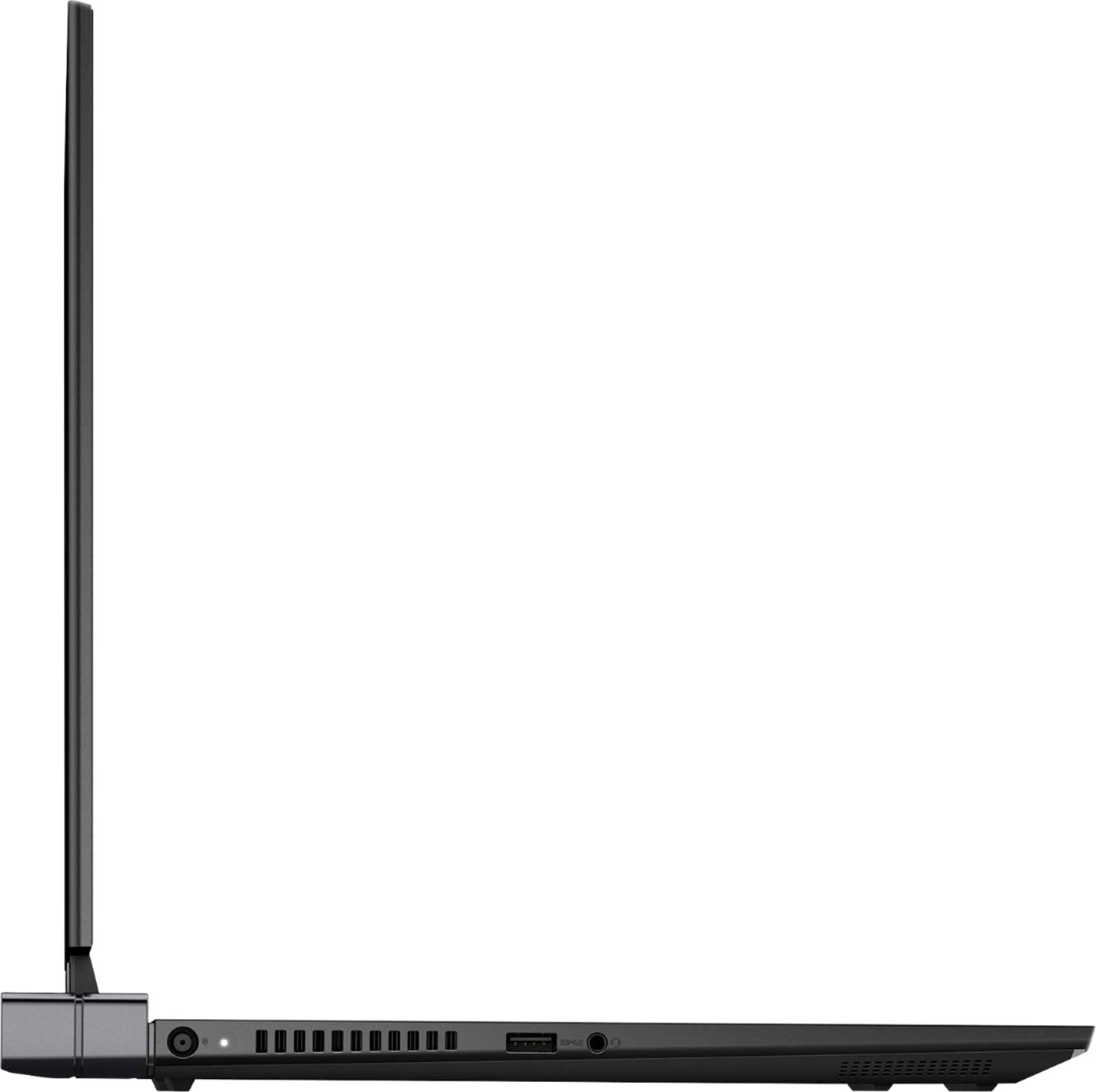
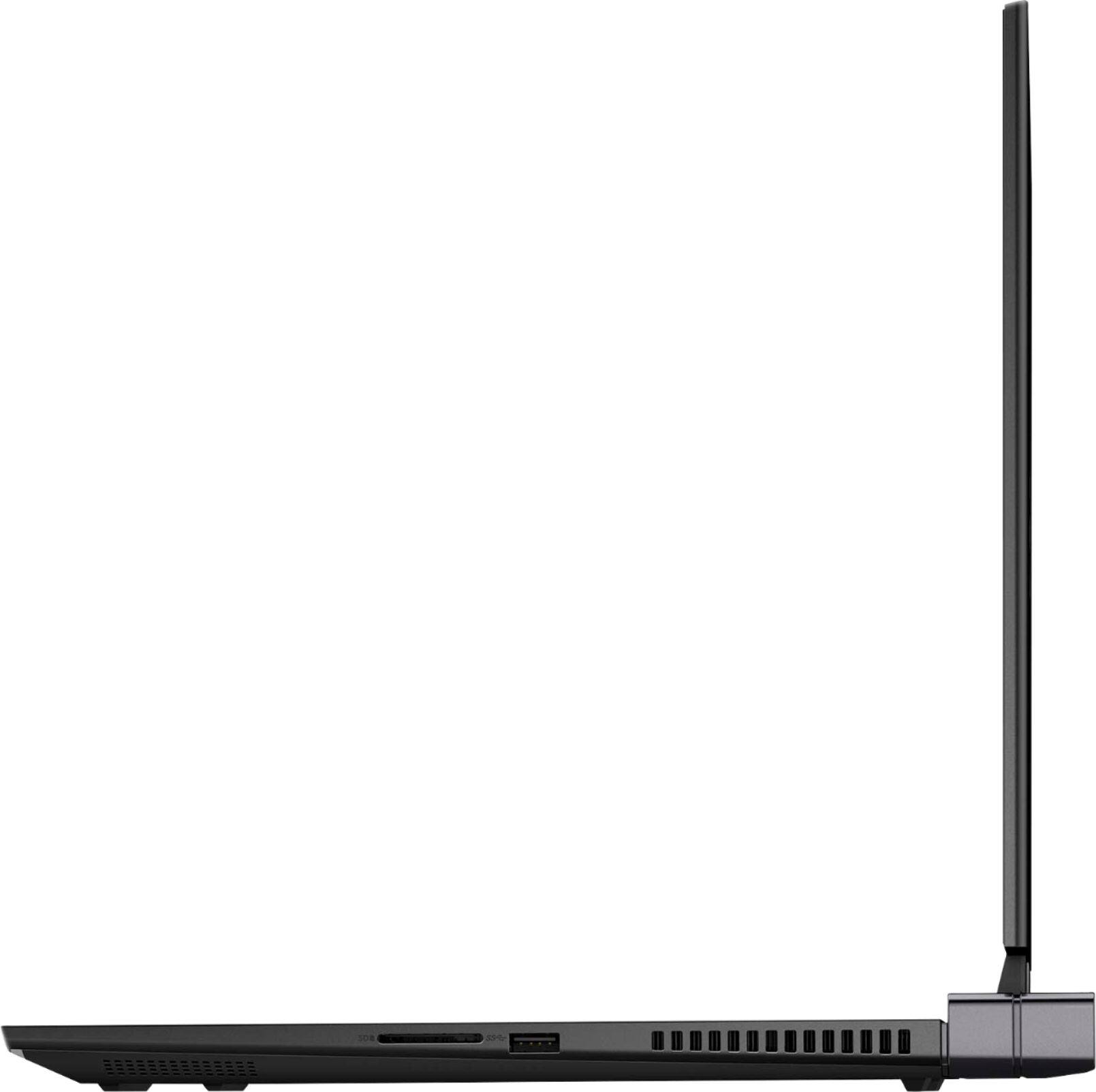
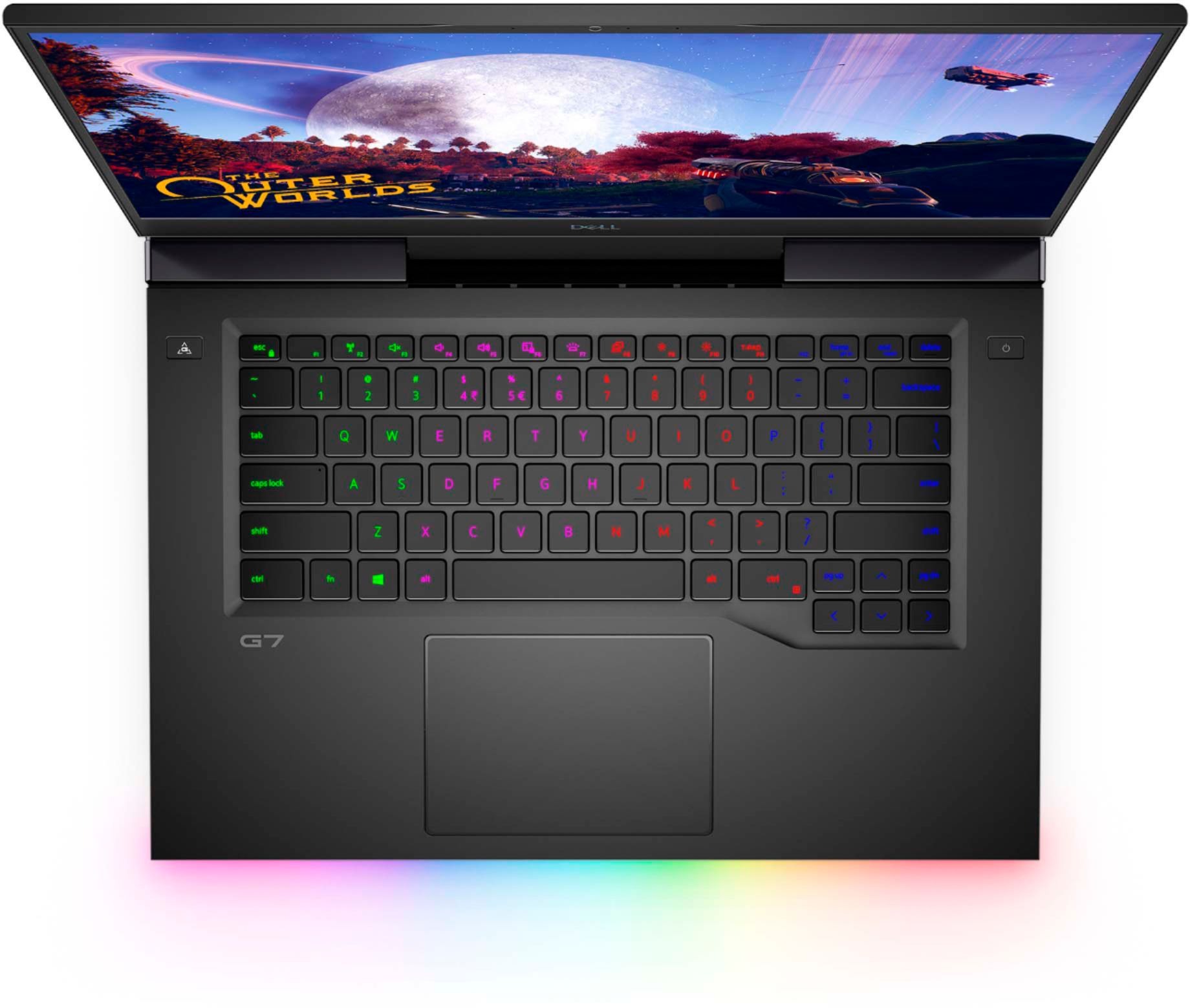
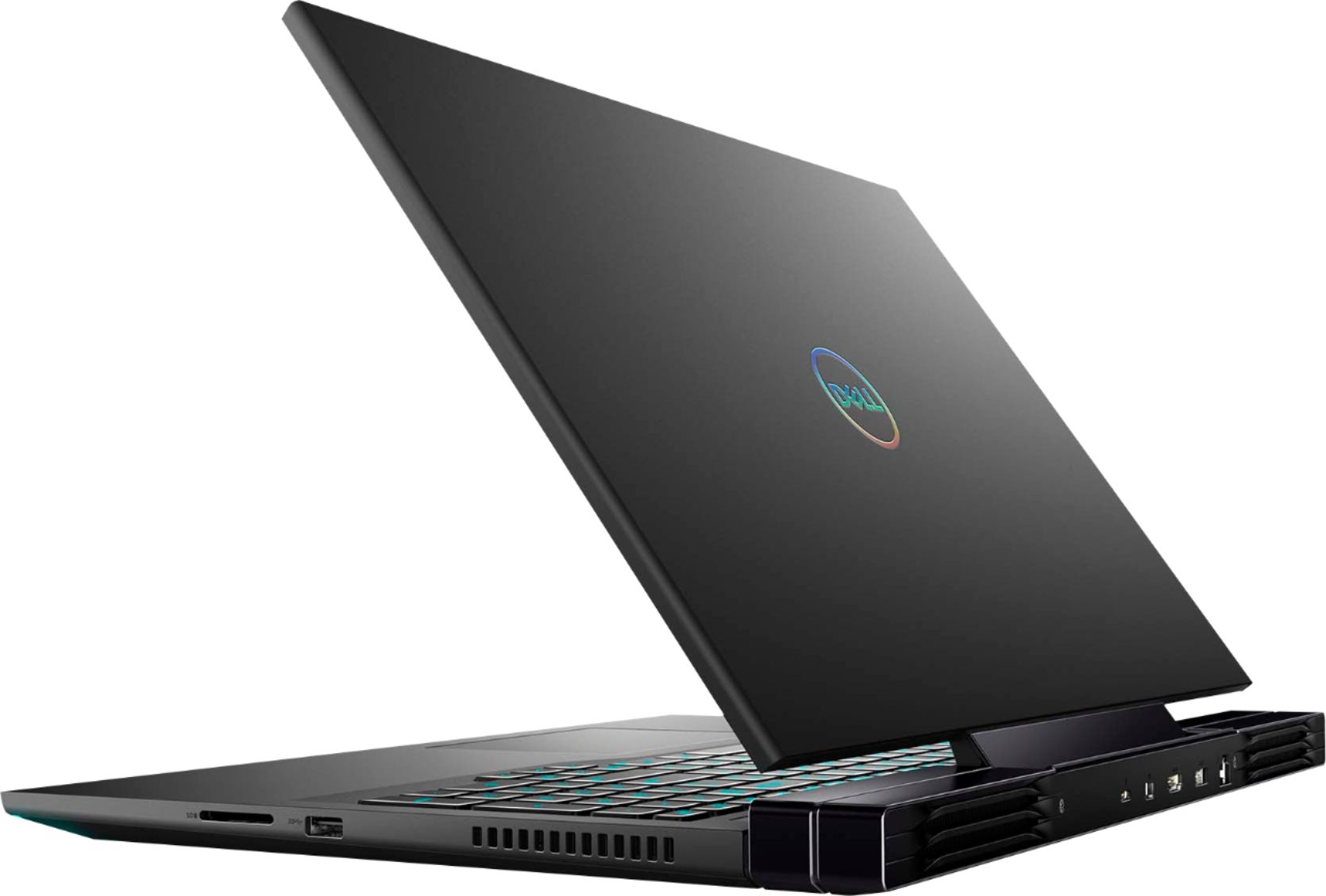
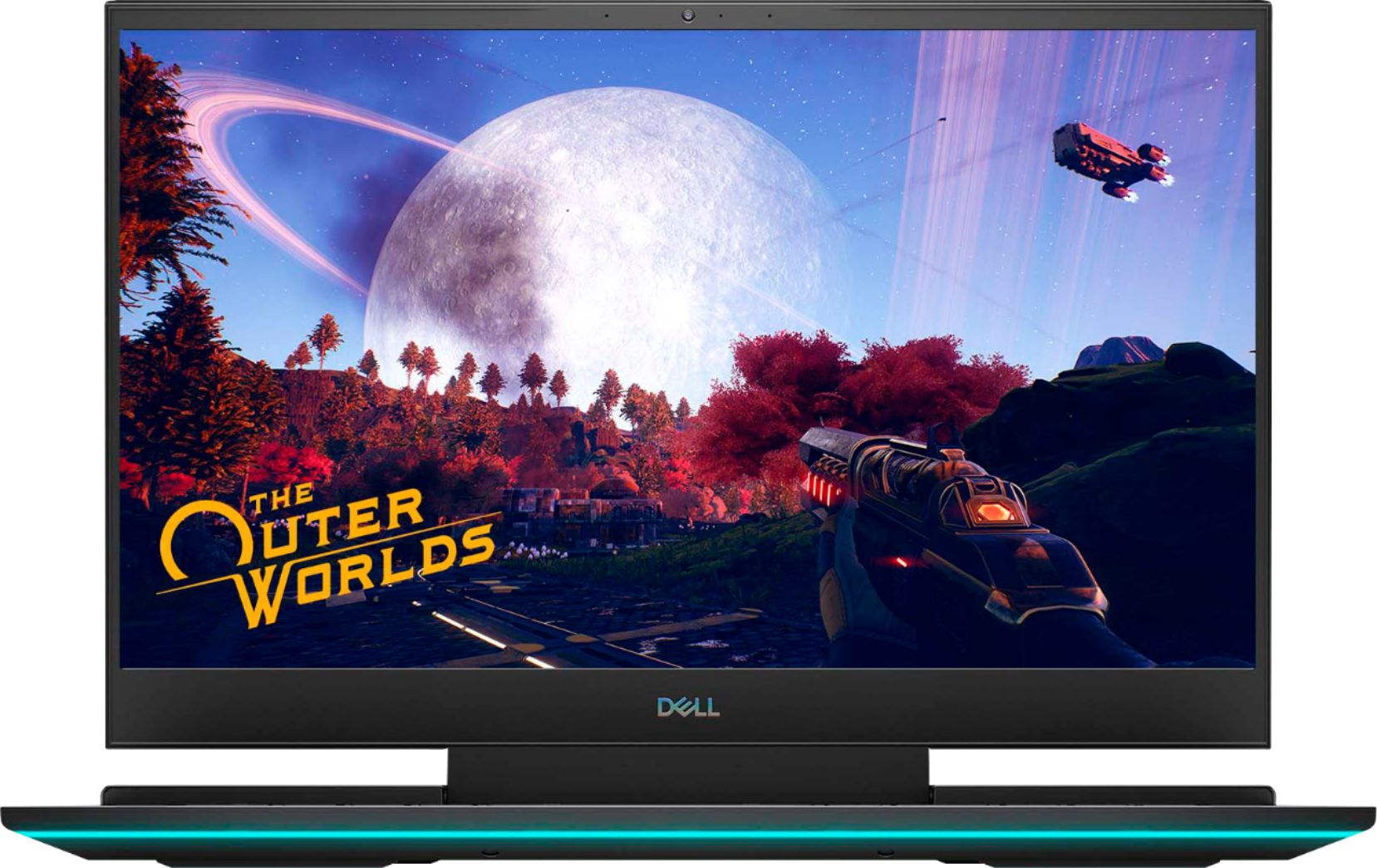
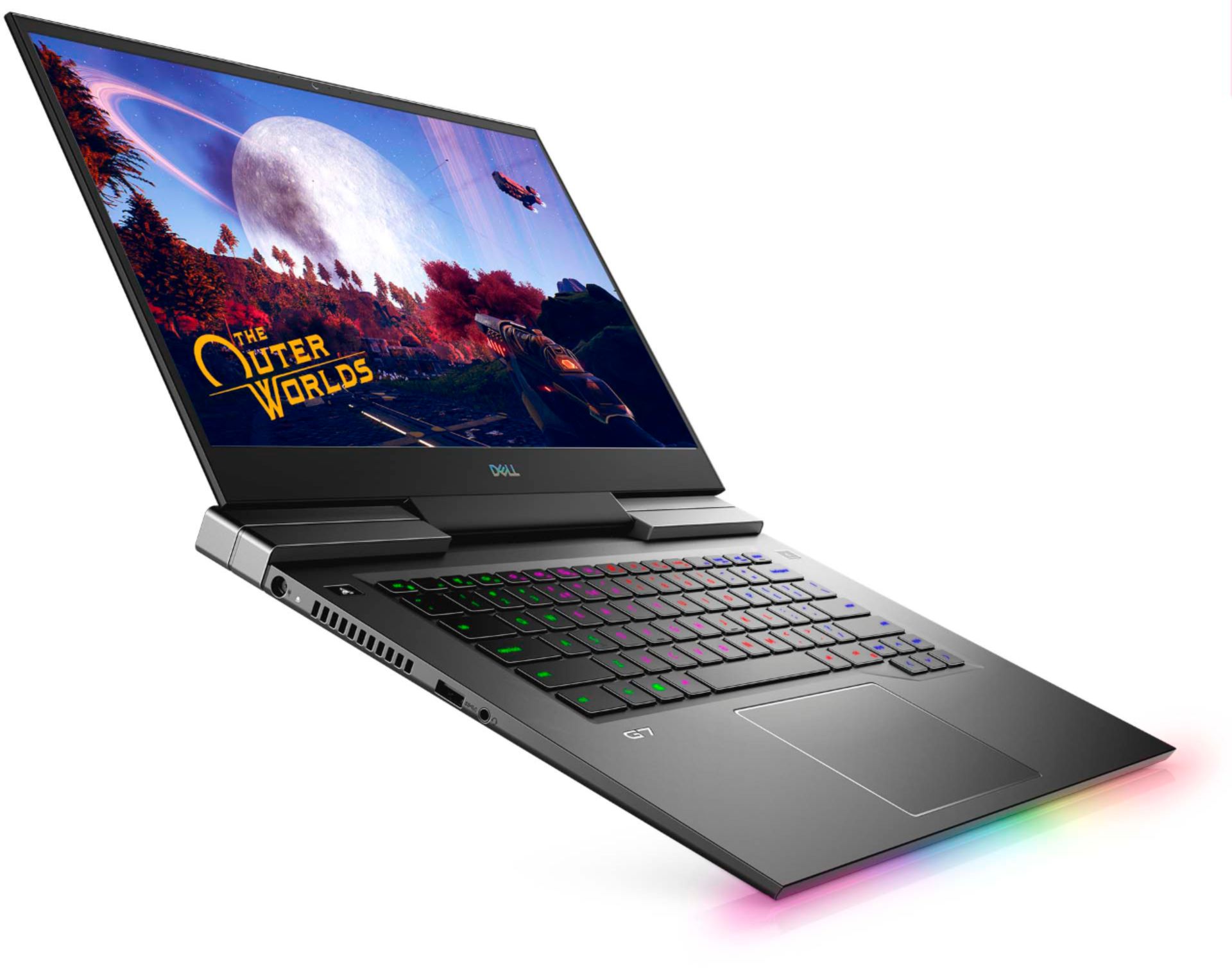
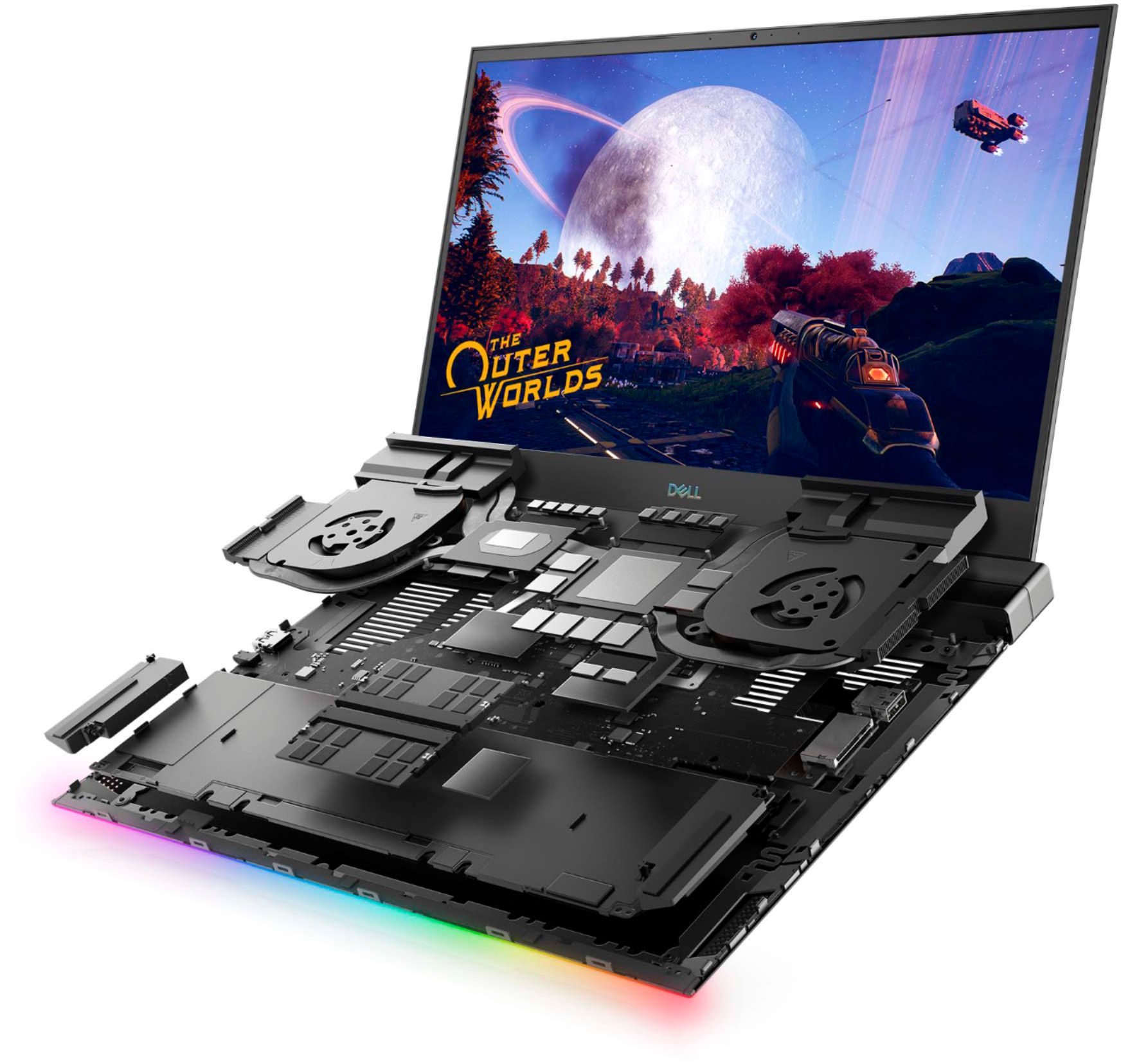
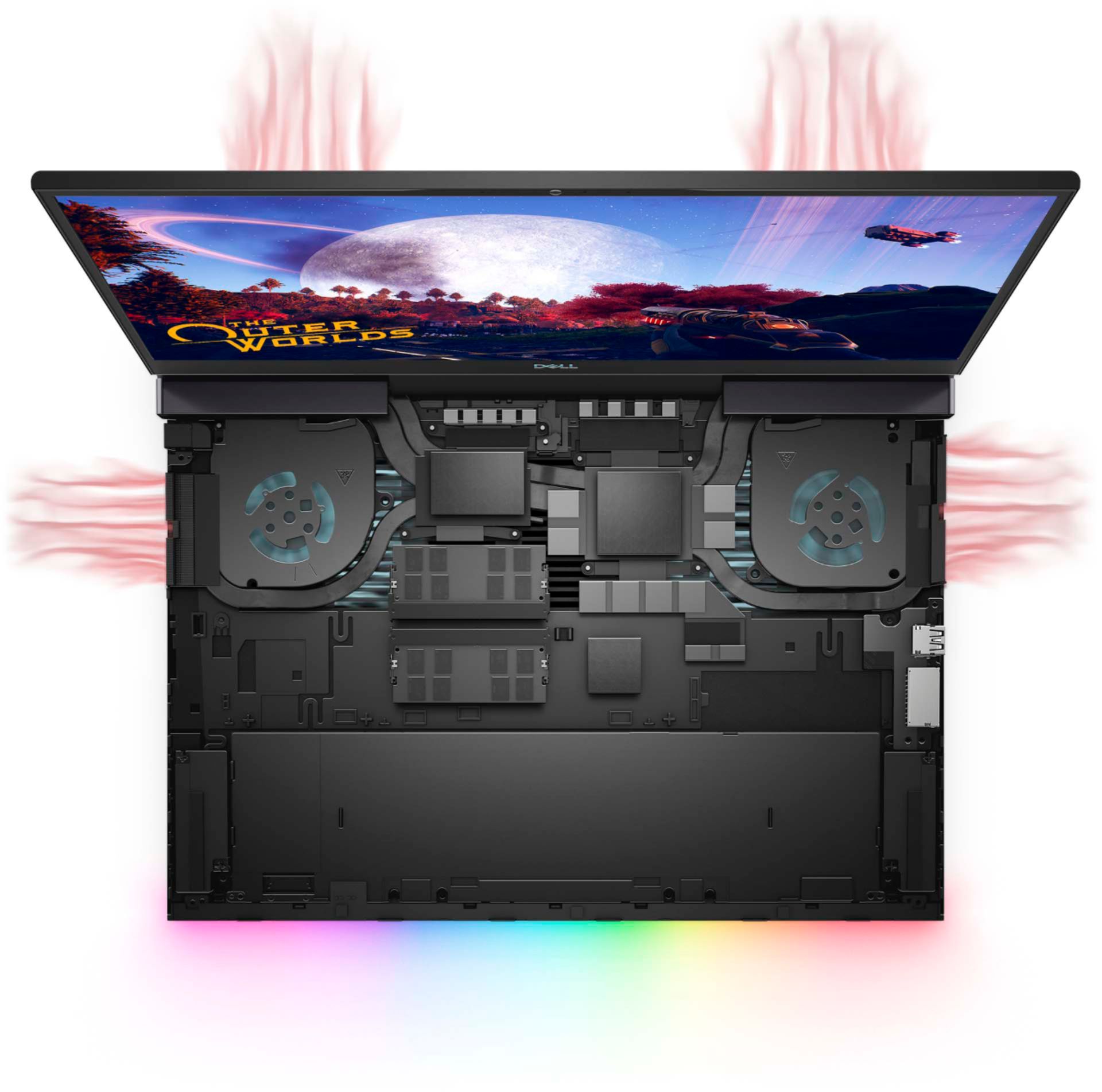


- Model:
- G7500-7194BLK-PUS
- SKU:
- 6419696
Rating by feature
- Battery Life
Rating 3.9 out of 5 stars
- Speed
Rating 4.3 out of 5 stars
- Display
Rating 4.5 out of 5 stars
Customers are saying
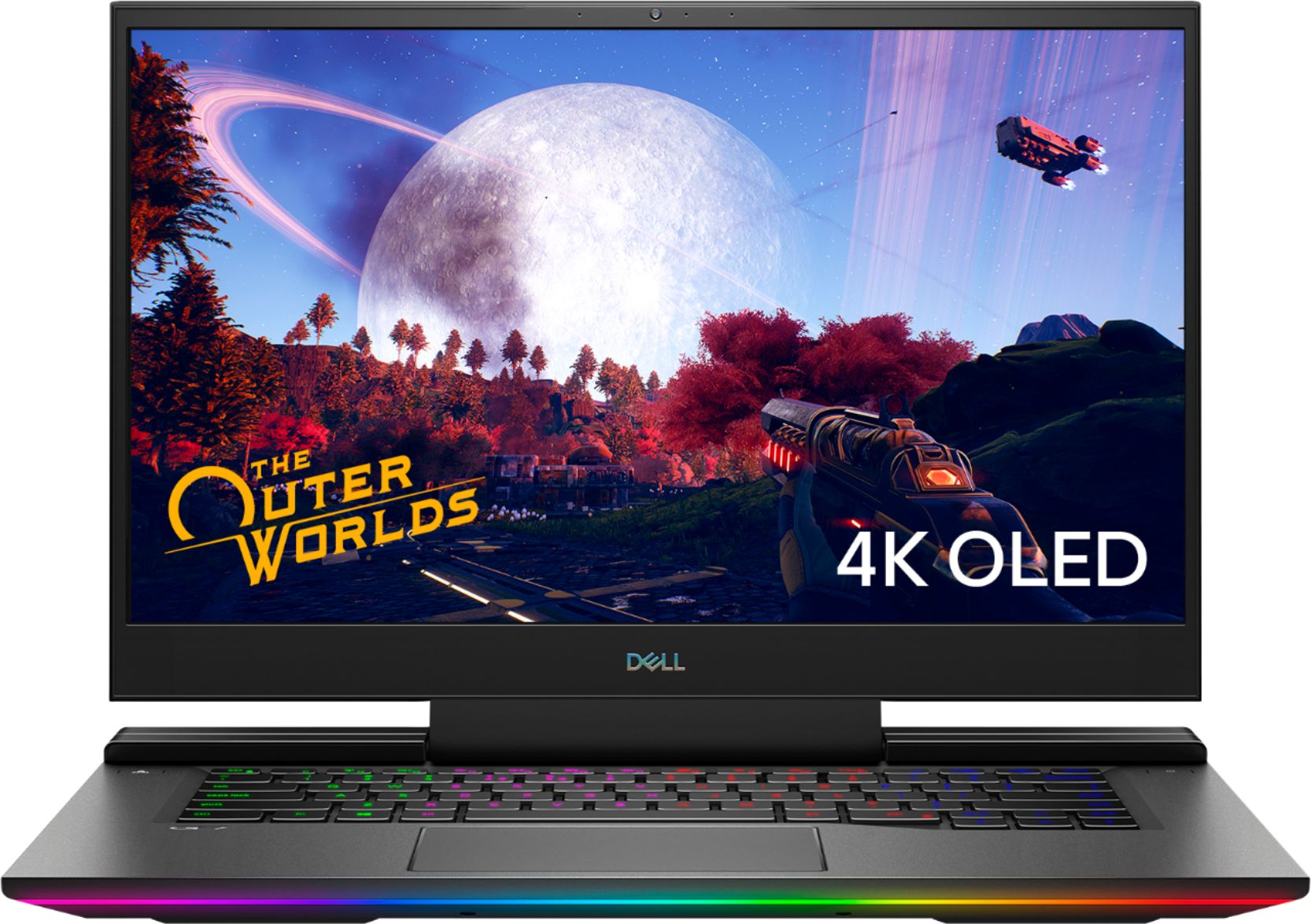
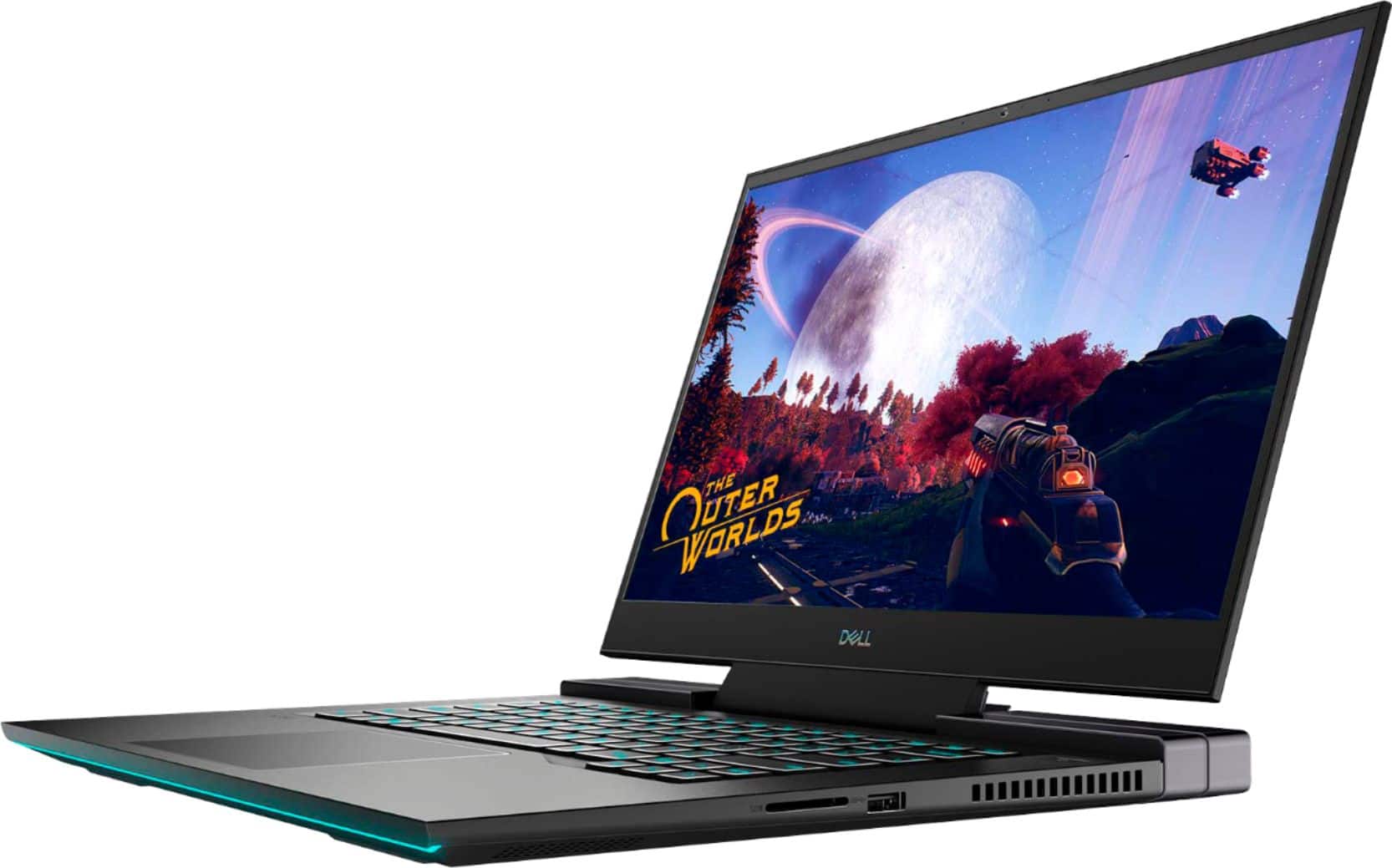
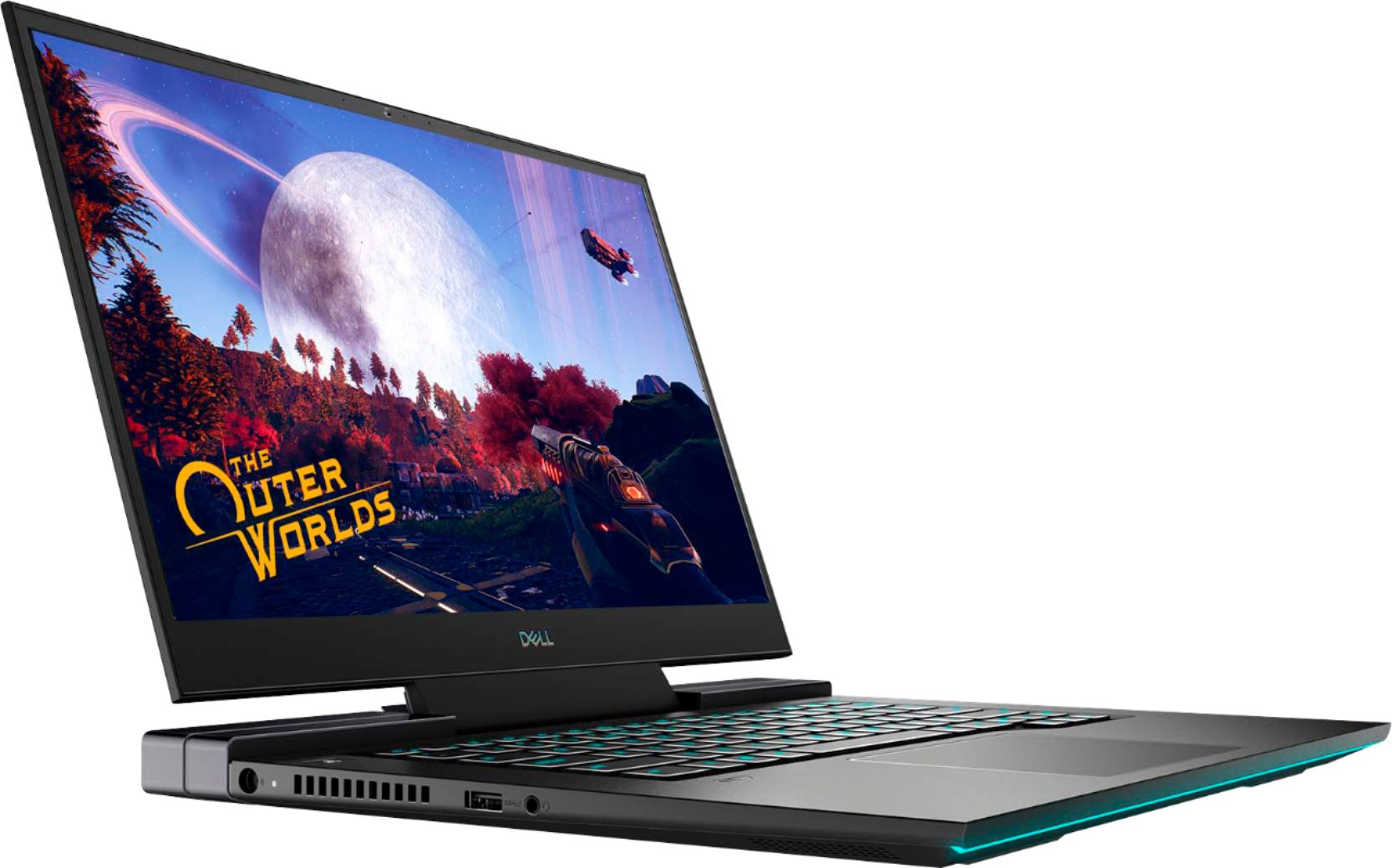
Customers praise the G7 15.6" 4K Gaming Laptop's OLED display and its impressive performance, noting the excellent graphics capabilities. However, many users report issues with overheating, and some express concerns about battery life, fan noise, and frame rates in games. The laptop's weight is also mentioned as a potential drawback by some customers.
This summary was generated by AI based on customer reviews.
- Pros mentioned:GraphicsCons mentioned:Heat
Runs HOT
||Posted . Owned for 3 weeks when reviewed.This reviewer received promo considerations or sweepstakes entry for writing a review.I like the computer, the Alienware and the specs. Love the graphics card. I'm using this computer to make edit videos and to make gaming videos. The only major problem is how hot it gets. I read a review that it runs hot, but it runs really hot - like hot to touch. It's so hot sometimes that I think it might melt the internal components. If I knew of an equivalent computer that runs at a normal temp, I would get that instead. Also, the keys have stuck a few times when I'm gaming. That's all.
No, I would not recommend this to a friend - Pros mentioned:Oled displayCons mentioned:Fps
One Year later
||Posted . Owned for 11 months when reviewed.This reviewer received promo considerations or sweepstakes entry for writing a review.The Dell G7 7500 (2020) After an year of use im finally ok with writing a review, this laptop here is a powerhouse, it has a lot of perks depending on which model you get. The model i was lucky to purchase was the 4k oled screen, 2070Mq with 16gb of ram, i7, the laptop itself has nice look and feel, a gamimg laptop without the spiky/edgey look of other laptops. A unassuming profile the g7 has up until you open it, ladies and gentlemen prepare for a spectacular light show 7 seconds, (or less) this is when the fun begins, as you can see on the preview this laptop doe indeed have rgb lighting and rgb keyboard. As you can guess its very customizable with the lighting or you can it off and look very professional. When it comes to gaming this laptop Technically it can run games at 4k, the 2070Mq has surprised me on what it can do more on that in a moment, what it can't do unfortunately the gpu only has 8gbs of vram, not like its a bad thing, but be reasonable with game settings, My personal use of the g7 has been mostly great, moving around to different areas of house or places felt good i could game in bed or plug an hdmi to it and use it as an dual monitor/ desktop setup, at the time when ps5 and xbox series where beings scalped and sold for outrageous prices i decided to go with latop because even if i got a ps5 i would still need a compatible /4k tv for the bonus features , i felt this was simpler. As good as the dell g7 7500 is, its probably the loudest thing in my room at anytime beating the original ps4 by a little, i have headphones so i don't mind, the gpu will get very hot when playing.
I would recommend this to a friend - Pros mentioned:Graphics, Oled display
Decent when on-sale, but needs work
||Posted . Owned for 1 month when reviewed.This reviewer received promo considerations or sweepstakes entry for writing a review.I managed to get this bad boy while it was on sale, making this a pretty good value for the specs it has. I am especially fond of the OLED screen. Unfortunately, this laptop needs some work before you can use it to its potential, which is why I knocked off the stars. Problems: Out of the box this thing runs HOT. Not terribly surprising giving the processor in it and the voltage management being disabled and all. Still, the cooler can't keep up with 100% processor load before it begins throttling wildly. Like bouncing between 100% and like 20%. I'm just trying to play Terraria right now, this game should run on a moldy piece of bread, but nope 100% processor. Work: The first approach was to manage how high to allow the processor to go to at least prevent the throttling when at full load. Some people recommend going into the BIOS and disabling the processor turbo boost. I would not recommend doing this. You would be cutting your performance in half for no real solution. I didn't by this laptop for its rainbow-whatever logo on the back. It does help to just slightly tick off the maximum the processor can go since we know the cooler can't keep up. In Windows, create a new power profile and go into its advanced settings. Go to processor power state management and knock the maximum down to something like 98%. It seems to be just enough for the cooler to handle for a while. One issue is that Windows recently removed this option by default and you have to go into the registry to re-enable this option. It's a little involved and you can potentially brick your laptop if you mess with the wrong things so I would be VERY CAREFUL when messing with it. It's really not even the core of the issue so it might not be worth the trouble. I just don't like Windows telling me what to do. I'm a grown man. Now, it doesn't have the rubber banding performance anymore, but it still runs hot for a large scale Super Nintendo game. I eventually found a service that would fire up during the game called Nahimic. This...lovely (no bad language here)...service kicks on and consumes 100% processor resources (seriously wtf why). I think it's related to the equalizer in the Alienware Control Center, but I don't really know. Regardless I didn't hesitate to go into Windows Services and shut that sucker down. If I could have used a rusty spoon to put it down I would have at this point. Oh well, can't have everything. Just go into Nahimic services' Properties and disable it. I haven't had any issues with audio since and the sudden heat problem is pretty much gone. Notice I said pretty much. Well, sometimes programs will want to default to your integrated graphics instead on the sweet mobile RTX 2070 you shelled out for (err maybe settled for at this point?). Why would they do this? No idea. But! We can override that in the NVIDIA Control Panel. It may be already set correctly, but in case that it isn't. Go to Manage 3D Settings and make sure that your RTX is your one and only. It should work for most cases, but in the other tab you can also set the preference per program if need be. Docks and Disappointment: So if you're a stone-cold nerd like me you likely have a bajillion things plugged into your machine. Enter docks. I personally haven't found a dock in existence that can support the power requirements of the laptop (yet). So that means I have both the power cable and the thunderbolt plugged in. Like a fool, I went with a Dell dock. They work well enough, but you pay a premium forrr (drumroll) DisplayPort 1.2 support. I want that daisy-chained MST monitor goodness. However... Guess who has two thumbs and has heat issues again? This guy. So when you use only the Thunderbolt port it uses the passthrough video...thing (I can't remember the name of it and honestly I'm pretty much over Googling things at this point) you're gonna put on load. No surprise there. When you're pushing to a couple 1440p ultrawides, I guess that load is somewhat significant. I ended up just plugging the monitor(s) into the DisplayPort on the back and everything seems fine now. With that being said it's still 3 cables that need to be plugged in to get setup and I'm using like none of the features of the dock. I'm just trying to say that you can get away with a cheapo dock if you need one. Anyways, Dell support appears to be generally unhelpful in supporting this laptop, which is disappointing. It took me quite a while to find the fix. There are a lot of forums with a lot of people out there not getting any help so I'm posting my work here since I initially didn't know what to look for. If you're okay to perform those fixes, this thing runs very well for most of what I throw at it. Buuut, I really REALLY don't like paying this much for a machine that I immediately have to turn around and work on. That's just silly.
I would recommend this to a friendBrand response from YourDellTeam
Posted .Hello Kyle,
We are sorry to hear that your laptop did not quite meet expectations. Your feedback is sincerely appreciated. It's likely that the temperature tables of your system are out of date. We suggest updating your BIOS using the Dell Update application that came pre-installed with your system. Likewise, if system thermals are of concern, you can prioritize cooling by opening the Alienware Command Center application that came pre-installed with your device and select the 'Cool' thermal profile. You can view the full article here - https://dell.to/2XAULtU
Keep in mind that our G7 follows Intel performance design guidelines, which can lead CPU temperatures to reach 100°C to output top in-game performance. We fully warrant the product under these conditions. If you see CPU temperatures rising beyond 100°C on Alienware Command Center, please contact Dell support at 1-800-264-9896 for further assistance.
Best Regards,
Wendy C.
- Pros mentioned:Oled display
Great laptop
||Posted . Owned for 3 weeks when reviewed.This reviewer received promo considerations or sweepstakes entry for writing a review.For those interested in this laptop, I have it, it’s great, but it gets hot, it would get too hot to play intense games like MW Warzone, (beside the fact that MW is terribly optimized for PC performance), my CPU would reach up to 100° and thermal throttle and completely degrade performance down to like 12 FPS, I downloaded throttle stop to under clock the voltage for the cpu, and in the Alienware command center you can adjust fan settings, so set it to 100% for gaming, after that, I can basically play all my graphically intense games and my cpu thermals sit at 80° or less for pretty much all my games now, rarely spiking above that, and it maintain atleast a minimum of 60fps and goes a lot higher depending on the game, now that it doesn’t get too hot, this laptop is amazing, the only con is that figuring out this solution took a lot of research as I am new to PCs, so it was a struggle, I have the 4K OLED screen, and it’s great, but if you want to take advantage of the higher FPS, get the 144hz or 300hz displays
I would recommend this to a friendBrand response from YourDellTeam
Posted .Dave,
We're happy to hear that you're enjoying your new computer so far. We're glad to see that you learned how the thermal profiles in the Alienware Control Center work. If you continue to have any heating concerns with your laptop we'd recommend the following steps:
1. Update your computer BIOS to the latest version available
• Browse to the Dell Drivers & Downloads page:
• Ensure you have selected the correct Operating System
• Under Category, choose BIOS
• Locate the latest System BIOS
• Click Download and save the file to your PC
• Open File Explorer and browse to the location where you saved the downloaded file
• Double-click the BIOS setup file and follow the on-screen instructions to complete the installation process
2. Open Alienware Command Center
3. Click Thermal at the Active Default Theme and set it to Performance
4. Restart the computer
5. Once the computer boots into Windows open SupportAssist
6. Go to the Troubleshooting tab and click on I want to check a specific piece of hardware
7. Click CPU under CPU Devices
8. Select CPU Stress Test and click Run Test
9. Open the Alienware Command Center and go to the Fusion tab
• The CPU peak temperature should be less than or equal to (≤) 100 ℃
• When under high stress, the computer's average temperature can be expected to be less than (≤) 100 ℃.
Best,
Bryan
1-800-624-9896
Dell
Posted .This reviewer received promo considerations or sweepstakes entry for writing a review.Great laptop. My son with High Functioning autism lives on this thing. It doesn't dissapoint. Although my son is rough with it due to his Autism. It still lasted 3 years. Now the kind folks at geek squad will send it for repairs. Still worth it.
I would recommend this to a friend- Pros mentioned:GraphicsCons mentioned:Fan noise
Very good computer for Premiere and gaming
||Posted . Owned for 3 weeks when reviewed.This reviewer received promo considerations or sweepstakes entry for writing a review.I love this computer. It’s great for creators and gaming (this requires a lot of patience to find the right settings, will explain). The computer has very screen resolution and colors. The RTx2070 card Haley’s this process quite a lot. If you are exporting your video from premiere, it does it fast. Fans are a little loud, but I have learnt that it’s ok for that to take place, since it’s meant to reach 100C, but it’s usually around 80’s when in heavy load. I’m not much of a gamer, but the only game I soMartines play is fortnite. Usually u can’t get epic settings on this, nor can you turn on ray tracing. But I manage to do so by installing DirectX 12, after doing so, epic settings for overwritten and all aspects of the game got way better. I suggest you prop the back of the laptop about an inch of the surface for better cooling. If you want to know more about the upgrade aspect of it and more details about the performance, there is a video on YT, (Review - DELL G7 7500 4K w/ RTX2070 32GB RAM) highly recommend it if you want to purchase this computer. Ps. I love that I never have to turn is the computer. It’s self programmed to turn on when lid opens, even if you shut it off
I would recommend this to a friend - Pros mentioned:Oled display, PerformanceCons mentioned:Heat
Great gaiming laptop
||Posted . Owned for 3 weeks when reviewed.This reviewer received promo considerations or sweepstakes entry for writing a review.Reallg great laptop. The screen is beautiful, OLED makes it very nice to use. This is a good gaming laptop it just requires you to have a laptop pad with fans and it should keep it cooler. I played warzone on this with no issues, just make sure you adjust graphic settings to run the game. I play warzone with 1920x1080 and mostly low settings and get consistent 120fps. Dropping the resolution down on an oled screen doest cause it to be blurry which is amazing! Besides gaming this laptop is great for video editing / also watching movies! I can't stress enough how awesome the screen is ! Would highly recommend
I would recommend this to a friend - Pros mentioned:Oled display, Performance
Great Computer, cheap SSD and bad Dell support.
||Posted . Owned for 1 month when reviewed.This reviewer received promo considerations or sweepstakes entry for writing a review.The computer itself is great. Bought it to keep another avid gamer off of my rig for the time being. Thermals are pretty average as to what you would expect from a laptop of this magnitude. Your running a 2070 and a M-i7, given the power management, in a confined space it runs decent. Comes with your typical bloatware. The alienware control panel is pretty cool but eats up RAM in the background. You can permanently place RGB settings and disable it in the background while still keeping the RGB settings. Regardless the laptop is great and display is great, performs great. My biggest issue is the support behind the system and where they thought was a good idea to cut corners. The SSD died in less than 2 months and because Dell acts as an untrustworthy girlfriend and insists on locking everything down if the slightest problem arises, it locked the laptop down and began making the most annoying and obnoxious beeping that even the most hard hearing person would find it annoying. I replaced the SSD and fought through the bad lands to get windows reinstalled onto the system because once again, Dell locks everything down to the point where someone wants to give up and scream into a pillow. While looking at the SSD i noticed all the parts are cheap, no name parts produced who knows where. That sucks, forking over that much money to have it fail and find the reasoning be from a poor supply choice. Granted, there is no telling what the supply chain looks like now due to parts demand. As well, i doubt every system has the same manufacturer SSD, i just got a bad draw. And Dell support.... absolutely useless. Their immediate response to anything is to send it in. SEND IT IN LET US FIX IT! Ok..... Another "honorable" mention is you better change out the CMOS battery with a rechargeable one. It is a design fault of Dell that the CMOS battery will drain at a rate that Odin himself could not endure. I thought originally the CMOS being dead was the issue but sadly it was the SSD. Anyway, if the CMOS does go flat and the crystal oscillator doesn't have low voltage then the system will fail to post a main memory drive in the bay and look as if the memory drive has failed. Again, because they just got to lock everything down INCLUDING the BIOS with their own Dell specialty software.
No, I would not recommend this to a friendBrand response from YourDellTeam
Posted .Hello BoybobKRab,
Thank you for your review. We apologize for the issues you have come across with your G7. We really do appreciate your feedback and will use it to help improve our current and future products. We are glad to learn that you contacted Dell support and you're being taken care of. If you come across any further questions, issues or concerns, please use the information below to contact Dell Support at your earliest convenience.
Best regards,
Wendy C.
For additional questions or concerns, you can contact Del directly with the information below Chat or Call:
https://bit.ly/DellSupportTeam
Phone number to Dell: 1-800-264-9896
- Pros mentioned:Oled display, PerformanceCons mentioned:Heat
Excellent Gaming Laptop
||Posted . Owned for 1 week when reviewed.This reviewer received promo considerations or sweepstakes entry for writing a review.Purchased this as an open-box "excellent" condition item. Dell has released a bunch of Bios updates to help with overheating issues. The laptop does not seem to overheat after installing the updates however there is an annoying humming sound(fan or harddrive?) still coming from the laptop. I will try to address this through an additional updates that may be applicable. The laptop itself otherwise more than capable of handling all your gaming needs. The oled screen is spectacular and easily beats the macbooks out there. It was a much better choice, much more capable, and much more budget friendly.
I would recommend this to a friend - Pros mentioned:Graphics, SpeedCons mentioned:Heat
Amazing
||Posted . Owned for 1 month when reviewed.This reviewer received promo considerations or sweepstakes entry for writing a review.The laptop is amazing. The graphics are top notch and I have not had any lag or speed issues when loading games. The laptop boots p in less than a minute and is ready to go. The only issue I have is that it is so packed with specs and the high quality graphics card that it gets hot fast. I definitely had to get a higher end cooling pad for the heat.
I would recommend this to a friend - Pros mentioned:PerformanceCons mentioned:Fps, Heat
real review game laptop real review
||Posted .This reviewer received promo considerations or sweepstakes entry for writing a review.this a pretty decent gaming laptop and also my first but i am well know to computer things runs very hot to the touch to the point you can possible burn yourself in 3 seconds thats not a good thing ...downside to gaming laptop NO ONE MENTIONS that you ONLY get the desired performace ONLY when its PLUG IN run any intense games like call of duty cold war or warzone and you see what i mean you can only achieve over 60 fps when its plugged in and on battery power you wont make it over 30 fps and the game is very choppy at this frame rate even
No, I would not recommend this to a friendBrand response from YourDellTeam
Posted .Hello Elyte,
You would be correct, performance is impacted when on battery in order to save energy and improve battery life. If system thermals are of concern, you can prioritize cooling by opening the Alienware Command Center application that came pre-installed with your device and selecting the 'Cool' thermal profile.
Keep in mind that our G7 follows Intel performance design guidelines, which can lead CPU temperatures to reach 100°C to output top in-game performance. We fully warrant the product under these conditions. If you see CPU temperatures rising beyond 100°C on Alienware Command Center, you are more than welcome to contact Dell support for further assistance.
Best Regards,
Anthony P.
1-800-624-9896
- Pros mentioned:Graphics, Oled display, Performance
Needs keypad
||Posted . Owned for 3 weeks when reviewed.This reviewer received promo considerations or sweepstakes entry for writing a review.Excellent graphics, and performance. However, I was disappointed that there in no keypad. Some Sims require num pad keys, so I had to get an add-on keypad. 4k OLED is awesome !
I would recommend this to a friend - Pros mentioned:Oled display, PerformanceCons mentioned:Heat
Good gaming laptop with some drawbacks
||Posted . Owned for less than 1 week when reviewed.This reviewer received promo considerations or sweepstakes entry for writing a review.Pros: Impressive OLED display that just looks great Fast performance in games Slim and light weight design Cons: Power supply is huge Display is only 60hz -1 star Gets very hot and fans get really loud -1 star Lack of sata or m2 slots for storage upgrade Can only upgrade ram to 32gb Overall I love this laptop and the size makes it easy to get around. The display refresh rate should be better I had to get a cooling pad because it was too hot to use.
I would recommend this to a friend - Cons mentioned:Fan noise, Heat
Solid laptop, I don't regret the purchase.
||Posted . Owned for 1 month when reviewed.This reviewer received promo considerations or sweepstakes entry for writing a review.Solid laptop, Runs pretty warm on basic tasks on your lap, but bearable. Stupid hot if your playing a game, I bought a external fan for the laptop and while playing EFT on my desk the heat was insane, after about a hour maybe I could feel it on the keyboard. Wasn't unplayable but was uncomfortable. It's the first time I've experienced it on a laptop so I thought it was worth mentioning. And only on EFT (escape from tarkov), on games like League of legends or stellaris you might run a little warm but nothing uncomfortable. That's the only real downside though. FPS is good on everything I've played so far. Looks good, nice keystrokes, all in all a good laptop. My laptop had great quality control, no light leak on the screen, no keyboard flex or anything defective. Would recommend Forgot to mention the fans, sometimes they do kick on full blast and run REALLY loud, doesn't really bother me since I wear headphones all day but ik some people hate that. You can tweak them in the command center where you set your lights up. I haven't really bothered to mess with it so I don't know how effective it is but I've seen the option in there
I would recommend this to a friend - Pros mentioned:Oled displayCons mentioned:Heat
not a bad deal for what it is
||Posted . Owned for 3 weeks when reviewed.This reviewer received promo considerations or sweepstakes entry for writing a review.....per previous reviews this baby gets HOT while playing games, and your hand can feel it as you pound the WASD keys and attack keys 1234. I have purchased also a fan kit (6 fans) that has multi tilt as well, but the heat is still there. My solution was to stop playing and let it cool off while watching a movie. Simple use will not get this laptop hot, its when it has to push video games which will make the video processor get the temp up. It works for what I bought it for, although I would like to see it run cooler so I can get more game time in. The screen / display is the best part with the 4kOLED it is so beautiful when video of that quality is played. Of course if video is crappy to begin with, no 4K OLED screen can help that. I was also sad not to be able to create different color displays for keys I use for gaming, not to mention the lenght of time the keys stay lit during gaming (but I read somewhere it can be extended through BIOS settings) as far as colors... not sure. There you go... 3 stars.... minor things could bump it to 6 Start up is quick with the 1TB SSD.
I would recommend this to a friendBrand response from YourDellTeam
Posted .Hello Garrett,
We are sorry to hear that your G7 is running a littler warmer than you would like. If system thermals are of concern, you can prioritize cooling by opening the Alienware Command Center application that came pre-installed with your device and select the 'Cool' thermal profile.
Keep in mind that our G7 follows Intel performance design guidelines, which can lead CPU temperatures to reach 100°C to output top in-game performance. We fully warrant the product under these conditions. If you see CPU temperatures rising beyond 100°C on Alienware Command Center, you are more than welcome to contact Dell support for further assistance.
Best Regards,
Anthony P.
1-800-624-9896
- Pros mentioned:Oled displayCons mentioned:Heat
Great Laptop
||Posted . Owned for less than 1 week when reviewed.This reviewer received promo considerations or sweepstakes entry for writing a review.Bought for my wife for playing World of Warcraft. She loves the OLED display. All around a great laptop. Only bad things is the fan is loud and runs on high. Wondering if overheating is problem with laptop. Have not had issues yet. Pros: Great display SSD Colored keyboard (backlight) Cons: Fan is loud
I would recommend this to a friend - Pros mentioned:Oled displayCons mentioned:Heat
My first gaming laptop!!!
||Posted . Owned for less than 1 week when reviewed.This reviewer received promo considerations or sweepstakes entry for writing a review.My first gaming laptop and Too me a 4K OLED display is the best thing I’ve ever seen on a laptop. Movies and games make this laptop a must and the specs are great for what I paid. Games have amazing frames even on higher res etc. Got it satisfactory open box for a little over a $1k. In the end the purchase was worth it. Works great with my oculus rift too. Only fear is during long plays the units fans scream and it does get extremely hot right above the keyboard on Certain titles. No issues tho as I won’t play for too long certain days and it does cool well during rests.
I would recommend this to a friend - Pros mentioned:Performance, SpeedCons mentioned:Heat
Best gaming Laptop!
||Posted . Owned for 1 week when reviewed.This reviewer received promo considerations or sweepstakes entry for writing a review.Its fast and great for Ultra gaming. It over heats but you can solve it. Buy a Cooling Pad and look on youtube how to lower cpu. I used throttle stop and msi afterburner which helps the problem but youtube will tell you how to lower the temperature of the Laptop
I would recommend this to a friend - Pros mentioned:Oled display, PerformanceCons mentioned:Heat
Awesome gaming laptop
||Posted .This reviewer received promo considerations or sweepstakes entry for writing a review.This is a great gaming laptop. The display is absolutely beautiful and it can handle running games in ultra high quality with little issue. The only problem I've faced so far is that the computer gets rather hot if you play games with high resolution settings but is definitely manageable if you use a cooling pad.
I would recommend this to a friend - Pros mentioned:Oled display
STUNNING MACHINE!! NEEDS DELL SOFTWARE
||Posted . Owned for less than 1 week when reviewed.This reviewer received promo considerations or sweepstakes entry for writing a review.So far I am completely blown away by this machine. The screenis easily the best I have ever seen on a laptop. I believe all screens should be OLED. Now saying that, it wasn't all peaches and cream from the get go. While this is by far my most expensive laptop purchase by a long shot, the setup to gaming has not been equal of that price. While I bought this as an Open-Box, it was listed as Excellent grade. Along with the sale price, I got an amazing deal on a machine I couldn't have afforded otherwise. MY BIGGEST COMPLAINT IS: This machine came with bare bones windows 10, and none of the Dell programs installed. I mean NONE!! No software for the video card, or programs to update dell drivers, no Alienware software of any kind. Not even a program welcoming you to your new computer, with links to info and tips. Very disappointing when spending well over a thousand dollars. Yes this was open box, but EXCELLENT condition. Supposed to look and operate as new. Really stinks that I saved up and finally was able to purchase something of this caliber, and have to spend days finding the software that is needed in order to enjoy this machine for what it is. Without all that software that belongs on here, this is just an average laptop with a pretty screen. I WISH SOMEBODY COULD DIRECT ME TO GETTING THE REAL FACTORY IMAGE, SO i CAN REINSTALL FROM SETUP. I would give this laptop 5 stars, hands down, if not for this one glaring issue. I have done my best to try to install what I could find, but programs feel like slow add-ons rather than system-level programs. It is a real shame because when this laptop does what it is supposed to, it is ABSOLUTELY STUNNING!!
I would recommend this to a friend