Customer Ratings & Reviews


- Model:
- G7500-7194BLK-PUS
- SKU:
- 6419696
Rating by feature
- Battery Life
Rating 3.9 out of 5 stars
- Speed
Rating 4.3 out of 5 stars
- Display
Rating 4.5 out of 5 stars
Customers are saying
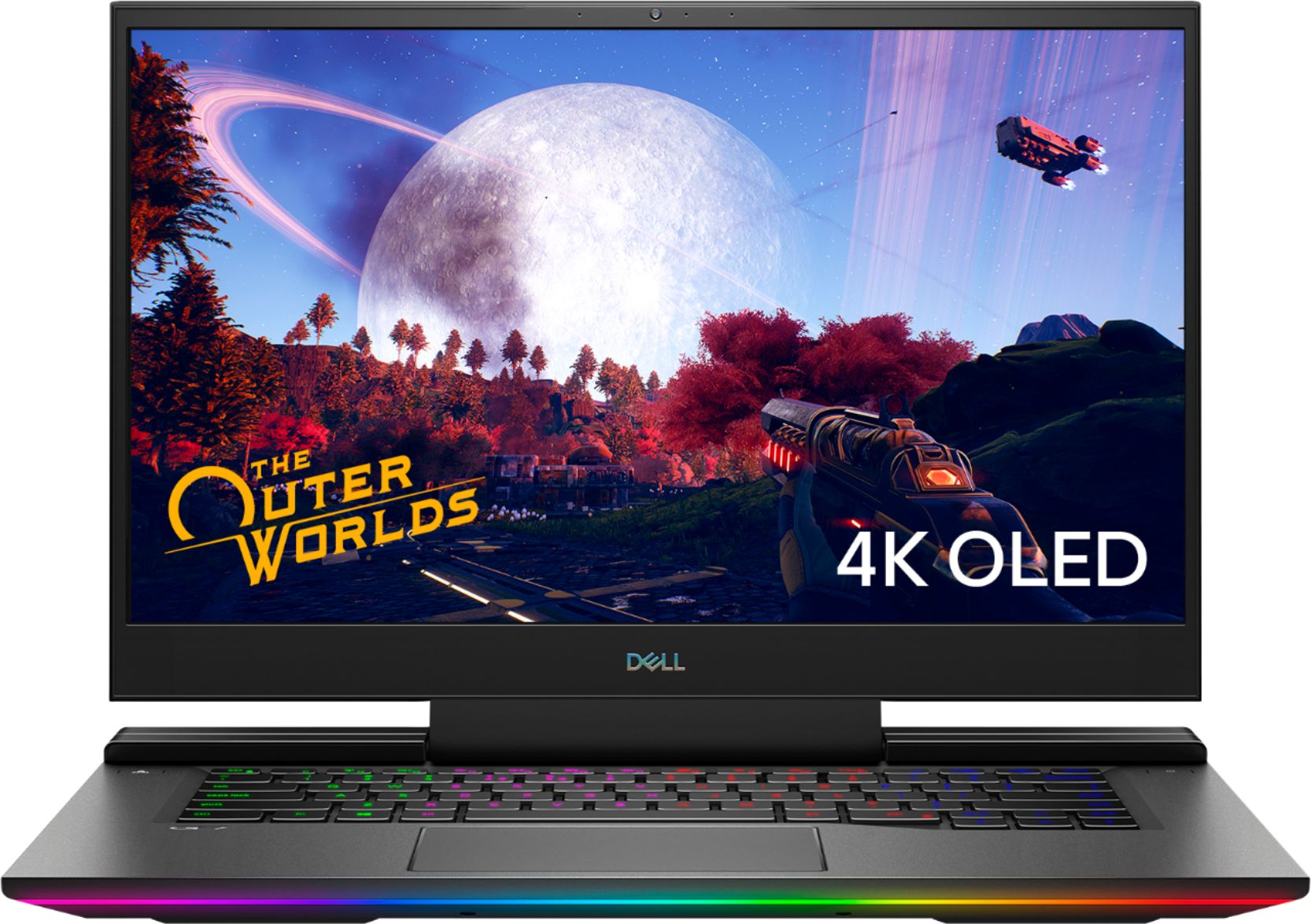
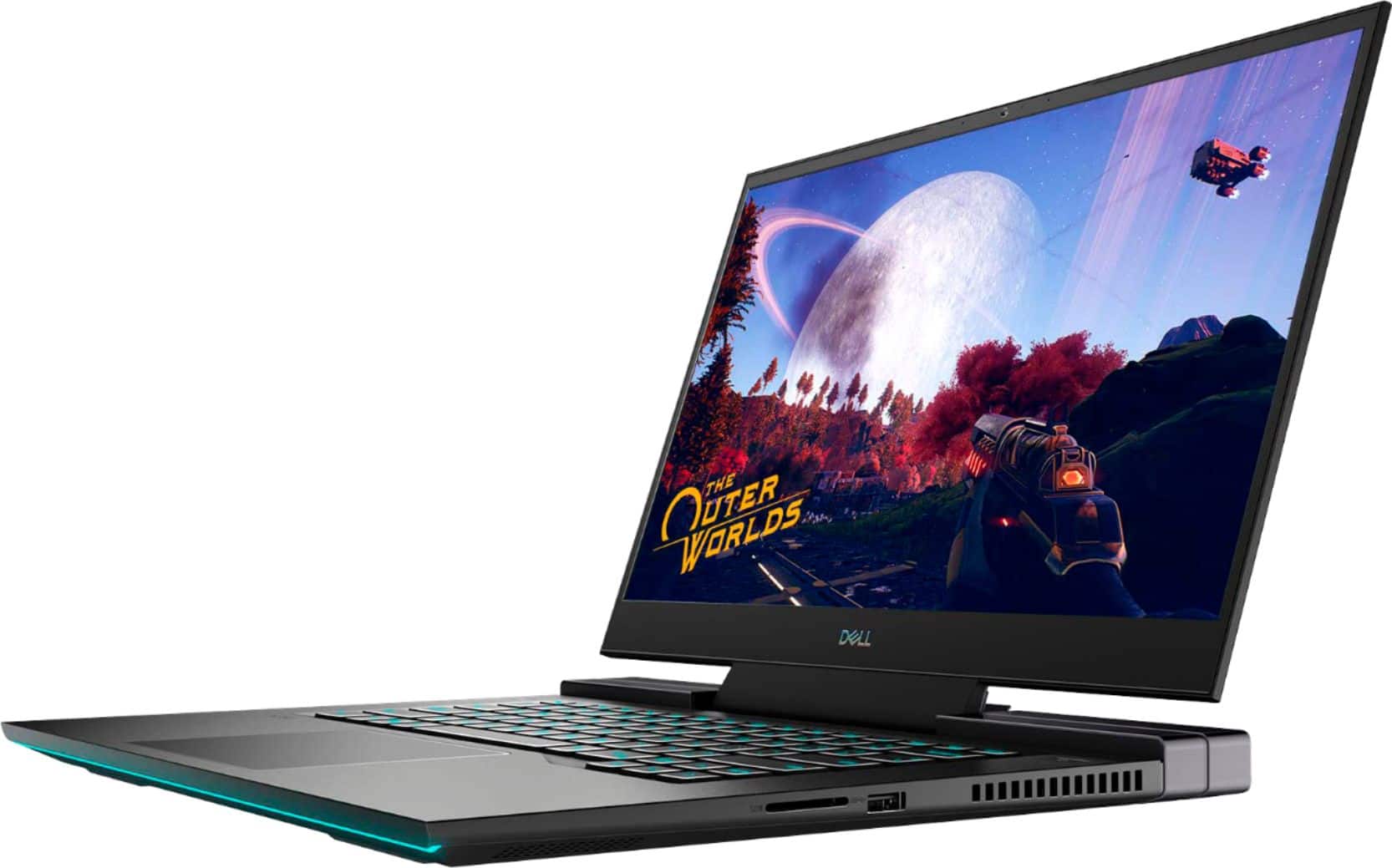
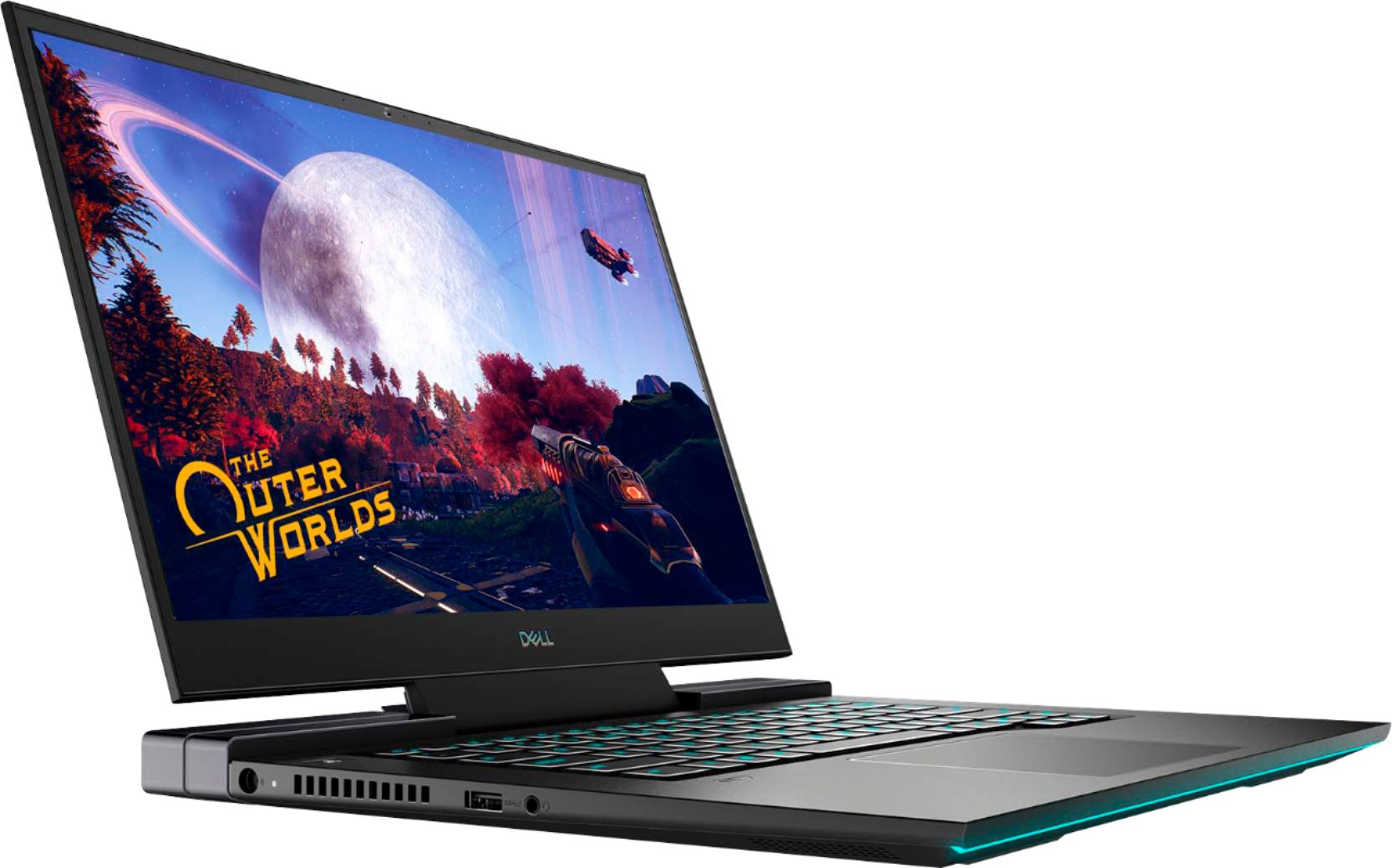
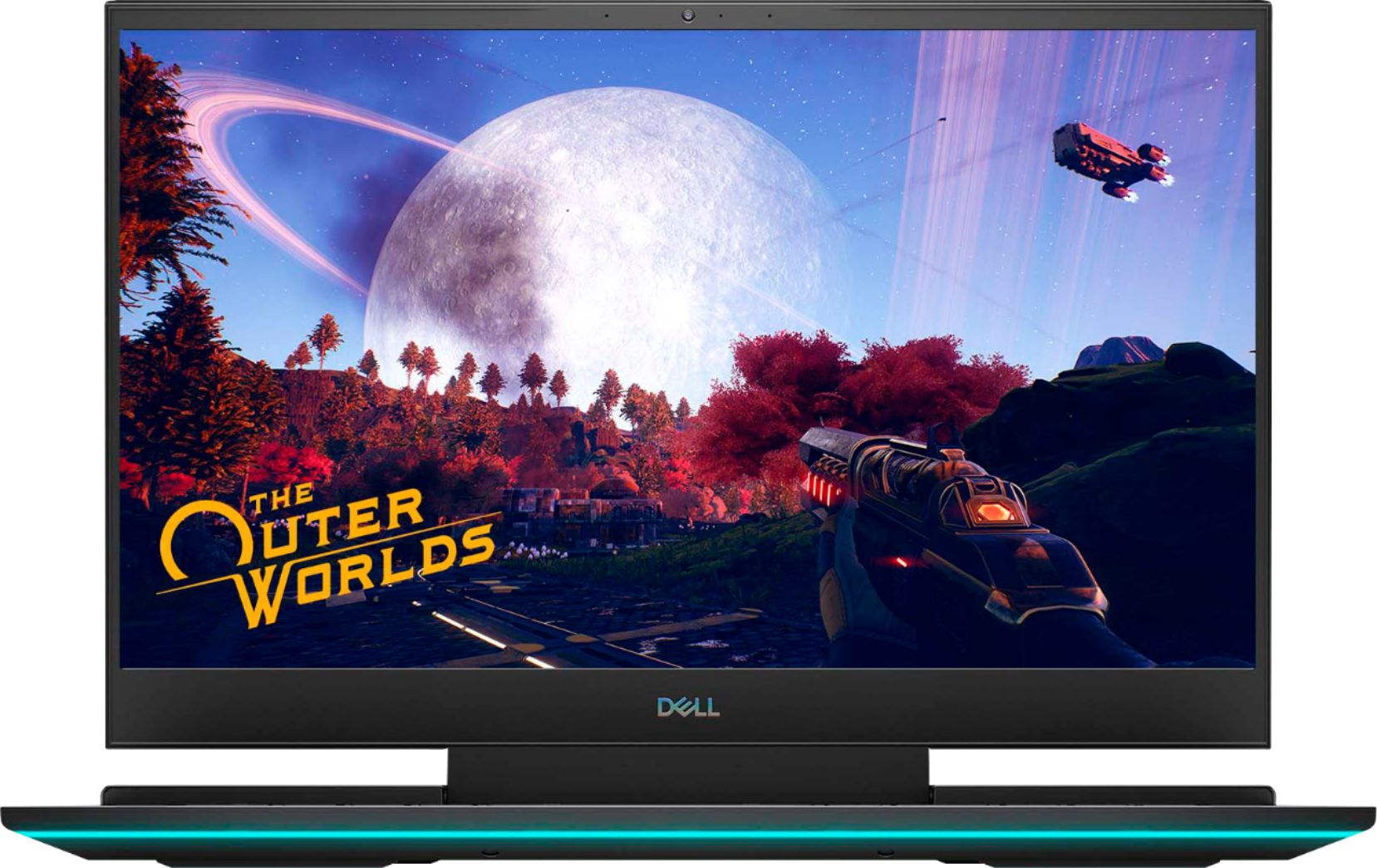
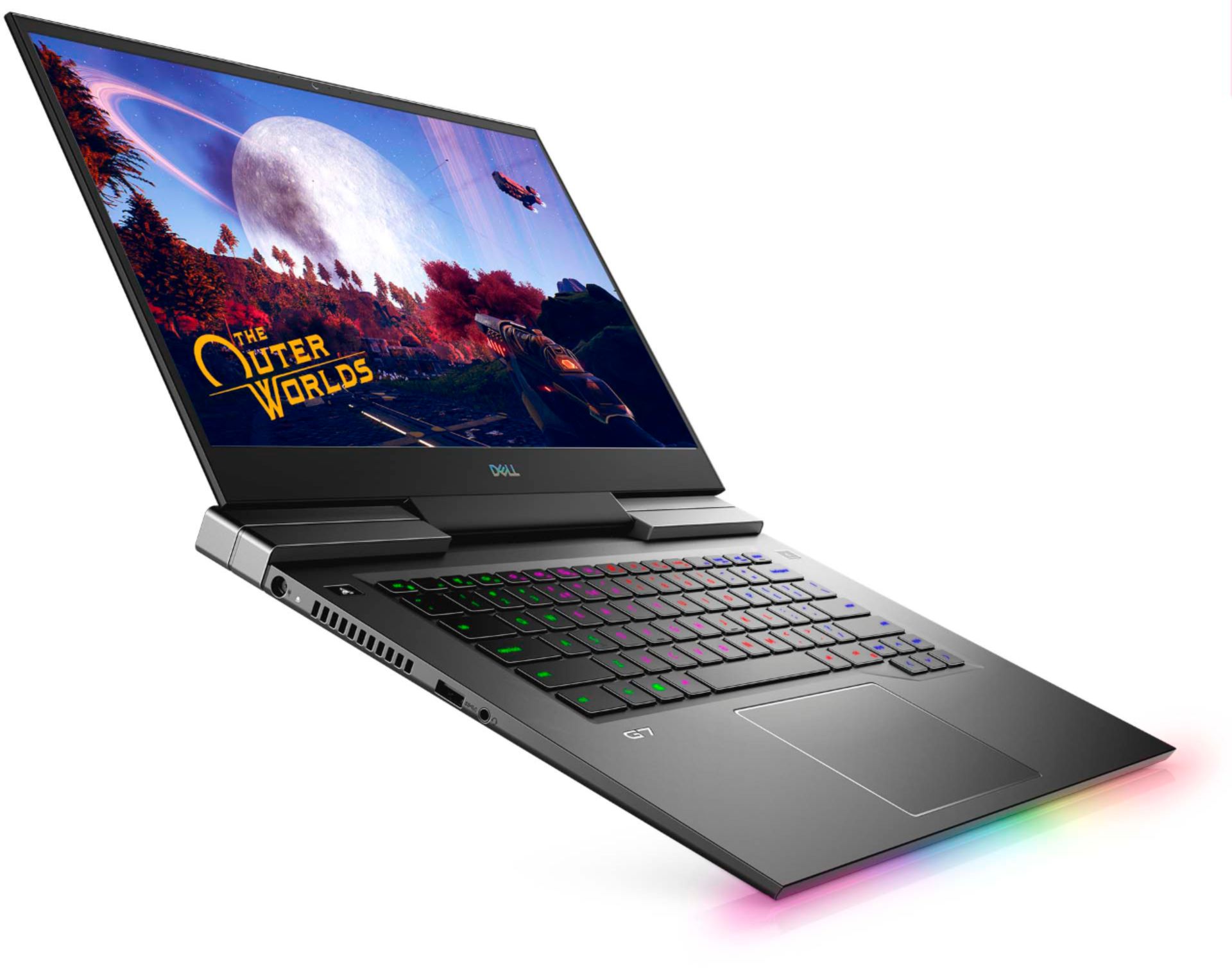
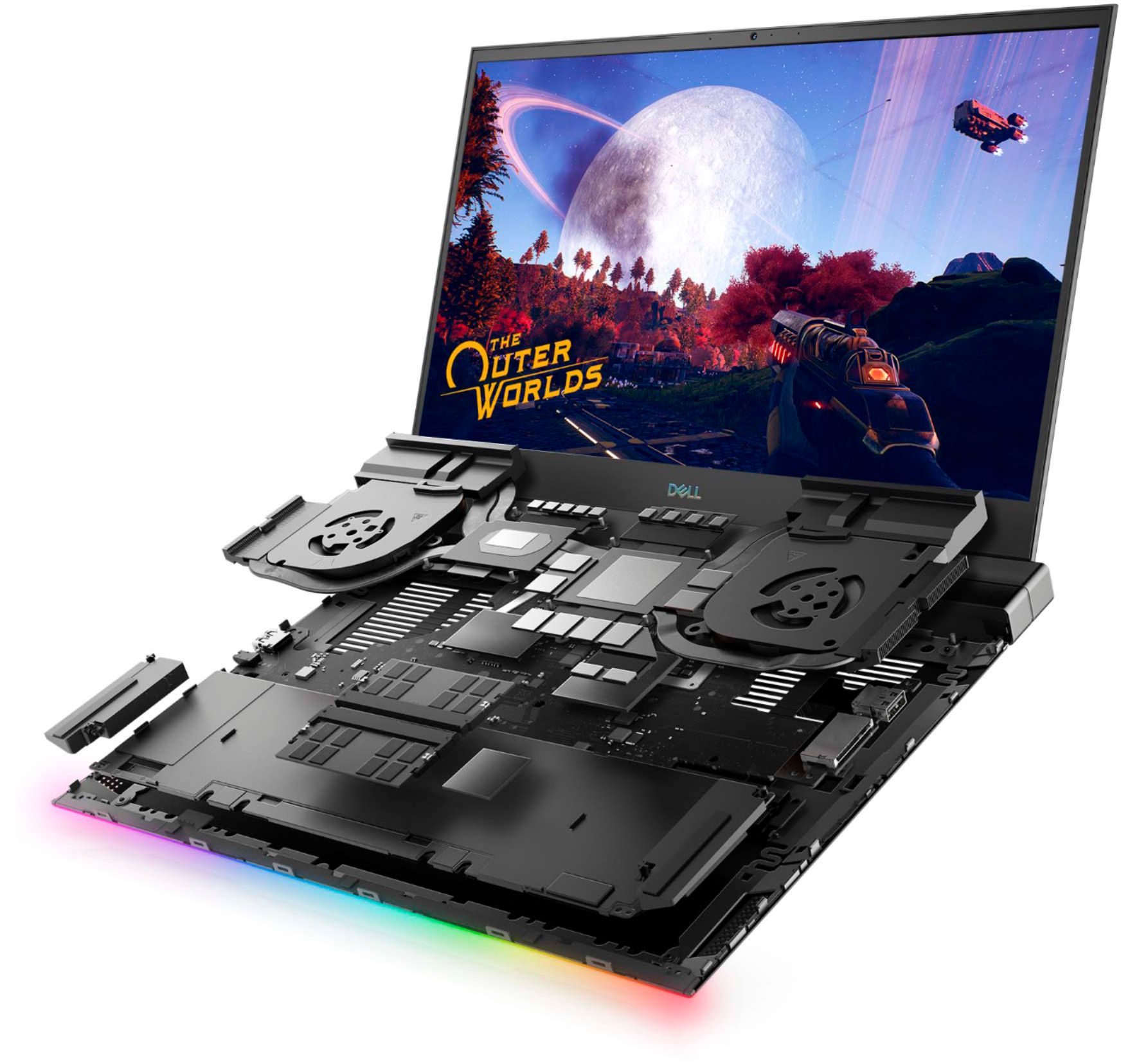
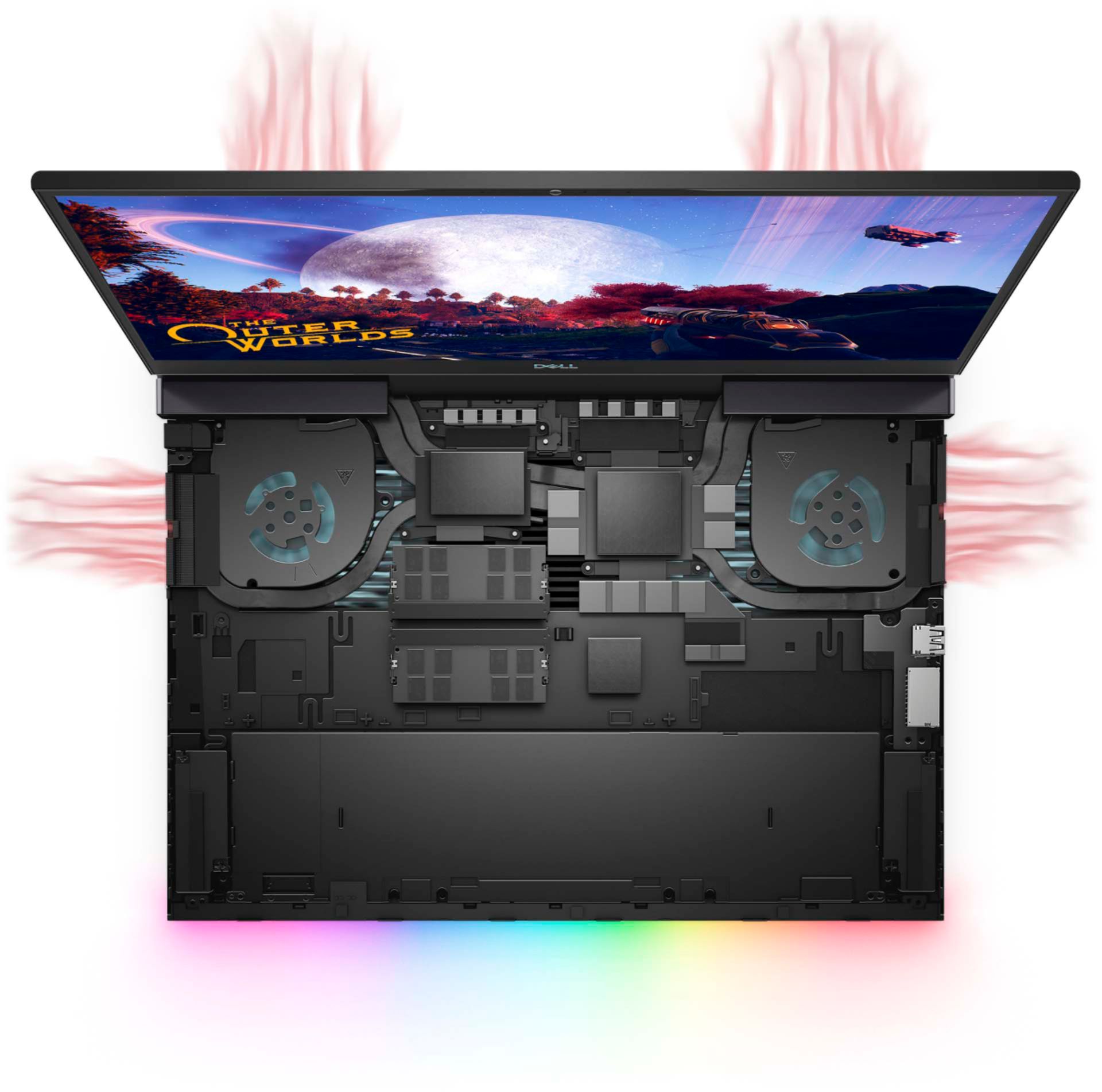
Customers praise the G7 15.6" 4K Gaming Laptop's OLED display and its impressive performance, noting the excellent graphics capabilities. However, many users report issues with overheating, and some express concerns about battery life, fan noise, and frame rates in games. The laptop's weight is also mentioned as a potential drawback by some customers.
This summary was generated by AI based on customer reviews.
- Pros mentioned:Oled display
Once you go 4K Oled you never go back to IPS
||Posted . Owned for 3 weeks when reviewed.This reviewer received promo considerations or sweepstakes entry for writing a review.This G7 is a great buy, with all the features it has and that Oled 4k panel is awesome, i will not go back to IPS monitor even if it was 4k, The colors just pop and so detailed, The only reason i took the Laptop back was because the 2070 was under powered to push 4k games and also the new 3000 series laptops were coming out too
I would recommend this to a friend - Pros mentioned:Oled display
DELL G7 15 in Review
||Posted . Owned for 1 week when reviewed.This reviewer received promo considerations or sweepstakes entry for writing a review.So far the G7 is running awesome. I find it runs hot, so I may come back to re-review once I know if this is normal. Currently realized that the Windows Hotkey doesn't work. I can evoke the command in a program to do it, but pressing the key does nothing. The RTX 2070 is great, it is very durable, and the OLED screen is AWESOME!
I would recommend this to a friend - Pros mentioned:Ease of use, Speed
Great laptop
||Posted . Owned for 1.5 years when reviewed.This reviewer received promo considerations or sweepstakes entry for writing a review.I have had Dell laptops before. This is by far the best build. Display is bright and colorful, loaded with superior hardware. Very fast, easy to set up.
I would recommend this to a friend - Cons mentioned:Heat
Okay Laptop Great screen.
||Posted . Owned for 1 month when reviewed.This reviewer received promo considerations or sweepstakes entry for writing a review.I really liked the screen on this laptop and it stood out when on display in the store. I have always went with ASUS but wanted something that would game and blend in with work. I did have the problem with heat others have mentioned. I updated the bios and haven't had a problem since. I installed a clean version of windows 10 pro uploaded all the drivers from the dell website. For some reason after a week the keyboard lights, g shift button and Alienware control center stop working just endlessly loads. So I reinstalled windows again about a week later they stop working. Uninstalled Alienware control center reinstalled followed all the directions I could find to resolve the problem online. Still don't work. I also have a issue with the ledge above the G7 rubbing the screen when in a backpack. It hasn't scratched the screen but you can see it. It does wipe of easily.
No, I would not recommend this to a friendBrand response from YourDellTeam
Posted .Matthew,
Thanks for your review and we're glad that the BIOS update helped with the overheating that you were experiencing.
We're sorry to hear about the issues that you're having with the Alienware Command Center. We'd encourage you to reach out to the Alienware Support Team for additional assistance so you can use your computer the way you had planned to: https://dell.to/2Inbc8F.
Best,
Bryan
1-800-624-9896
- Cons mentioned:Heat
A beast of a computer
||Posted . Owned for less than 1 week when reviewed.This reviewer received promo considerations or sweepstakes entry for writing a review.Just look at the specs, they sale themselves. Only issue is the possibility of overheating but be smart and play on a cool flat surface and you should be good. I actually ended up returning this model for the 17.3 inch variation but if u prefer 4k and a smaller screen... This ones for you.
I would recommend this to a friend - Cons mentioned:Heat
good build, however needs more heat pipes to cool
||Posted . Owned for 1 week when reviewed.This reviewer received promo considerations or sweepstakes entry for writing a review.Build quality is really good, works fine, see few glitches while playing games, the fps drops all of sudden, once updated with latest software patches runs fine. Only problem the device heats up a lot :) expect you laps to burn if you plan to play games while it is on your laps :P
I would recommend this to a friend - Cons mentioned:Heat
Good gaming laptop
||Posted . Owned for 1 week when reviewed.This reviewer received promo considerations or sweepstakes entry for writing a review.Great laptop other than it getting really hot pretty quickly. After a week it did an update when it was turned on and I had to login remotely to get it unlocked with help from a family member who works in IT not sure why it required a bios update and it didn’t update properly.
I would recommend this to a friend - Pros mentioned:SpeedCons mentioned:Heat
Just buy it
||Posted . Owned for 1 month when reviewed.This reviewer received promo considerations or sweepstakes entry for writing a review.Great laptop. One of the best screens I’ve seen on a laptop and speed is very fast. Does get a little hot when playing some games but with a metal case, it’s to be expected
I would recommend this to a friend Gets way to hot! Can't game on this!
||Posted . Owned for less than 1 week when reviewed.This reviewer received promo considerations or sweepstakes entry for writing a review.I thought I would venture into the world of 4k gaming on my laptop. This laptop was not what I should have ventured on. PROS: Display is beautiful which is why I decided to pull the trigger on it. The sound is good for a laptop. I did like how thin and light the laptop is. CONS: Gets away too hot! After 1 hour plugged in fans were going and they did get loud. The upper left side of the laptop was getting way hotter than I would like. I did try and play some games and I did lower the resolution of the games and still was averaging 30-43 fps. Just not smooth game play. The one thing that stood out to me when I unboxed this item was how big the power brick was. Yeah that should have been a no from the start I ended up getting a high refresh rate monitor with a 2080Super Max Q and FPS are not a problem. I think we are a few years away when we will be able to game at 4k with high FPS but not right now.
No, I would not recommend this to a friendBrand response from YourDellTeam
Posted .BigMondo,
Thanks for your review and we're sorry to hear about the issues that you've had with your computer so far. Here are some tips to help with the overheating that you're experiencing:
1. Update your computer BIOS to the latest version available
• Browse to the Dell Drivers & Downloads page:
• Ensure you have selected the correct Operating System
• Under Category, choose BIOS
• Locate the latest System BIOS
• Click Download and save the file to your PC
• Open File Explorer and browse to the location where you saved the downloaded file
• Double-click the BIOS setup file and follow the on-screen instructions to complete the installation process
2. Open Alienware Command Center
3. Click Thermal at the Active Default Theme and set it to Performance
4. Restart the computer
5. Once the computer boots into Windows open SupportAssist
6. Go to the Troubleshooting tab and click on I want to check a specific piece of hardware
7. Click CPU under CPU Devices
8. Select CPU Stress Test and click Run Test
9. Open the Alienware Command Center and go to the Fusion tab
• The CPU peak temperature should be less than or equal to (≤) 100 ℃
• When under high stress, the computer's average temperature can be expected to be less than (≤) 100 ℃.
Best,
Bryan
1-800-624-9896
- Pros mentioned:Oled display, Performance
Caution! DO NOT BUY!
||Posted . Owned for 1 week when reviewed.This reviewer received promo considerations or sweepstakes entry for writing a review.DO NOT BUY! I bought this a week ago. Like many have said it overheats running anything other than windows or basic internet use. I changed the thermal paste with Corsair XTM50 which I also got from Best Buy. Still heats up. Also I couldn't run a single First person shooter on it properly. i changed settings in the nvidia control panel as well. Just for reference what FPS I've tried (Warzone, Valorant) Warzone might be very demanding so this might not be fair but a basic fps like Valorant doesn't work. I used the G-mode/ high performance button. it gets better for all of 2 secs and goes right back. I've lowered all the graphics settings on individual games to the lowest, still doesn't work. You can run games that aren't high demanding like league of legends, mmos/mmorpgs, maybe minecraft(idk) and it will run just fine. FPS players - STAY AWAY! Touchpad feels great. Display is great. That's really it. It cools down fast once you turn off whatever was demanding gpu use. You are better off building your own desktop and get the parts from the actual manufacturer.
No, I would not recommend this to a friendBrand response from YourDellTeam
Posted .Hello jakefromstatefarm,
We are sorry to hear that your G7 did not quite meet expectations. Your feedback is sincerely appreciated. It's likely that the temperature tables of your system are out of date. We suggest updating your BIOS using the Dell Update application that came pre-installed with your system. Likewise, if system thermals are of concern, you can prioritize cooling by opening the Alienware Command Center application that came pre-installed with your device and select the 'Cool' thermal profile. You can view the full article here - https://dell.to/2XAULtU
Keep in mind that our G7 follows Intel performance design guidelines, which can lead CPU temperatures to reach 100°C to output top in-game performance. We fully warrant the product under these conditions. If you see CPU temperatures rising beyond 100°C on Alienware Command Center, please contact Dell support at 1-800-264-9896 for further assistance.
Best Regards,
Wendy C.
- Cons mentioned:Heat
Better than most
||Posted . Owned for 1 week when reviewed.This reviewer received promo considerations or sweepstakes entry for writing a review.Runs hot needs a tweek or two to run well. It's not hard to work with the heat if you're tech savvy. Great value at 1100$. Better then the hp omens I have bought in the past... One gripe tho NO space on the mother board for more storage so 1tb is it.
I would recommend this to a friend - Pros mentioned:Oled displayCons mentioned:Heat
Beautiful Oled display
||Posted . Owned for 3 weeks when reviewed.This reviewer received promo considerations or sweepstakes entry for writing a review.My only gripe is this laptop is that it gets pretty hot I guess that's expected being a gaming laptop The screen is absolutely beautiful best I have ever seen.
I would recommend this to a friend - Cons mentioned:Heat
Great Laptop
||Posted . Owned for 1 week when reviewed.This reviewer received promo considerations or sweepstakes entry for writing a review.The specs on this Dell laptop are great! You can game at high setting on games with no problem. It does get pretty hot, so I do suggest getting a cooling pad. If you can get this when its on sale, I recommend you picking this up.
I would recommend this to a friend Bought it for MS Flight Simulator 2020!
||Posted . Owned for less than 1 week when reviewed.This reviewer received promo considerations or sweepstakes entry for writing a review.If I had the money and the space, I would have bought a full-blown gaming machine. However, I wanted to run it on a laptop and came across this little beauty. Not looking back! There are a couple of items that need to be mentioned; 1. Open Alienware Command Center, and 2. Click Thermal at the Active Default Theme and set it to Performance. This will cause the fans to run at 100% and keep the laptop from getting so hot. This is critical to successfully running the simulator! I forget all about the fans running when immersed in flying because of all the other MSFS 2020 sounds. Also, I chose to run it at 1080p not 4K. This allows me to run MSFS 2020 settings at "High-End" and the screen is so good I'm pressed to tell the difference. Consistently running 30-55 FPS which for me is good for MSFS 2020. I am a definite fan of the OLED screen and one of the reasons I bought it. Flying at night is inky black. Also, it's a good looking laptop in person... Anyway, I'm glad I bought it and once optimized for MSFS 2020, runs great. I have been playing MSFS since 1982 and running the 2020 version on this machine has been a great experience.
I would recommend this to a friend- Pros mentioned:Ease of use, Speed
great for work
||Posted . Owned for less than 1 week when reviewed.This reviewer received promo considerations or sweepstakes entry for writing a review.this computer is easy to use, fast and love the fact that you have a choice in color selection for backlight. I use it for work and i love it
I would recommend this to a friend - Pros mentioned:Oled display
A good gaming laptop
||Posted . Owned for 3 weeks when reviewed.This reviewer received promo considerations or sweepstakes entry for writing a review.It has a bright beautiful OLED screen. Even though it is a well specced laptop it can get hot and throttle a little. Needs a better cooling system or just angle it a little off the desk so it ventilates the hot air
I would recommend this to a friend - Pros mentioned:Speed
Nice laptop
||Posted . Owned for 1 month when reviewed.This reviewer received promo considerations or sweepstakes entry for writing a review.My brother was looking for a laptop that would have a big storage, and be quick enough to keep up with his oculus. Among other things. He is the most picky guy ever when it comes to electronics. So after about 4 hours in best buy he finally decides he definitely wanted it. So far he absolutely loves it. Says it can do literally anything and everything he needed it too. He said it was completely worth the price.
I would recommend this to a friend - Pros mentioned:Graphics, Speed
perfect gaming laptop
||Posted . Owned for 1 month when reviewed.This reviewer received promo considerations or sweepstakes entry for writing a review.Freaking love this laptop. Great graphics for games, movies, and shows. It's fast doesn't heat up too quickly would highly recommend
I would recommend this to a friend - Cons mentioned:Weight
Good quality gaming laptop
||Posted . Owned for 6 months when reviewed.This reviewer received promo considerations or sweepstakes entry for writing a review.Little hard to use but it has all you need for gaming laptop. Dont need to spend extra for alien ware. You can also customize RGB light. Only issue is too big power adaptor and heavy.
I would recommend this to a friend - Pros mentioned:Performance
Great System!
||Posted . Owned for 1 year when reviewed.This reviewer received promo considerations or sweepstakes entry for writing a review.Surprisingly a very good mid to upper tier system! You basically get all the bells and whistles of a higher end system without paying for the Alienware name!
I would recommend this to a friend