Customer Ratings & Reviews
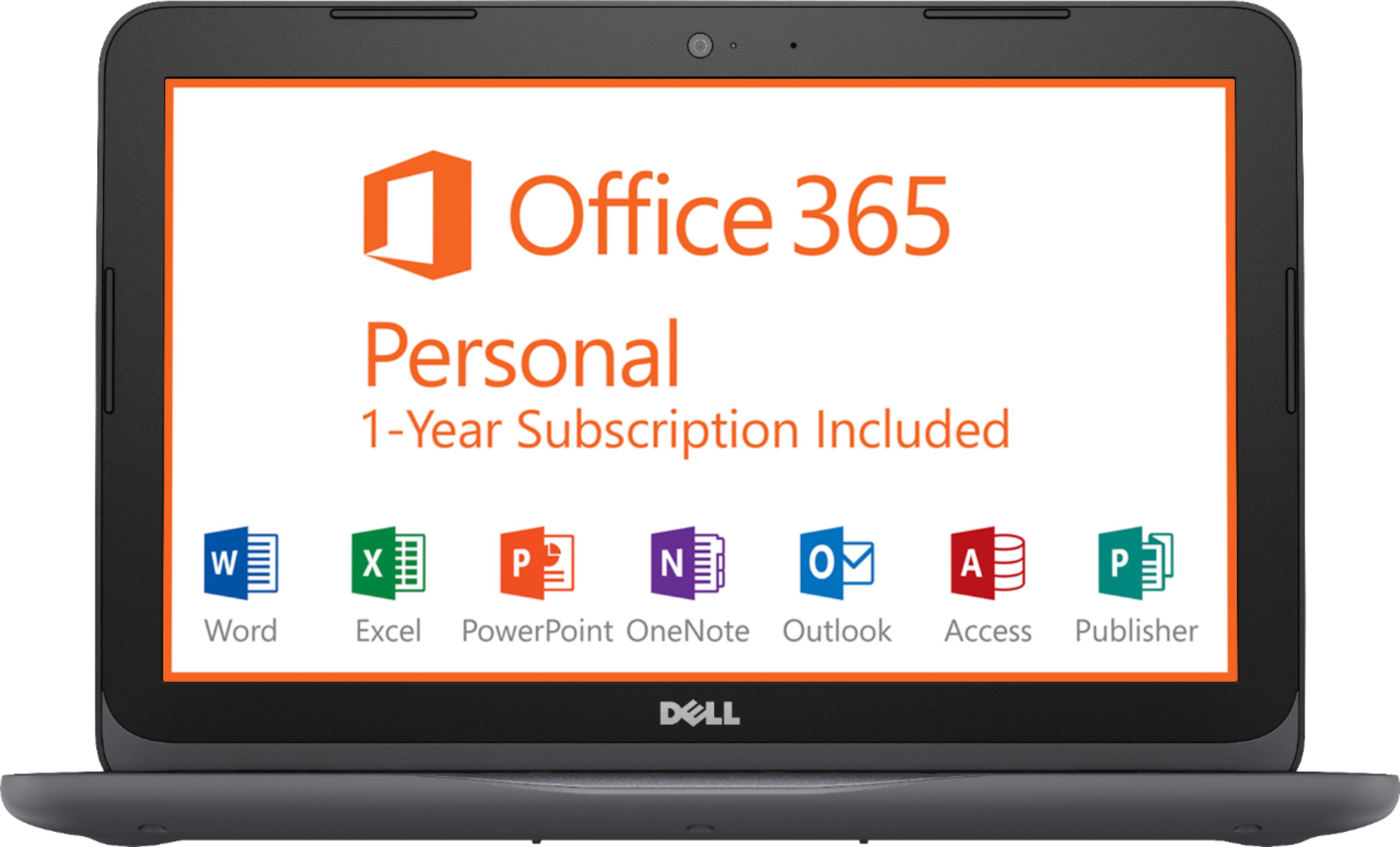
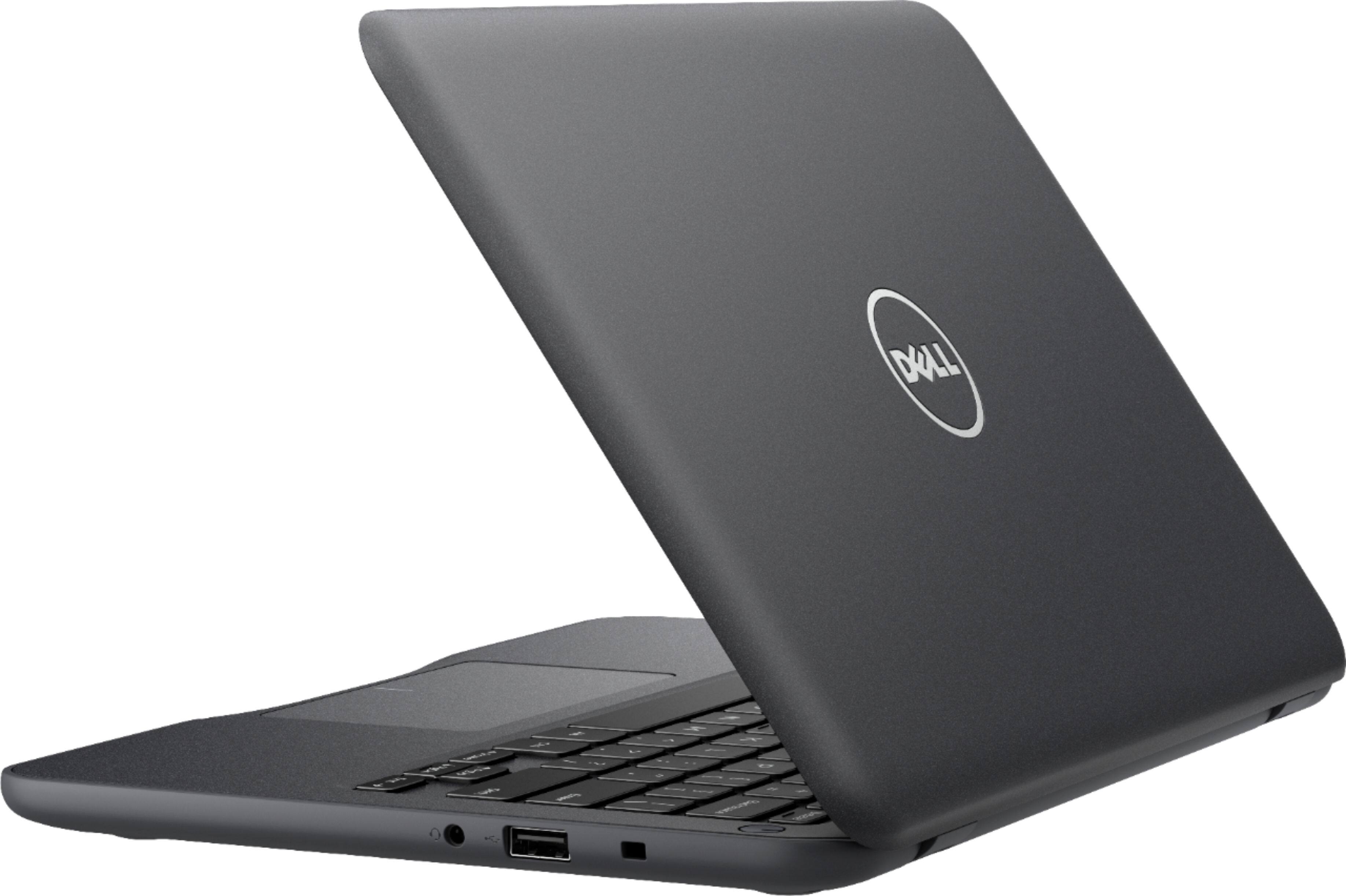
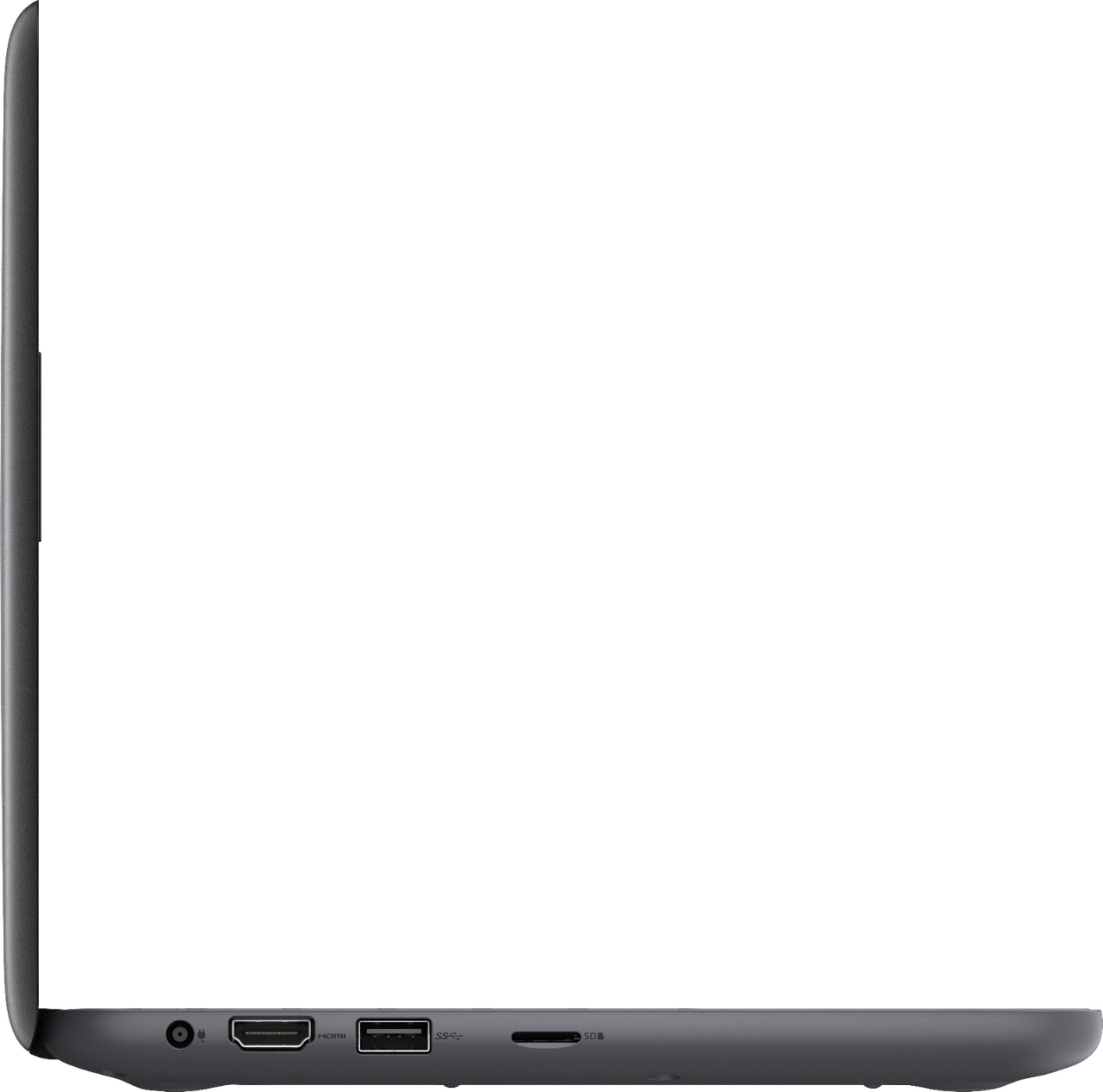
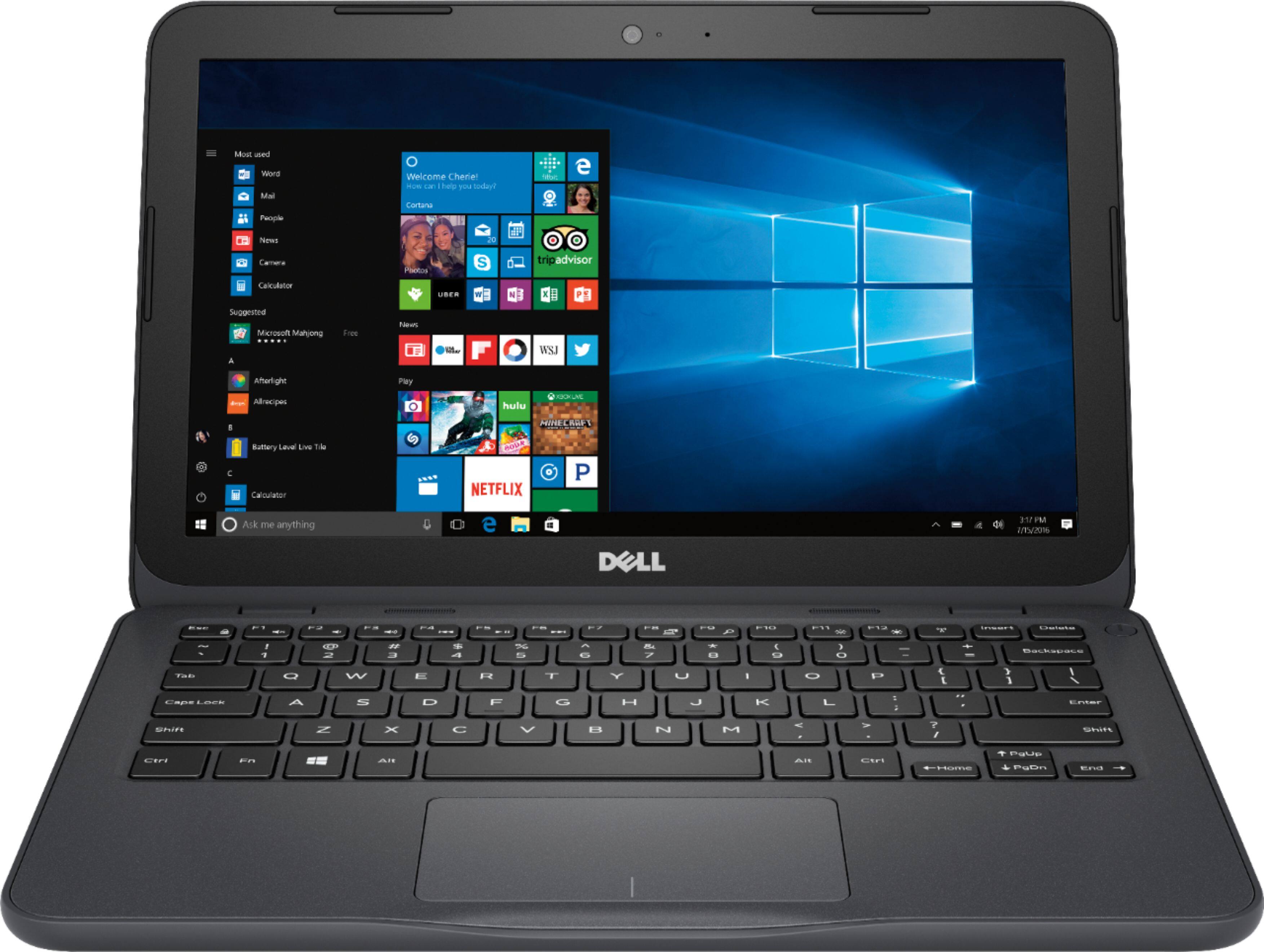
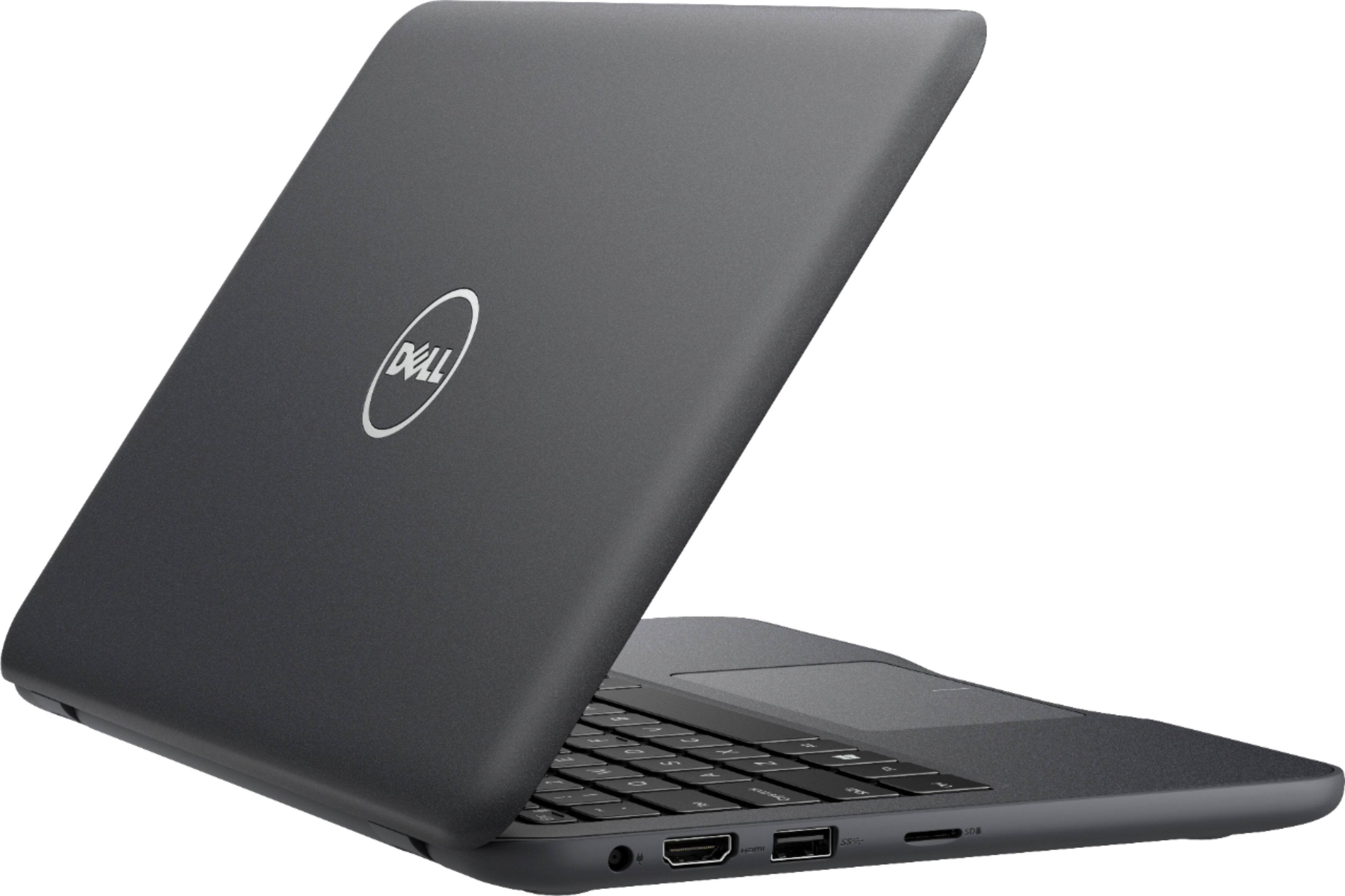
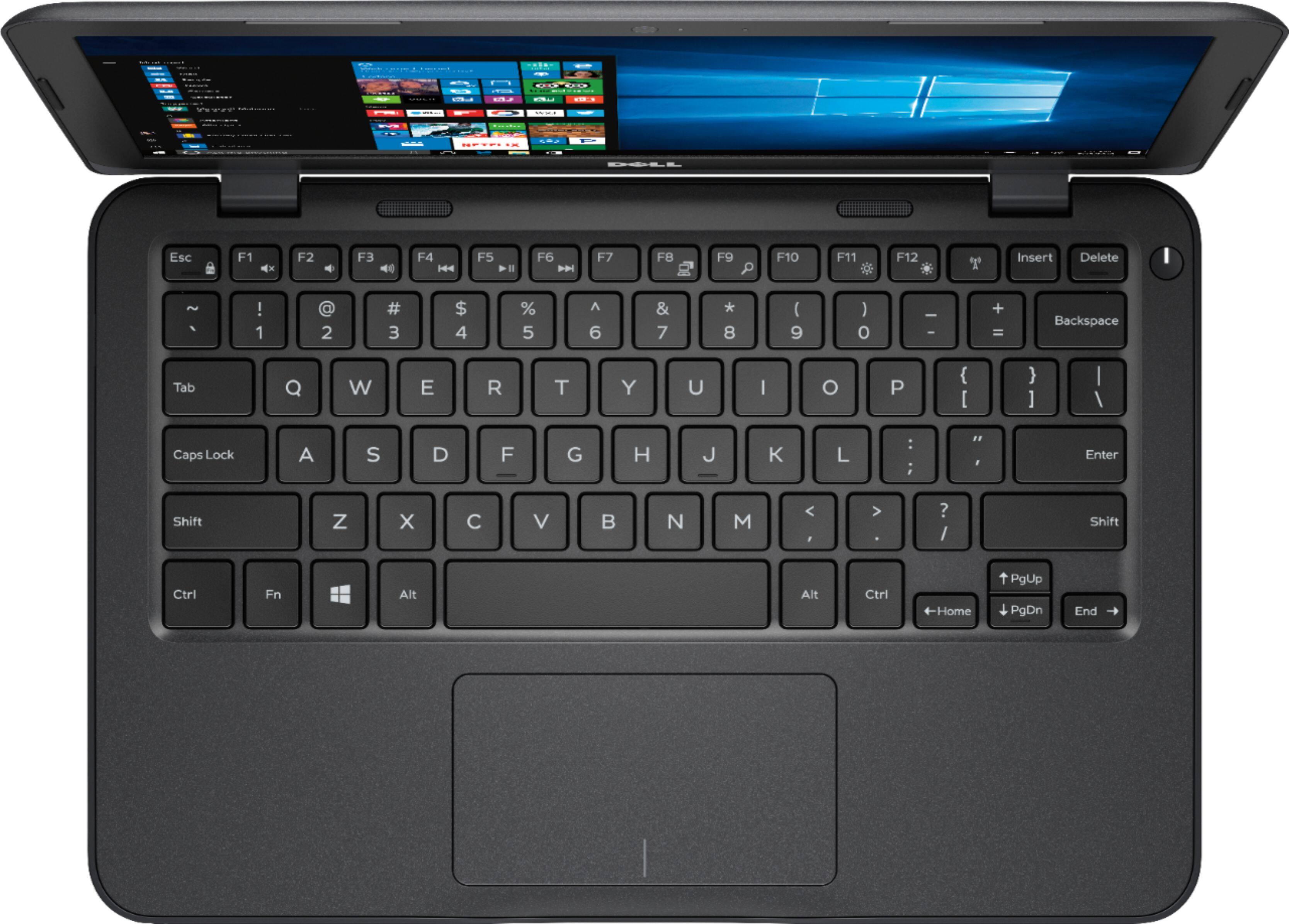

- Model:
- I3180-A361GRY-PUS
- SKU:
- 6188326
Rating by feature
- Value
Rating 3.9 out of 5 stars
- Quality
Rating 3.7 out of 5 stars
- Ease of Use
Rating 3.9 out of 5 stars
Customers are saying
Customers praise the Inspiron 11.6" Laptop for its portability, compact size, and affordable price. Many users find it perfect for students and everyday tasks. However, some customers express concerns about its limited storage space, slow performance, and insufficient memory.
This summary was generated by AI based on customer reviews.
- Pros mentioned:Size
The good & the bad of this little laptop
||Posted .This reviewer received promo considerations or sweepstakes entry for writing a review.I picked this because of the size. I was tired of my big laptop so I thought cool and it was on sale for $150! I should've known you get what you pay for; in other words if it sounds too good to be true it probably is! I thought I'd be fine because every laptop I purchase is 4GB, which is fine with me, but this wasn't the case with this. First up it took almost all day to download/update everything; then after that was done it's sucked up almost all the memory which was sooo frustrating because I was trying to go to Office (which was the main reason I picked this since it was on the box it was included) but each time I did this it kept telling me I needed 3023 MB of space. Also battery life is supposed to be 7 hours but it never lasts that long for me. Long story short I had to fork up another $50 and get an external drive so I could get Office and everything else I won't have to worry about later on. It's a cool laptop but only if you're doing small things like email/youtube, but not for downloading stuff like Office/dropbox, etc.
I would recommend this to a friendBrand response from YourDellTeam
Posted .Hello gregsbaby,
We appreciate your review. We're sorry to hear that your computer did not have as much space as you had hoped it would. We'd recommend looking through the pre-installed programs on your computer to make sure that you plan to use all of them. Here's a list of programs to consider removing: https://dell.to/2JruiaG.
Here's how you can remove these programs: Uninstalling or removing software or applications that you do not use or do not need from your PC can help speed up your PC. Applications may include background processes, system services, context menu entries and other things that can slow down your PC.
Uninstall applications you no longer need using Programs and Features (previously called Add/Remove Programs). Unnecessary applications occupy space on your hard disk drive.
1. Press the Windows logo key + R on the keyboard.
2. In the Run dialog box, type appwiz.cpl and press the Enter key.
3. In the list, select a program and click Uninstall.
You can read the full article here - http://dell.to/2tSulGV.
Also, if you'd like to extend the life of your battery, here are some tips: Change the Power Plan:
1. On the notification area of the taskbar, right-click the Battery icon.
2. On the options list, click Power Options.
3. Select a power plan on the battery meter, such as Power Saver or Balanced. Windows 10 has a built in 'Battery Saver' mode that can be activated to extend your system's battery life. The Battery Saver mode will monitor and limit background activity and other features such as push notifications. You do have the option to enable or disable this mode within settings or within advanced Battery Saver settings, you can customize the mode to best suit your needs.
a) Click on the Action Center icon in the taskbar and select the tile for Battery Saver.
b) If running Cortana then type Battery Saver into the search box and select from the results.
Within the Battery Saver settings page, you will be able to turn on and off the feature and customize the feature to best meet your needs.
c) Turn Battery Saver On or Off.
d) Additional settings available via the Battery use and Battery saver settings links.
e) Battery use shows further info on apps and their power usage.
f) Battery Saver Settings screen allows you to customize further Battery Saver feature.
You can read the full article here - http://dell.to/2vfXWf4.
We hope these tips help your computer's overall performance.
Best,
Bryan
1-800-624-9896
- Pros mentioned:SizeCons mentioned:Slow
Great size and user friendly
||Posted .This reviewer received promo considerations or sweepstakes entry for writing a review.Like the size and capabilities. A little slow, but associate did tell me that. For what I use it for, it is not a problem. It is faurly user friendly.
I would recommend this to a friend - Pros mentioned:SizeCons mentioned:Storage
Great buy 32GB eMMC Flash Memory TOO Small
||Posted .This reviewer received promo considerations or sweepstakes entry for writing a review.I was looking for a small laptop to travel with. At only 11.6 inches and 4GB Memory this Dell seamed to fit the bill. Although it only had a 32 GB eMM flash memory I figured I could just save files to a micro SD card. I didn't consider that programs would have to be saved to the flash memory. Well I installed MS 365 and it was 75% full and when I added a PDF reader it nearly crashed. I returned it within a few days and replaced it with a HP - 2-in-1 11.6" Touch-Screen Laptop - Intel Pentium - 4GB Memory - 500GB Hard Drive and I never looked back. If you just want to a great little laptop to read and answer your email, buy a 10 inch tablet.
No, I would not recommend this to a friend - Cons mentioned:Storage
Perfect size for student, but not enough space
||Posted .This reviewer received promo considerations or sweepstakes entry for writing a review.Dell is a stand-up brand that's been around forever, and this laptop is no exception to their reputation of exceptional quality. It is great for a student, or someone needing for simple work related projects. However I wouldn't recommend this for someone who is looking to use it for a photography business, or really any "self started" business. It lacks the extra umph for constant use and excessive storage
I would recommend this to a friend - Pros mentioned:Price, Size
Good price
||Posted .This reviewer received promo considerations or sweepstakes entry for writing a review.I just needed a small laptop for day to day things. This was perfect in size and price. And as always Best Buy sales people were great
I would recommend this to a friend - Pros mentioned:Light weight
good for what it is
||Posted .This reviewer received promo considerations or sweepstakes entry for writing a review.make sure you know what you're buying. if you're aware of the limitations of this system and are willing to put in a little work to get it to a stock windows experience, then you'll be happy. don't expect too much. there's a reason it costs so little. but so far, i haven't found anything that would prevent me from recommending it. super light, great for travel and doing everyday, non processor intensive tasks.
I would recommend this to a friend - Pros mentioned:Portable, Price
Perfect travel partner!!
||Posted .This reviewer received promo considerations or sweepstakes entry for writing a review.I cannot say enough how this laptop far surpasses its price point! Great for young people, seniors, travel or not a fan of tablet.
I would recommend this to a friend - Pros mentioned:PortableCons mentioned:Storage
handy for travel but not much memory
||Posted . Owned for 1 year when reviewed.This reviewer received promo considerations or sweepstakes entry for writing a review.I needed an inexpensive and lightweight computer for international travel. This fit the bill. You will need to buy an SD card for extra memory as the OS takes up most of the hard drive memory. I couldn't even update Windows until getting extra storage space. But it does what I need.
I would recommend this to a friend - Pros mentioned:Price
For a little guy it seems fine
||Posted .This reviewer received promo considerations or sweepstakes entry for writing a review.Got this as an open box for $122. I read a lot of reviews for several laptops with the 32 gig flash drive. I just needed a windows machine to run an astrology program and maybe for an occasional document. I don’t store music or photos. I already owned Word so I didn’t need Office. Took out bloatware. Have about 4 1/2 gigs of space left. Read some reviews where people said they get more space but I don’t know how. Keyboard a little small and touch pad not great but for what I need, and given the price, it is okay. Not the sleekest looking but I had two Dell computers and both lived forever (in XP and lacked enough RAM to go to Windows 10) This is what I would call a disposable devise. For light use it works fine.
I would recommend this to a friend - Cons mentioned:Storage
Basically a Tablet
||Posted .This reviewer received promo considerations or sweepstakes entry for writing a review.This device has very limited memory for storage. It is basically only for checking email, surfing the internet, watching YouTube, etc. No files can be stored on this device and all files should be stored on Cloud, USB drive, etc. I would not even load Office since performance will be compromised. Geek Squad said additional storage memory cannot be added. You need to "clean" temporary files frequently to maintain performance.
I would recommend this to a friend - Pros mentioned:PriceCons mentioned:Slow
Decent for Price
||Posted .This reviewer received promo considerations or sweepstakes entry for writing a review.not a bad computer for the price. isn't the quickest laptop but for simple browsing it works.
I would recommend this to a friend - Cons mentioned:Storage
Good quality for the price
||Posted .This reviewer received promo considerations or sweepstakes entry for writing a review.11.6" display 1366 x 768 is okay. AMD A6-9220e processor some waht slow, but is okay for brows internet. 4GB system memory is not bad. 32GB eMMC flash memory as harddrive is little bit small, but is good for some one just use google drive store files. Weighs 2.93 lbs. is little bit heavy than a Macbook air, but the cost is most reason I love it. Love the Micro SD card slot, and tow usb ports.
I would recommend this to a friend - Pros mentioned:Portable, Size
good dell for what I needed
||Posted .This reviewer received promo considerations or sweepstakes entry for writing a review.Small Dell so I can use it while in my recliner, very lightweight and meets this need.
I would recommend this to a friend - Cons mentioned:Slow, Storage
Dell computer
||Posted .This reviewer received promo considerations or sweepstakes entry for writing a review.I bought the computer for my little sister's birthday. She likes the computer because it is simple . However, she ran out of space quickly and I am in the process of getting her a memory card. Overall, it is kind of slow, but that might be due to low memory.
I would recommend this to a friendBrand response from YourDellTeam
Posted .Dell1,
We're glad that your sister's computer is running well for the most part. We'd recommend looking through the programs on your computer to see if any pre-installed programs can be removed in order to free up space. Here are the steps to remove programs:
Uninstalling or removing software or applications that you do not use or do not need from your PC can help speed up your PC. Applications may include background processes, system services, context menu entries and other things that can slow down your PC.
Uninstall applications you no longer need using Programs and Features (previously called Add/Remove Programs). Unnecessary applications occupy space on your hard disk drive.
1. Press the Windows logo key + R on the keyboard.
2. In the Run dialog box, type appwiz.cpl and press the Enter key.
3. In the list, select a program and click Uninstall.
You can read the full article here - http://dell.to/2tSulGV.
If you'd like to see if your computer can run faster we'd recommend running the Windows Performance Troubleshooter:
1. Close all open windows.
2. Press the Windows logo key + X key on the keyboard.
3. Click Control Panel.
4. Click System and Security.
5. Under Security and Maintenance, select Troubleshoot common problems.
6. Under System and Security, click Run maintenance tasks.
7. Follow the on-screen instructions and prompts to complete the process.
8. Restart the PC.
You can read the full article here - http://dell.to/2tSulGV.
Best,
Bryan
1-800-624-9896
- Pros mentioned:PriceCons mentioned:Memory, Slow
Not worth any price.
||Posted . Owned for more than 2 years when reviewed.This reviewer received promo considerations or sweepstakes entry for writing a review.I bought this computer for my Daughter, because it was made by Dell and was a good price, on sale. The operating system used up most of the available memory, leaving very little memory for tasking. There wasn't even enough memory available to download Windows updates. Even though it had fast eMMC flash memory, it was super slow at starting up, shutting down, loading web pages, and every other task. And then it died, shortly after the warranty expired, even though she took very good care of it.
No, I would not recommend this to a friend - Pros mentioned:Price
Good enough for online School
||Posted .This reviewer received promo considerations or sweepstakes entry for writing a review.I needed it for my daughter's homeschooling and it works just fine. If you are using it for something basic like this, this will work fine. For the price this is absolutely worth it. I know that these reviews matter and I read quite a few, bottom line I need to work for school things and that is what it can do for sure. Getting online, MS Word things like that. Hope this helps :)
I would recommend this to a friend - Pros mentioned:Portable, Price
Good for school work
||Posted .This reviewer received promo considerations or sweepstakes entry for writing a review.Works for school . Small enough to put in my hand bag and price was good
I would recommend this to a friend - Cons mentioned:Performance, Storage
Inexpensive and Functional
||Posted .This reviewer received promo considerations or sweepstakes entry for writing a review.It’s a nice small form Only limitation are small solid state drive and lack of optical drive. After a couple of weeks of use the hard drive already has only 6 GB left (20%), and only office and Firefox have been installed and no data. Don’t buy this for heavy computing or lots of applications.
I would recommend this to a friend - Pros mentioned:Light weight, Size
Small great for students
||Posted .This reviewer received promo considerations or sweepstakes entry for writing a review.This was a graduation gift and they loved how small it is and light
I would recommend this to a friend - Cons mentioned:Storage
Utterly Unupdatable
||Posted .This reviewer received promo considerations or sweepstakes entry for writing a review.I purchased two of these for my kids. They use Chromebooks at school, my wife and I use MacBook Pros at home, and I have a few windows and Linux boxes for storage, backup, and media serving. At $125 each on sale I thought this would be a good way to familiarize myself and the kids with Windows 10 and allow my son (7) to run Roblox Studio without having to borrow one of our laptops. What a mistake and waste of money and time. In the first three weeks I spent more time attempting to get windows 10 to update to the latest build with no success. As delivered there’s enough crap ware to prevent windows update. Once I stripped everything out I was able to update once but each update reinstalls a few GB of bloat preventing successive updates. I literally spent more time working on these machines in the month I’ve owned them than I have on both MBPs in ten and six years of ownership. In the end one is unupdated and used sporadically by my son the other I installed Linux Mint and have begun teaching my daughter the command line. NB - I disassembled one machine looking for some way to upgrade the eMMC storage. It wasn’t able to identify the chip nor is there any way to upgrade the storage. Both machines have 32GB micro-SD cards to ease the storage woes but I was unable to finagle things such to properly update them.
No, I would not recommend this to a friendBrand response from YourDellTeam
Posted .DrDad,
Thanks for your review. We're glad that you've been able to work to upgrade and update the Dell computers that you have. If you have additional questions about the computers we'd recommend that you check out our Product Support Page here: http://dell.to/2om4IeG.
We hope that you will continue to get good use out of both machines.
Best,
Bryan
1-800-624-9896